Height Flow Example: Switching task views
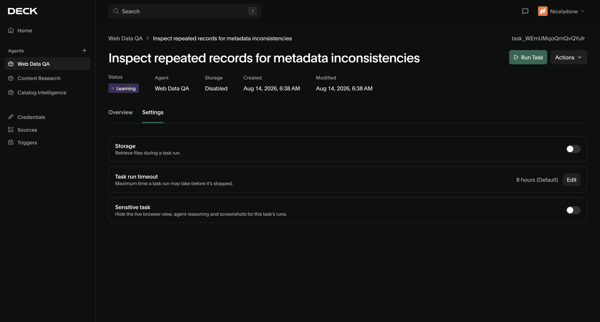
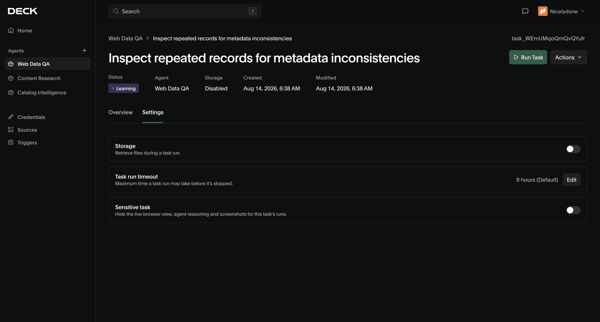
This user flow guides users through the process of reviewing notifications, customizing viewing options for tasks, and navigating through tasks by date via a calendar view.

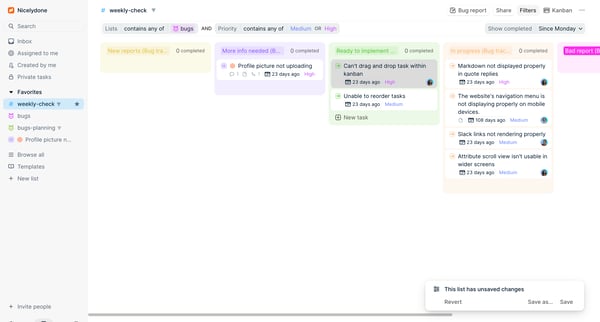
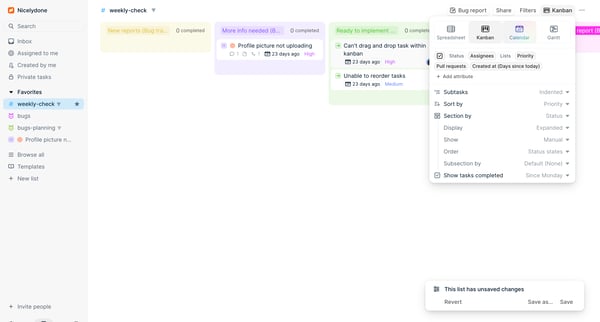
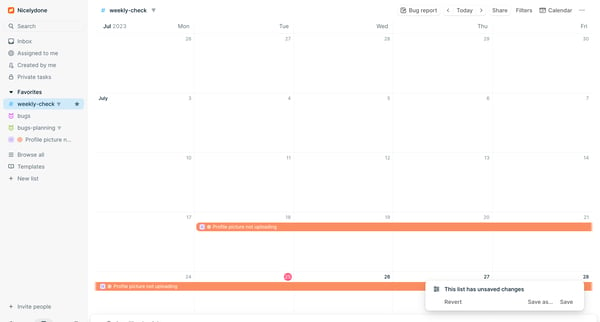
This user flow guides users through the process of reviewing notifications, customizing viewing options for tasks, and navigating through tasks by date via a calendar view.
Related user flows

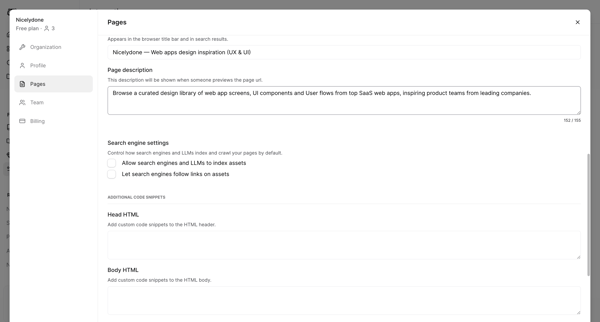

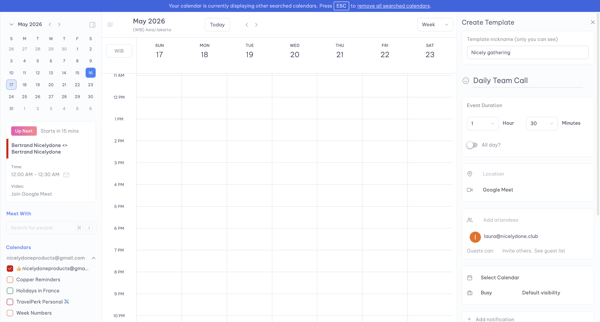
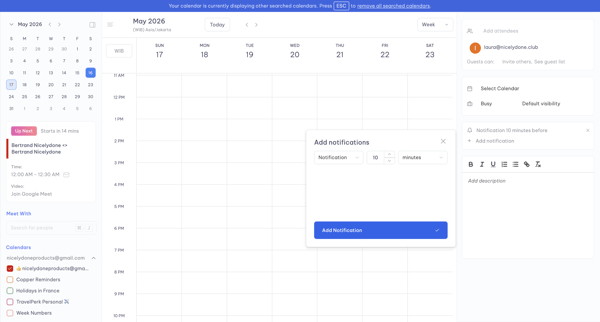
User opens Create Template panel from calendar week view and adds a notification via modal while editing event template details


Explore the full SaaS flow library
Browse the full SaaS flow library.
Trusted by the best teams







