Jitter Flow Example: Customizing search bar element
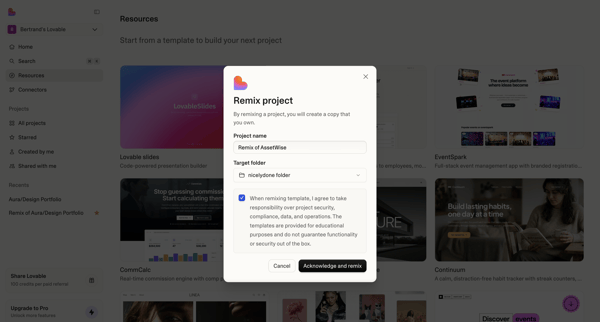
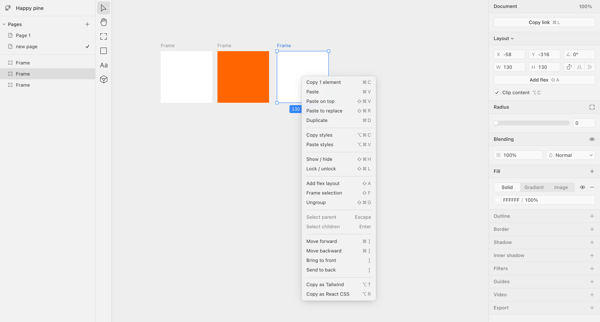
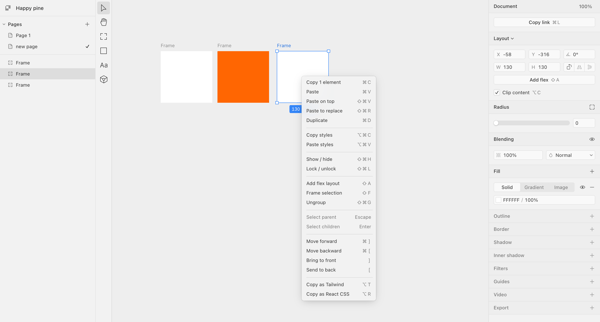
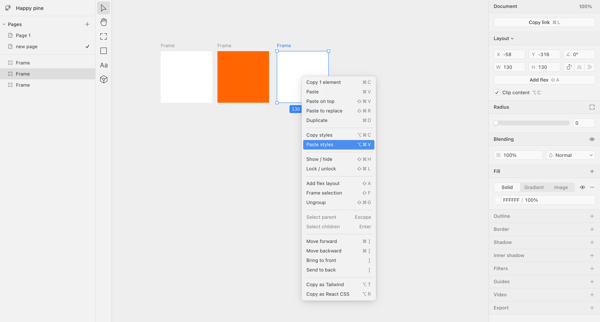
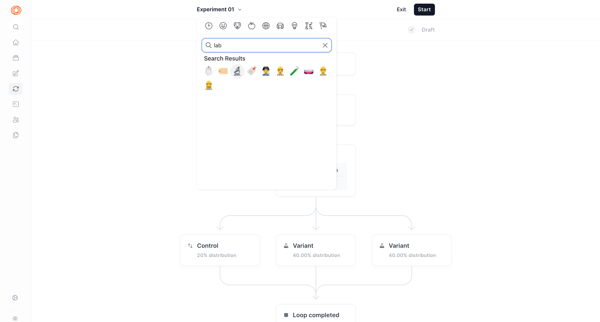
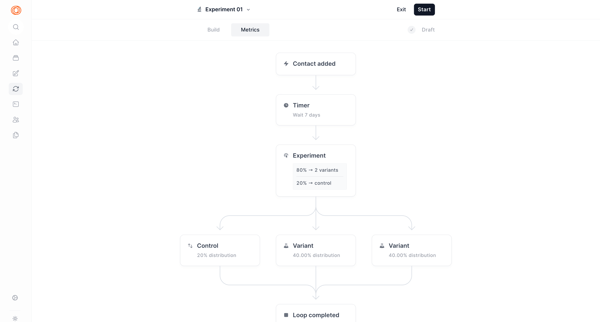
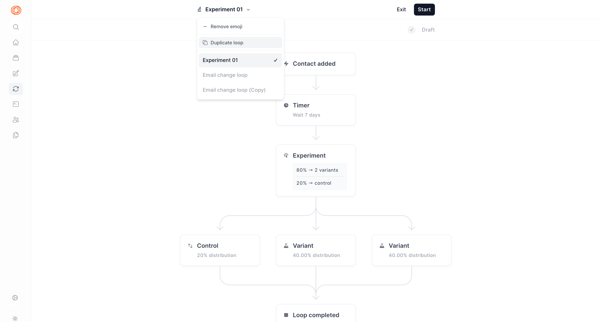
Preview this Jitter user flow: Customizing search bar element. Explore the opening screens.
Preview these flows

![Search bar [remix] · Jitter from Jitter](https://assets.nicelydone.club/cdn-cgi/image/g=top,w=600,h=322,f=webp,fit=cover/https://assets.nicelydone.club/f/b9f72e5d-8a32-464d-970d-eb0695cb66cf.png)
![Search bar [remix] · Jitter from Jitter](https://assets.nicelydone.club/cdn-cgi/image/g=top,w=600,h=322,f=webp,fit=cover/https://assets.nicelydone.club/f/40752a9a-0a1c-4bf1-83b2-d063b442875c.png)
![Search bar [remix] · Jitter from Jitter](https://assets.nicelydone.club/cdn-cgi/image/g=top,w=600,h=322,f=webp,fit=cover/https://assets.nicelydone.club/f/207479b1-656c-4c1f-9df0-11b8823c3b1c.png)
This flow guides through the process of customizing and configuring a search bar in a design tool, including adjustments to layout, size, and visual properties.
Related user flows

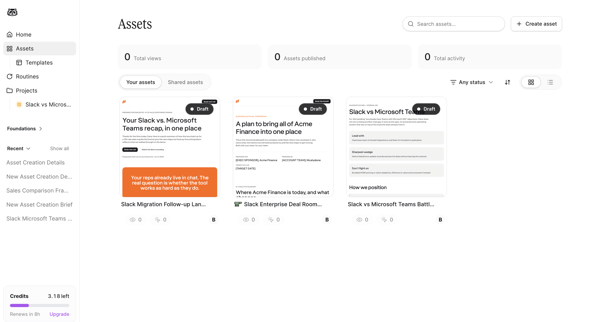
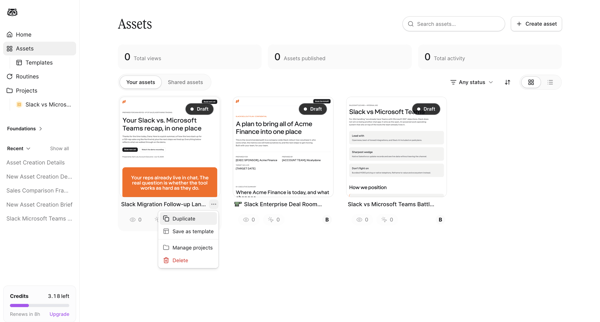
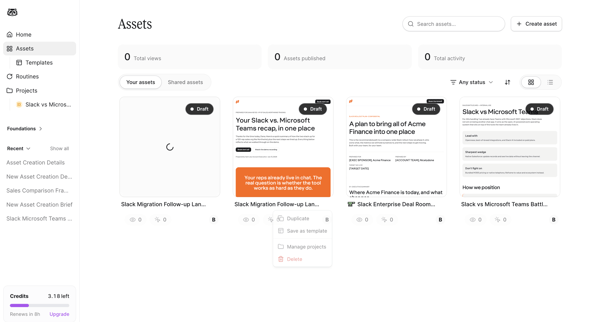

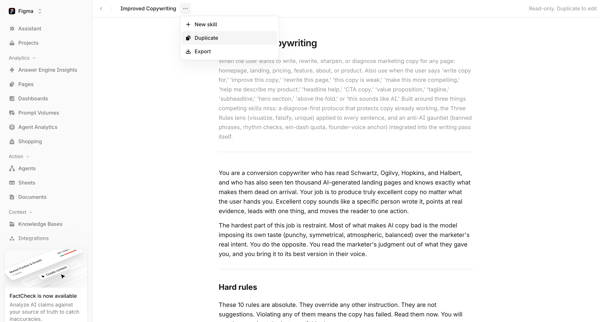
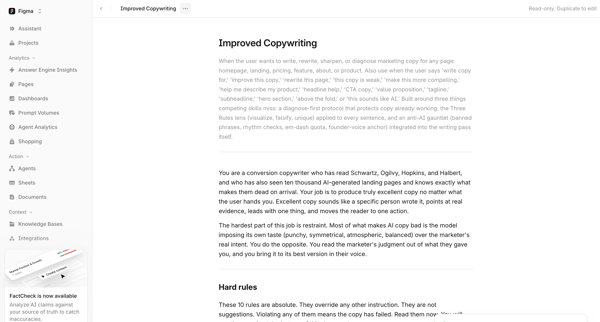
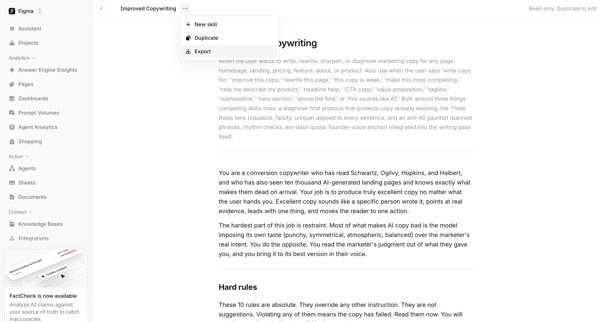
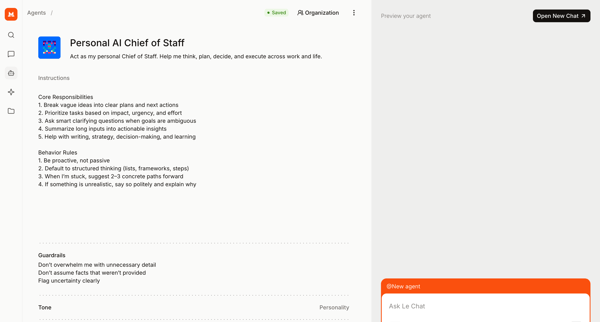
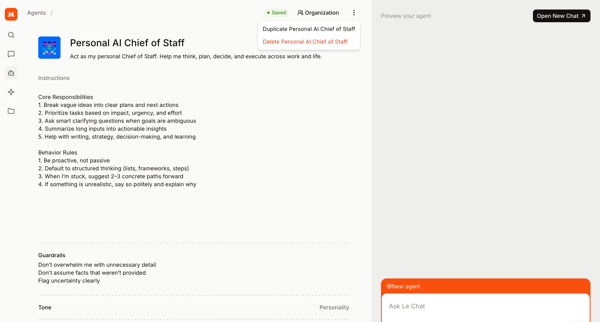
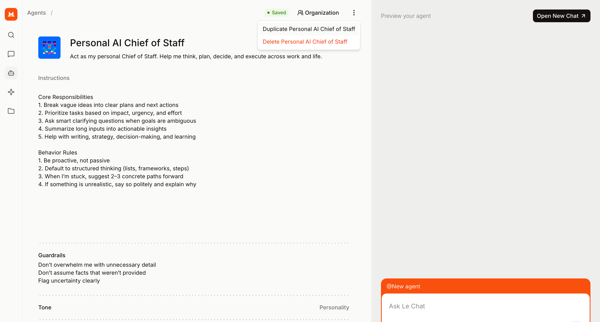
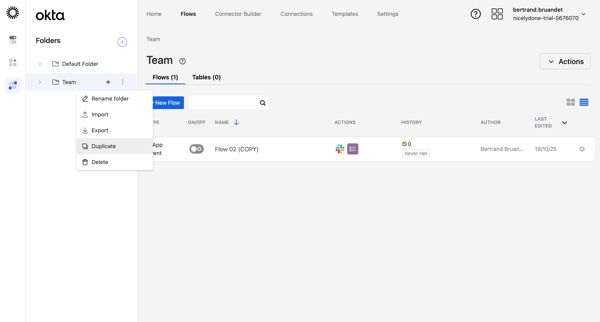
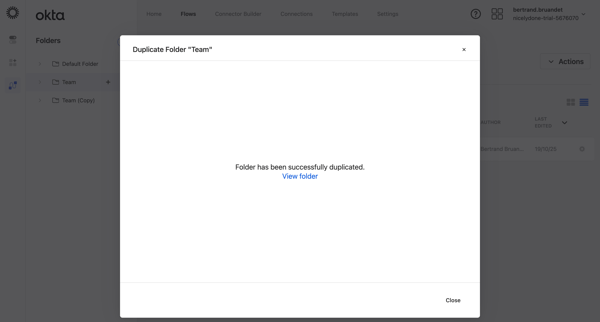
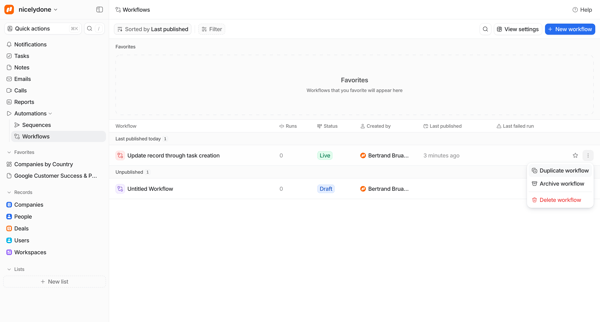
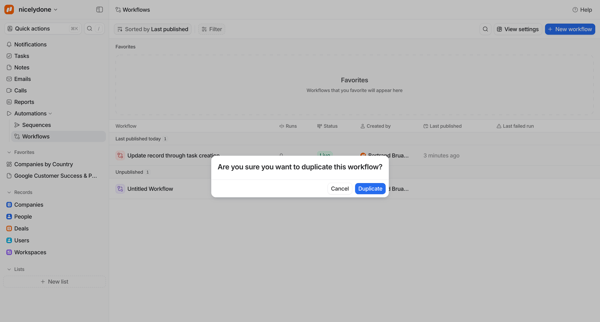
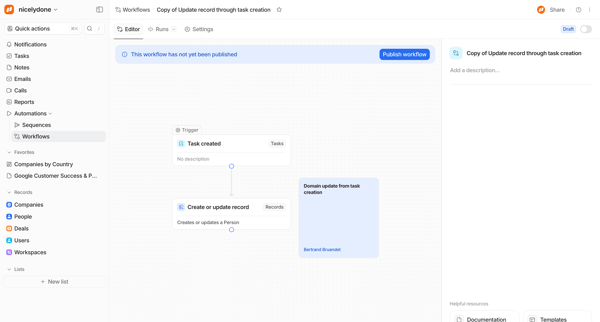
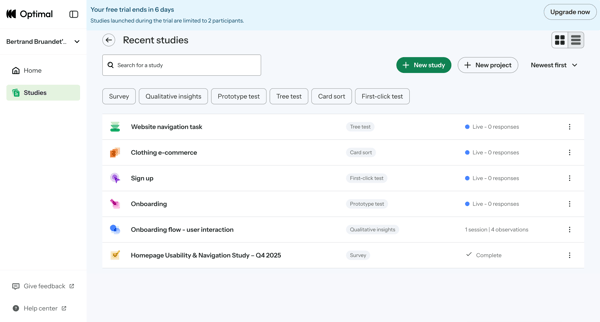
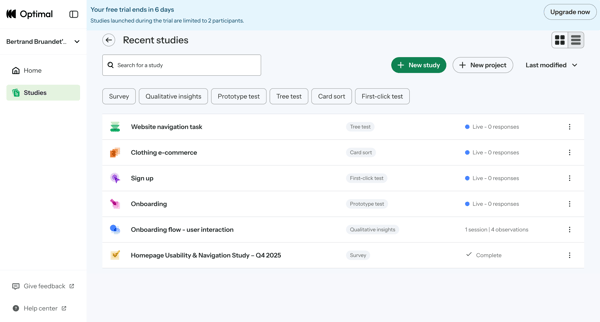
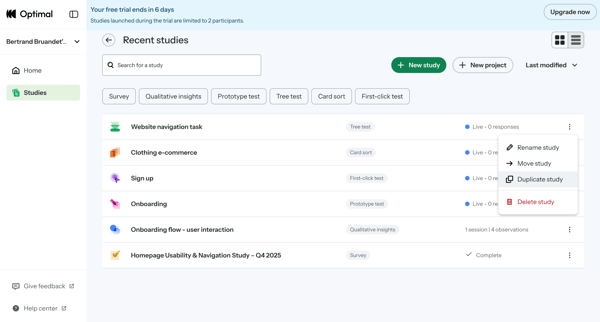
User views read-only AI copywriting skill document in Skill Document View and Skill Detail View then selects Duplicate from context menu resulting in toast confirmation

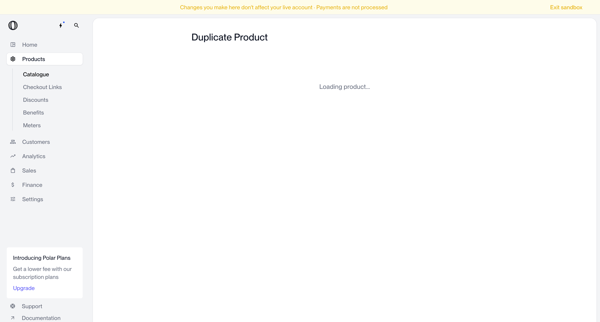
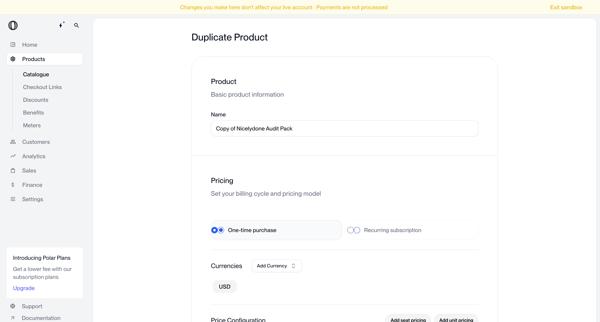
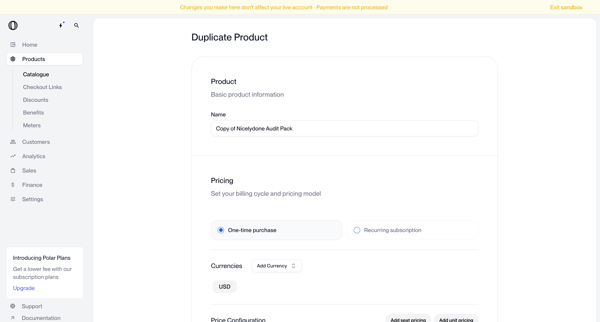
Loading an existing product then configuring its duplicate name, pricing model, and currency options in a sandboxed creation form

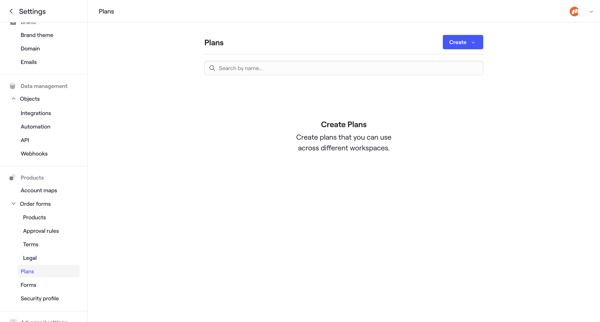
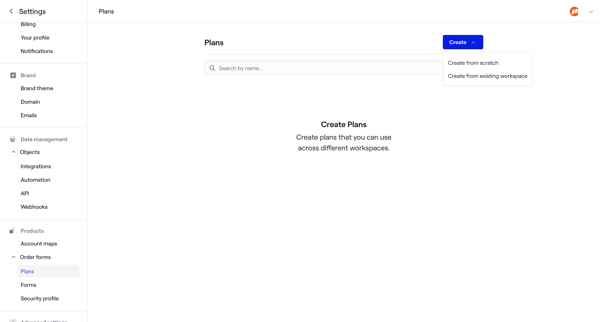
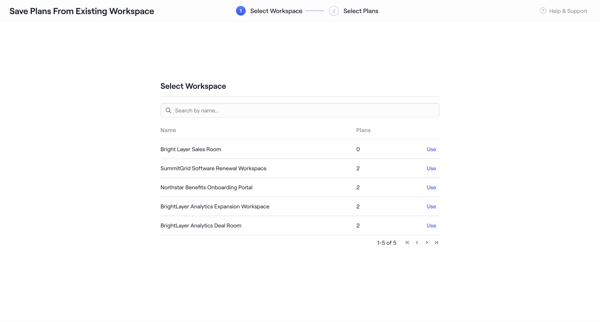
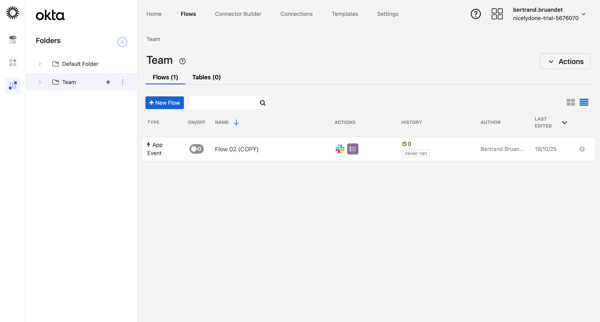
User starts from empty Plans Settings, chooses to duplicate plans from an existing workspace, selects workspace and specific plans via wizard steps, and ends on the plans list with success toast

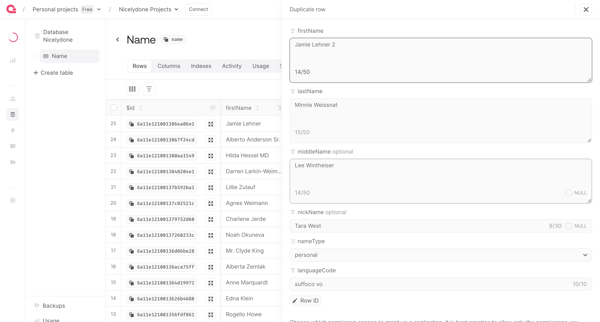
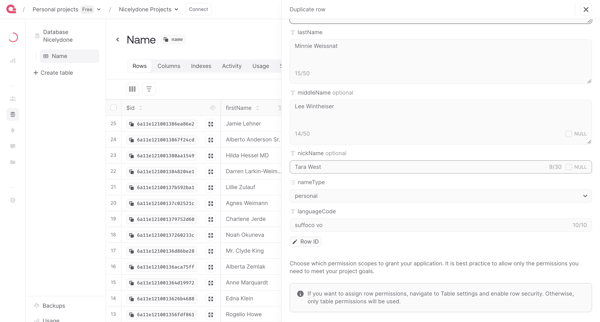
User opens duplication drawer from database list view and reviews pre-filled row data in side panel form before confirming creation of duplicate

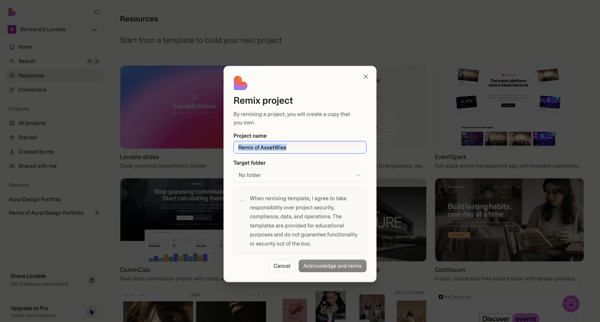
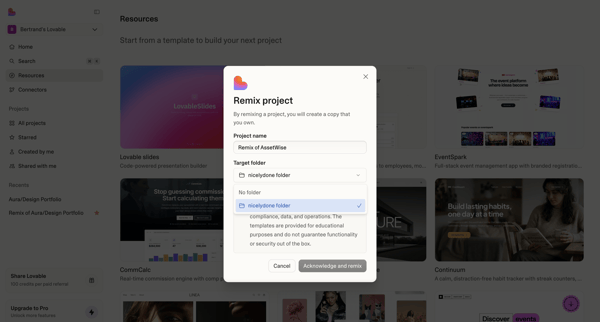






Explore the full SaaS flow library
Browse the full SaaS flow library.
Trusted by the best teams







