- Examples
- User flow examples from SaaS apps
- Compound Planning Flow Example: Adding an owner
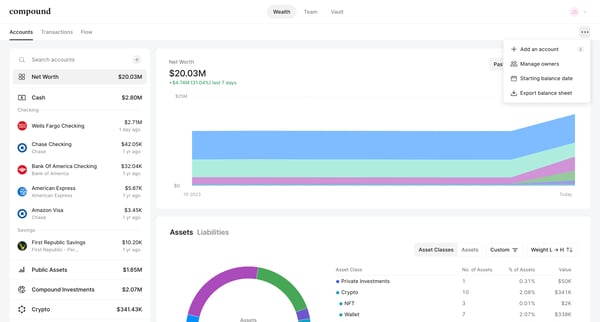
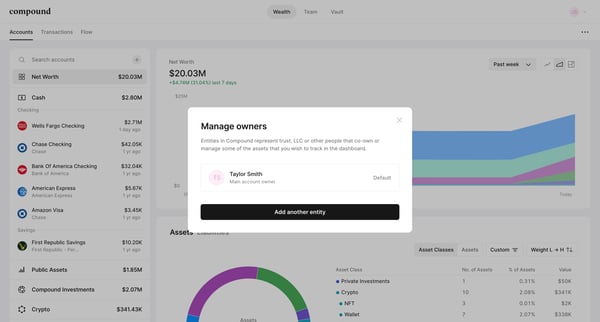
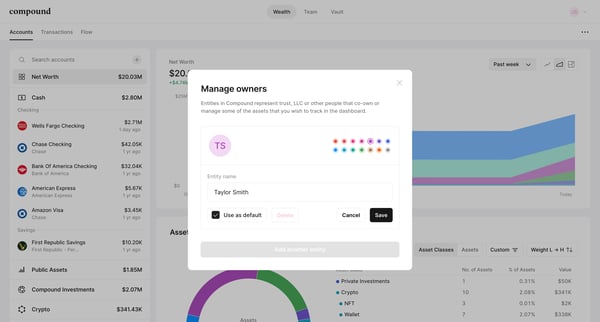
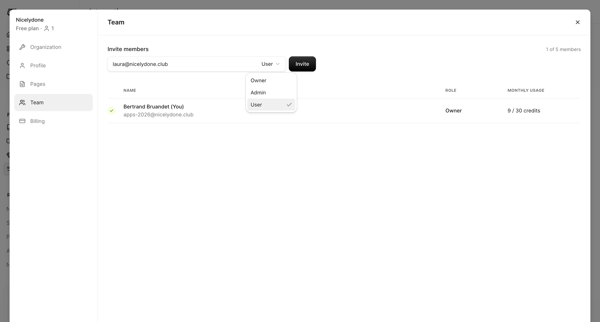
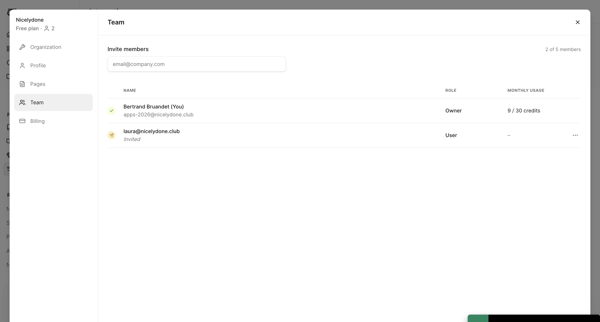
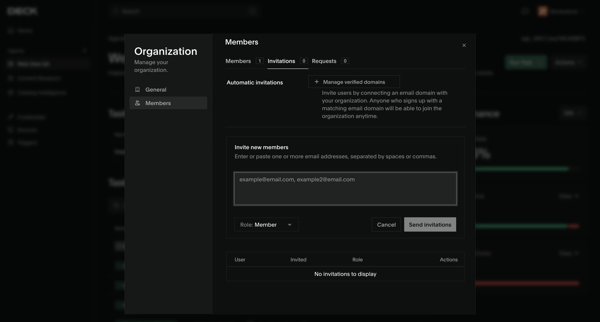
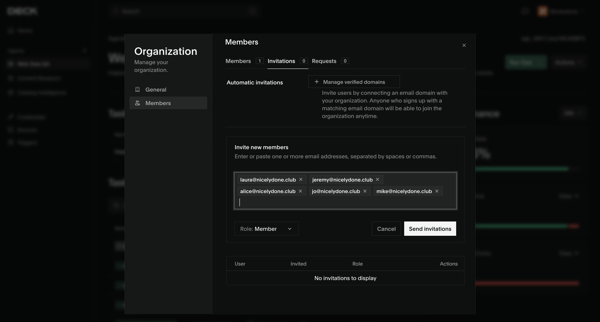
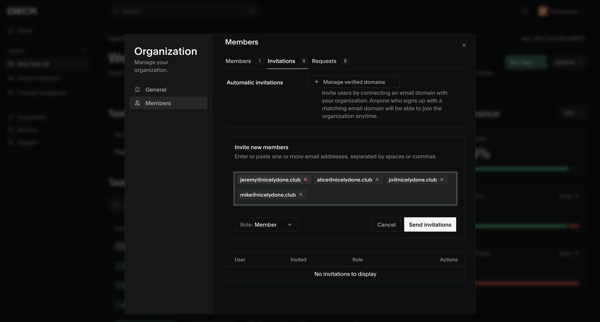
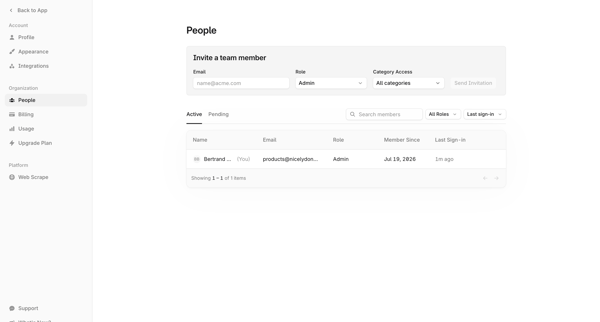
Compound Planning Flow Example: Adding an owner
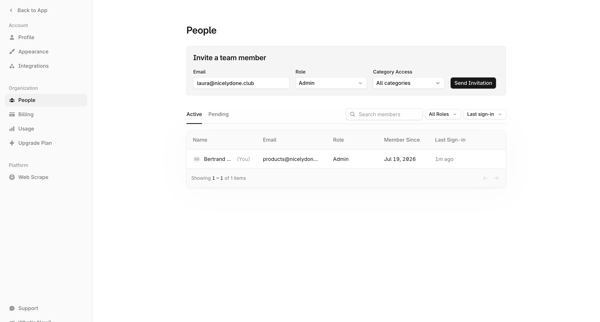
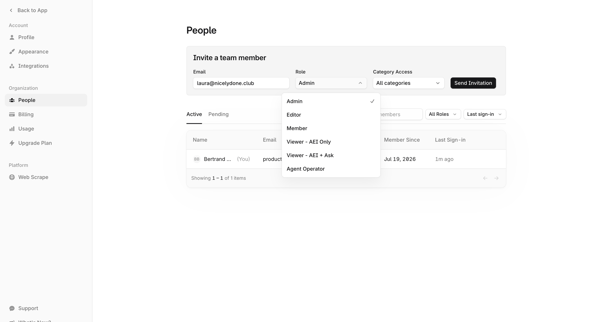
Preview this Compound Planning user flow: Adding an owner. Explore the opening screens.
Preview these flows
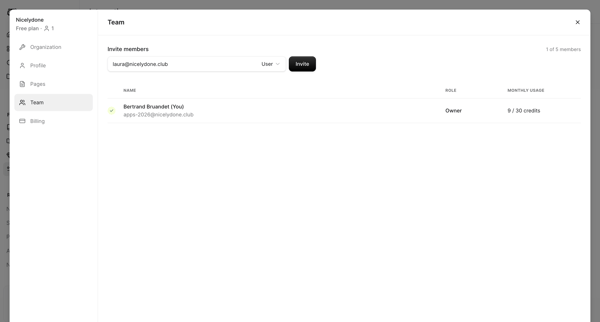
The flow facilitates the process of inviting and managing teammates by adding entities to represent co-owners or managers of various assets within a dashboard.

Related user flows

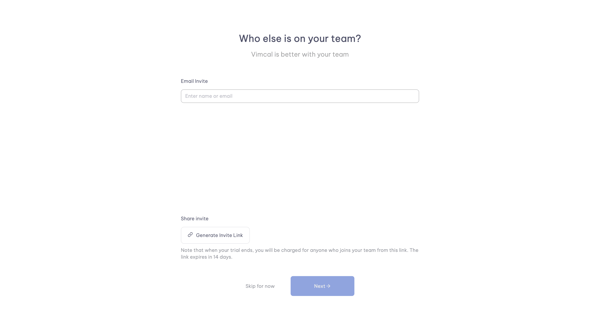
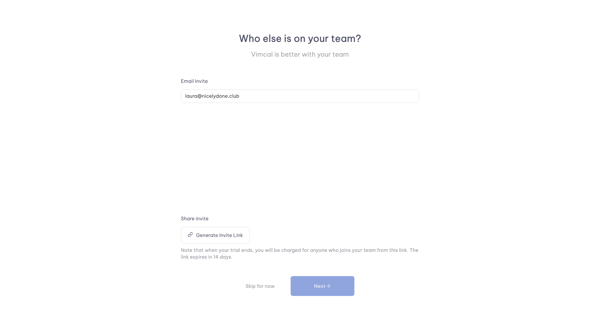
Onboarding step in Vimcal where user enters emails or generates shareable invite link before completing workspace setup

User opens invite modal from Members & permissions settings to enter emails, select roles, and send team invitations
User opens workspace members settings modal to view existing members and roles then invites new teammates by email
Configuring team name, ID, inference results retention, and managing members plus invitations from the team settings page
User opens partner invite modal from profile settings, enters email, sends invite, and sees success confirmation
Onboarding flow for inviting new members to a new organization by entering emails, selecting roles, and sending invitations, ending in a success modal.
User accesses Workspace Members Settings to enter email addresses, select Member or Manager roles, and send invitations while viewing pending invitations
Host opens invite options from the video recording studio editor and sends session access via shareable link or email
Inviting new teammates to the workspace via email with role assignment from the members and permissions settings page
Explore the full SaaS flow library
Browse the full SaaS flow library.