Bonsai Flow Example: Starting free trial
This flow guides a user through starting a 7-day free trial for Bonsai's Professional Plan, including entering credit card details, choosing a billing cycle, and reviewing the trial terms.

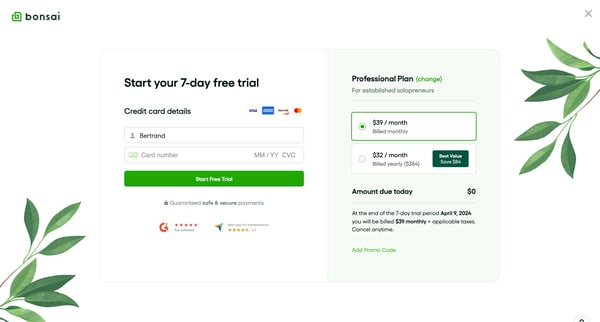
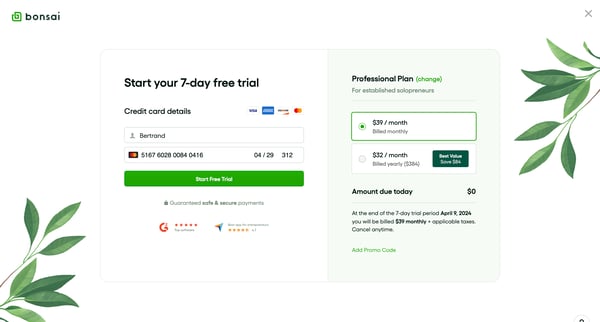
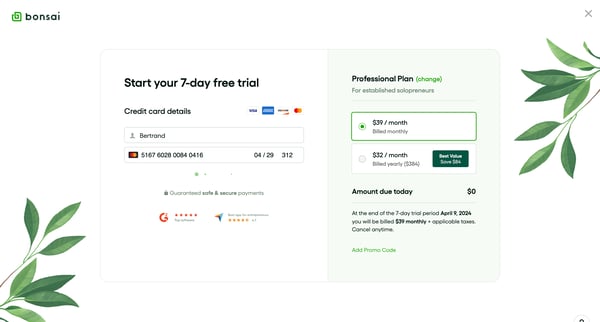
This flow guides a user through starting a 7-day free trial for Bonsai's Professional Plan, including entering credit card details, choosing a billing cycle, and reviewing the trial terms.
Related user flows

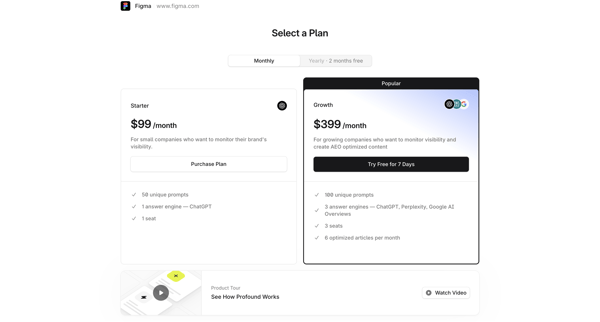
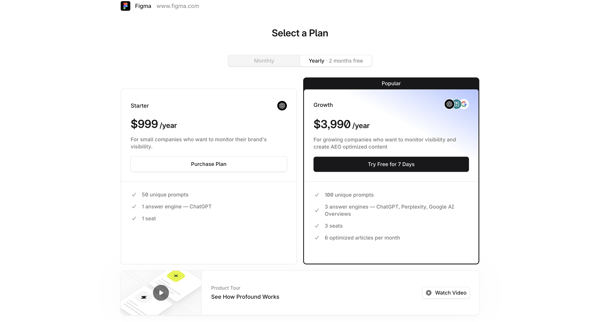
User views paywall screens to select Starter or Growth plan and activate 7-day free trial for Tryprofound AEO platform


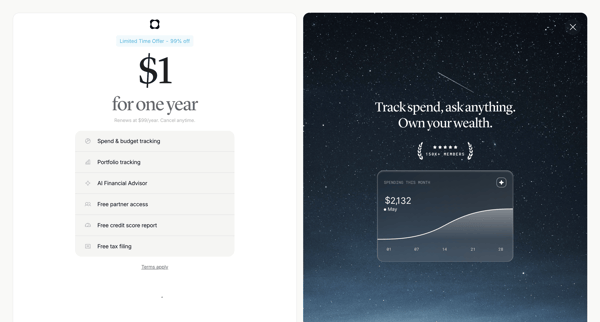
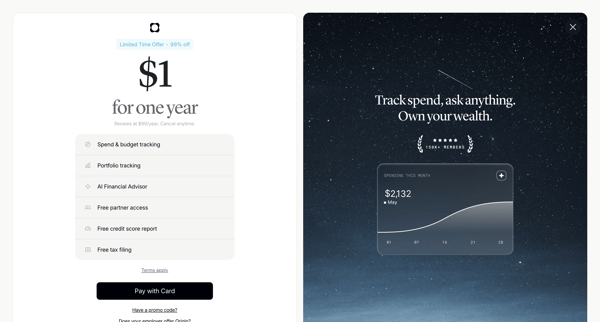
User sees loading screen then promotional paywall screens offering $1 one-year trial for Origin Financial with feature list and social proof

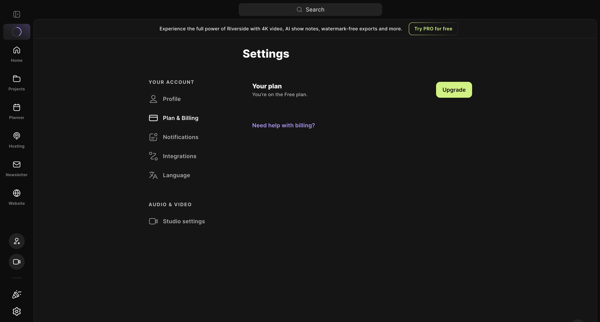
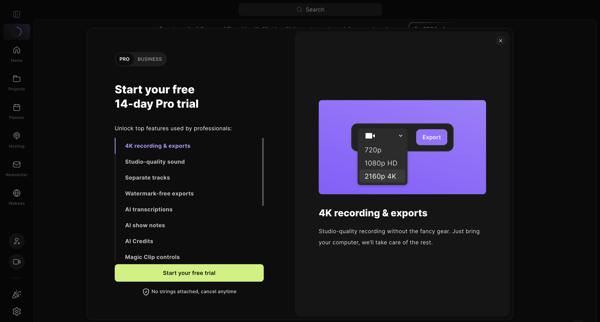
User views free plan status in billing settings then opens trial activation modal to view Pro features and start 14-day free trial

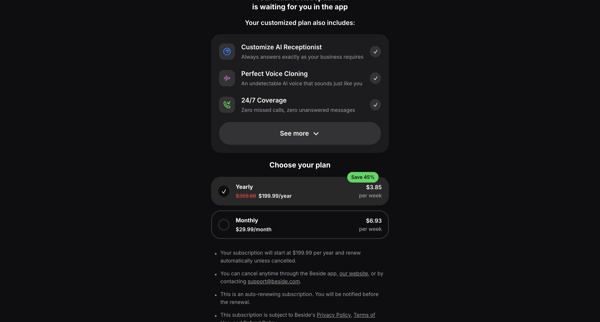
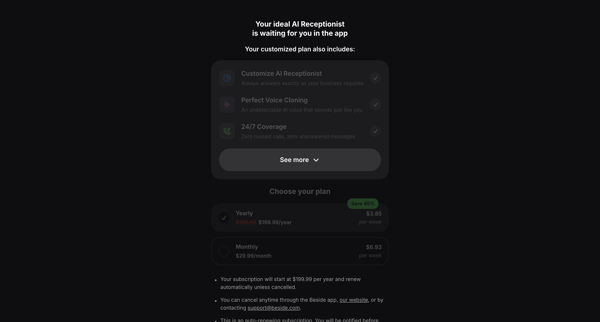
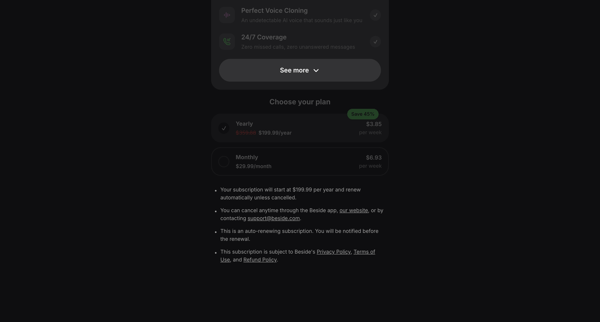
User encounters hard paywalls across auth and app surfaces, selects yearly or monthly plan with discounts, enters payment details, and activates free trial for AI receptionist features
Explore the full SaaS flow library
Browse the full SaaS flow library.
Trusted by the best teams







