- Examples
- User flow examples from SaaS apps
- Teachable Flow Example: Setting up zoom integration
Teachable Flow Example: Setting up zoom integration
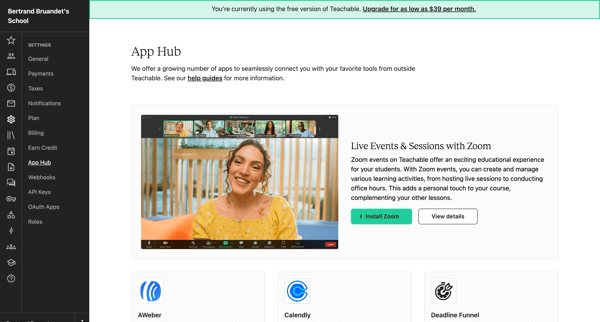
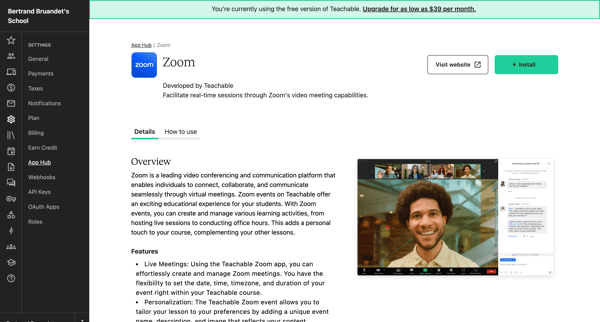
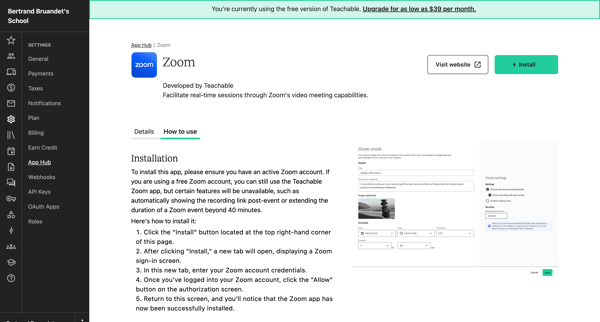
Preview this Teachable user flow: Setting up zoom integration. Explore the opening screens.
Preview these flows
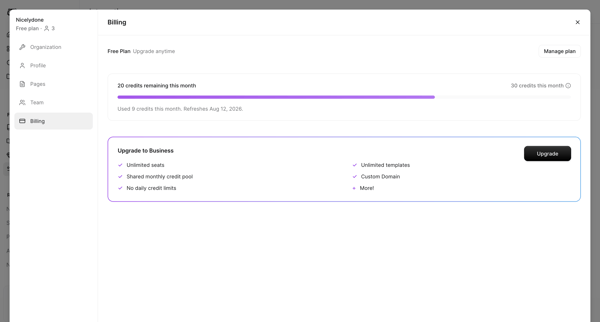
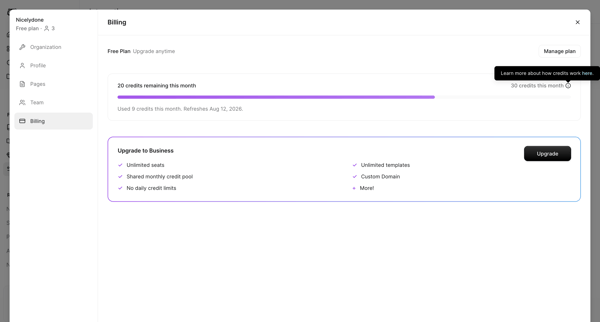
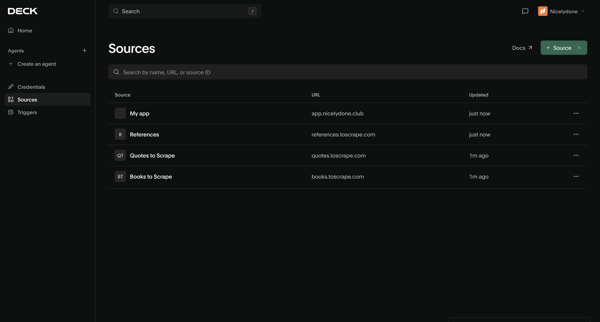
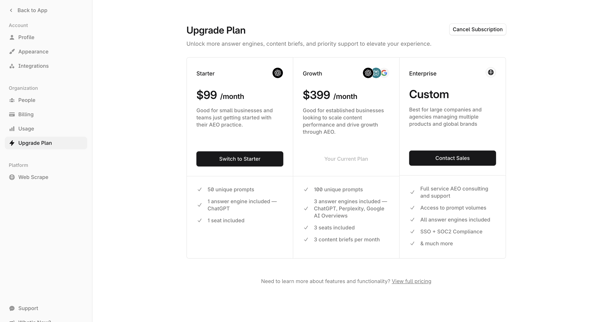
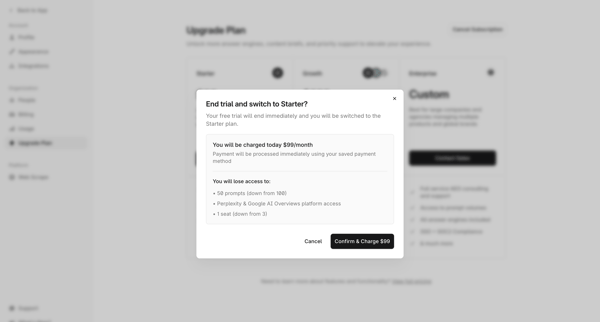
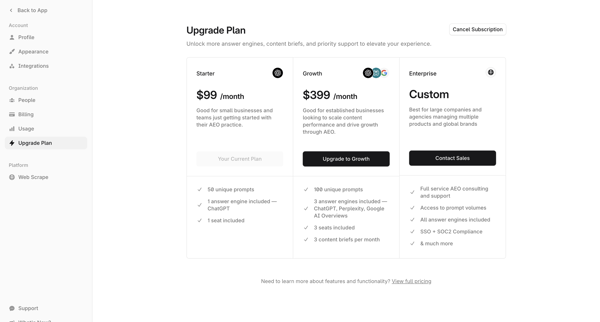
This flow guides users through upgrading their Teachable subscription to access and integrate the Zoom app for hosting live sessions and office hours in their courses.

Related user flows

Onboarding journey selecting a framework and following numbered steps to install dependencies, configure environment variables, and integrate checkout code in sandbox mode
User encounters paywall on shared projects, then confirms Business yearly plan upgrade, adjusts seats, and completes checkout in billing settings
User opens billing settings overlay showing free plan and enters credit card details to upgrade to Pro
Video asset review in Flask triggers trial exhaustion paywall with upgrade prompt
User configures AI provider routing, API keys, and model providers like Anthropic and OpenAI across three sequential settings screens.
Onboarding flow prompting user to link primary bank accounts via search or selection for subscription detection and cash flow insights, with skip confirmation modals
User views current plan and usage in billing settings then selects and upgrades to a higher subscription tier
User starts in workspace memory settings, opens upgrade modal from sidebar, selects Launch tier, completes subscription checkout form, sees connecting state, and lands on billing settings page showing new plan and credits.
User opens Add Endpoint Drawer in Settings to select a third-party service like Datadog or Splunk, configure dataset and forwarding rules, then views the new endpoint in Endpoints Settings.
User views free trial billing settings then opens upgrade modal to select monthly or annual billing and adjust monthly event volume via slider
User navigates to automation settings in Dock, encounters empty state with upgrade prompt, then feature-gate modals and paywalls for automation, API, and webhooks
User reviews and authorizes Medusajs GitHub app installation with repository permissions then sees successful connection in workspace integration tab
Explore the full SaaS flow library
Browse the full SaaS flow library.