ChatGPT Flow Example: Disabling multi-factor authentication
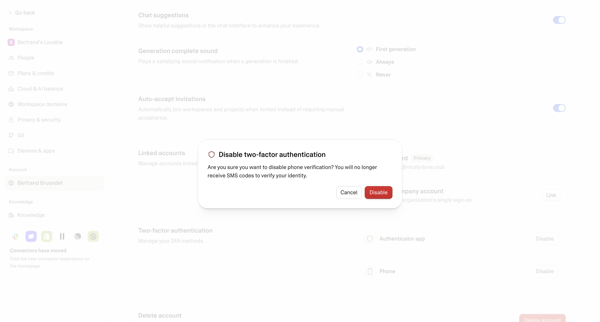
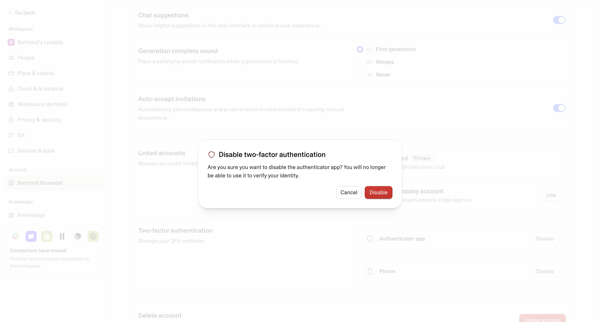
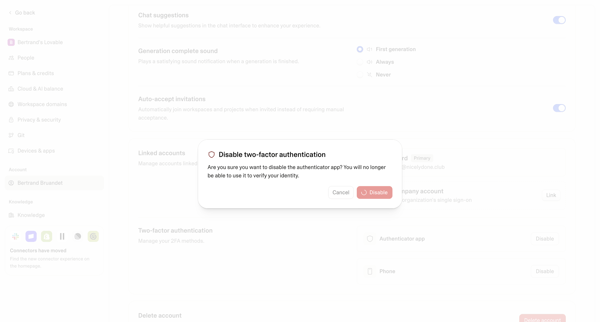
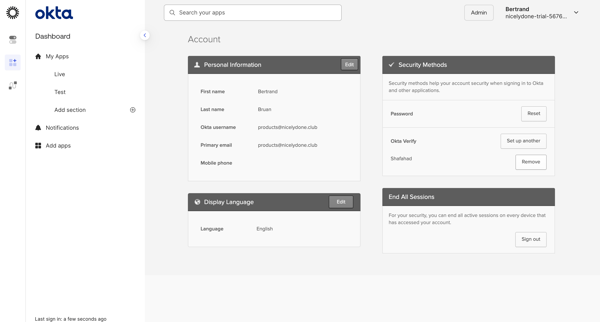
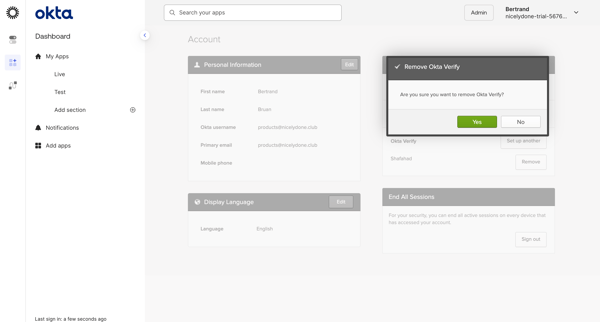
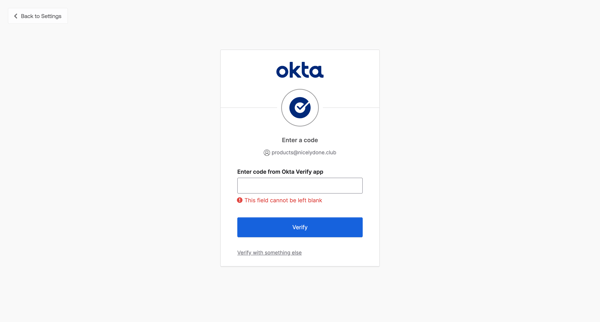
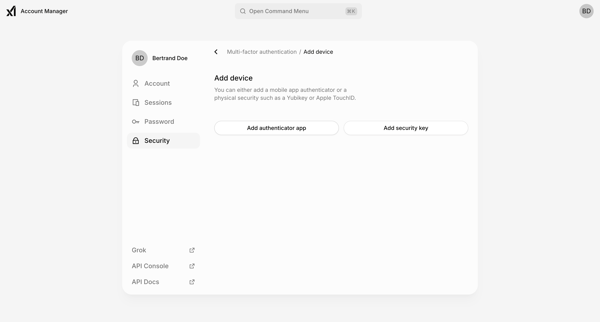
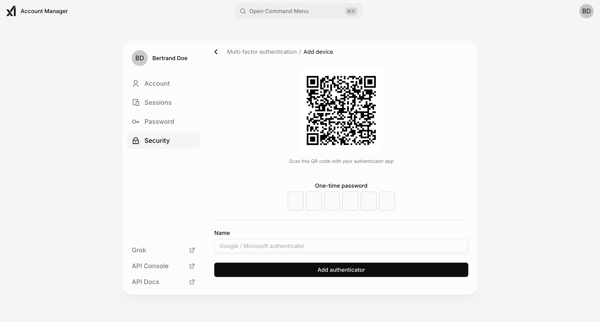
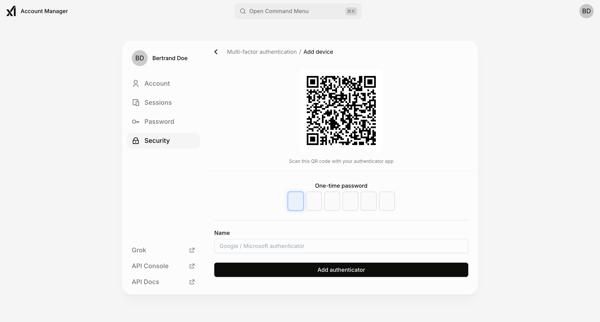
This user flow describes the steps taken by a user to disable multi-factor authentication (MFA) on their ChatGPT account, allowing them to log in using only their username and password.

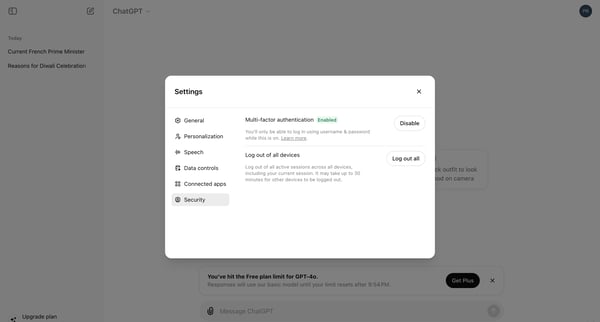
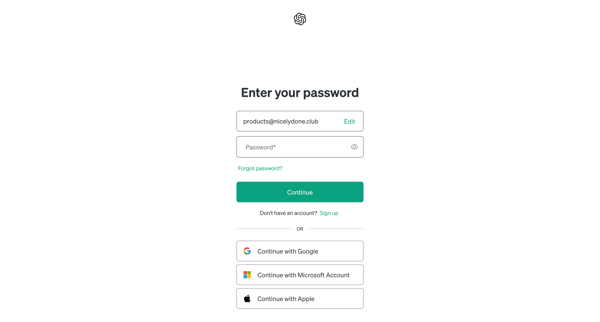
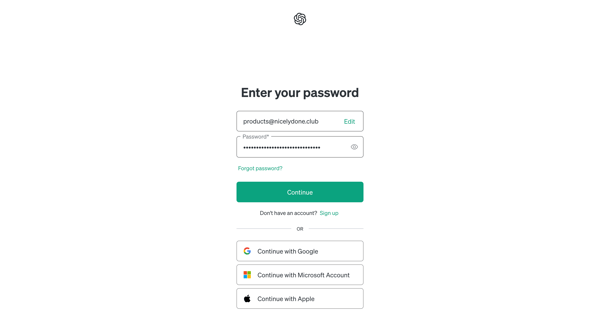
This user flow describes the steps taken by a user to disable multi-factor authentication (MFA) on their ChatGPT account, allowing them to log in using only their username and password.
Related user flows

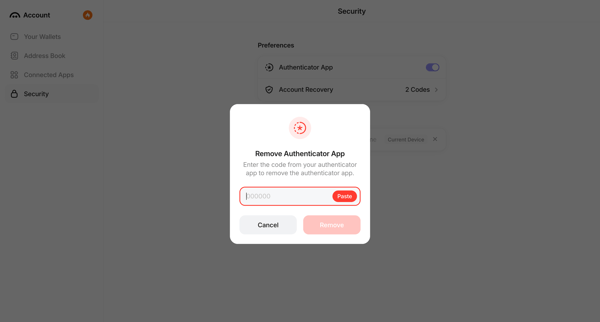
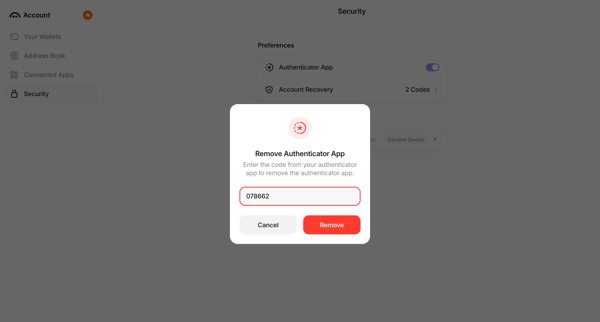
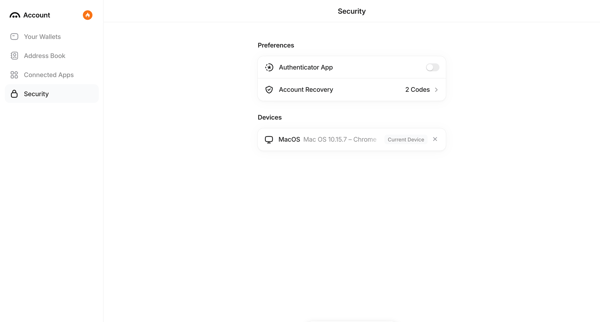
User opens Remove Authenticator modal from security settings, enters 6-digit verification code, confirms removal, and sees updated settings with disabled status notification.



Explore the full SaaS flow library
Browse the full SaaS flow library.
Trusted by the best teams







