Aboard Flow Example: Adding document via link
This user flow facilitates the process of adding documents to a specific category, enabling users to upload files or add links directly to create an organized collection of resources.

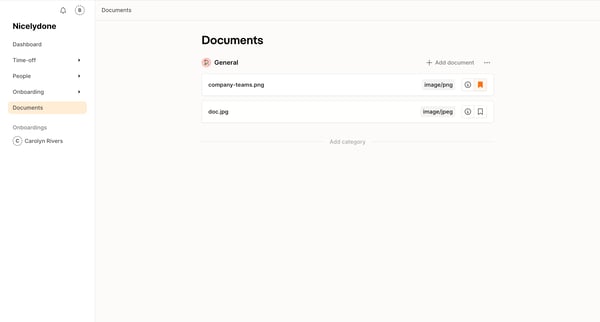
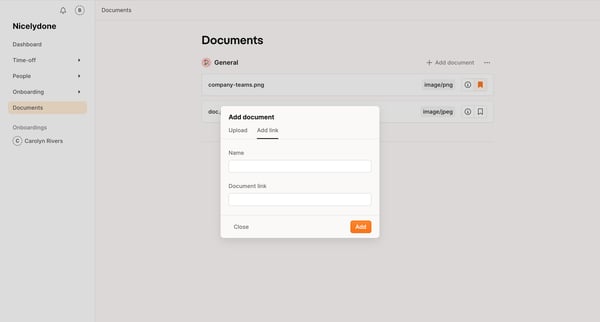
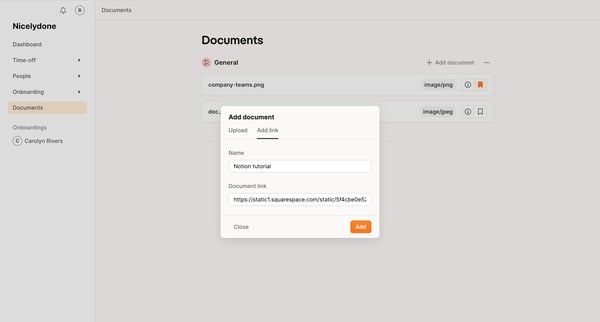
This user flow facilitates the process of adding documents to a specific category, enabling users to upload files or add links directly to create an organized collection of resources.
Related user flows

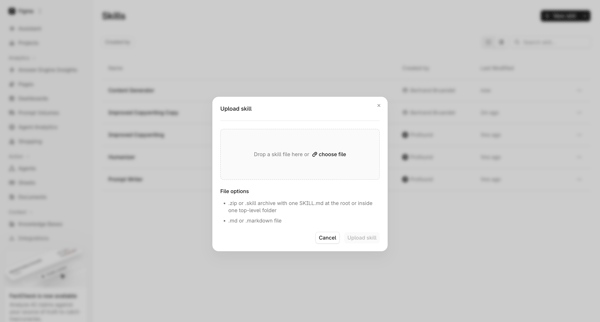
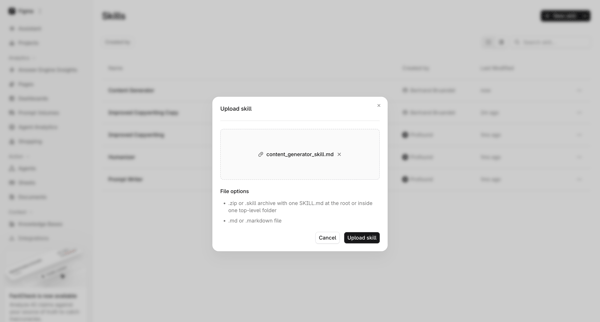
User opens Upload Skill Modal from skills list view and selects a .md or archive file for upload

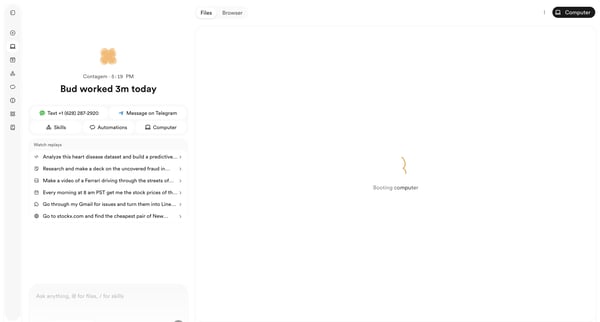
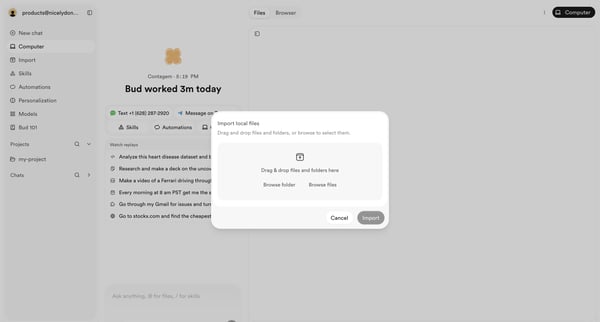
User opens file import modal from AI agent workspace dashboard to select local files or folders via drag-and-drop or browse

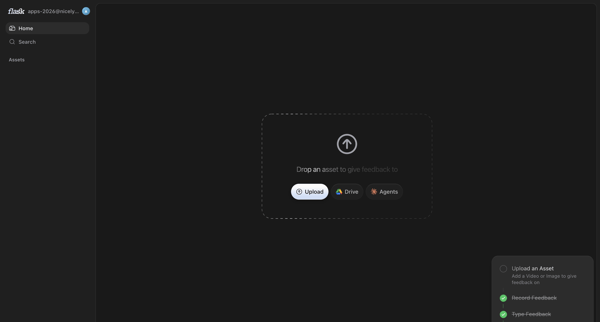
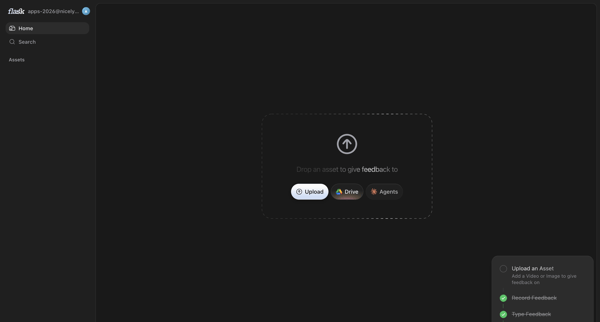
User prompted on home screen to upload asset via local file, Drive or Agents to begin feedback

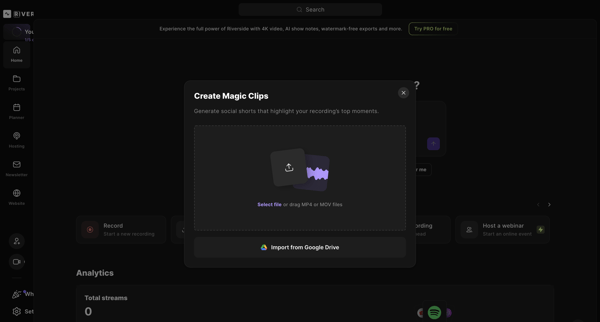
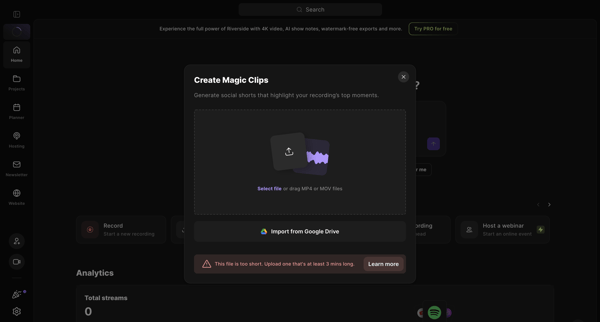
User opens Create Magic Clips modal from home dashboard to upload MP4/MOV or import from Google Drive for AI social shorts generation, resulting in minimum duration error state
Explore the full SaaS flow library
Browse the full SaaS flow library.
Trusted by the best teams







