Superlist Flow Example: Connecting Slack integration
This flow guides the user through the process of integrating their Superlist account with Slack, including permissions and confirmation of successful connection.

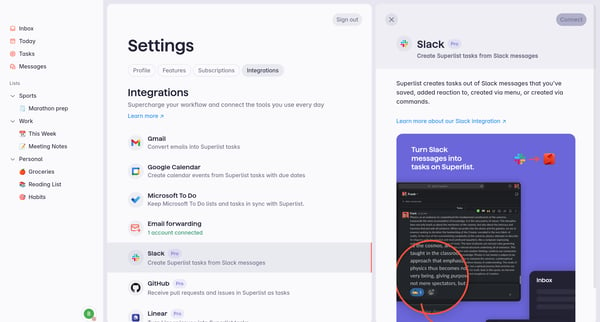
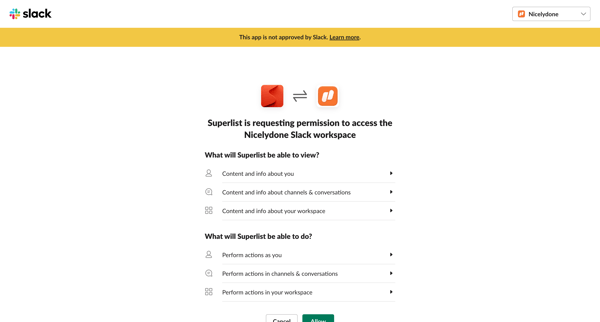
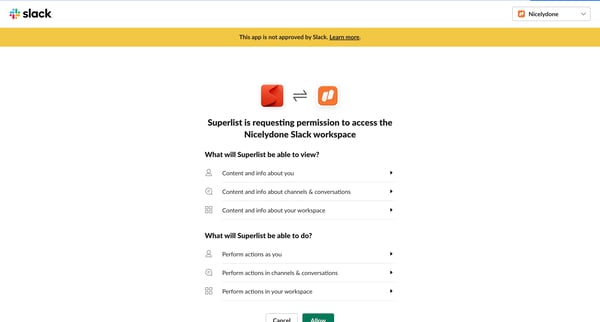
This flow guides the user through the process of integrating their Superlist account with Slack, including permissions and confirmation of successful connection.
Related user flows


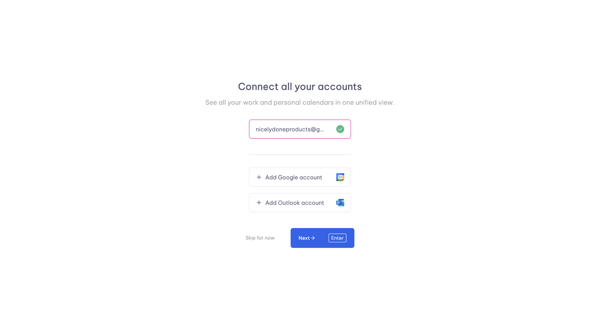
Onboarding step to connect Google or Outlook accounts for unified calendar view in Vimcal

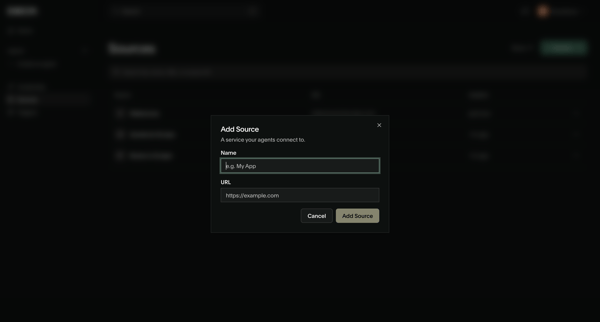
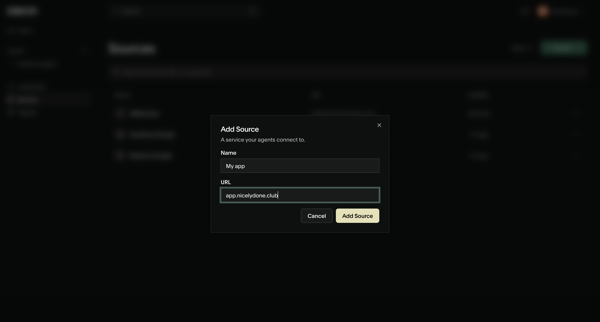
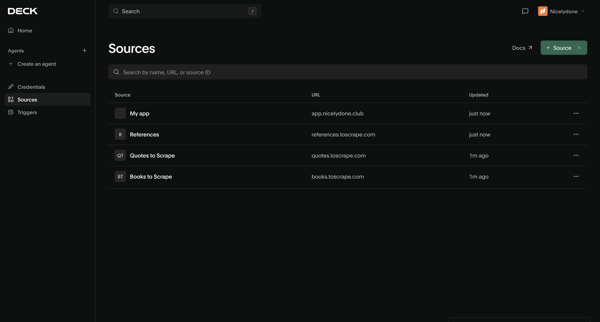
User opens Add Source modal from sources list, enters name and URL for a new service, submits, and sees updated sources list with creation toast

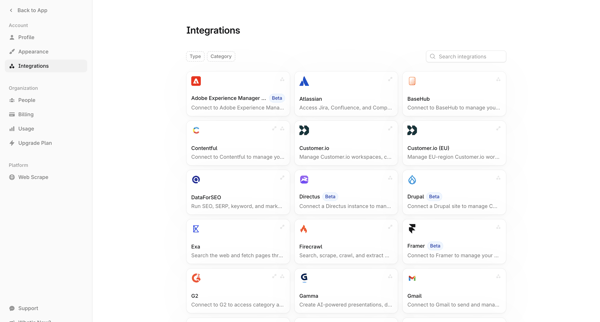
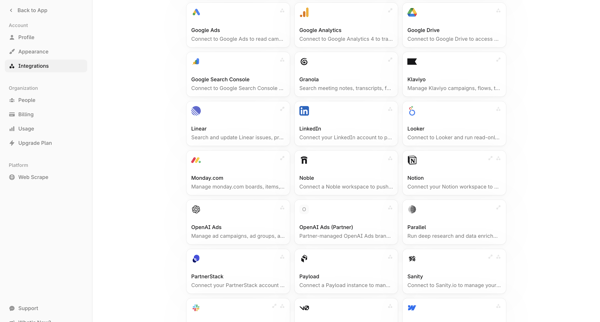
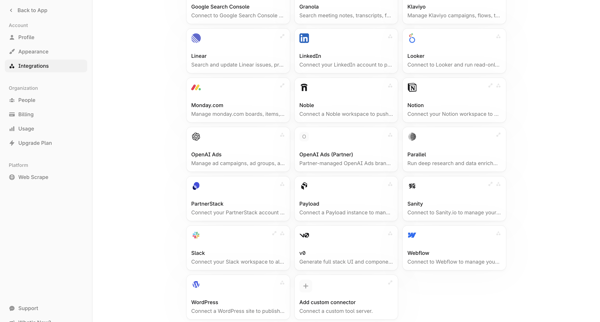
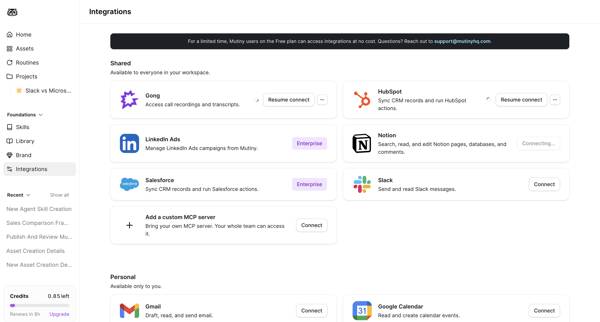
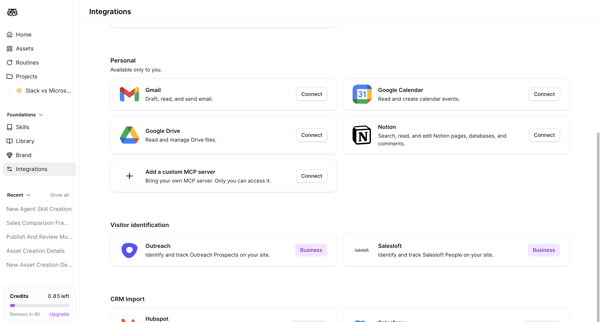
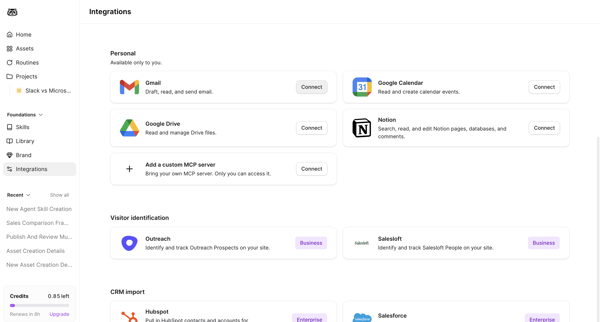
User browses searchable grid directory of third-party integrations from account settings and selects connectors to connect
Explore the full SaaS flow library
Browse the full SaaS flow library.
Trusted by the best teams







