Vev Flow Example: Moving project to workspace
This flow enables a user to attempt moving a project to a designated workspace, highlighting the steps from viewing recent projects to receiving notification of a failed move attempt.

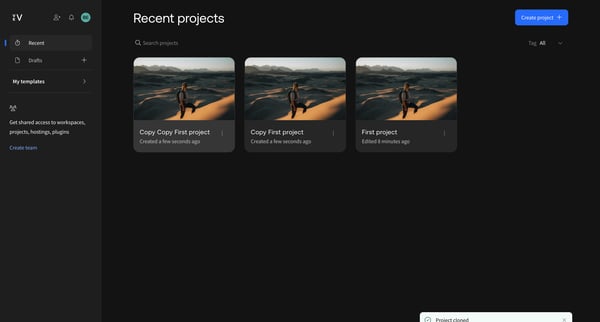
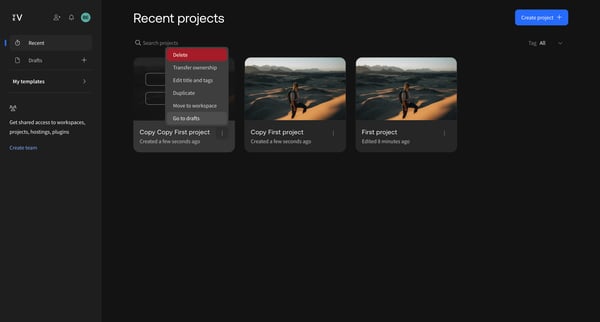
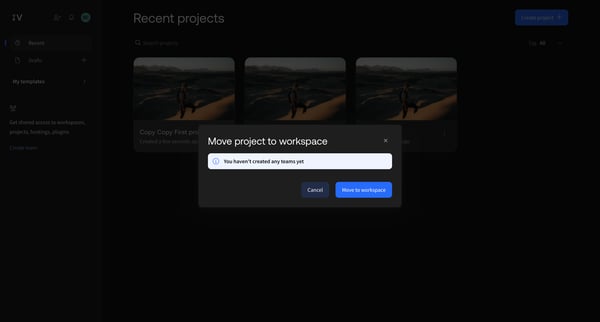
This flow enables a user to attempt moving a project to a designated workspace, highlighting the steps from viewing recent projects to receiving notification of a failed move attempt.
Related user flows

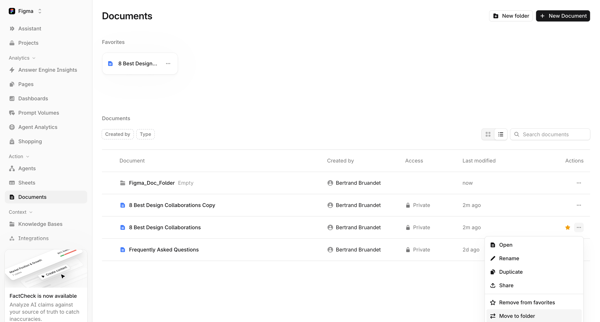
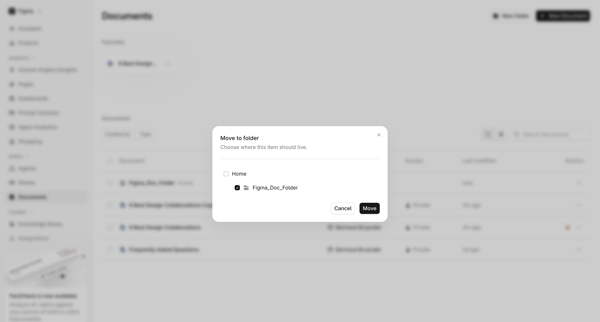
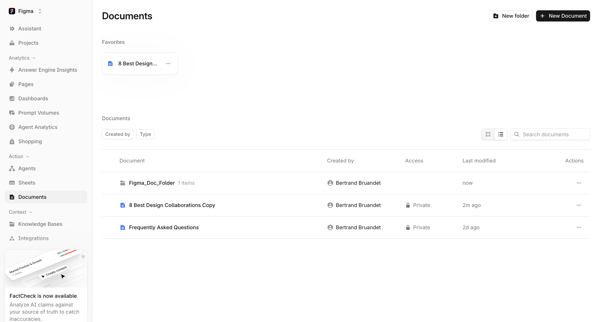
User opens move to folder modal from document context menu in list view, selects destination folder, and returns to updated documents list

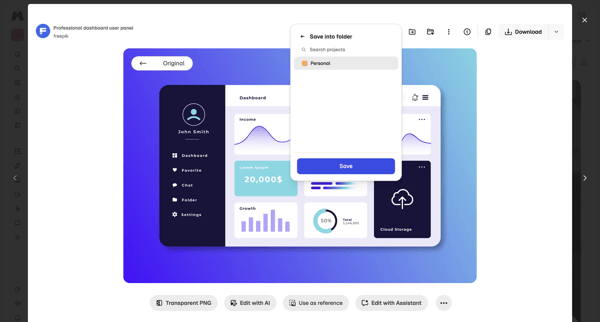
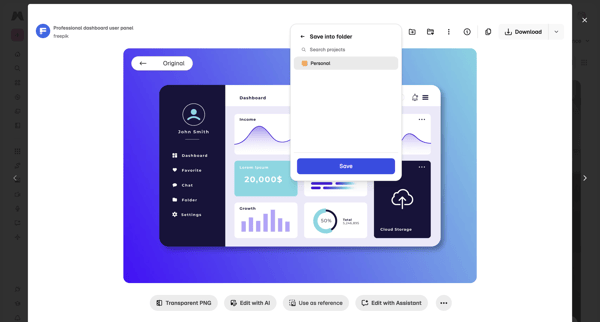
Saving a stock asset from asset detail modal into a personal project folder via popover and dialog

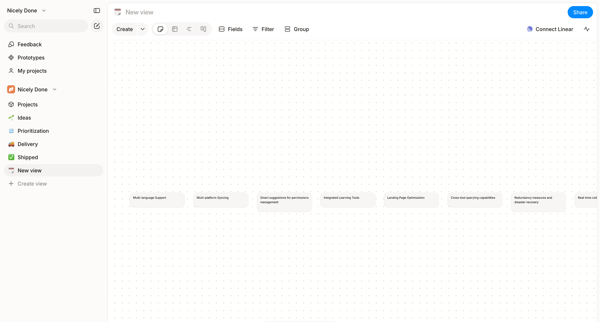
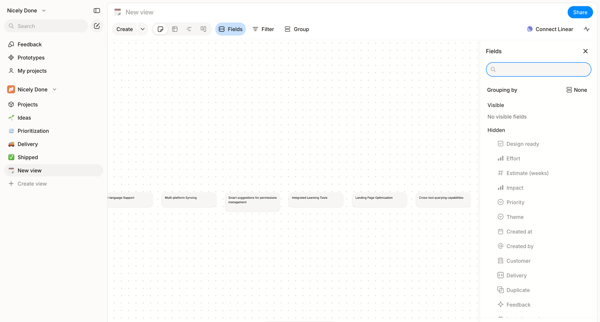
Arranging text cards, project features, and nodes on an infinite dot-grid canvas using drag, inspector panels, and tool palettes in Alloy's whiteboard editor.

Explore the full SaaS flow library
Browse the full SaaS flow library.
Trusted by the best teams







