Campsite Flow Example: Configuring verified domain
This flow guides a user through the process of inviting individuals to join a Campsite organization, including entering email addresses, addressing domain verification for security, and handl

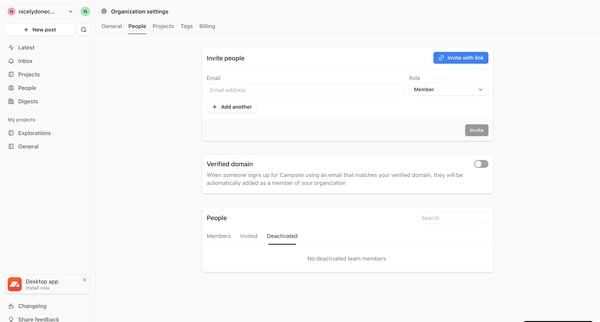
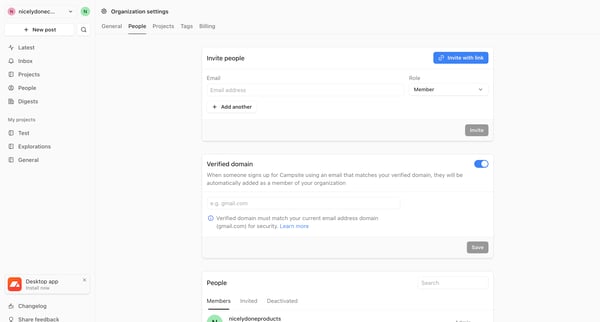
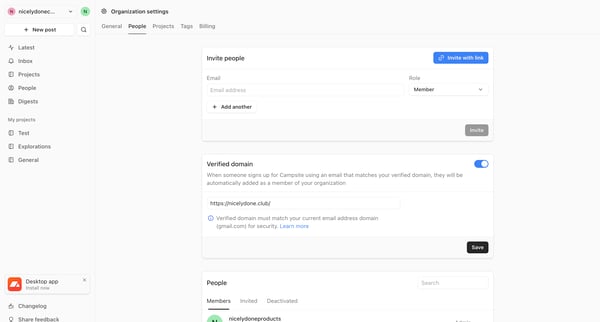
This flow guides a user through the process of inviting individuals to join a Campsite organization, including entering email addresses, addressing domain verification for security, and handl
Related user flows

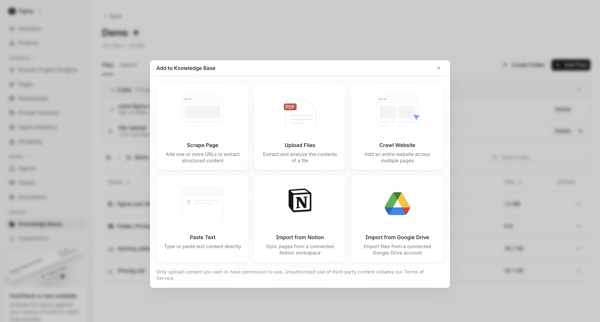
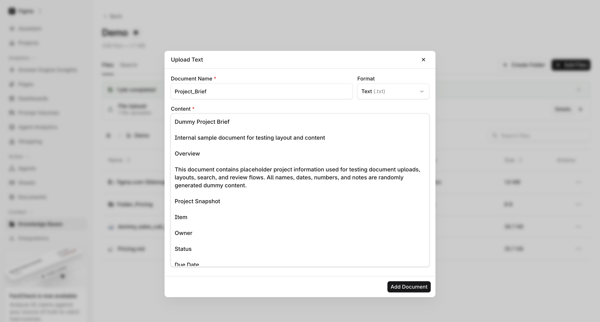
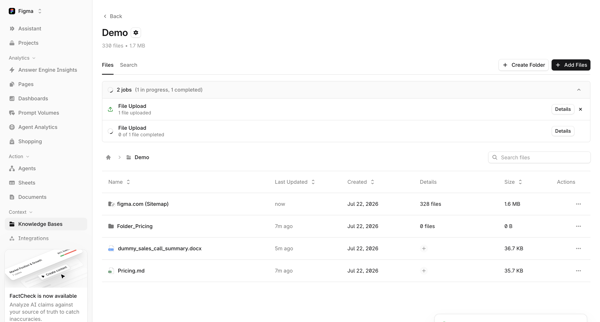
User opens Add Source Modal, selects Paste Text option, fills document name and content in Text Upload Modal, then views uploaded file and progress in Knowledge Base File Manager and Folder Detail

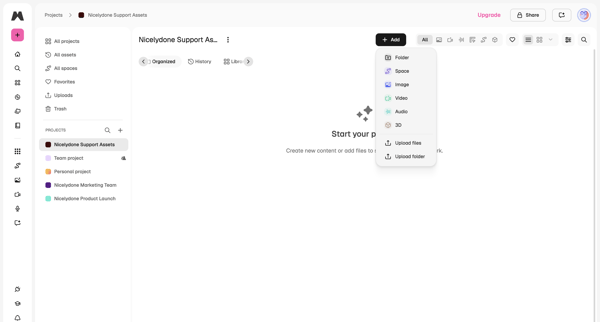
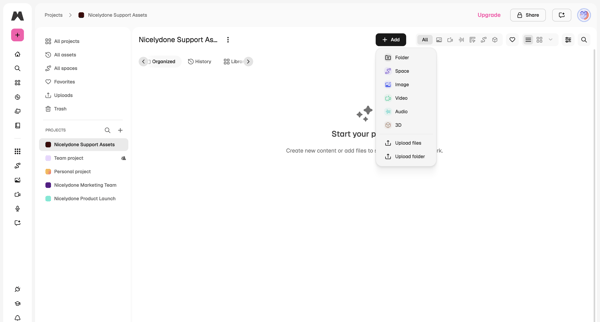
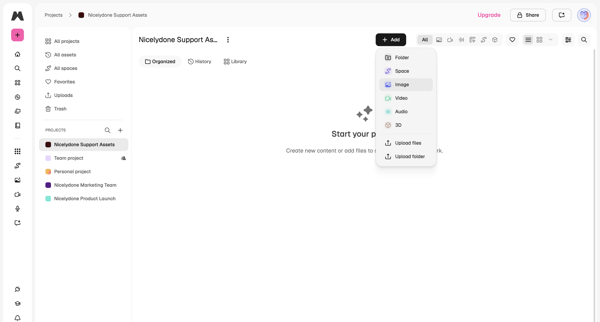
User lands on empty project workspace and opens add menu offering folder, space, image, video, audio, 3D, upload files or upload folder

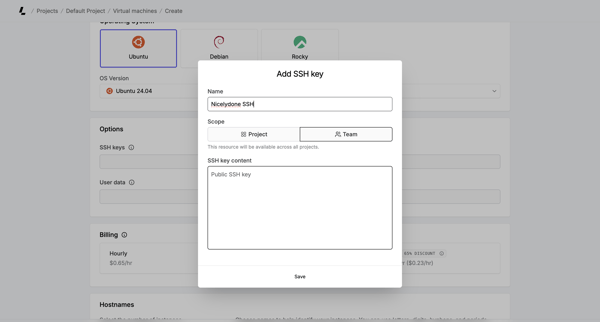
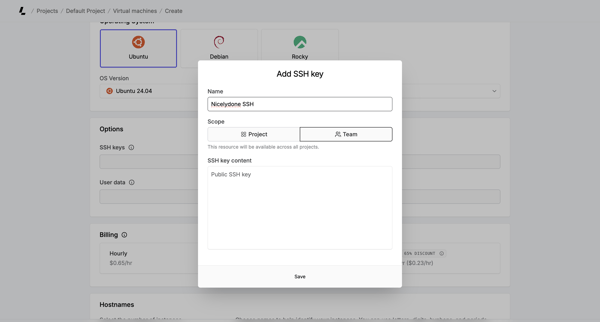
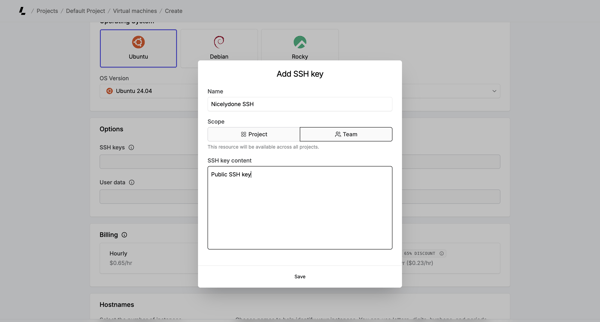
User opens Add SSH Key modal during virtual machine creation to provide name, scope, and public key content

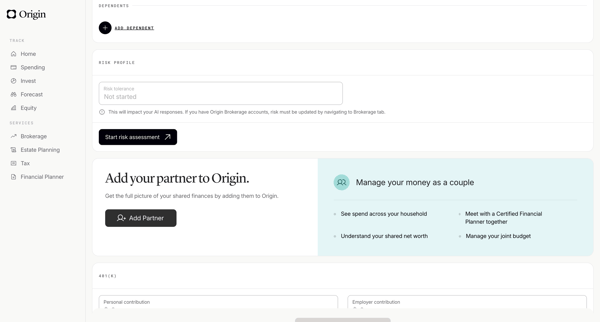
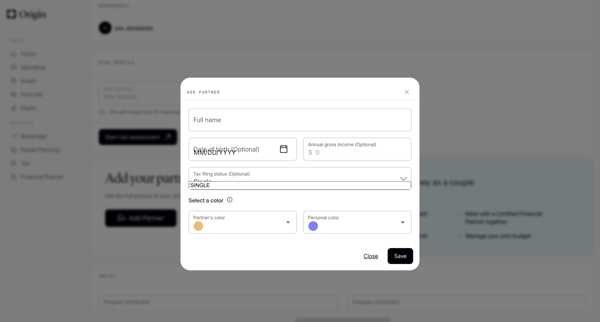
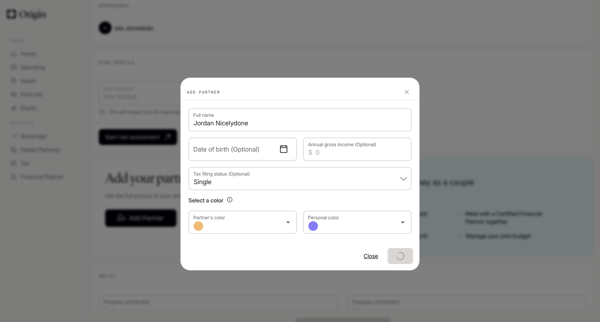
User opens profile settings and completes a modal form to add a partner with name, DOB, income, tax status, and color assignment
Explore the full SaaS flow library
Browse the full SaaS flow library.
Trusted by the best teams







