Eraser Flow Example: Creating new team
This flow enables a user to navigate through the process of creating a new team, naming it, inviting teammates, and eventually leading to a launch screen where the team can begin collaboratin

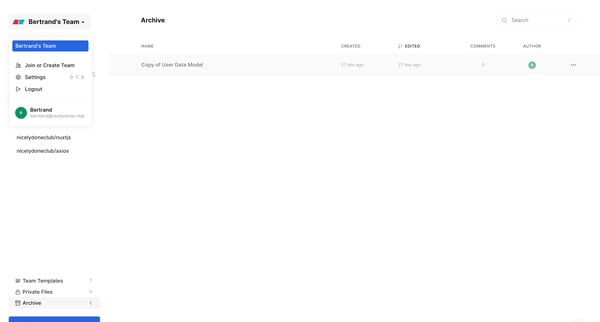
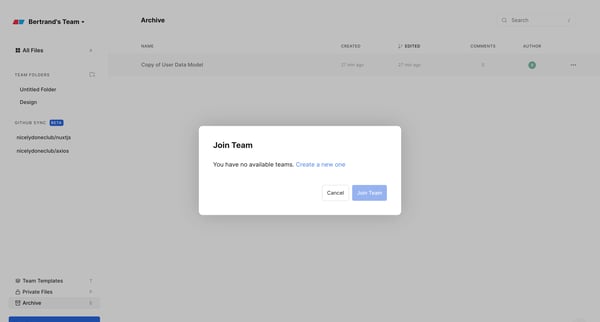
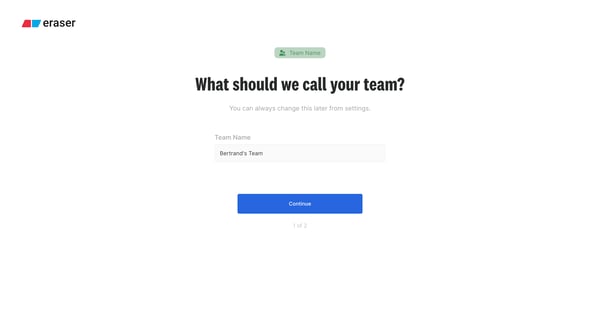
This flow enables a user to navigate through the process of creating a new team, naming it, inviting teammates, and eventually leading to a launch screen where the team can begin collaboratin
Related user flows

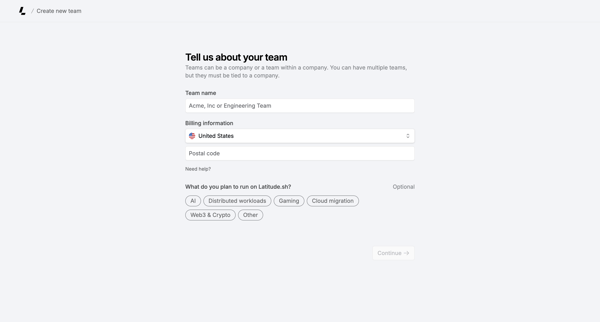
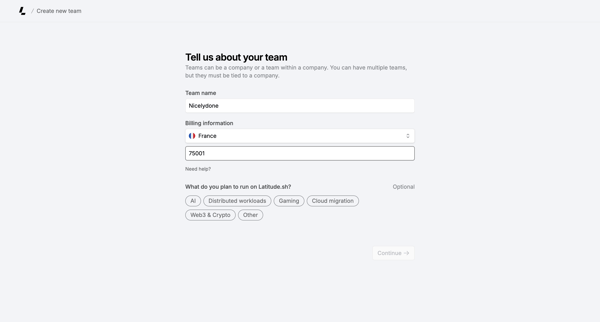
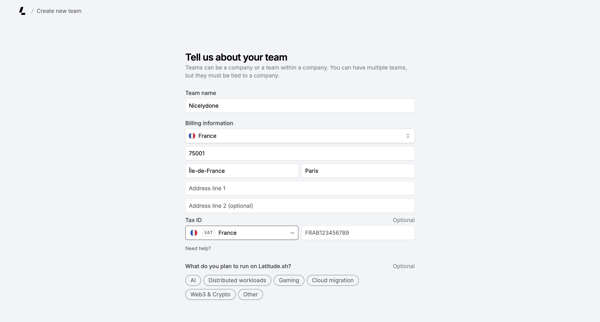
User completes a multi-step creation form to set up a new team by entering name, billing details, tax ID, and intended workloads

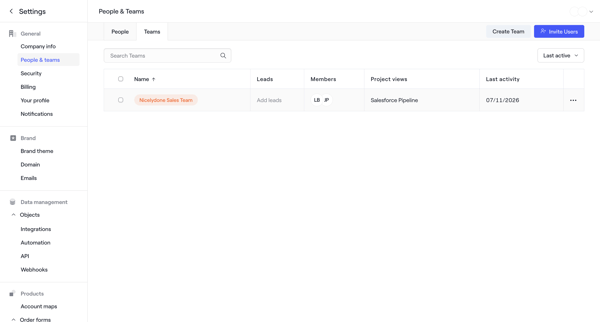
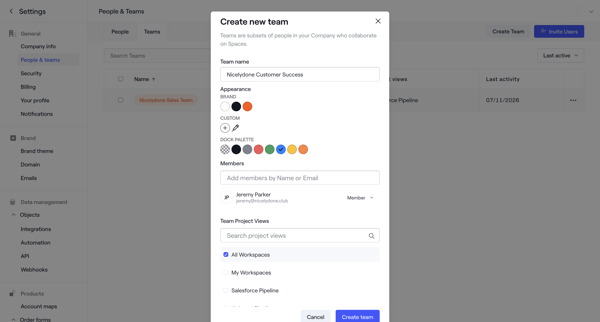
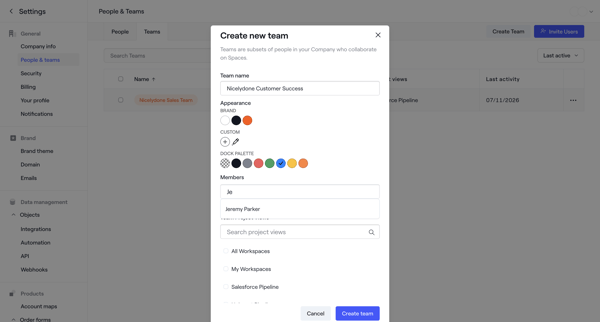
User opens team management settings, launches create team modal to set name, color palette and members, then sees success state with new team listed

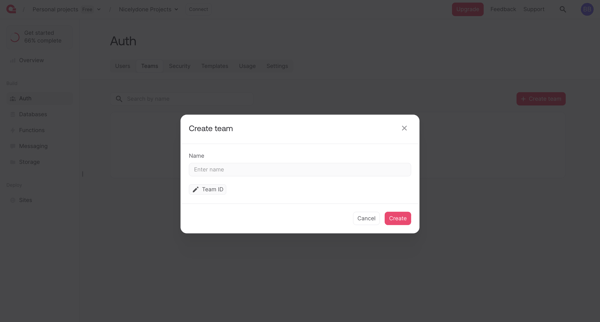
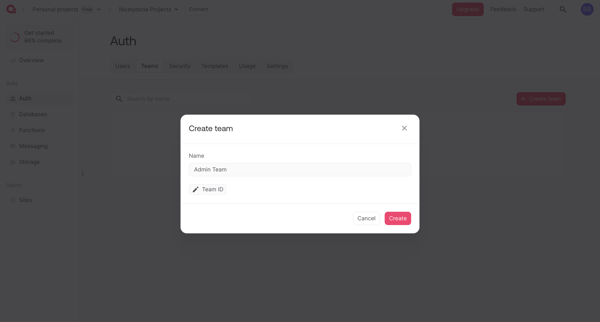
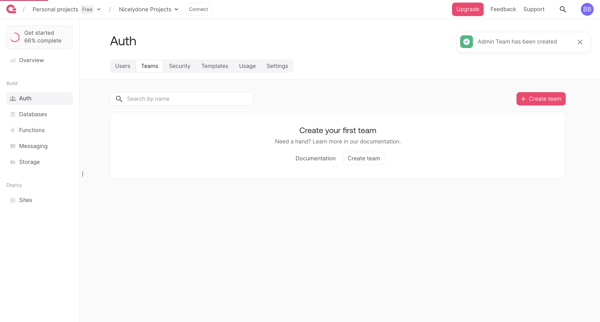
User opens Create Team modal from Auth section, enters team name and optional ID, submits to create team, then sees updated list with success toast

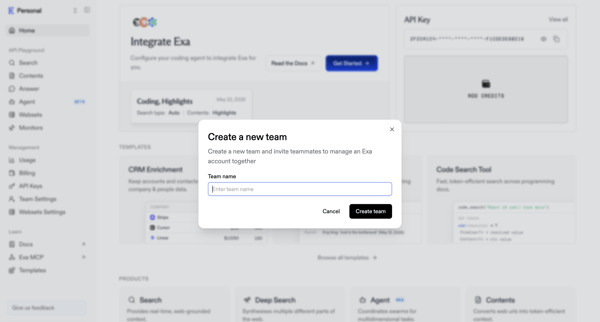
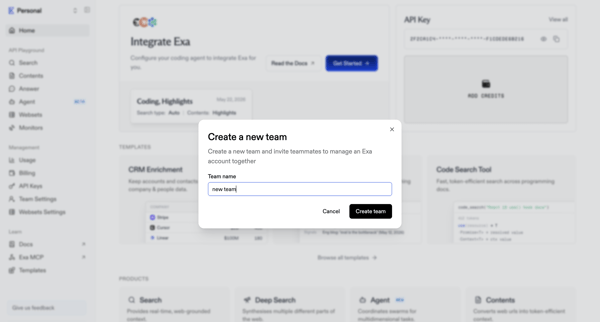
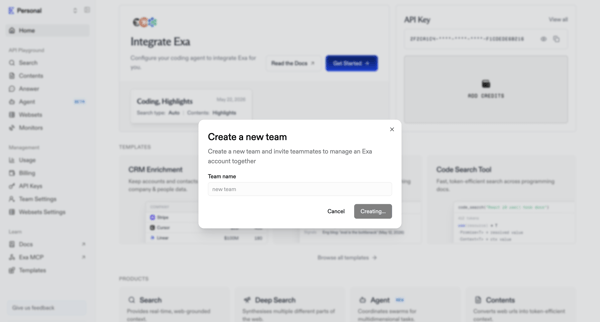
User opens create team modal from home dashboard to name a new team and invite teammates in Exa
Explore the full SaaS flow library
Browse the full SaaS flow library.
Trusted by the best teams







