Notion Flow Example: Changing billing interval
This user flow guides a user through the process of upgrading their subscription plan, including selecting a new billing interval, initiating the upgrade, and confirming the payment details.

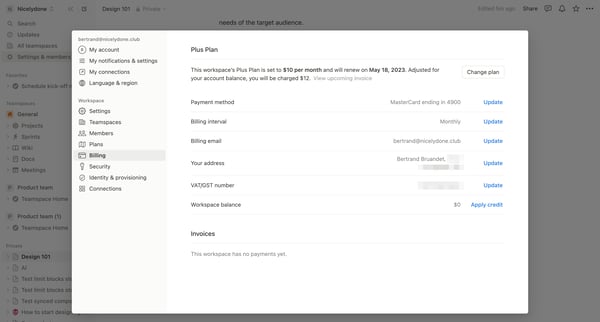
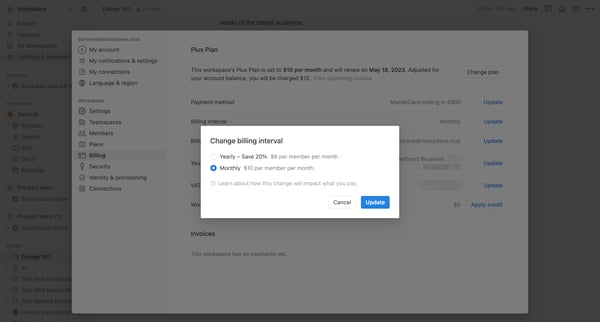
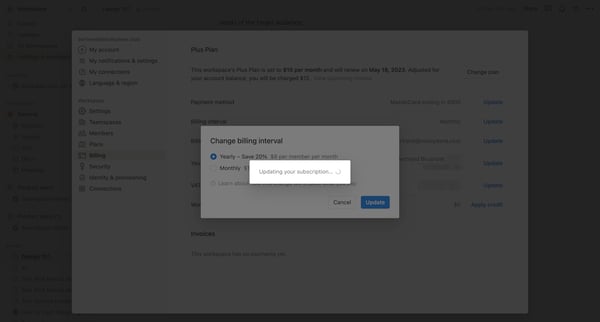
This user flow guides a user through the process of upgrading their subscription plan, including selecting a new billing interval, initiating the upgrade, and confirming the payment details.
Related user flows

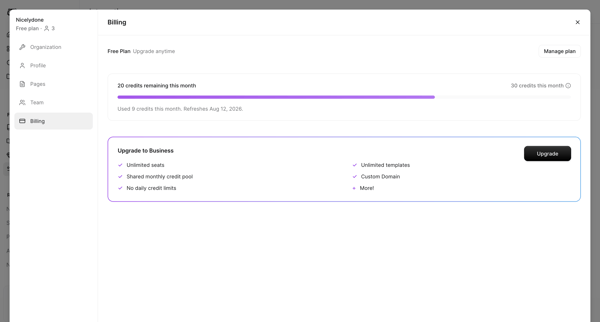
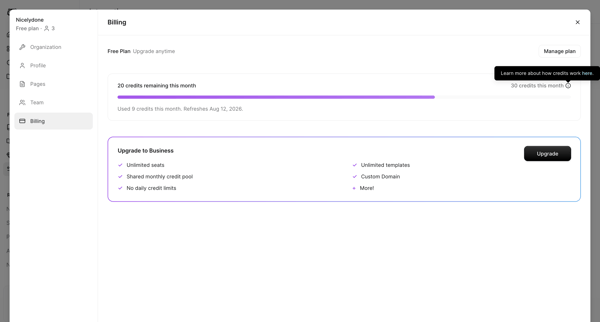
User opens billing settings modal on free plan, views credit usage and upgrade prompt to business plan

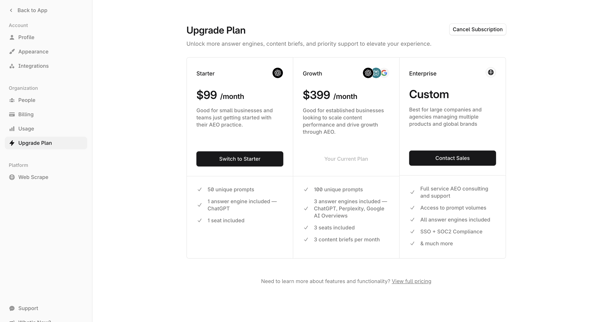
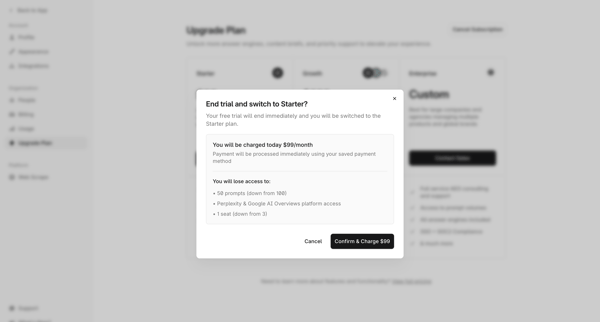
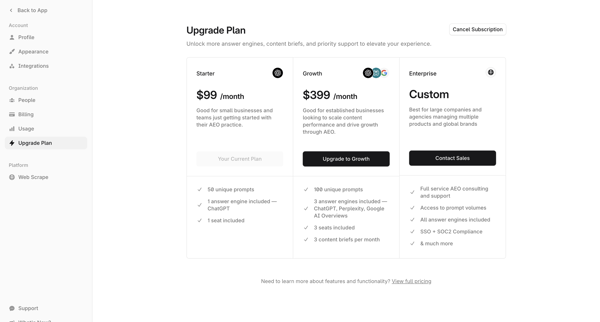

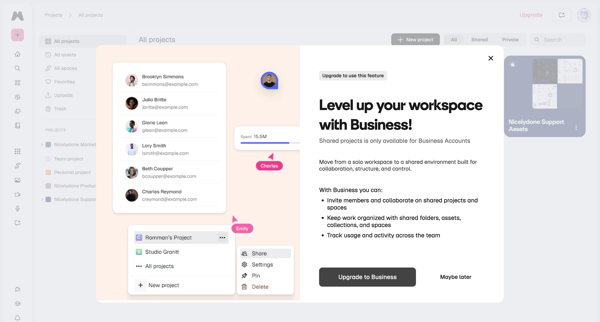
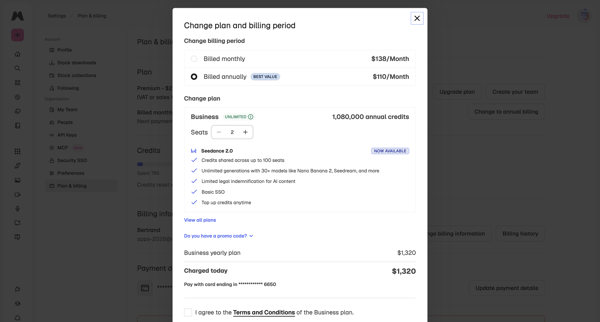
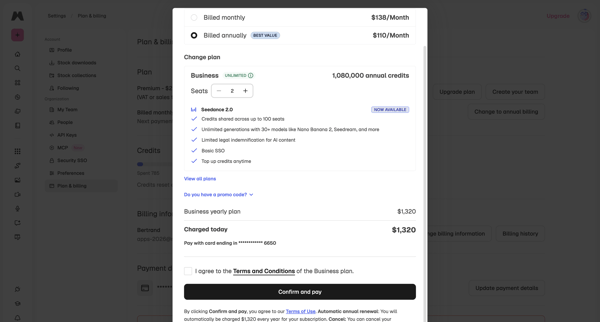
User encounters paywall on shared projects, then confirms Business yearly plan upgrade, adjusts seats, and completes checkout in billing settings

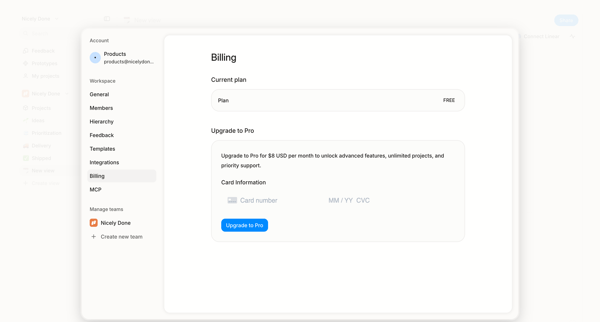
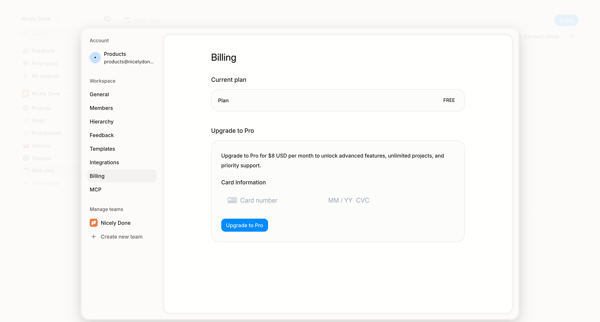
User opens billing settings overlay showing free plan and enters credit card details to upgrade to Pro
Explore the full SaaS flow library
Browse the full SaaS flow library.
Trusted by the best teams







