Supabase Flow Example: Filtering logs
This user flow enables the user to navigate through logs, apply filters and sorting options, change settings, and view different event details within a logging and event management interface.

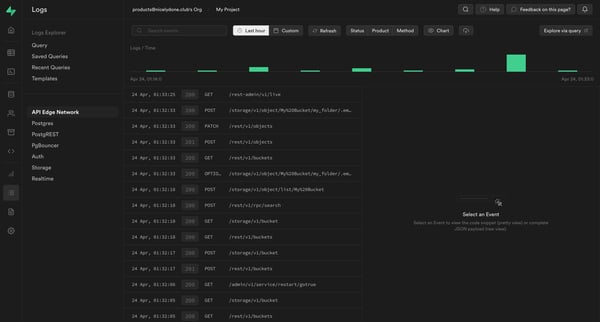
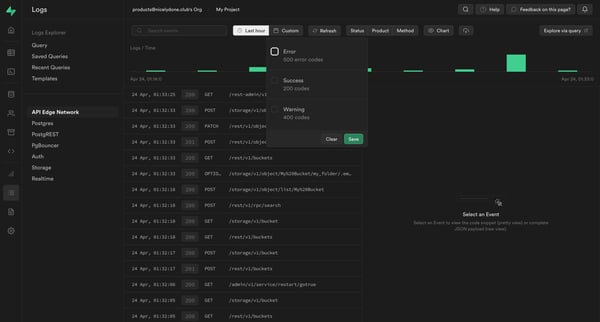
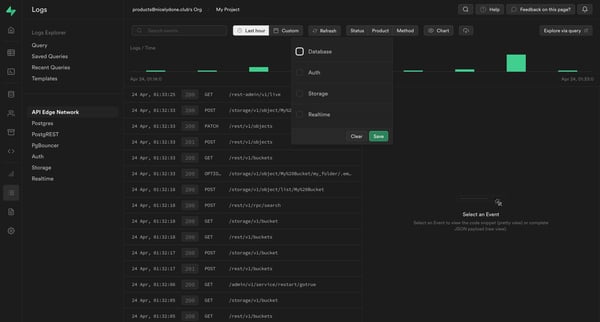
This user flow enables the user to navigate through logs, apply filters and sorting options, change settings, and view different event details within a logging and event management interface.
Related user flows

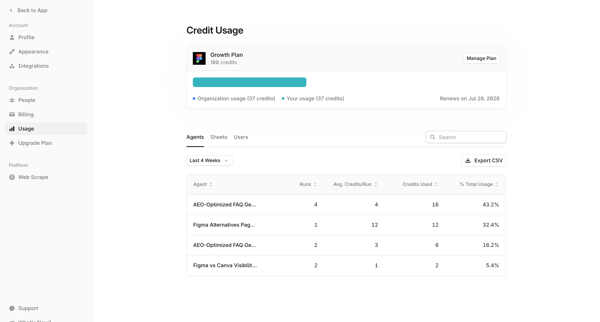
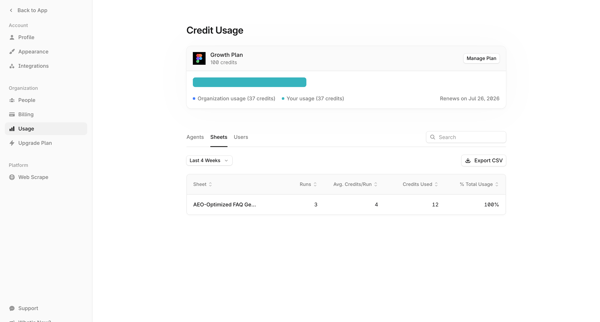
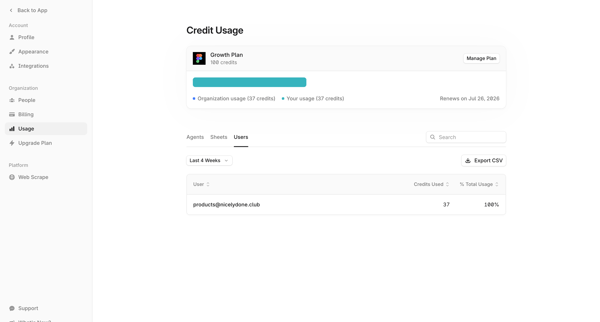
User accesses organization usage settings to view credit consumption breakdown by agents, sheets, and users with filtering, search, and CSV export options

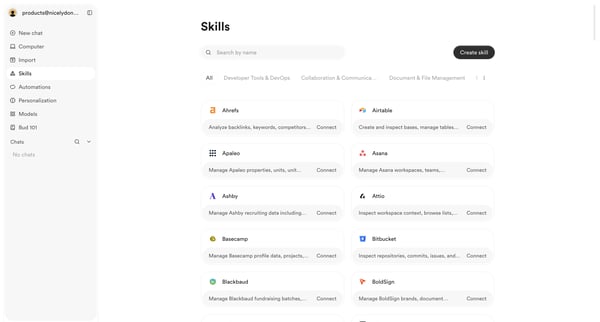
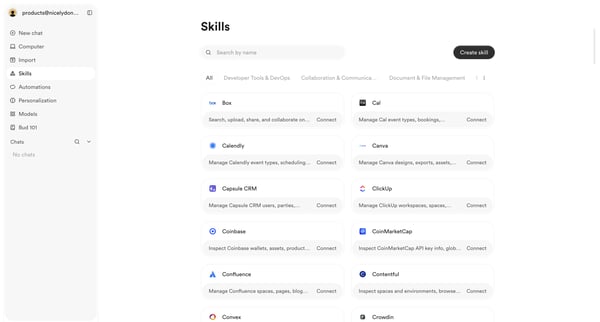
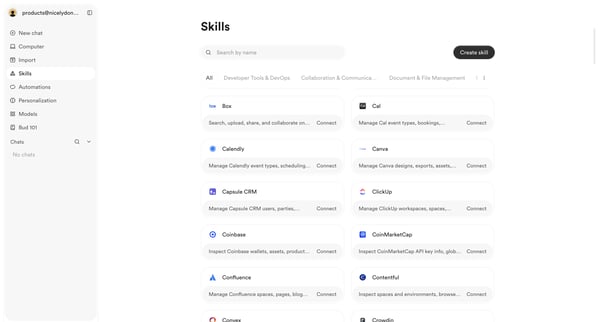
User browses, searches, and filters the skills integrations directory to discover and connect third-party tools

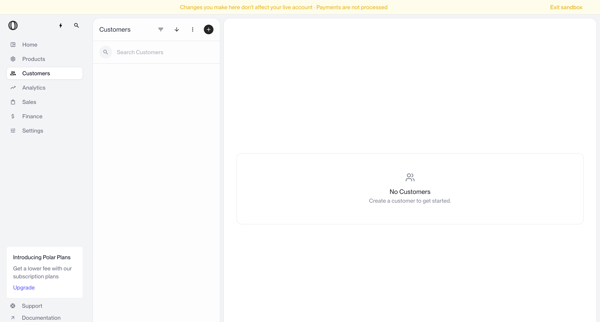
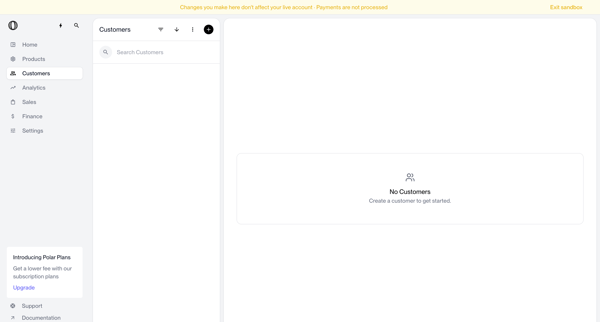
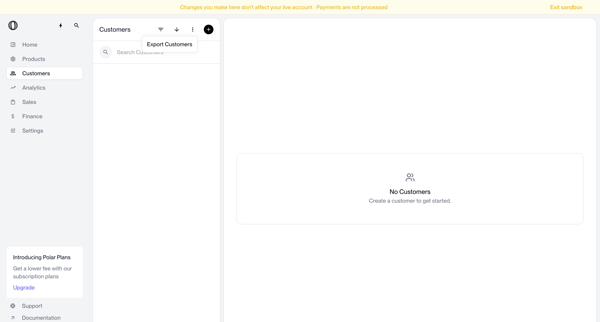
Navigating empty customer list states in sandbox with search bar, filter options, and create prompts visible




User enters search query for stock images, browses masonry grid results, applies filters by license/orientation/color, views AI suggestions in overlay, and saves or downloads assets
Explore the full SaaS flow library
Browse the full SaaS flow library.
Trusted by the best teams







