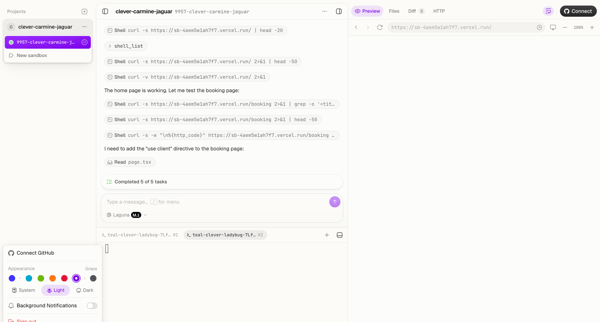
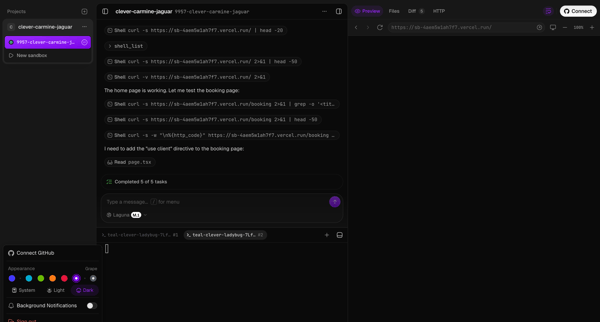
Read.cv Flow Example: Switching to dark theme
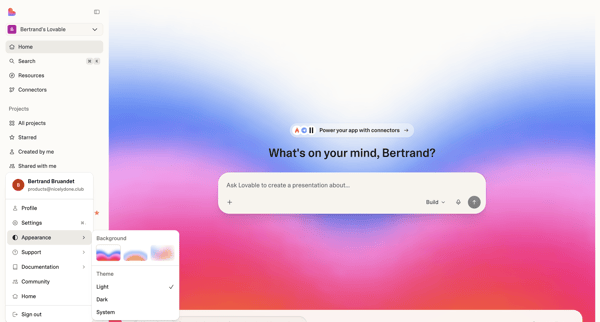
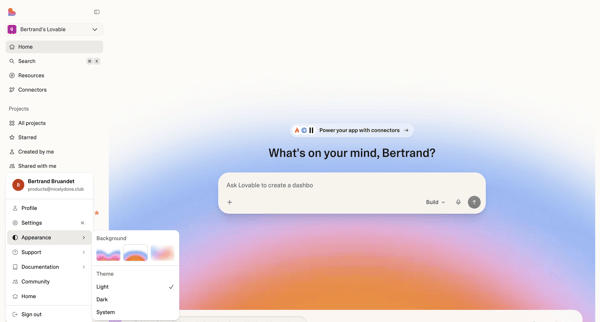
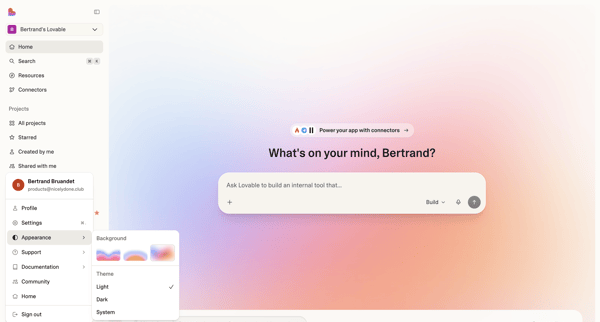
This user flow allows the user to switch their viewing theme preferences between the default system setting and a dark mode, providing visual comfort based on user choice or system settings.

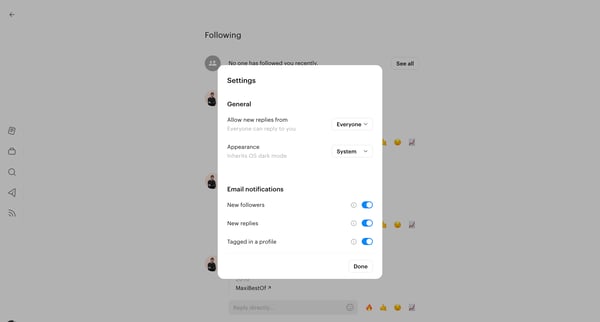
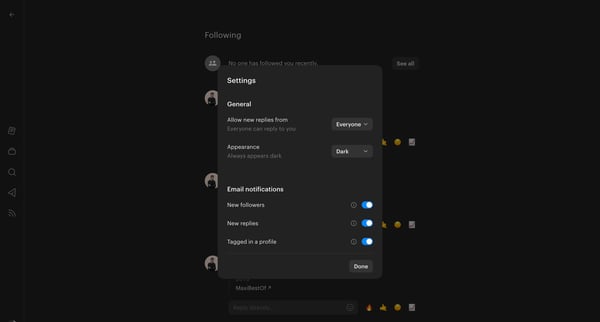
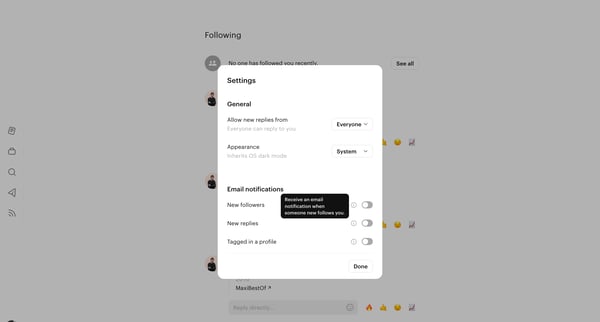
This user flow allows the user to switch their viewing theme preferences between the default system setting and a dark mode, providing visual comfort based on user choice or system settings.
Related user flows

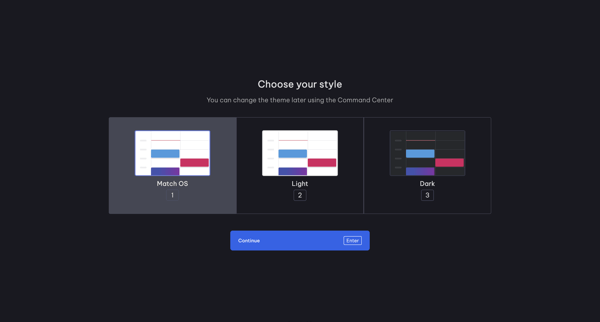
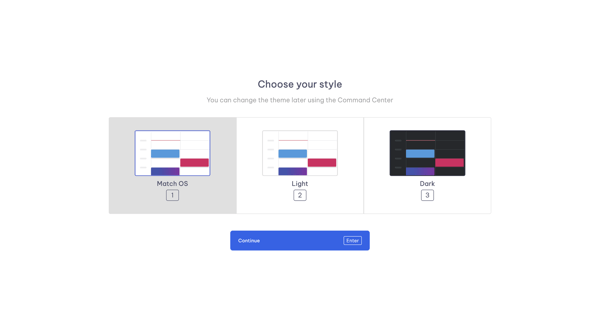
Onboarding step offering Match OS, Light, and Dark theme choices with note about later changes via Command Center

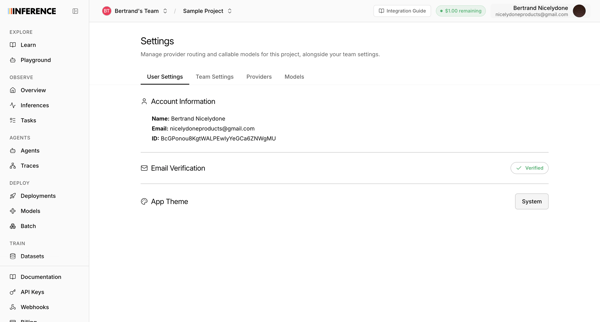
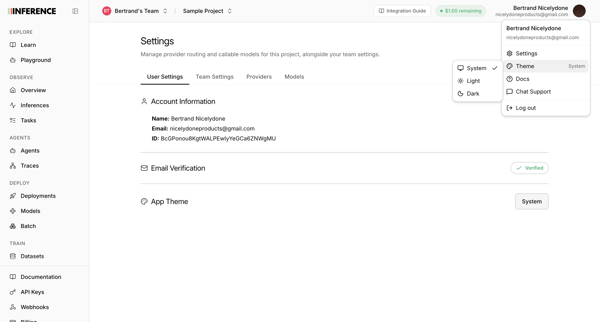
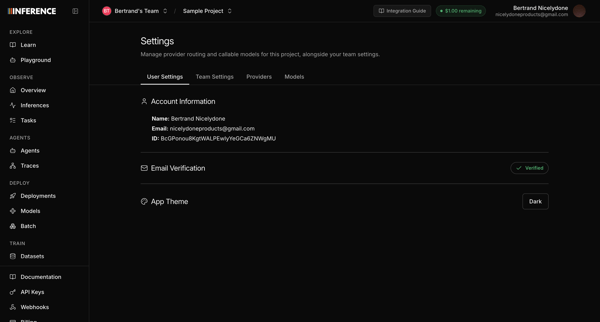
User opens profile settings to view account details and select a new app theme


Explore the full SaaS flow library
Browse the full SaaS flow library.
Trusted by the best teams







