Carto Flow Example: Configuring map sharing options
This flow enables users to configure sharing options for a map, including setting visibility levels and generating share links or codes for embedding or direct sharing.

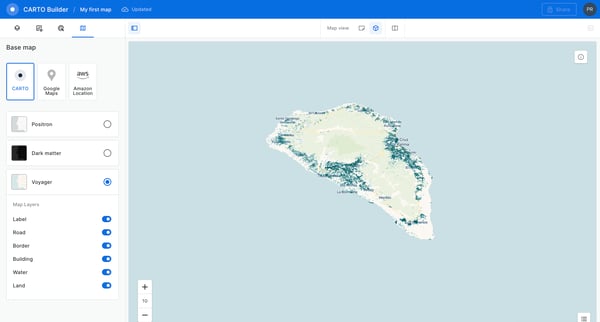
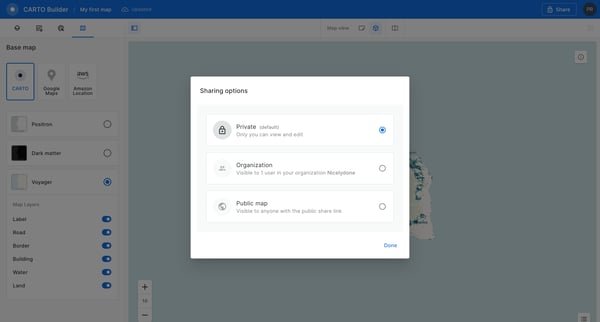
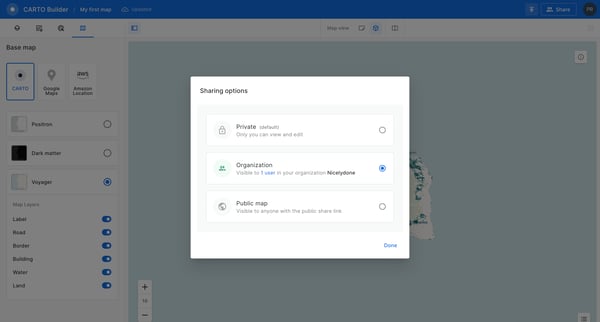
This flow enables users to configure sharing options for a map, including setting visibility levels and generating share links or codes for embedding or direct sharing.
Related user flows

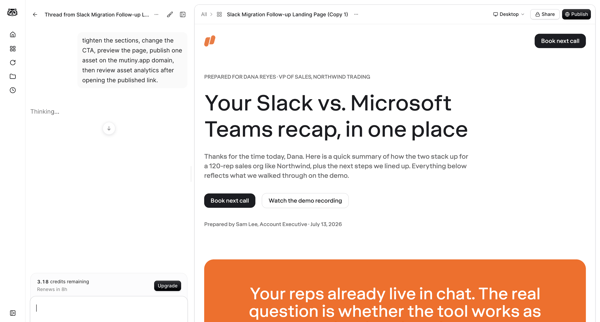
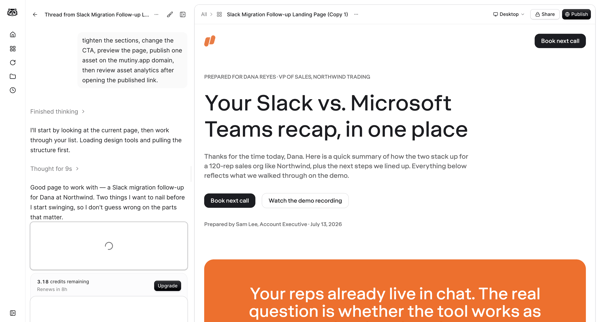

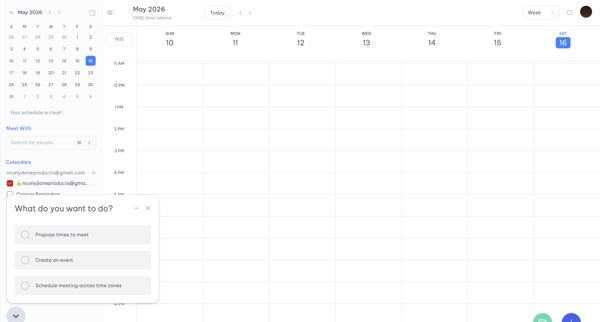
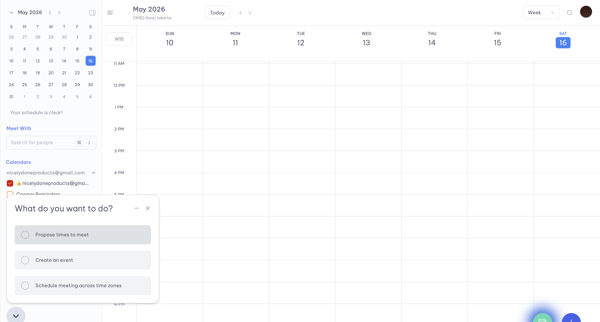
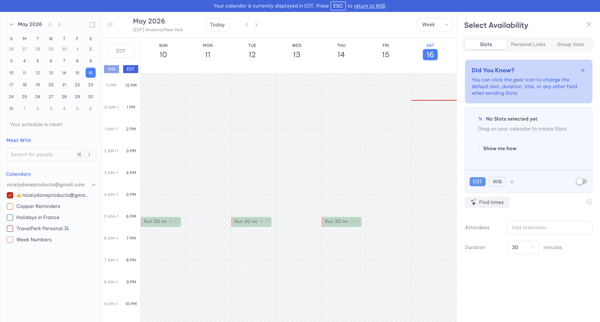
From weekly calendar view, open quick-action menu, select time slots in availability picker across timezones, generate booking text and link for clipboard copy

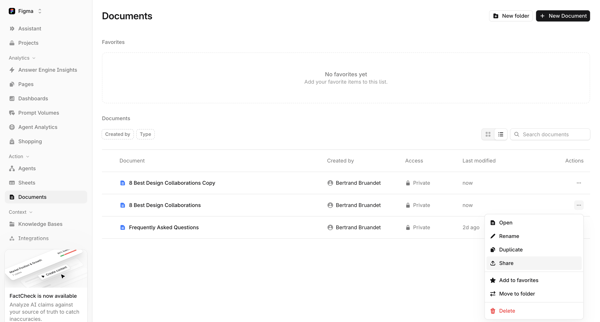
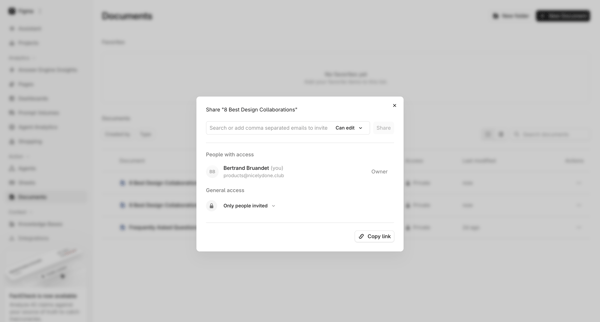
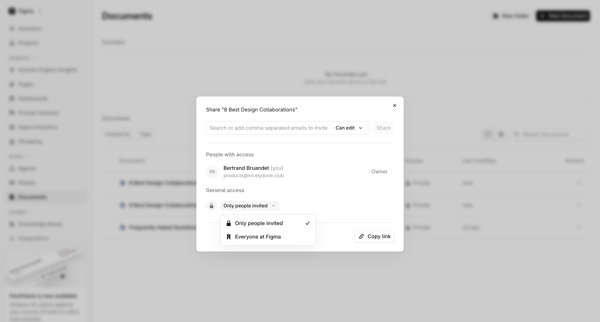

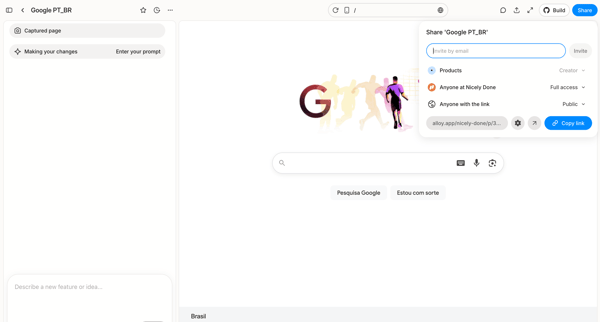
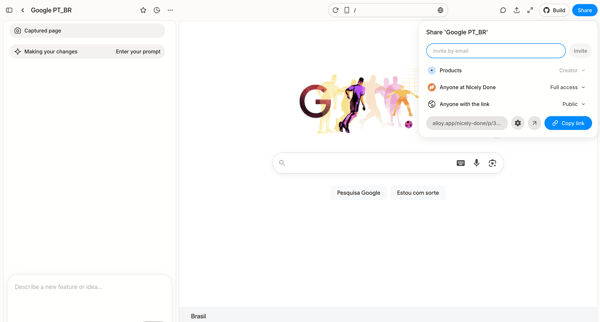
User opens share popover in AI design editor to invite collaborators by email or copy public link for a captured Google homepage prototype
Explore the full SaaS flow library
Browse the full SaaS flow library.
Trusted by the best teams







