Todoist Flow Example: Creating AI filter
This user flow outlines the process of leveraging an AI assistant within ToDoist to create a custom filter for tasks based on user-specified criteria, enabling more efficient task management.

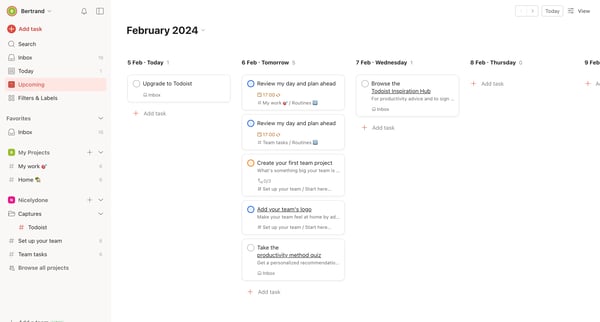
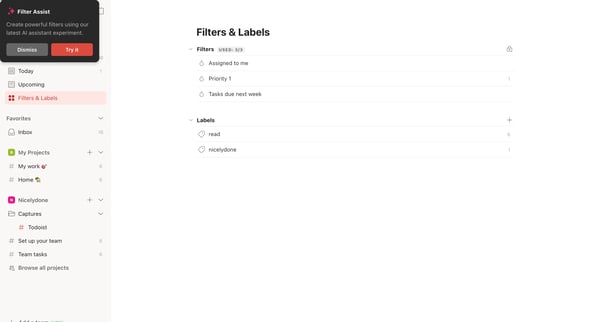
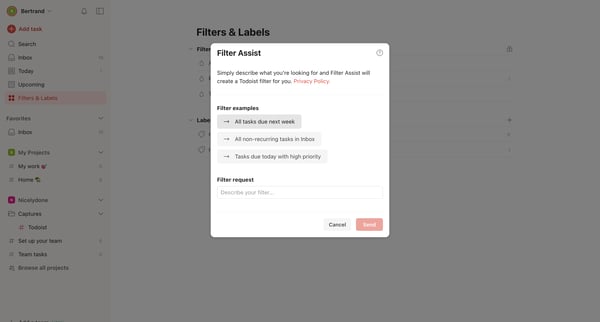
This user flow outlines the process of leveraging an AI assistant within ToDoist to create a custom filter for tasks based on user-specified criteria, enabling more efficient task management.
Related user flows

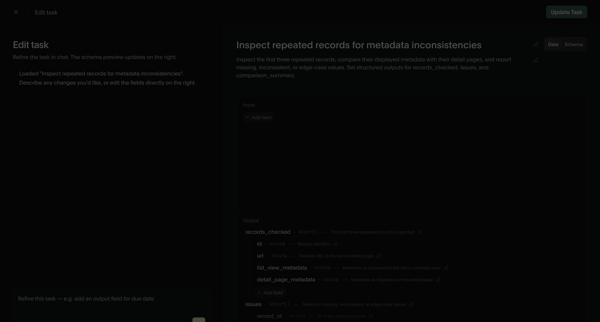
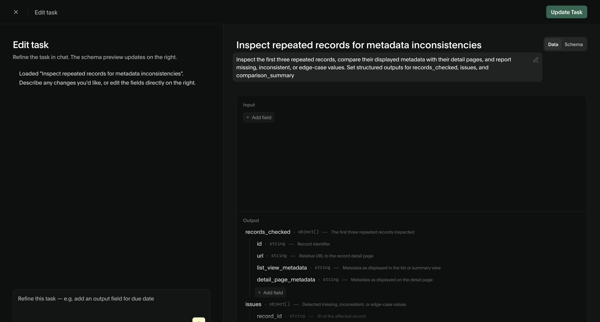
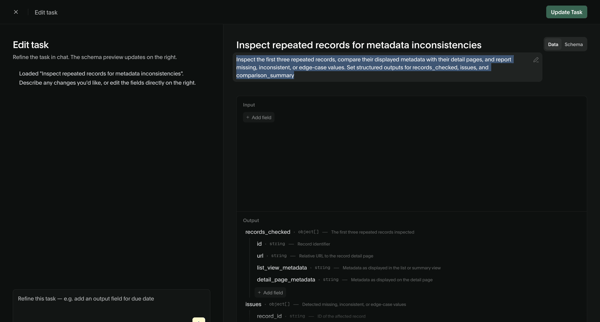
User refines an AI task prompt and input/output schema via chat assistant and structured editor, then views the updated task detail page with schema and performance metrics

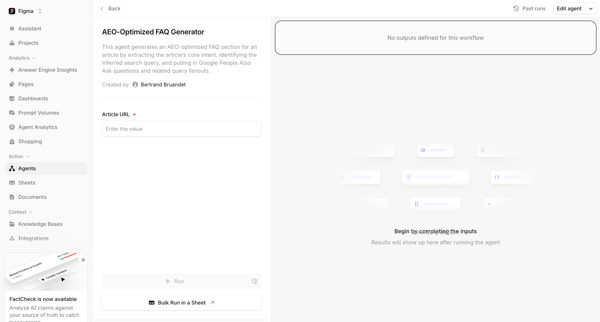
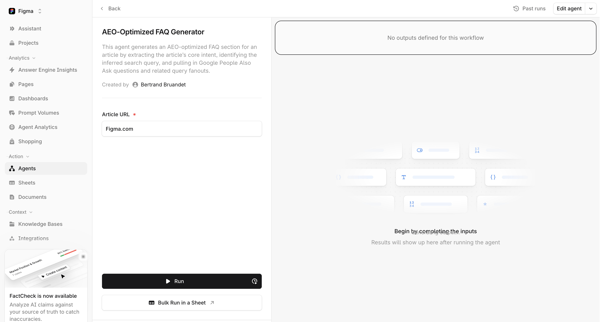
User configures article URL input on agent detail page then executes AEO-optimized FAQ generator

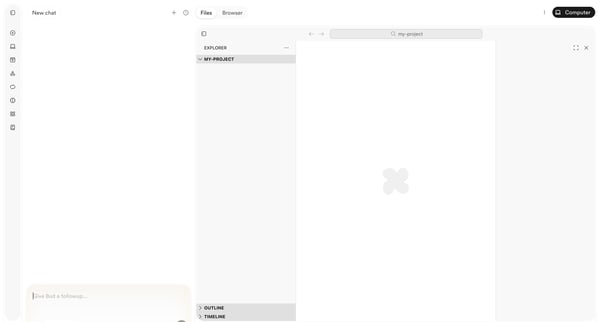
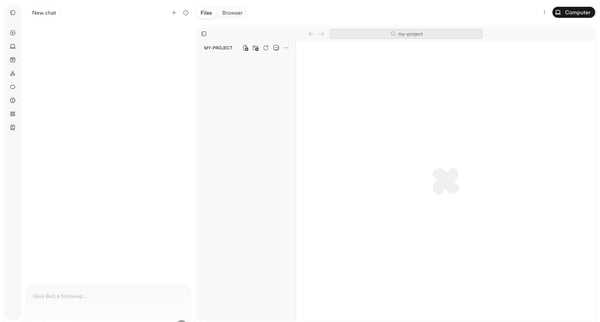
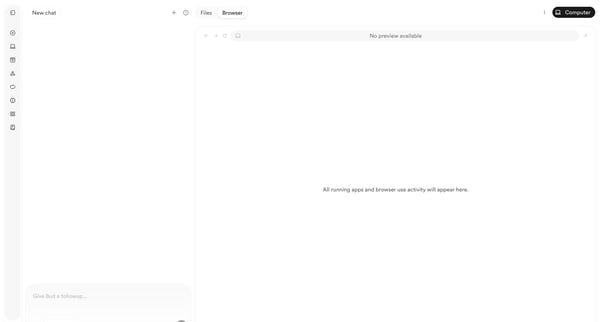
User starts in AI chat workspace and progresses through empty project states to browser preview with deployment menu while chatting with Bud agent

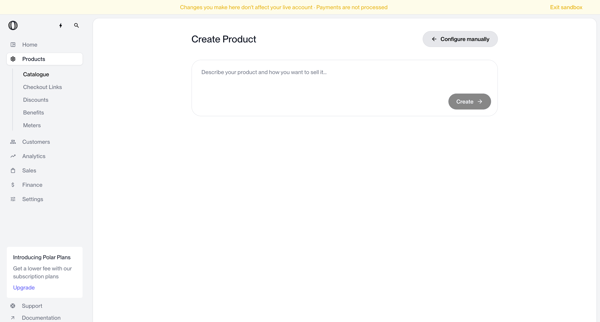
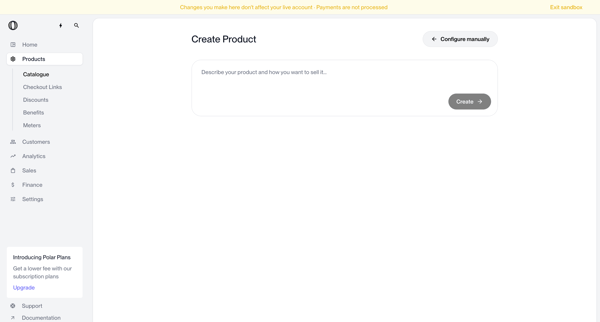
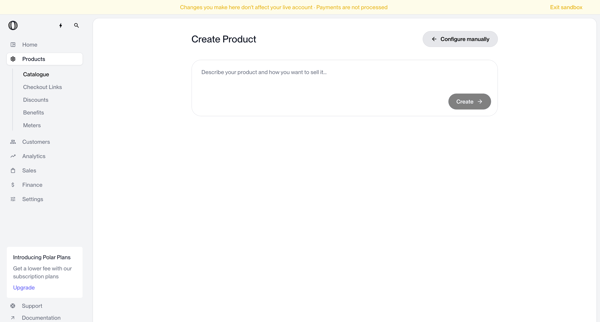
User enters natural language description on create page to generate a new product via AI, with manual configuration option available
Explore the full SaaS flow library
Browse the full SaaS flow library.
Trusted by the best teams







