Notion Flow Example: Restoring teamspace
Preview this Notion user flow: Restoring teamspace. Explore the opening screens.
Preview these flows

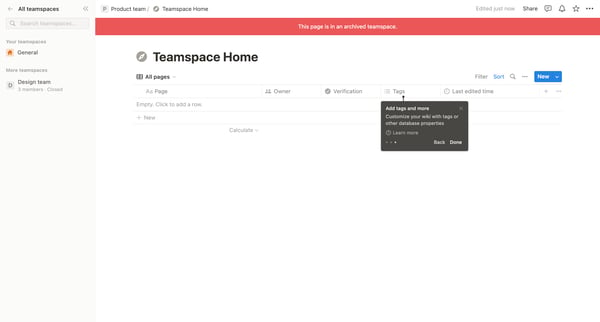
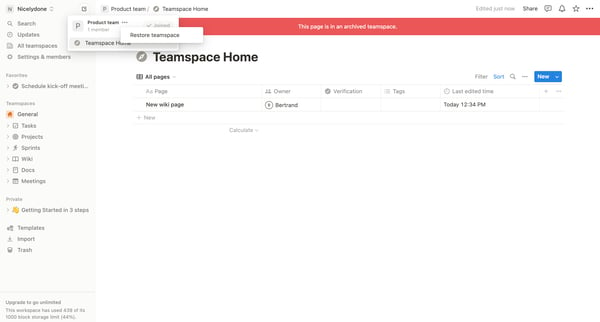
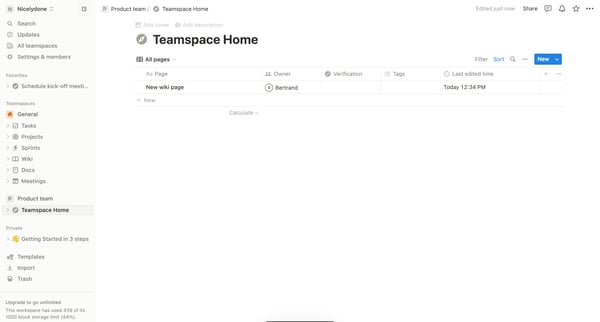
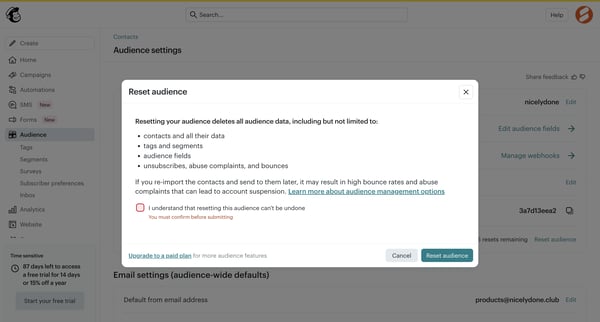
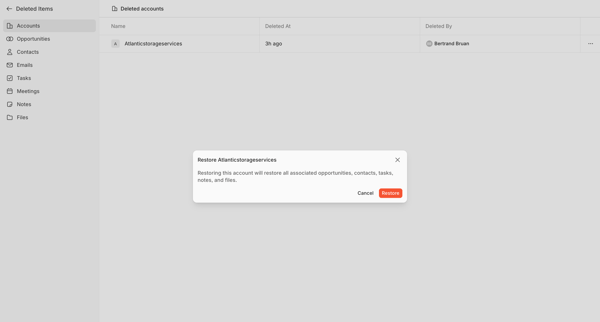
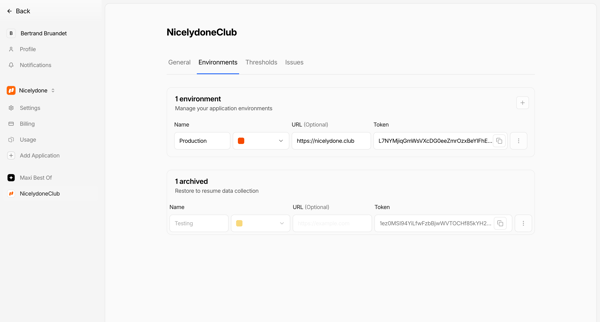
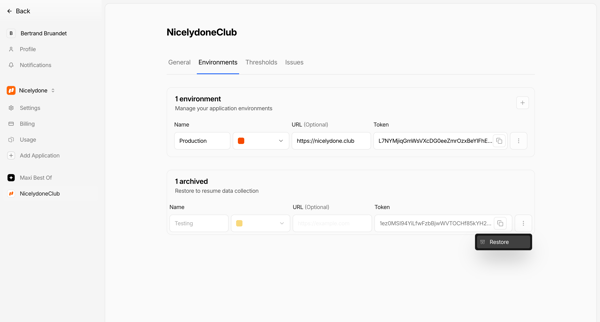
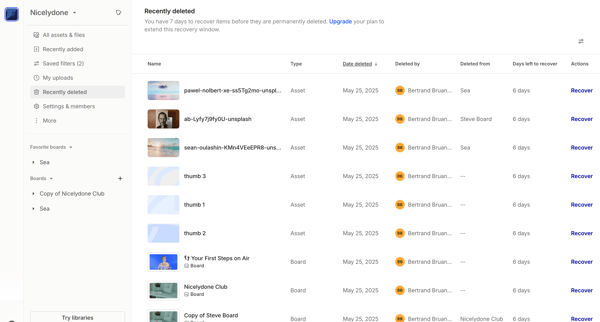
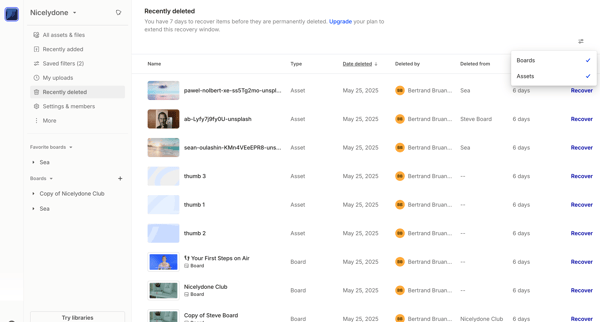
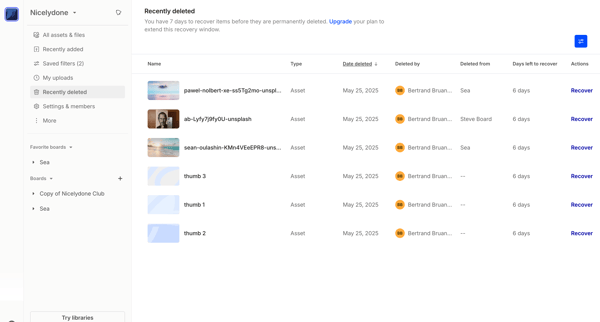
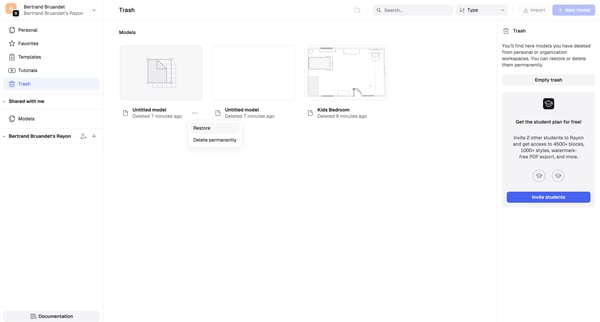
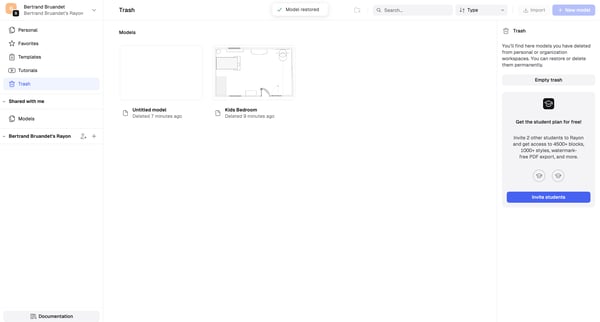
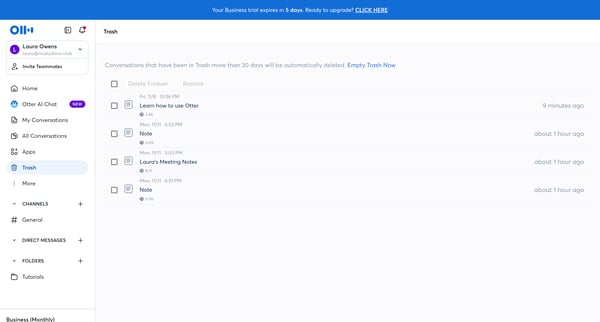
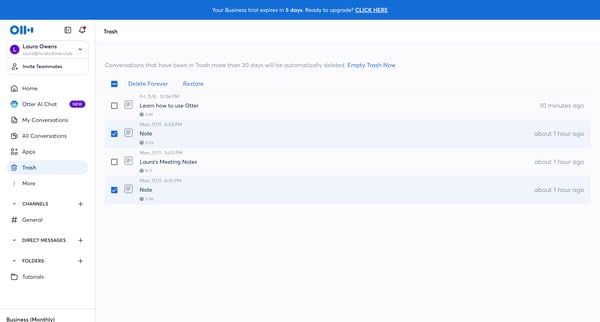
This flow leads a user through the process of identifying an archived teamspace, initiating the restoration of said teamspace, and successfully restoring the teamspace to active status.
Related user flows

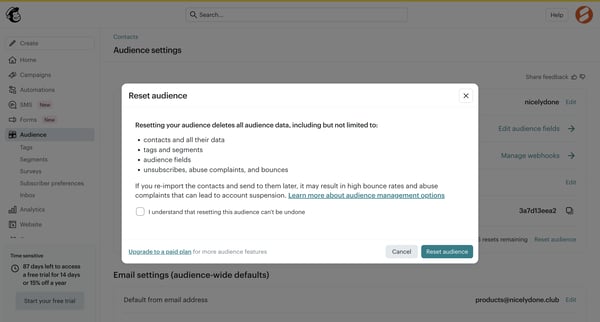



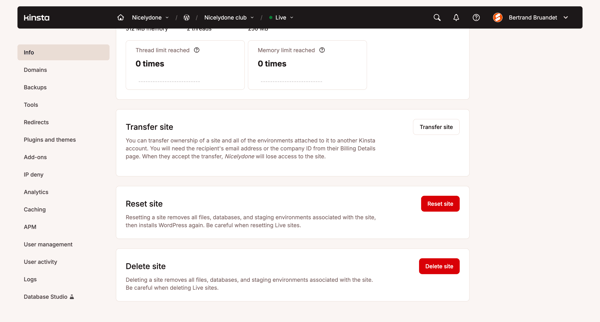
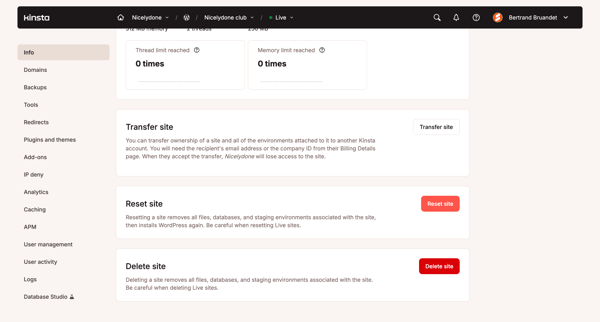

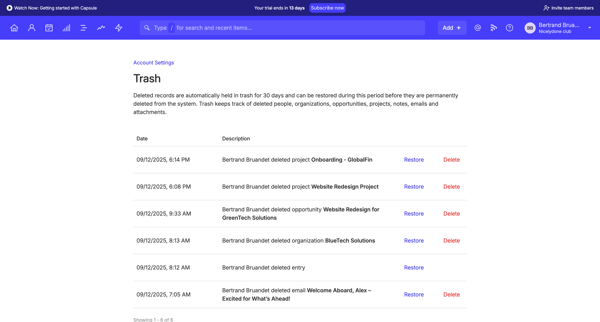
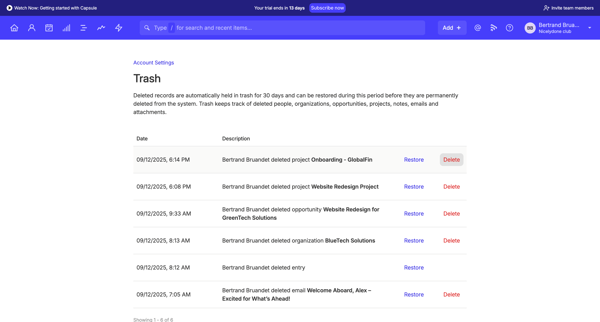
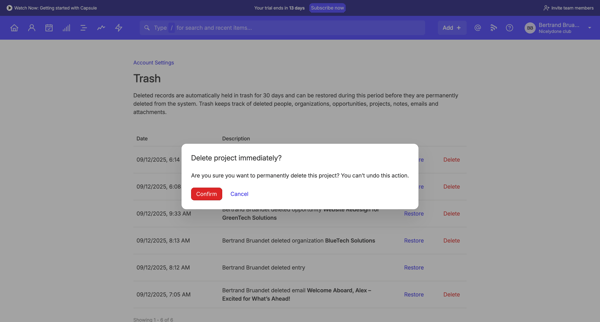

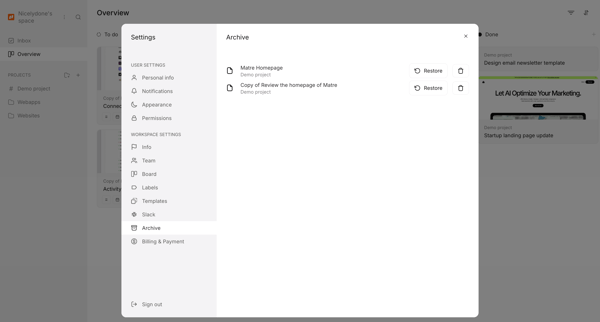
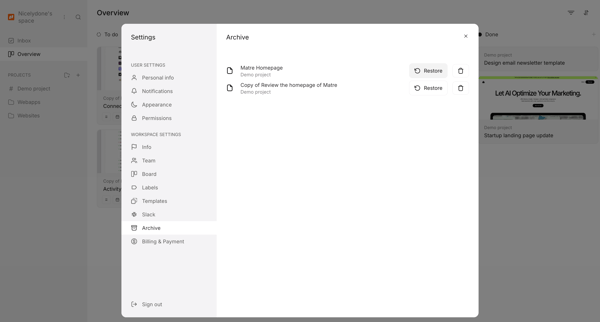
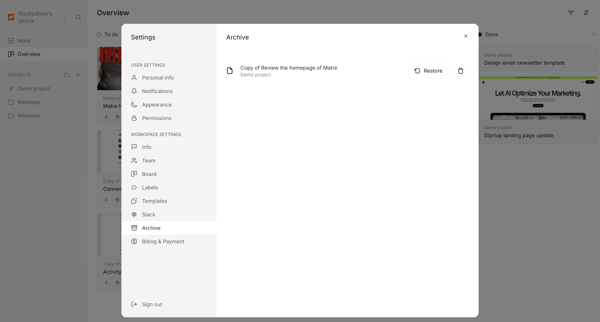


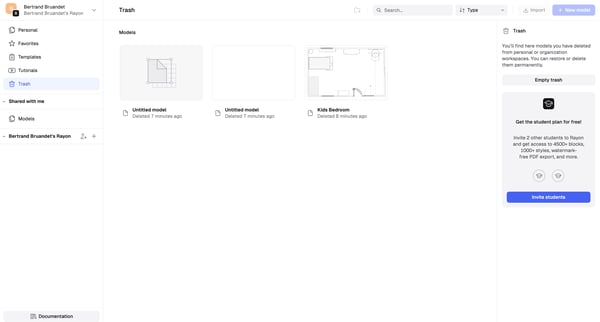




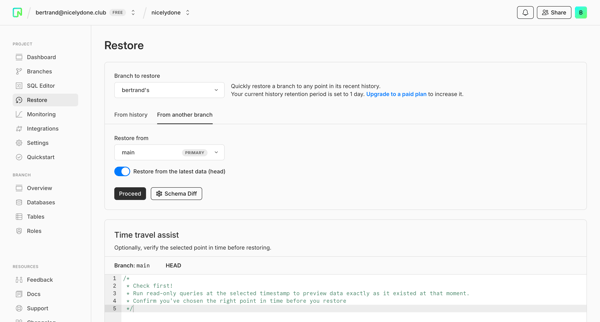
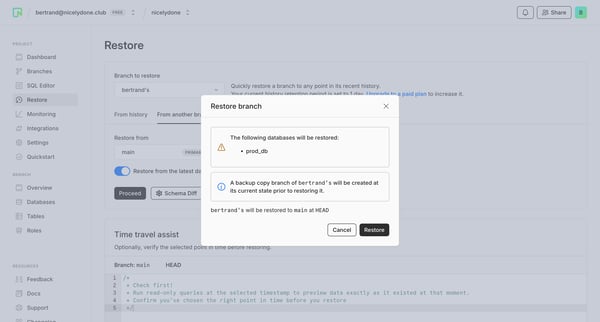
This flow enables a user to restore a project branch to a previous state by selecting a point in the history or a different branch, previewing the restore point, and confirming the recovery a




This user flow guides a user through the process of resetting their password, from initiating the reset to entering a new password, including handling errors.
Explore the full SaaS flow library
Browse the full SaaS flow library.
Trusted by the best teams







