Search results screen examples
Search results screen design examples from SaaS apps. Browse examples from Polar, Magnific, Airbnb.
Explore the examples
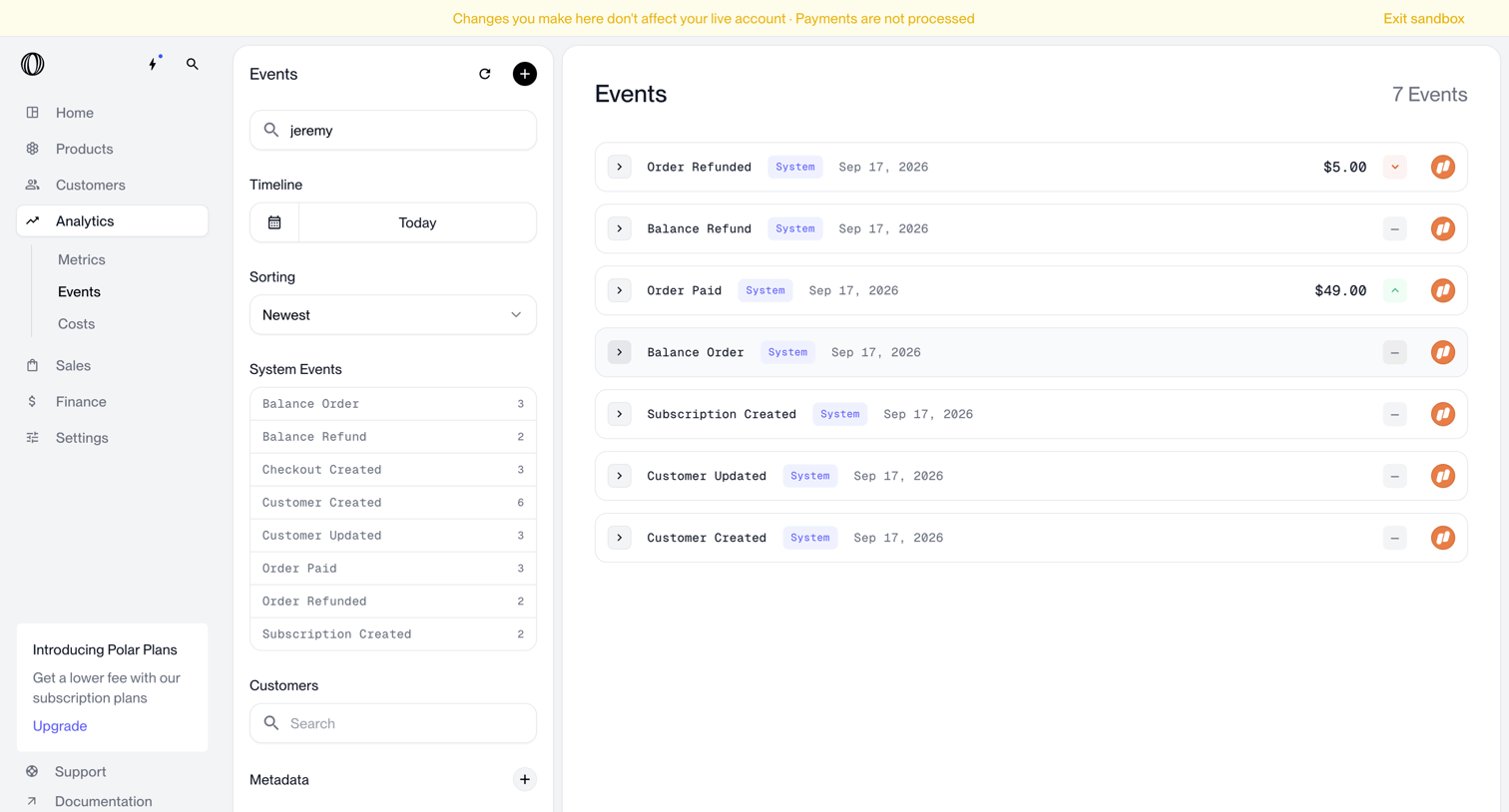

List view showing a log of system events filtered by a specific user, with a sidebar for navigation and a middle pane for applying date, sorting, and event type filters.
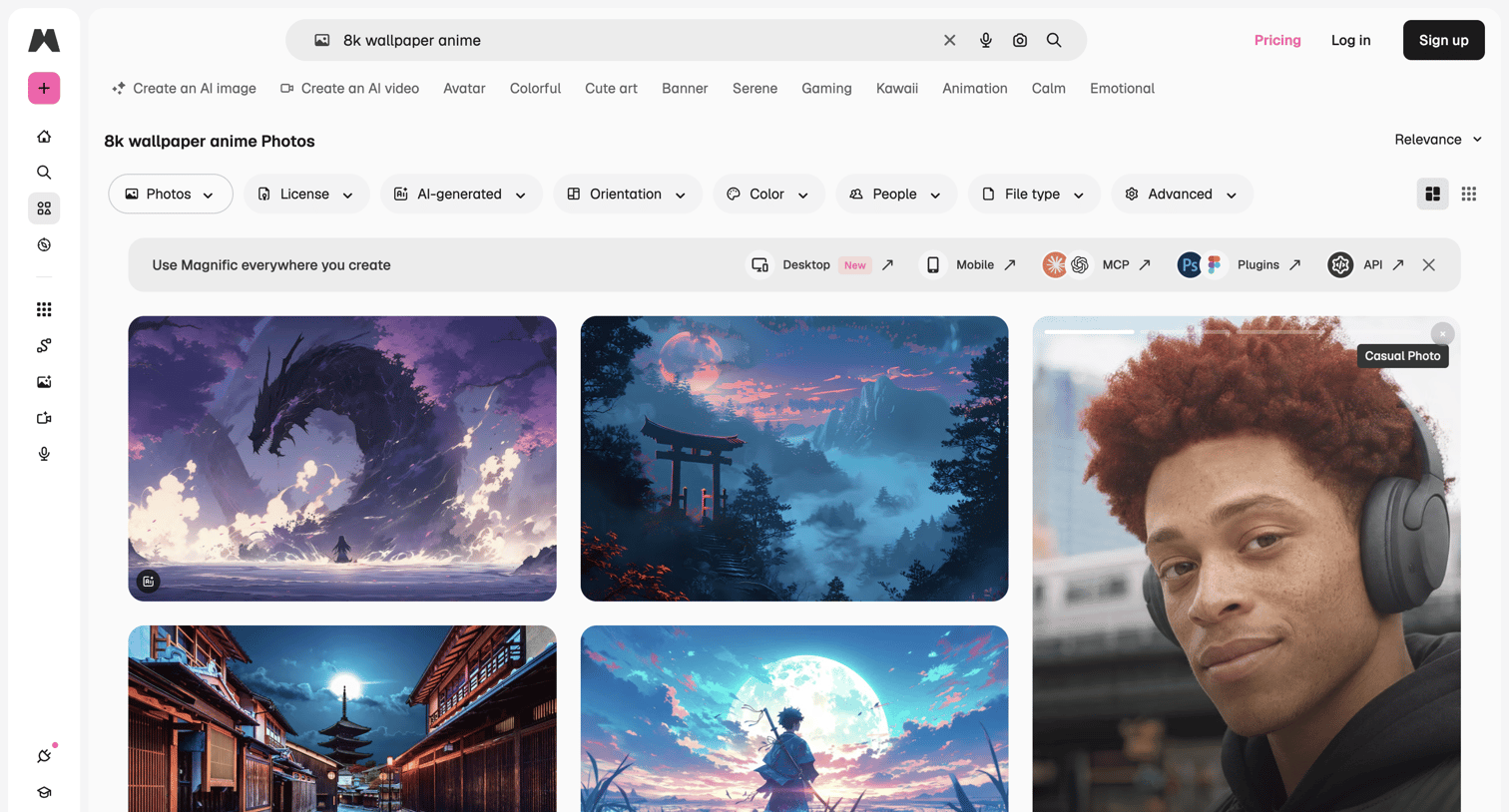

Search results page displaying a masonry grid of AI-generated anime wallpapers, featuring extensive filtering options by license, orientation, color, and file type.
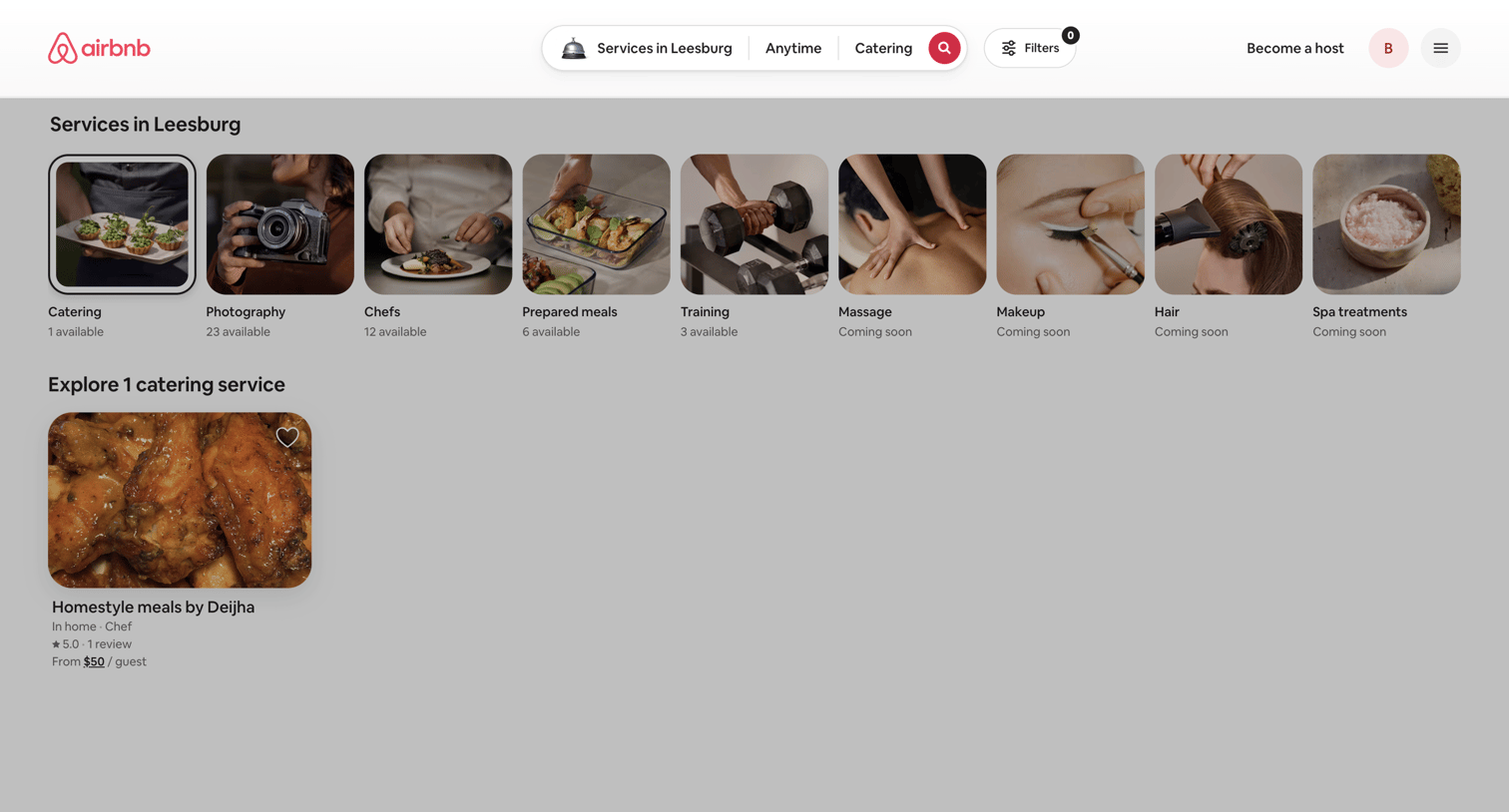

Search results page where the user browses local services like catering, photography, and chefs via a category carousel and result cards.
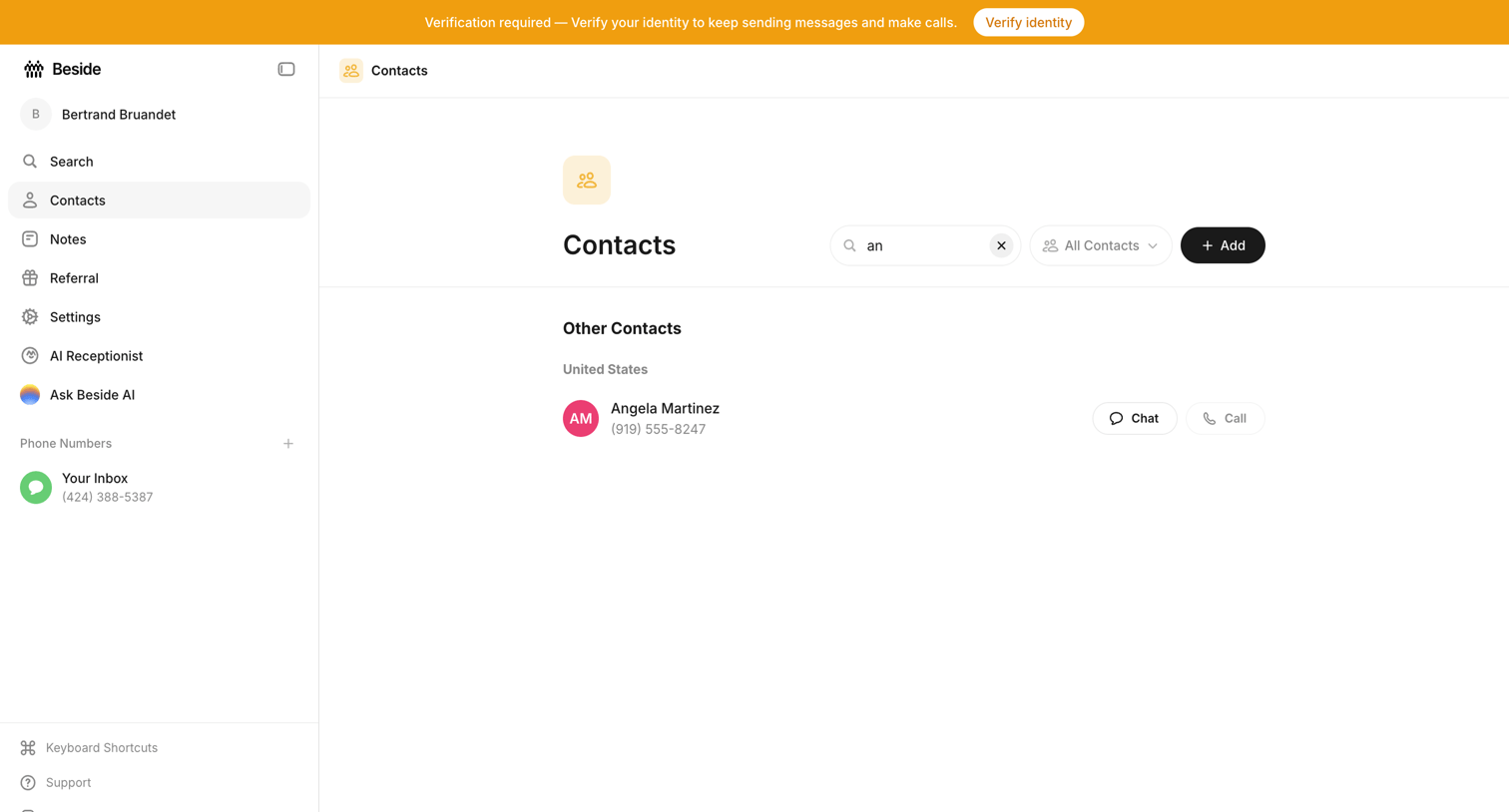

Contacts list where the user has searched for a specific name and is prompted by a banner to verify their identity.
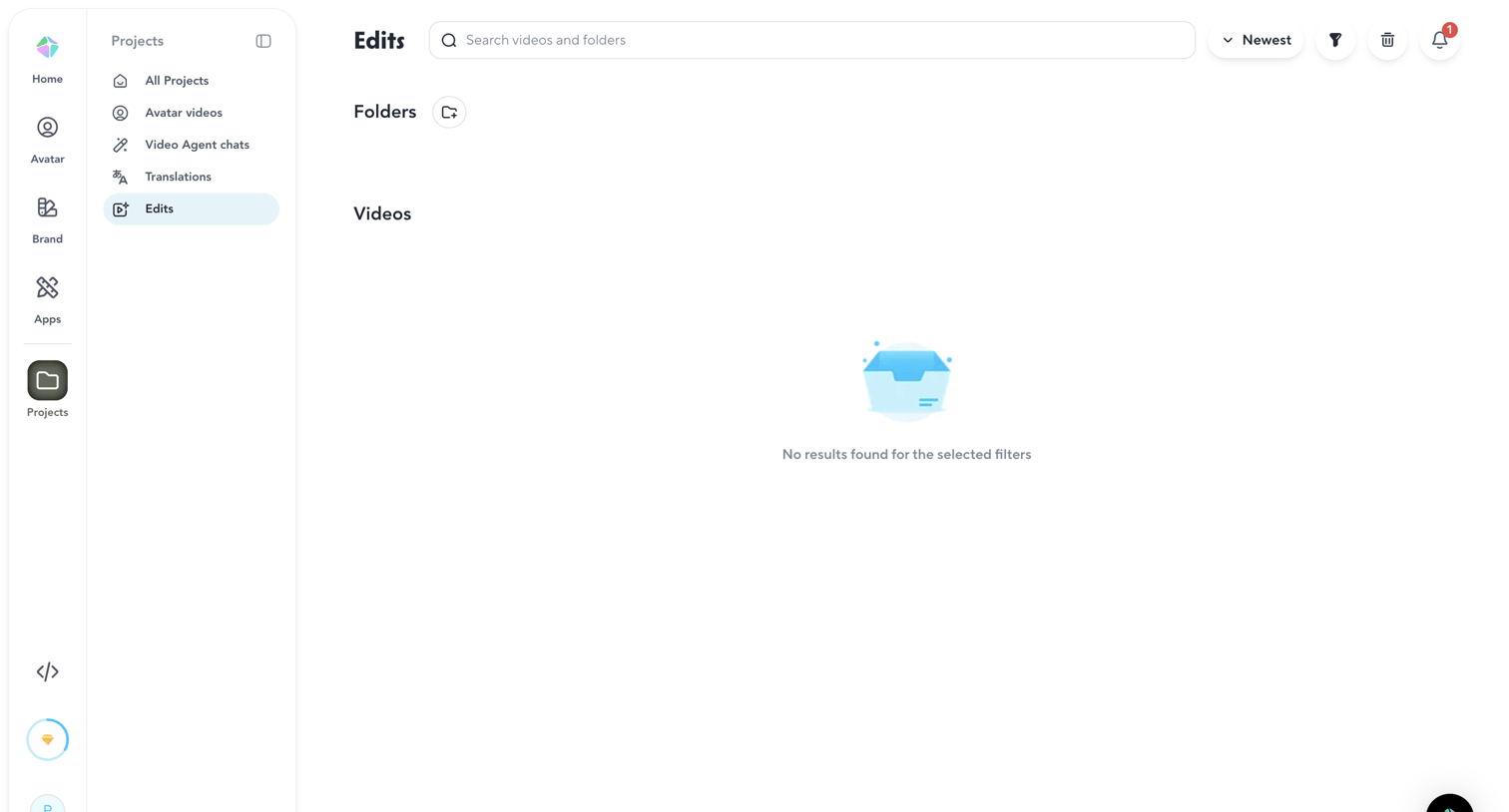

List view showing an empty state for video edits when no results match the selected search or filters.
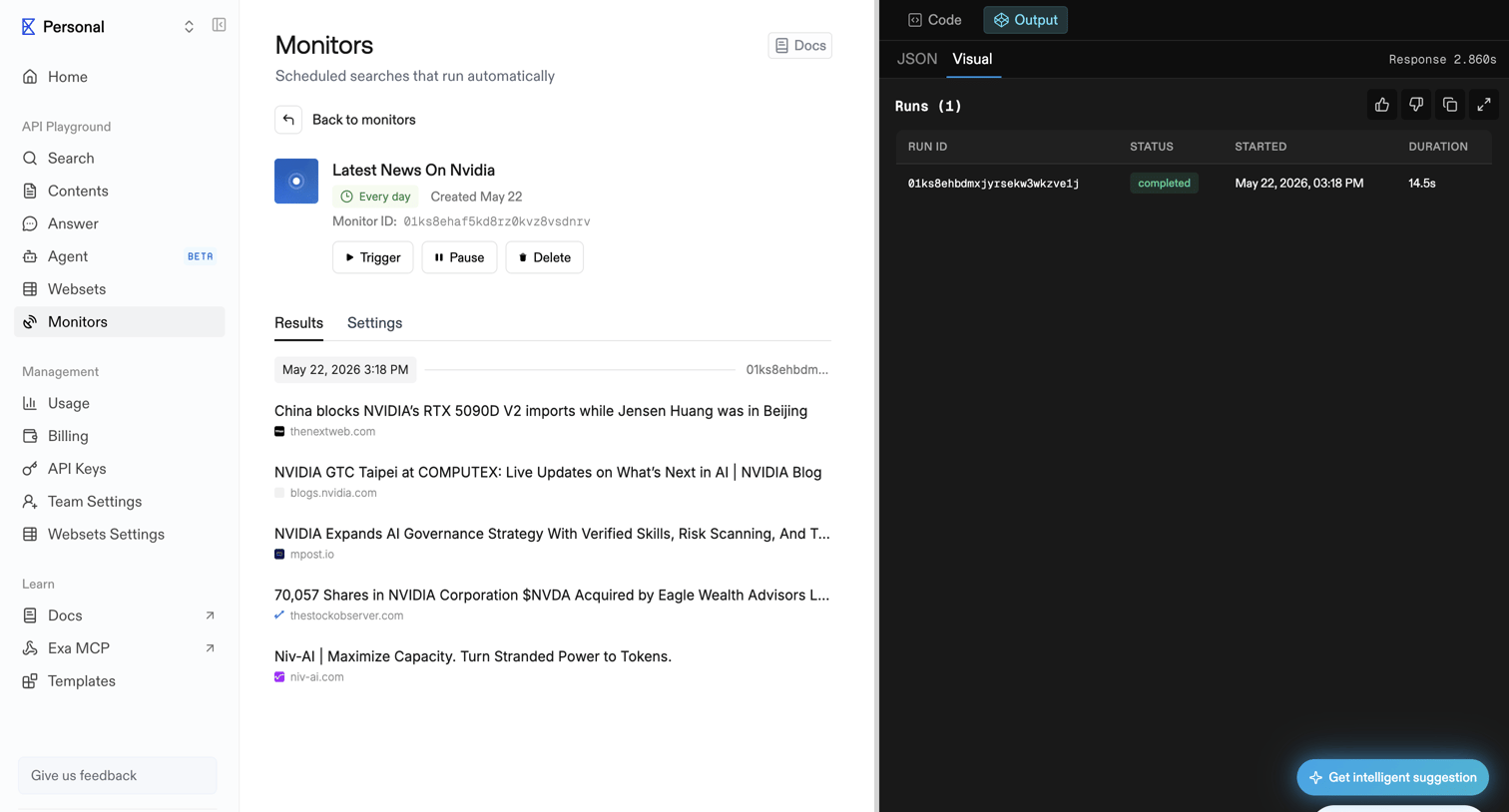

Detail page for a scheduled search monitor showing recent news results about Nvidia alongside a run history panel and an AI assistant.
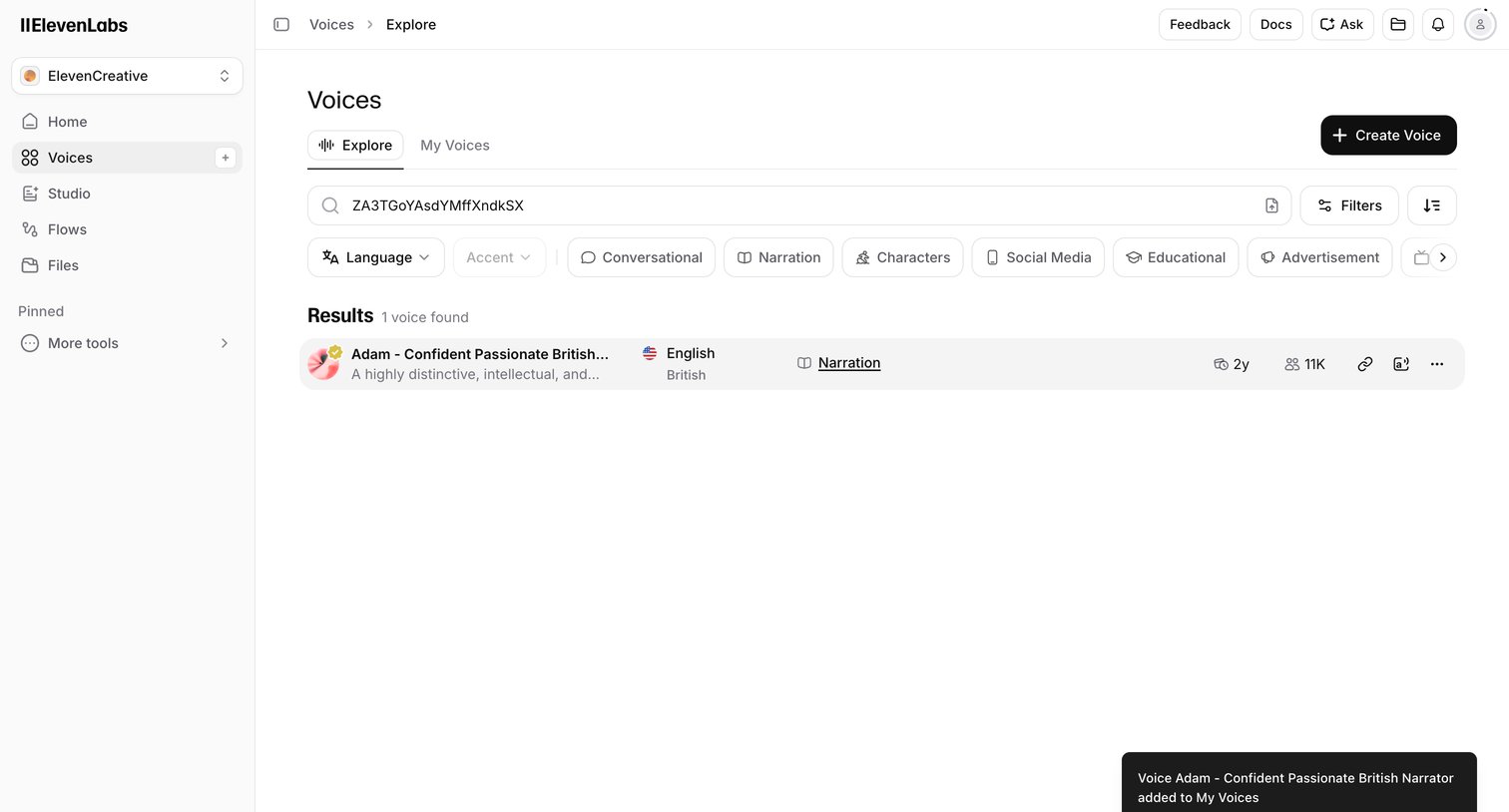

Search page where the user filters the voice library by language, accent, and use case to find specific AI voices.
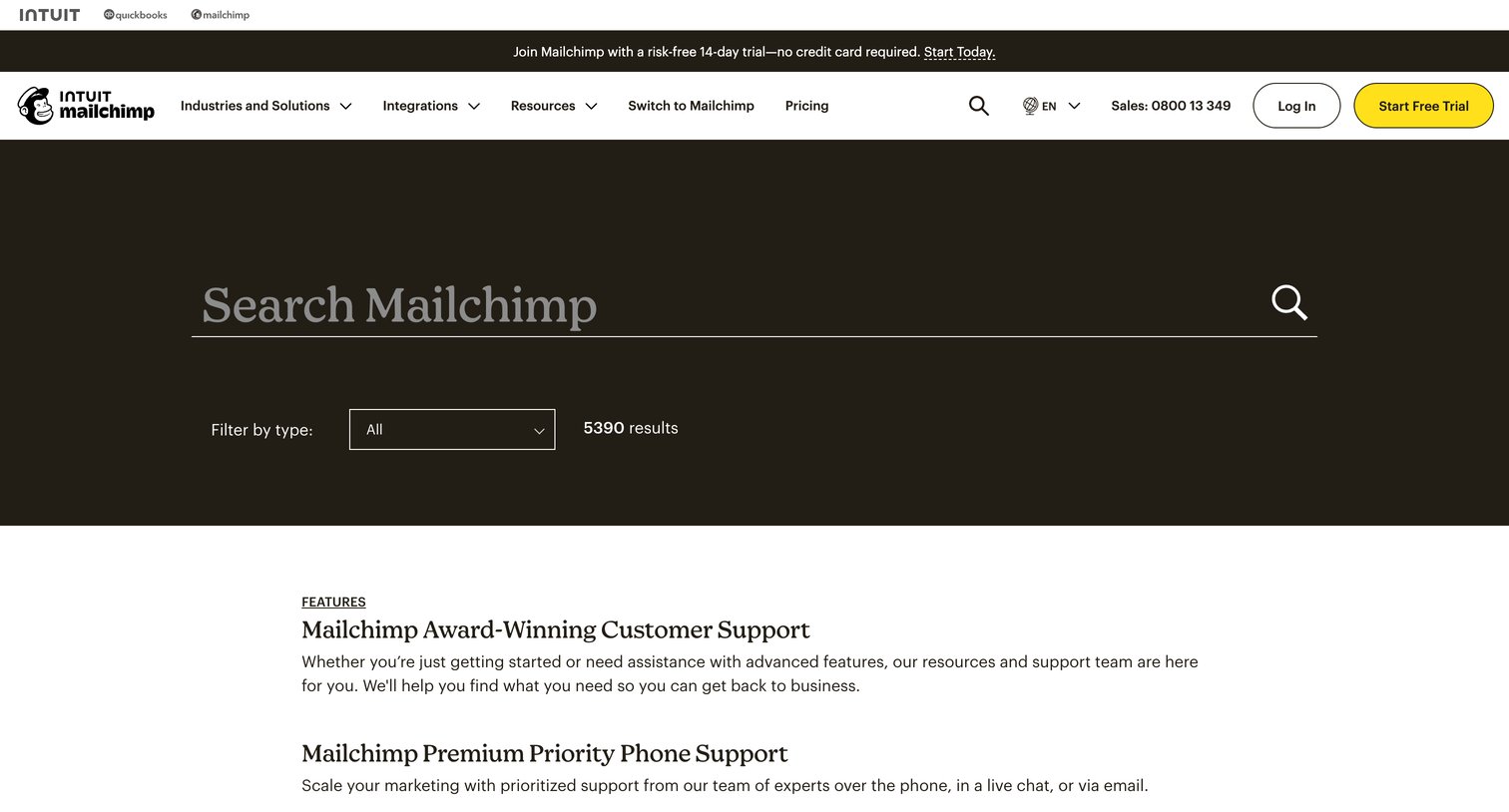

Search results page where the user filters by content type to find relevant features, articles, and webinars across the site.
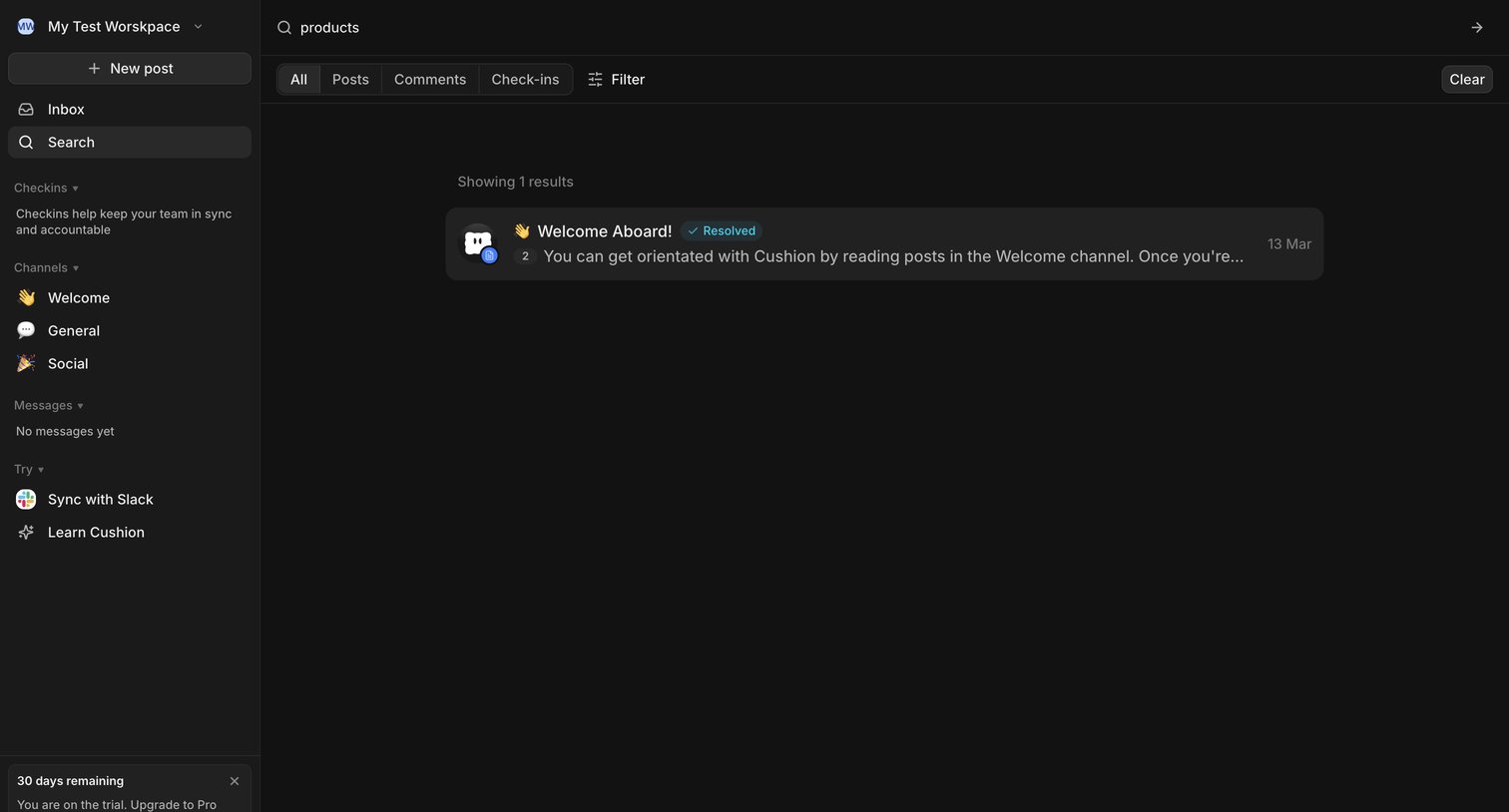

Search results page where the user filters by posts, comments, or check-ins to find specific content within their workspace.
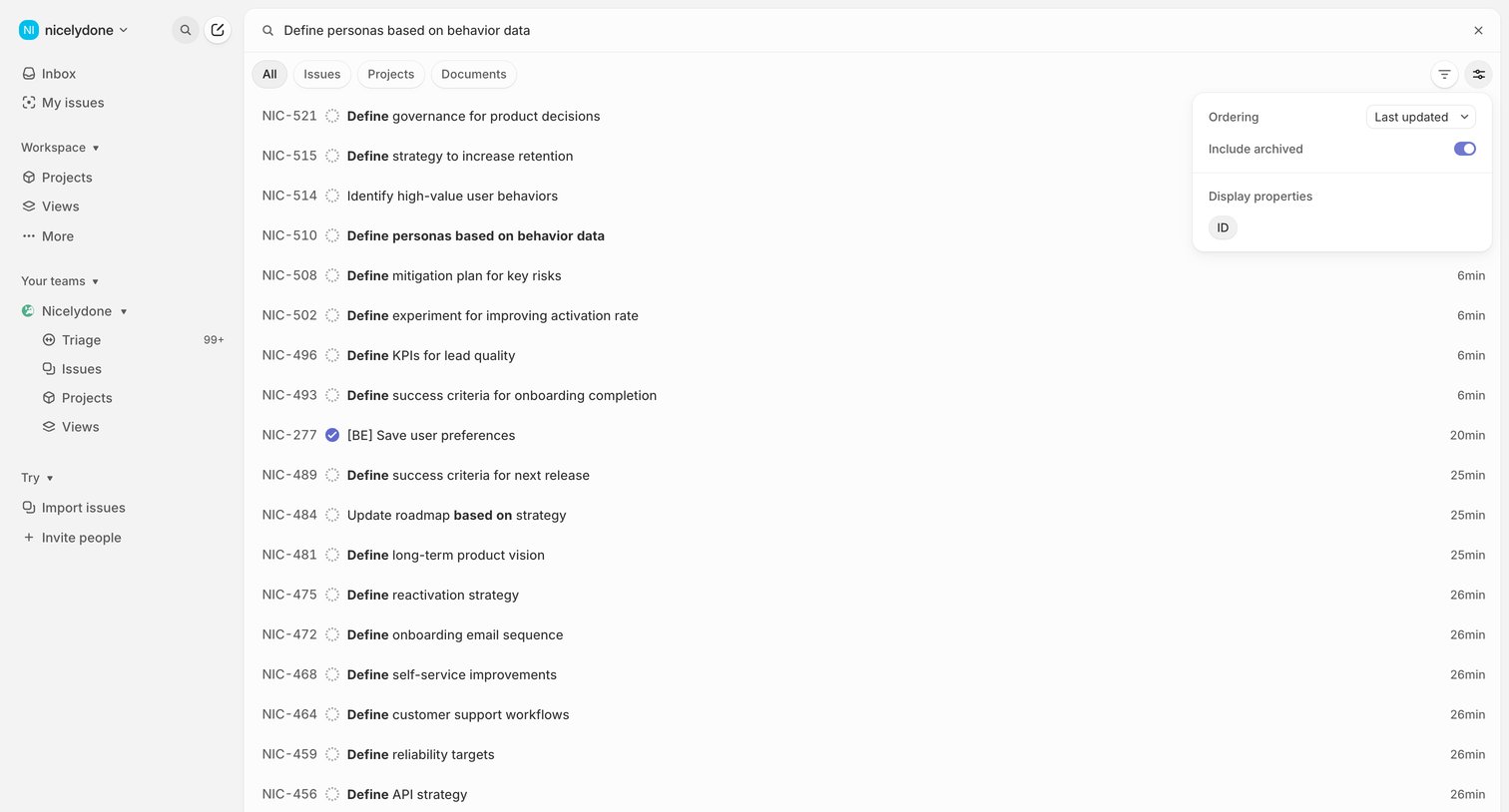

Search results page where the user views a list of issues matching their query, with an open popover to adjust ordering and display properties.
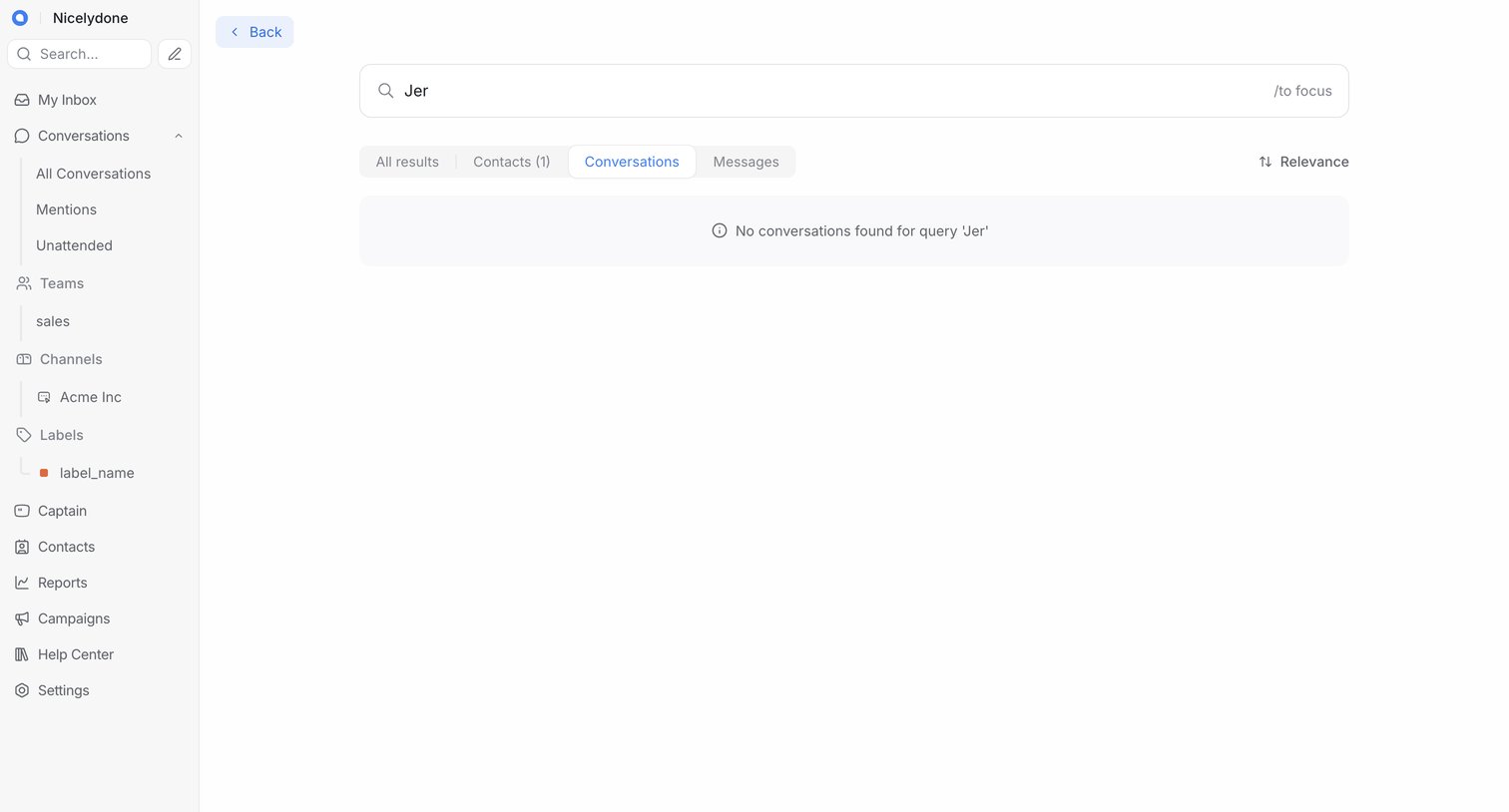

Search results page where the user queried 'Jer' and sees an empty state under the conversations tab, with options to check contacts or messages.
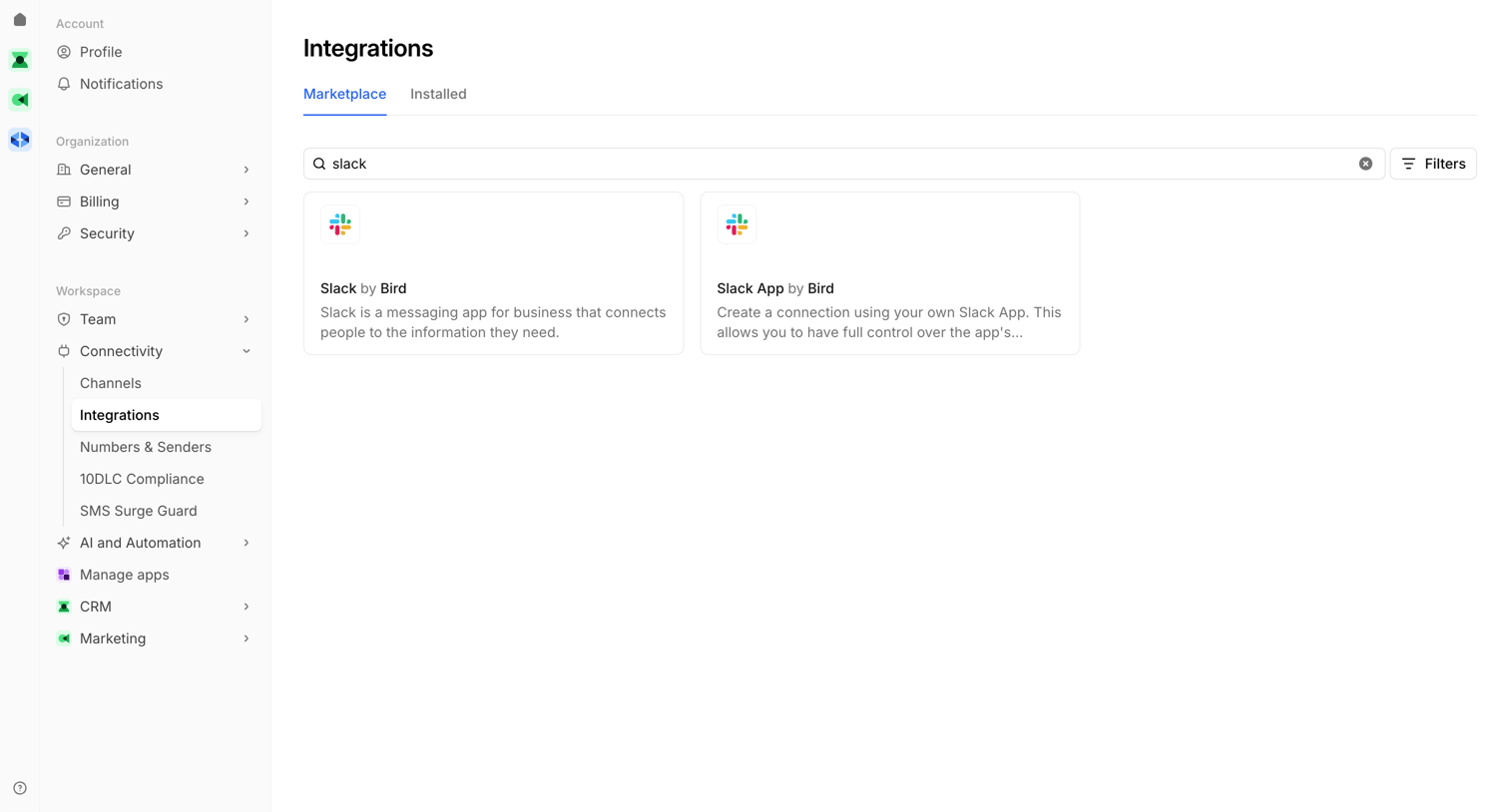

Settings page where the user searches the integrations marketplace for Slack apps.
Explore the full SaaS screen library
Upgrade to unlock the full library.
Trusted by the best teams







