Payment processing screen examples
Payment processing screen design examples from SaaS apps. Explore how apps explain a payment that is being handled. Look at how transaction details and status messages communicate the current stage.
Explore the examples
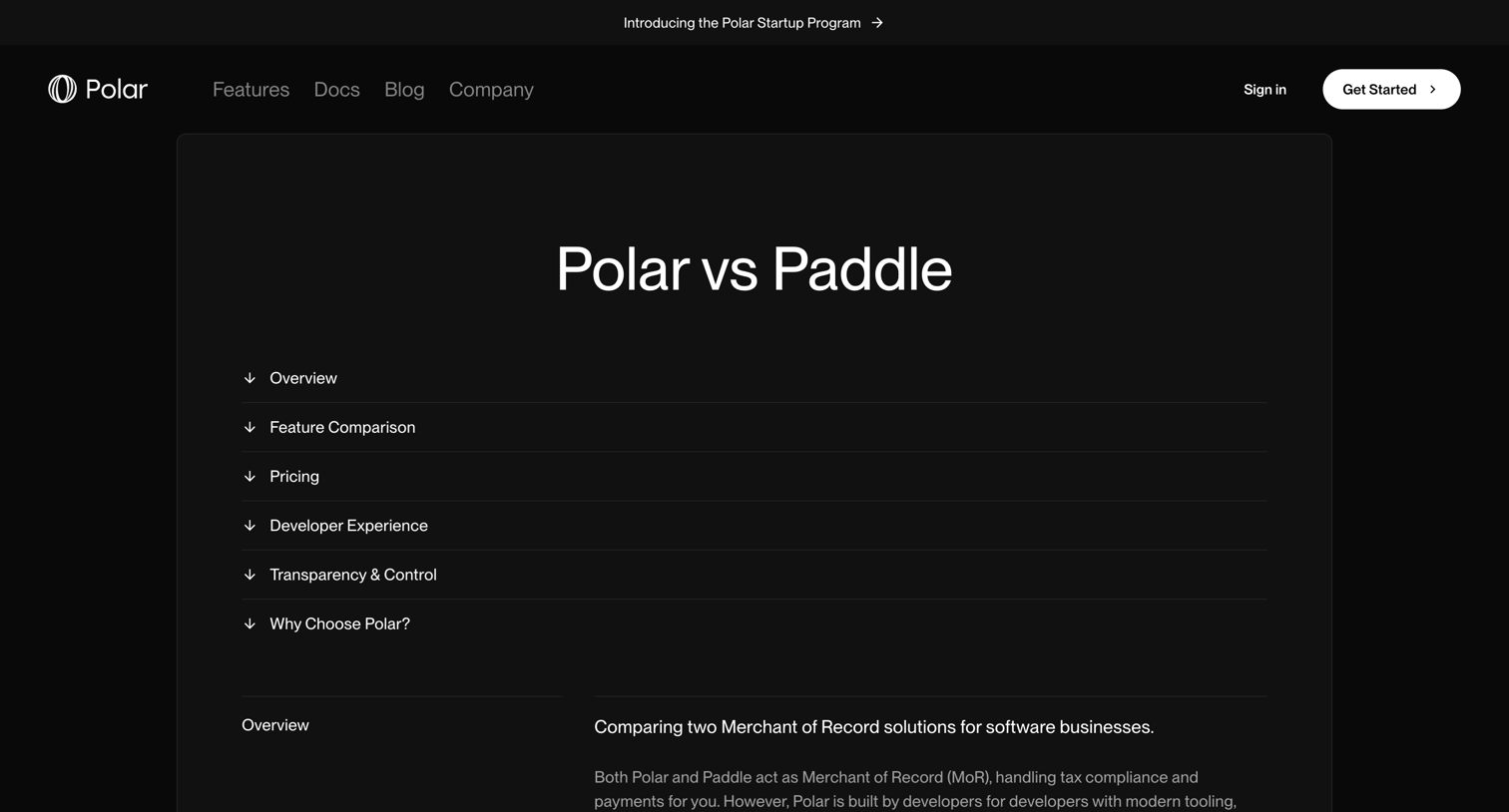

Competitive comparison page highlighting the differences between Polar and Paddle across features, pricing, developer experience, and open-source approach.
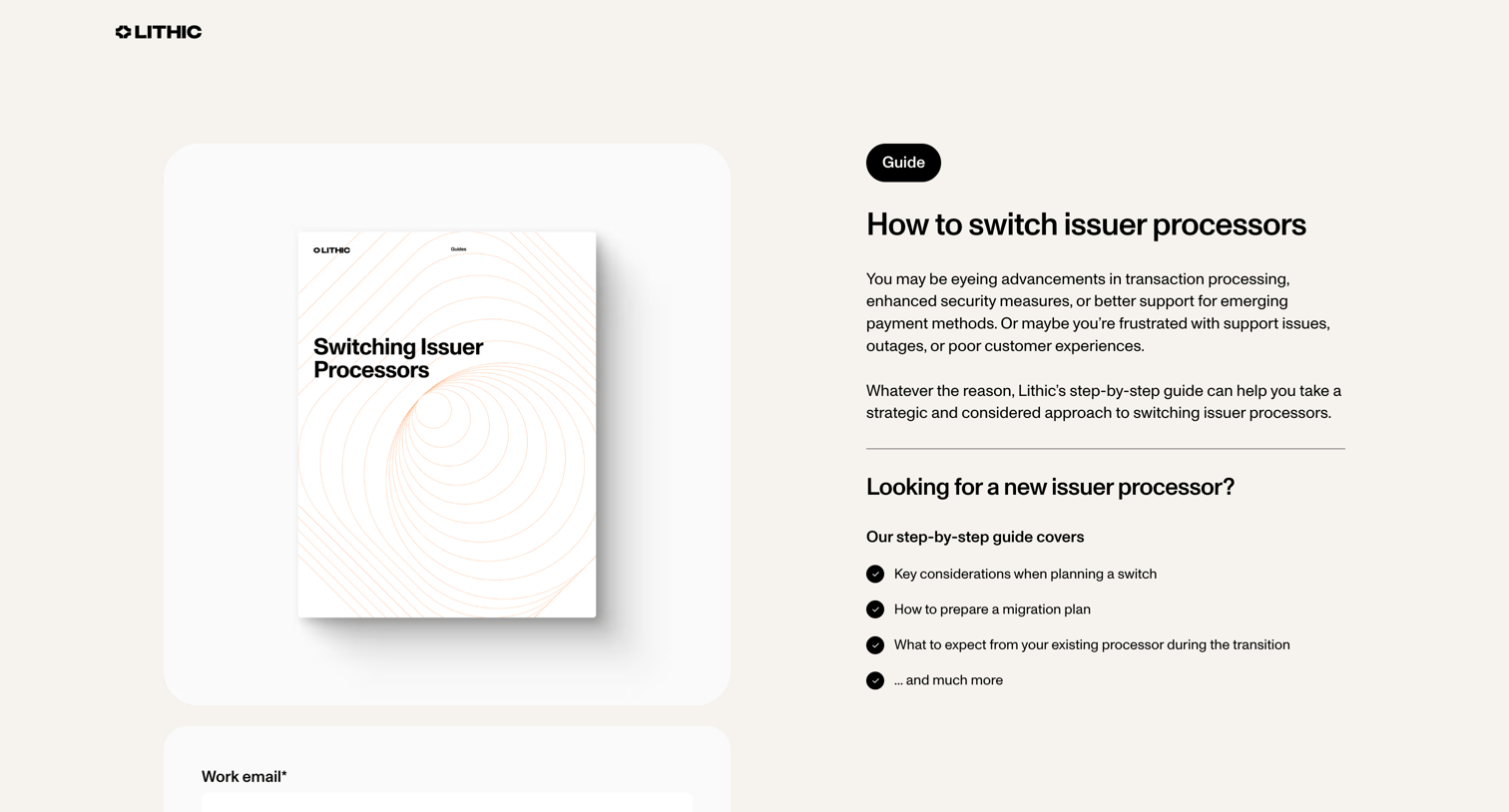

Landing page for a guide on switching issuer processors, featuring an email capture form, a list of key considerations, and a logo wall.
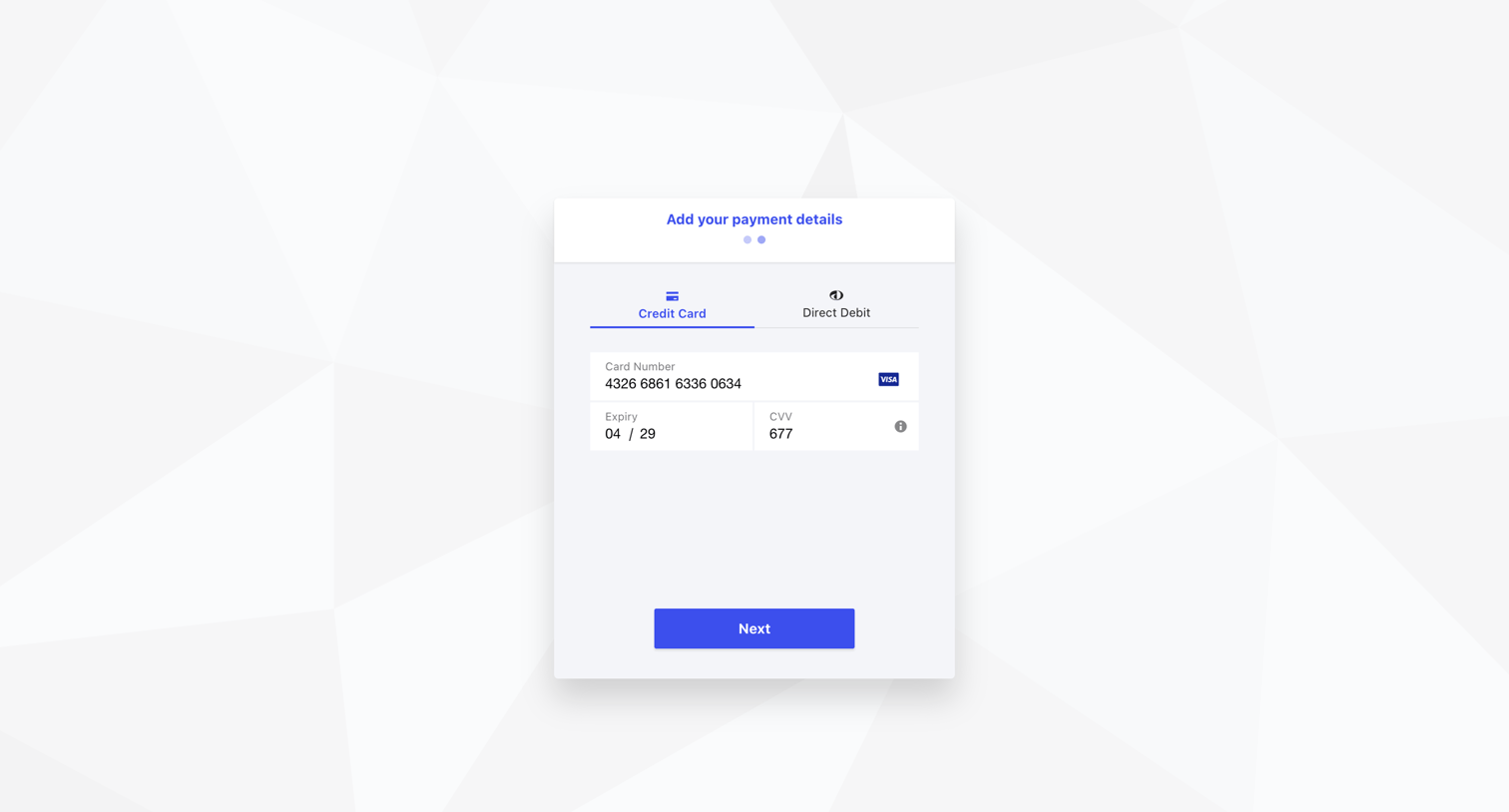

Checkout step where the user enters their credit card number, expiry, and CVV to add a payment method.
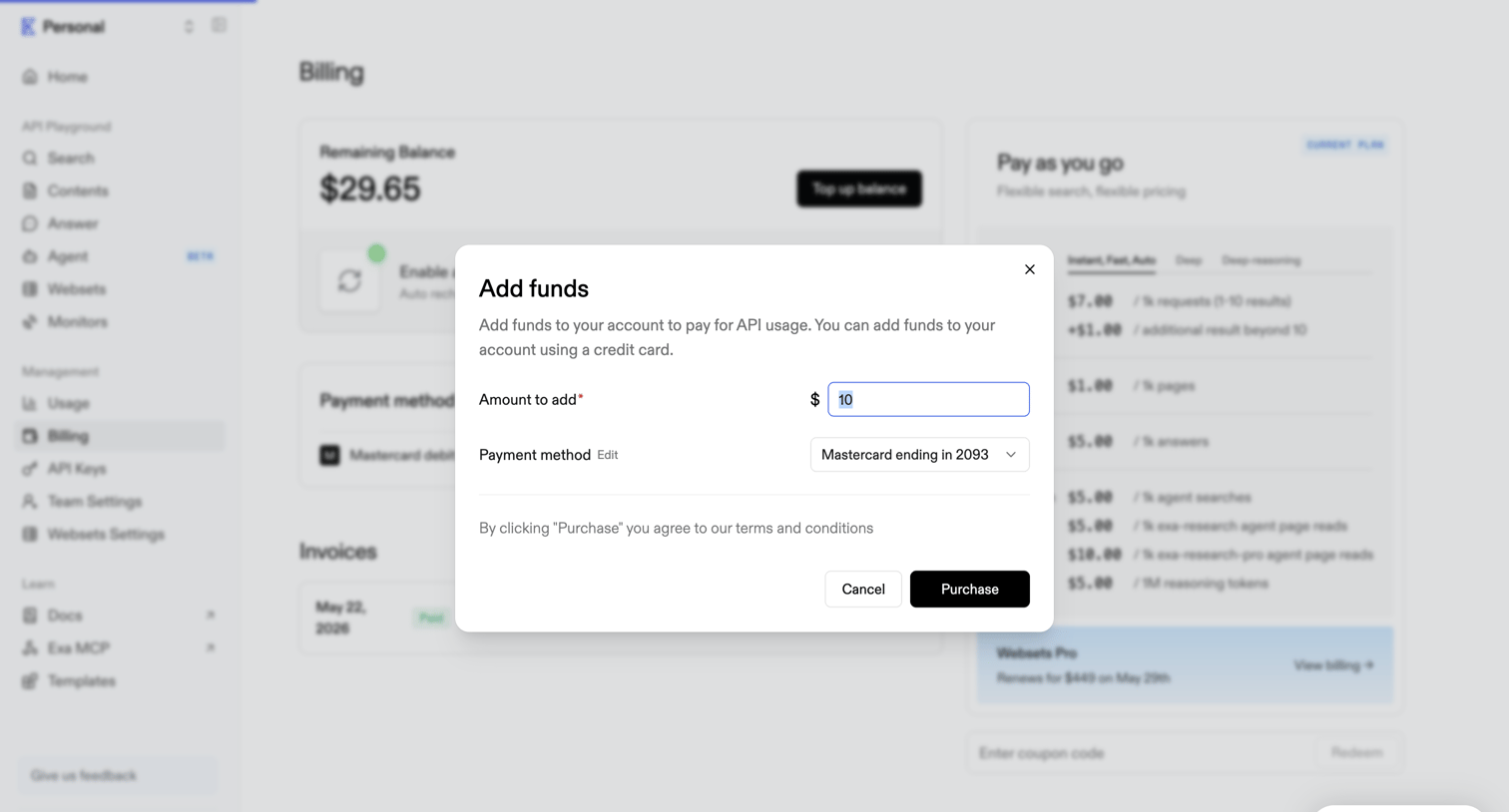

Billing settings page where the user adds funds to their account balance via a modal dialog.
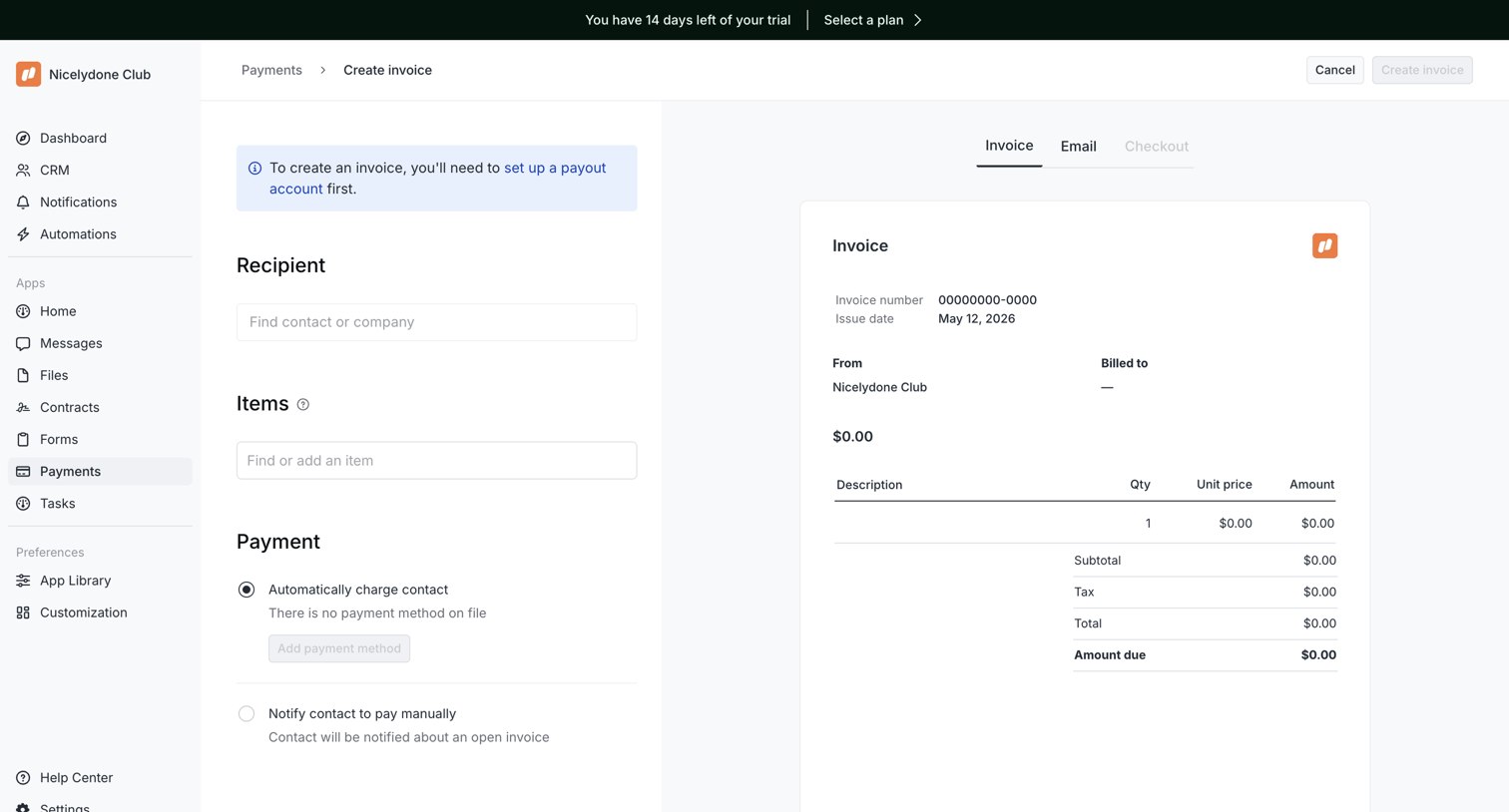

Invoice creation page where the user configures the recipient, items, and payment methods alongside a live document preview.
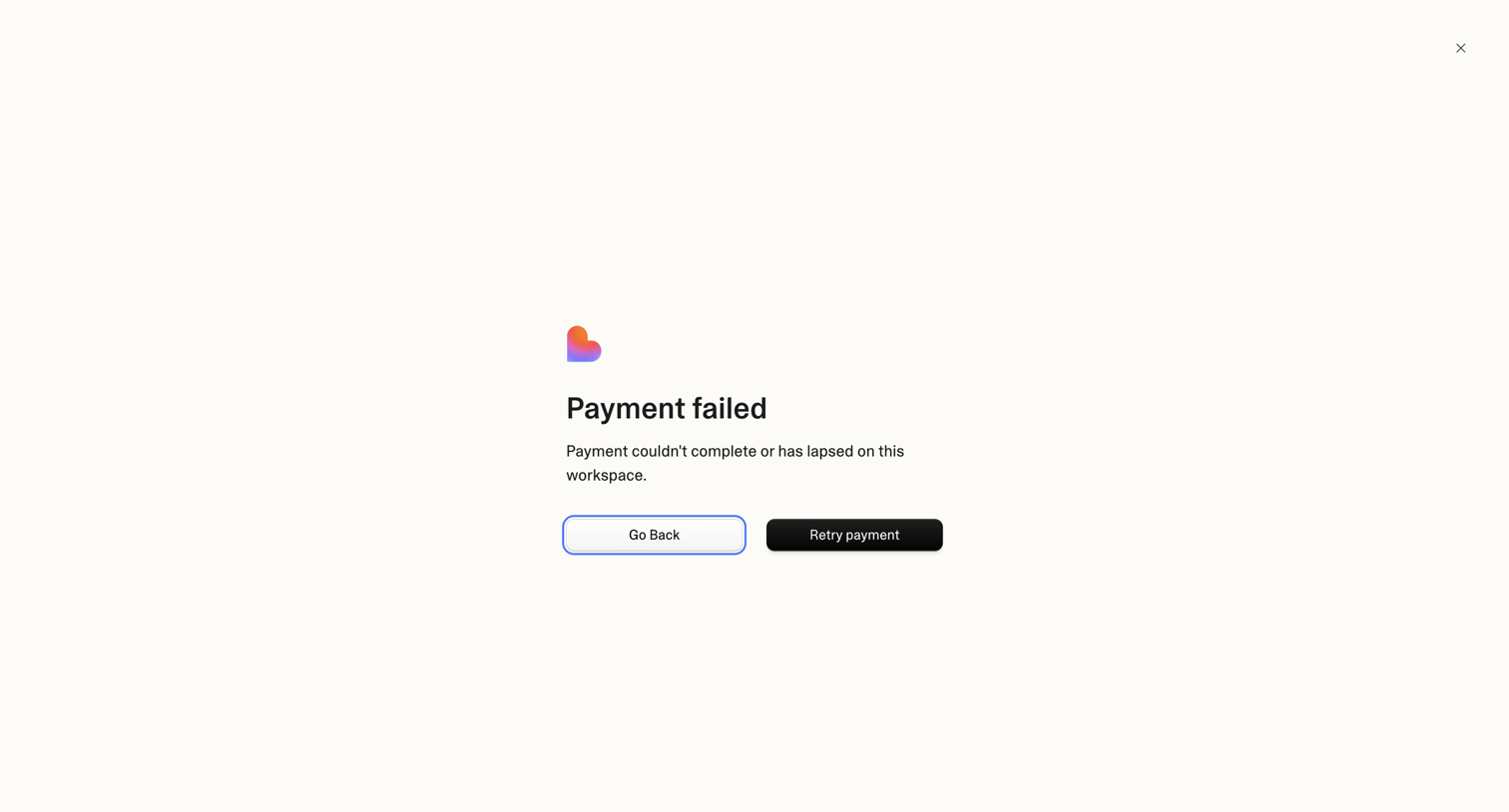

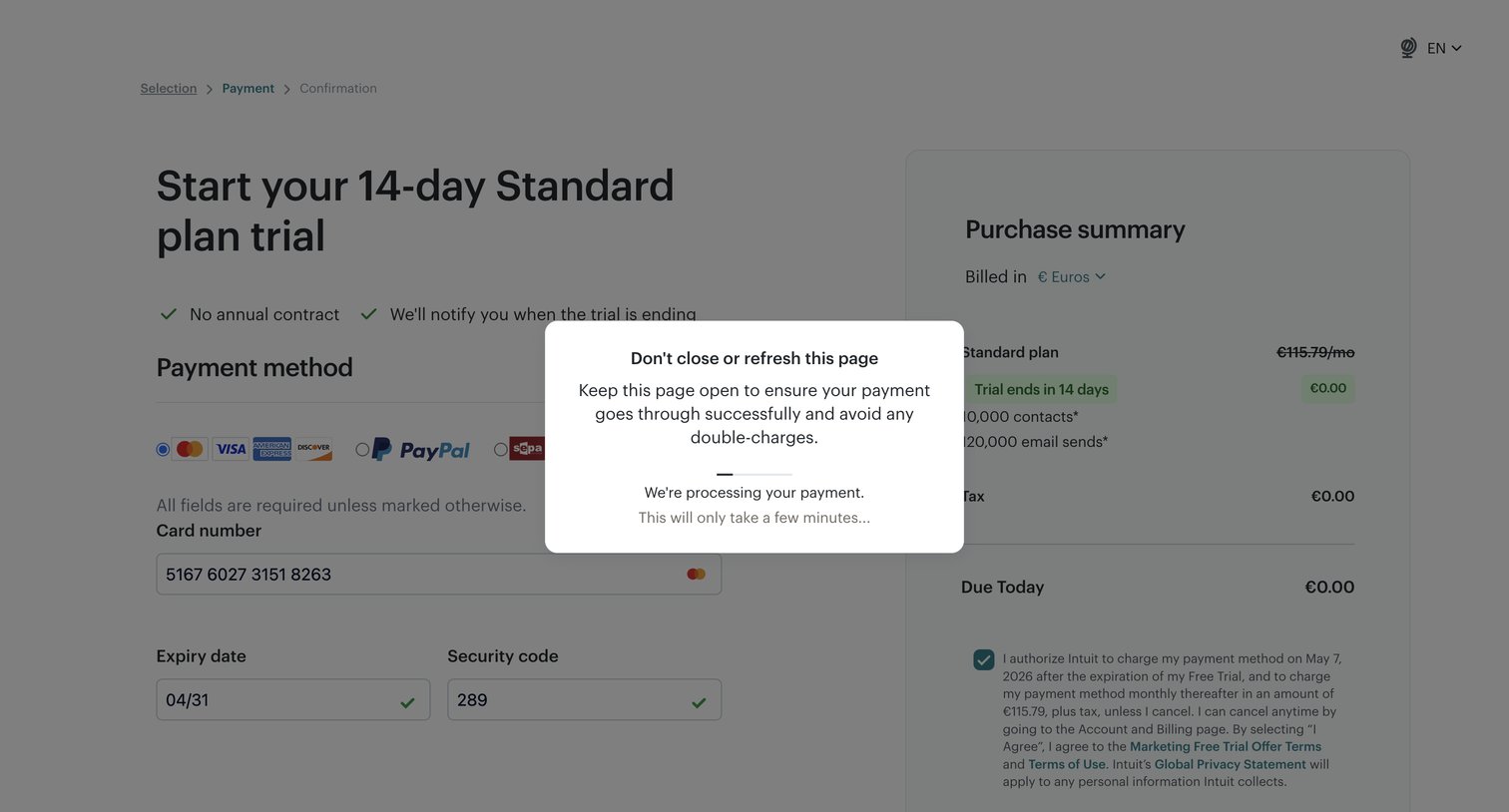

Checkout screen where the user is starting a 14-day Standard plan trial, currently blocked by a modal indicating the payment is processing.
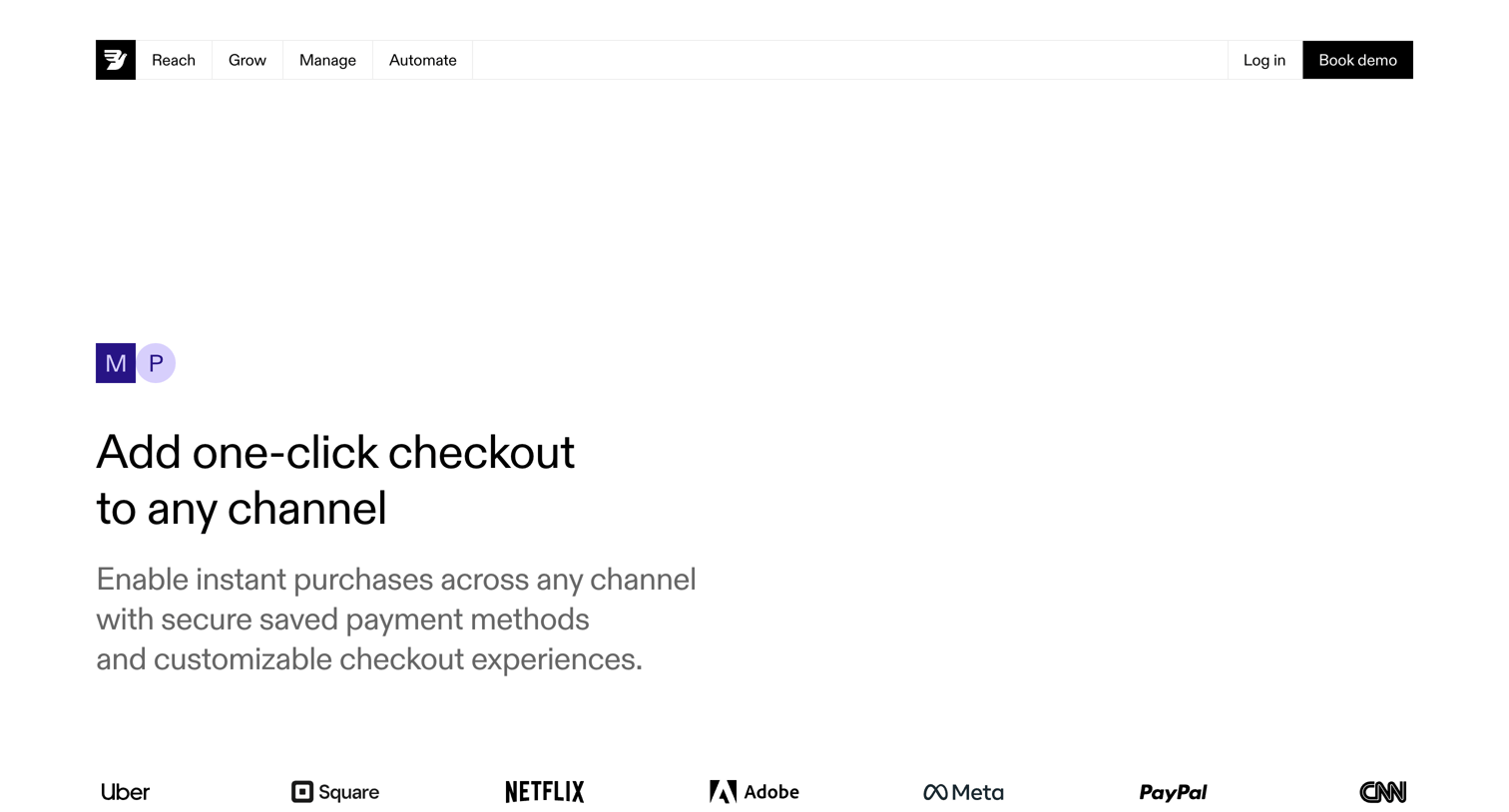

Feature page detailing one-click checkout capabilities across channels, highlighting express checkout, chat commerce, and payment methods, ending with a demo booking form.
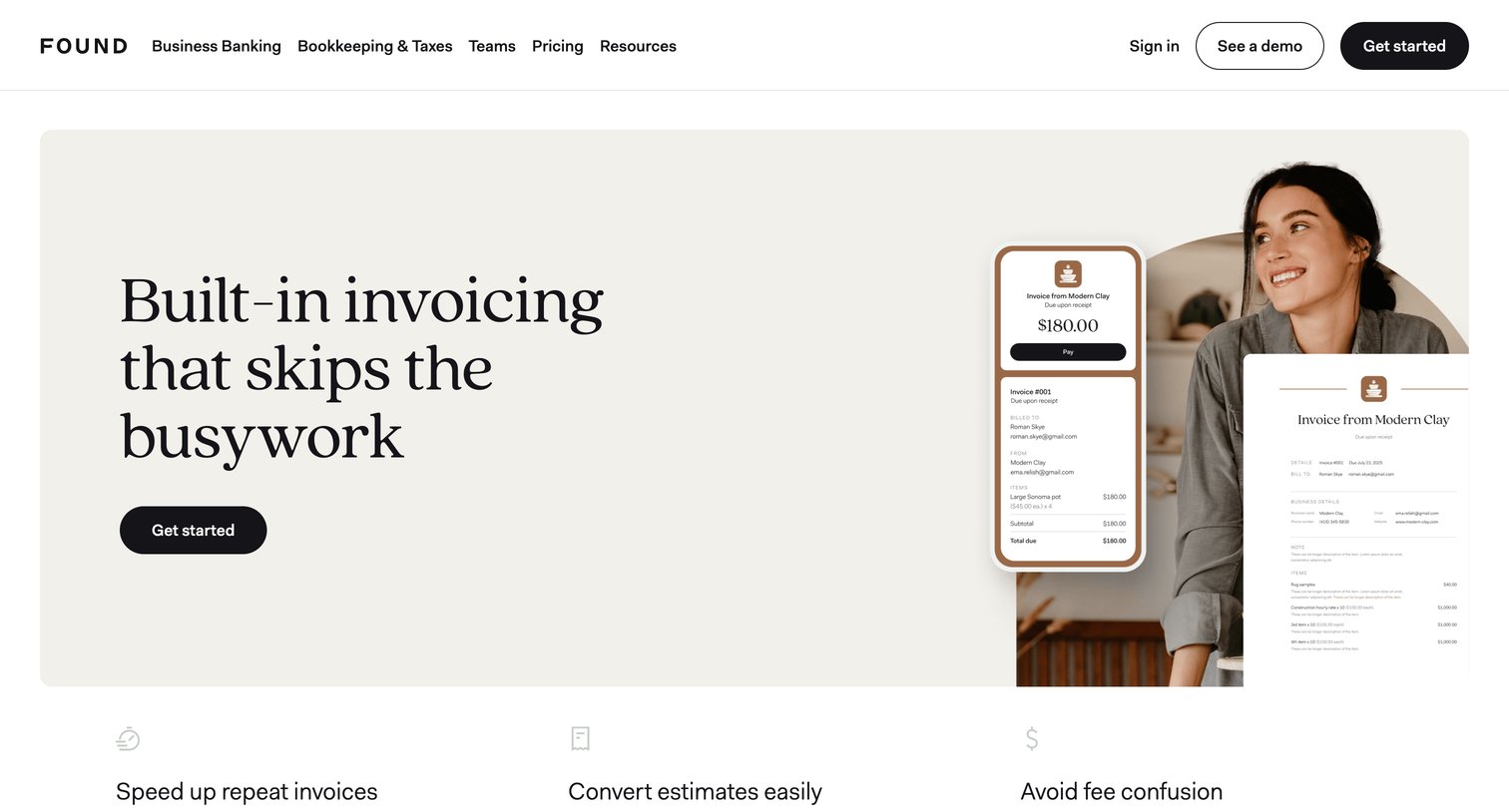

Marketing feature page for Found's invoicing tools, highlighting capabilities like auto-fill, flexible payment methods, and bookkeeping integration, ending with an FAQ and a signup CTA.
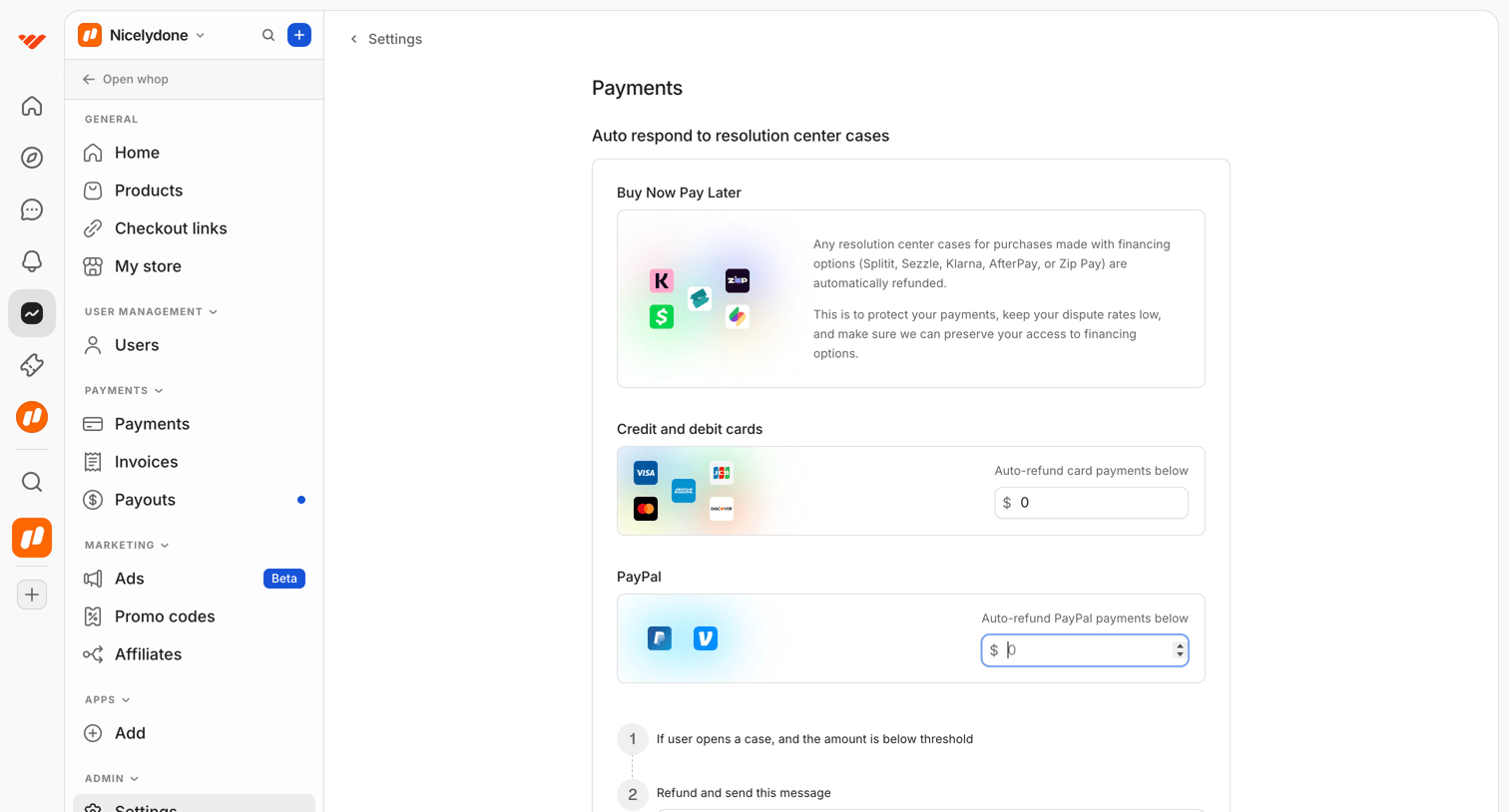

Settings page where the user configures auto-respond thresholds and messages for resolution center cases across different payment methods.
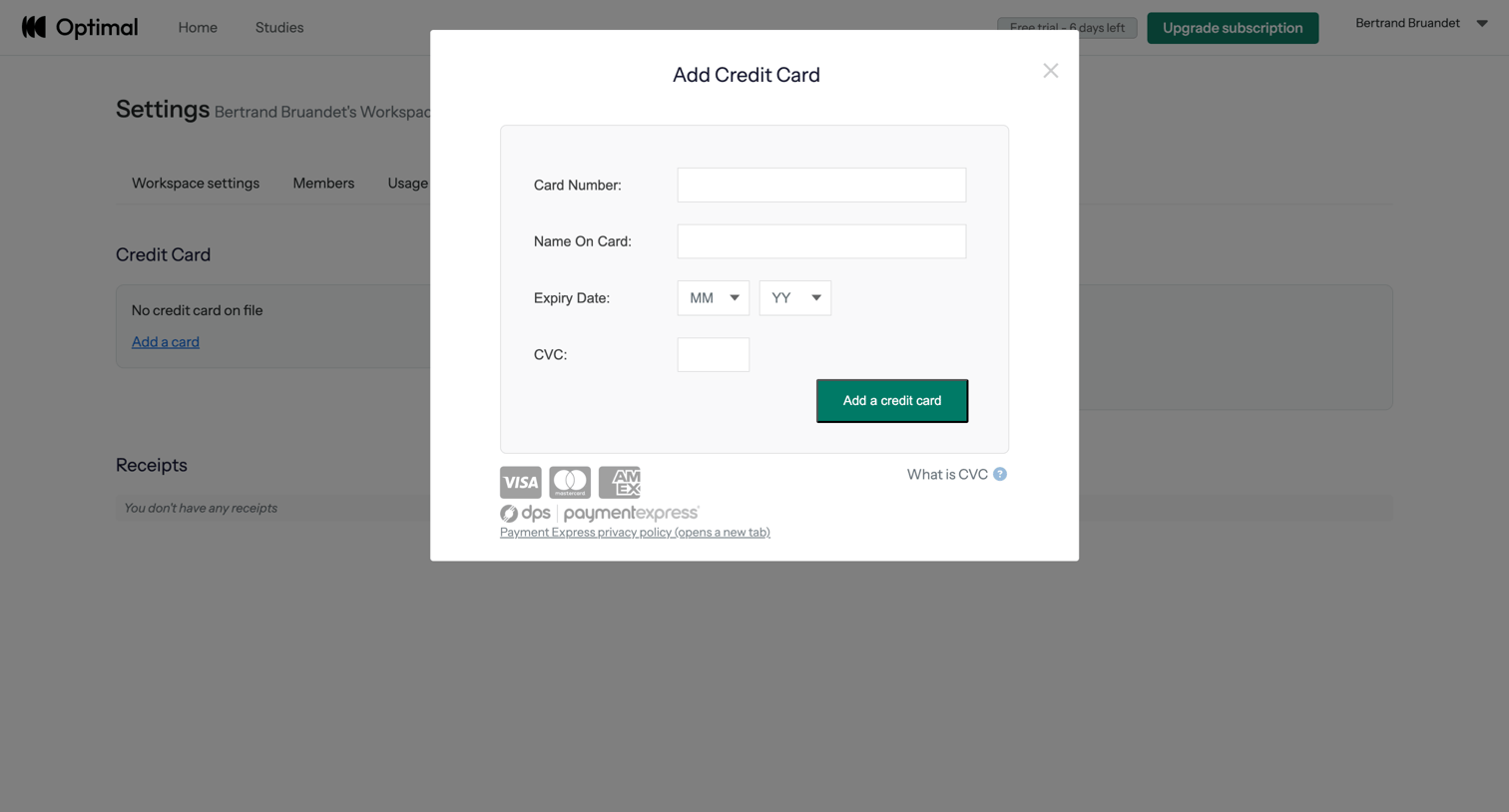

Billing settings page where the user adds a new credit card via a modal to their workspace account.
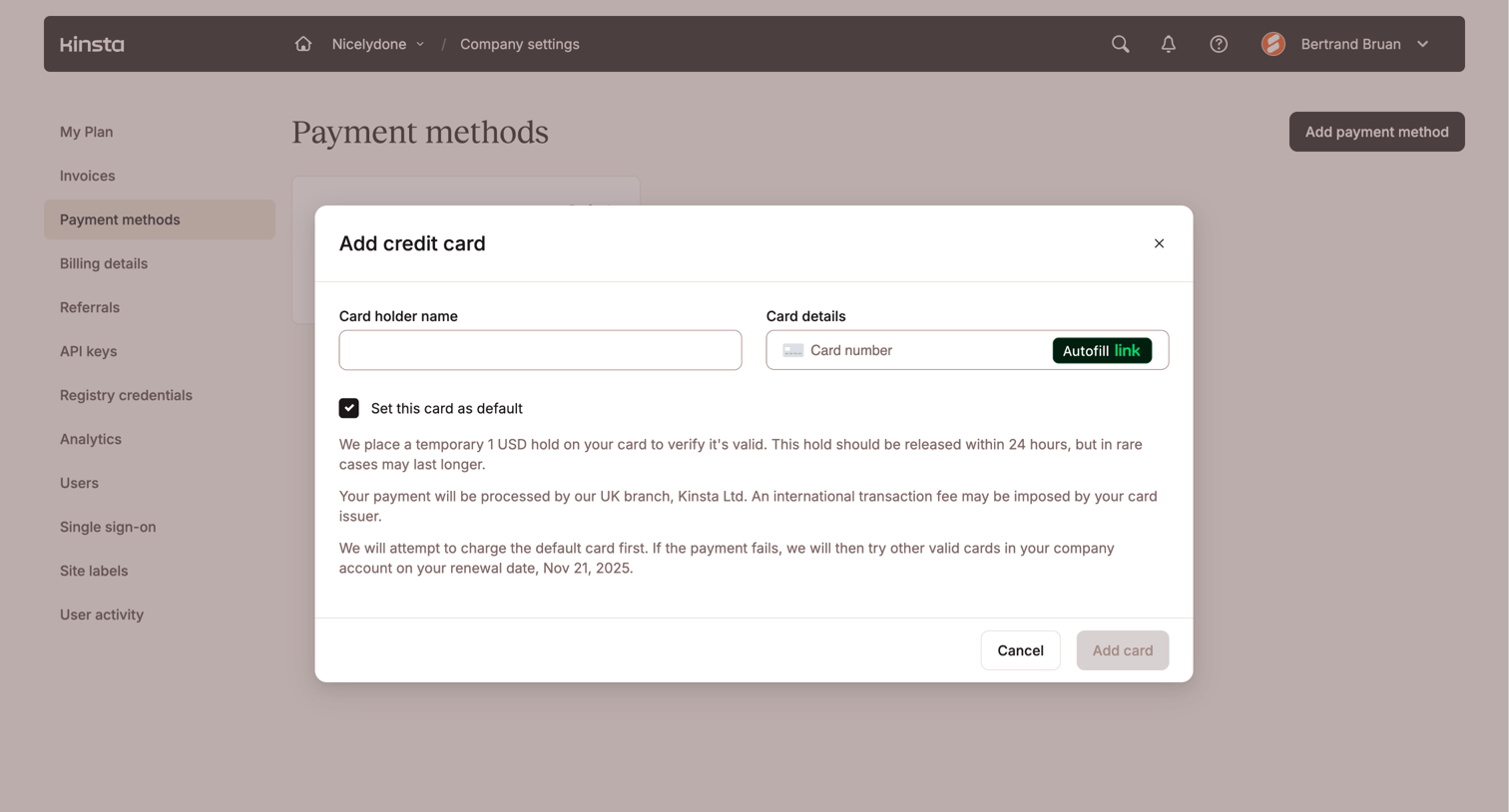

Settings page where the user adds a new credit card for payment methods via a modal form.
Explore the full SaaS screen library
Upgrade to unlock the full library.
Trusted by the best teams








About Payment processing
Explore how apps explain a payment that is being handled. Look at how transaction details and status messages communicate the current stage.