Payment method screen examples
Payment method screen design examples from SaaS apps. Browse examples from Latitude.sh, Dock, Bloom.
Explore the examples
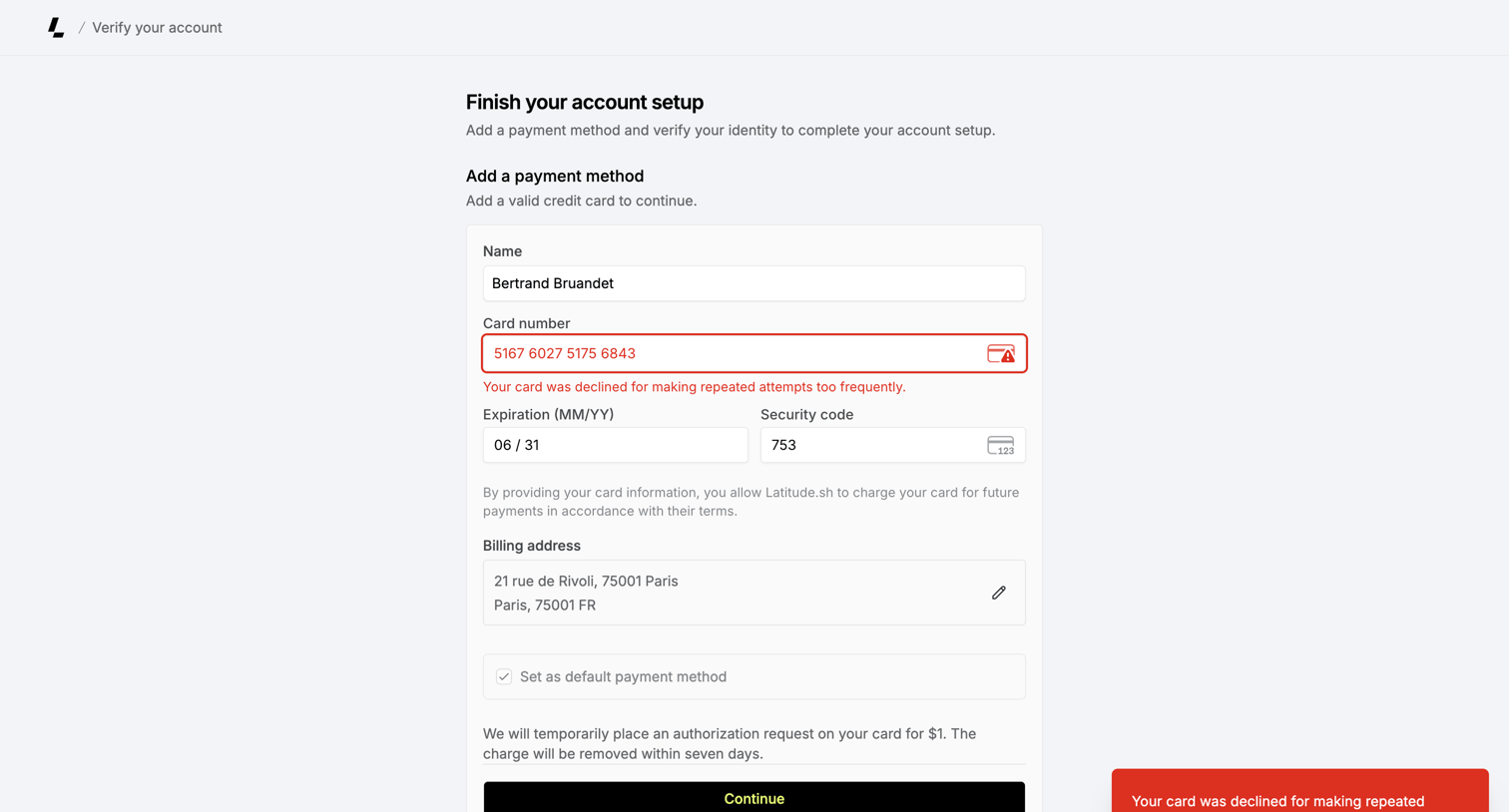

Onboarding step where the user adds a credit card to finish their account setup, currently showing a declined-card error.
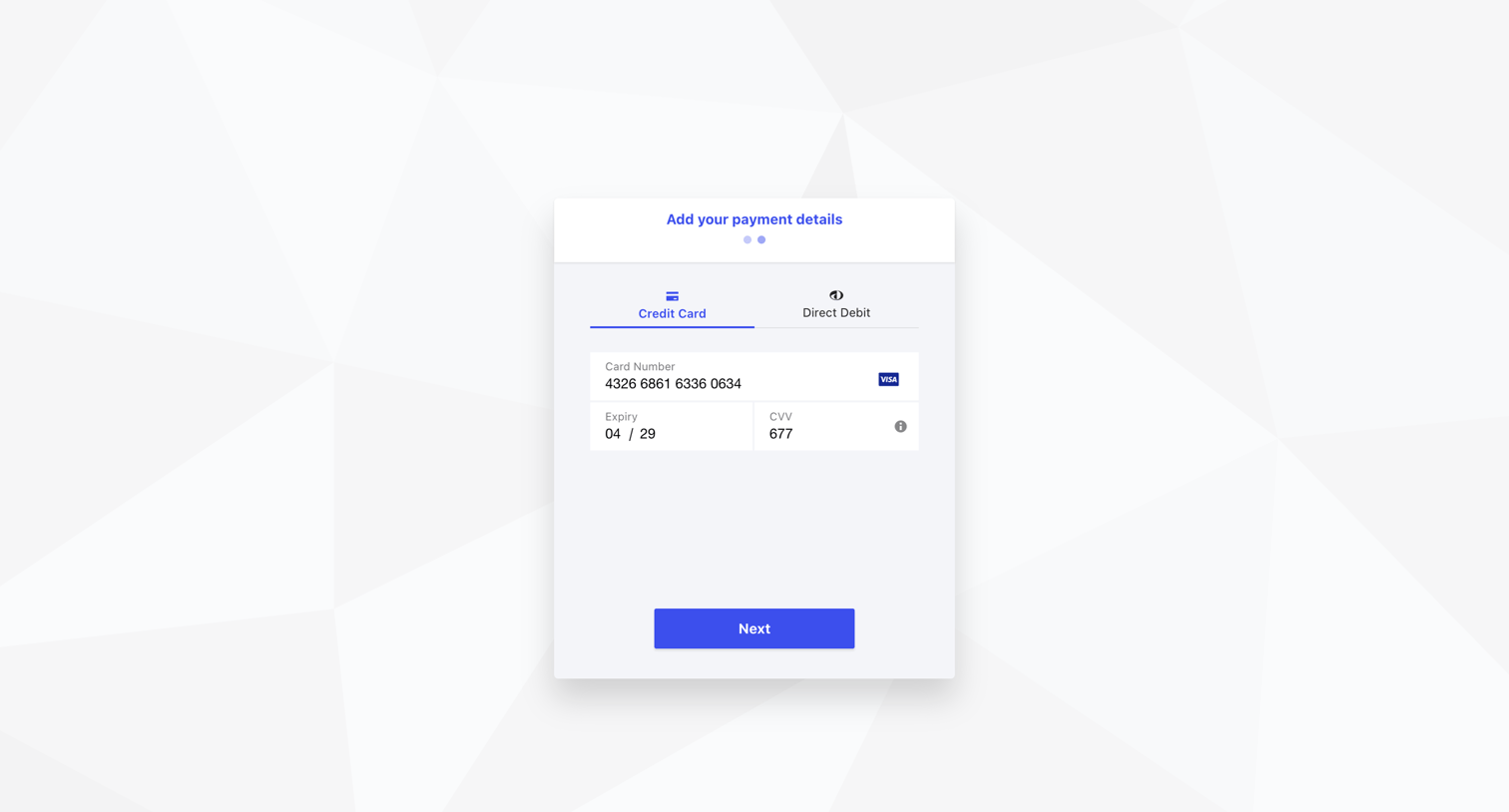

Checkout step where the user enters their credit card number, expiry, and CVV to add a payment method.
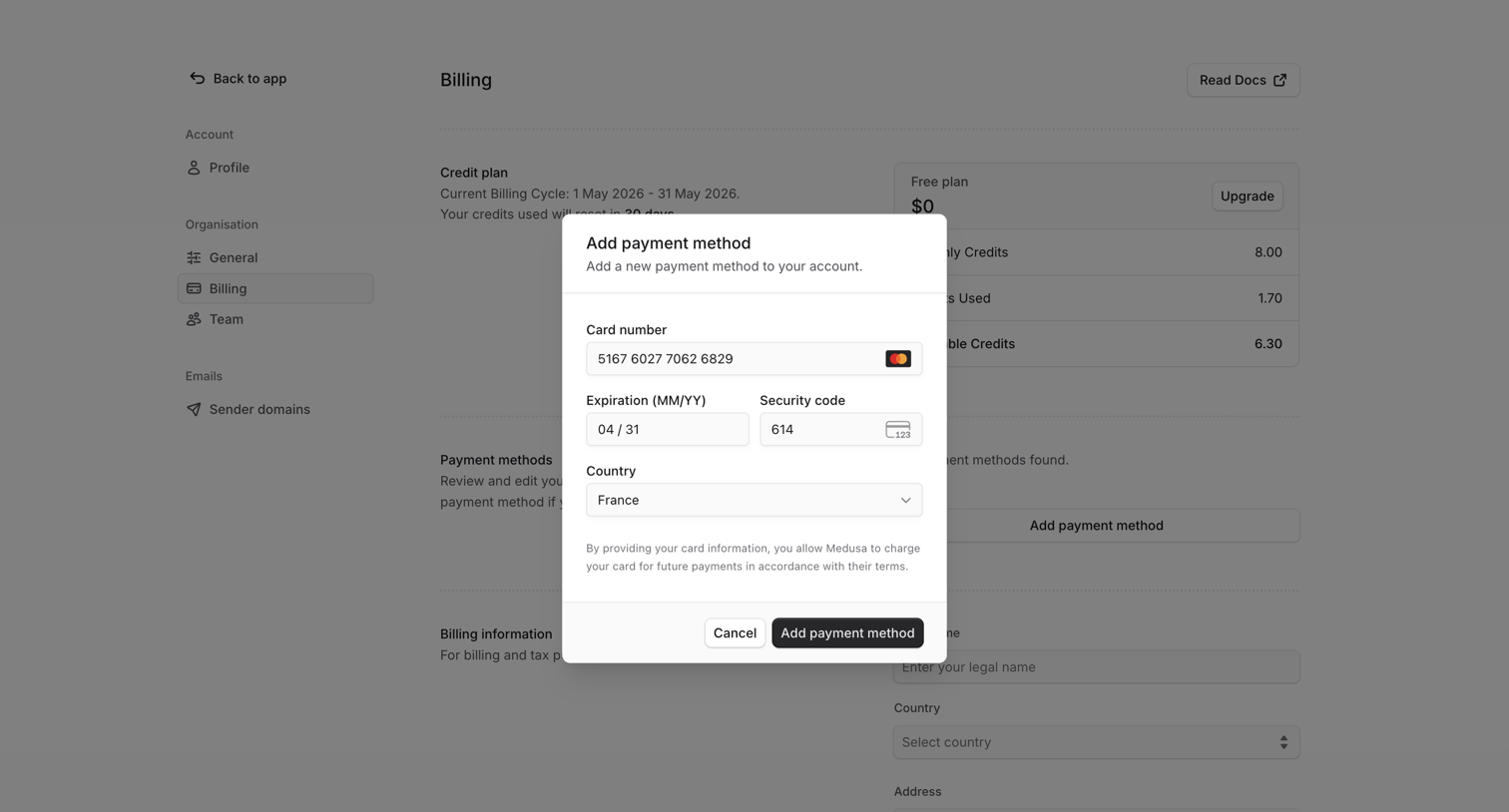

Settings page where the user adds a new credit card payment method via a modal over their billing and credit plan overview.
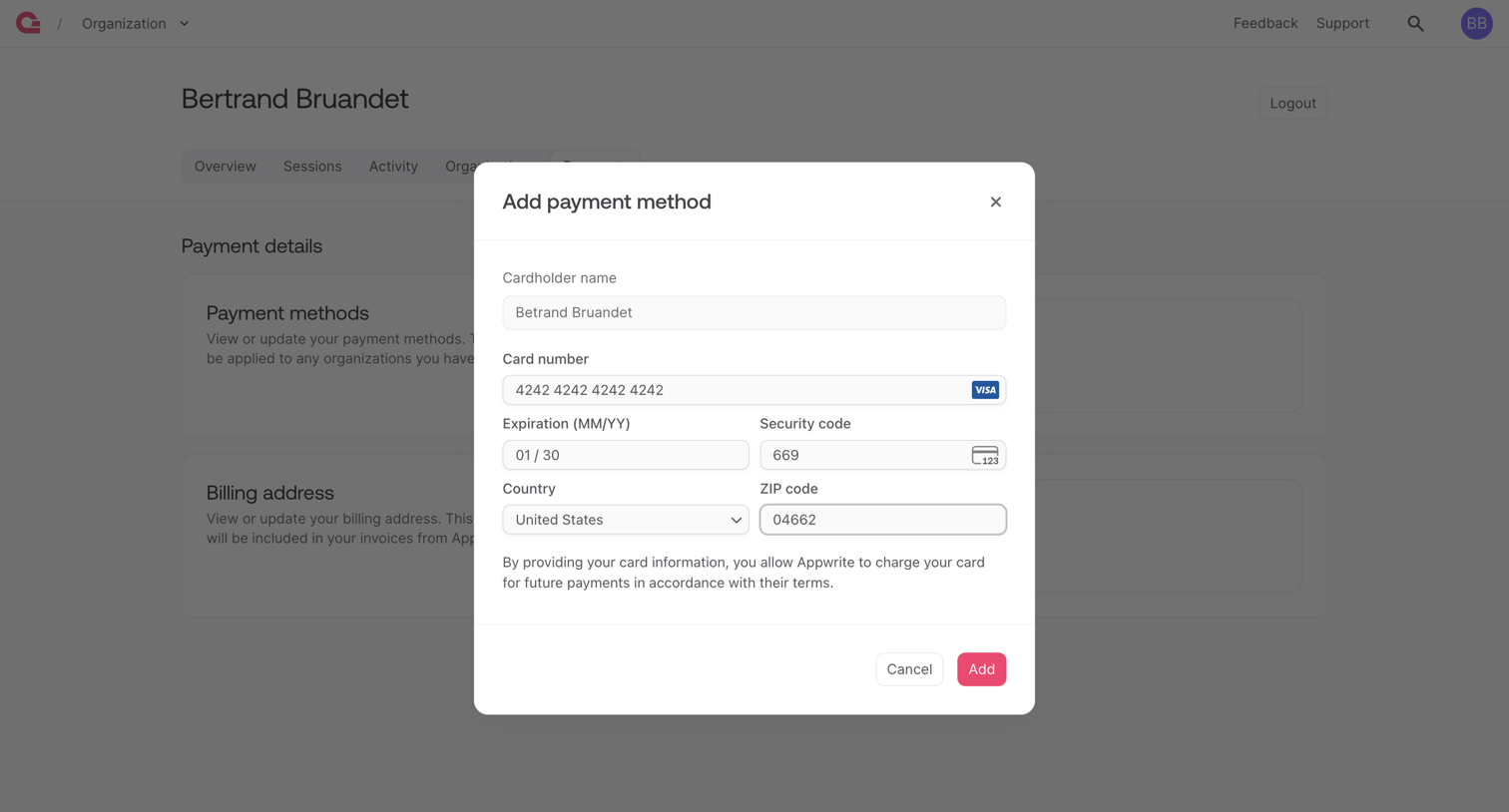

Settings page where the user adds a new credit card payment method via a modal form.
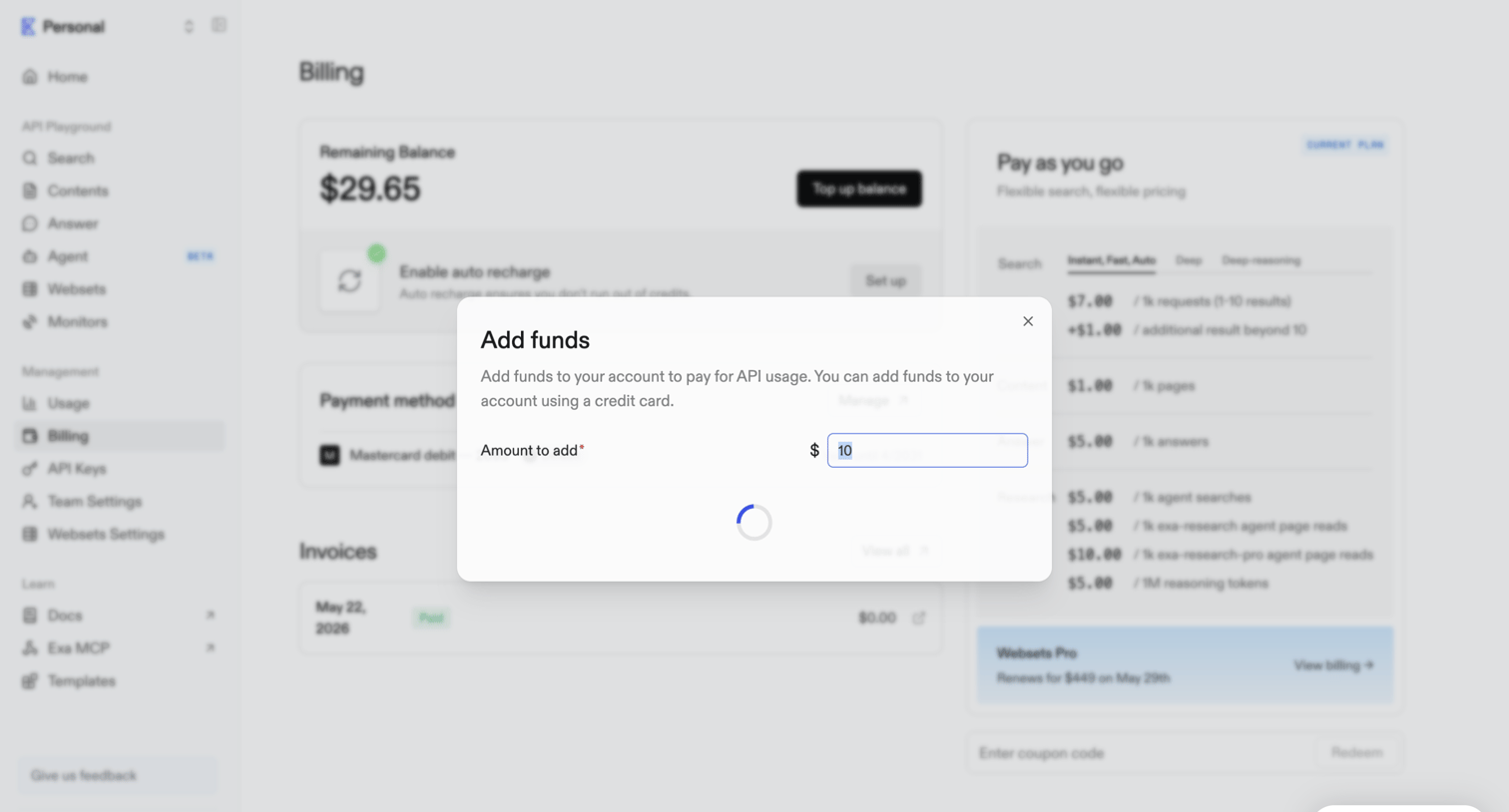

Billing settings page where the user is adding funds to their account balance via a loading modal.
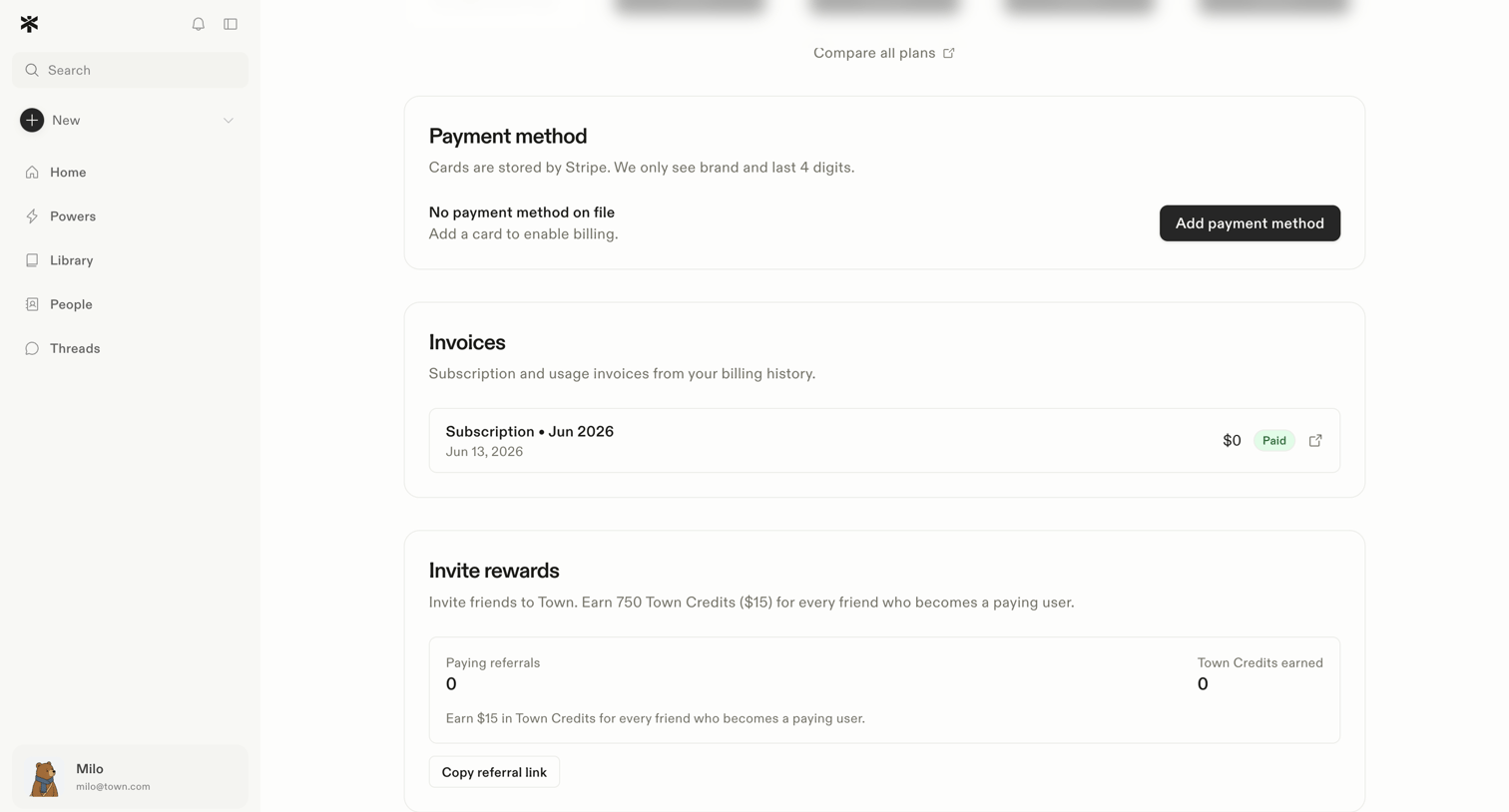

Settings page where the user manages their payment method, views past invoices, and tracks invite rewards.
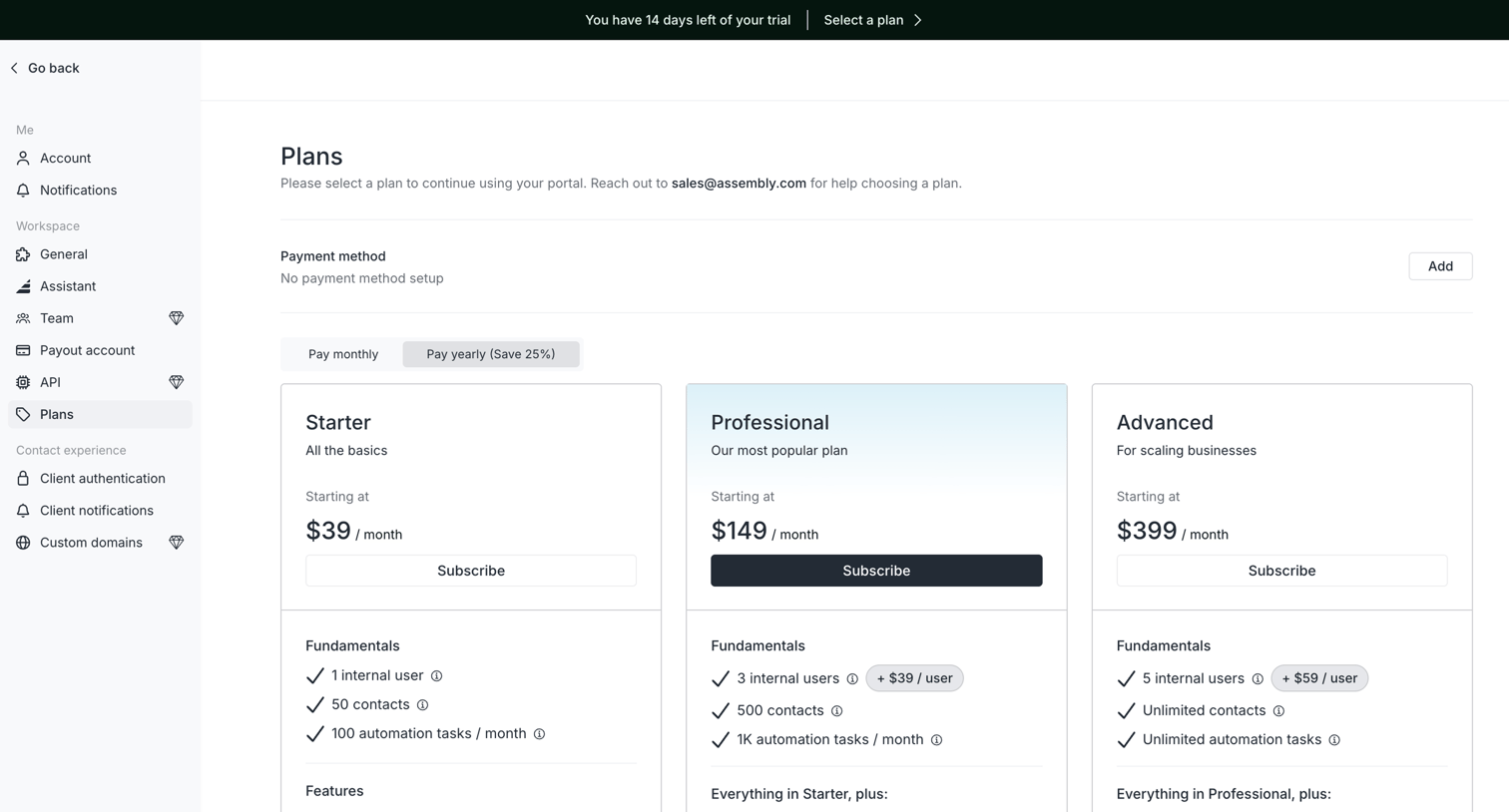

Settings page where the user selects a subscription plan between Starter, Professional, and Advanced tiers to continue using their portal.
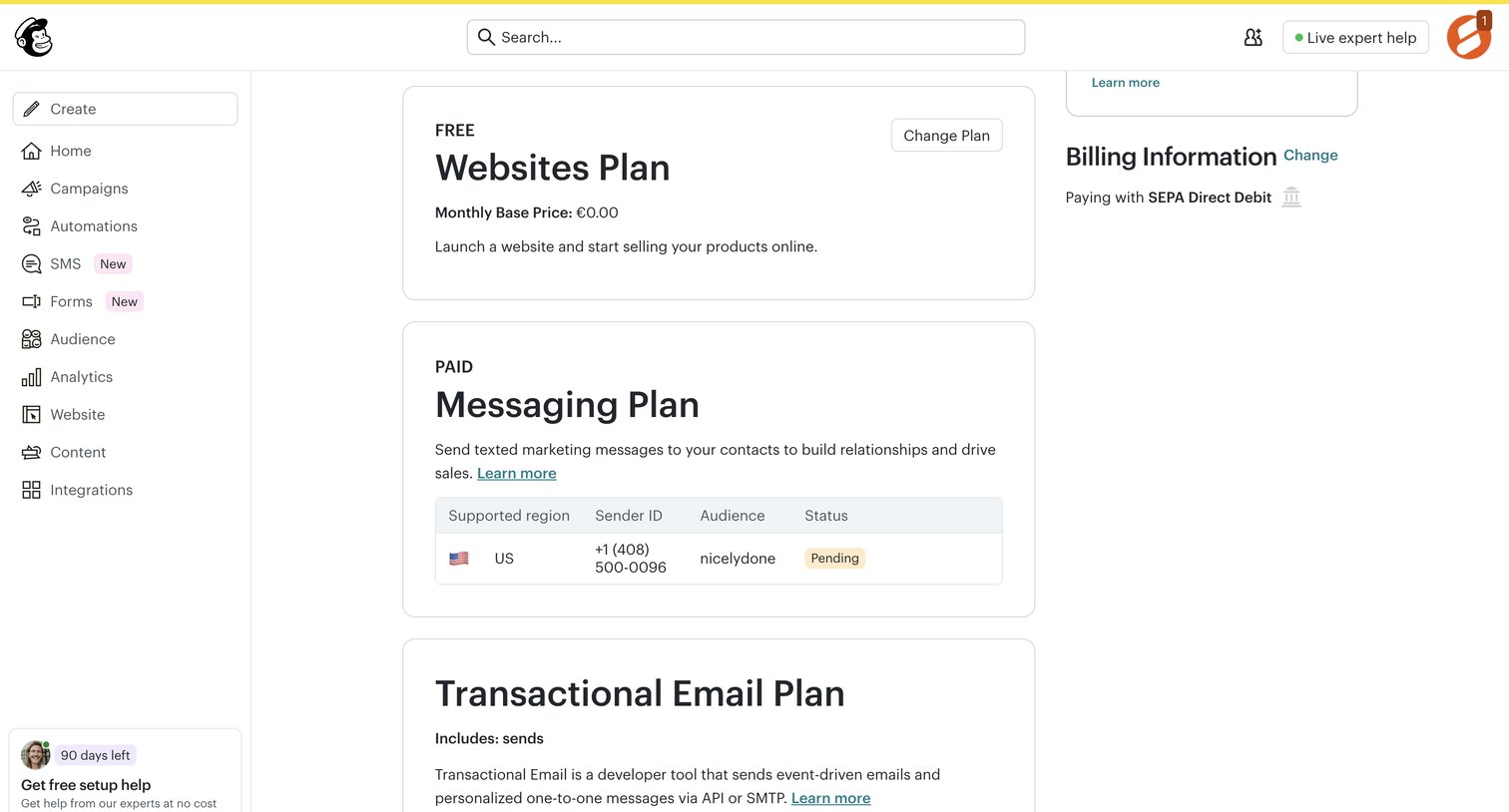

Settings page where the user views their active billing plans, including website, messaging, and transactional email plans, along with their payment method.
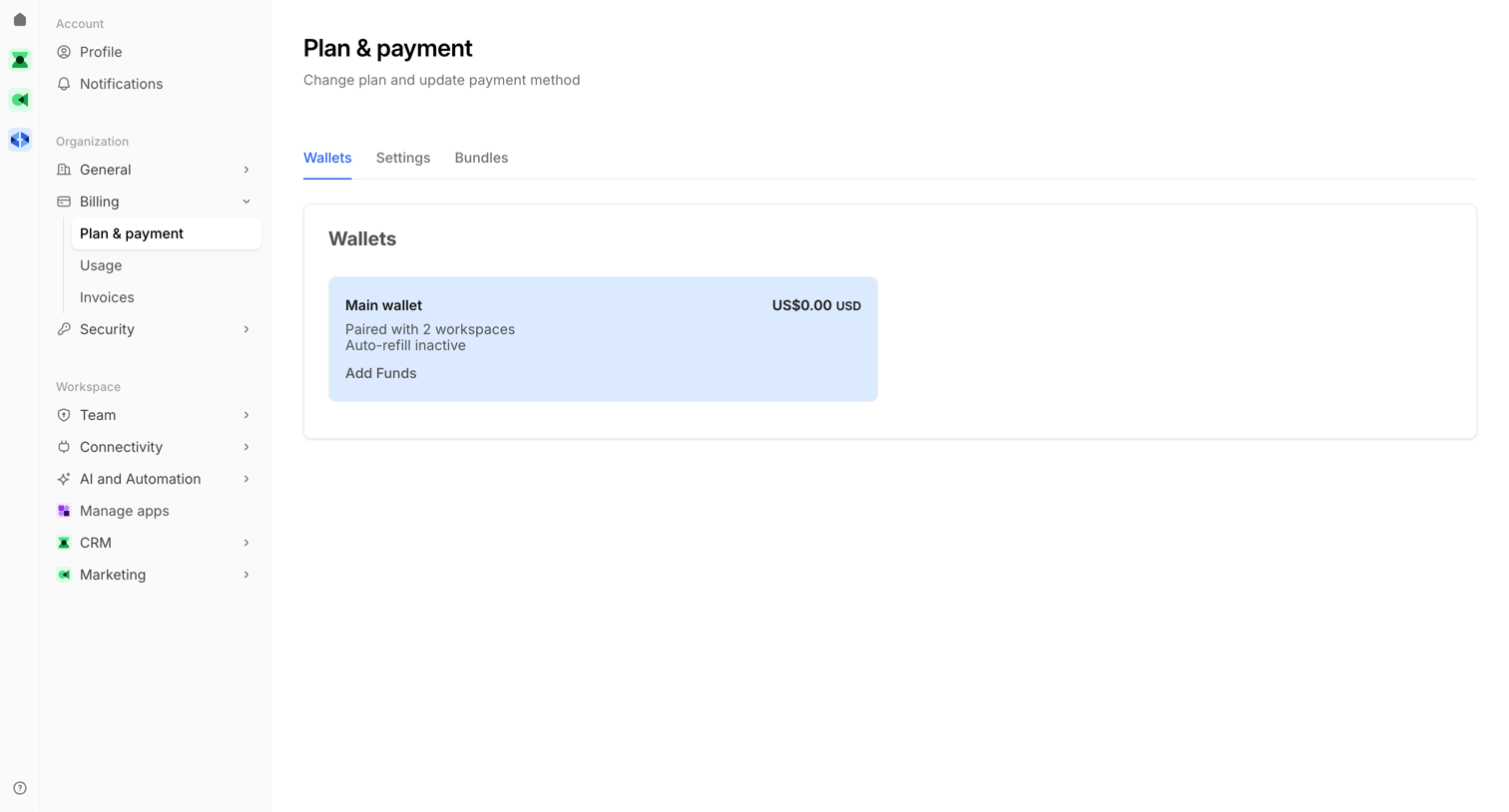

Settings page where the user views their main wallet balance and can add funds for their workspaces.
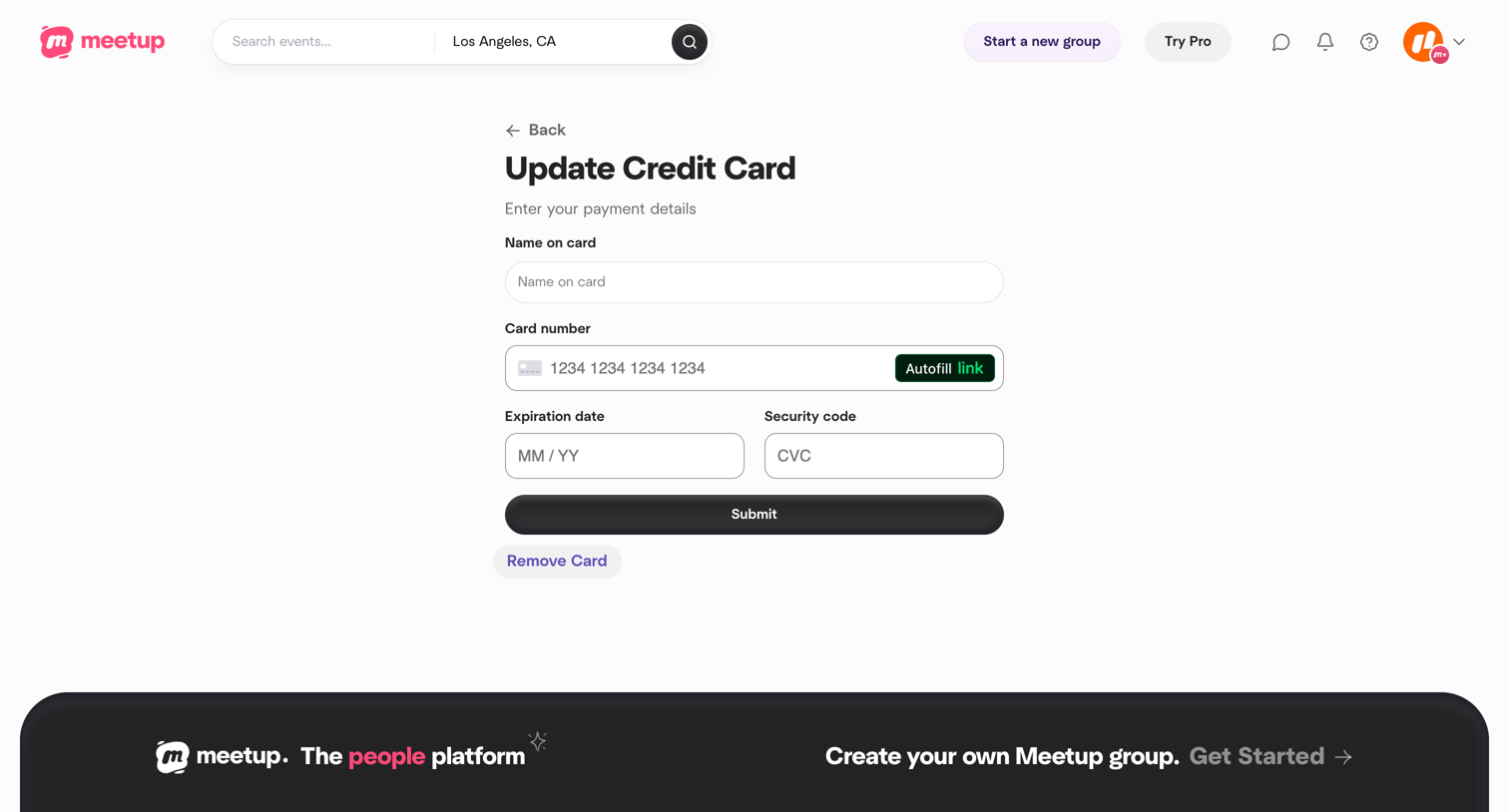

Settings page where the user updates their credit card details including name, card number, expiration date, and security code.
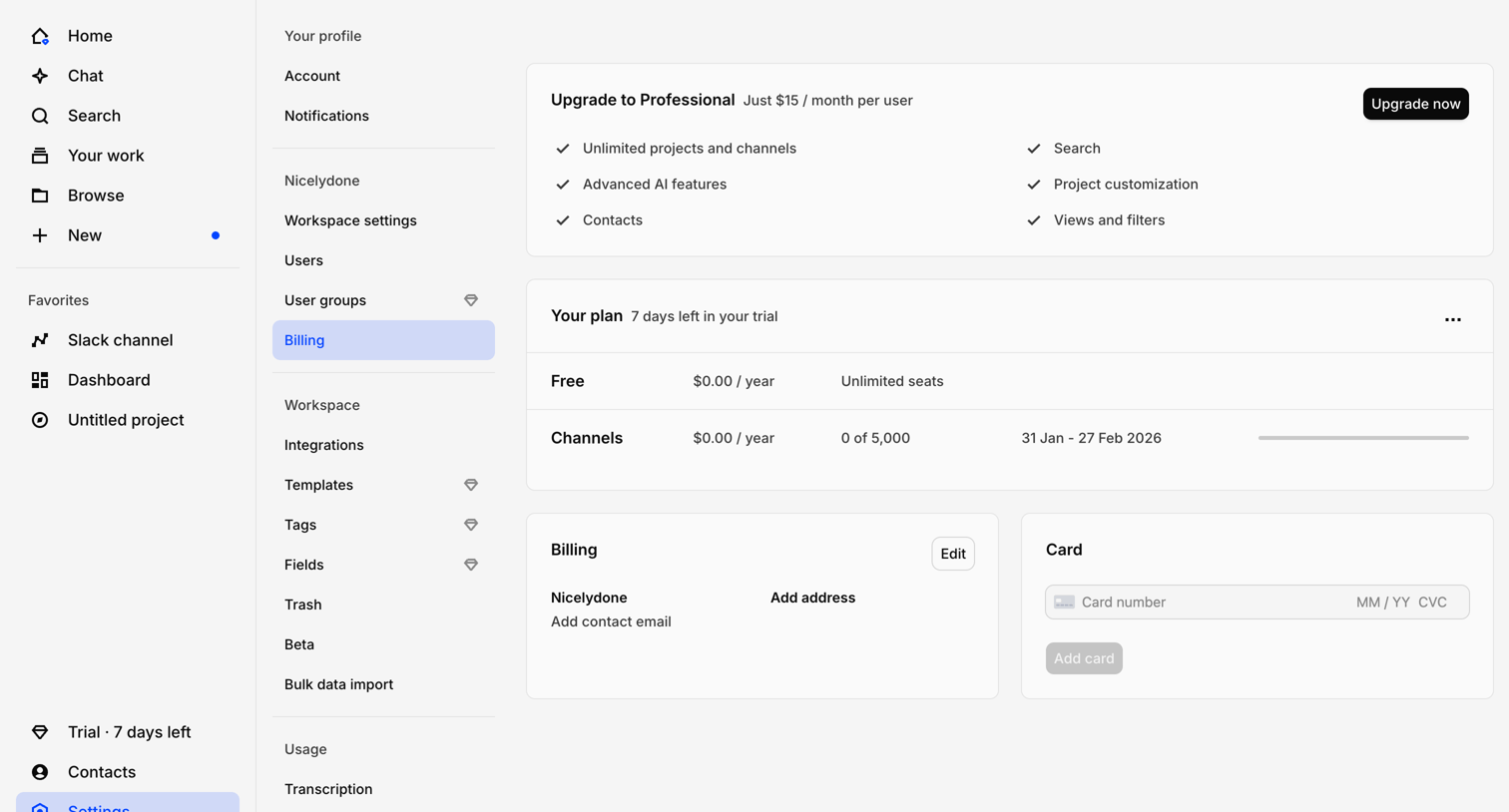

Settings page where the user manages their billing plan, views their trial status, and adds payment methods.
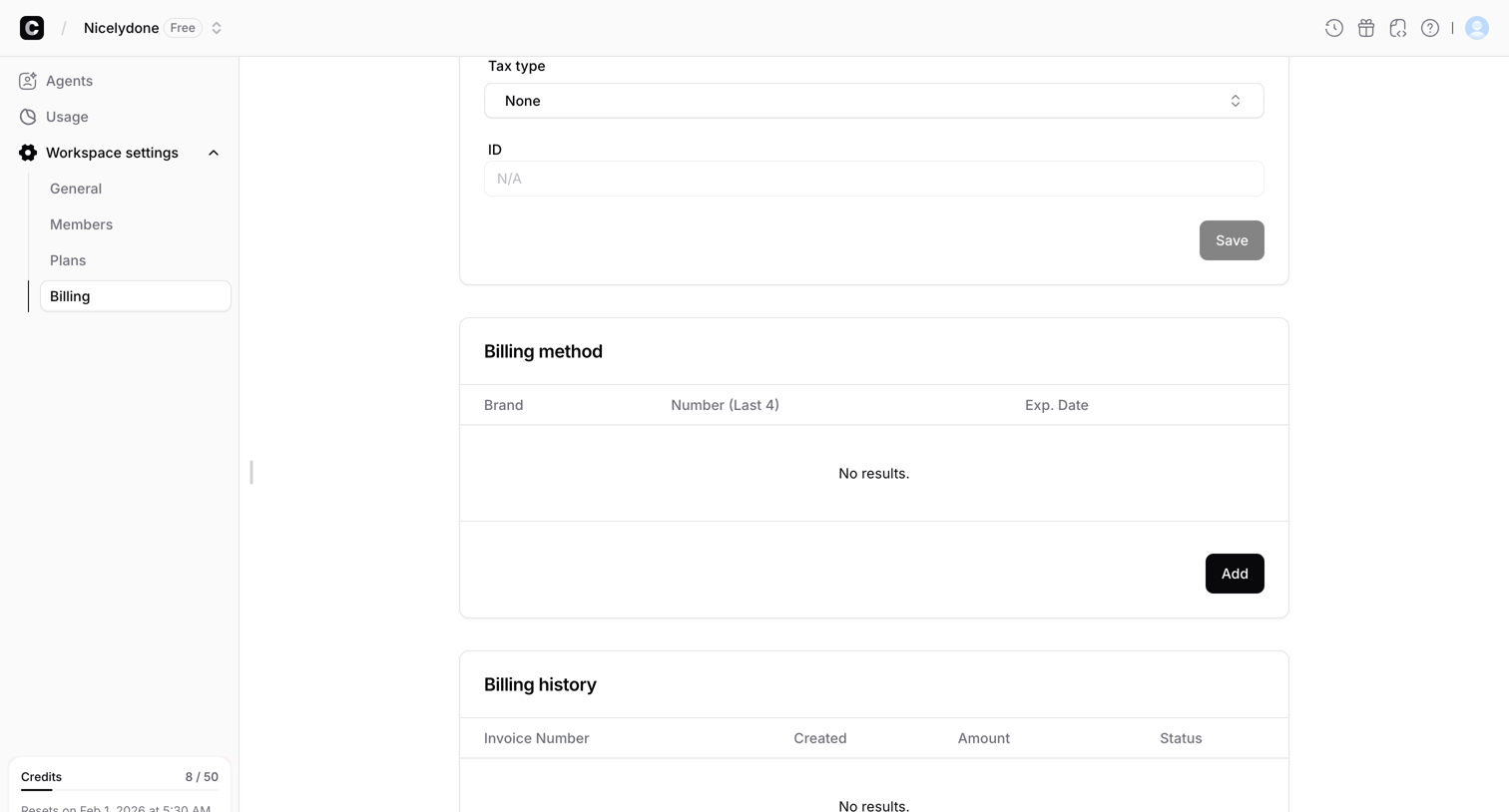

Settings page where the user manages their workspace billing method and views invoice history, currently showing empty states for both.
Explore the full SaaS screen library
Upgrade to unlock the full library.
Trusted by the best teams







