Frame.io Flow Example: Archiving project
Preview this Frame.io user flow: Archiving project. Explore the opening screens.
Preview these flows

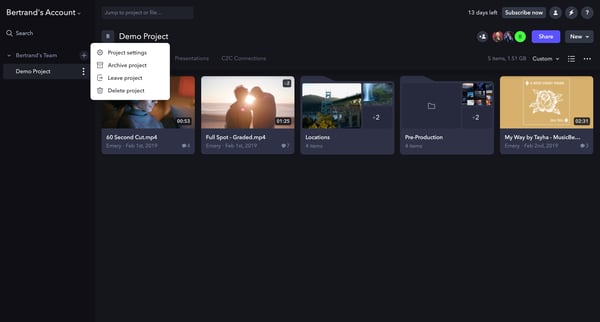
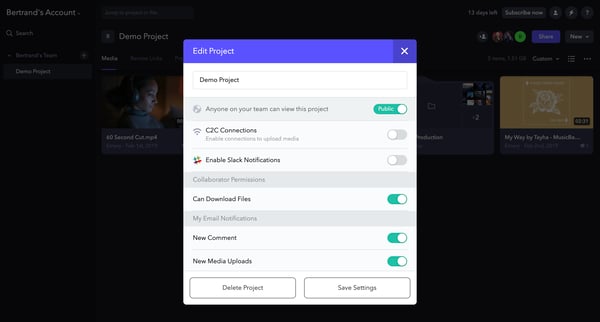
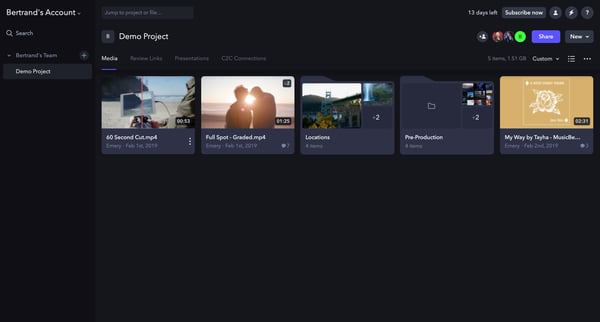
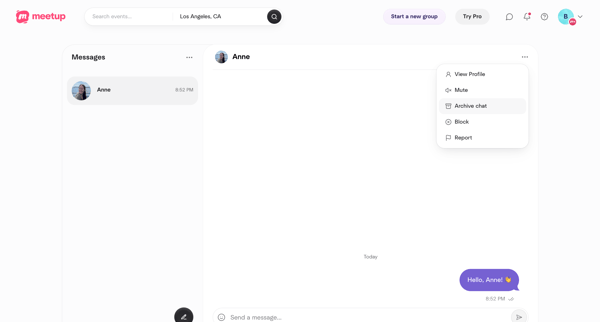
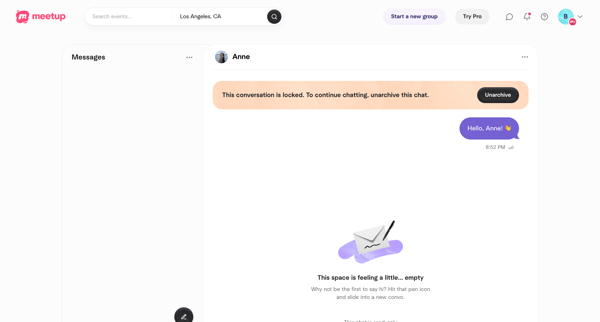
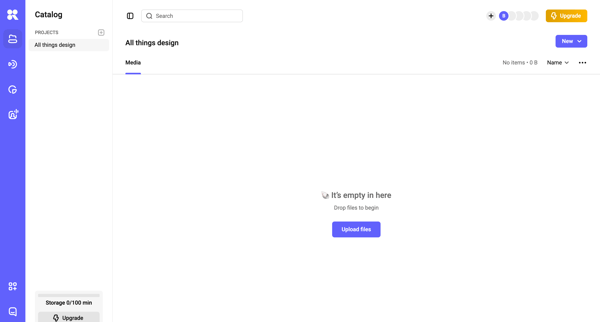
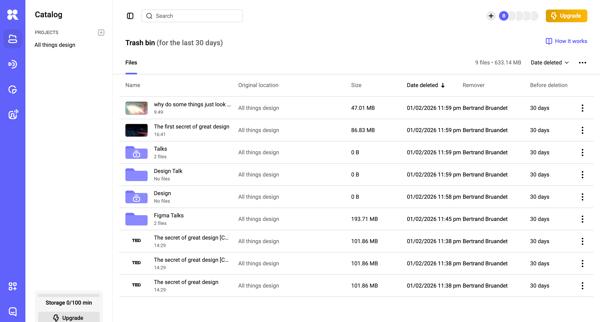
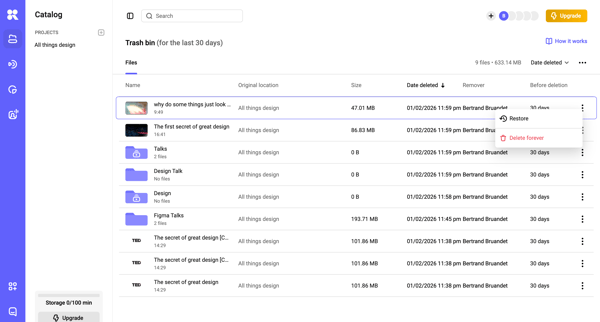
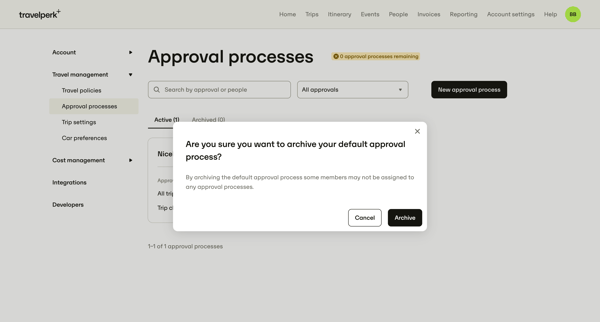
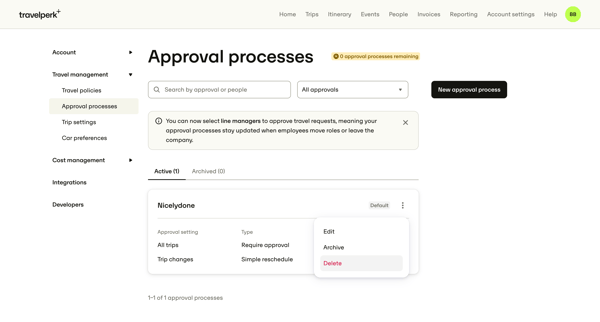
This user flow guides the user through the process of archiving a project within the Frame.io platform, ensuring that project assets are properly archived for future reference or retrieval.
Related user flows

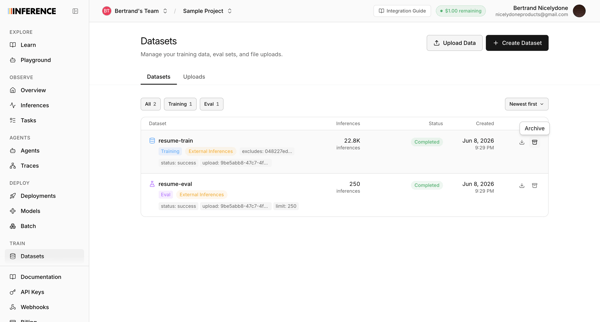
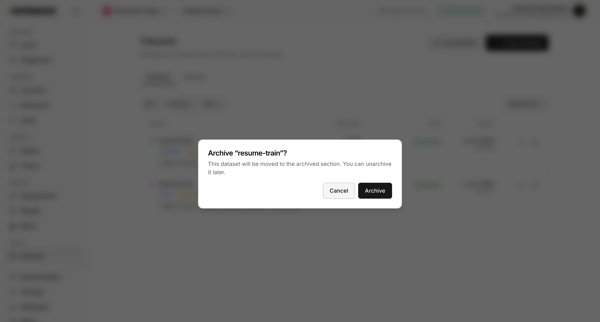
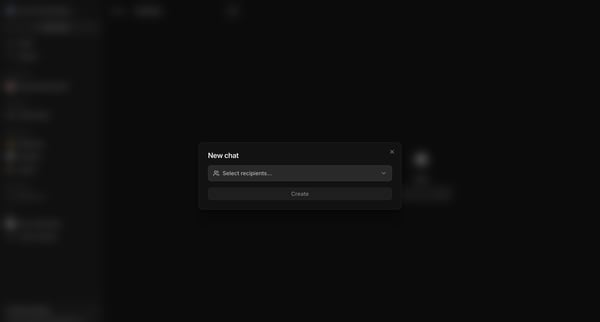
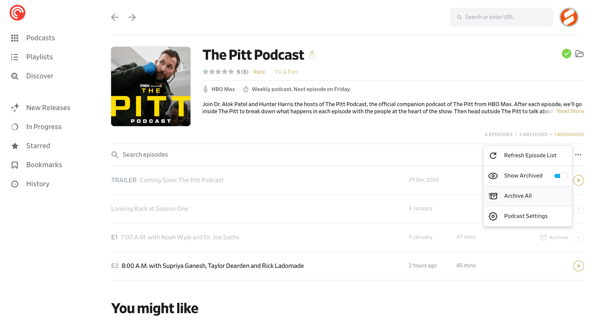
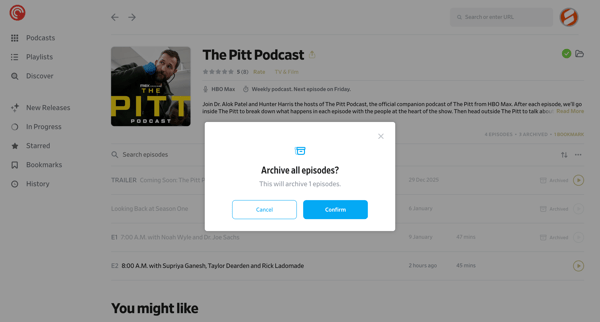
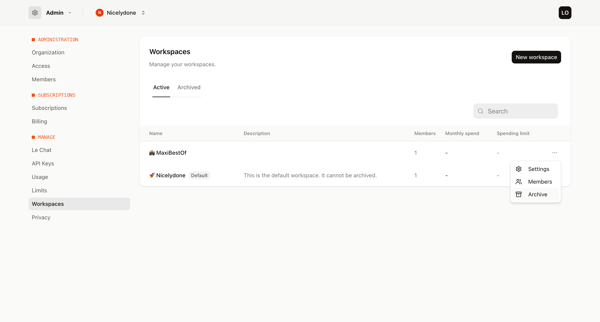
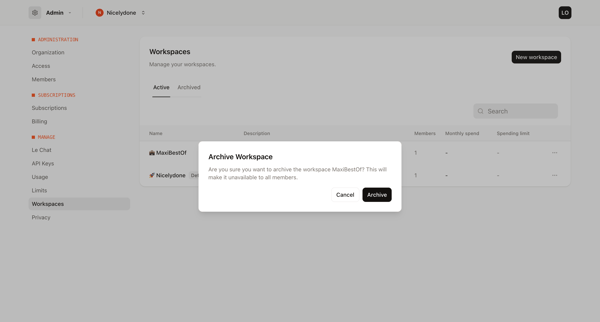
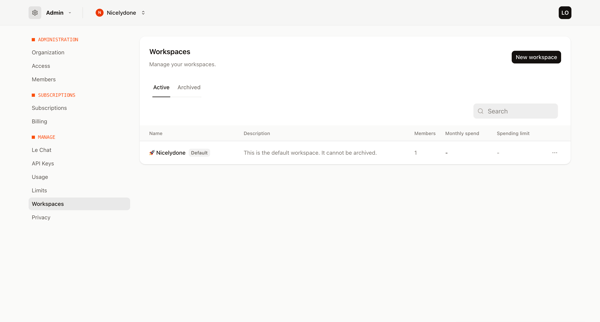
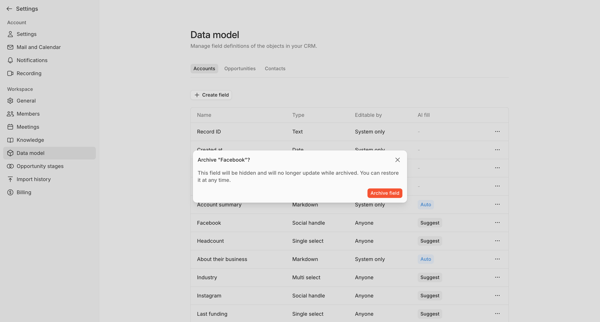
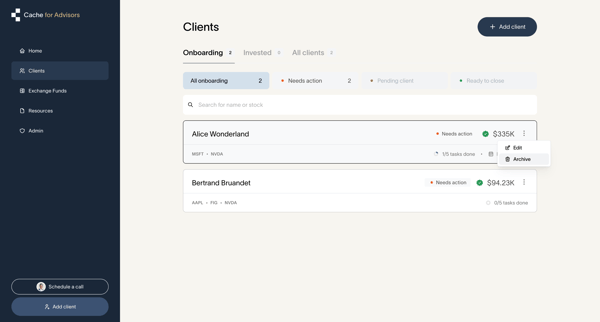
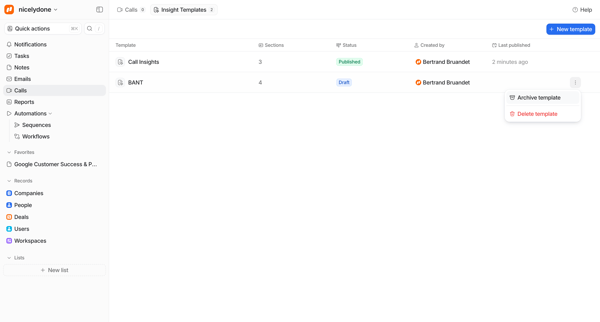
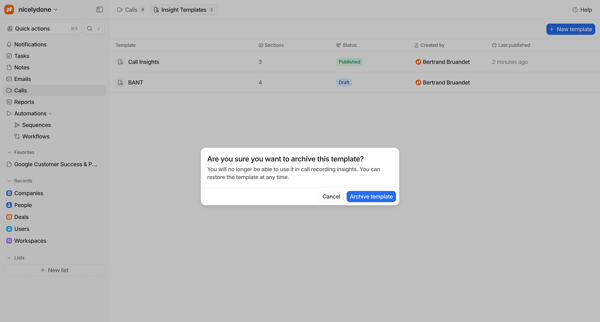
Archiving a dataset from the datasets list using a confirmation dialog

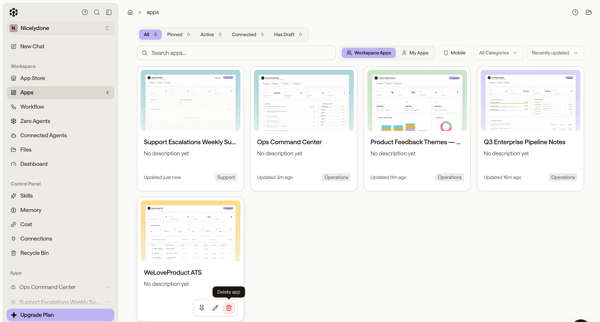
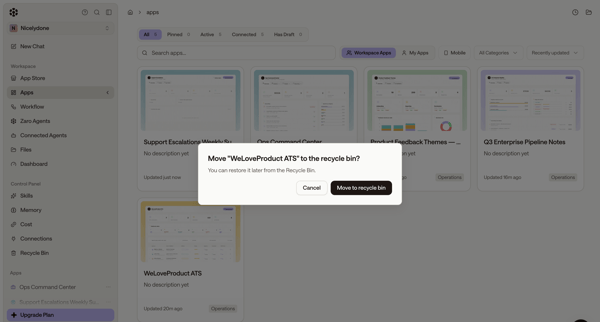
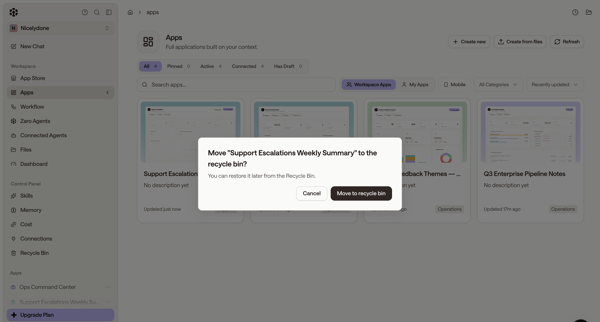













Explore the full SaaS flow library
Browse the full SaaS flow library.
Trusted by the best teams







