Skip to content

Zaro Flow Example: Deleting app

Preview this Zaro user flow: Deleting app. Explore the opening screens.

Preview these flows

Zaro logo

Deleting app

3 screens

·
FromZaro
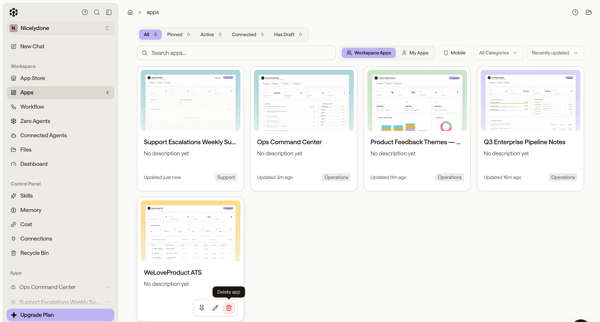
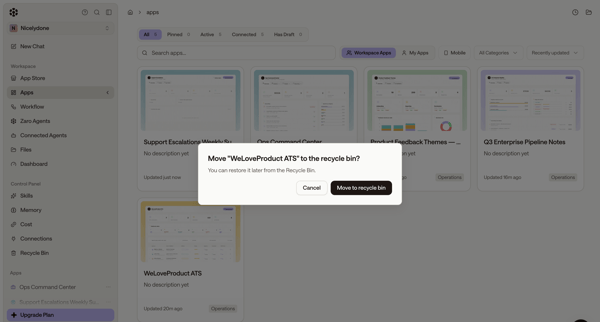
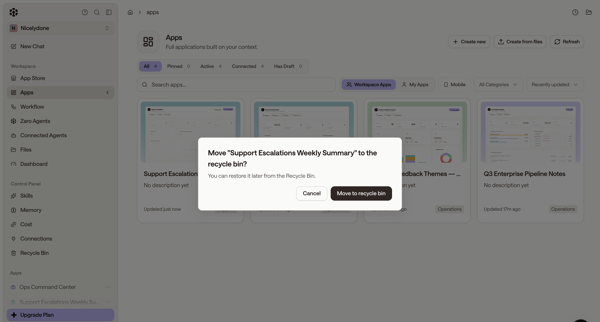
Zaro - The Context Layer for Enterprise AI screen

User browses workspace apps in gallery then confirms move of selected app to recycle bin via alert or modal

Bud logo

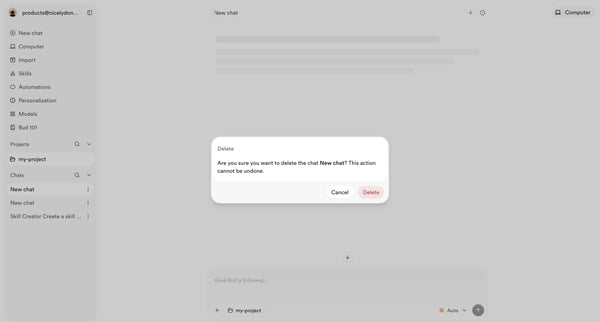
Deleting chat

2 screens

·
FromBud
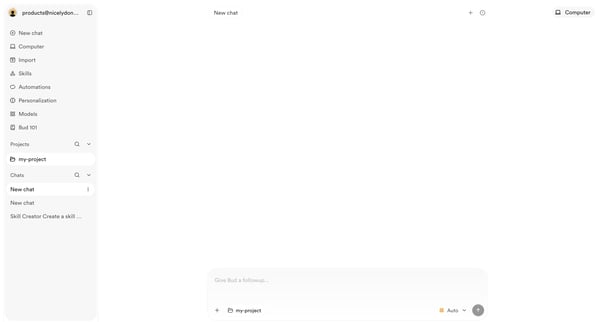
Bud | Your AI Worker screen

User opens empty AI chat then triggers delete confirmation modal for an existing chat

Polar logo
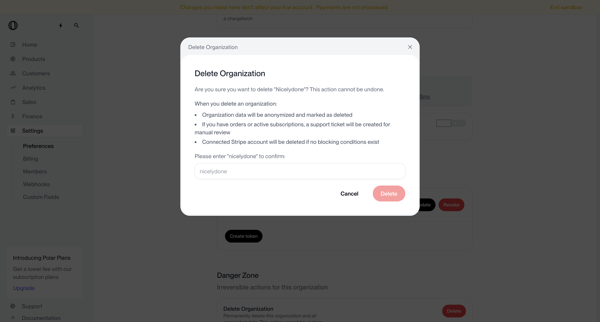
Settings | Nicelydone | Polar screen

User opens delete organization modal from settings danger zone, types organization name to confirm irreversible deletion, and sees deletion request submitted status requiring manual review

Inference logo
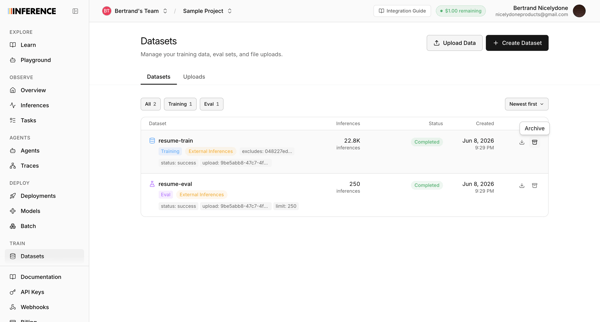
Datasets | inference.net screen

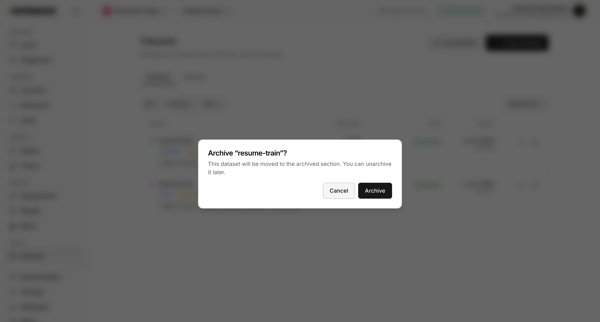
Archiving a dataset from the datasets list using a confirmation dialog

Steel logo

Deleting API key

2 screens

·
FromSteel
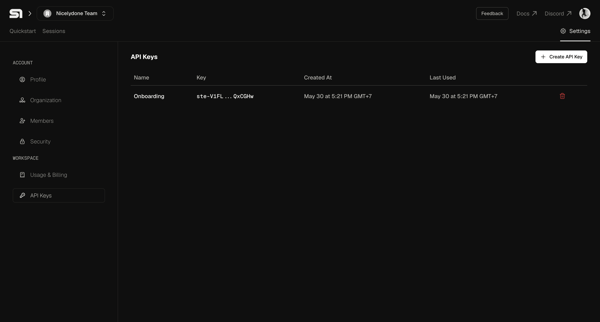
Steel | Open-source Headless Browser API screen

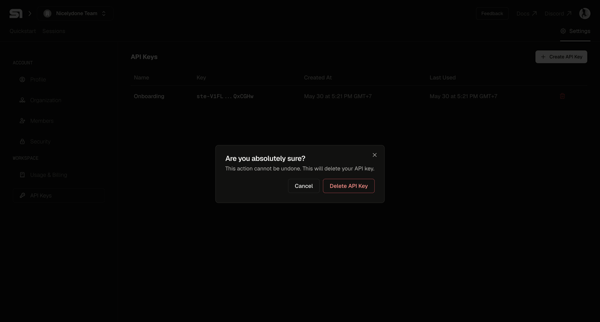
User selects an API key from the settings table and confirms deletion in a modal

Axiom logo
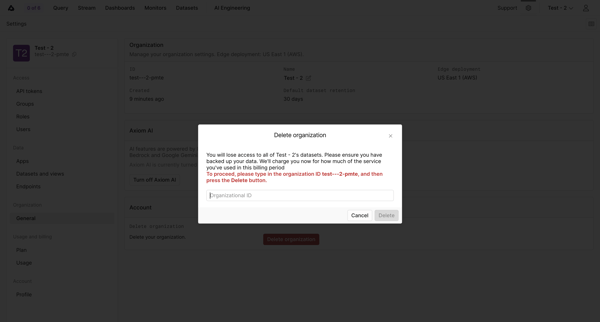
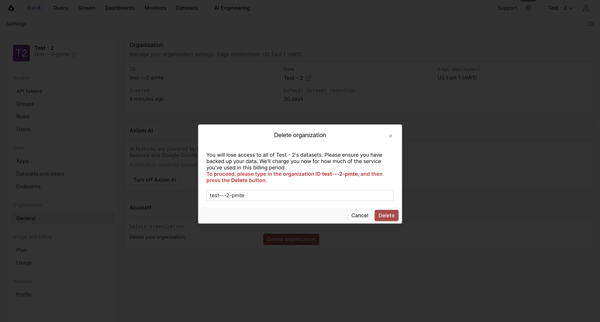
General - Settings - Axiom screen

Confirming permanent deletion of an organization by typing its ID in a settings modal

Lithic logo

Deleting API key

2 screens

·
FromLithic
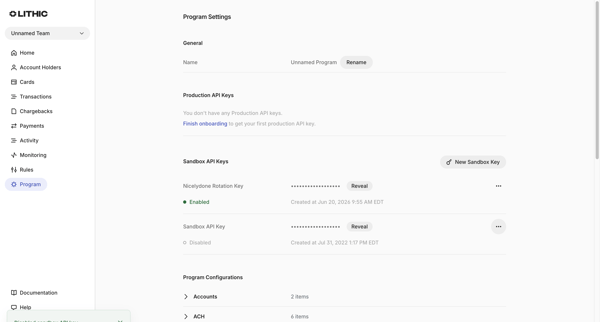
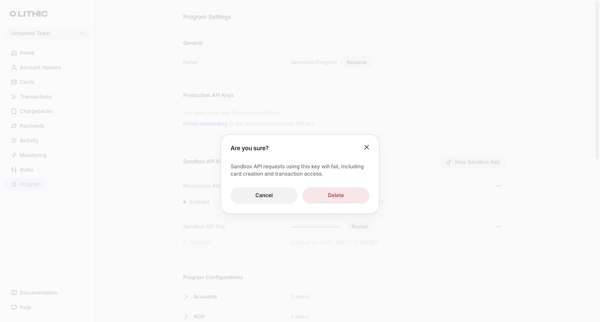
Lithic - Program Settings screen

User views sandbox API keys in Program Settings and opens a confirmation modal to delete a selected key

Visitors logo
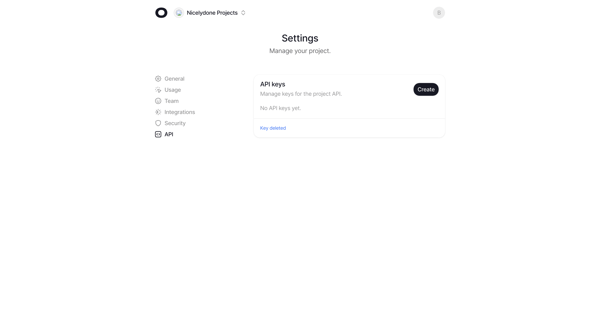
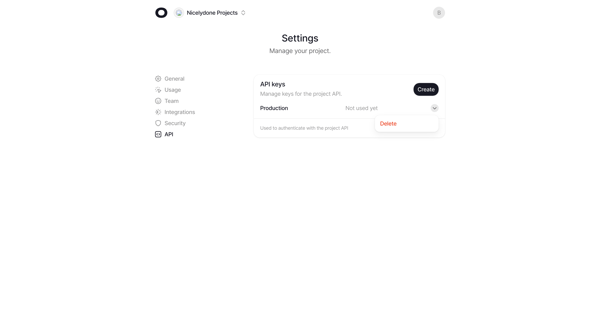
API keys - nicelydone.com - Visitors screen

User deletes a production API key from project settings and sees empty state with confirmation

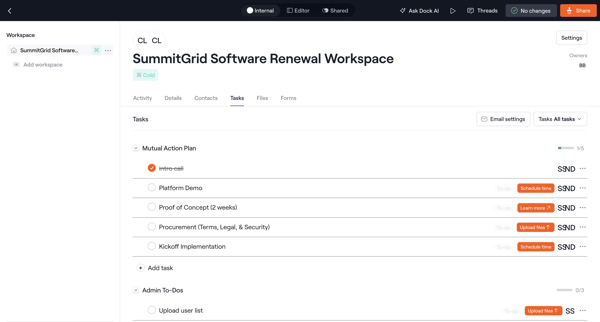
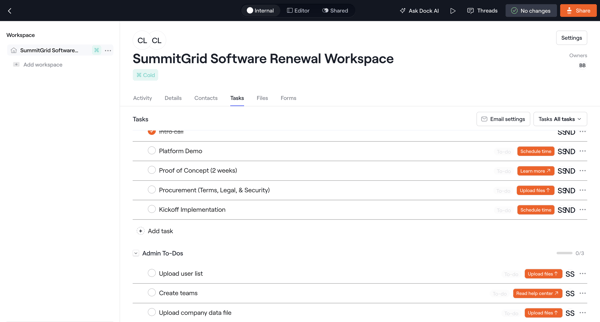
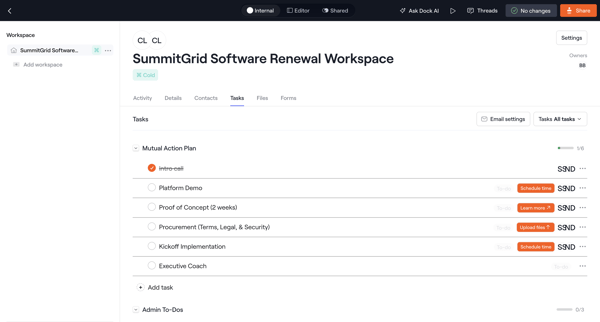
User manages mutual action plan tasks and admin to-dos inside a software renewal workspace, including filtering, editing, progress tracking, and deletion confirmation

Bloom logo

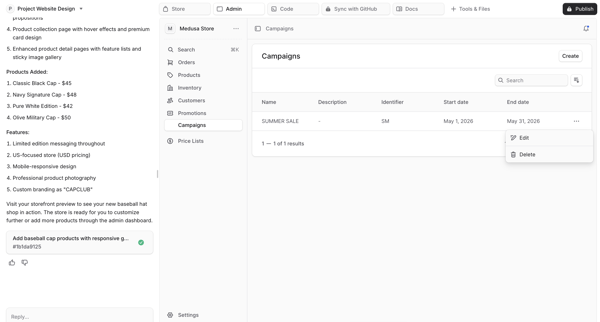
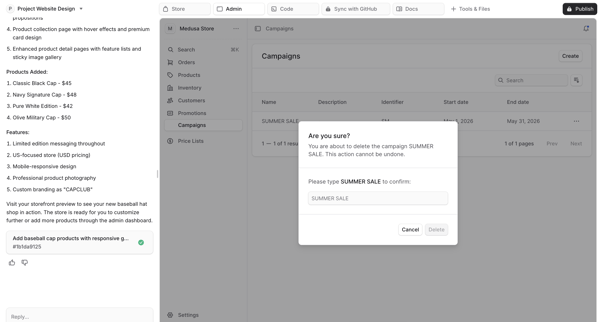
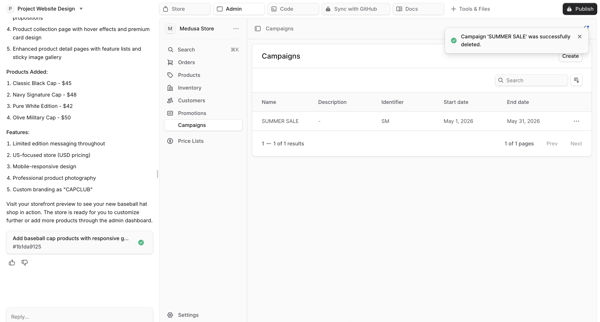
Deleting campaign

4 screens

·
FromBloom
Bloom by Medusa screen

Deleting a campaign from generated ecommerce admin dashboard preview via type-to-confirm destructive modal in AI app builder

Appwrite logo

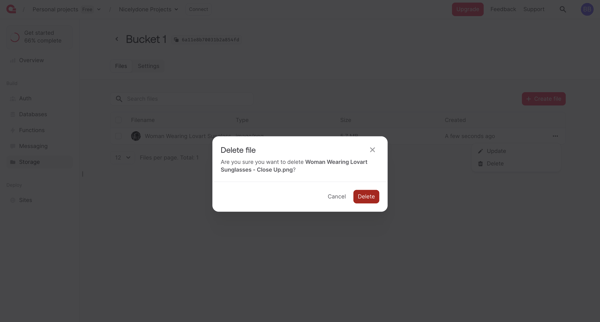
Deleting file

2 screens

·
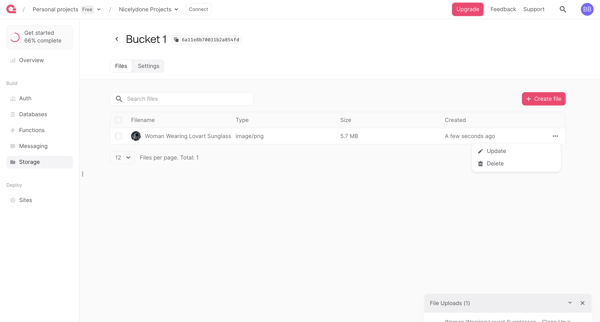
Bucket - Appwrite screen

From storage bucket file list with open context menu, user selects Delete and reaches confirmation prompt for the selected image file

Beside logo

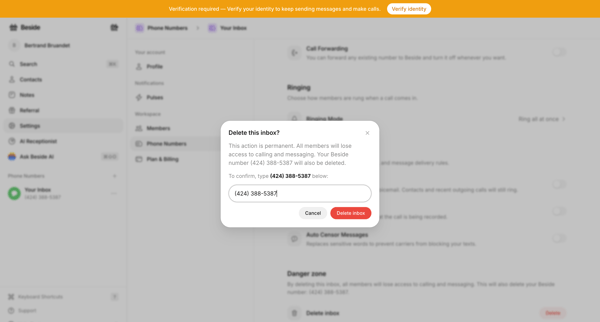
Deleting inbox

4 screens

·
FromBeside
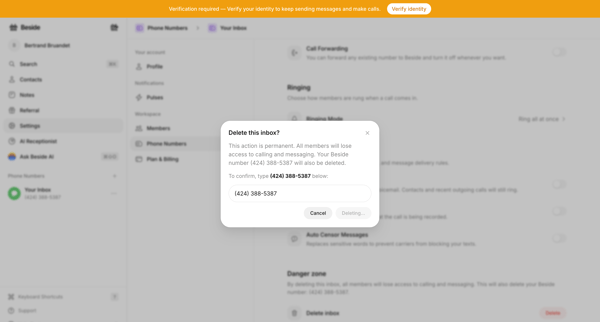
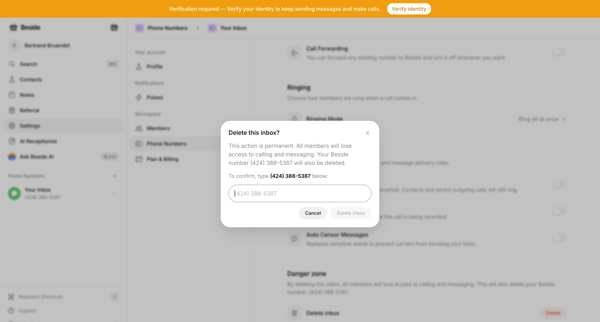
Your Inbox - Phone Numbers - Beside screen

User confirms permanent deletion of a phone number inbox by typing the number in settings, then sees empty phone numbers state

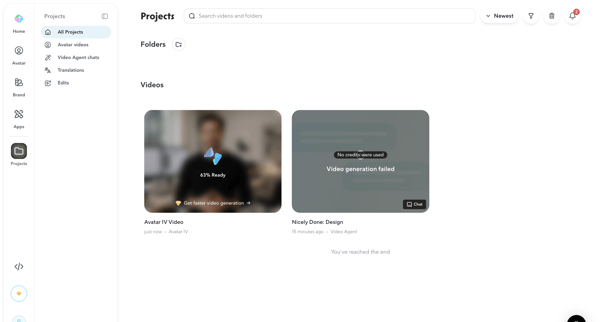
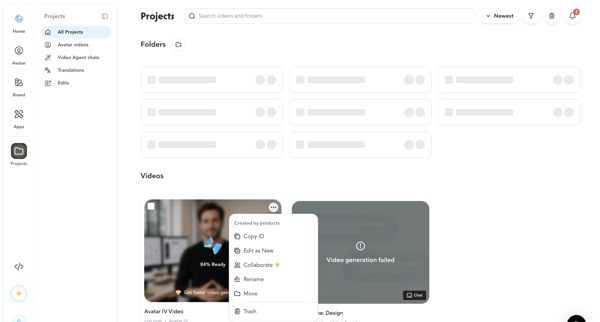
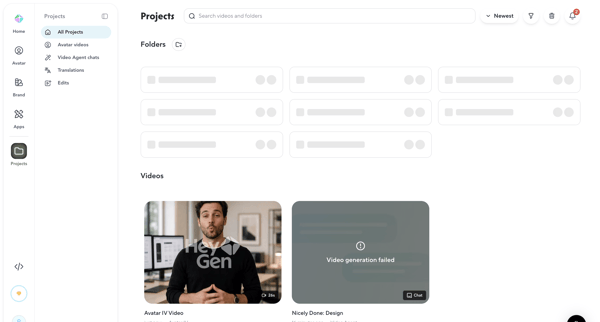
Browsing, searching, filtering, sorting, and deleting AI-generated video projects and folders from list views with generation status indicators

Explore the full SaaS flow library

Browse the full SaaS flow library.

Trusted by the best teams