HeyGen Flow Example: Organizing video projects
Preview this HeyGen user flow: Organizing video projects. Explore the opening screens.
Preview these flows

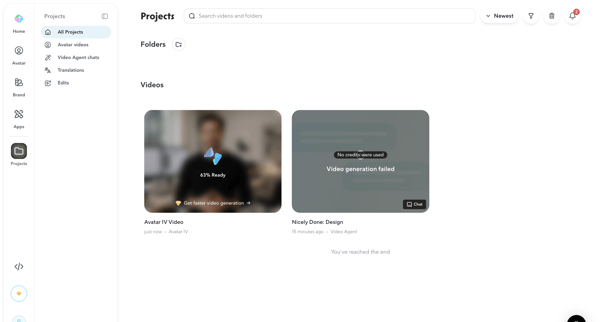
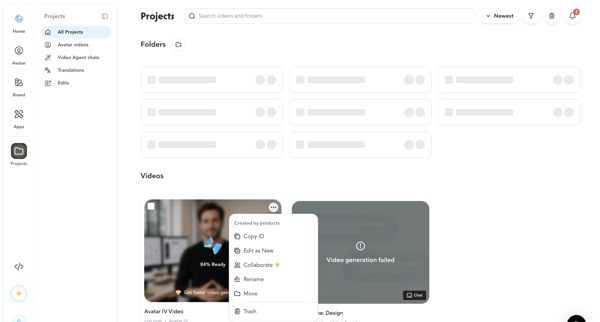
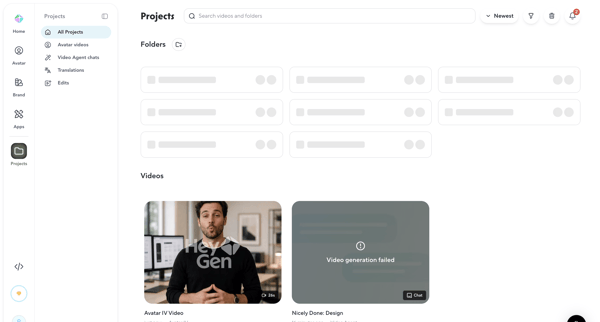
Browsing, searching, filtering, sorting, and deleting AI-generated video projects and folders from list views with generation status indicators
Related user flows

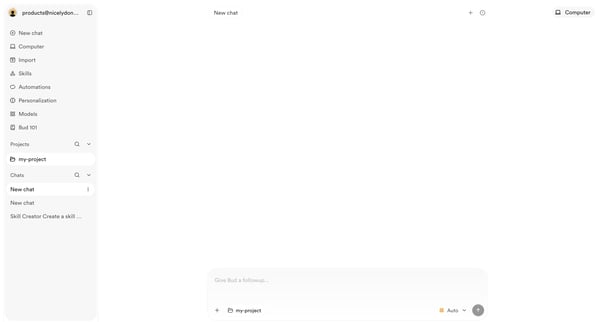
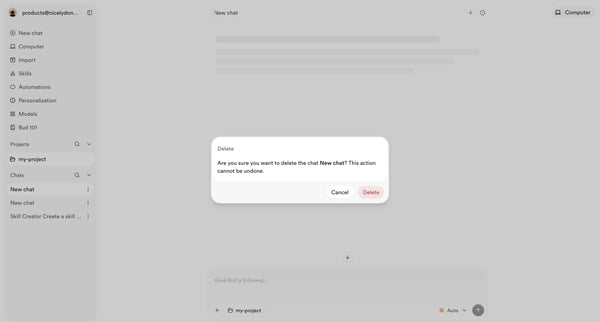
User opens empty AI chat then triggers delete confirmation modal for an existing chat

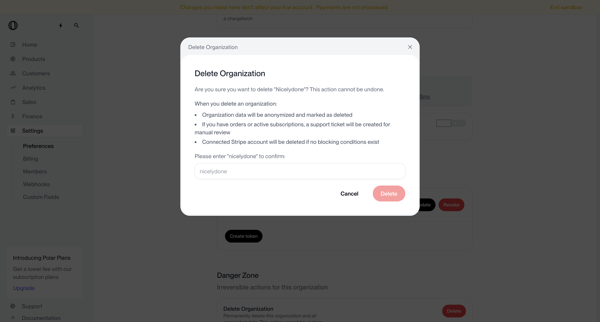
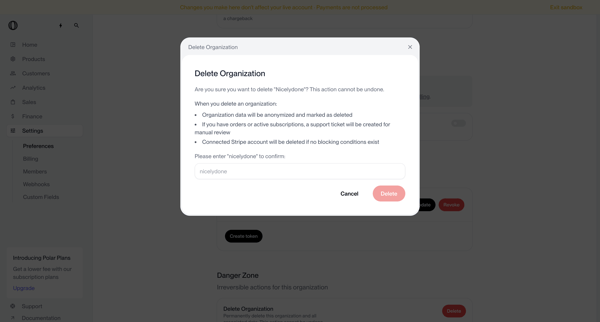
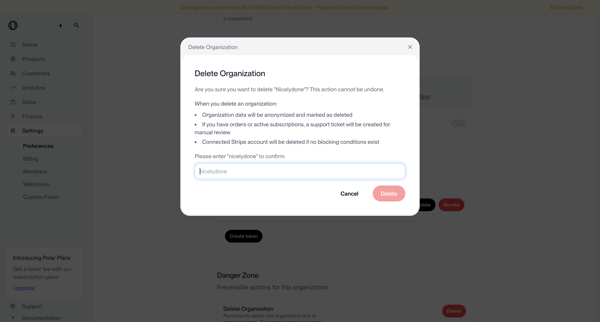
User opens delete organization modal from settings danger zone, types organization name to confirm irreversible deletion, and sees deletion request submitted status requiring manual review



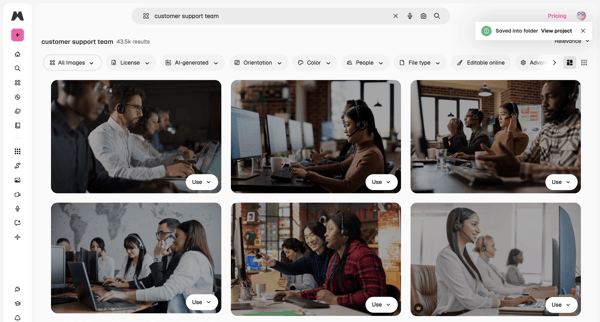
User enters search query for stock images, browses masonry grid results, applies filters by license/orientation/color, views AI suggestions in overlay, and saves or downloads assets

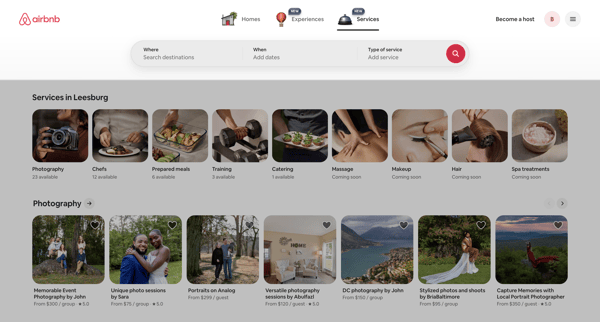
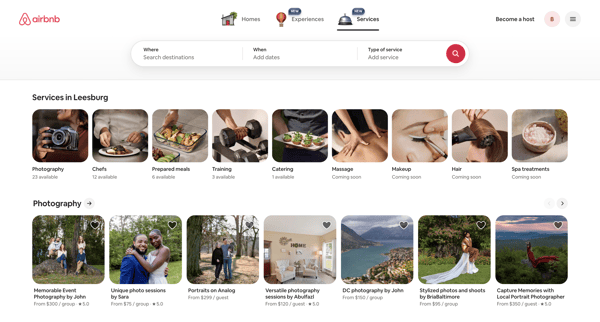
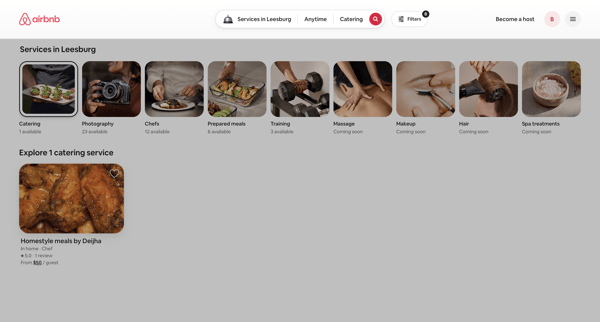
Browsing local services via category carousels and search results grids on Airbnb app

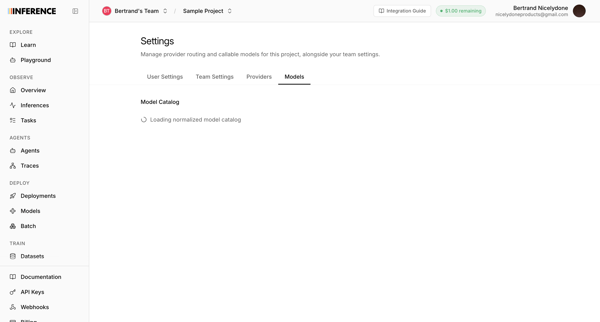
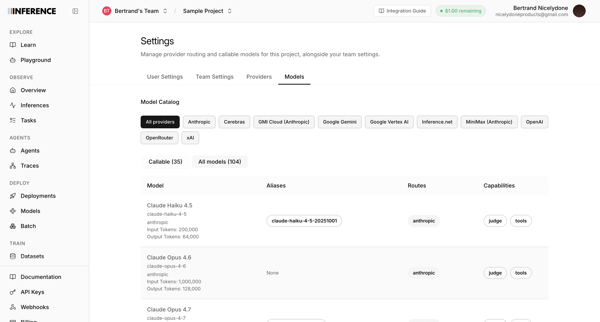
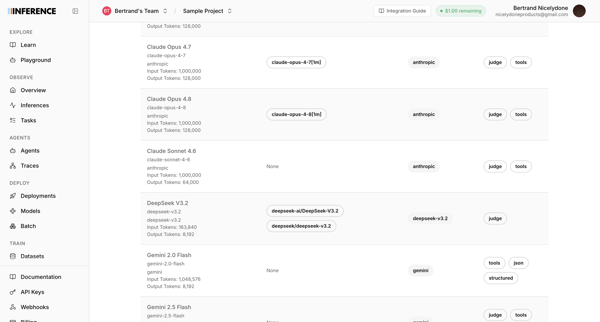
User accesses AI model catalog settings to manage provider routing, filter models by provider, and review token limits and capabilities across multiple list and table views

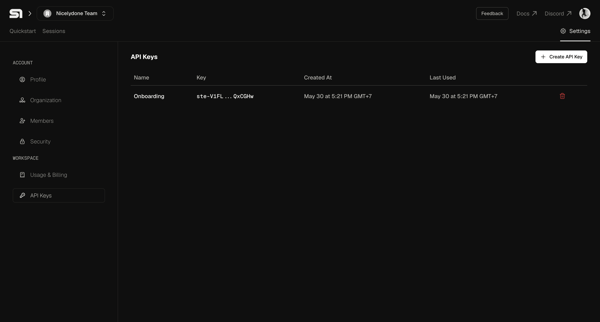
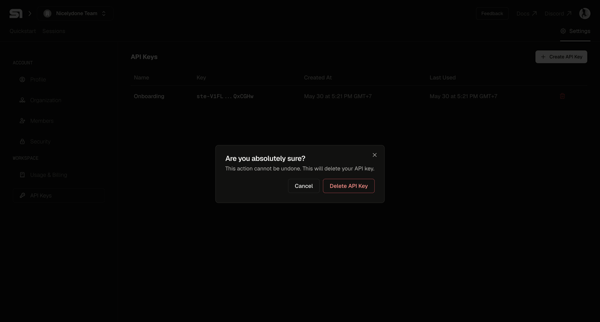
User selects an API key from the settings table and confirms deletion in a modal

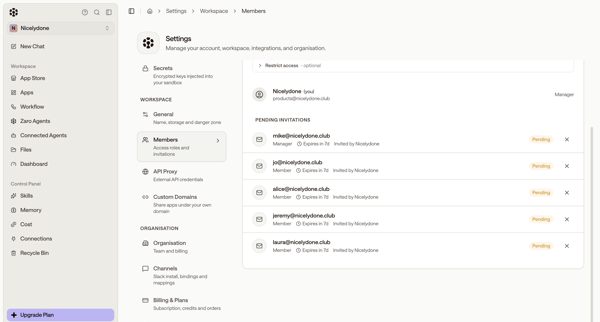
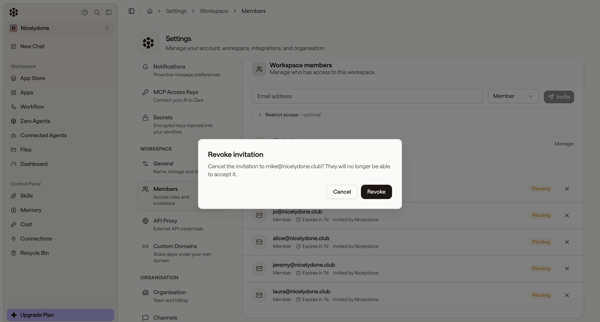
Admin views pending invitations in workspace members settings and opens revoke confirmation modal

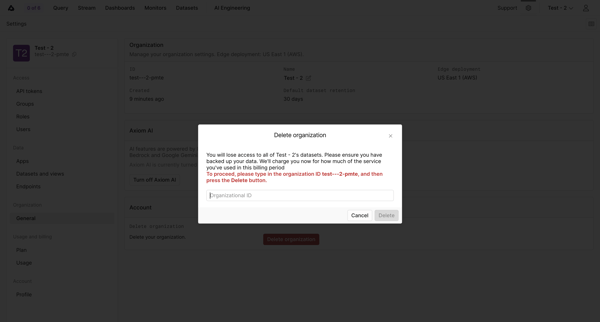
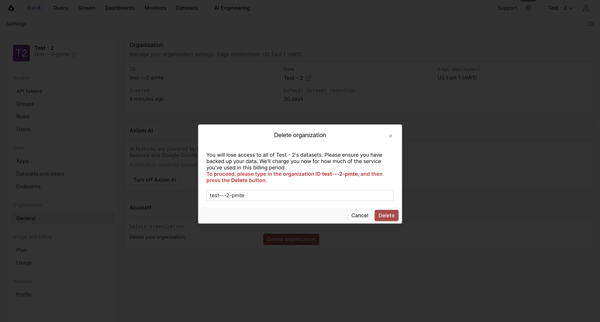
Confirming permanent deletion of an organization by typing its ID in a settings modal

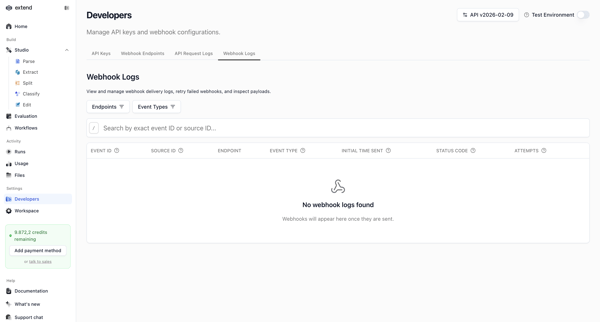
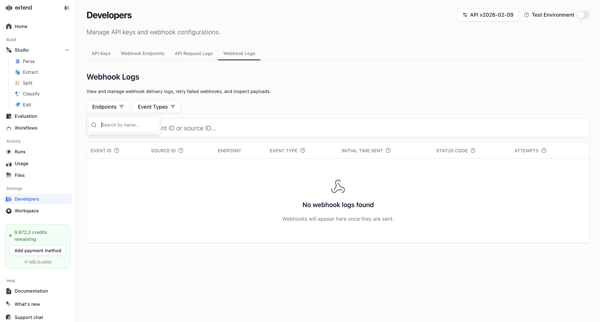
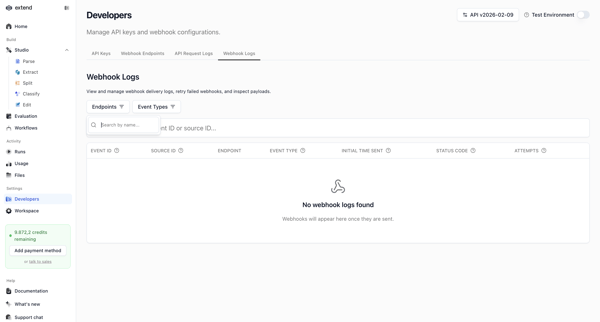
Developer accesses webhook settings page to search, filter, and view delivery logs, shown in multiple empty states with filter popovers and table views

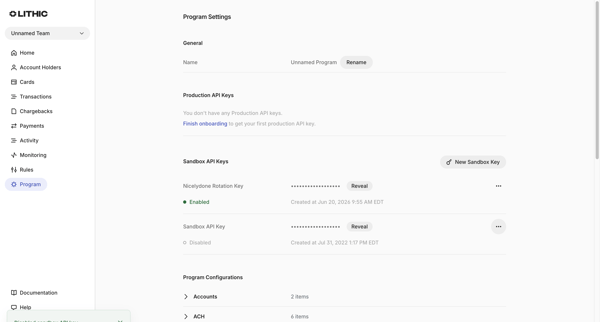
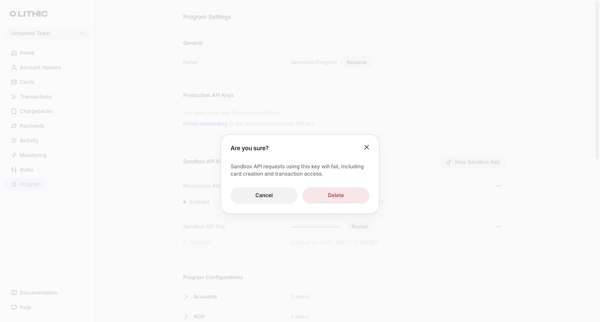
User views sandbox API keys in Program Settings and opens a confirmation modal to delete a selected key

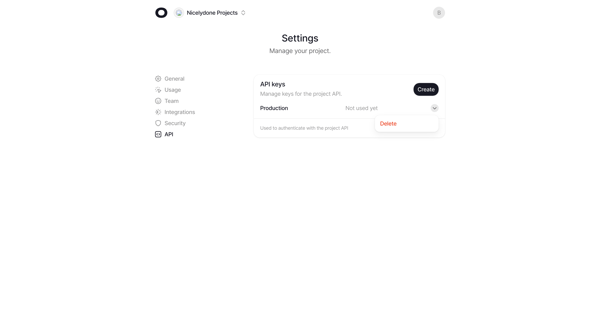
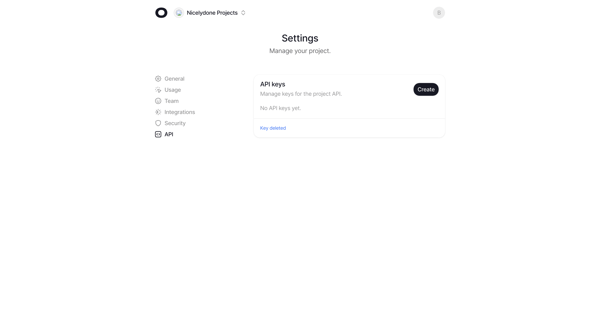
User deletes a production API key from project settings and sees empty state with confirmation

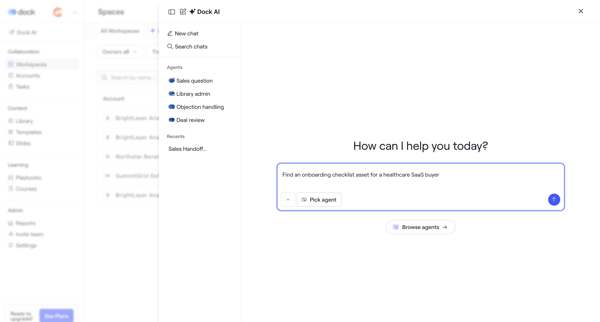
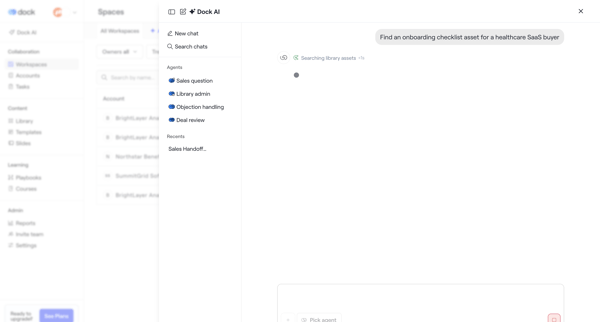
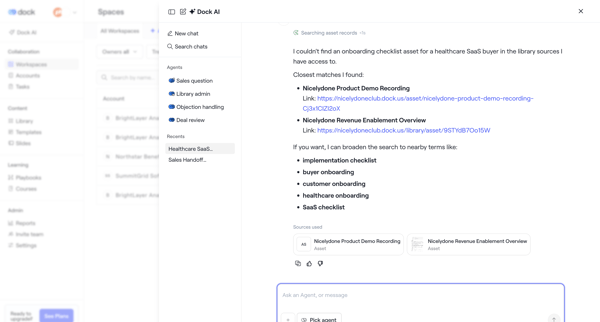
User opens AI assistant overlay in Dock to chat with specialized agents, request asset searches such as onboarding checklists, and review suggested records with alternatives and citations
Explore the full SaaS flow library
Browse the full SaaS flow library.
Trusted by the best teams







