HeyGen user flows examples
Explore HeyGen user flow examples. Preview the opening screens and steps for each task. AI video generator that turns ideas into professional videos in minutes
Preview these flows

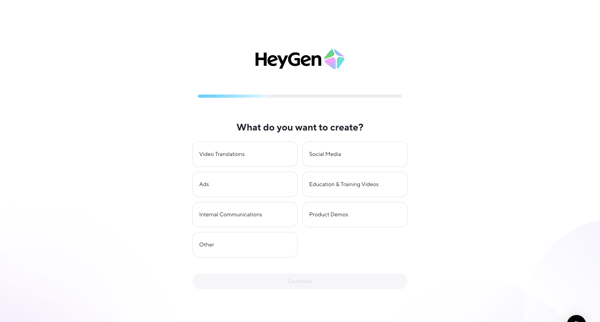
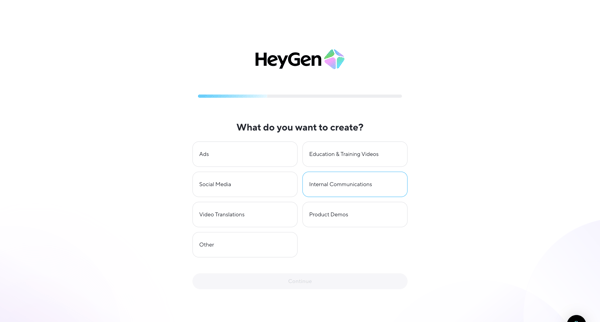
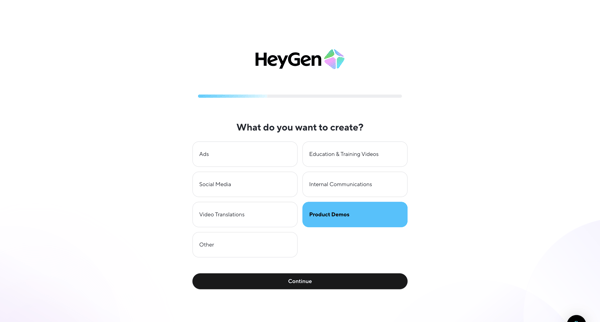
User answers intent questionnaire then selects video use cases, role, and creator persona to personalize HeyGen account
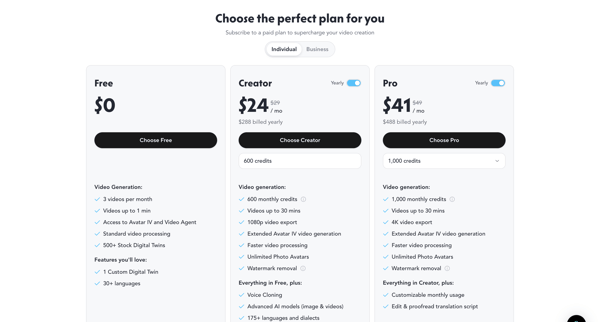
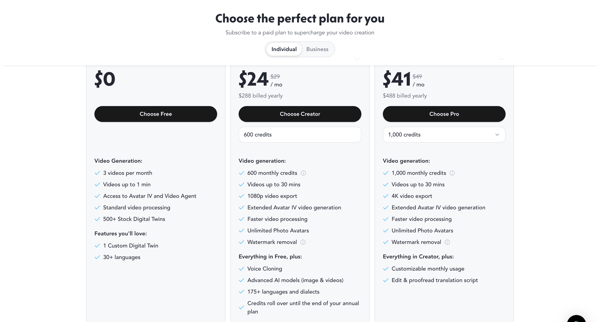
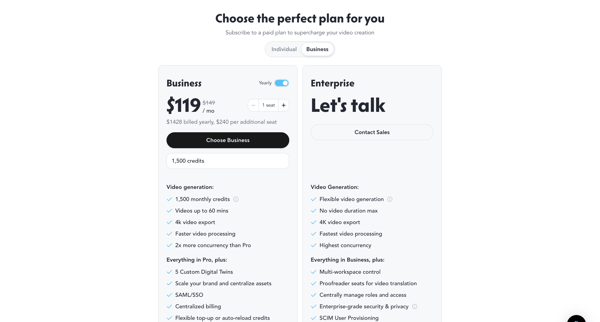
User views marketing pricing pages and in-app paywalls, compares Free through Enterprise tiers with credits and seats, then selects and upgrades plan
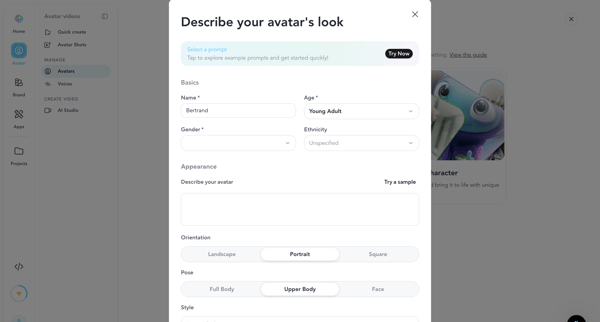
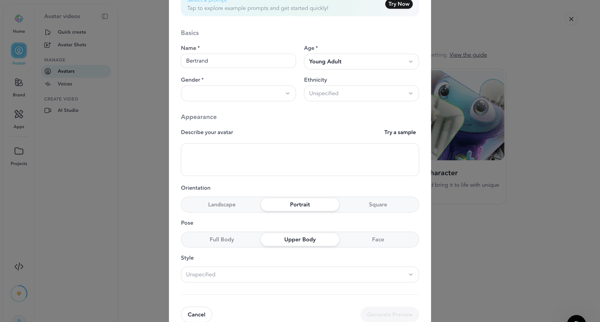
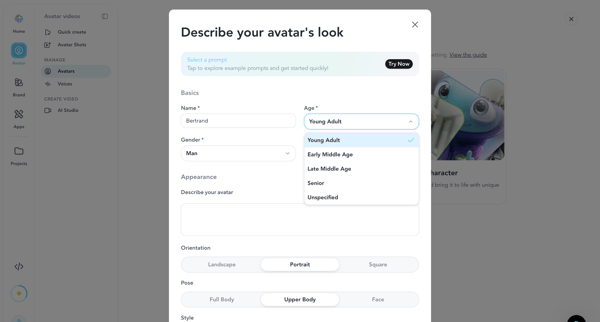
User configures demographics, appearance prompt, orientation, pose and style in successive modals to generate and select an AI avatar in HeyGen
User configures AI avatar name, demographics, appearance prompt, orientation, pose and style inside creation modal before generating preview image or video
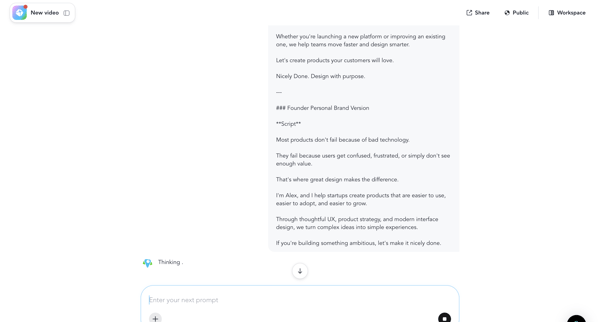
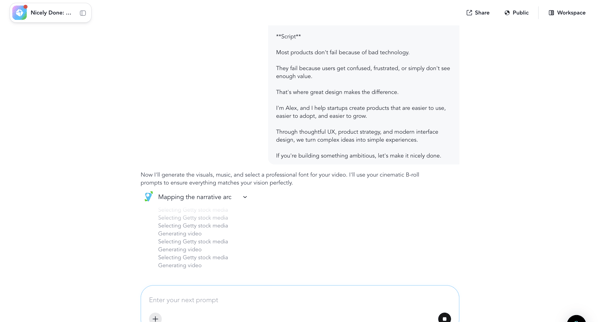
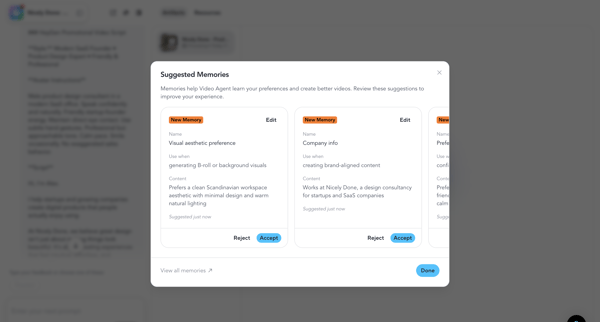
User chats with video agent to generate script, configures memories, monitors rendering, reviews and edits output, then downloads final video
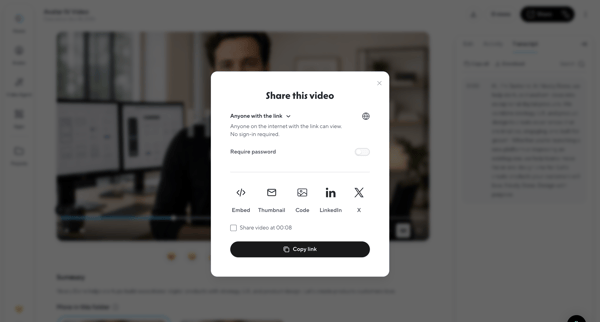
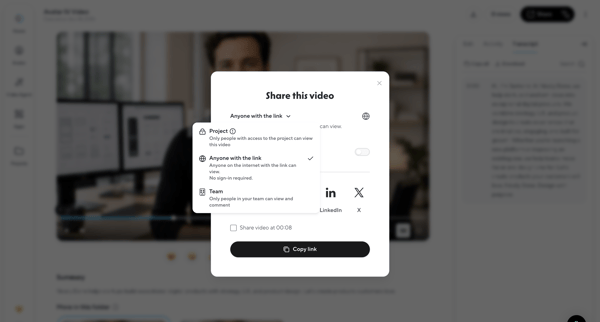
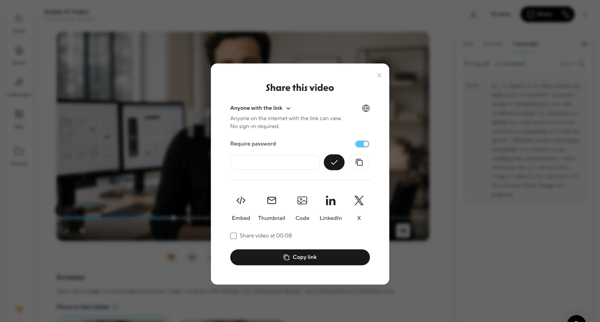
User configures link access, password protection, and embed options then copies the share link for a generated video via modal in HeyGen
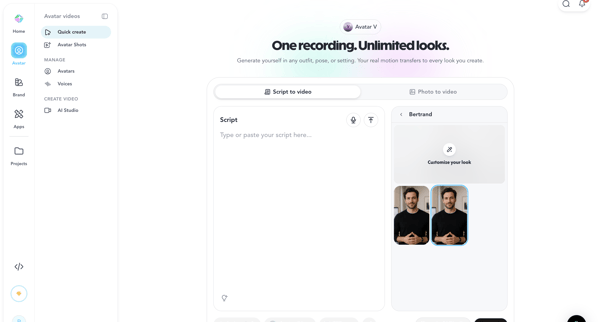
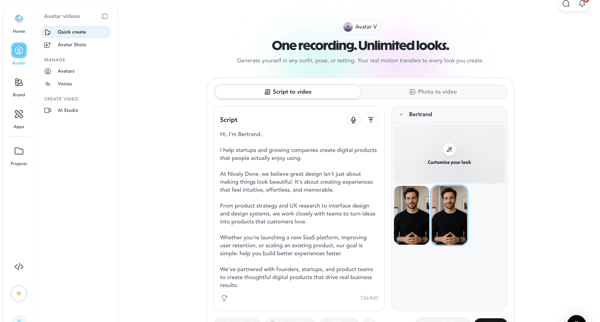
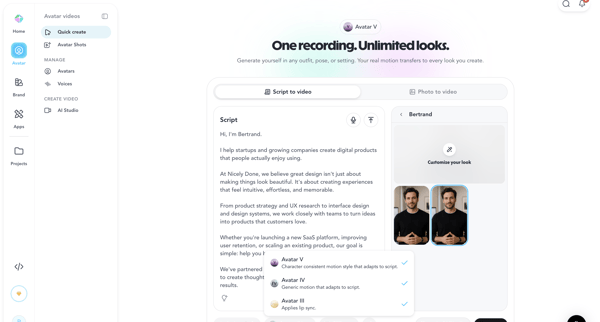
User creates avatar video via script input, avatar/voice selection and AI generation in HeyGen, encountering paywall for advanced features
Explore the full SaaS flow library
Browse the full SaaS flow library.
Trusted by the best teams







