HeyGen product screens examples
Browse HeyGen screen design examples. Preview the interface screenshots and explore related UI patterns. AI video generator that turns ideas into professional videos in minutes
Explore the examples

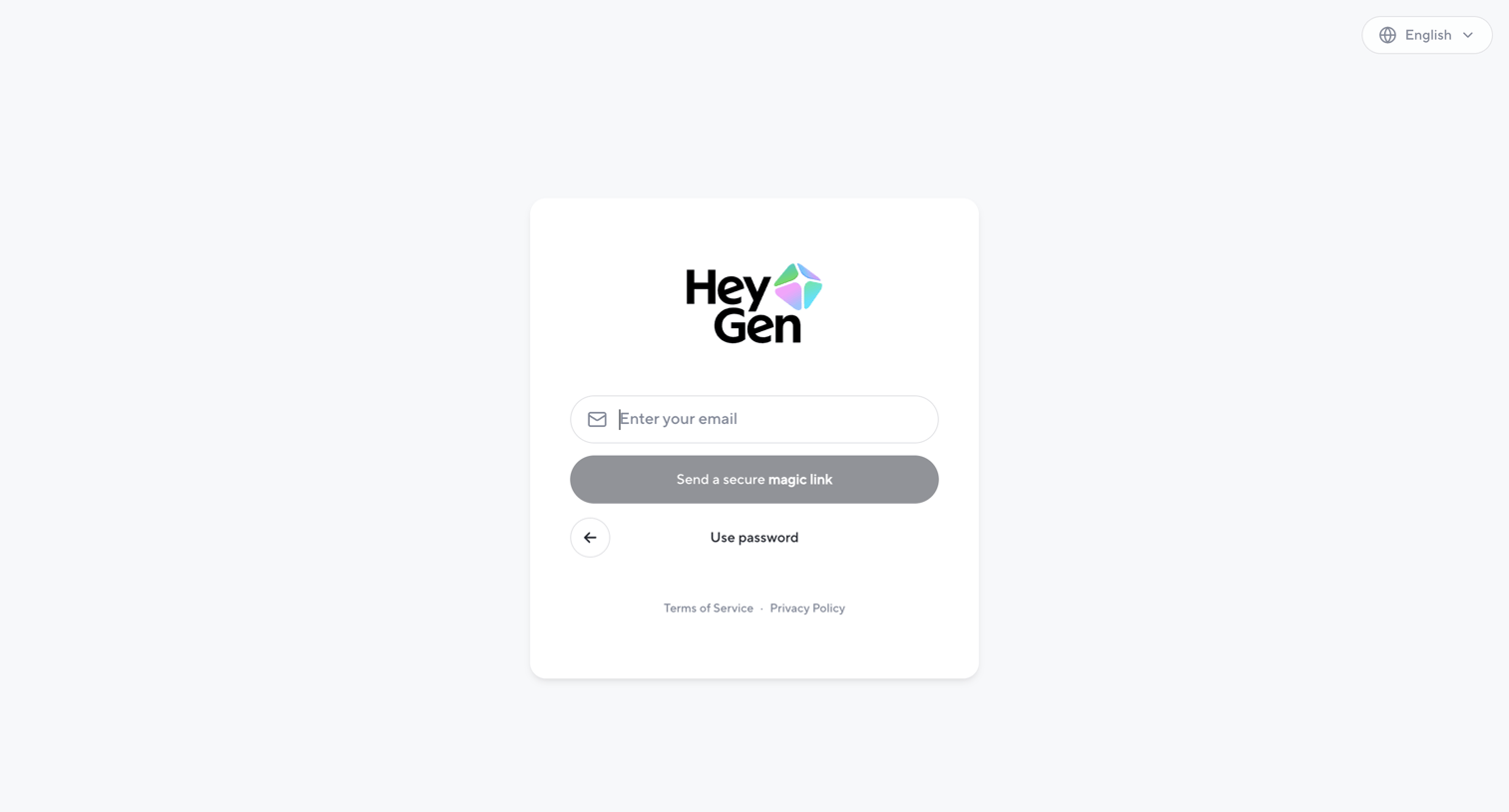
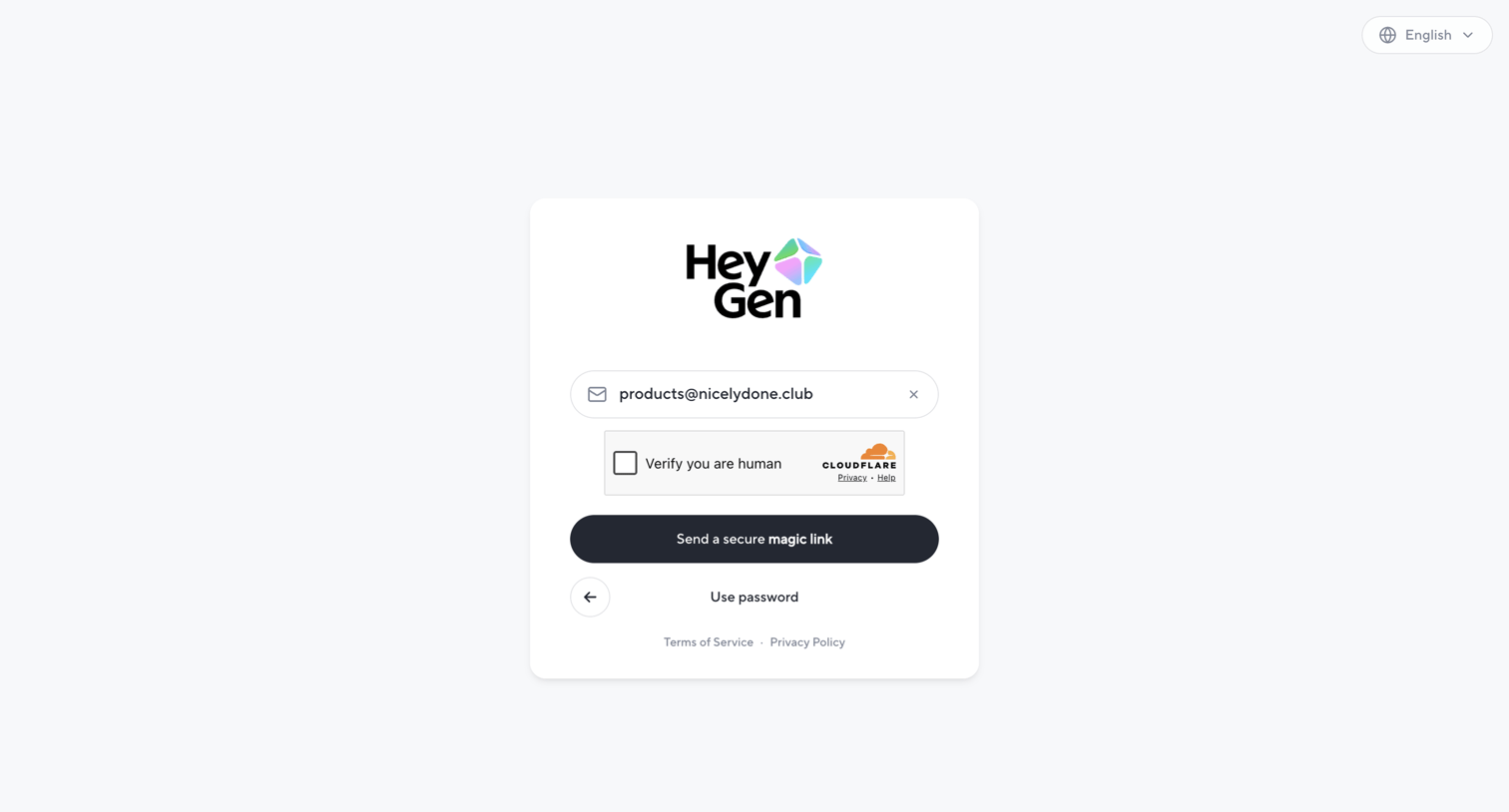

Sign-in screen where the user enters their email to receive a secure magic link, completes a Cloudflare CAPTCHA, or opts to switch back to password authentication.
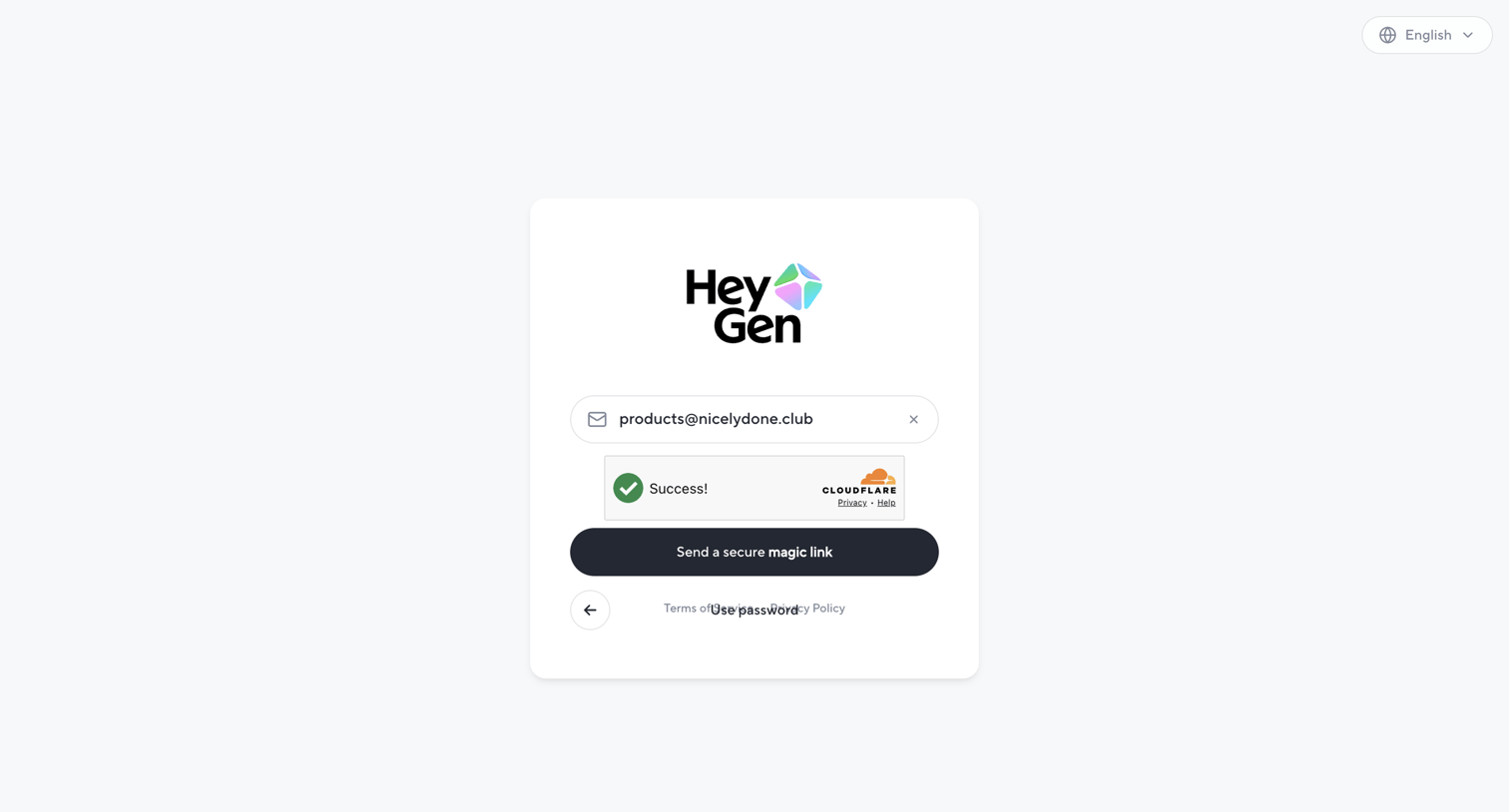
Sign-in screen where the user enters their email to receive a secure magic link, after passing a Cloudflare Turnstile verification.
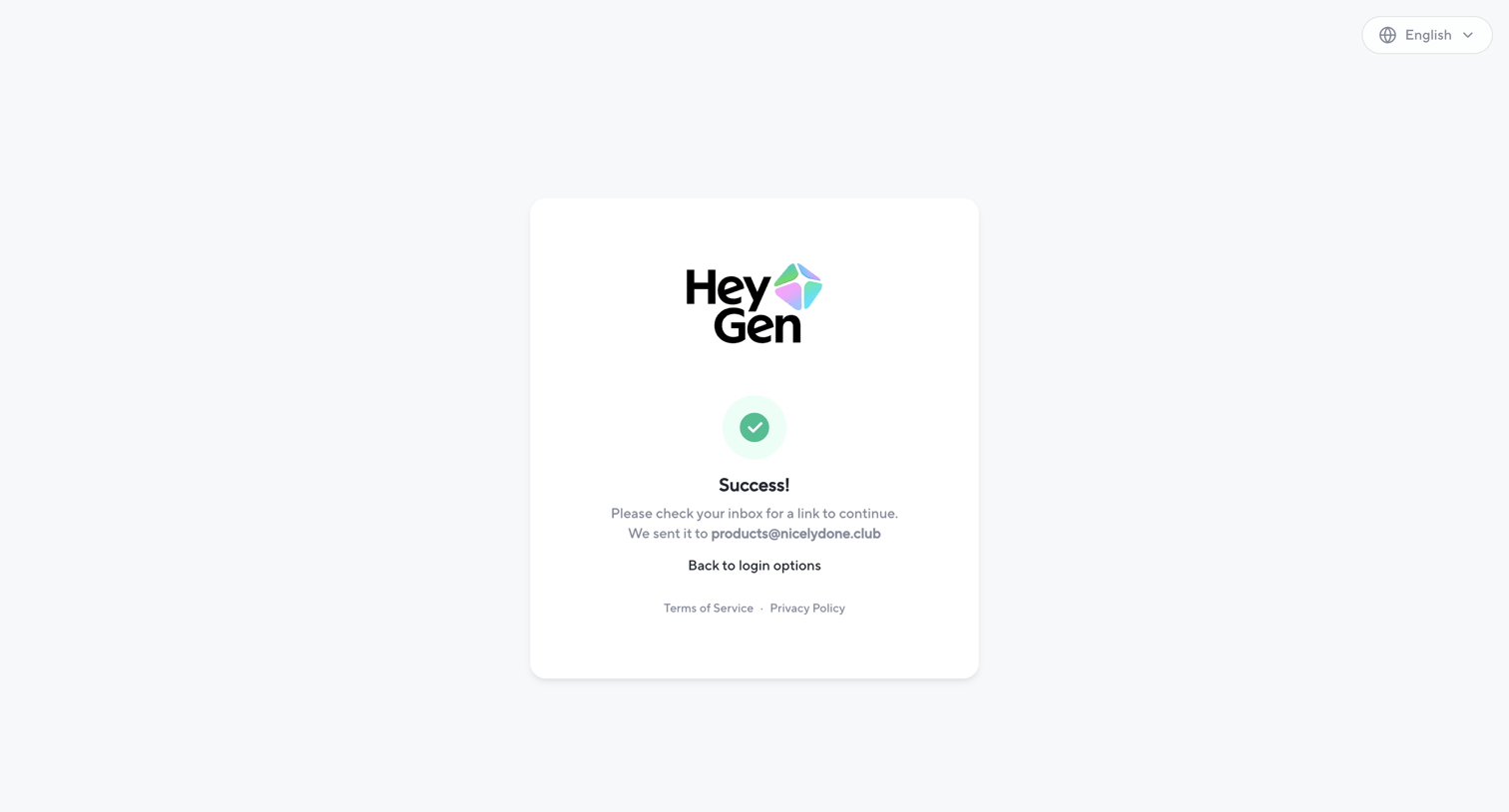
Verification screen where the user is informed that a login link has been successfully sent to their email address.
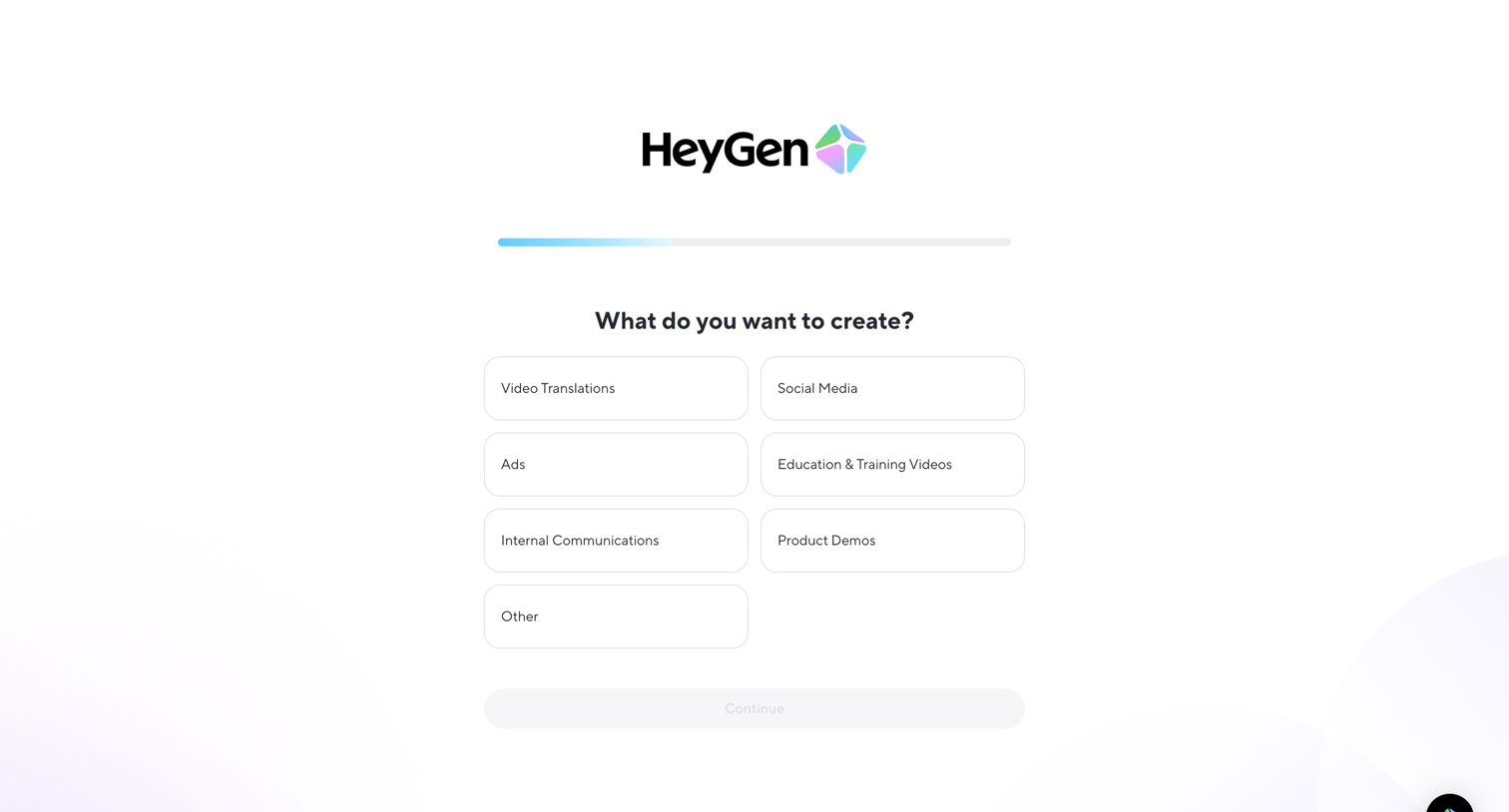
Onboarding step where the user selects their primary use case, such as video translations, social media, or ads, to personalize their experience.
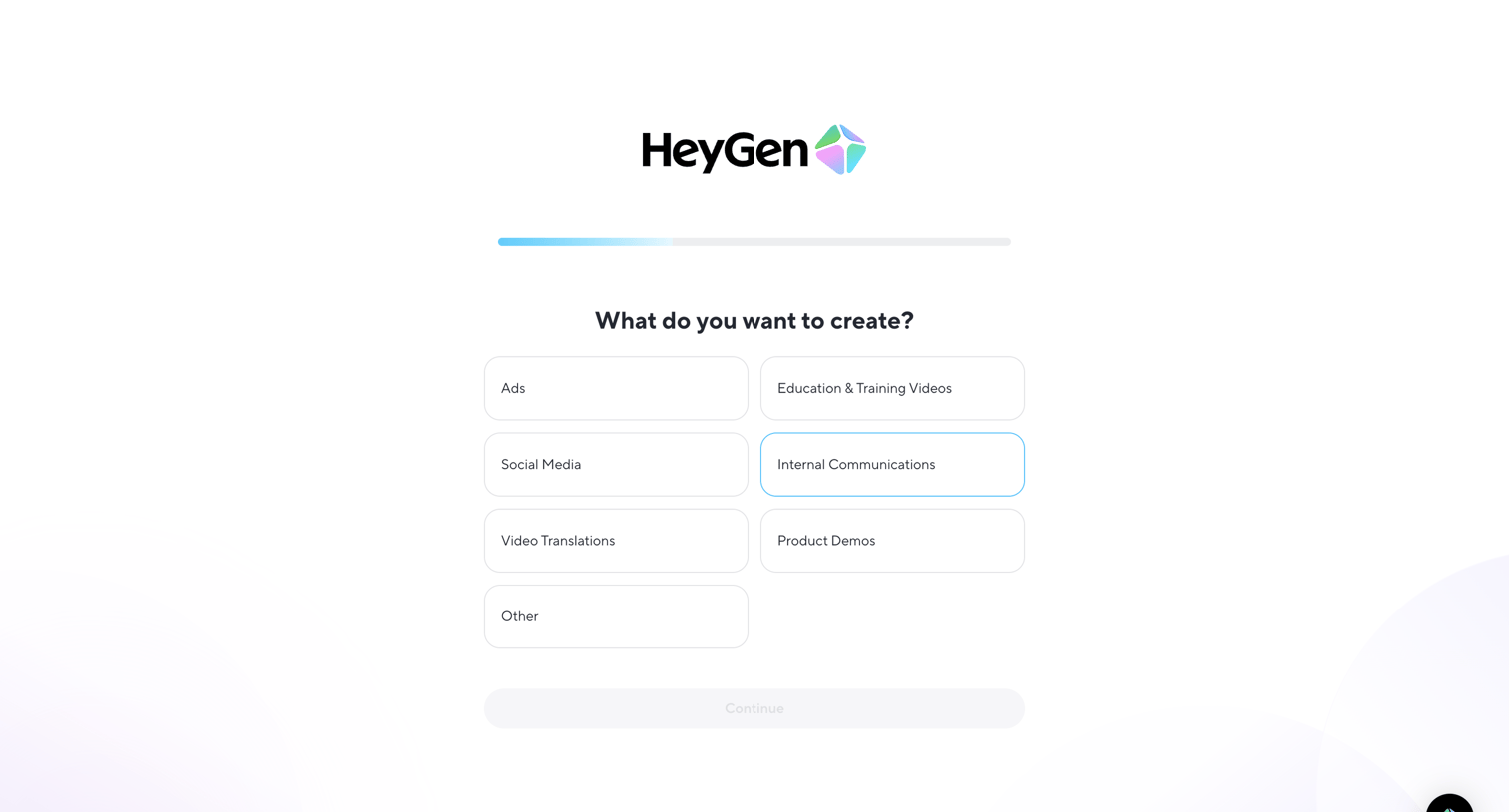
Onboarding step where the user selects what kind of videos they want to create from a grid of options like Ads, Social Media, and Product Demos.
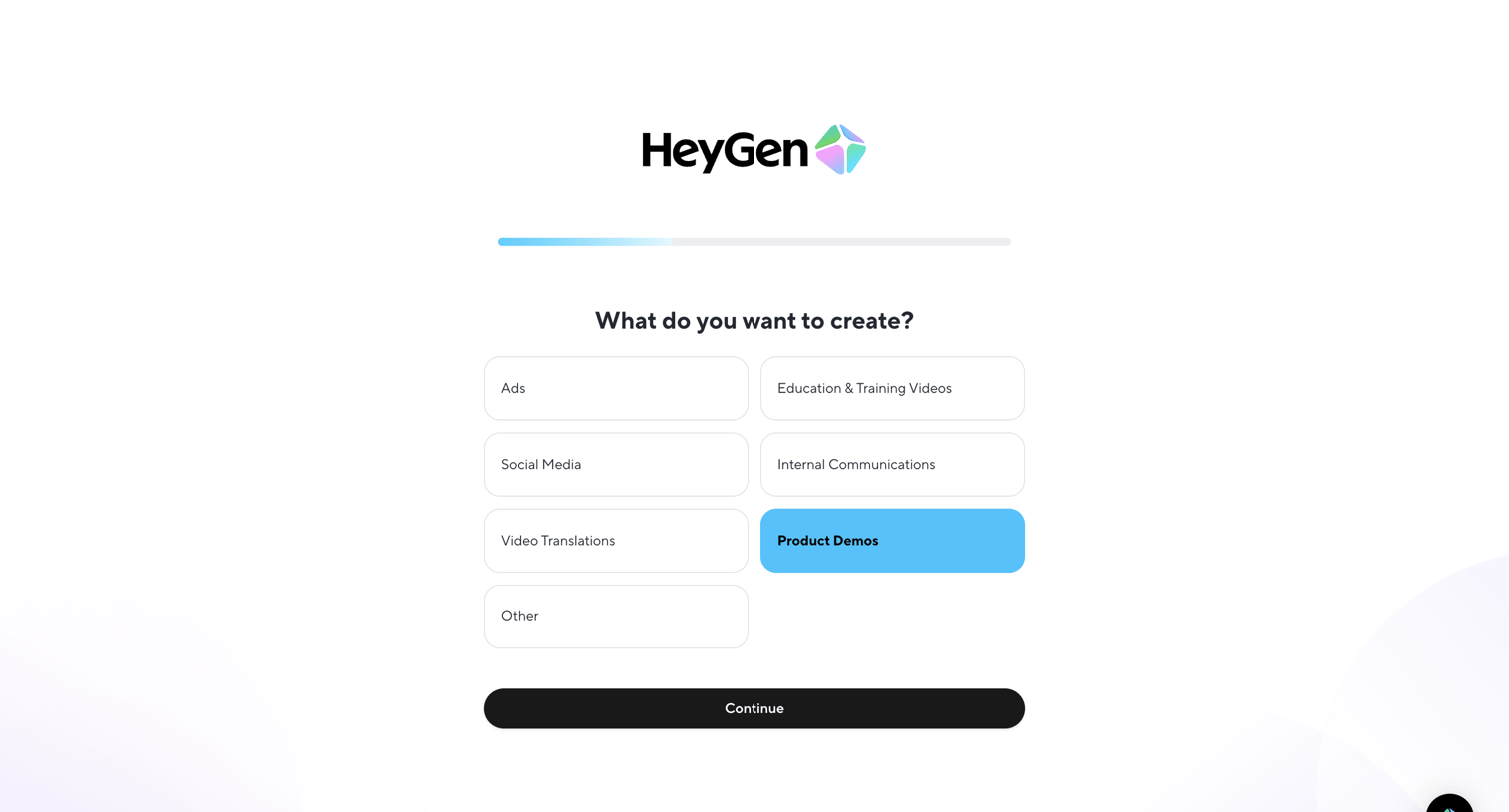
Onboarding step where the user selects what they want to create, such as ads, social media, or product demos, to personalize their experience.
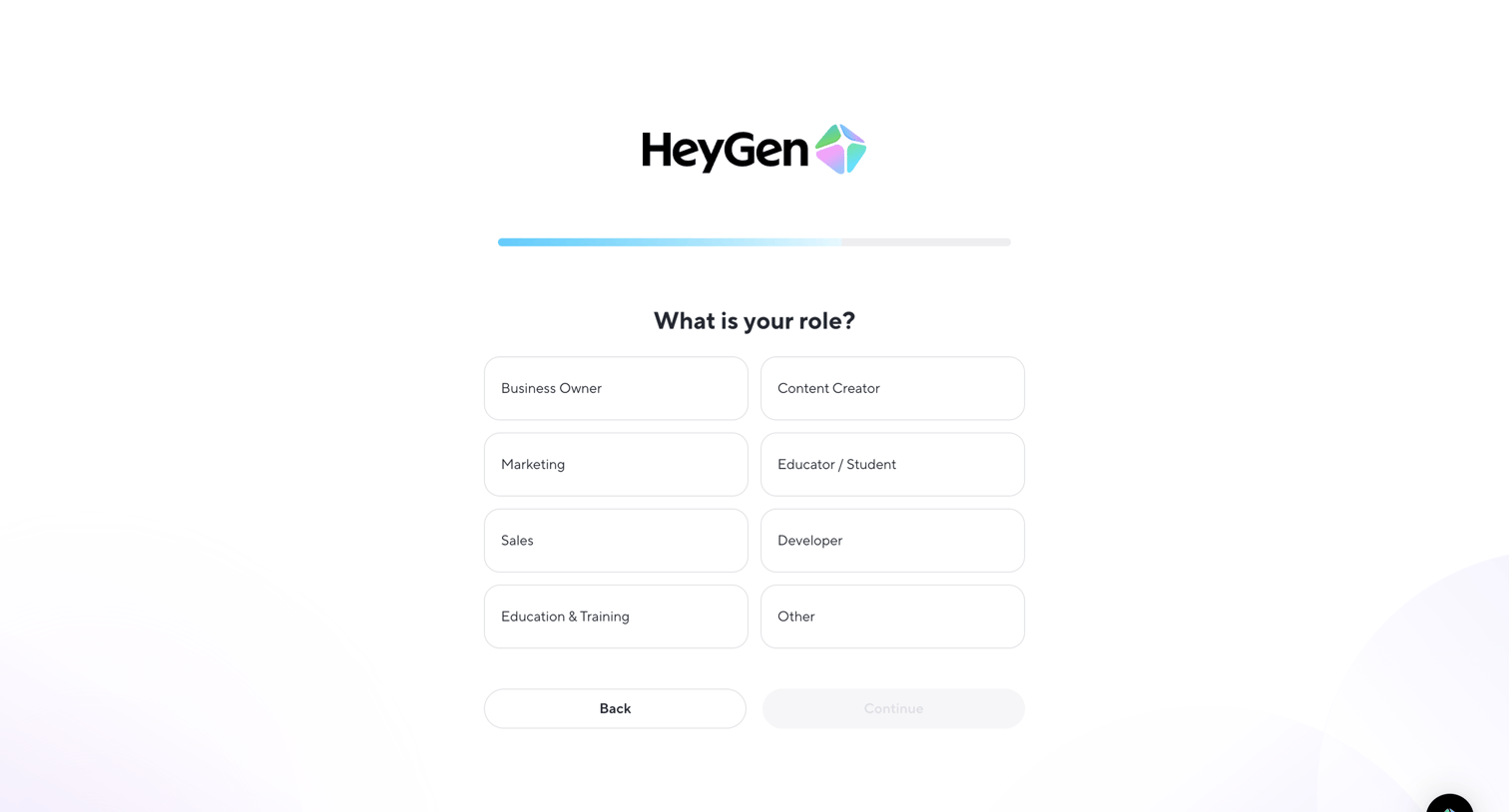
Onboarding step where the user selects their role from a grid of options like Business Owner, Content Creator, and Developer to tailor their account setup.
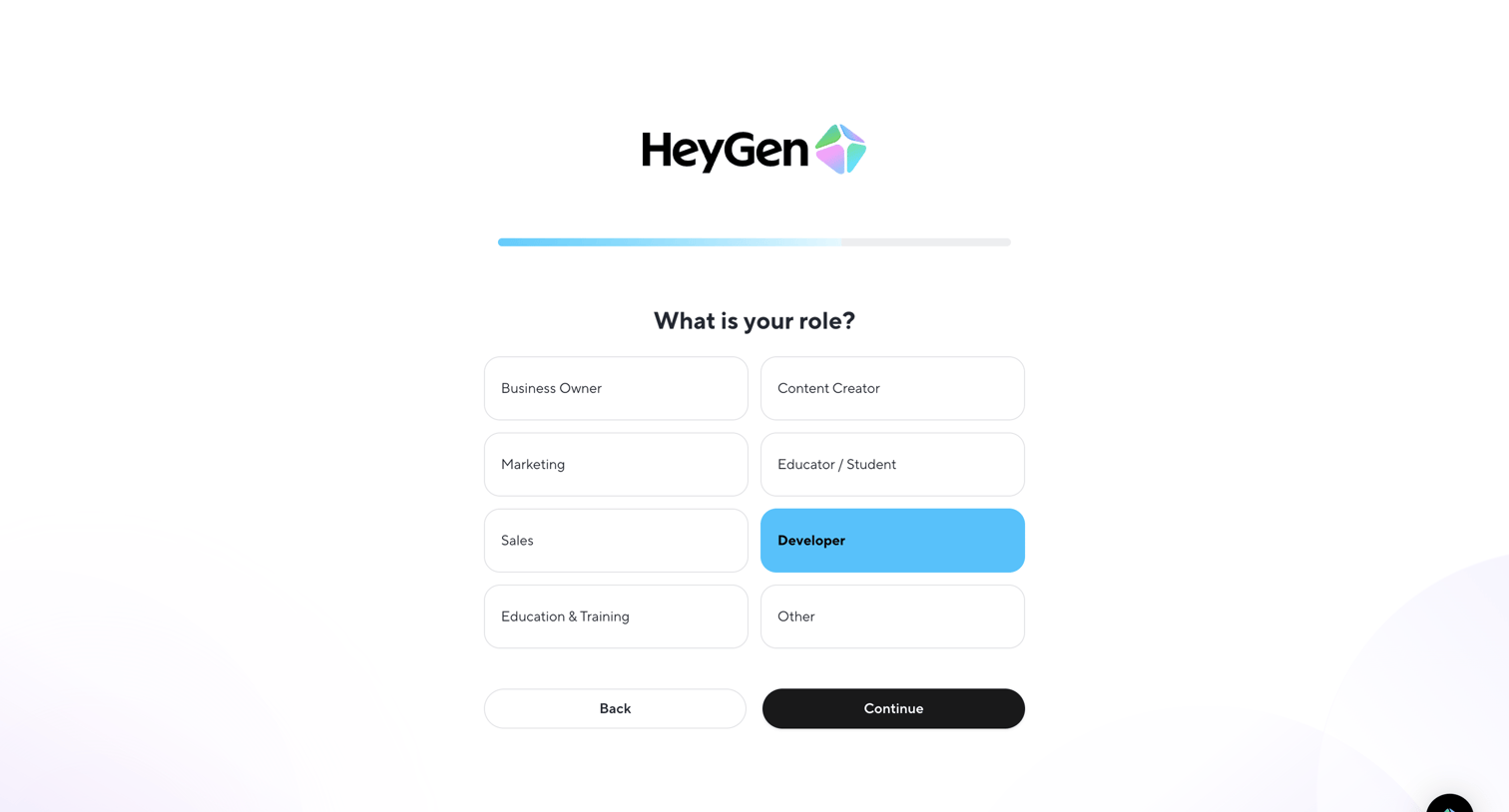
Onboarding step where the user selects their role from a grid of options like Business Owner, Marketing, and Developer before continuing.
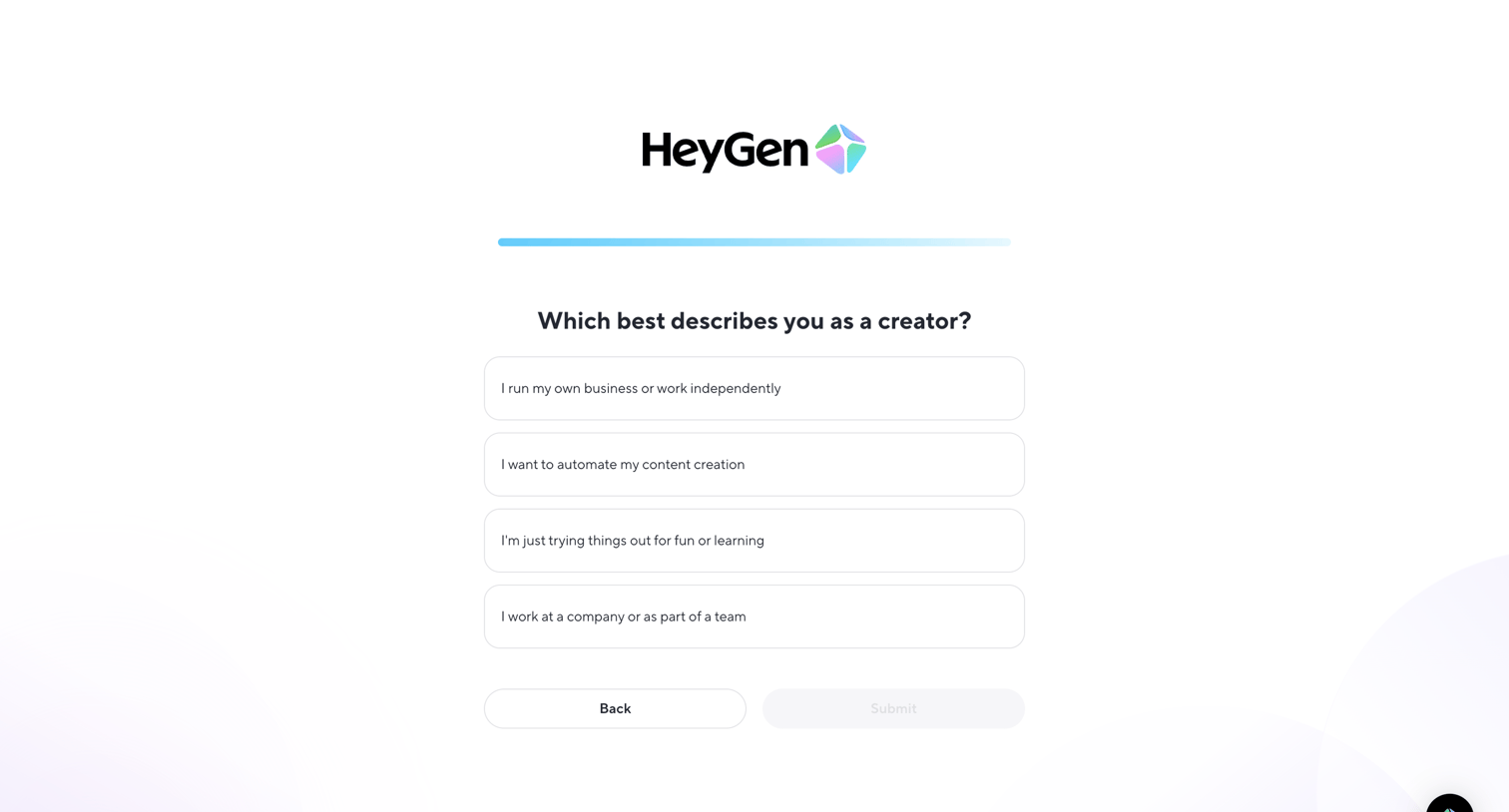
Onboarding step where the user selects their creator persona from a list of options to personalize their account setup.
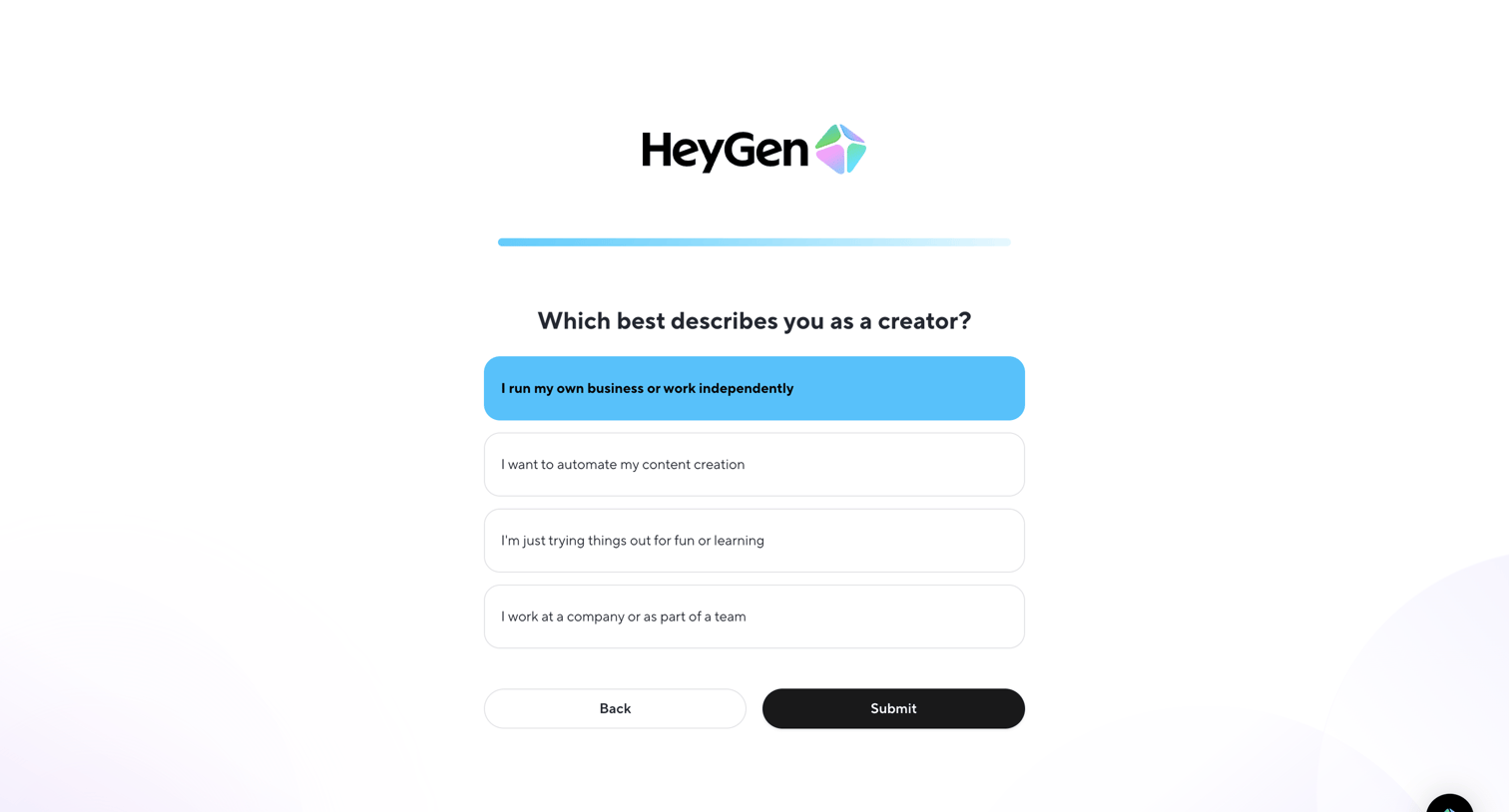
Onboarding step where the user selects their creator persona from a list of options to tailor their experience.
Explore the full SaaS screen library
Upgrade to unlock the full library.
Trusted by the best teams







