HeyGen UI components examples
Browse HeyGen UI component design examples. Preview individual interface elements and explore related component categories. AI video generator that turns ideas into professional videos in minutes
Explore the examples
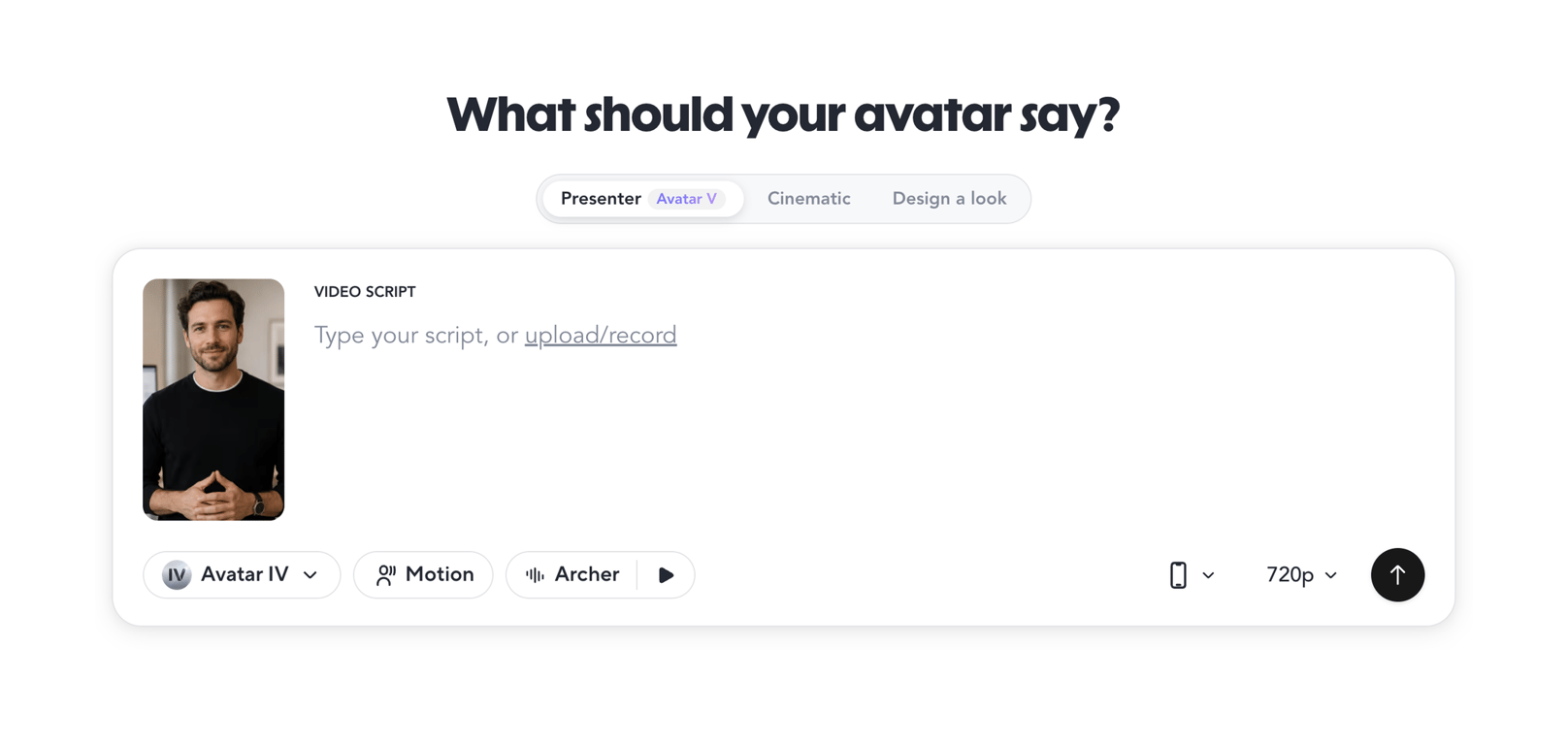

Primary input area for entering video script text and configuring avatar, motion, voice, and resolution settings.
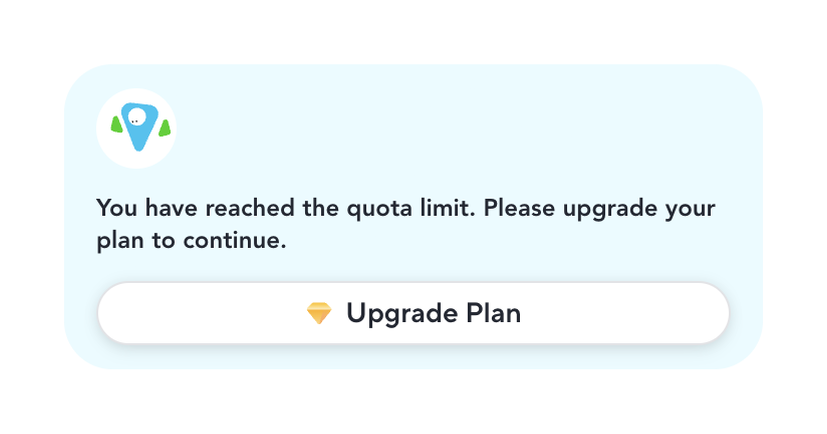
Rounded light-blue card with location pin icon, quota limit message and white Upgrade Plan button with diamond icon
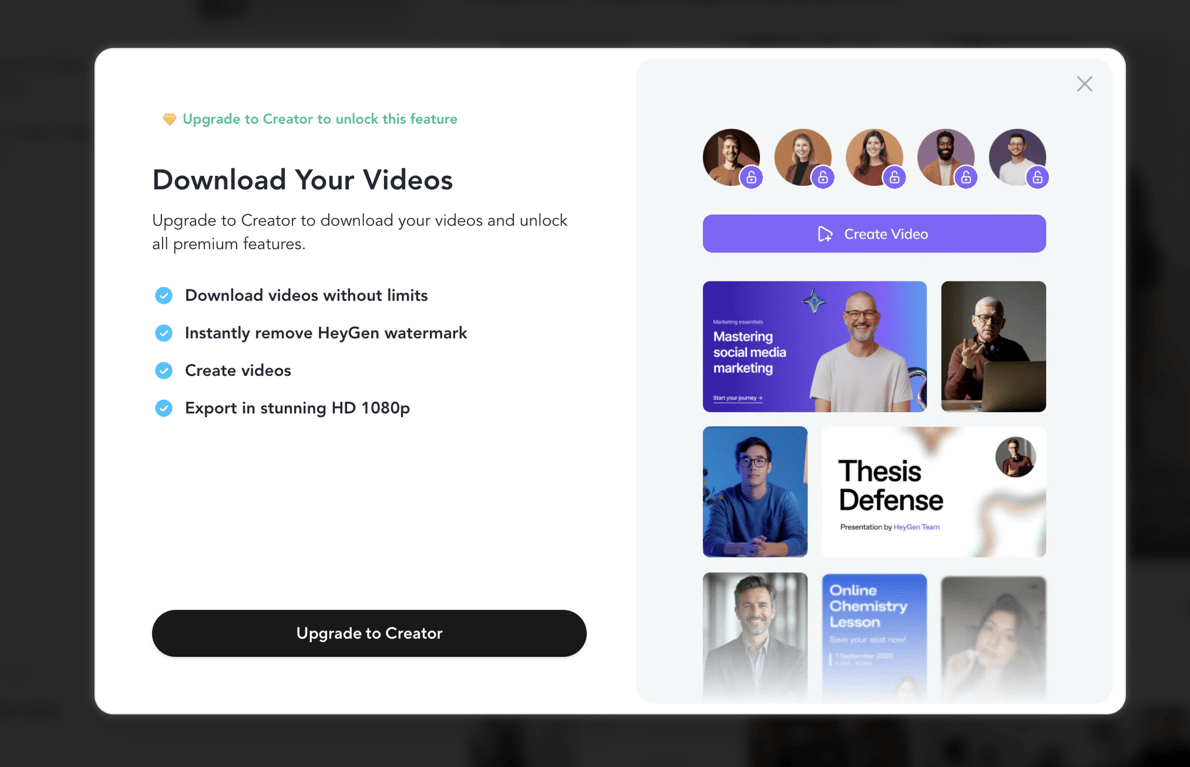
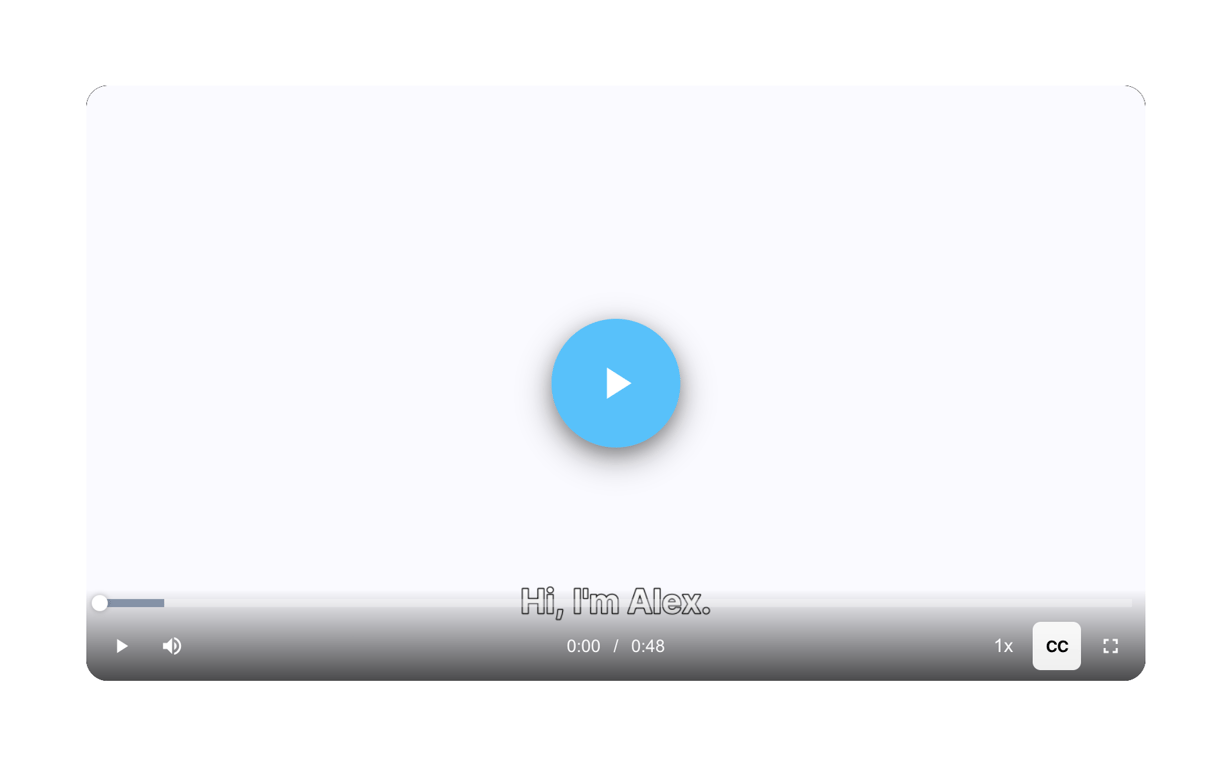
Displays generated video with playback controls and timeline for review and iteration
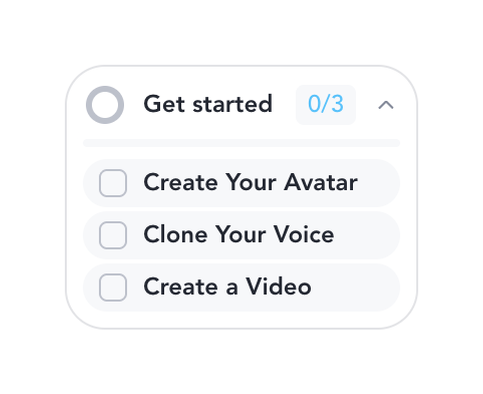
Shows progress and checklist of onboarding tasks for new users on the home screen.

Top navigation bar providing page title, global search, sort, filter, delete, and notification access for the avatar videos list view
Browse the full component library
Browse the full UI component library.
Trusted by the best teams







