Claude Flow Example: Switching to dark theme
Preview this Claude user flow: Switching to dark theme. Explore the opening screens.
Preview these flows

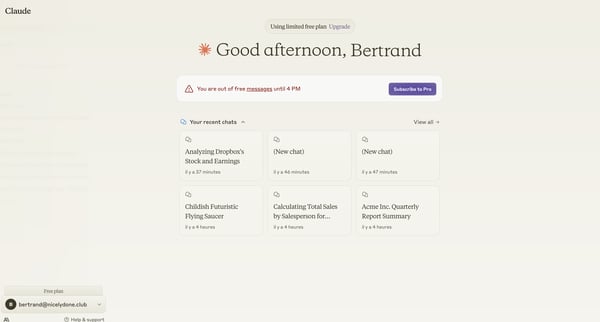
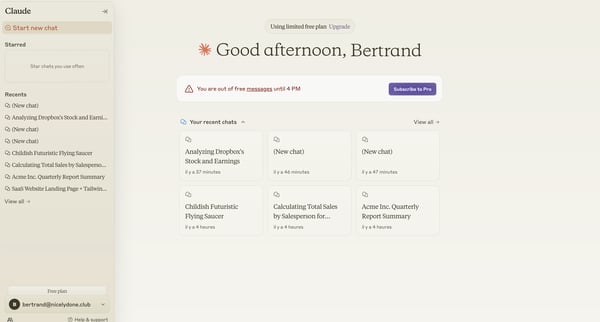
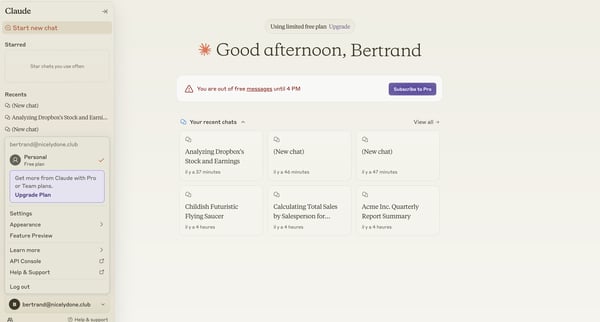
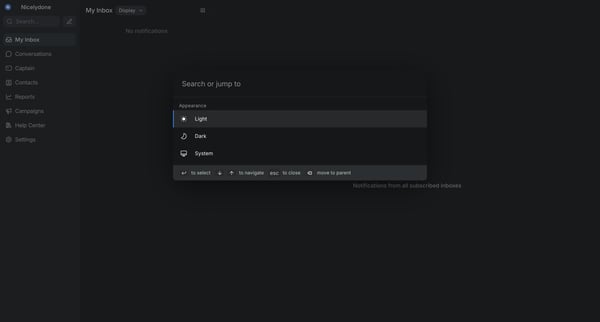
This flow allows users to switch between light and dark themes in the Claude AI interface.
Related user flows

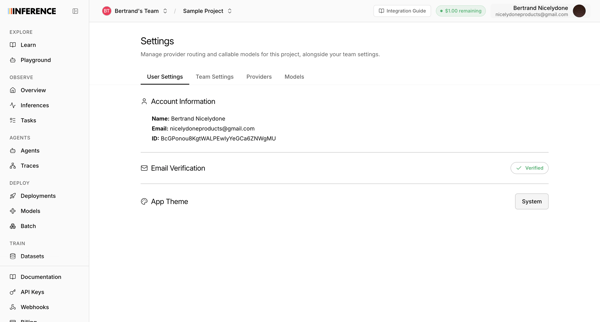
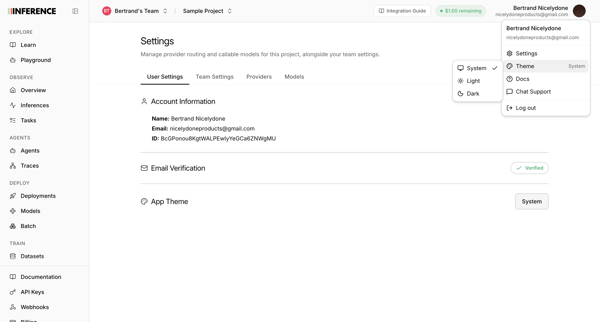
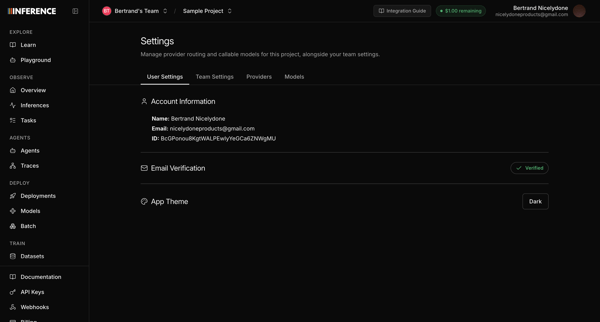
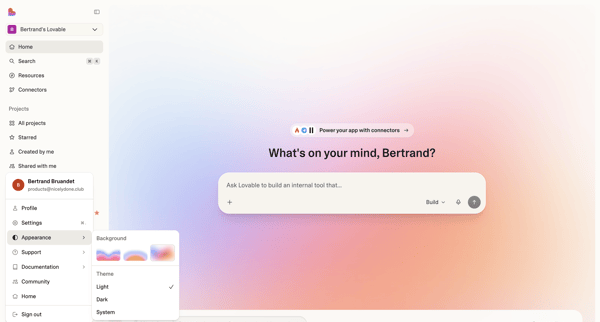
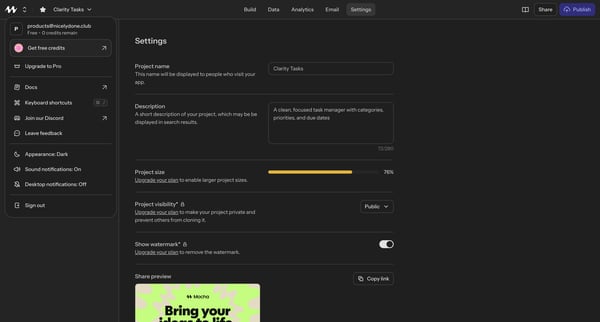
User opens profile settings to view account details and select a new app theme

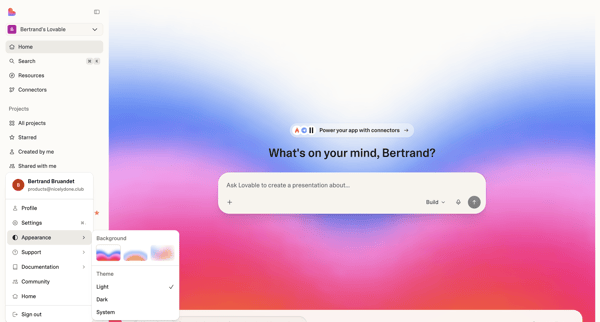
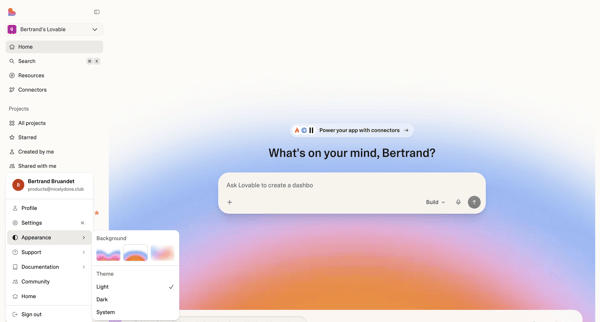

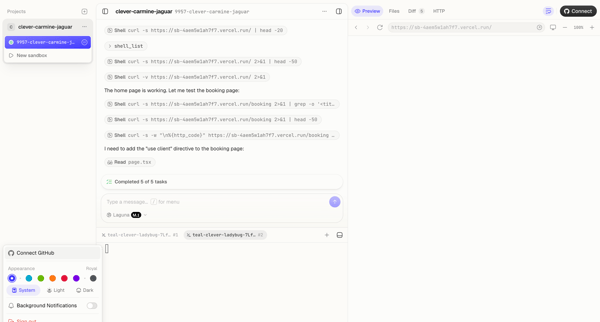
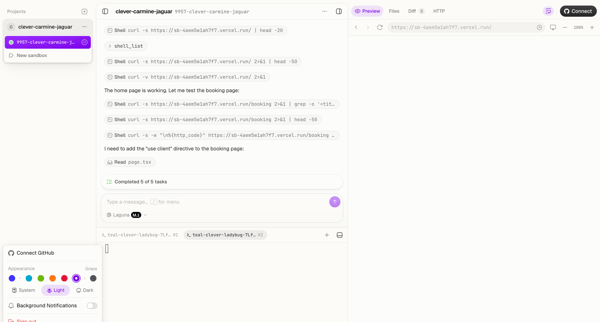
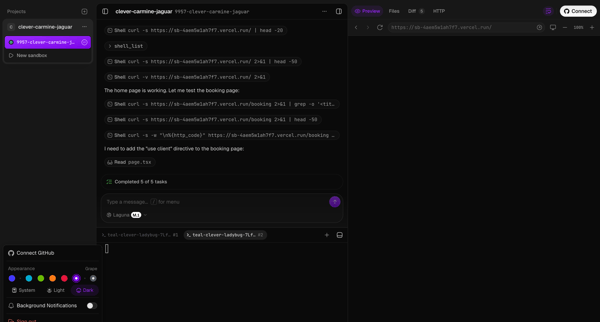



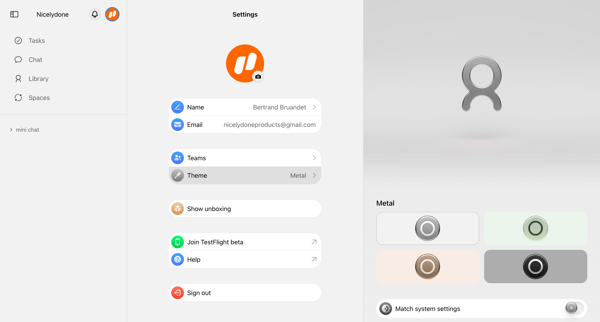
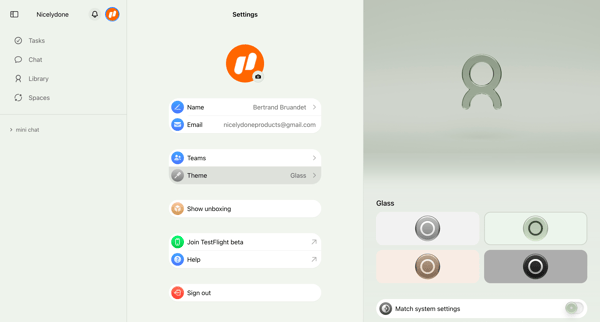

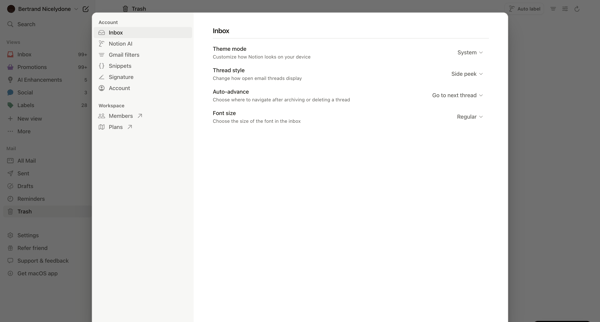
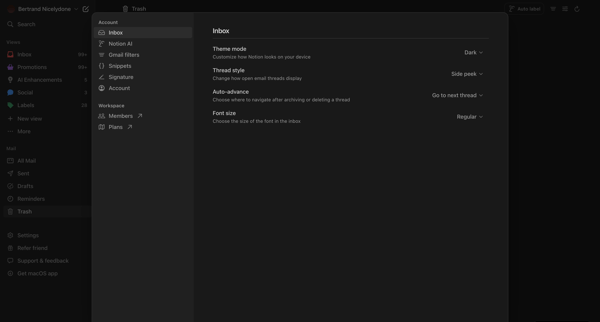
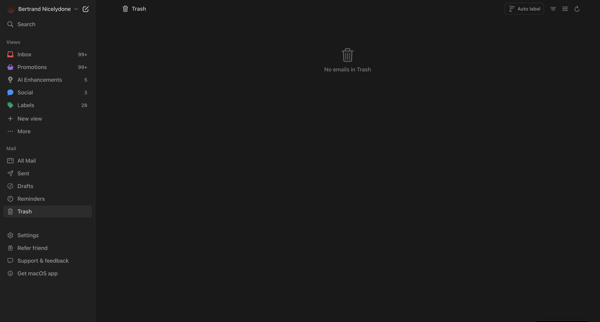

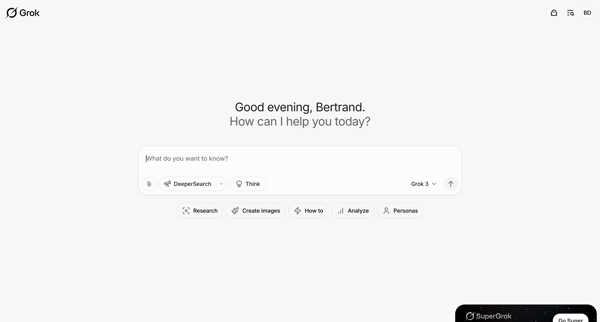
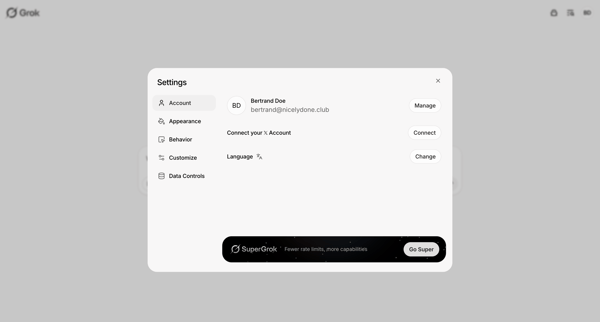
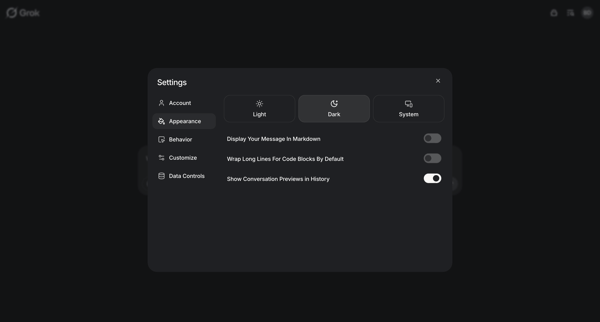




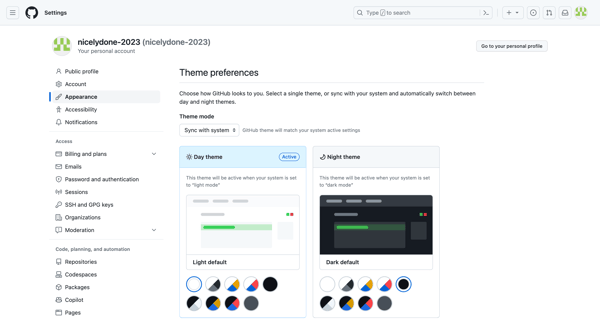
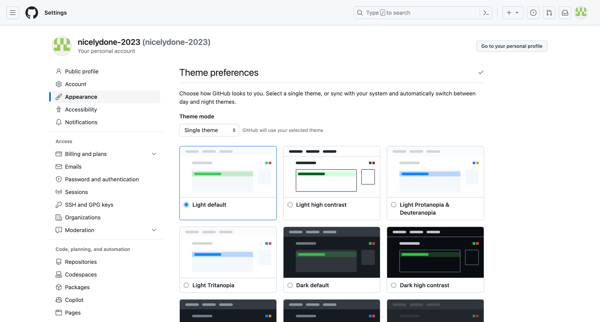
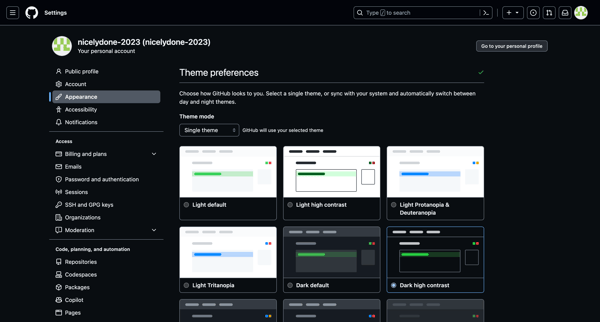
This flow allows users to switch and customize their GitHub theme preferences.
Explore the full SaaS flow library
Browse the full SaaS flow library.
Trusted by the best teams







