Zeus living product screens examples
Browse Zeus living screen design examples. Preview the interface screenshots and explore related UI patterns. Furnished Homes for Business
Explore the examples


Sign-in screen where the user authenticates with Google or email, with an option to subscribe to the newsletter below.

Password recovery screen where the user enters their email address to receive a reset link.

Signup page where a new user creates an account using Google SSO or by filling out a standard email and password form to book a stay.

Landing page for a furnished housing service where the user can search for an address, browse city destinations, and view amenities and testimonials.

Homepage for a furnished housing platform where a logged-in user can search for addresses or browse available cities like San Francisco, Los Angeles, and Seattle, with the account dropdown menu open.

Search results page where the user browses furnished apartment rentals on an interactive map and a grid of property cards, with filters for dates, beds, and price.

Search interface where the user filters rental properties by date range, beds, and price alongside an interactive map of Los Angeles.

Search results page where the user browses furnished homes in Los Angeles using a split-view interactive map and a property list with date and price filters.
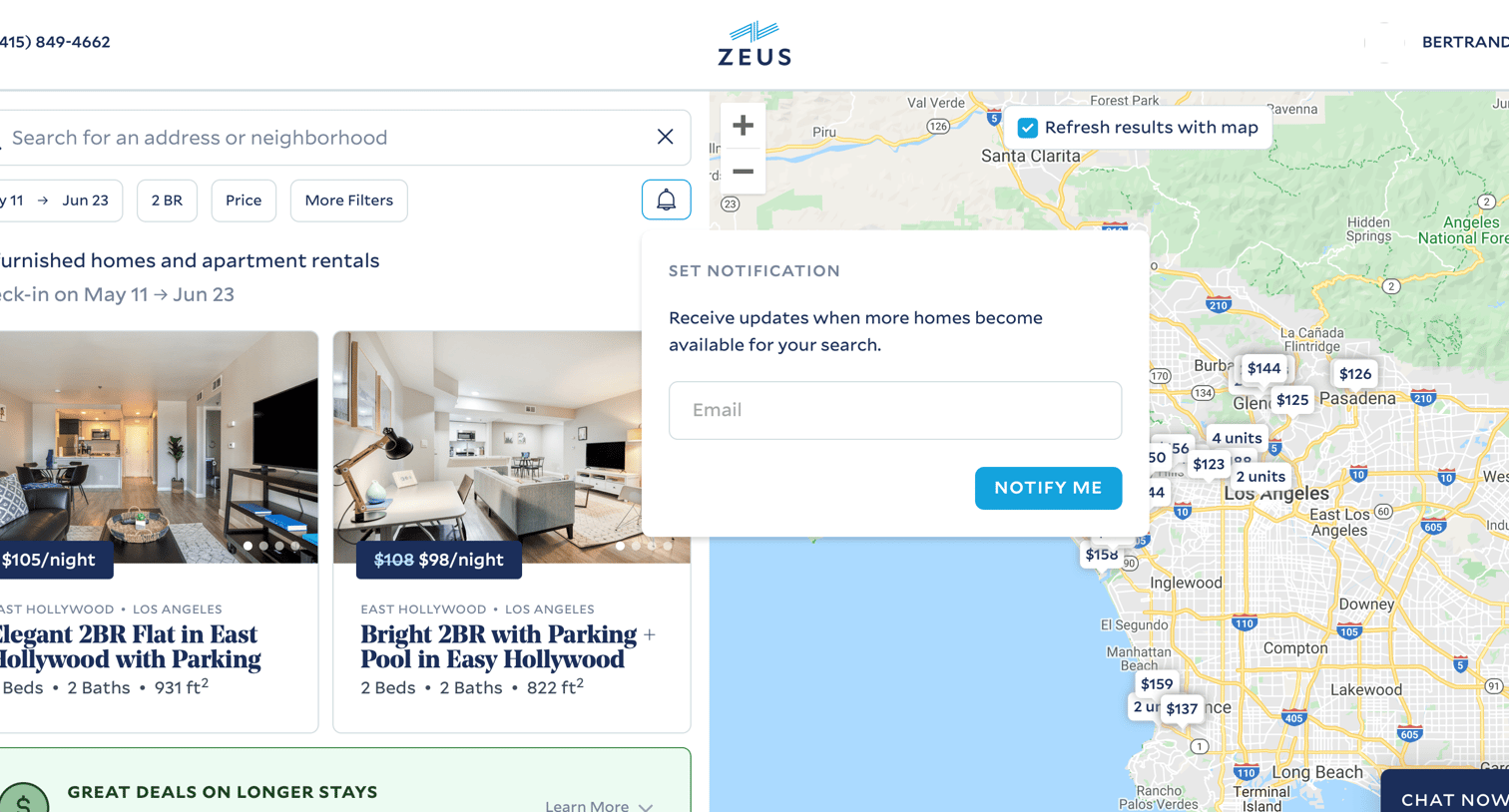
Search results page where the user browses furnished homes in Los Angeles via a split map and list view, with an active popover to set an email notification for new listings.

Product page for a specific furnished apartment where the user can view photos, amenities, location, and select dates to book a stay.

Checkout page where the user enters guest details and credit card information to finalize a property rental booking.

List view where the user sees an empty state indicating no bookings were found, with a prompt to find a home.
Explore the full SaaS screen library
Upgrade to unlock the full library.
Trusted by the best teams







