Skip to content

Wrap product screens examples

Browse Wrap screen design examples. Preview the interface screenshots and explore related UI patterns. Capture & Edit Beautiful Screenshots

Explore the examples
Wrap - Wrap — Capture | Edit Beautiful Screenshots screen
Wrap logo
Wrap

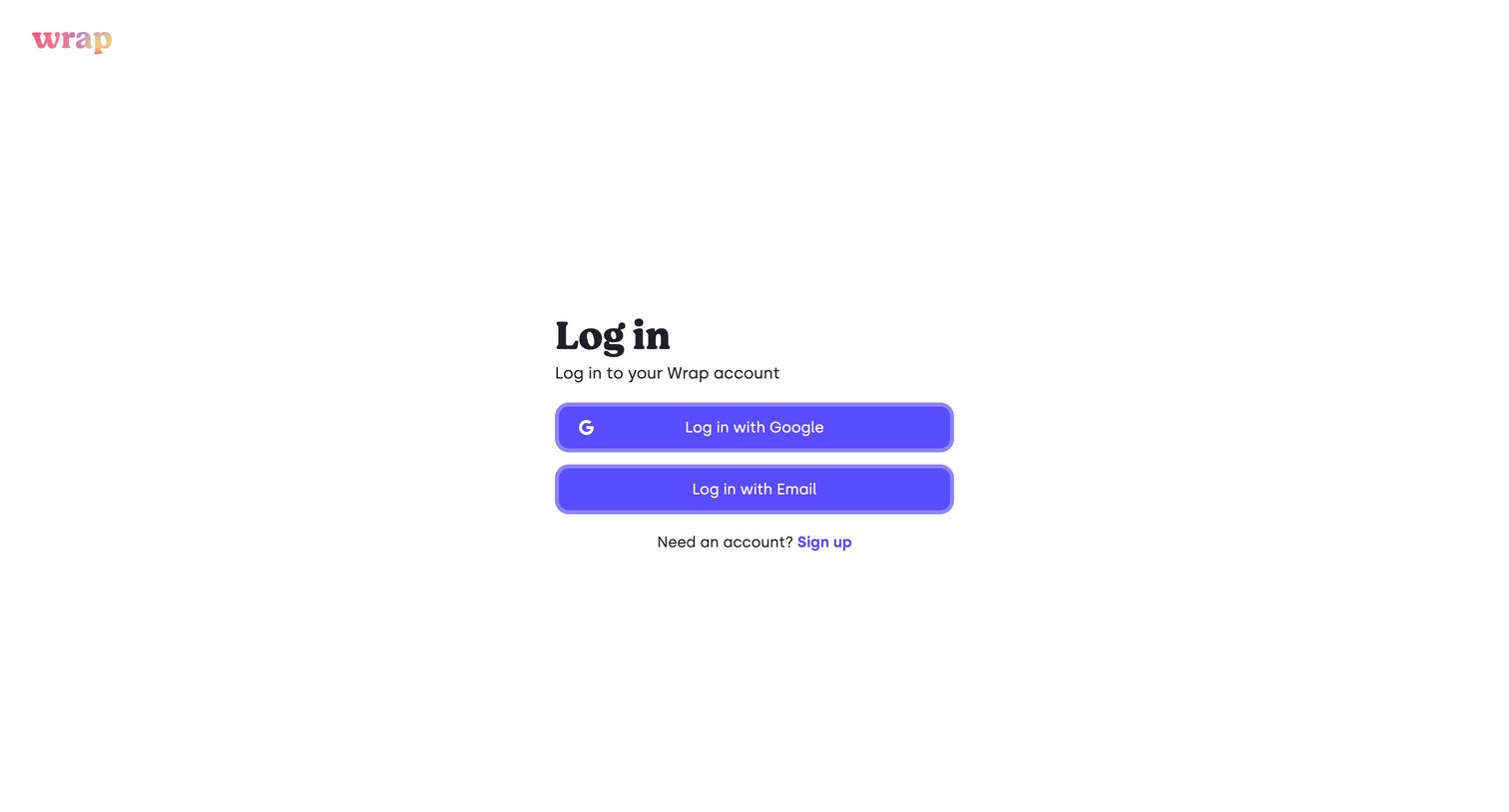
Sign-in screen where the user authenticates with Google or via email.

Wrap - Wrap — Capture | Edit Beautiful Screenshots screen
Wrap logo
Wrap

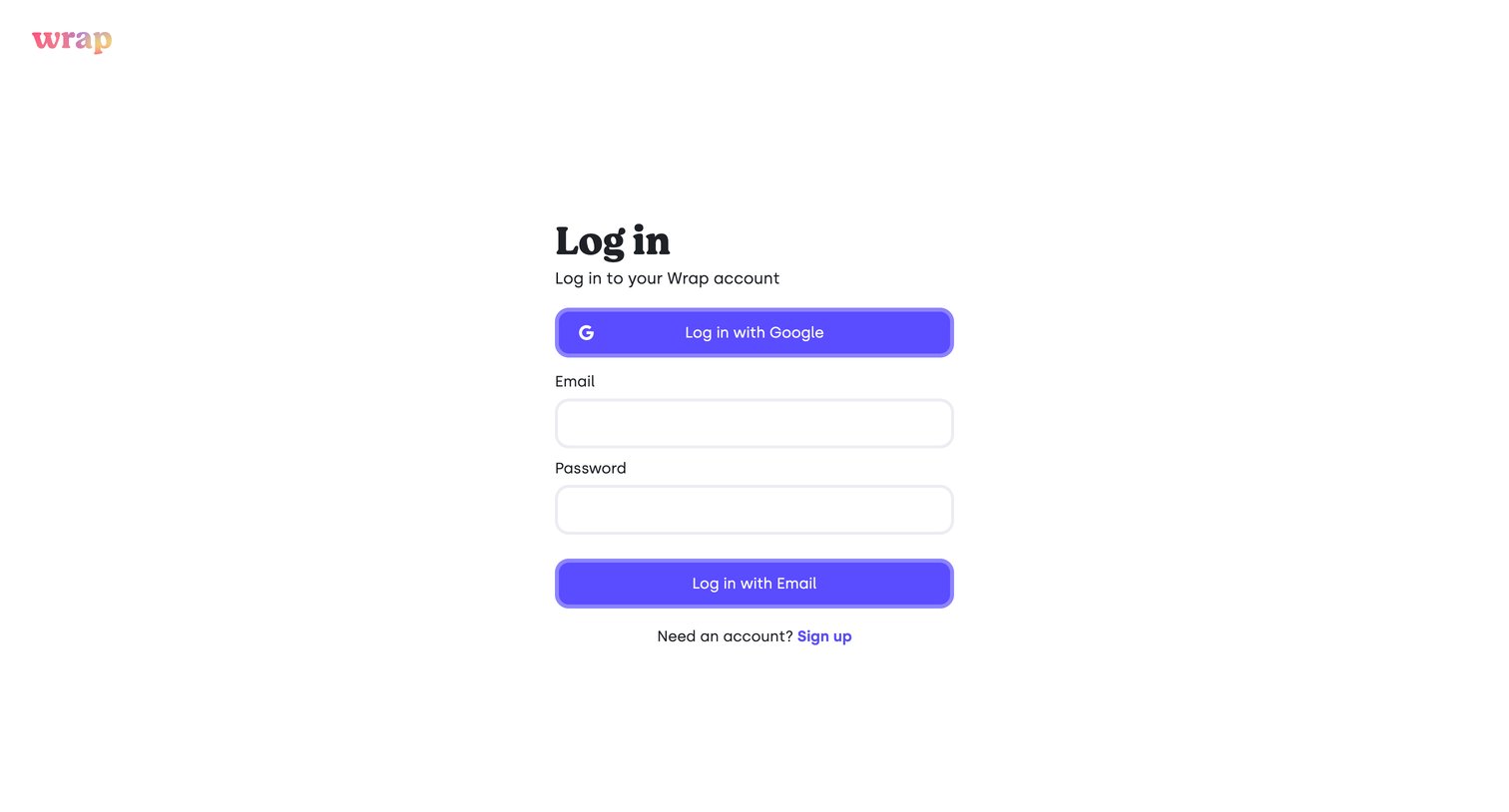
Sign-in screen where the user authenticates with Google or an email and password.

Wrap - Wrap — Capture | Edit Beautiful Screenshots screen
Wrap logo
Wrap

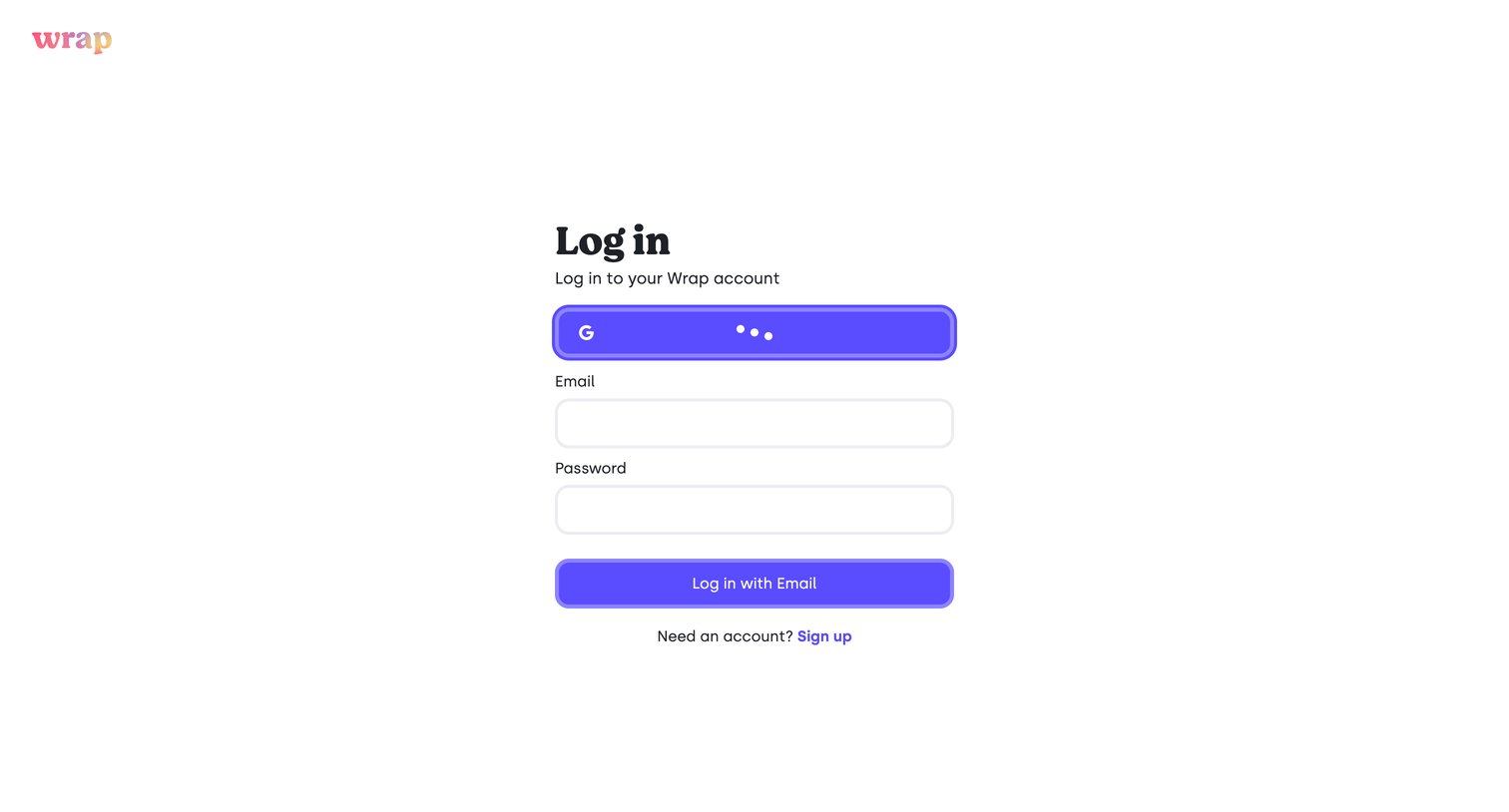
Sign-in screen where the user authenticates with Google or email and password, currently showing a loading state for the Google login.

Wrap - Wrap — Capture | Edit Beautiful Screenshots screen
Wrap logo
Wrap

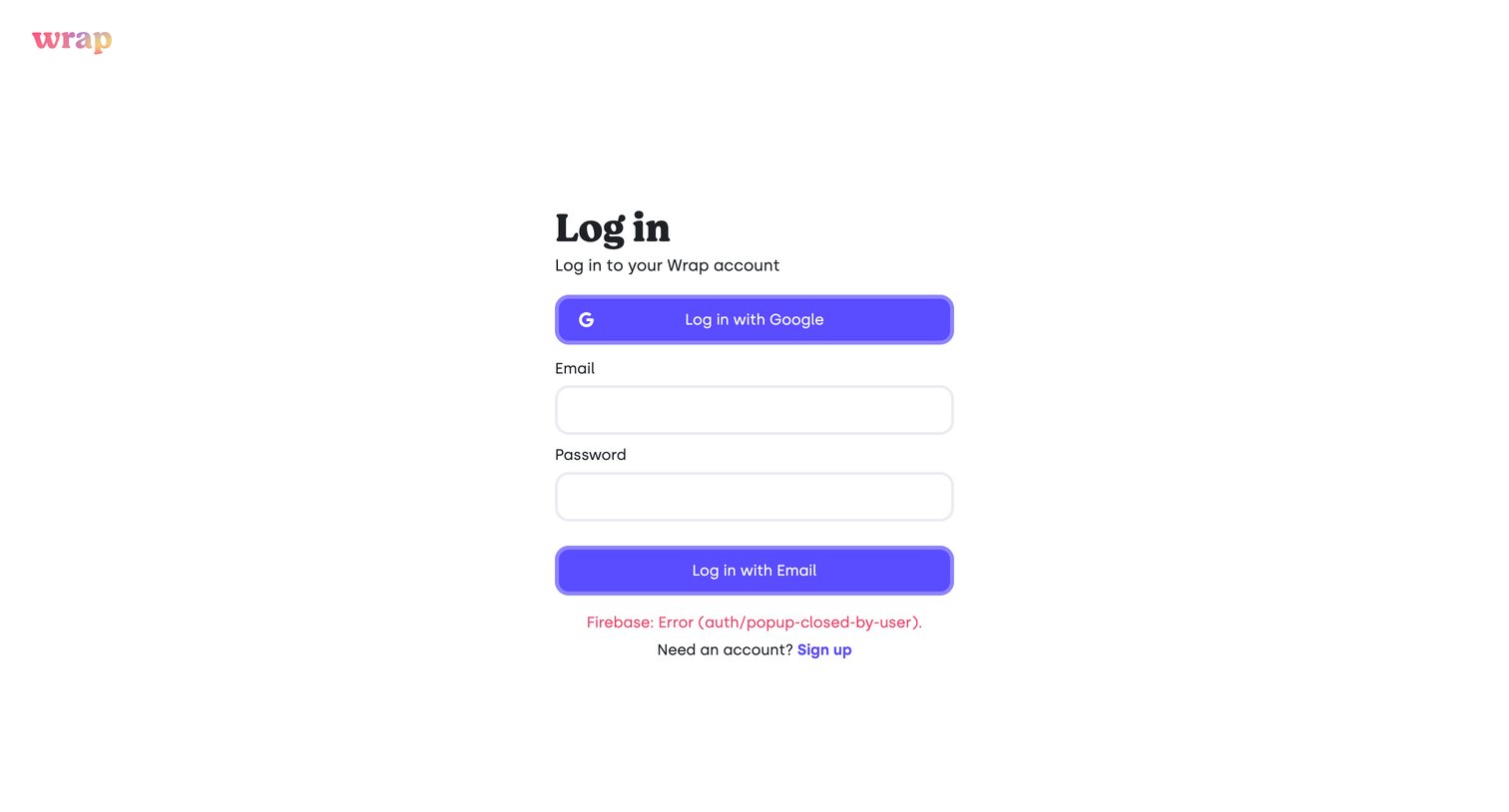
Sign-in screen where the user attempts to authenticate with Google or email but encounters a visible Firebase popup closure error.

Wrap - Wrap — Capture | Edit Beautiful Screenshots screen
Wrap logo
Wrap

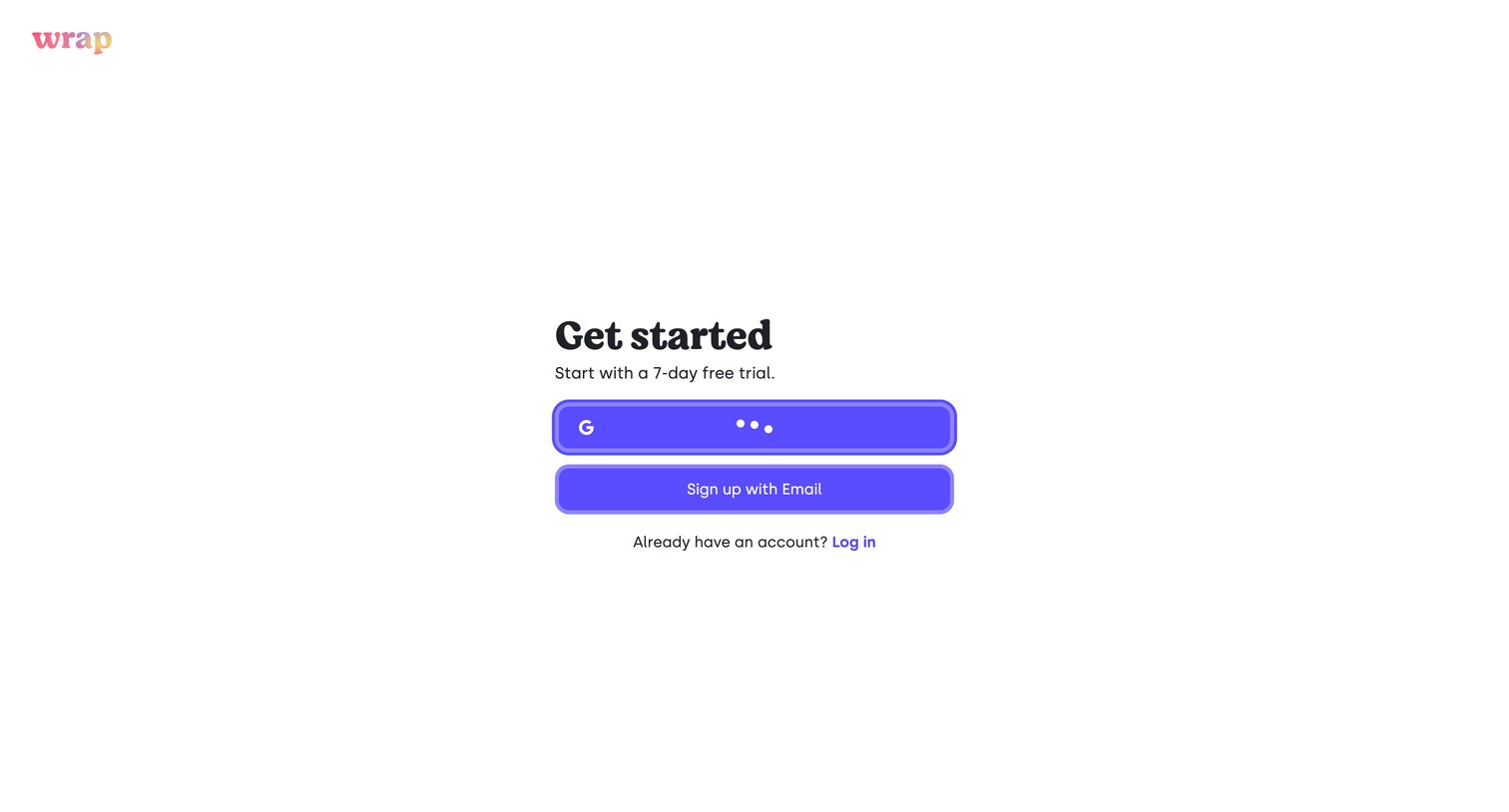
Signup screen where the user can start a 7-day free trial via Google or email, currently showing a loading state on the Google provider button.
Wrap - Wrap — Capture | Edit Beautiful Screenshots screen
Wrap logo
Wrap

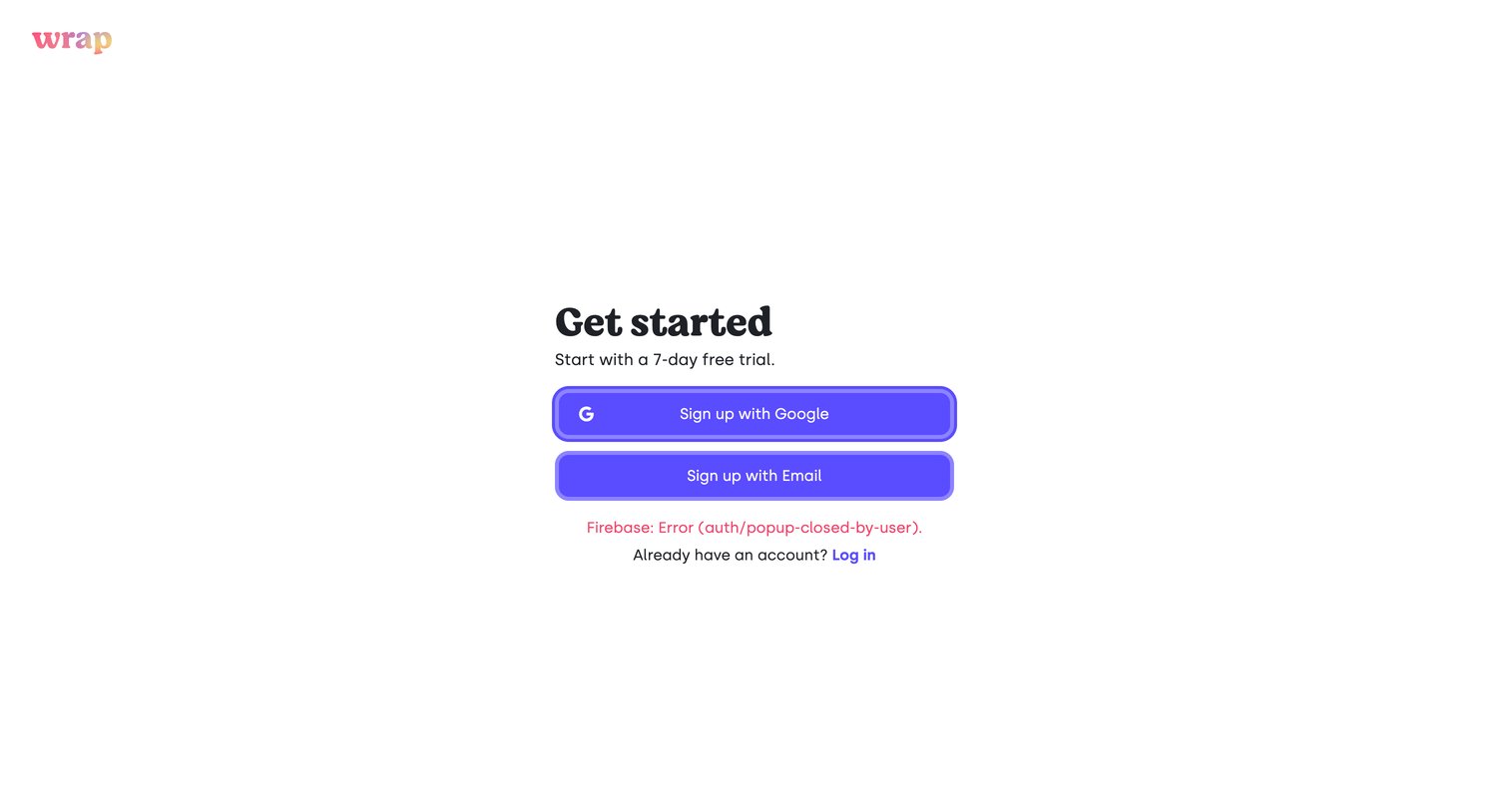
Signup screen where the user is prompted to start a free trial via Google or email, currently displaying an authentication popup error.

Wrap - Wrap — Capture | Edit Beautiful Screenshots screen
Wrap logo
Wrap

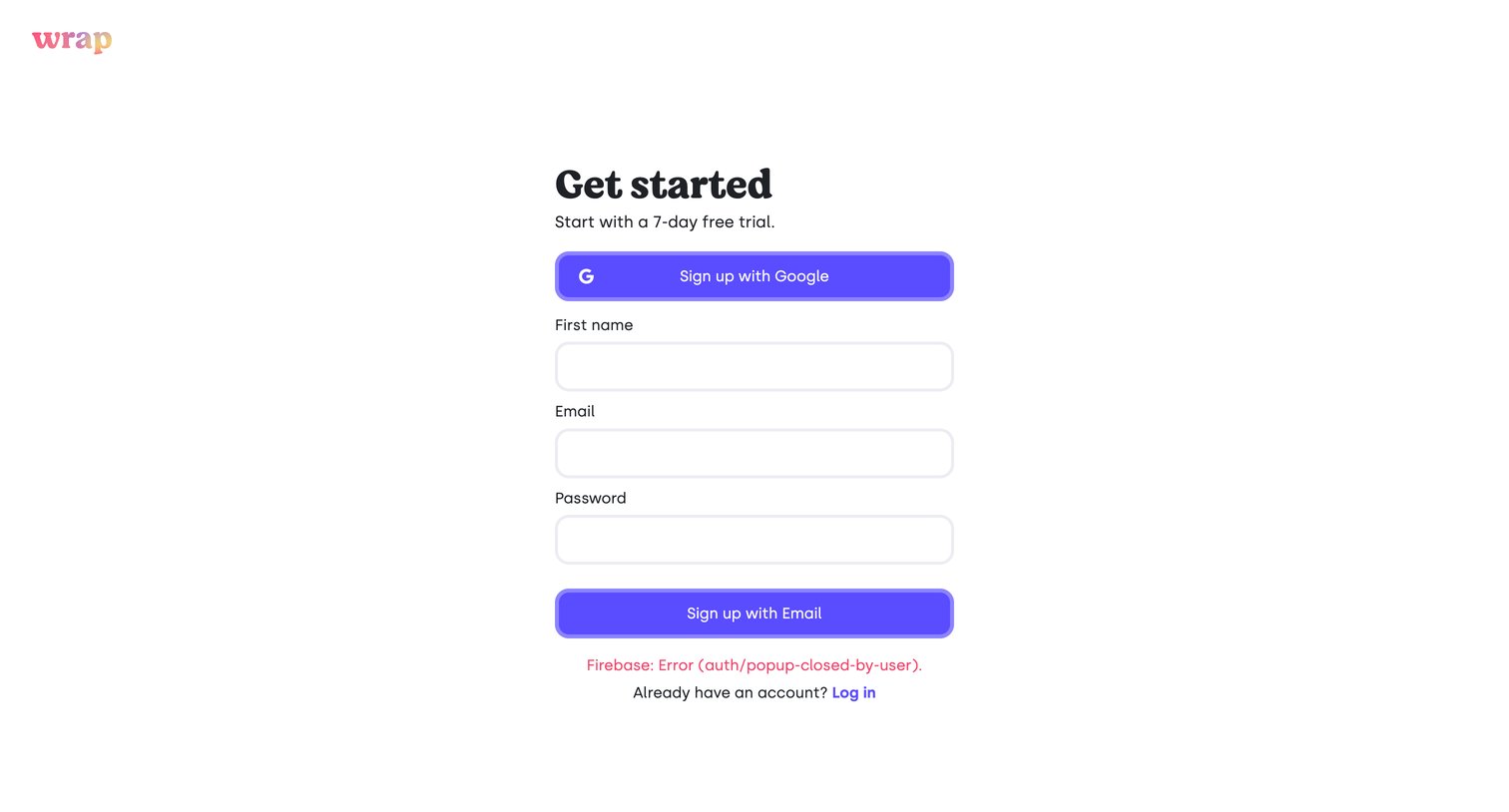
Signup page where the user attempts to register via Google or email but encounters a Firebase popup error.

Wrap - Wrap — Capture | Edit Beautiful Screenshots screen
Wrap logo
Wrap

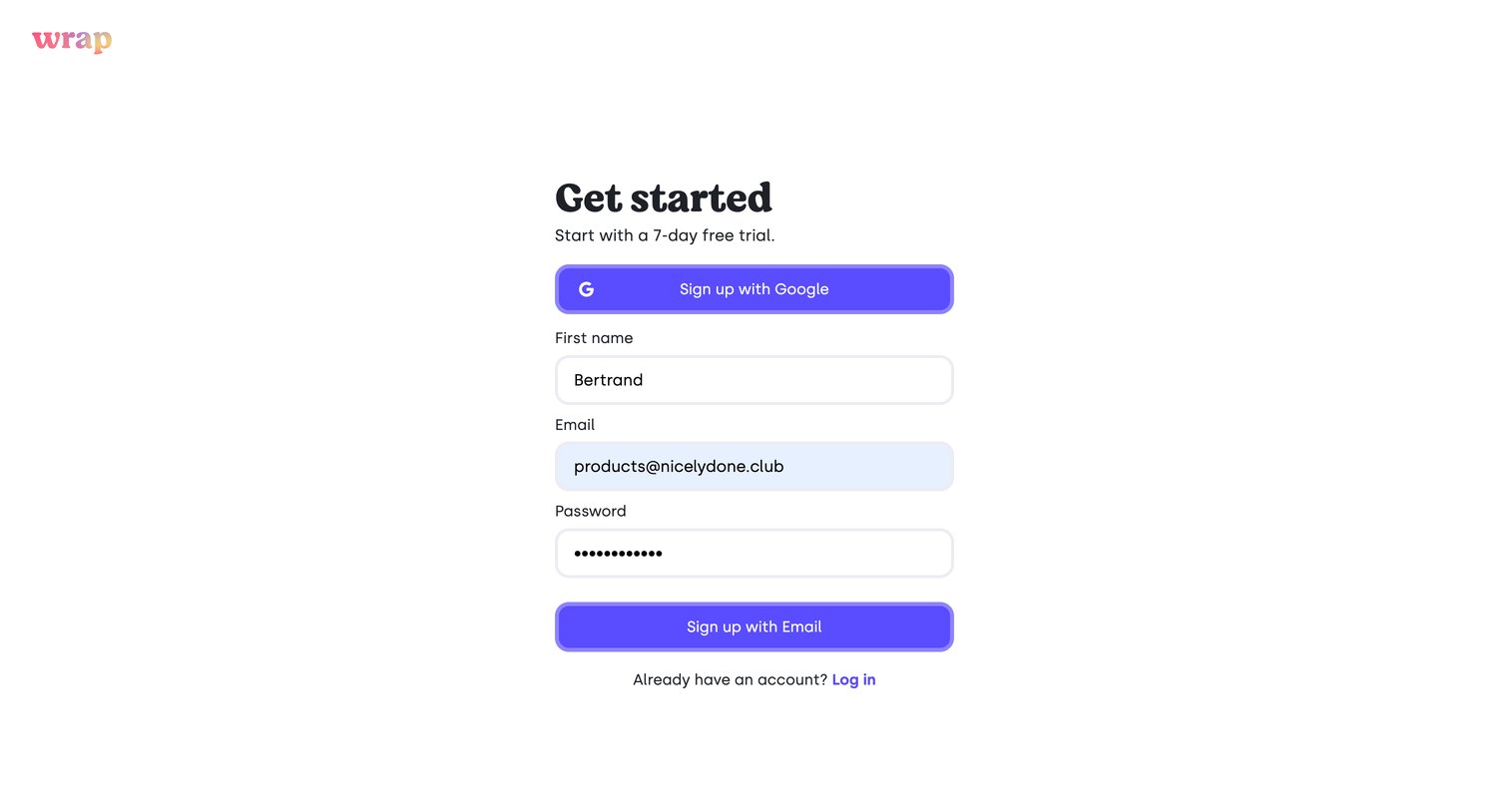
Signup screen where the user enters their name, email, and password to start a 7-day free trial, or authenticates with Google.
Wrap - Wrap — Capture | Edit Beautiful Screenshots screen
Wrap logo
Wrap

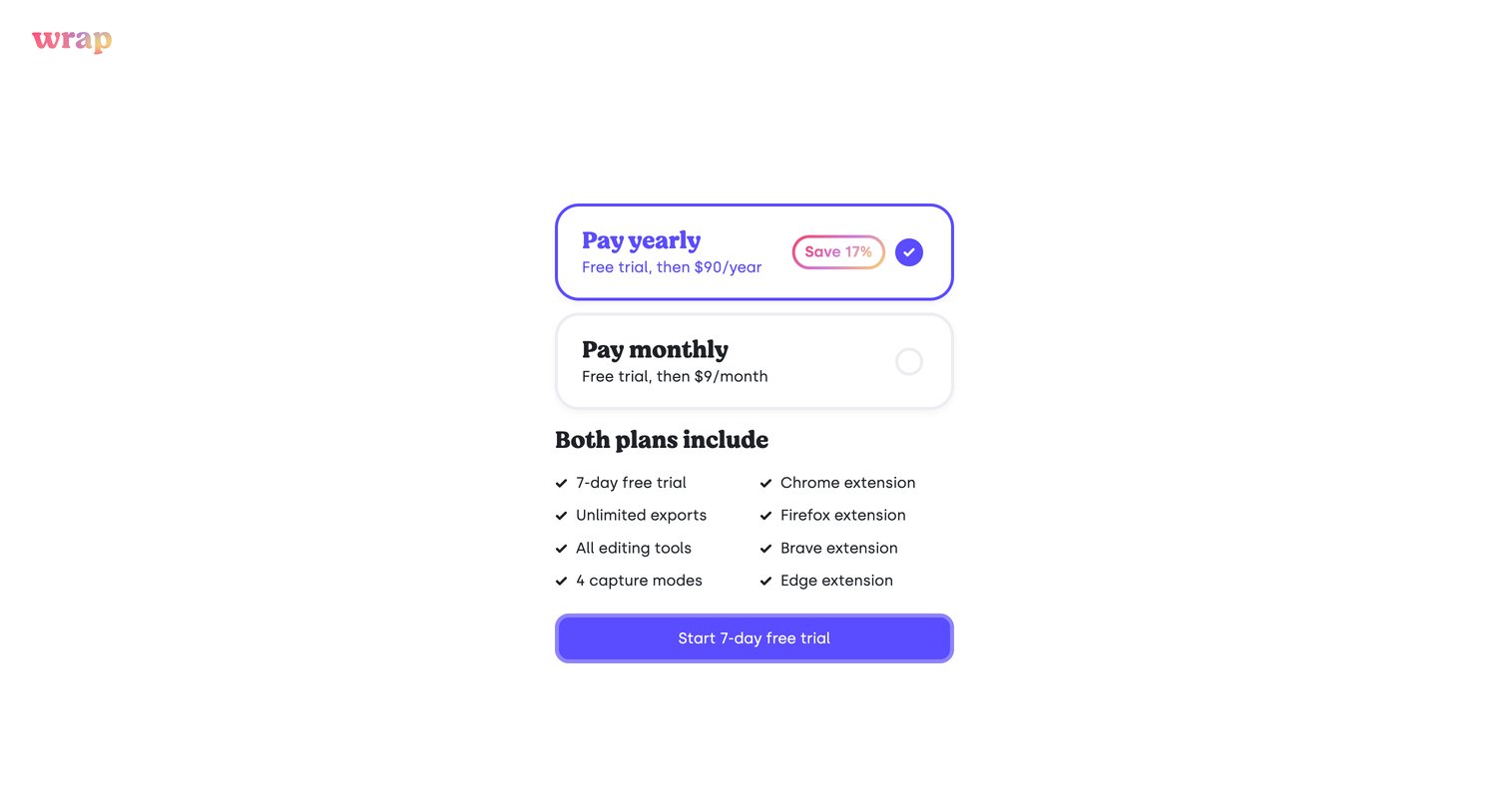
Paywall screen where the user selects between a yearly or monthly subscription to start a 7-day free trial.

Wrap - Wrap — Capture | Edit Beautiful Screenshots screen
Wrap logo
Wrap

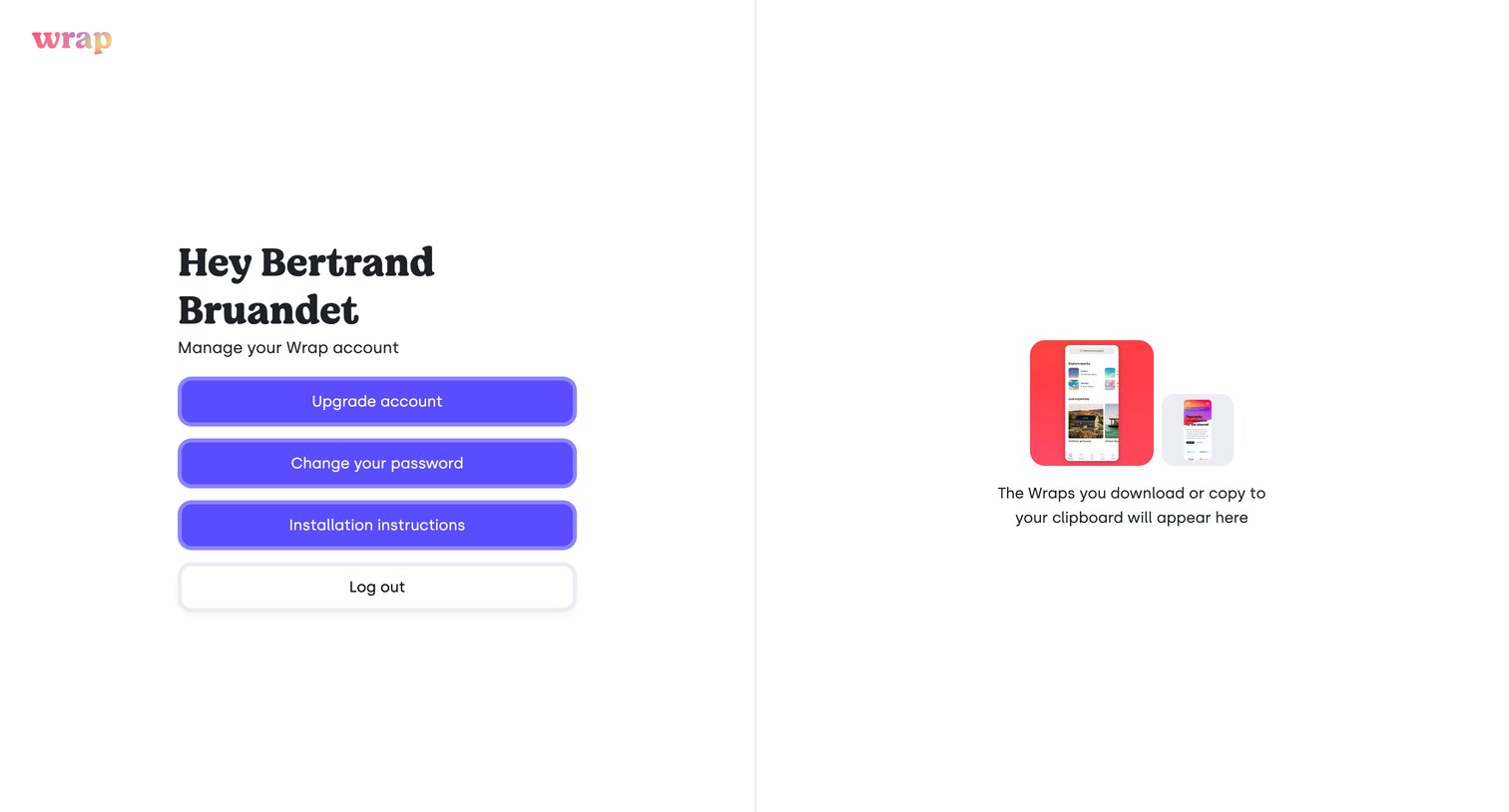
Settings page where the user manages their account with options to upgrade, change password, or log out, alongside an empty state for downloaded items.
Wrap - Wrap — Capture | Edit Beautiful Screenshots screen
Wrap logo
Wrap

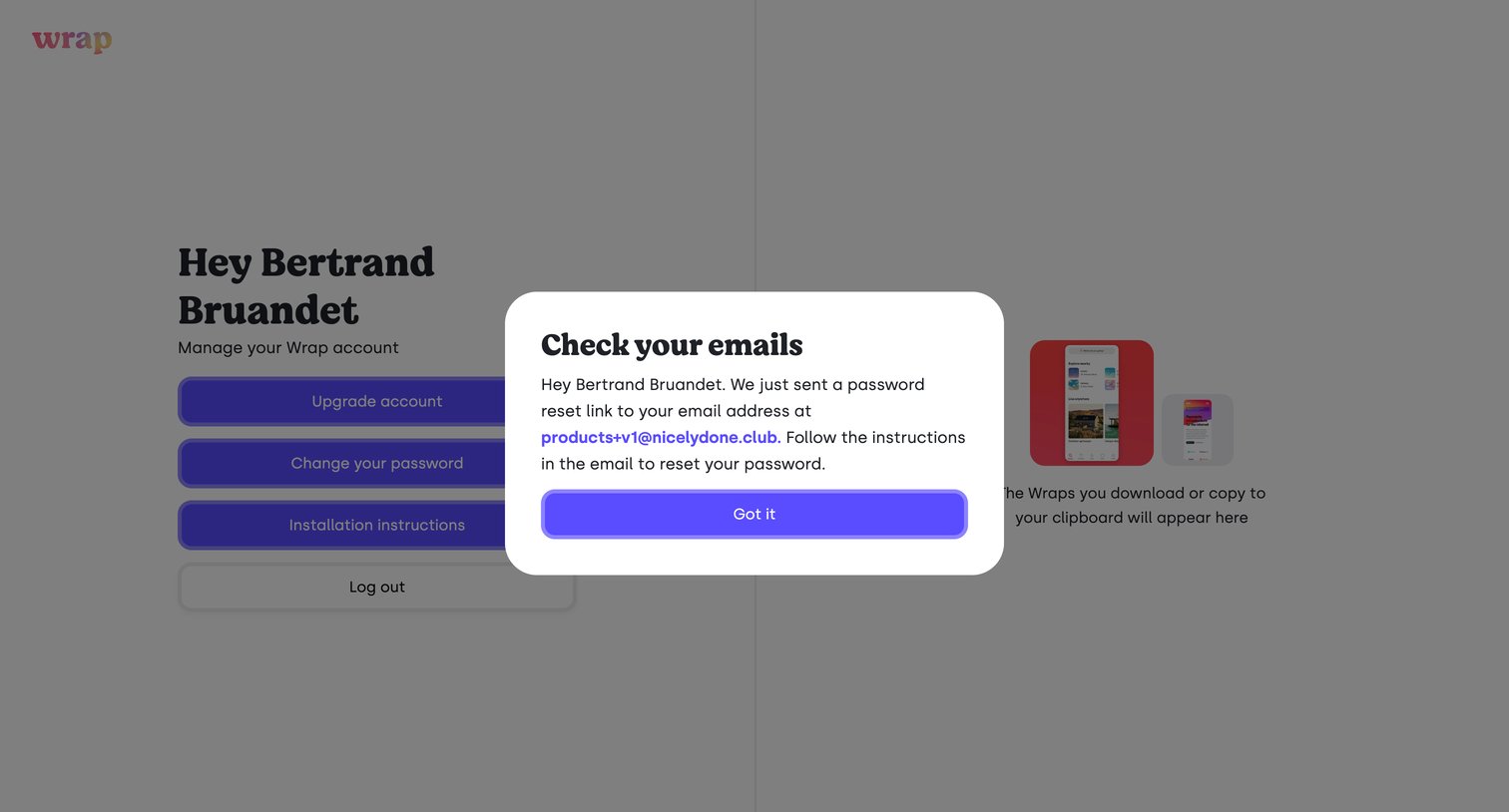
Password recovery screen where a modal confirms that a reset link has been sent to the user's email address.
Wrap - Wrap — Capture | Edit Beautiful Screenshots screen
Wrap logo
Wrap

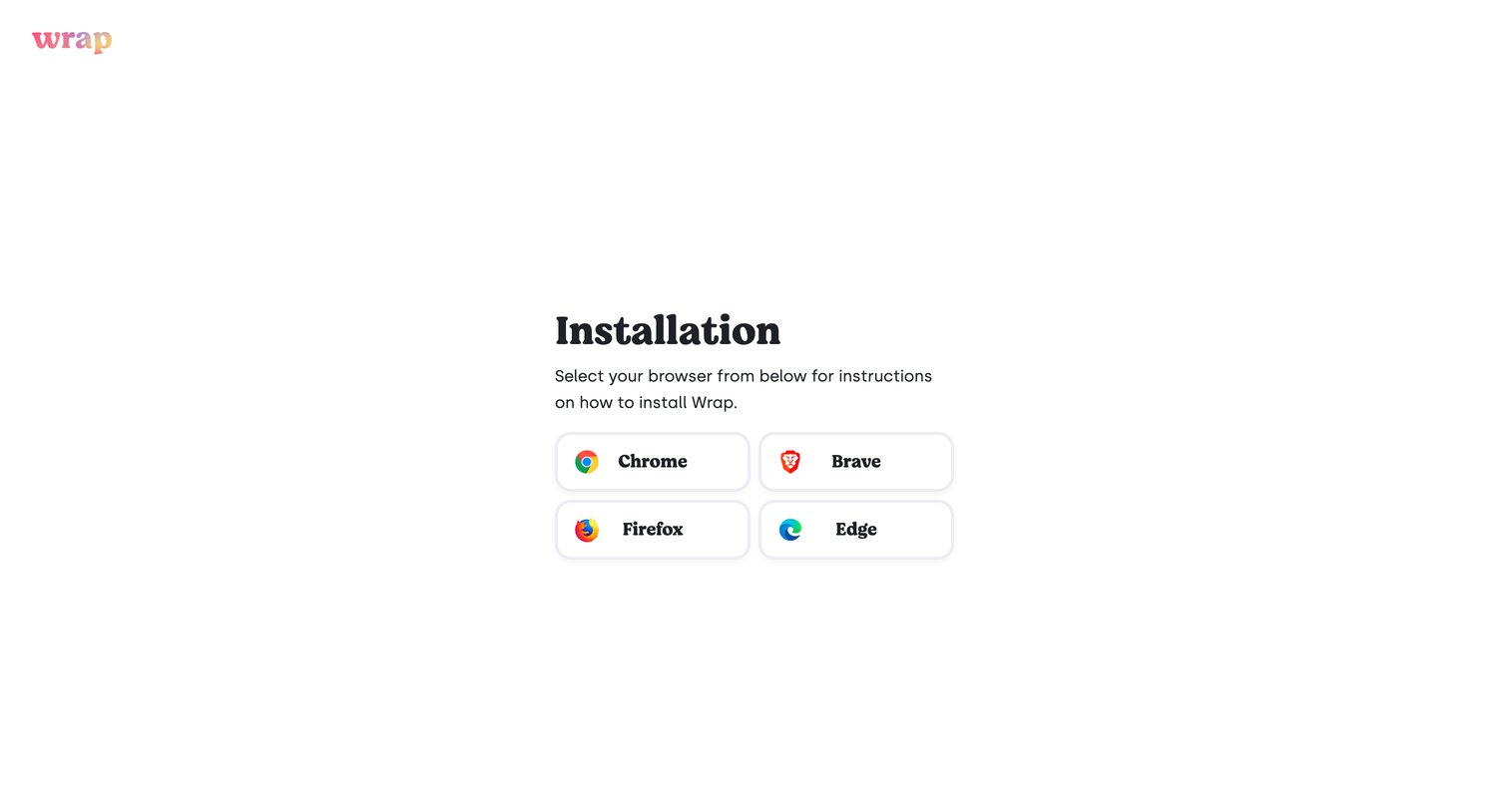
Onboarding step where the user selects their preferred browser—Chrome, Brave, Firefox, or Edge—to receive specific installation instructions.

Explore the full SaaS screen library

Upgrade to unlock the full library.

Trusted by the best teams