What drops now product screens examples
Browse What drops now screen design examples. Preview the interface screenshots and explore related UI patterns. Save products and follow your favorite brands
Explore the examples
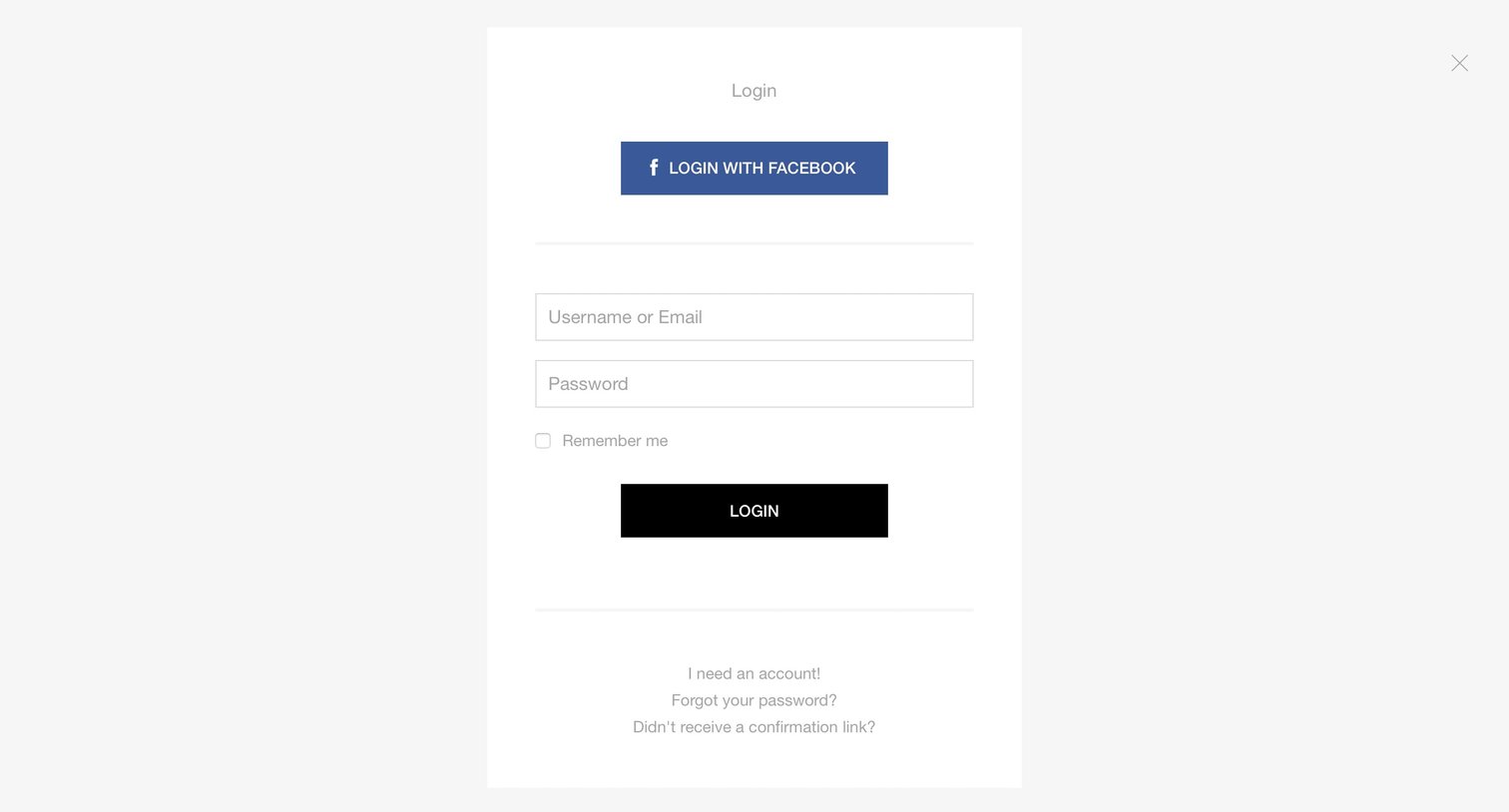

Sign-in screen where the user authenticates with a username/email and password or via Facebook, with links to create an account or recover credentials.
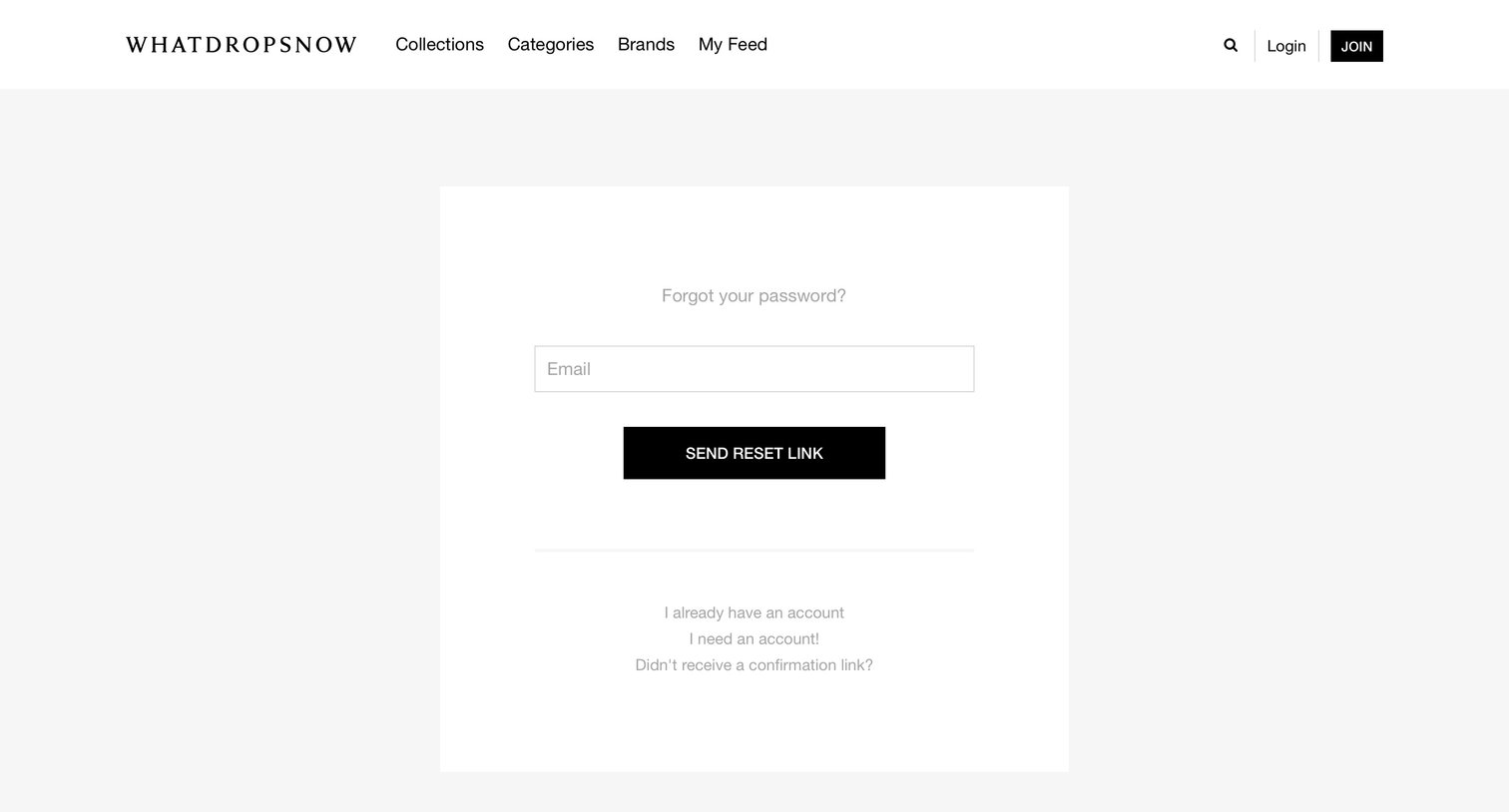
Password recovery screen where the user enters their email address to receive a reset link, with options to log in or create a new account.
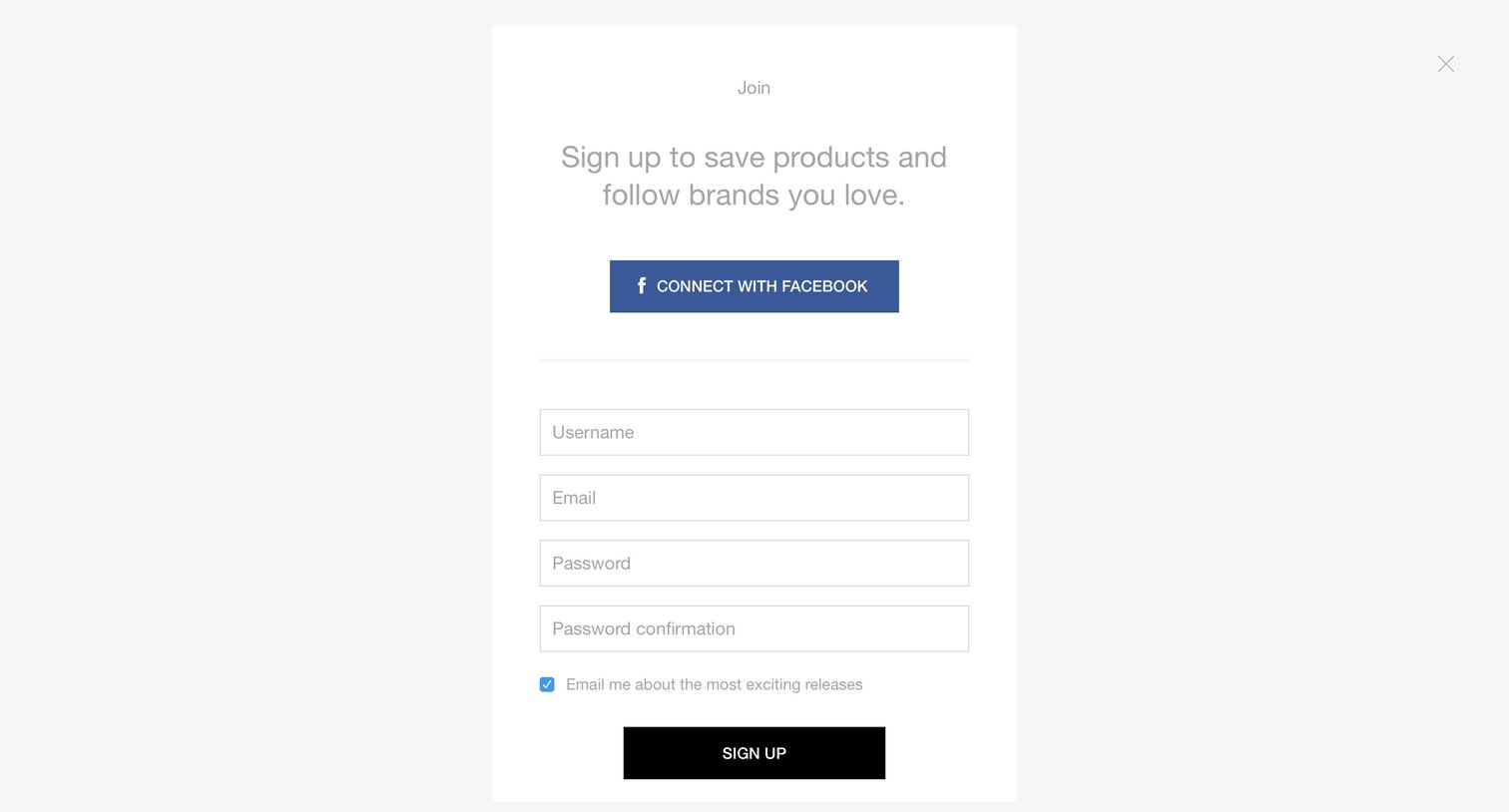
Signup screen where the user creates an account via Facebook or by providing a username, email, and password, with an option to opt into release emails.
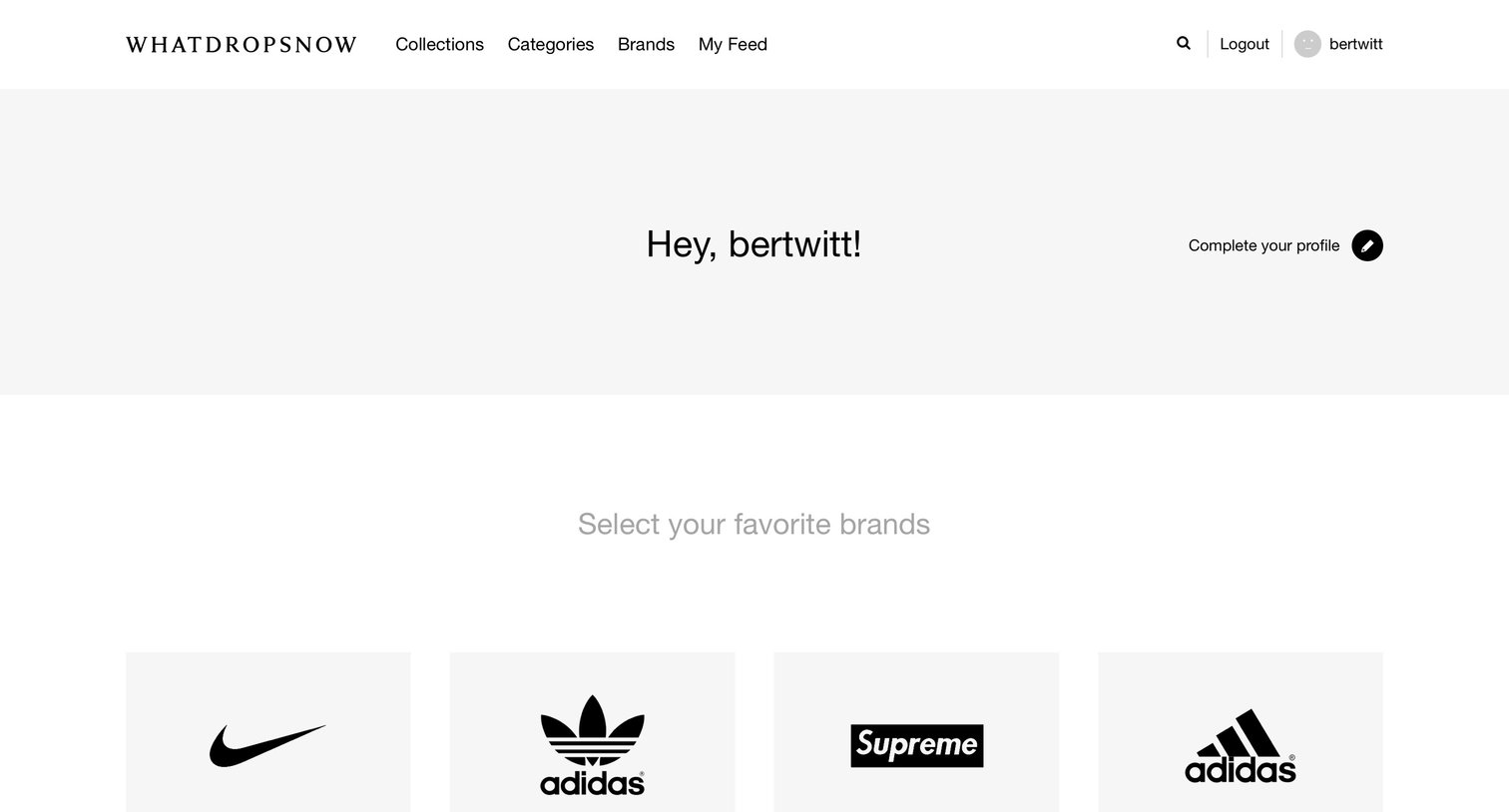
Onboarding screen where the user selects favorite brands to follow and learns how to like and save products before exploring their personalized feed.
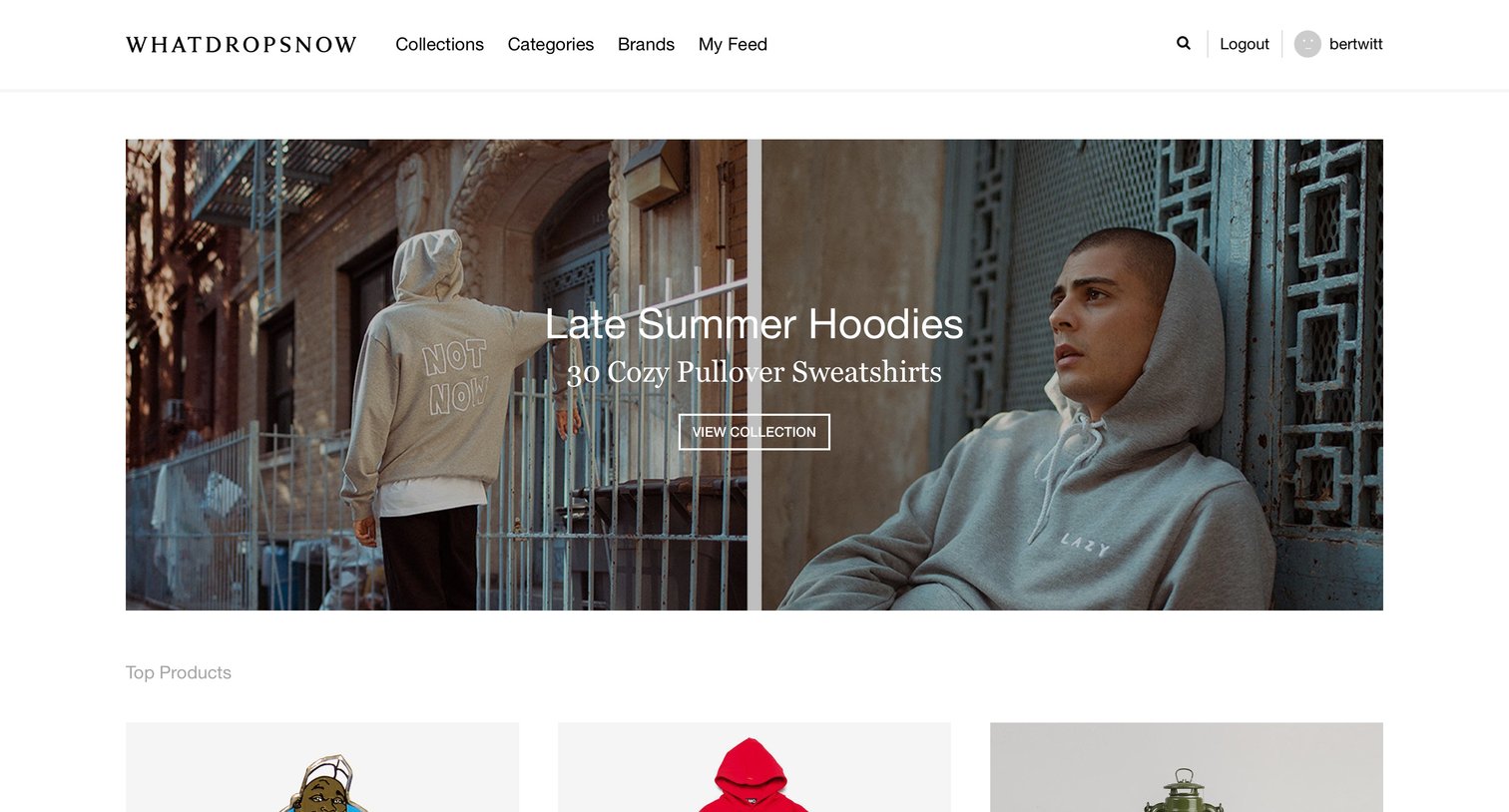
Landing page for a curated e-commerce platform featuring a hero collection, top products grid, latest releases, and promotional category cards.
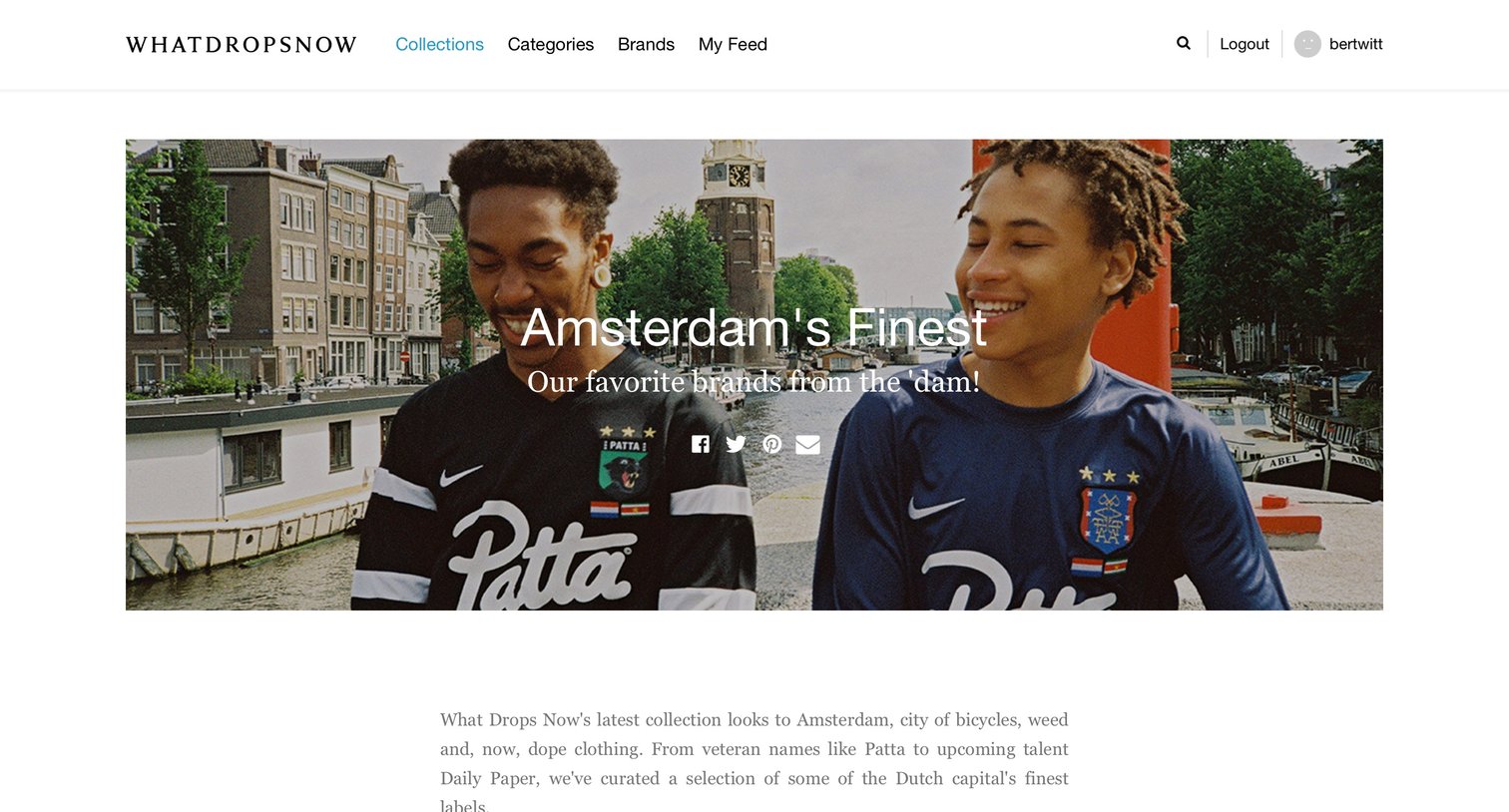
E-commerce collection page featuring a curated list of Amsterdam-based streetwear brands with product images, names, and prices.
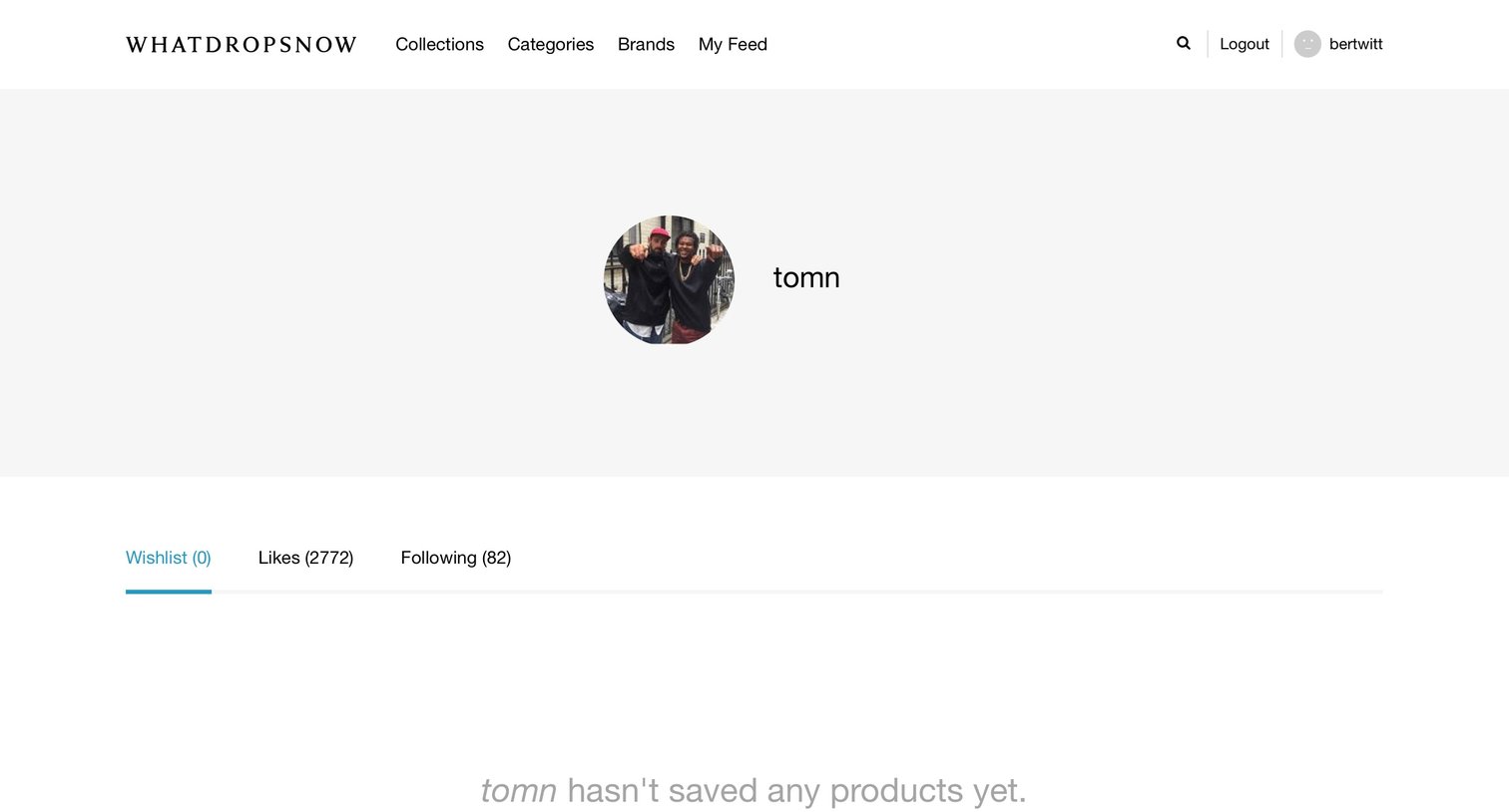
User profile page where the wishlist tab is selected but currently empty.
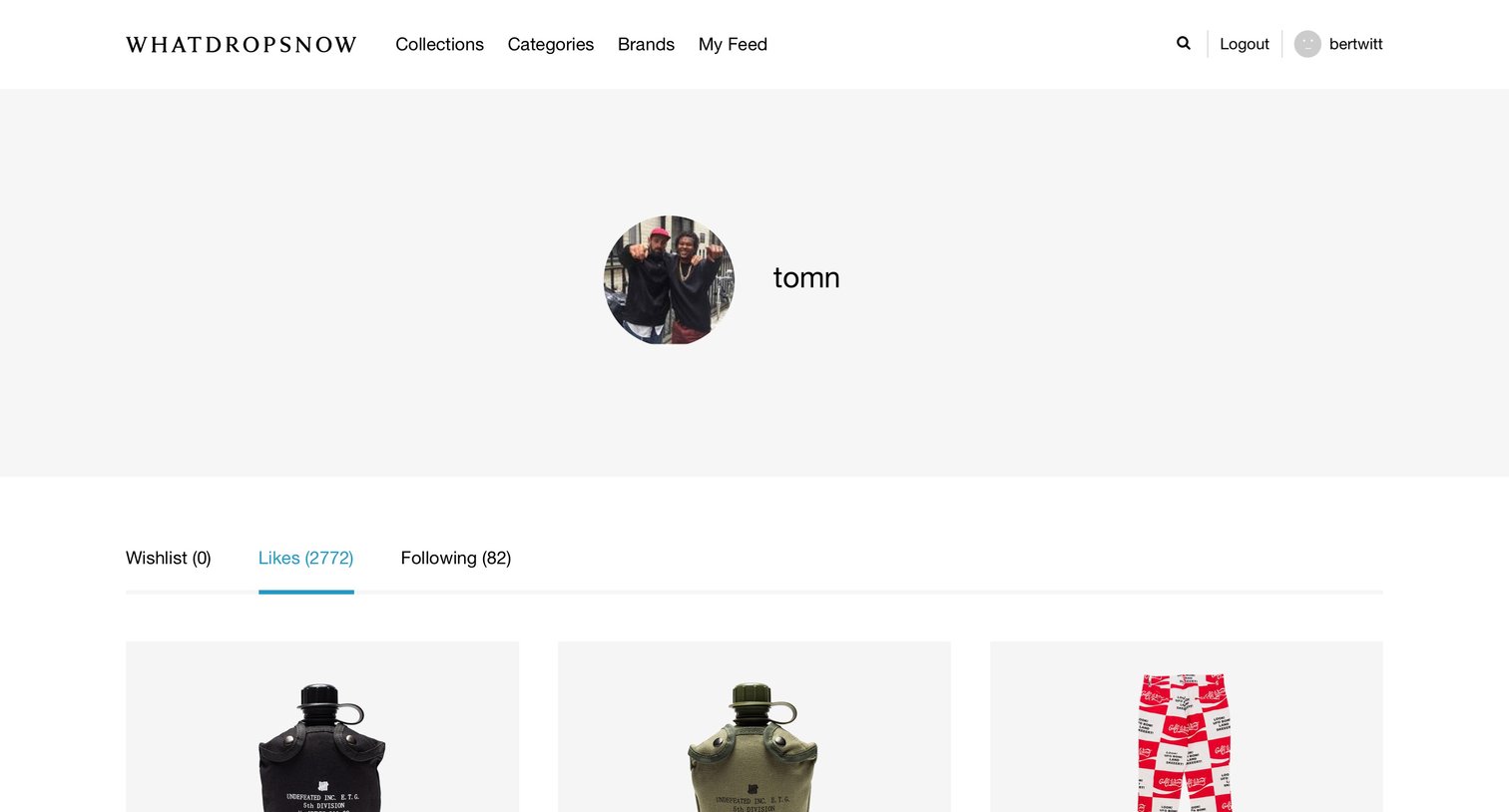
Profile page where the user browses a grid of liked streetwear products, with tabs to switch between wishlist, likes, and following.
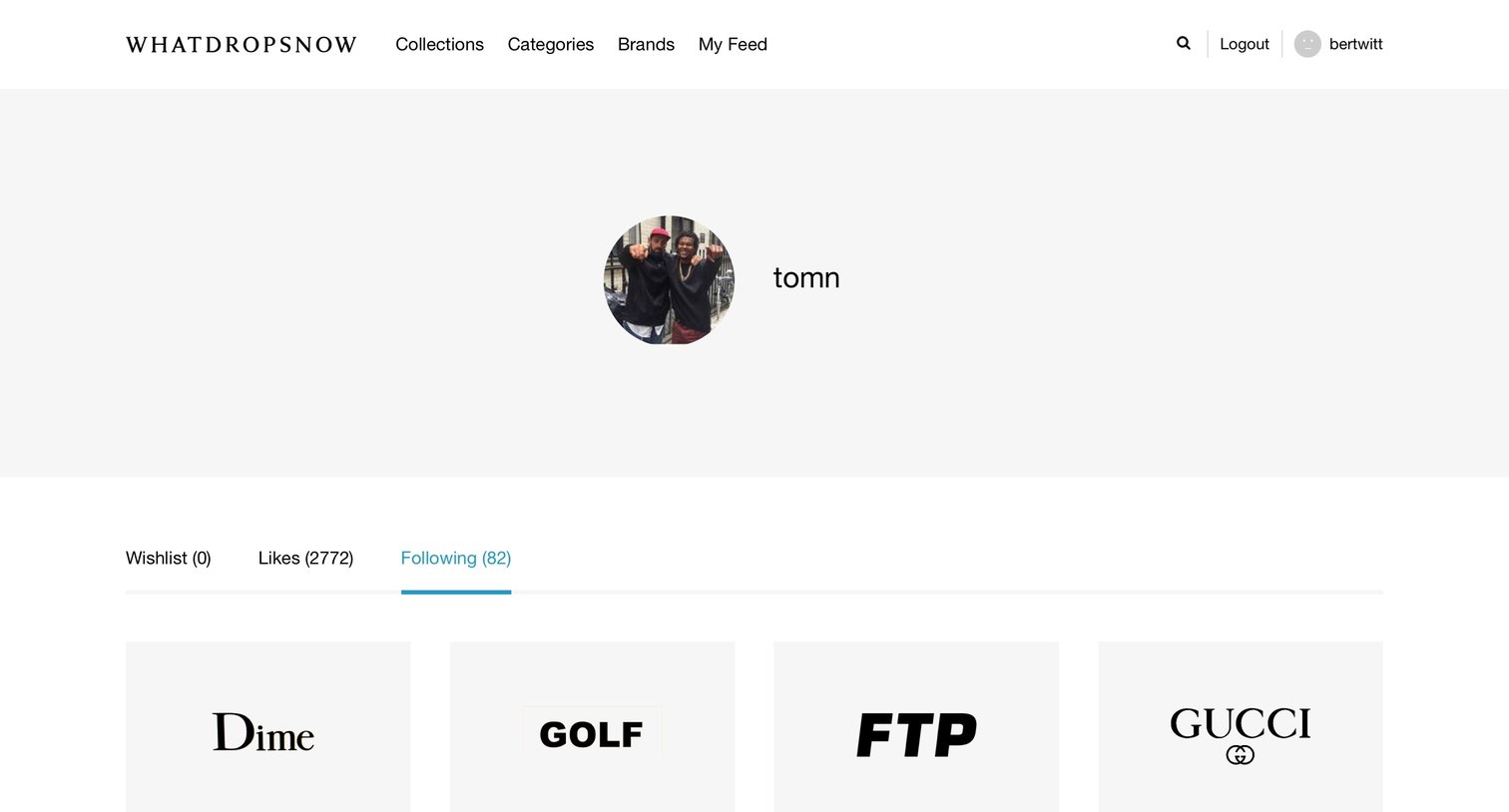
Profile page where the user views a grid of streetwear and fashion brands they are currently following.
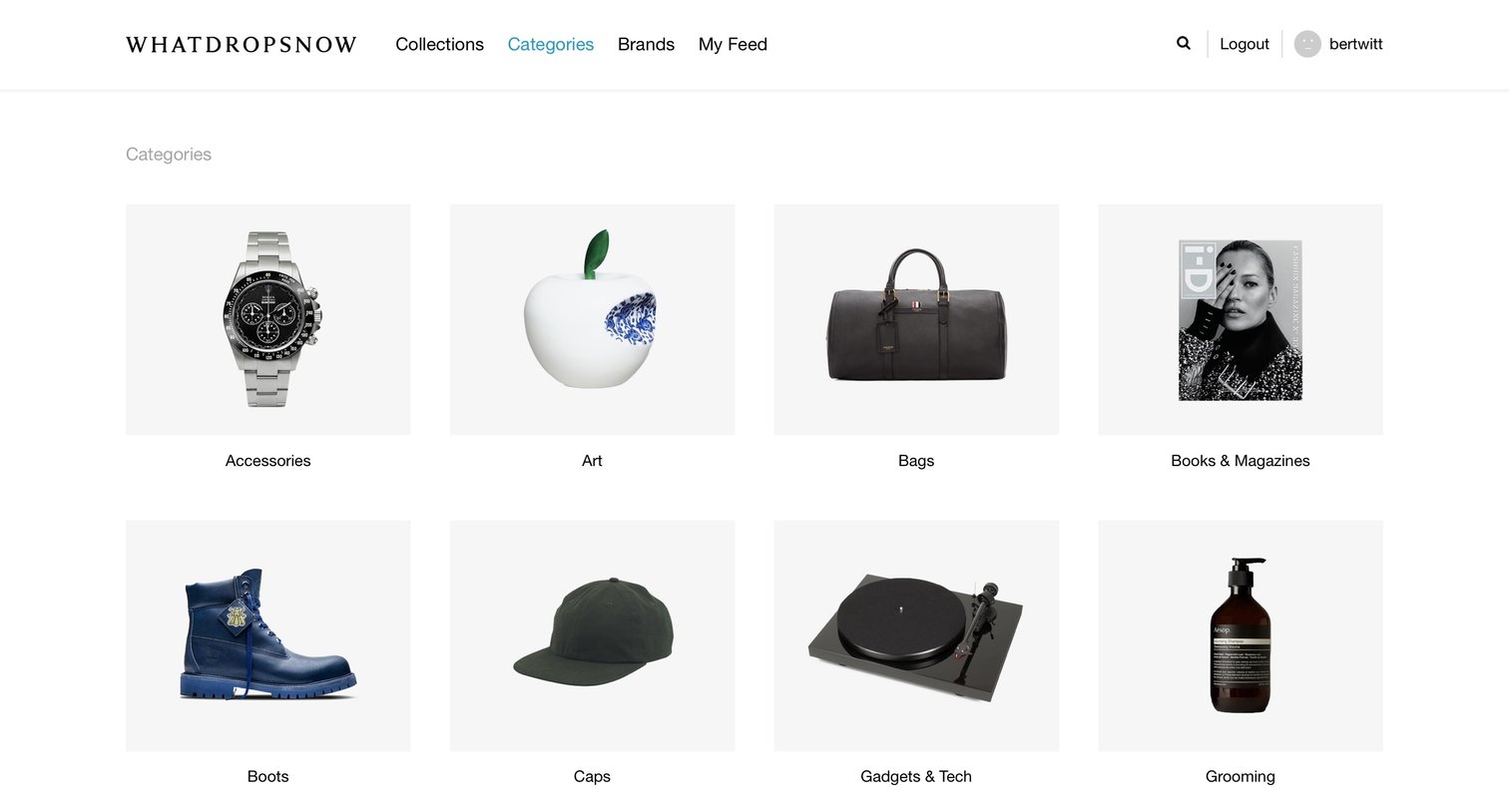
App directory view where the user browses product categories like Accessories, Art, Bags, and Boots represented by image cards in a spacious grid.
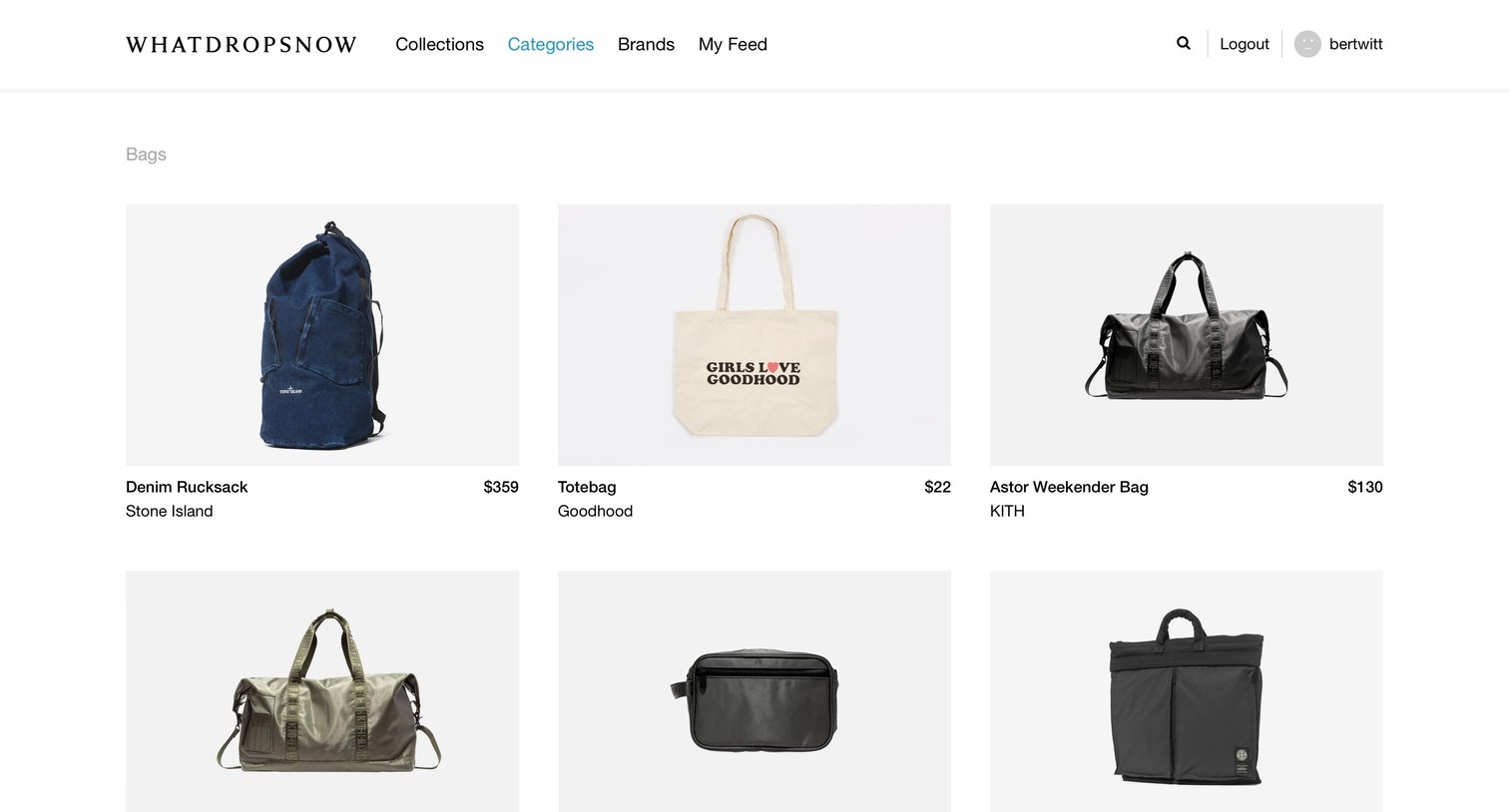
List view where the user browses a grid of bags from brands like Stone Island, KITH, and RAINS, with a load more button at the bottom.
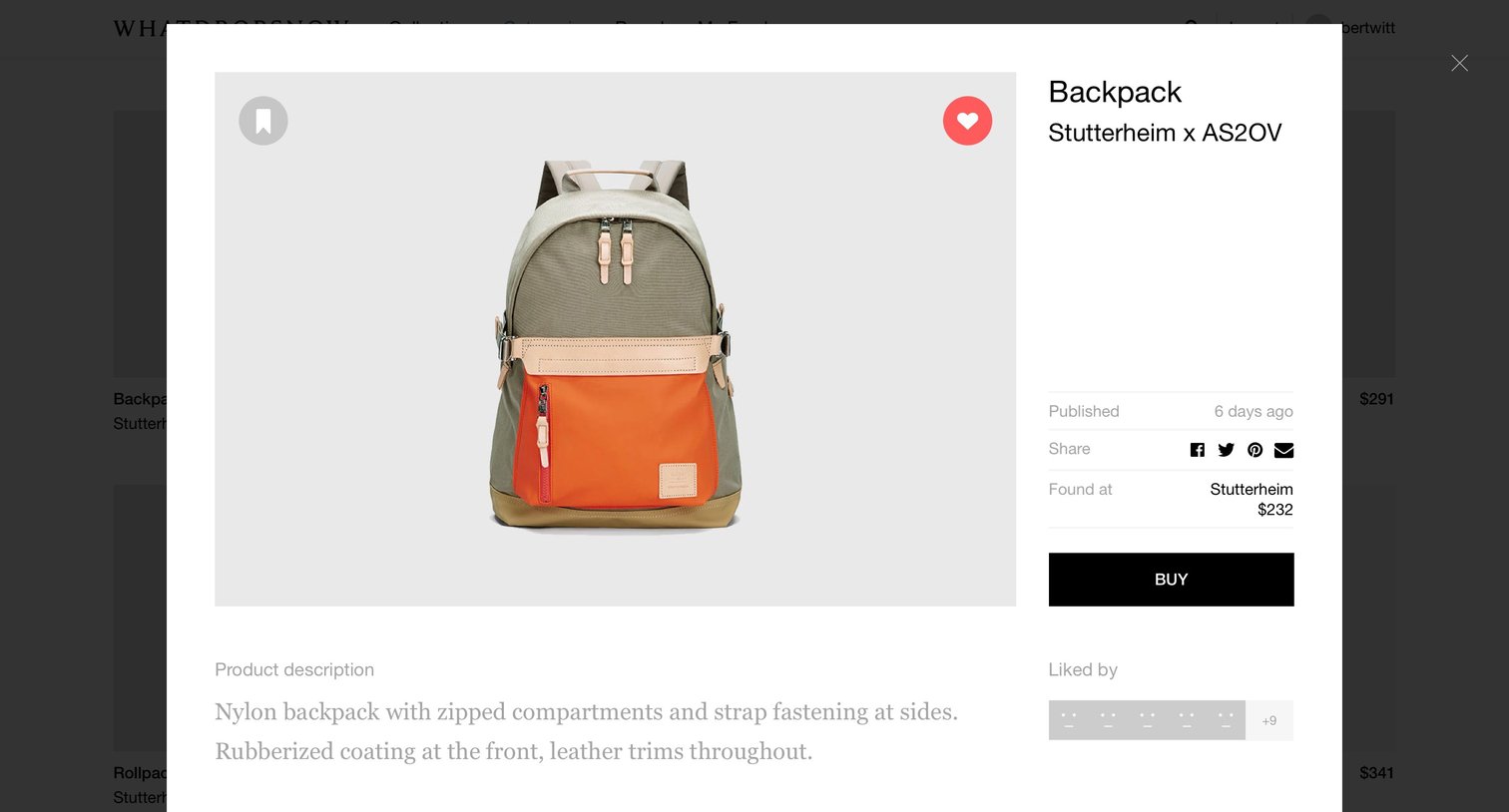
Detail page where the user views a backpack's description, price, and social engagement metrics in a modal overlay before deciding to buy or save it.
Explore the full SaaS screen library
Upgrade to unlock the full library.
Trusted by the best teams







