Skip to content

Webflow product screens examples

Browse Webflow screen design examples. Preview the interface screenshots and explore related UI patterns. Responsive web design tool, CMS, and hosting platform

Explore the examples
Webflow - Contact Webflow Sales team | Webflow screen
Webflow logo
Webflow

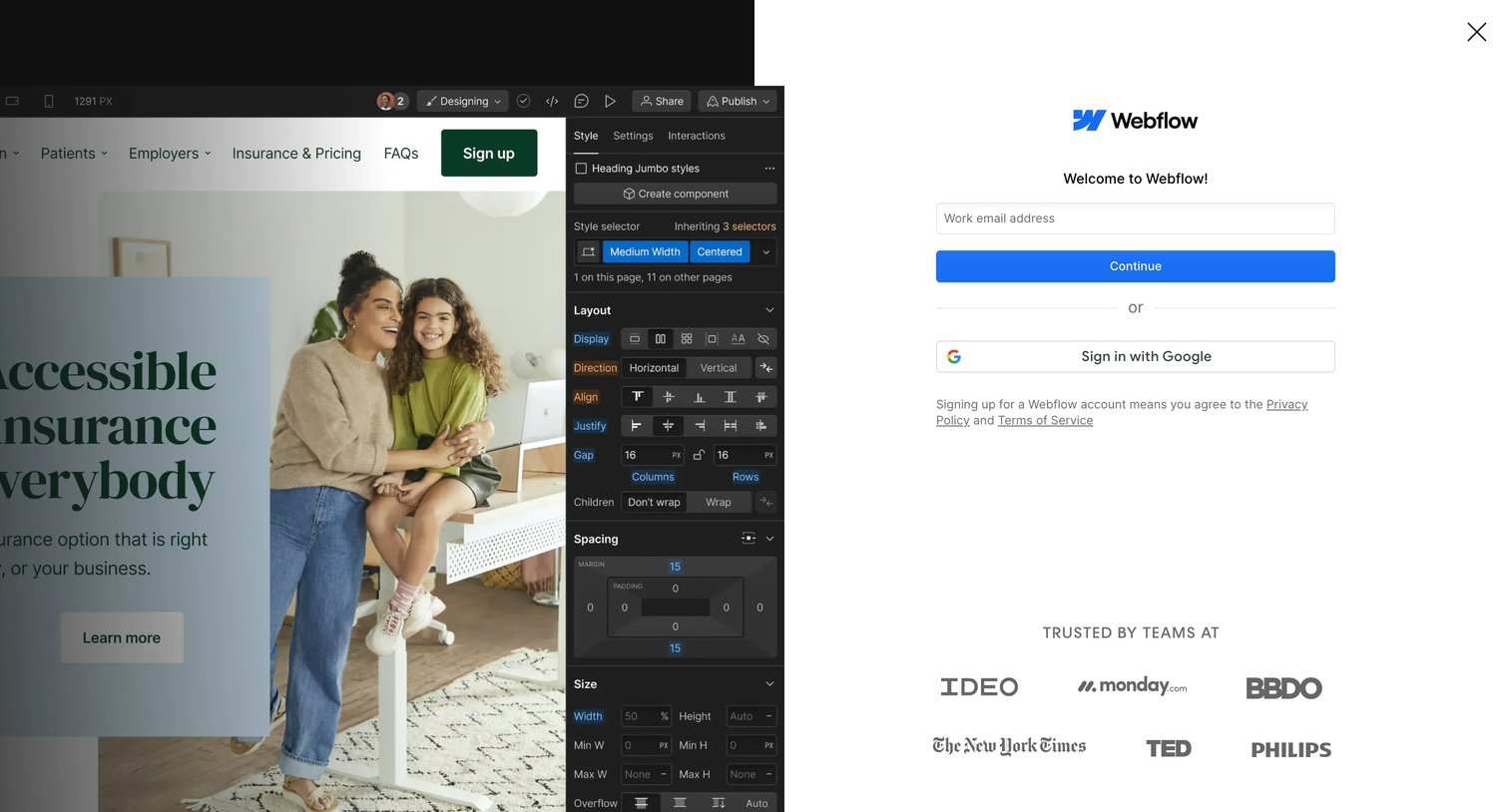
Signup screen where the user can create an account with a work email or authenticate via Google, featuring a logo wall of trusted enterprise customers.
Webflow - Log In - Webflow screen
Webflow logo
Webflow

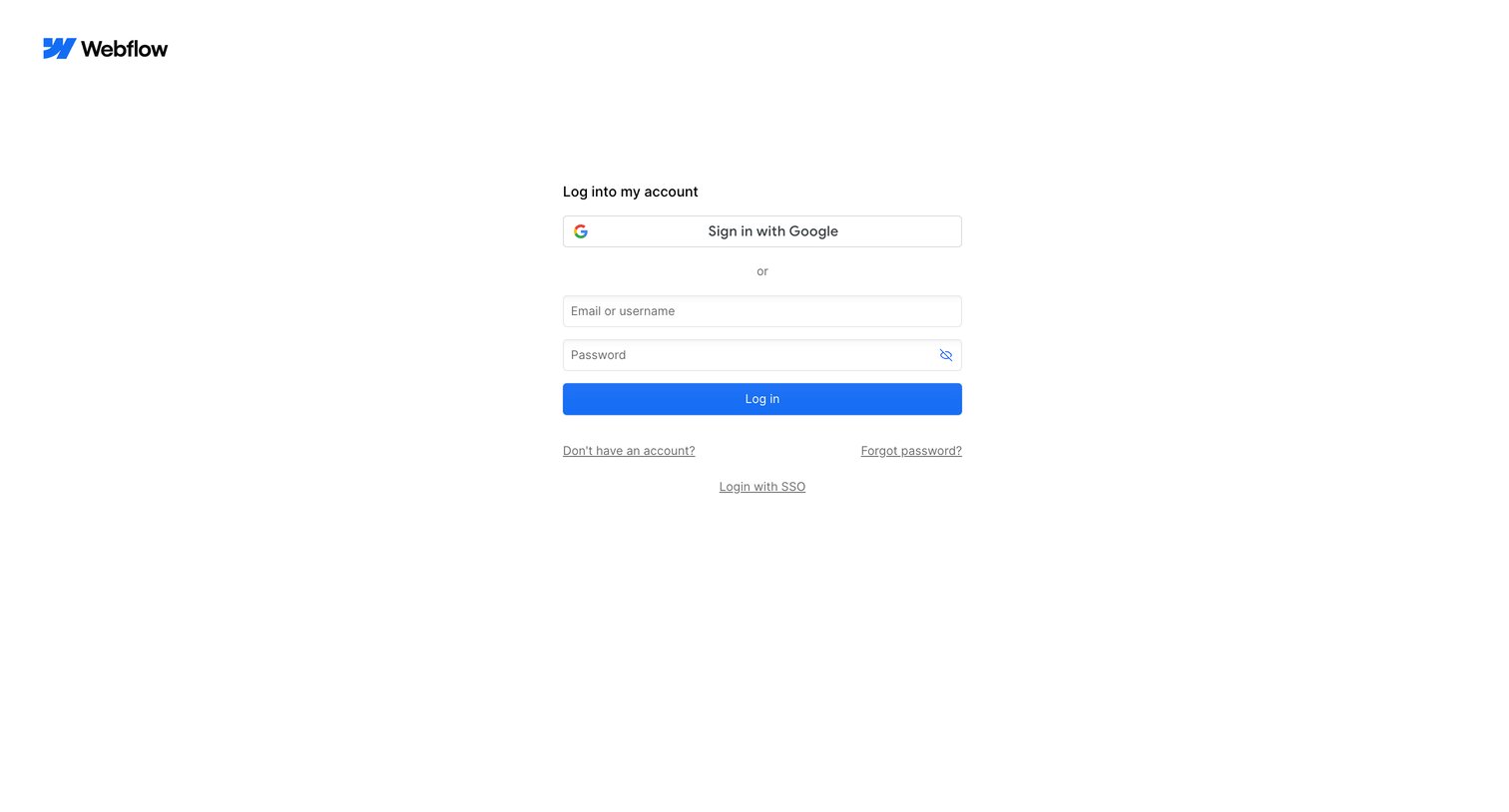
Signin screen where the user authenticates with Google, an email and password, or SSO.

Webflow - Contact Webflow Sales team | Webflow screen
Webflow logo
Webflow

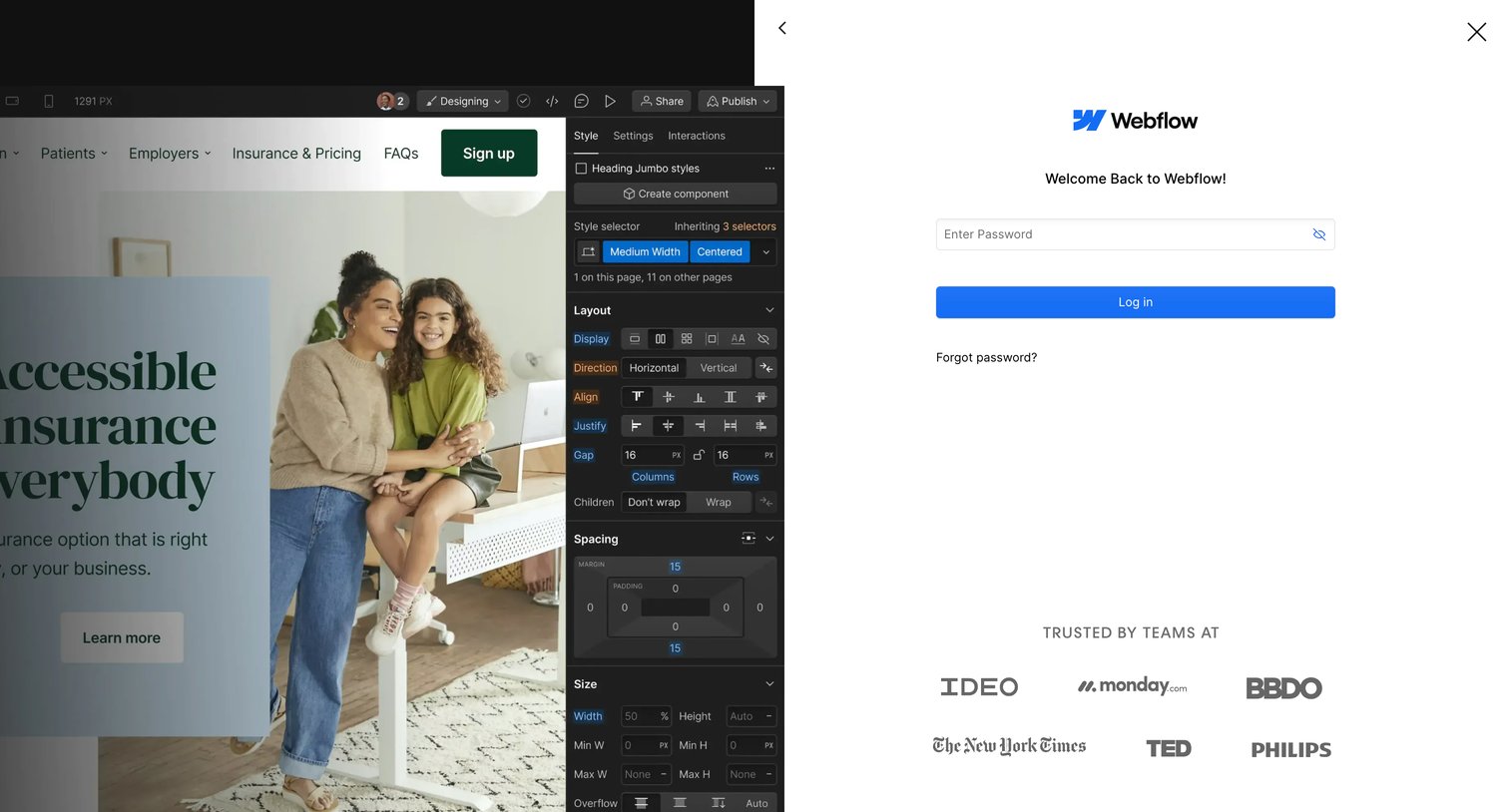
Sign-in screen where a returning user enters their password to access Webflow, featuring a logo wall of enterprise customers.
Webflow - Contact Webflow Sales team | Webflow screen
Webflow logo
Webflow

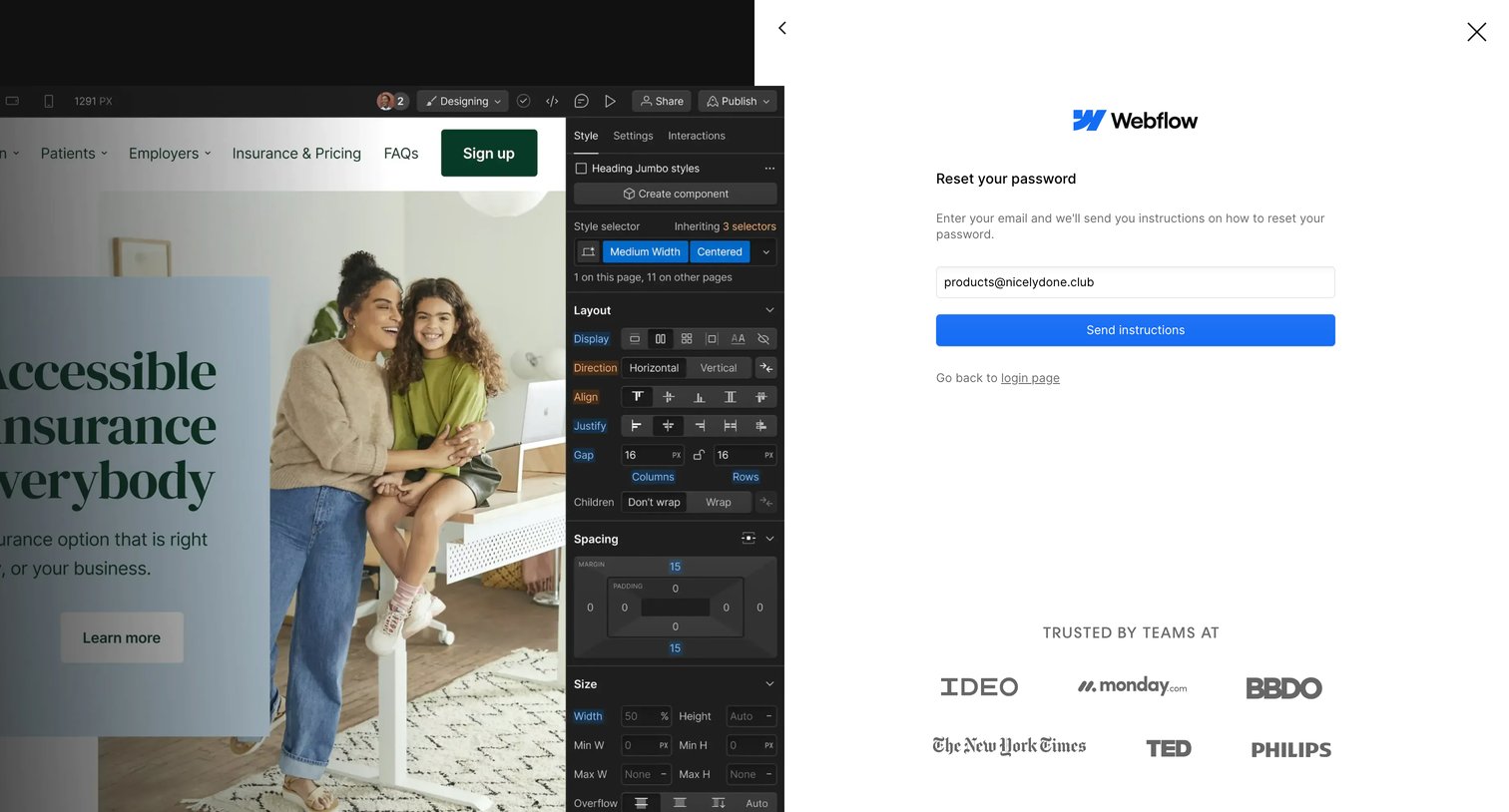
Password recovery drawer where the user enters their email to receive reset instructions, overlaid on a design editor interface.
Webflow - Contact Webflow Sales team | Webflow screen
Webflow logo
Webflow

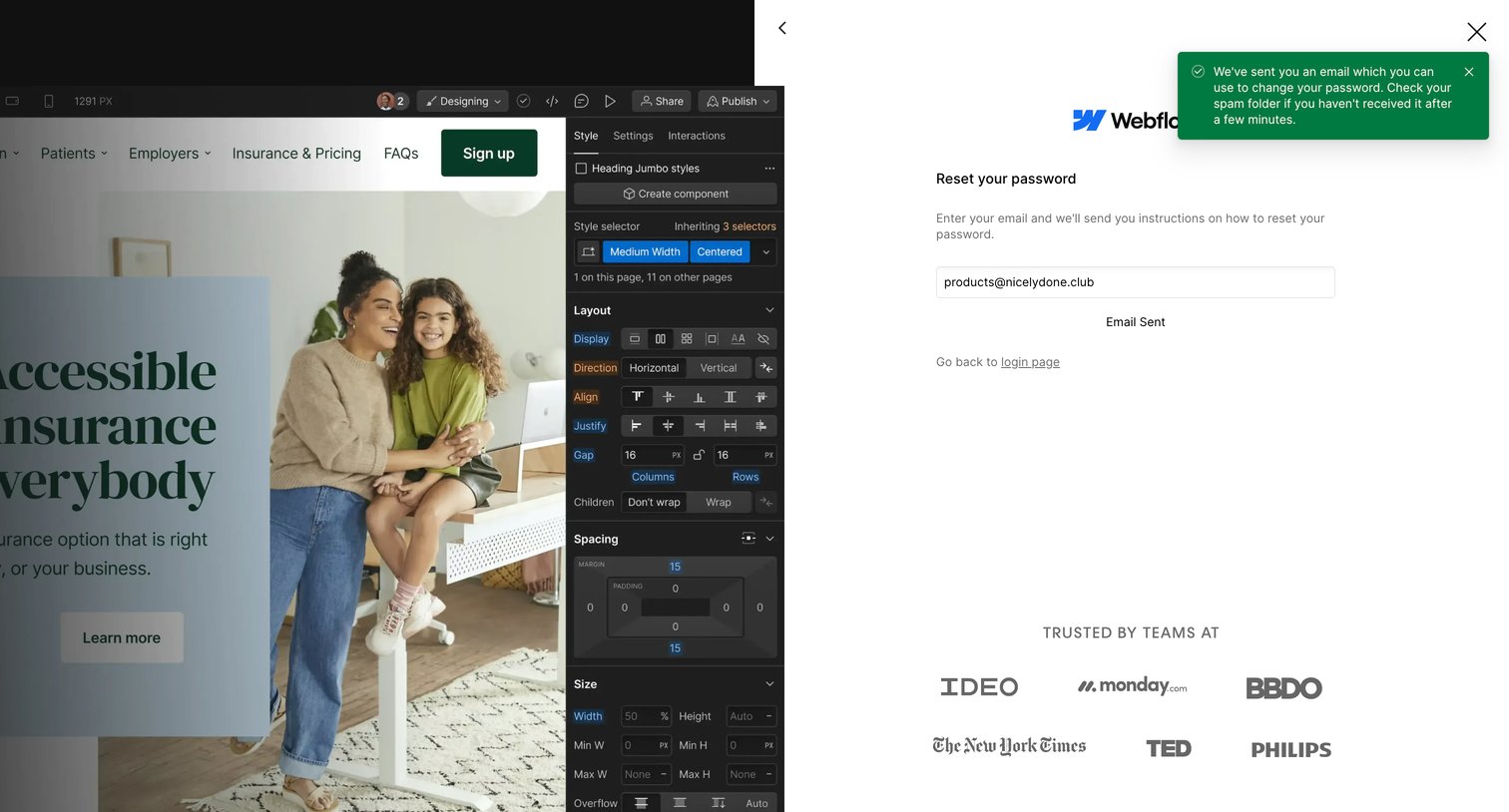
Password recovery screen showing a success state with a green toast notification confirming the reset link was sent to the user's email.
Webflow - Webflow Create a custom website | Visual website builder screen
Webflow logo
Webflow

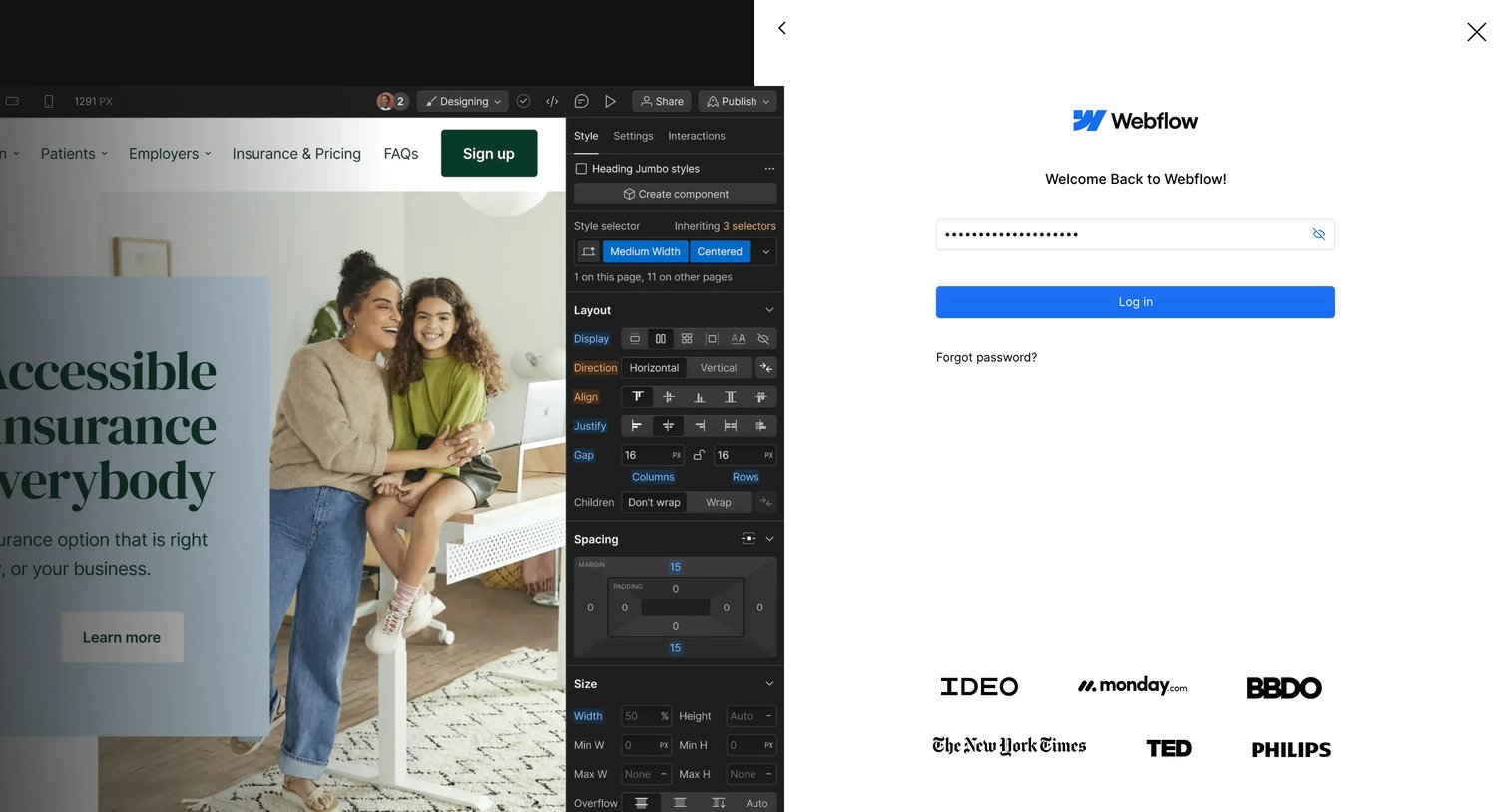
Sign-in screen where the user enters their password to access Webflow, featuring a product preview in the background and a customer logo wall.

Webflow - Sites - Webflow screen
Webflow logo
Webflow

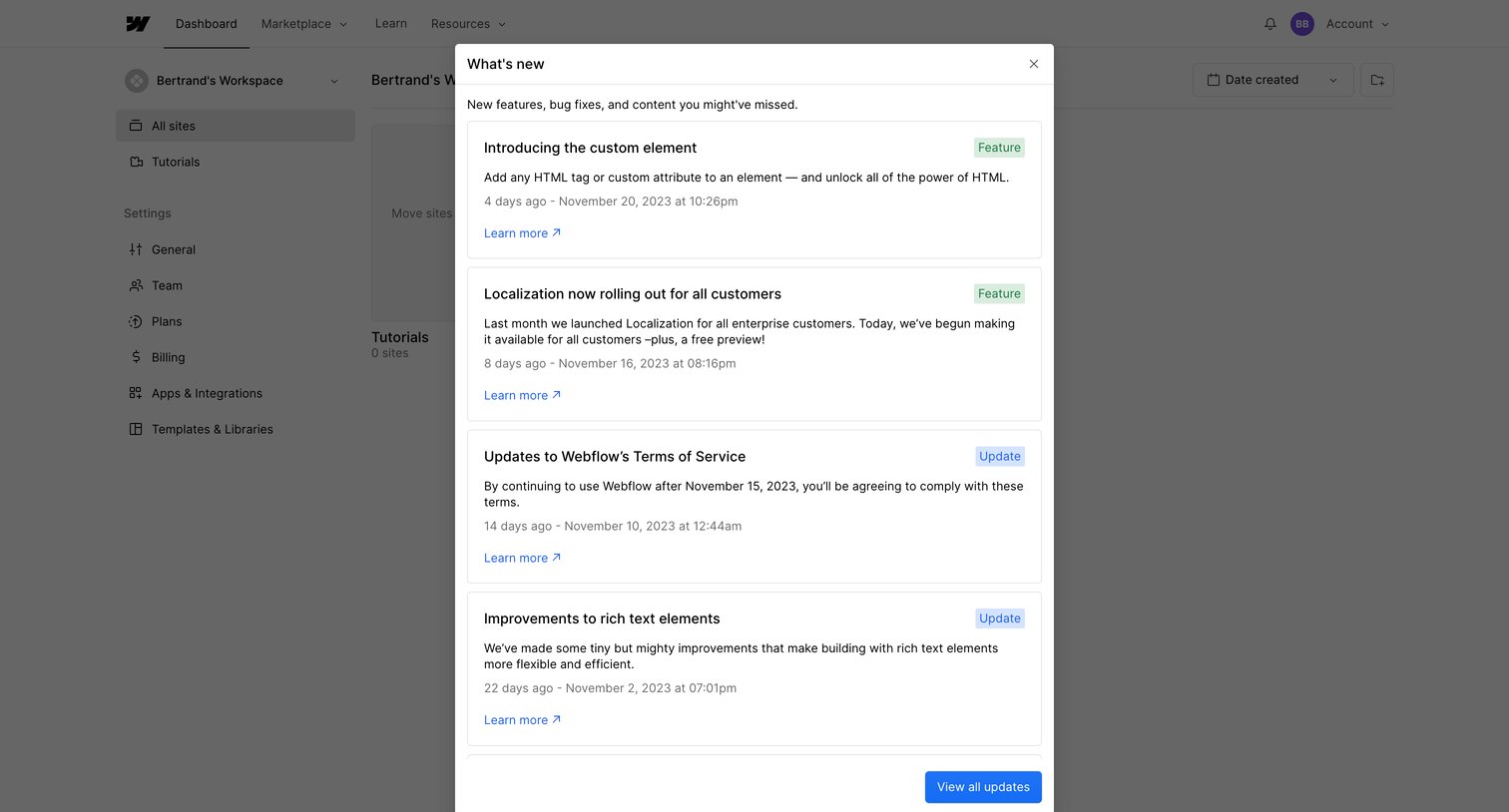
Dashboard with a modal overlay displaying a chronological list of recent product updates, new features, and bug fixes.

Webflow - Updates - Webflow screen
Webflow logo
Webflow

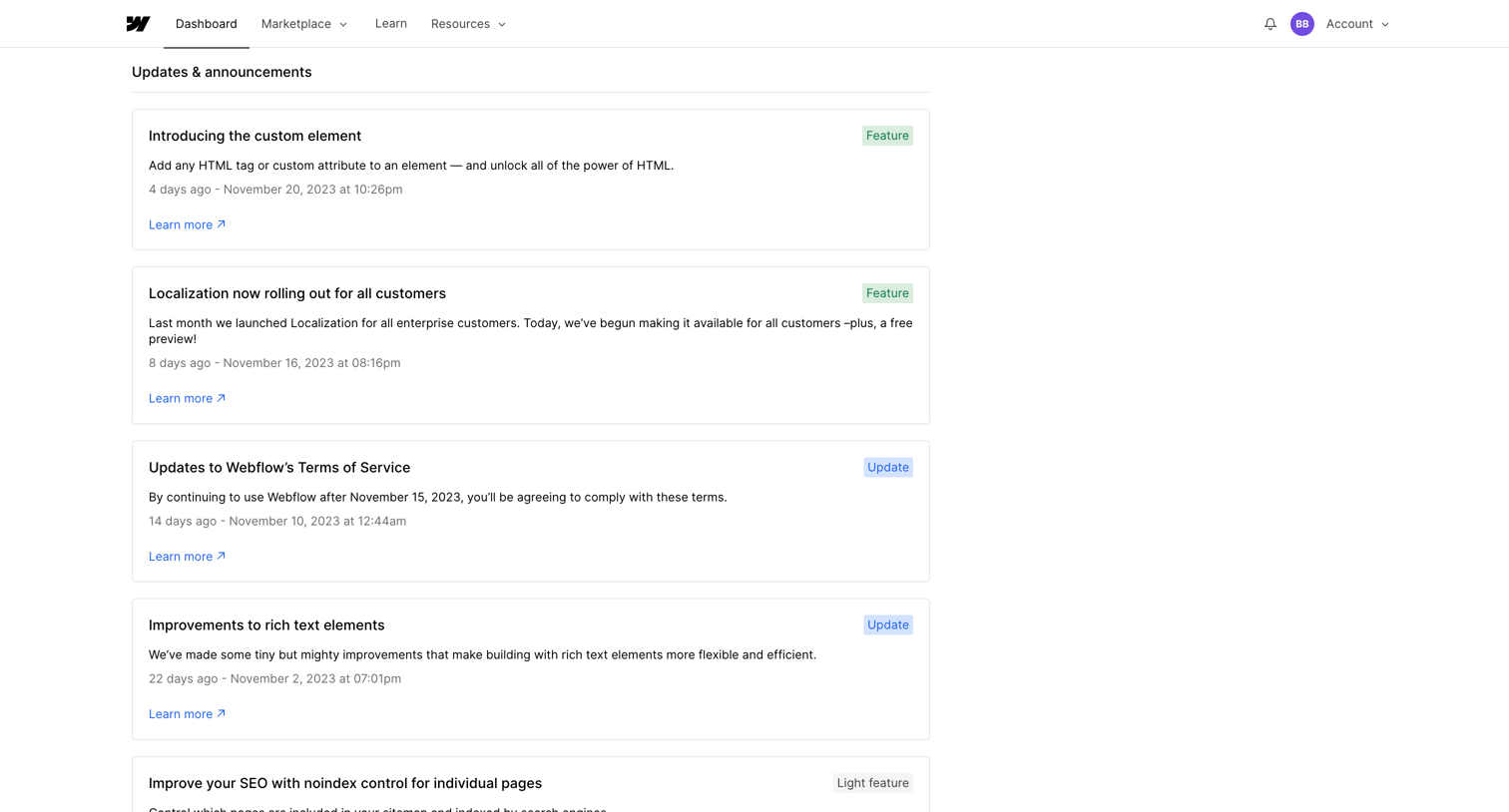
Feed where the user reads recent product updates, announcements, and new features categorized by badges.

Webflow - Sites - Webflow screen
Webflow logo
Webflow

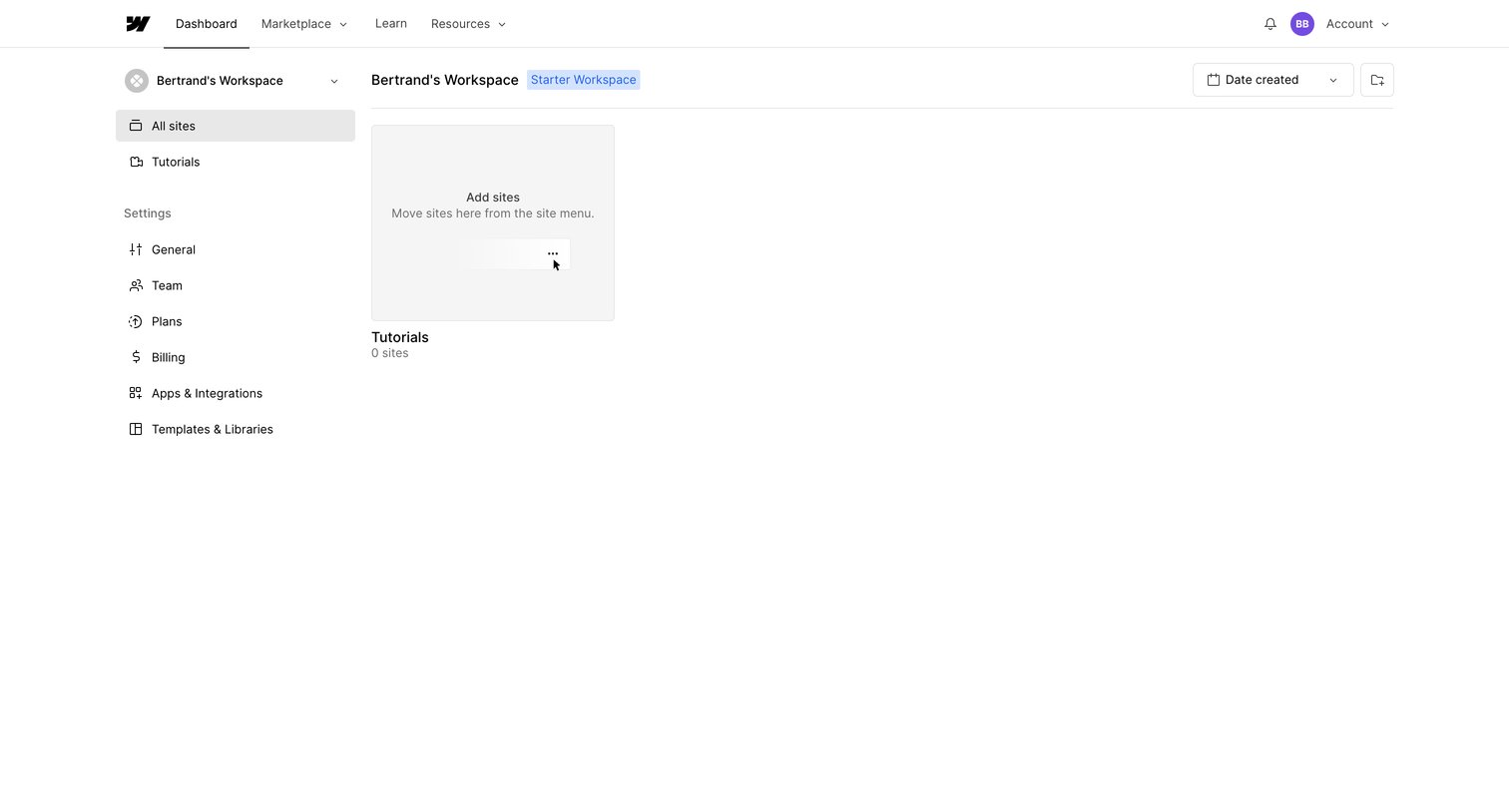
List view of a workspace showing an empty state for sites with a prompt to move existing sites from the menu.
Webflow - Sites - Webflow screen
Webflow logo
Webflow

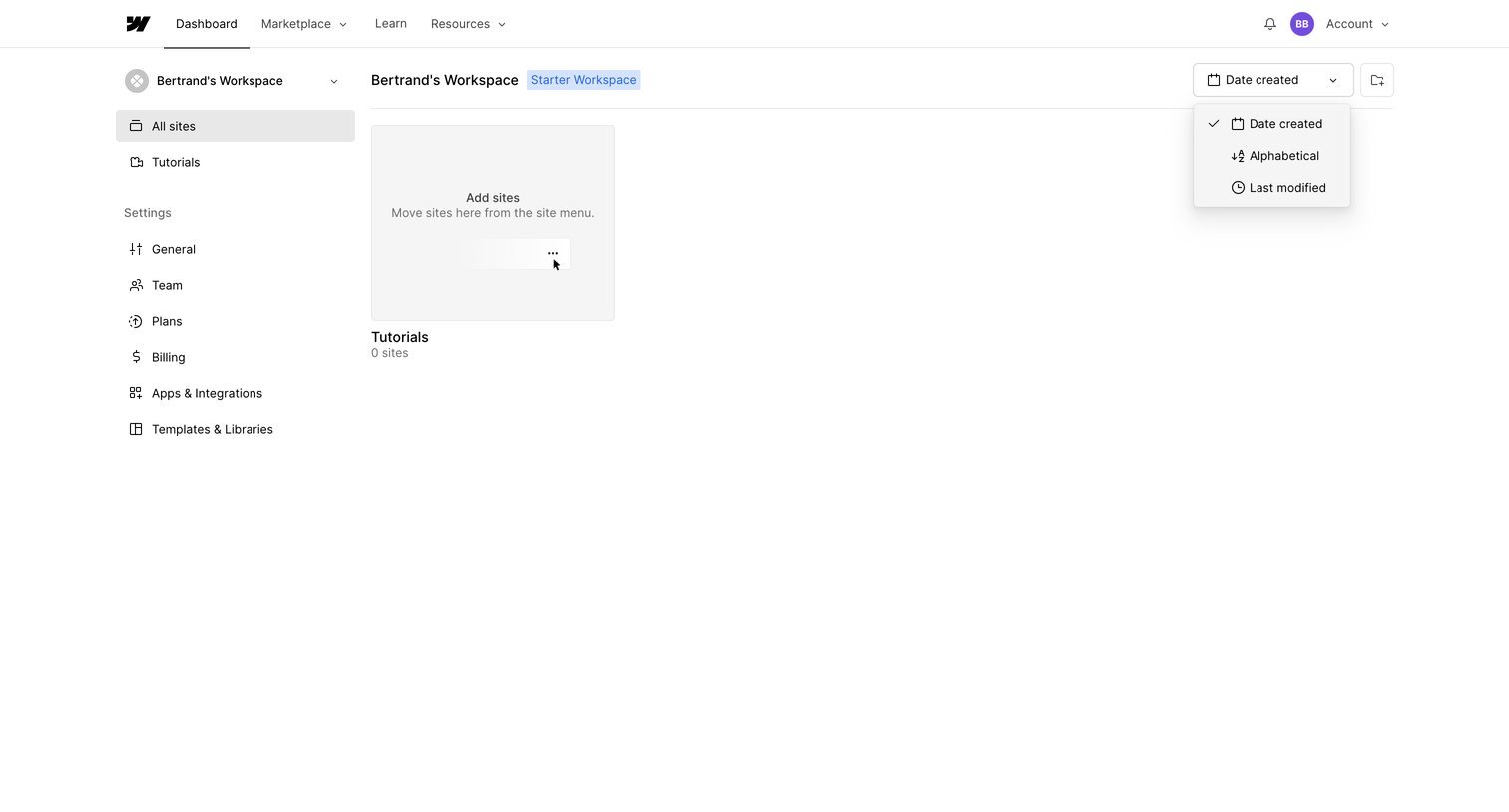
Dashboard showing an empty list of sites for a starter workspace, featuring an open sort dropdown and a prompt to add new sites.
Webflow - Sites - Webflow screen
Webflow logo
Webflow

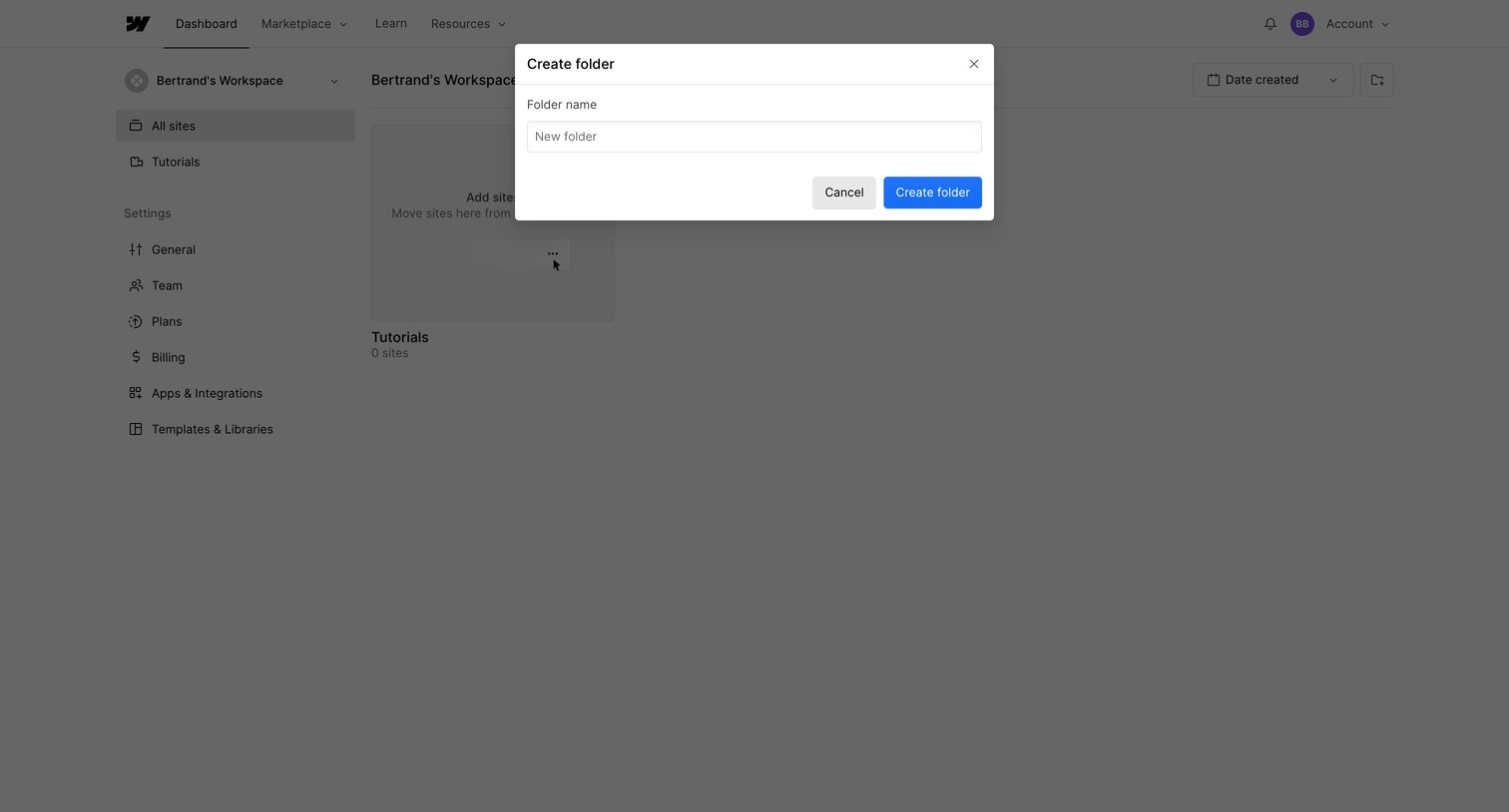
Dashboard overlay where the user names and creates a new folder to organize their workspace sites.

Webflow - Sites - Webflow screen
Webflow logo
Webflow

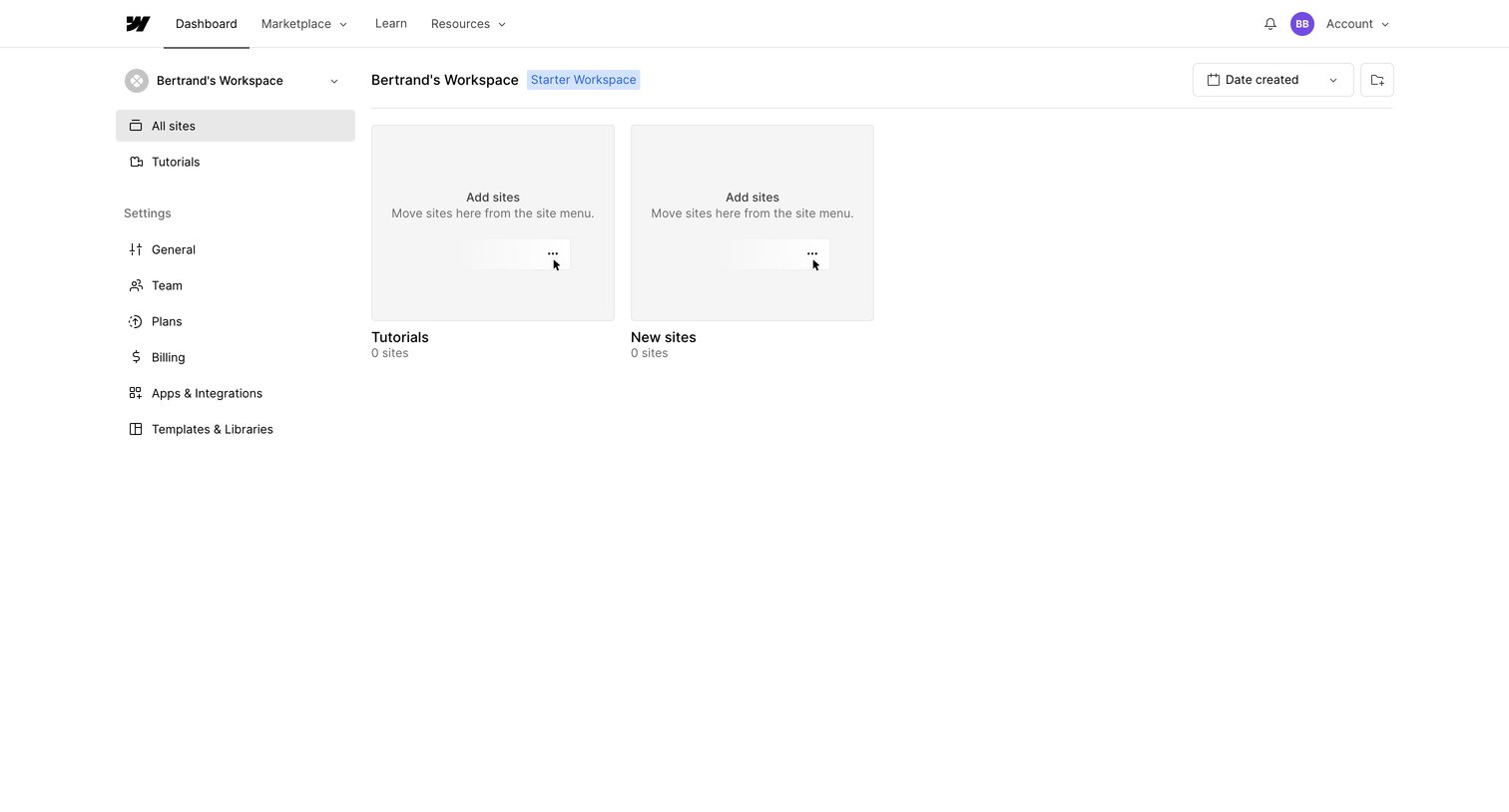
Dashboard showing an empty workspace with placeholder cards prompting the user to add or move sites.

Explore the full SaaS screen library

Upgrade to unlock the full library.

Trusted by the best teams