Wanda product screens examples
Browse Wanda screen design examples. Preview the interface screenshots and explore related UI patterns. Picks up, transports and stores an unlimited amount of your things
Explore the examples
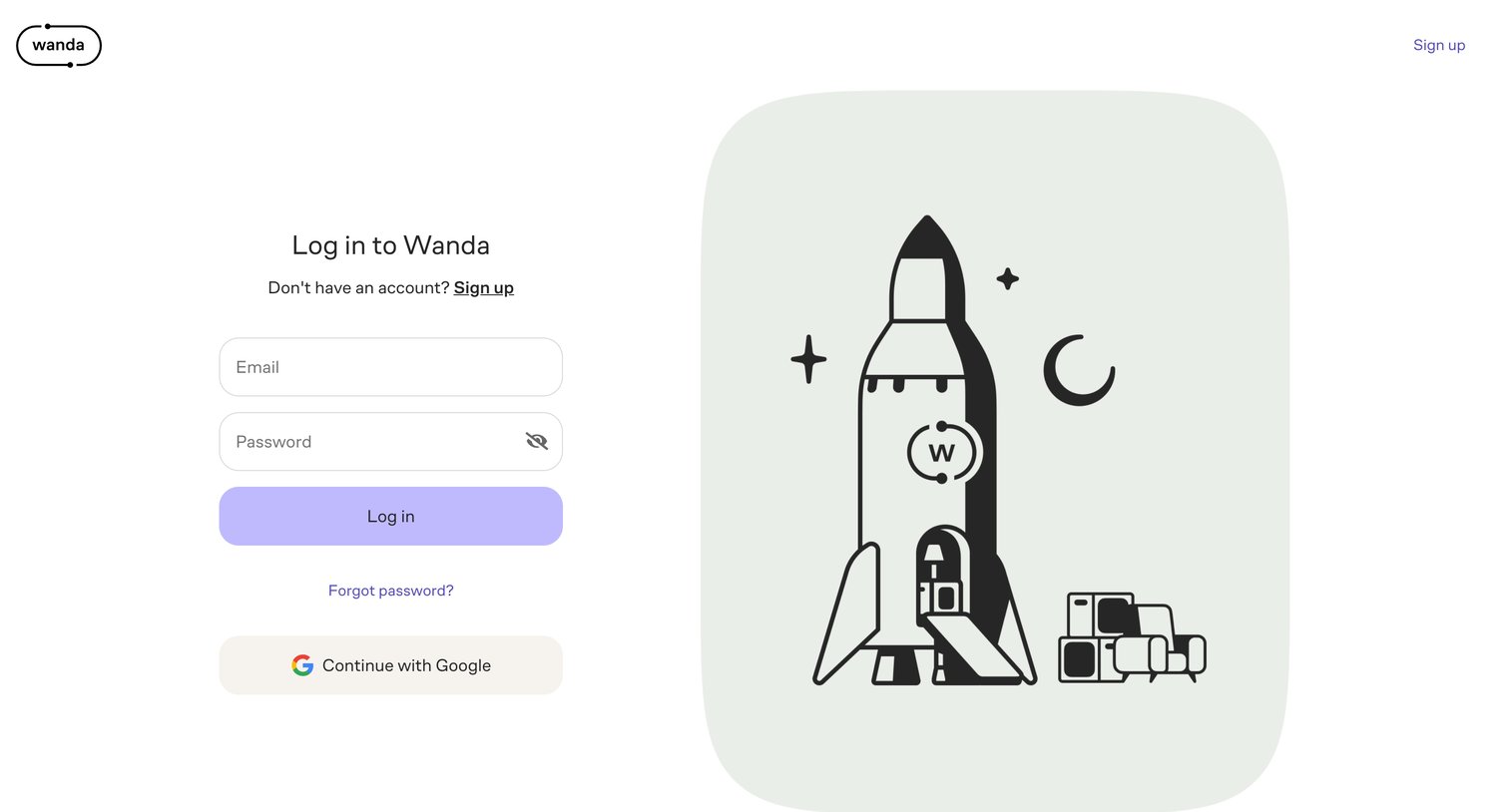
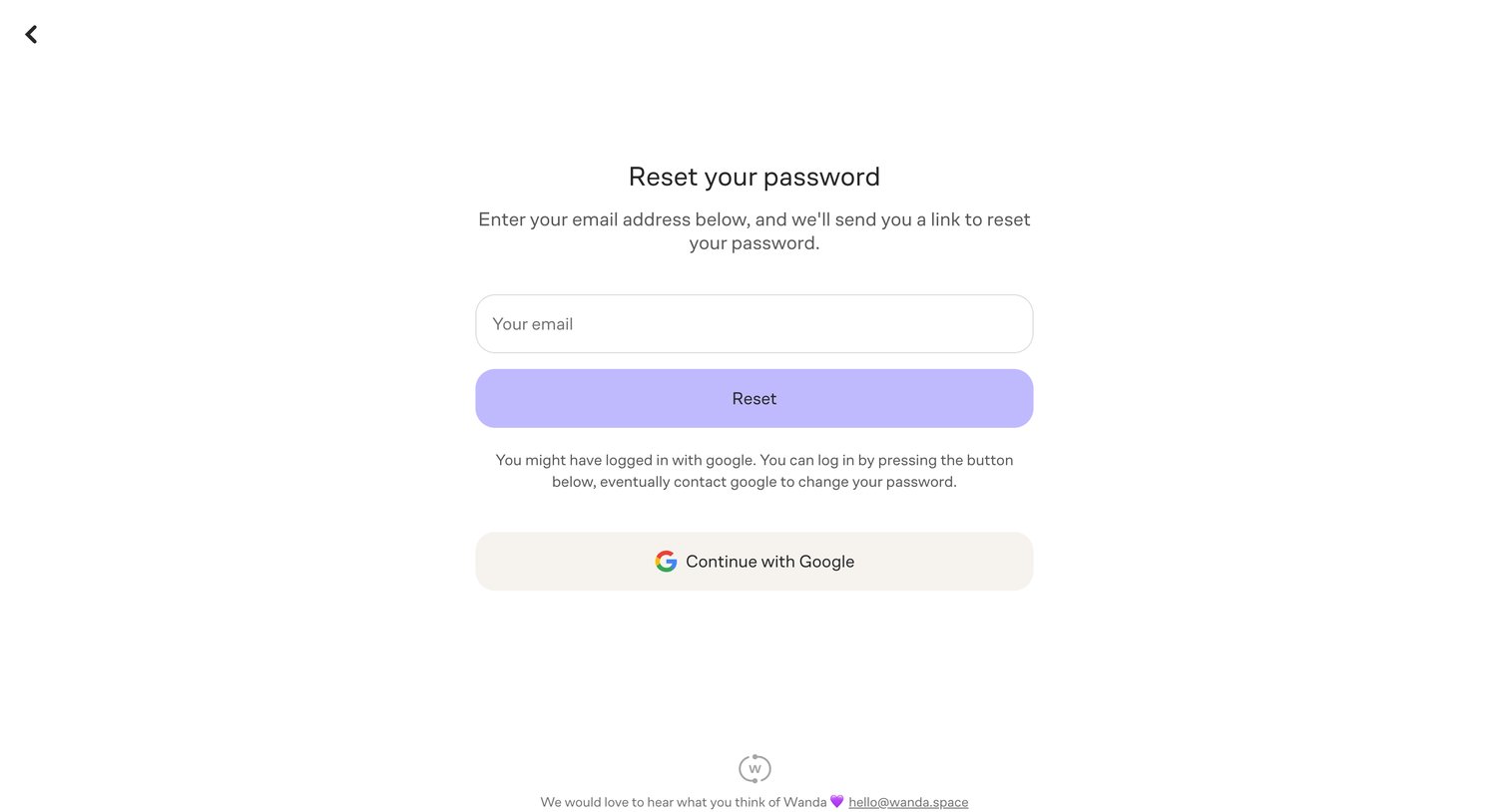

Password recovery page where the user enters their email to receive a reset link or chooses to authenticate via Google SSO.
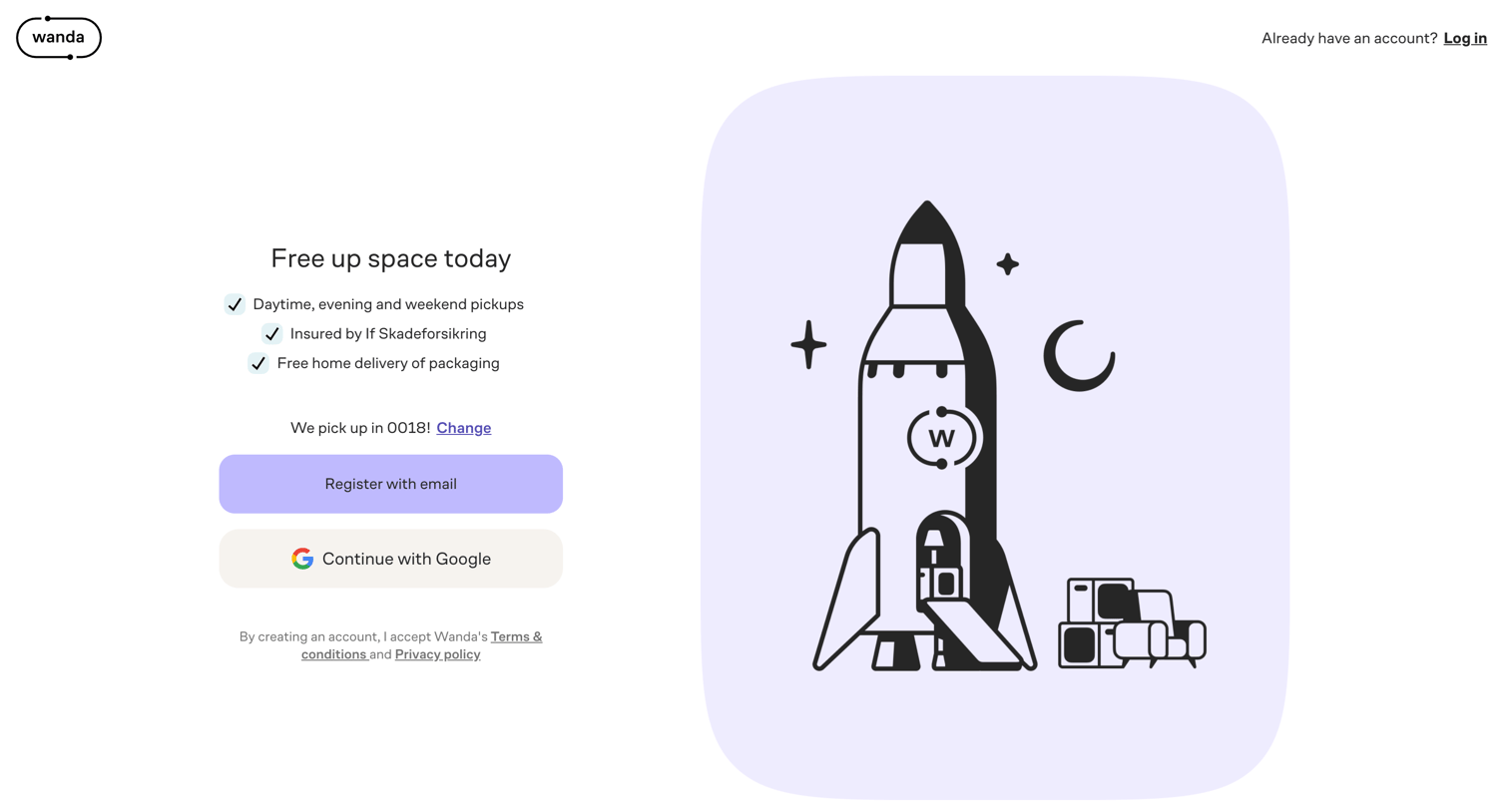
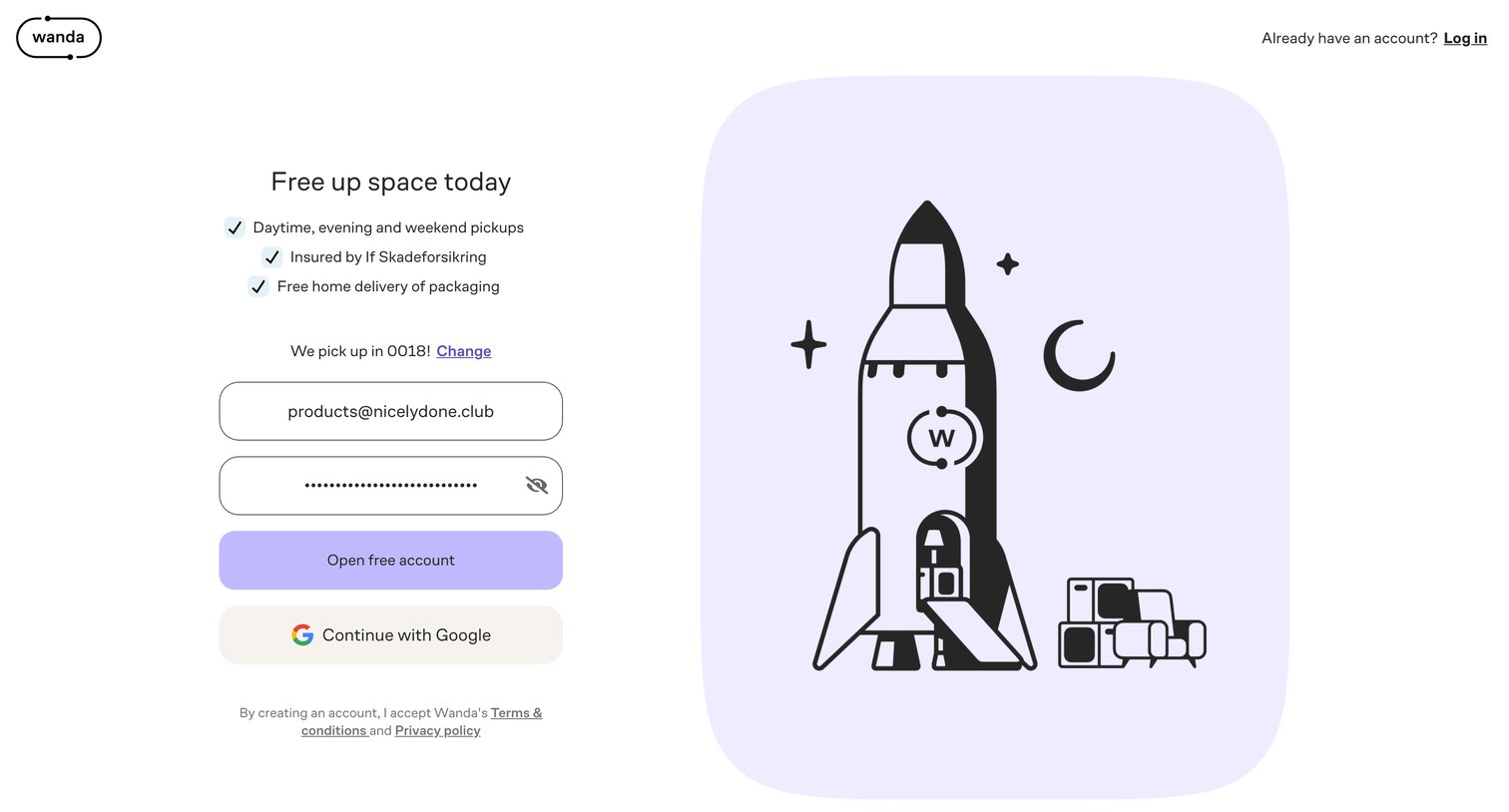
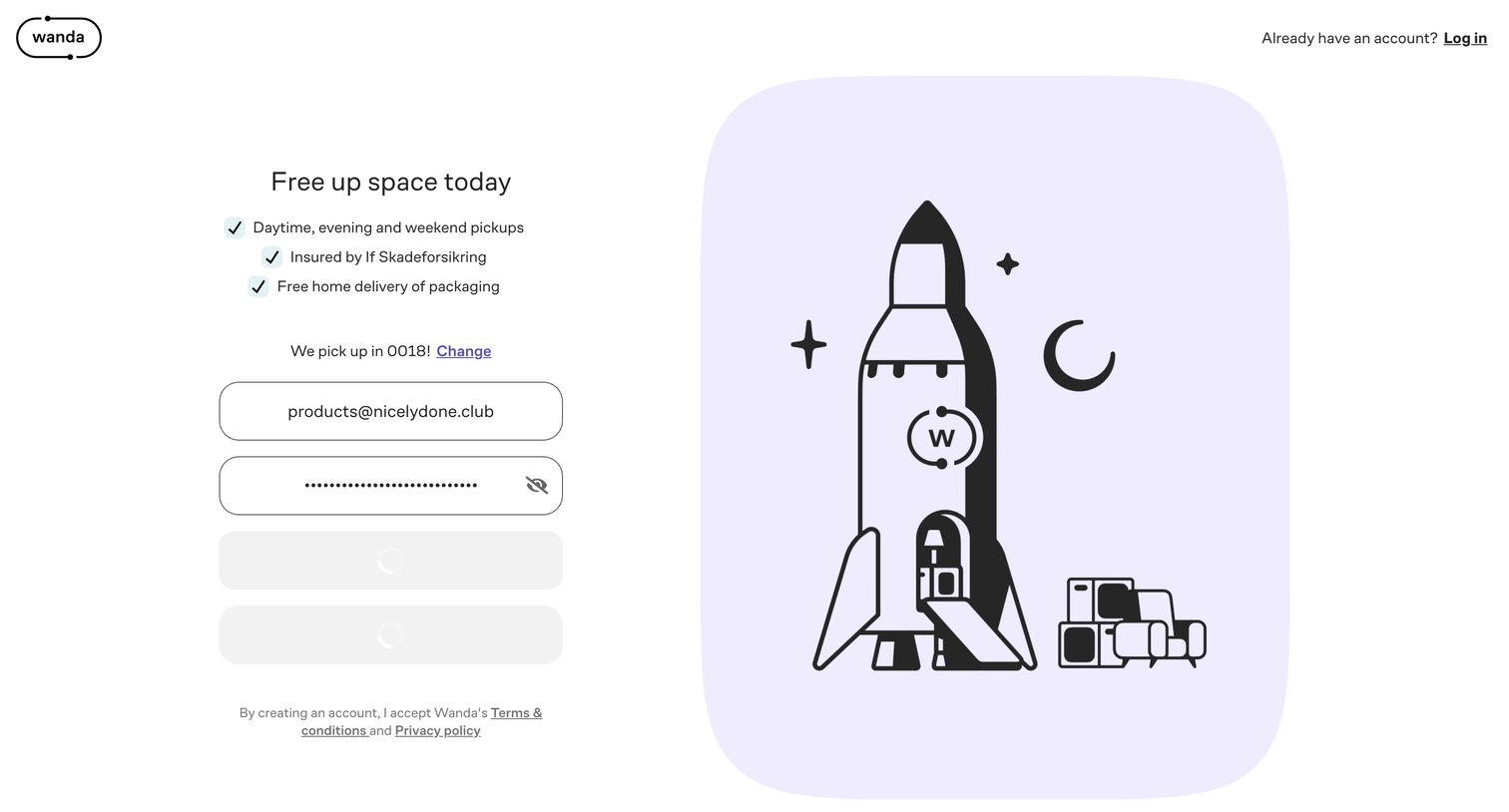

Onboarding step where the user is introduced to the unlimited storage concept and can proceed or skip.
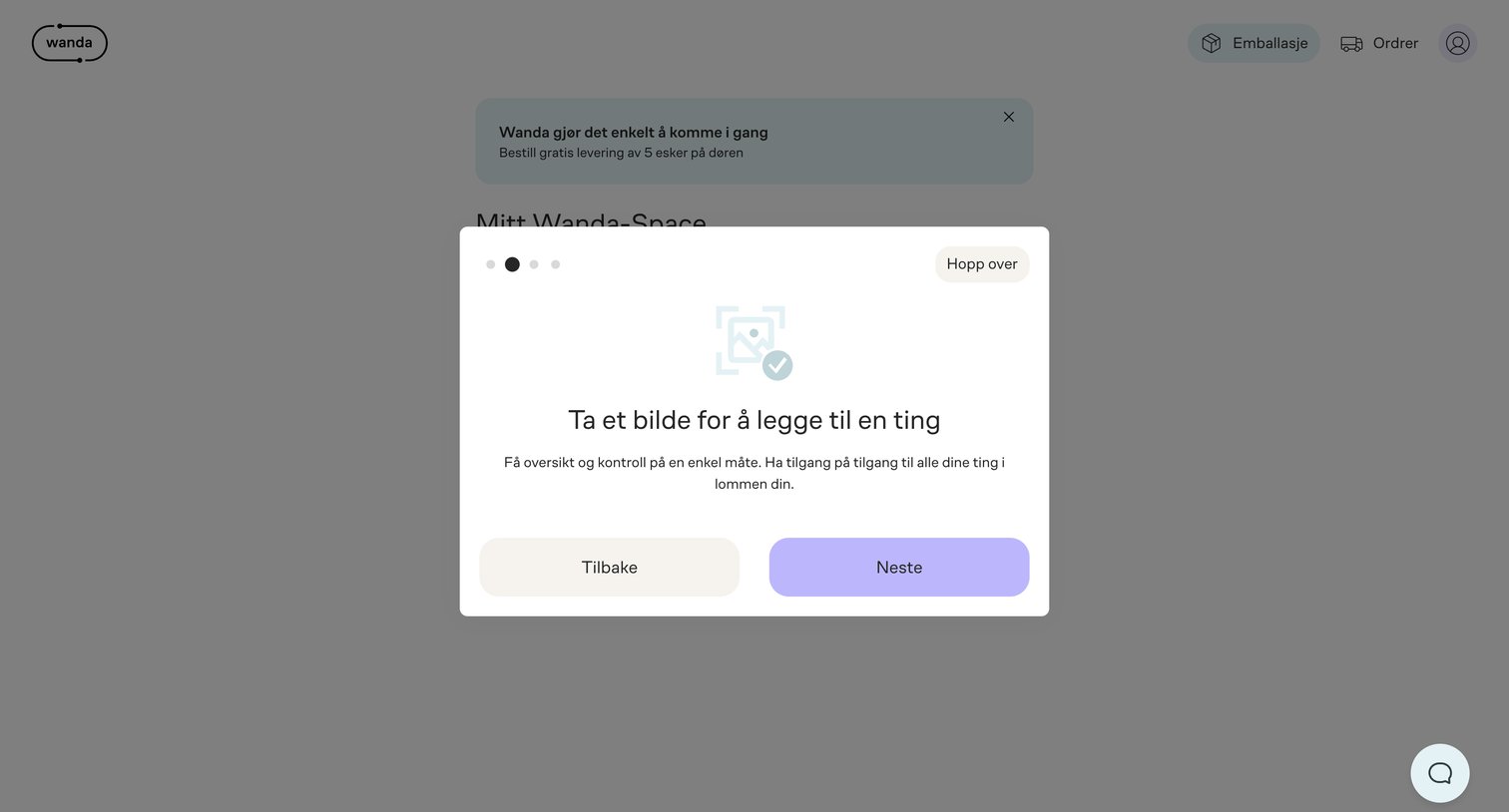
Onboarding step where a modal overlay explains how to add items by taking a picture, featuring a dot stepper and next/back navigation.
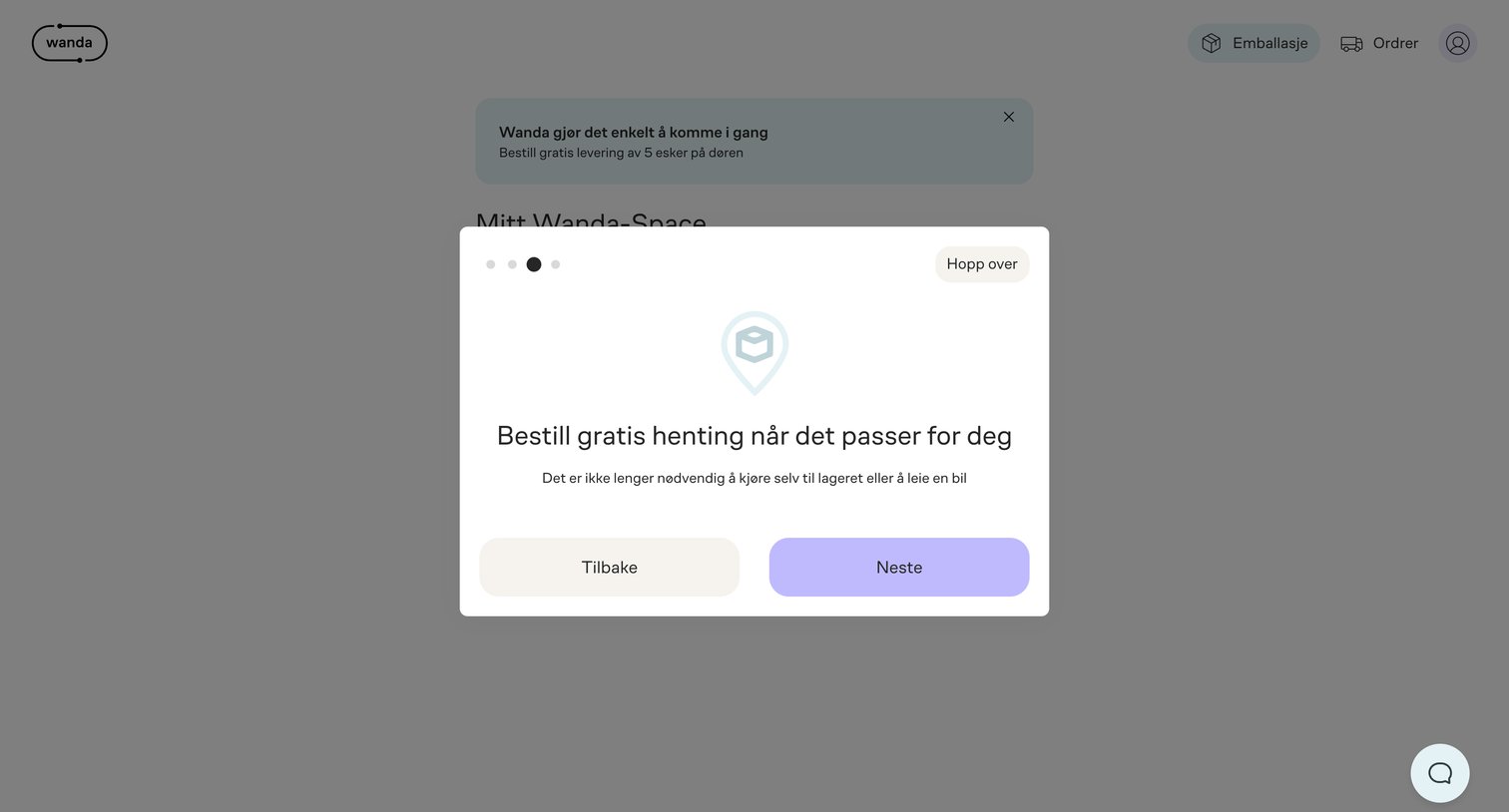
Onboarding step where the user learns about scheduling free pickups and can proceed to the next step, go back, or skip the tour entirely.
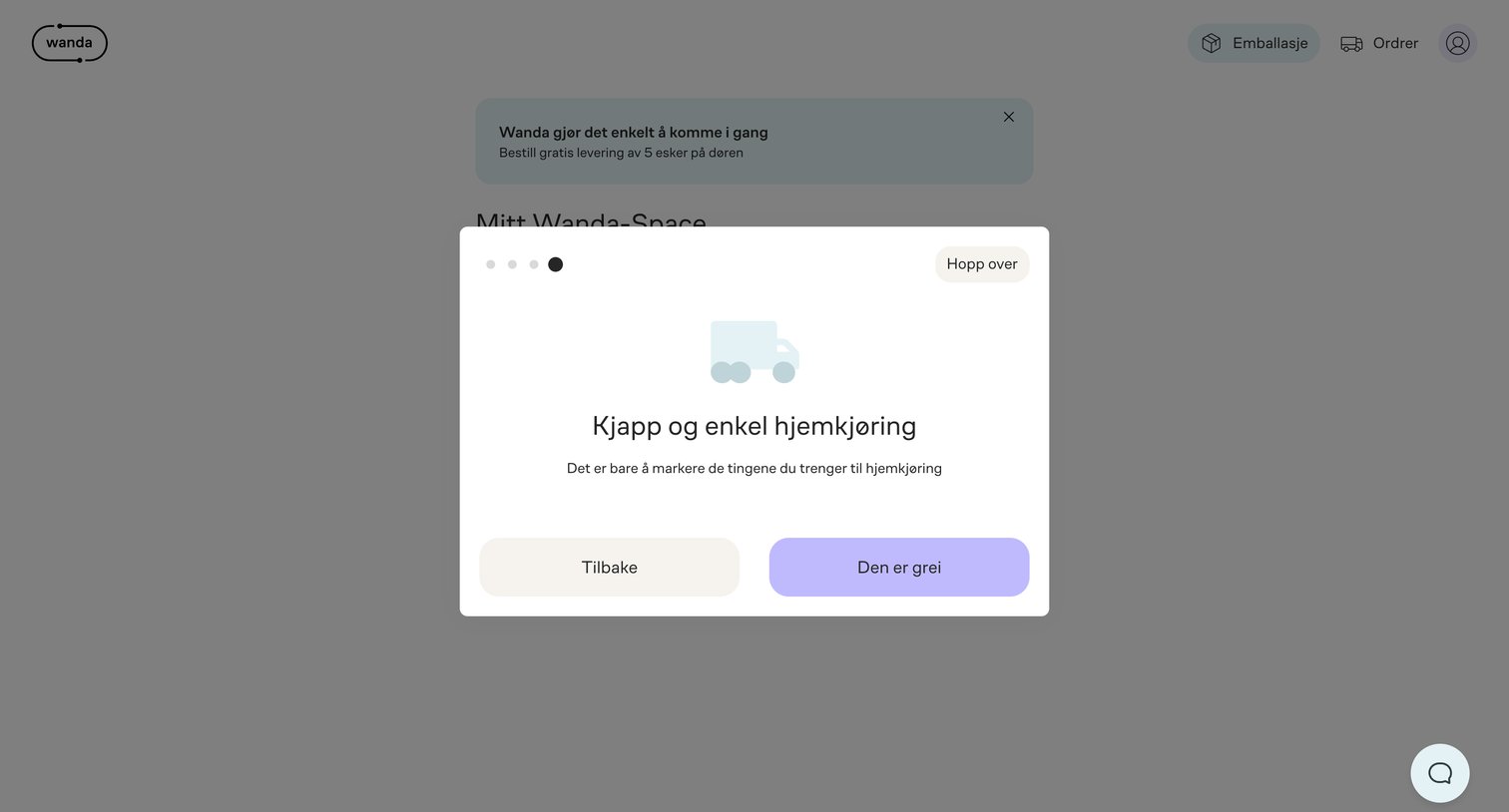
Onboarding step where the user learns about quick and easy home delivery with an option to skip the tour.
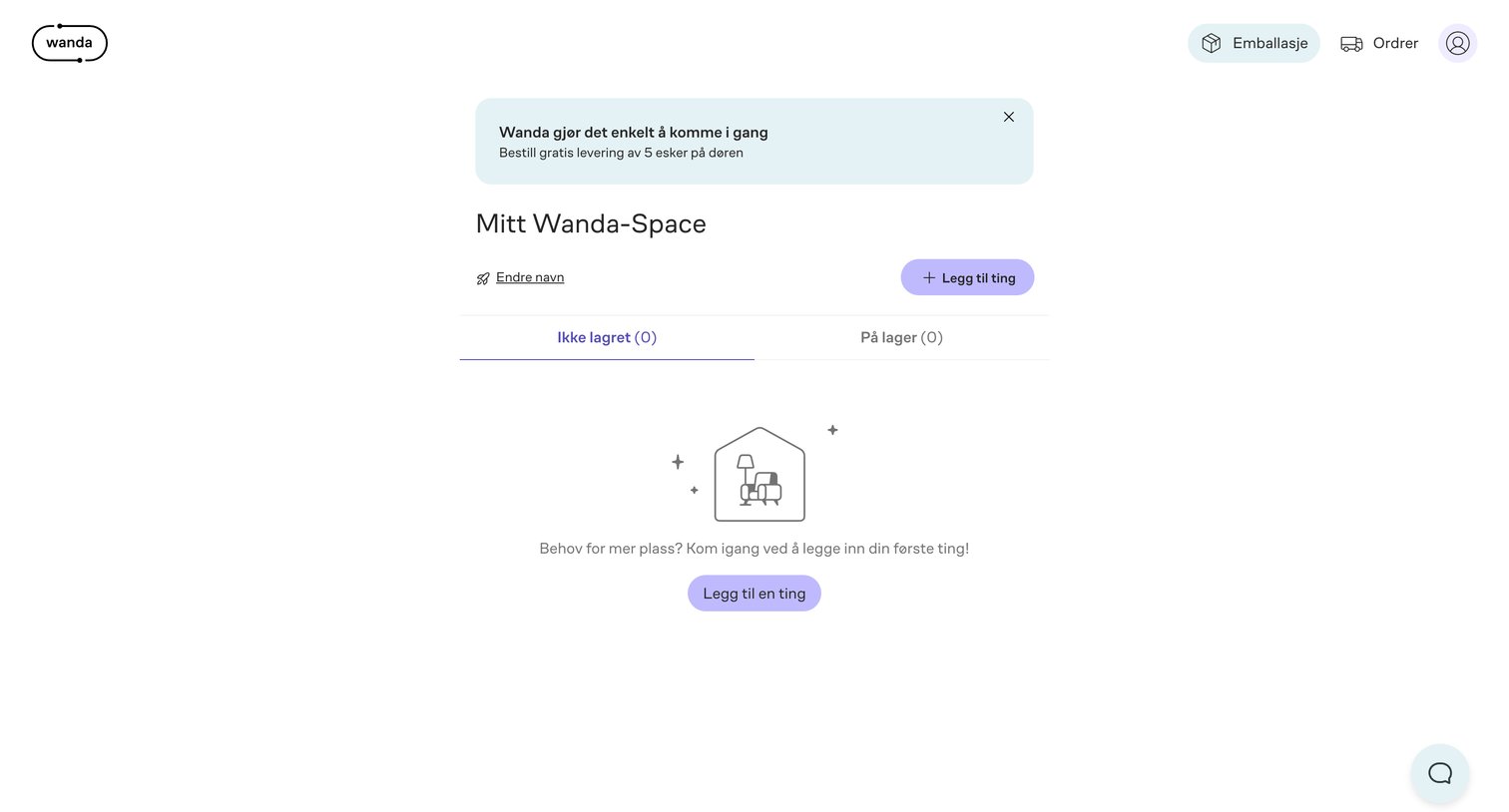
Dashboard with an empty state prompting the user to add their first item to their personal storage space, featuring an onboarding banner for free delivery.
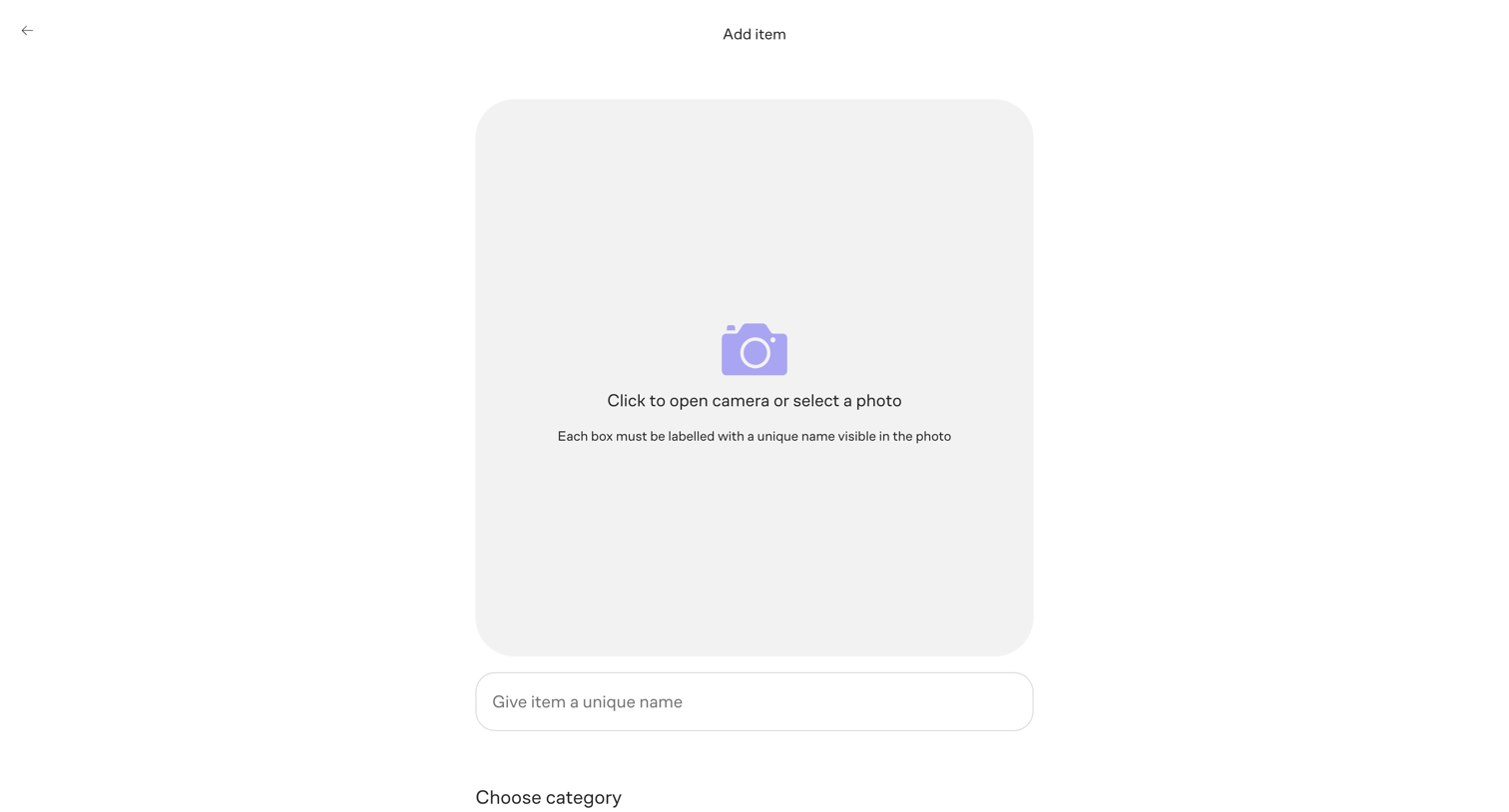
Create page where the user adds a new item to storage by uploading a photo, naming it, and selecting a size category like Box, Small, or Large.
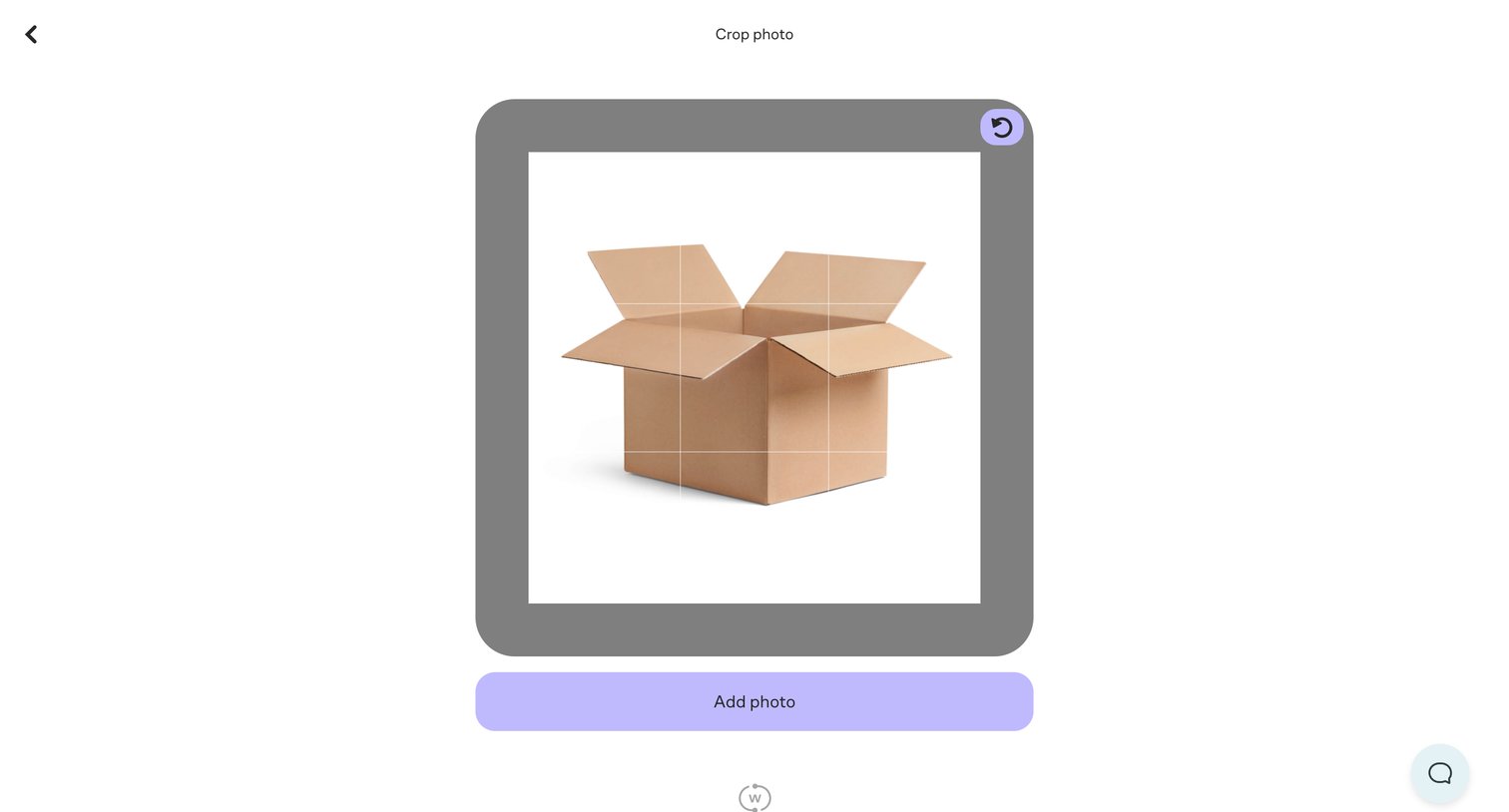
Creation flow step where the user crops and rotates an uploaded photo before adding it to an item.
Explore the full SaaS screen library
Upgrade to unlock the full library.
Trusted by the best teams







