Tines product screens examples
Browse Tines screen design examples. Preview the interface screenshots and explore related UI patterns. No-code automation for security teams
Explore the examples
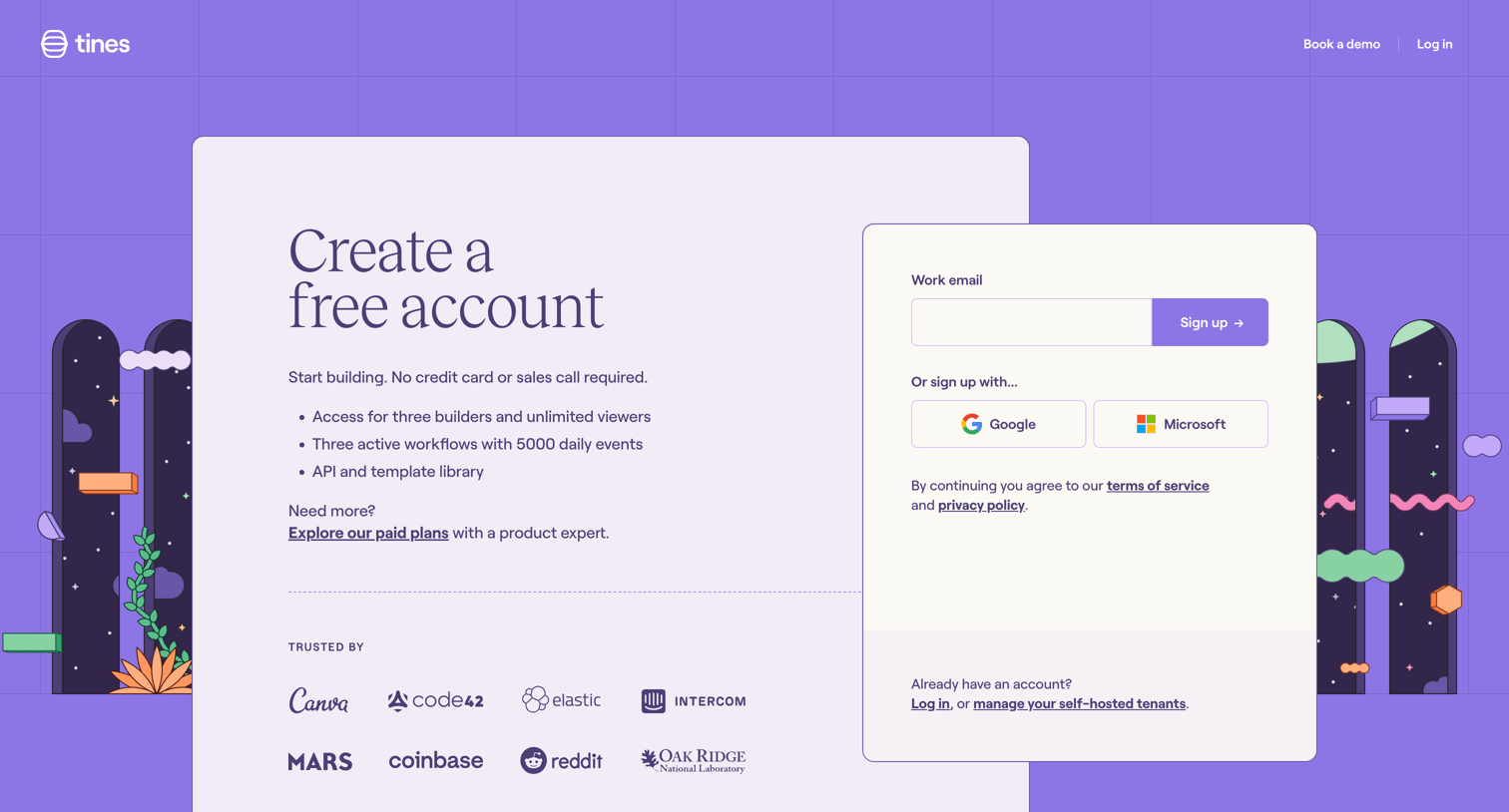
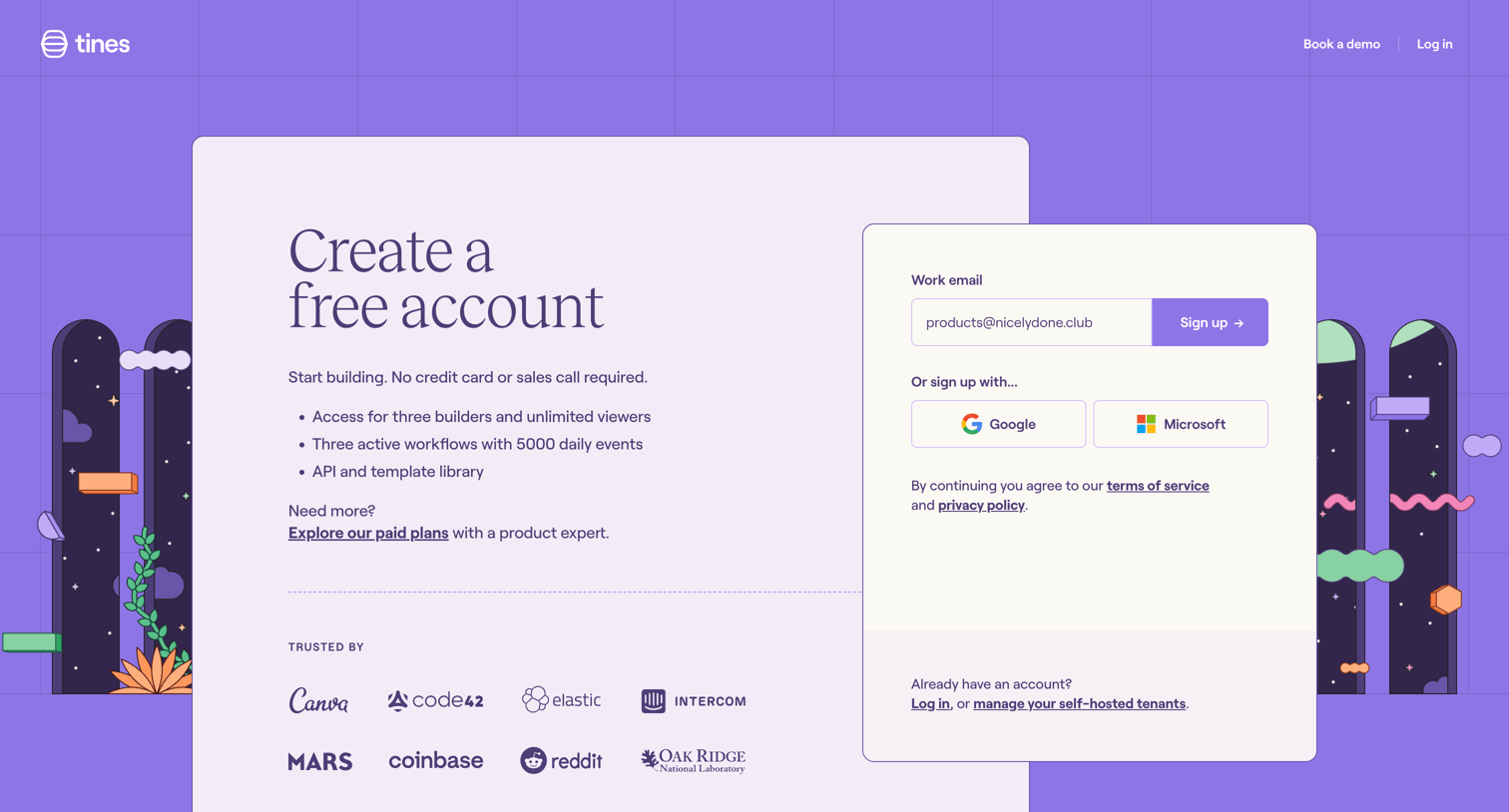
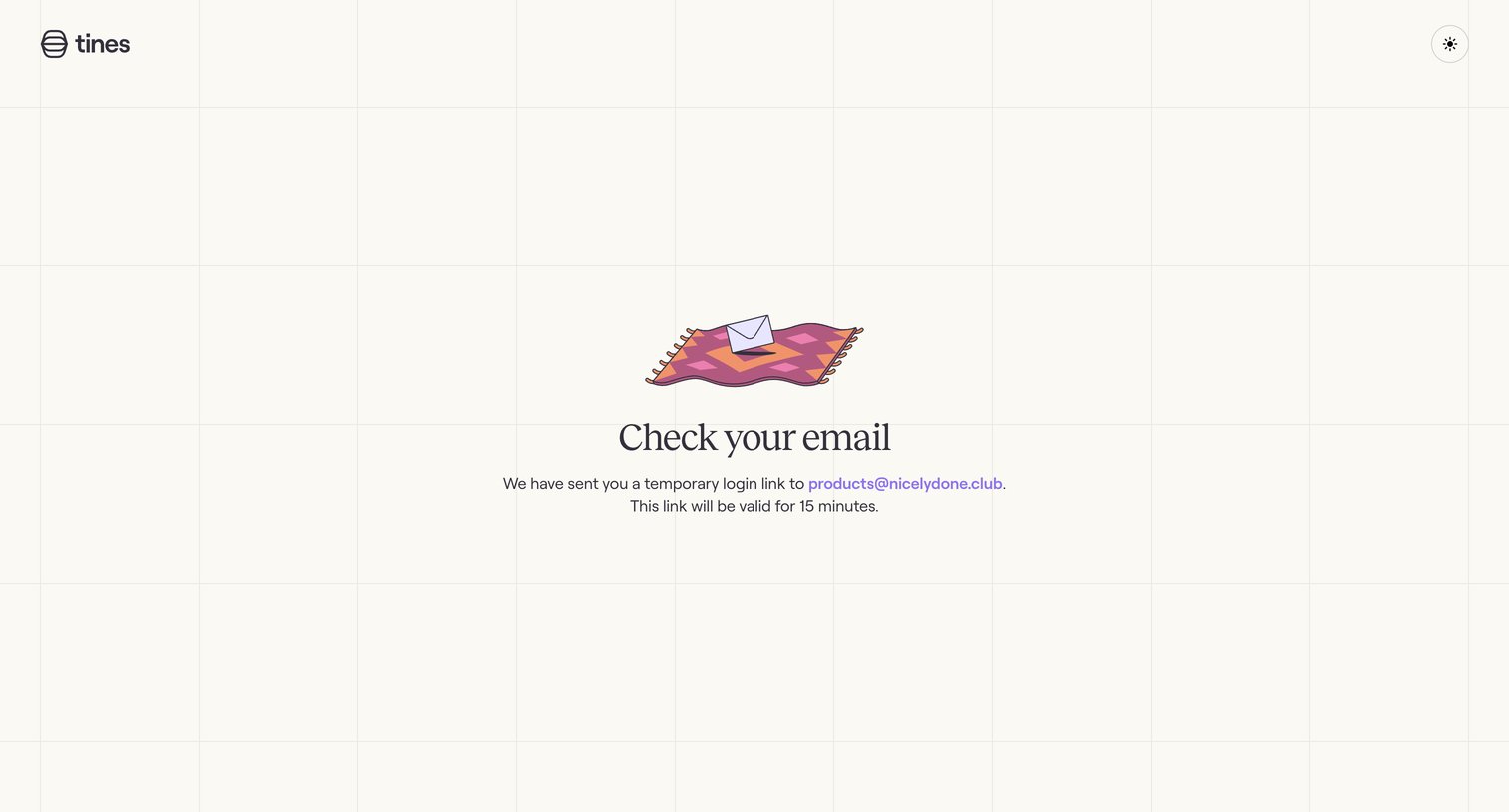

Verification screen instructing the user to check their email for a temporary 15-minute login link.
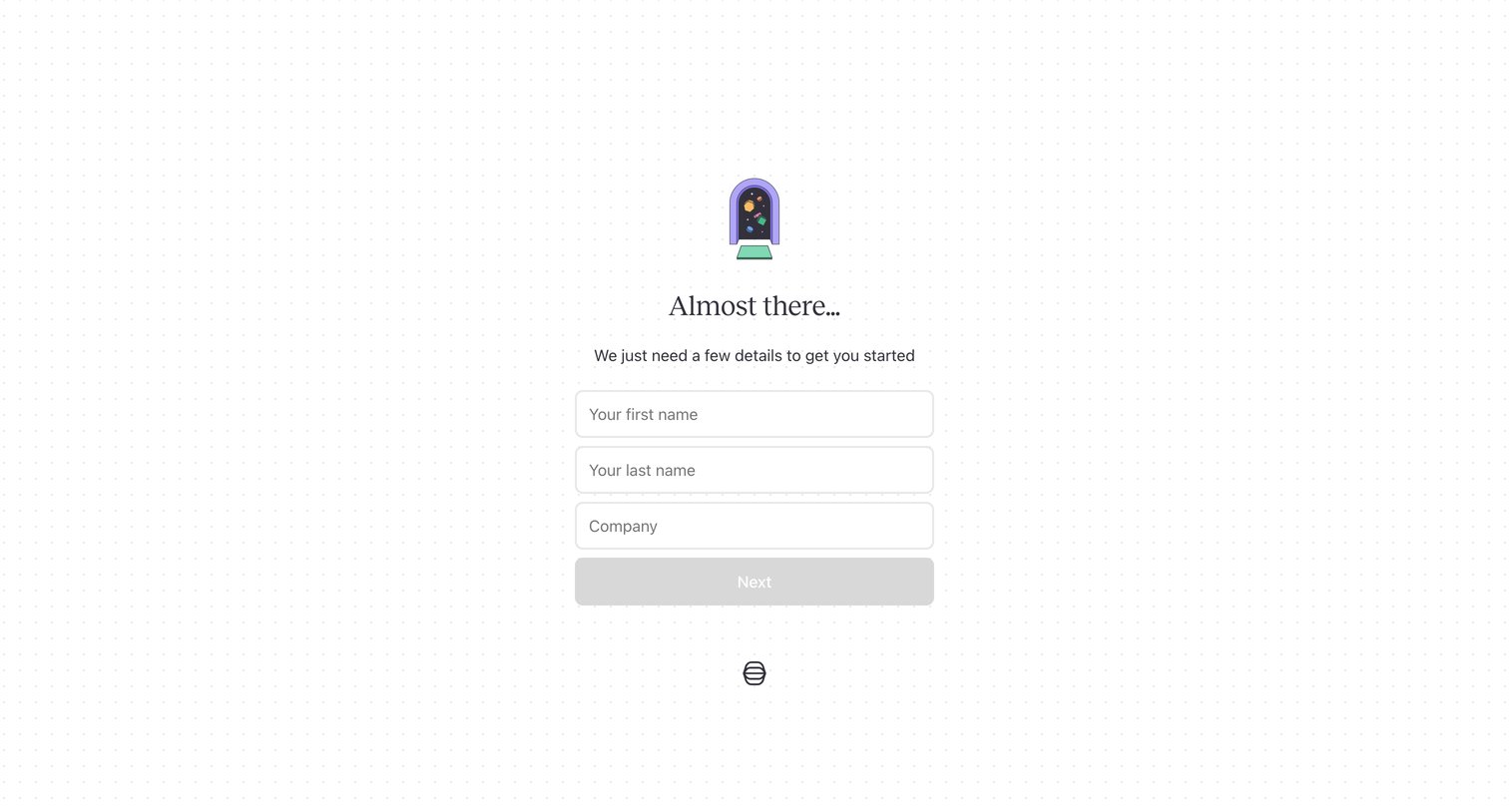
Signup step where the user provides their first name, last name, and company to continue account creation.
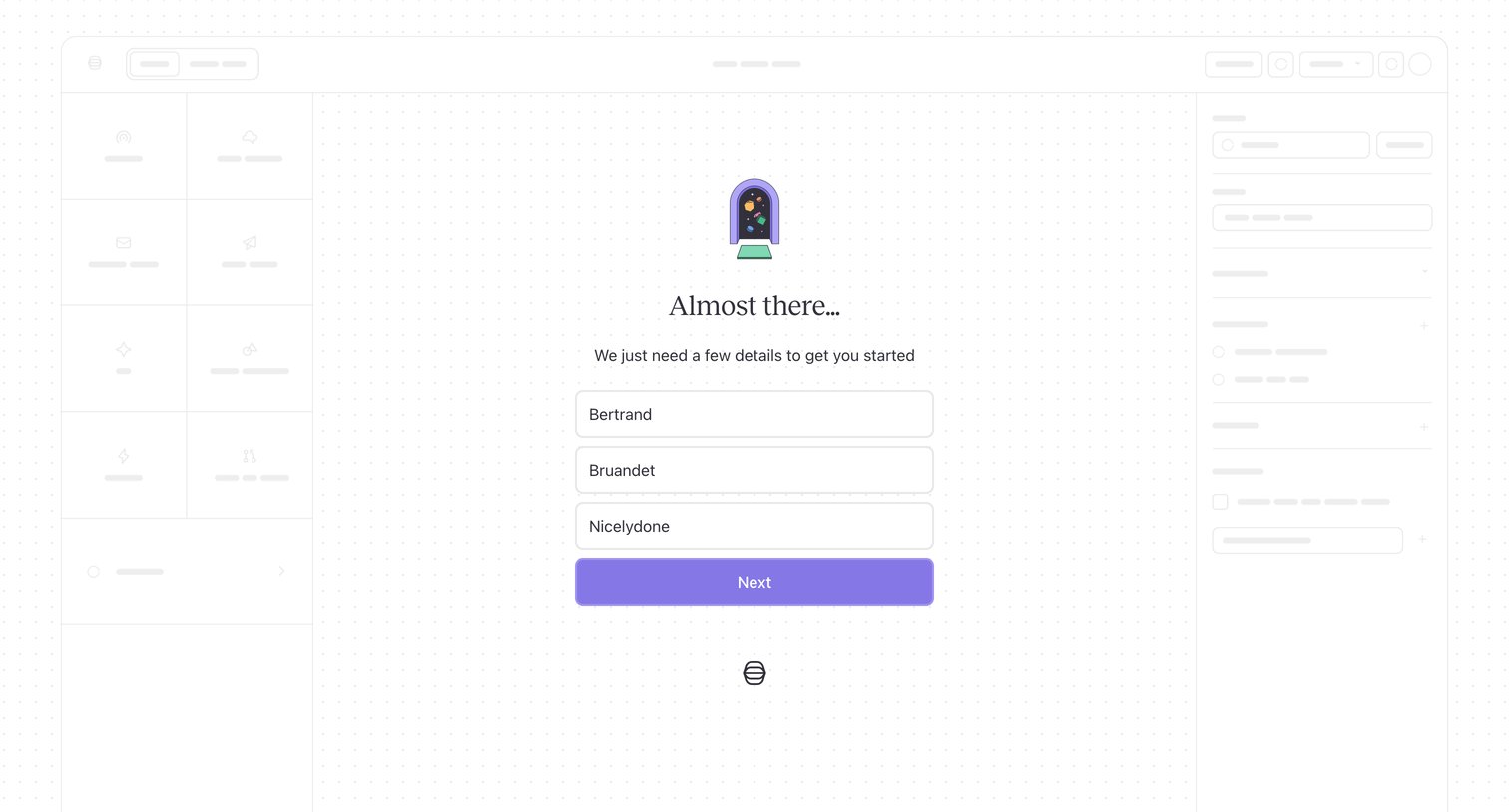
Onboarding step where the user provides their name and company details to complete account creation, displayed over a wireframed app interface.
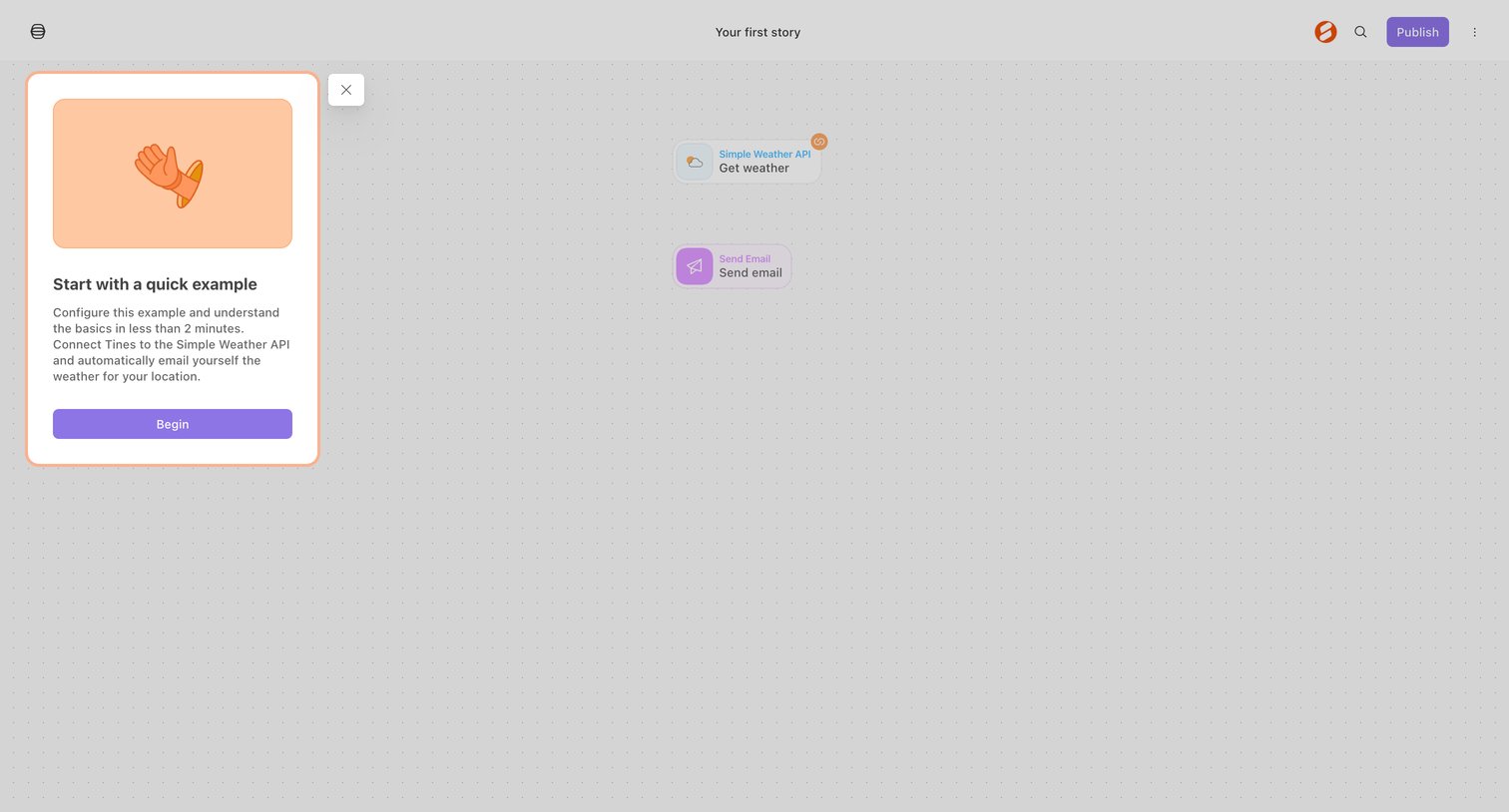
Workflow editor canvas where a new user is prompted to start a quick example connecting a weather API to an email.
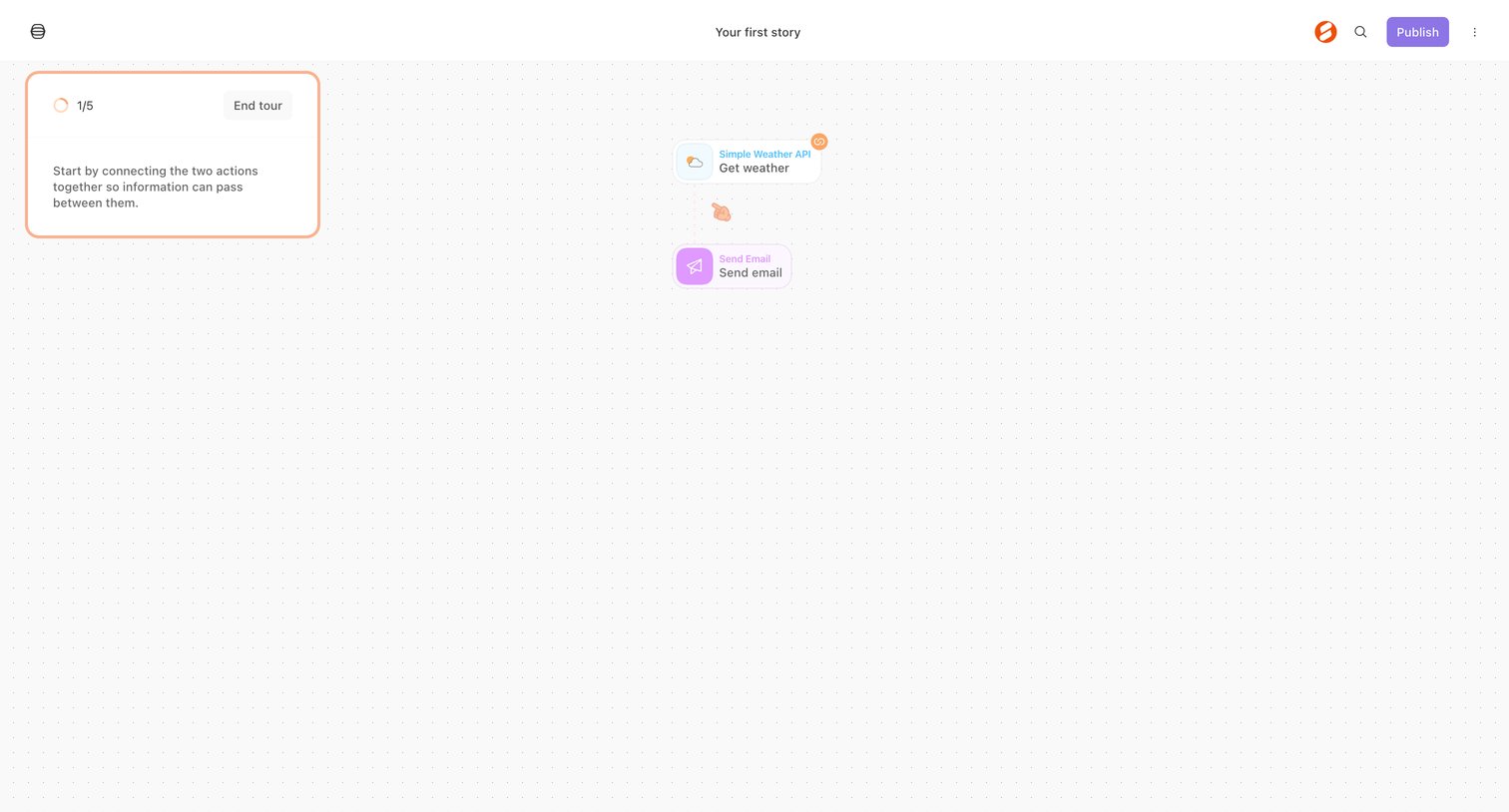
Workflow editor canvas where a product tour prompts the user to connect a weather API action to an email action.
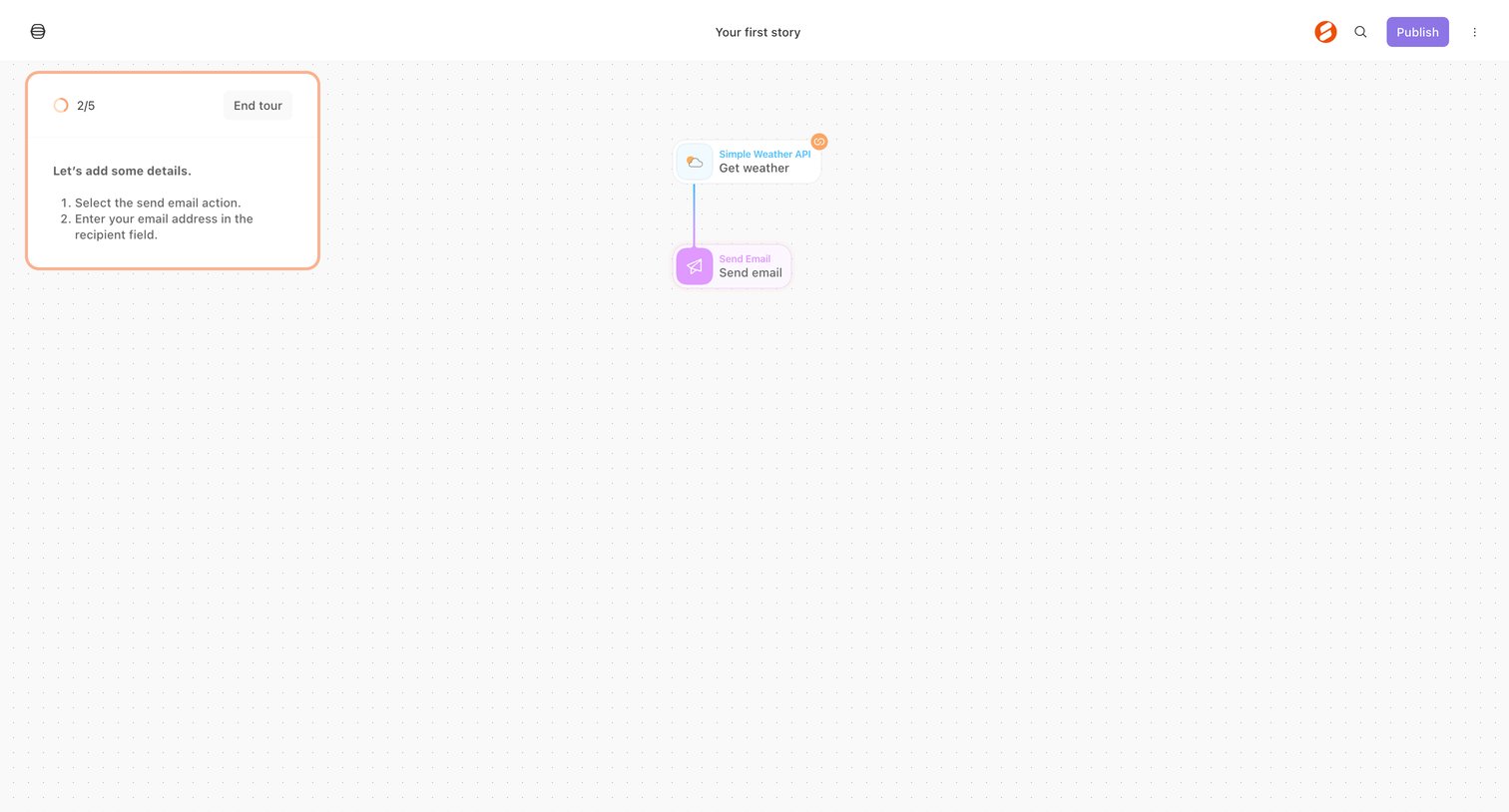
Workflow editor canvas where a product tour guides the user to configure a send email action after a weather API trigger.
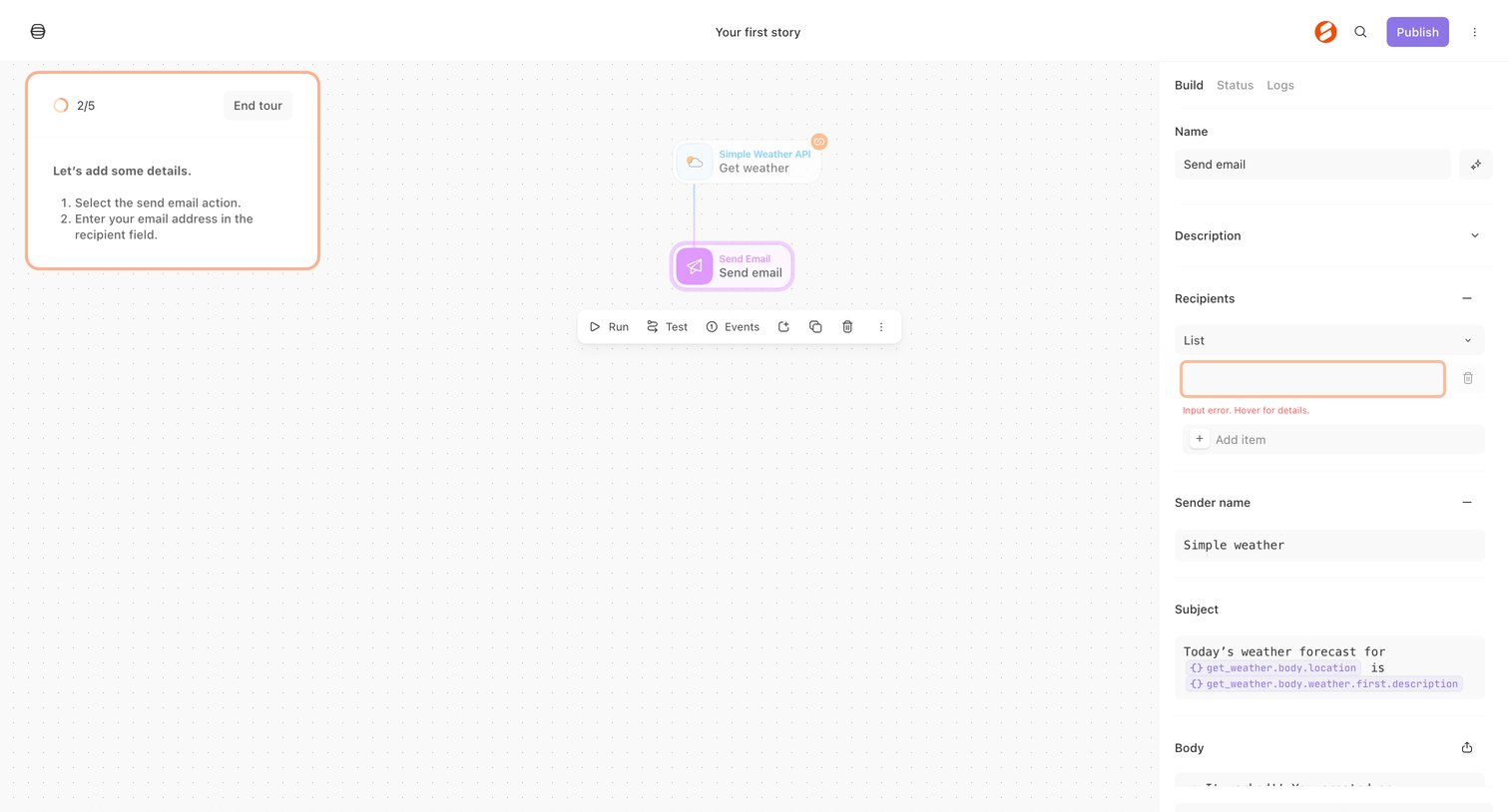
Workflow editor where the user configures a send email action within an automation story, guided by an onboarding tour.
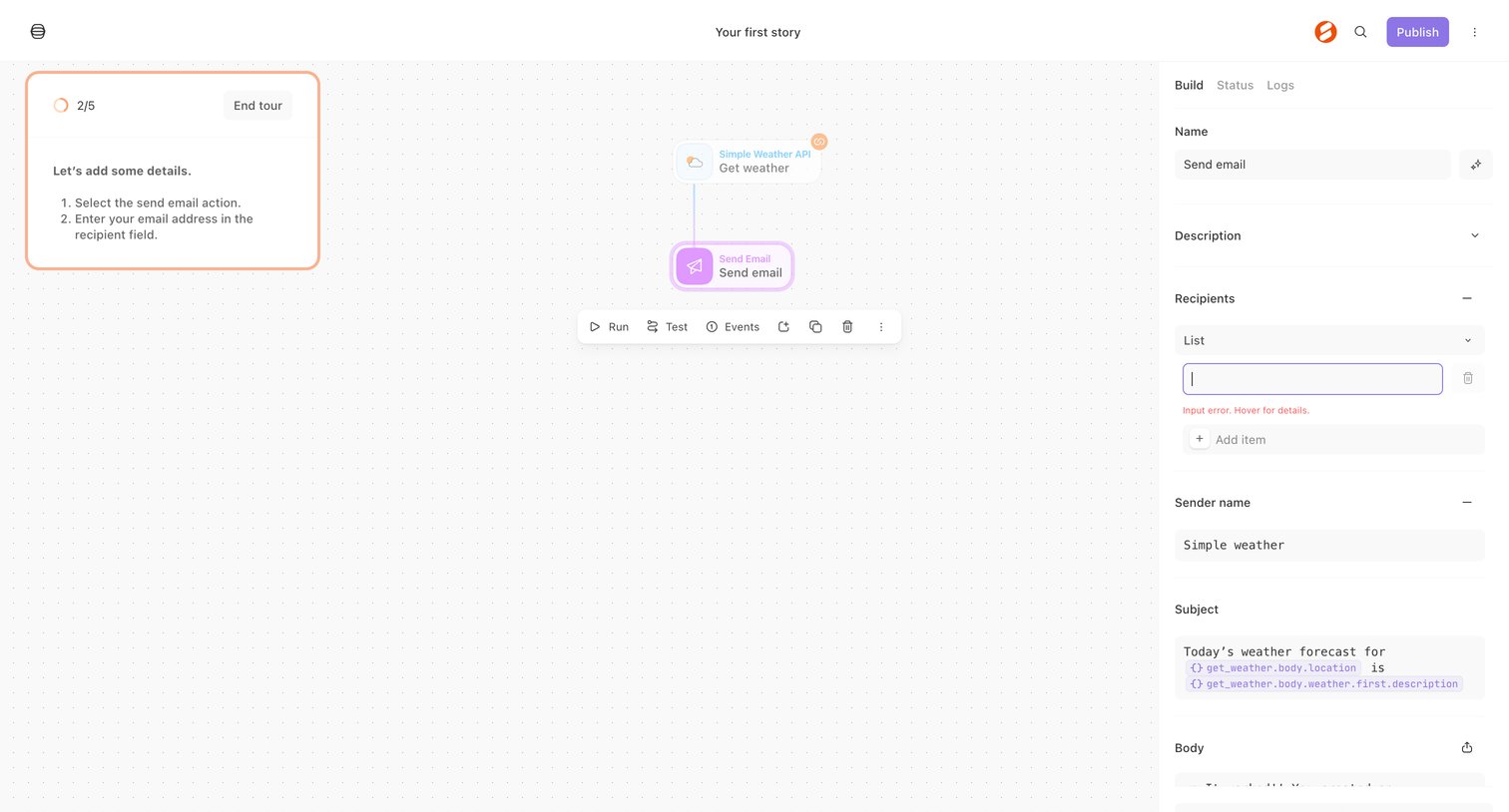
Workflow editor where the user configures a send email action within an onboarding tour.
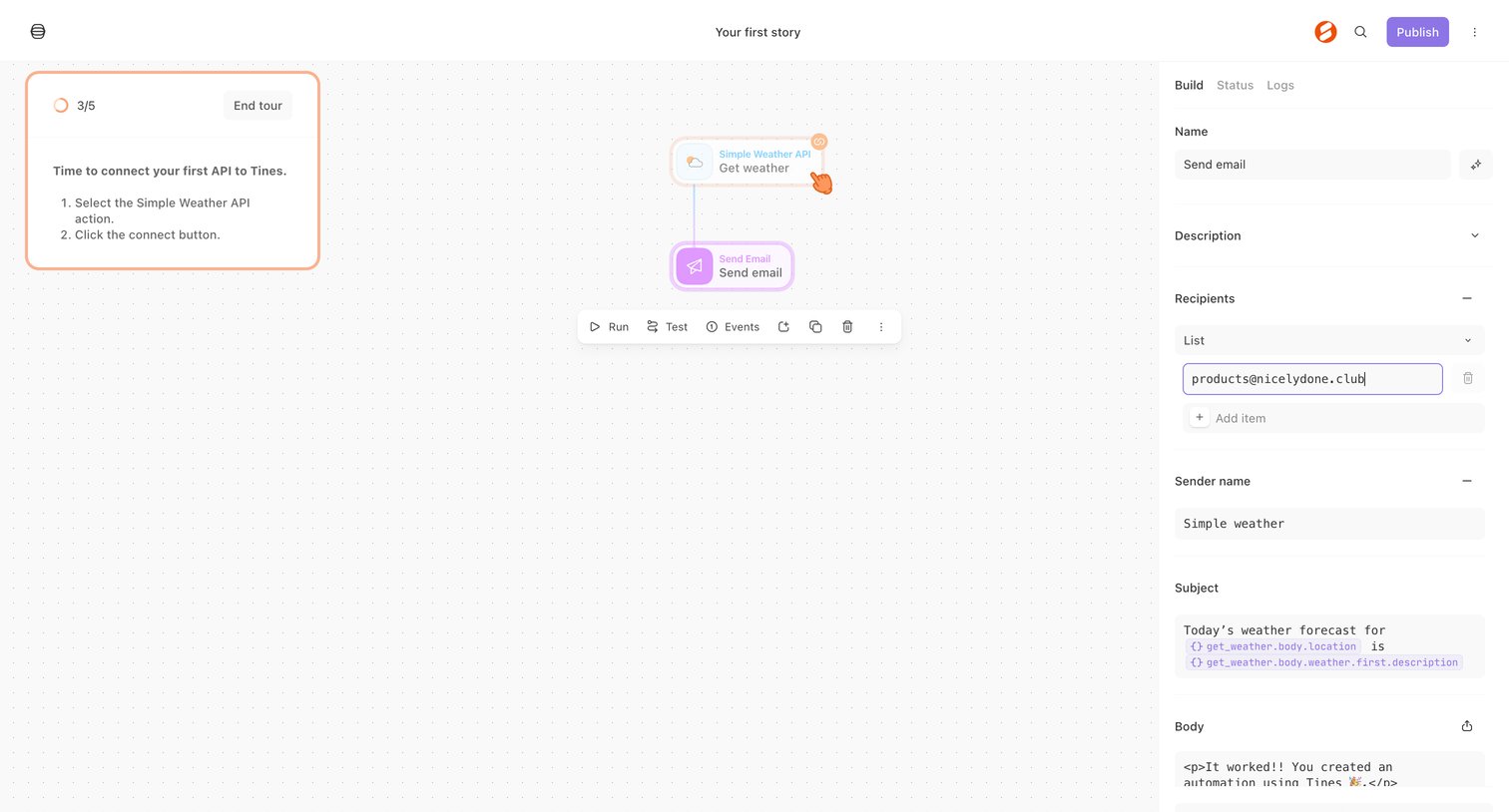
Workflow editor where the user configures a 'Send email' action node with recipients, subject, and body while following an onboarding tour.
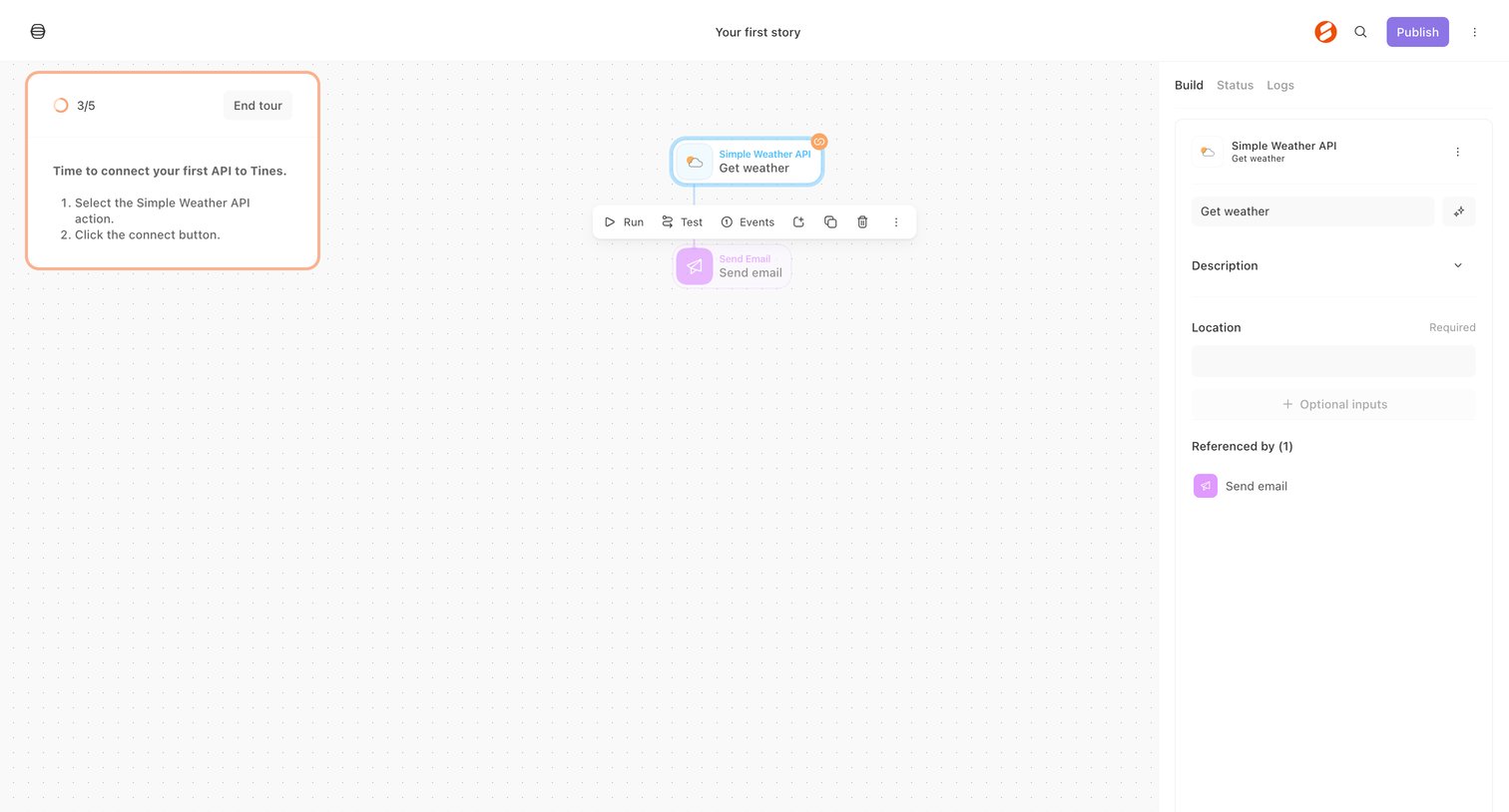
Workflow editor where the user is following a product tour step to connect a weather API action.
Explore the full SaaS screen library
Upgrade to unlock the full library.
Trusted by the best teams







