Tines marketing pages examples
Explore Tines website design examples. Preview marketing pages and browse related SaaS page designs. No-code automation for security teams
Explore the examples


Landing page for a workflow automation platform where the user can explore the visual builder, view integrations, and read customer success stories.
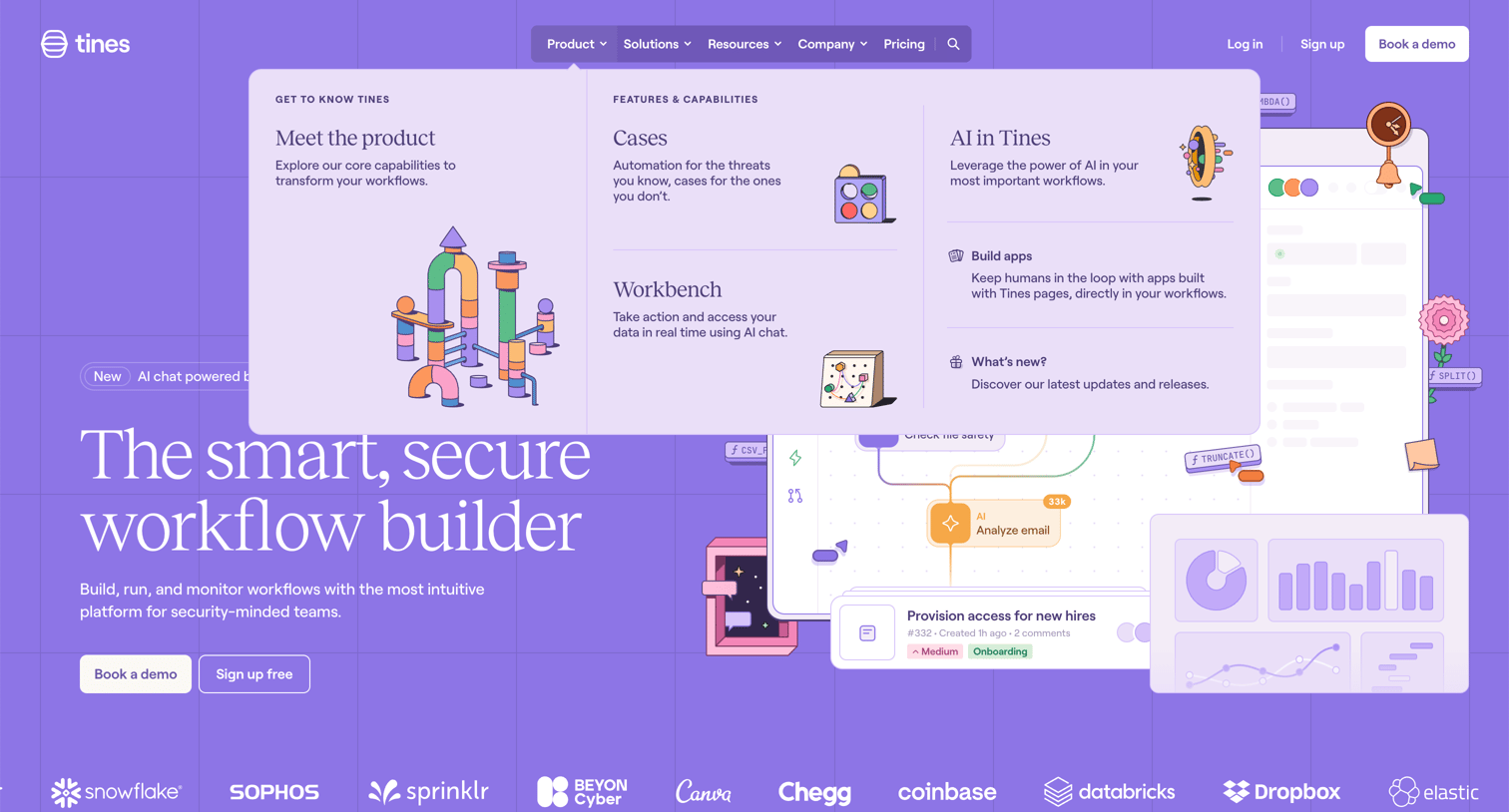
Landing page where the user navigates a rich mega-menu detailing product features, cases, and AI capabilities.
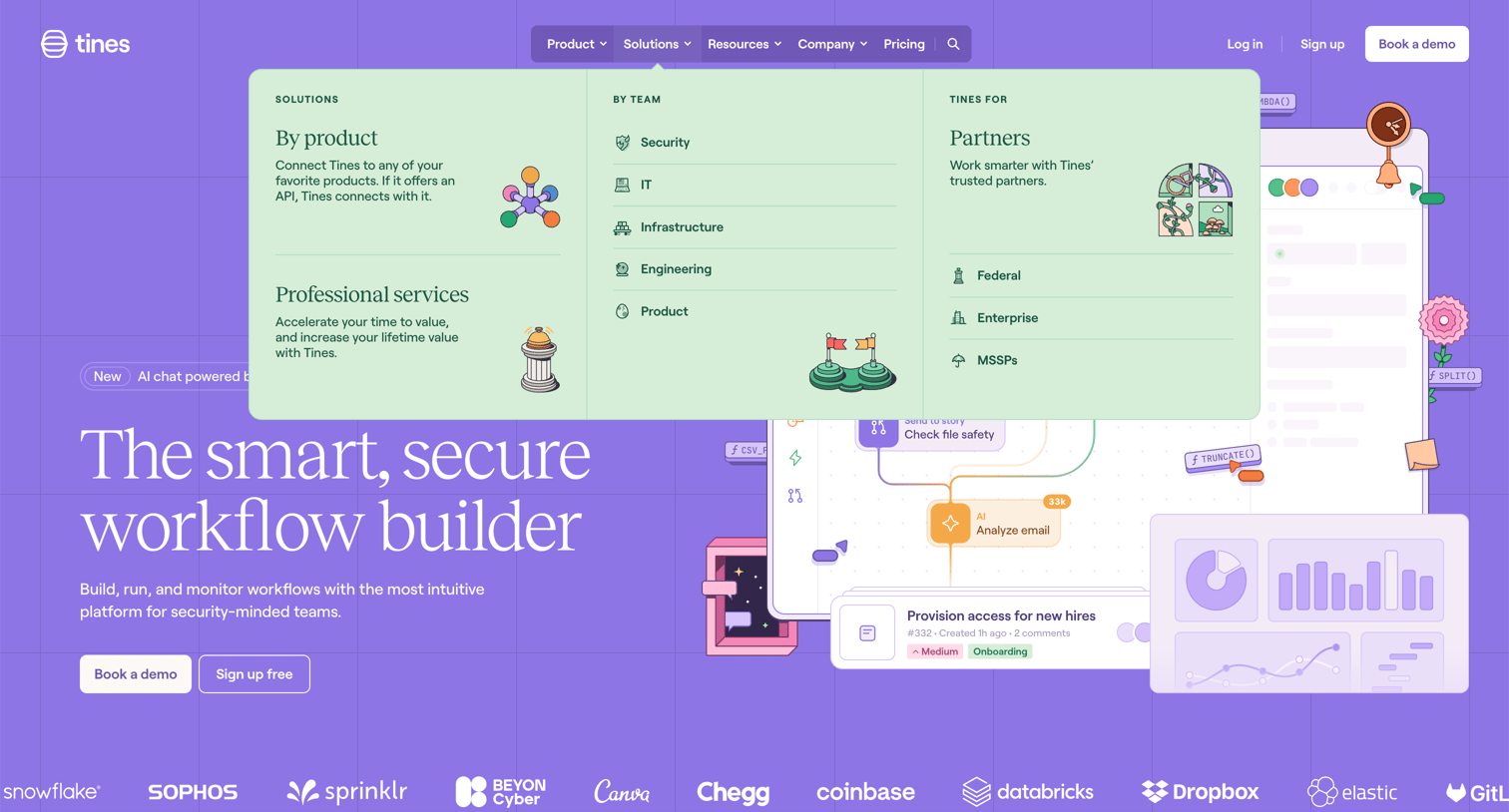
Landing page where the user views the open Solutions mega-menu detailing product capabilities, team use cases, and partner integrations.
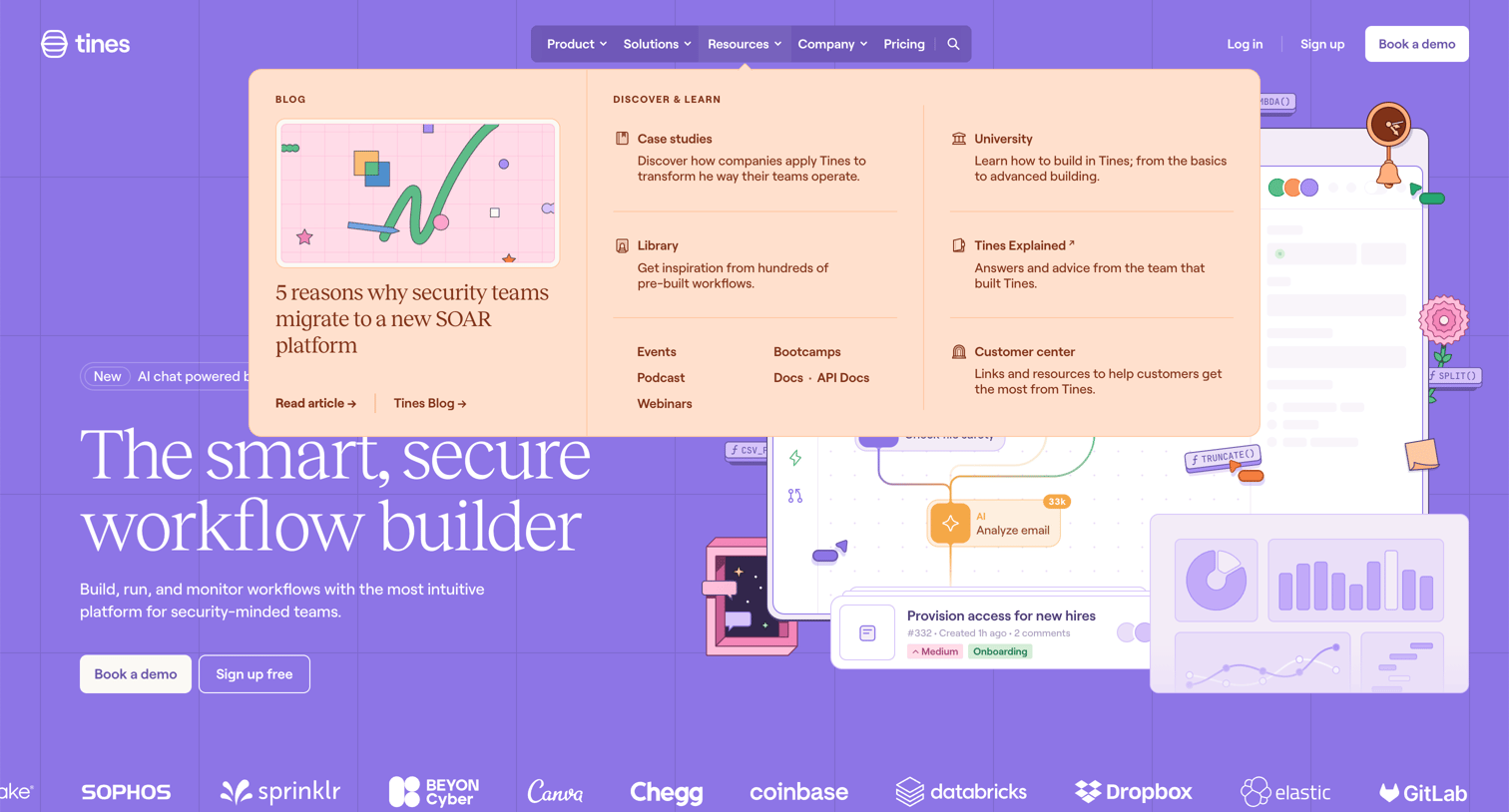
Landing page where the user views the resources mega-menu containing links to case studies, documentation, and a featured blog post.
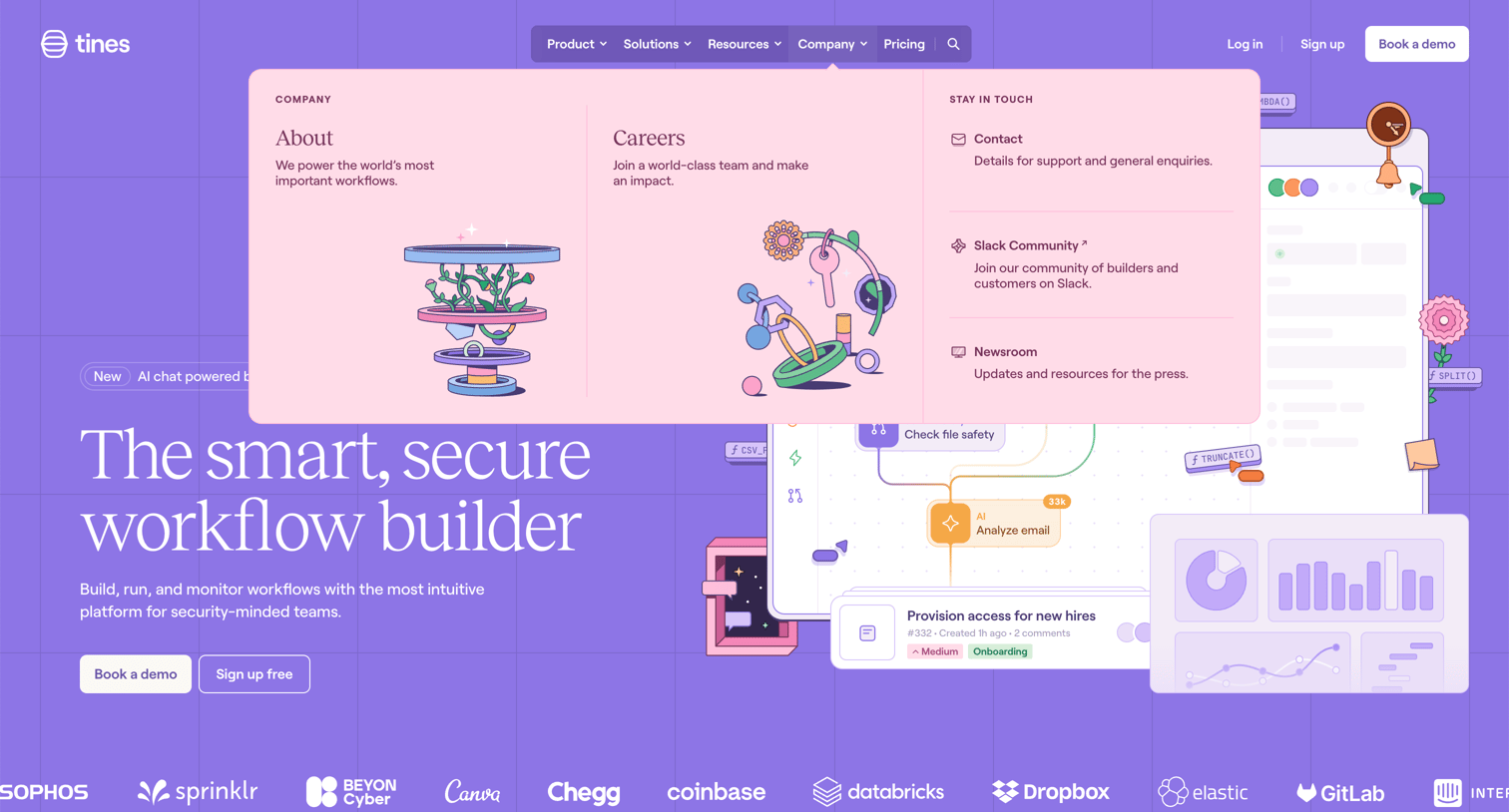
Landing page for a workflow builder featuring an open mega menu under the Company tab with links to About, Careers, and community resources.
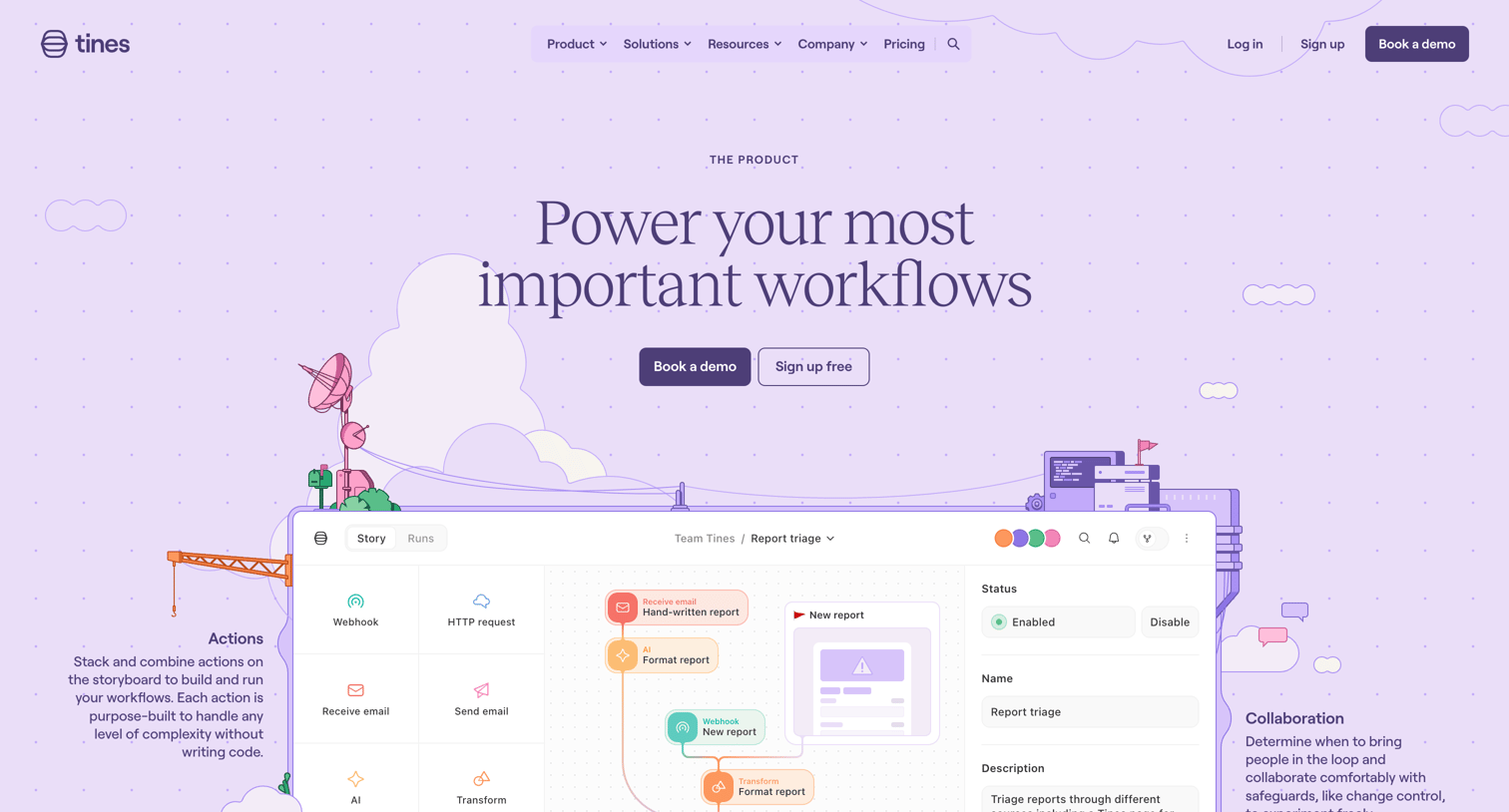
Product page for a workflow automation platform detailing features like building, running, and monitoring processes, with sections on AI integration, reporting, and case management.
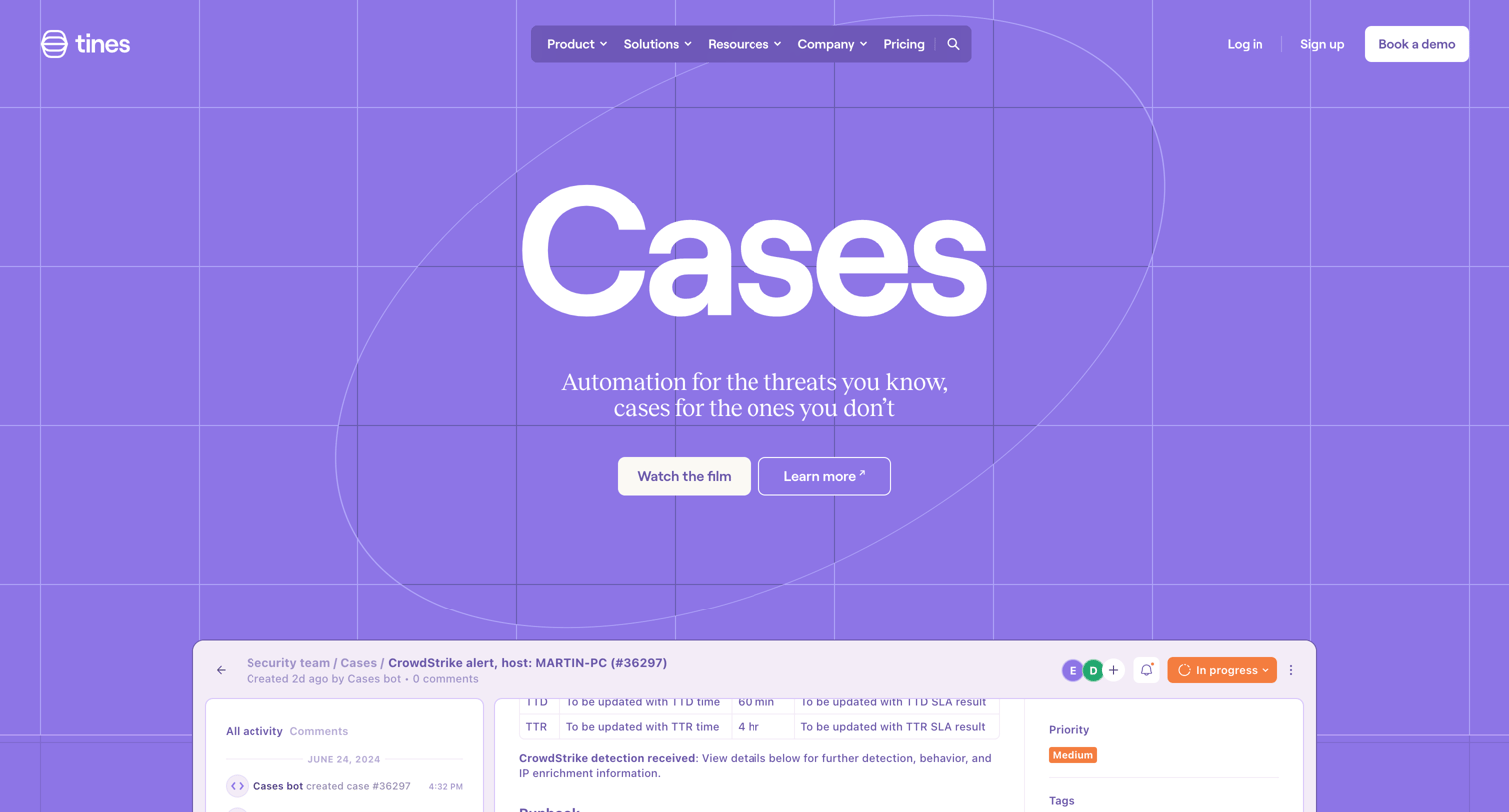
Feature page for Tines Cases, showcasing how security teams can investigate, remediate, and report on incidents using automated workflows and AI.
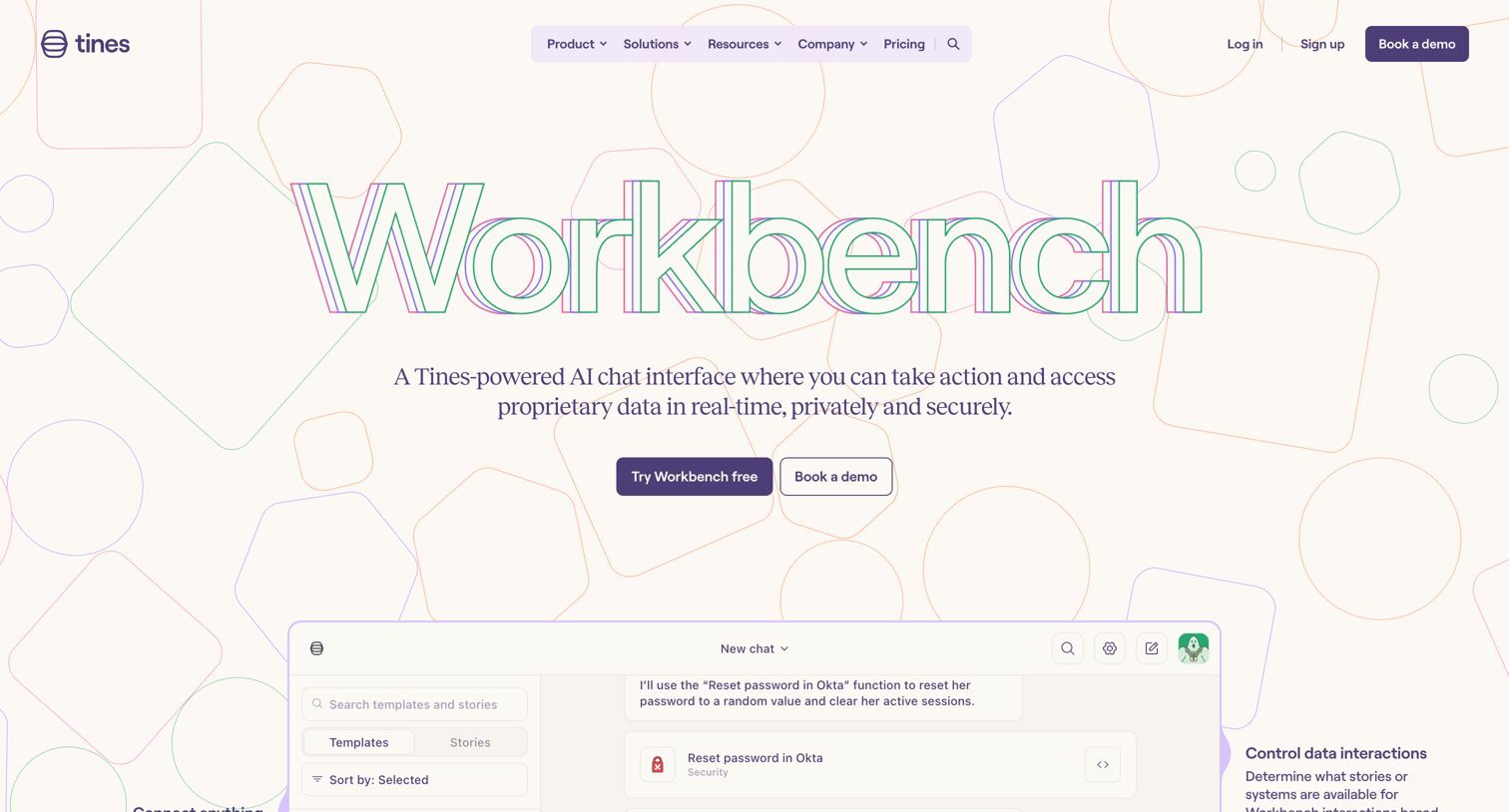
Feature page for Tines Workbench detailing its AI chat interface, custom workflows, and security use cases with feature grids and customer testimonials.
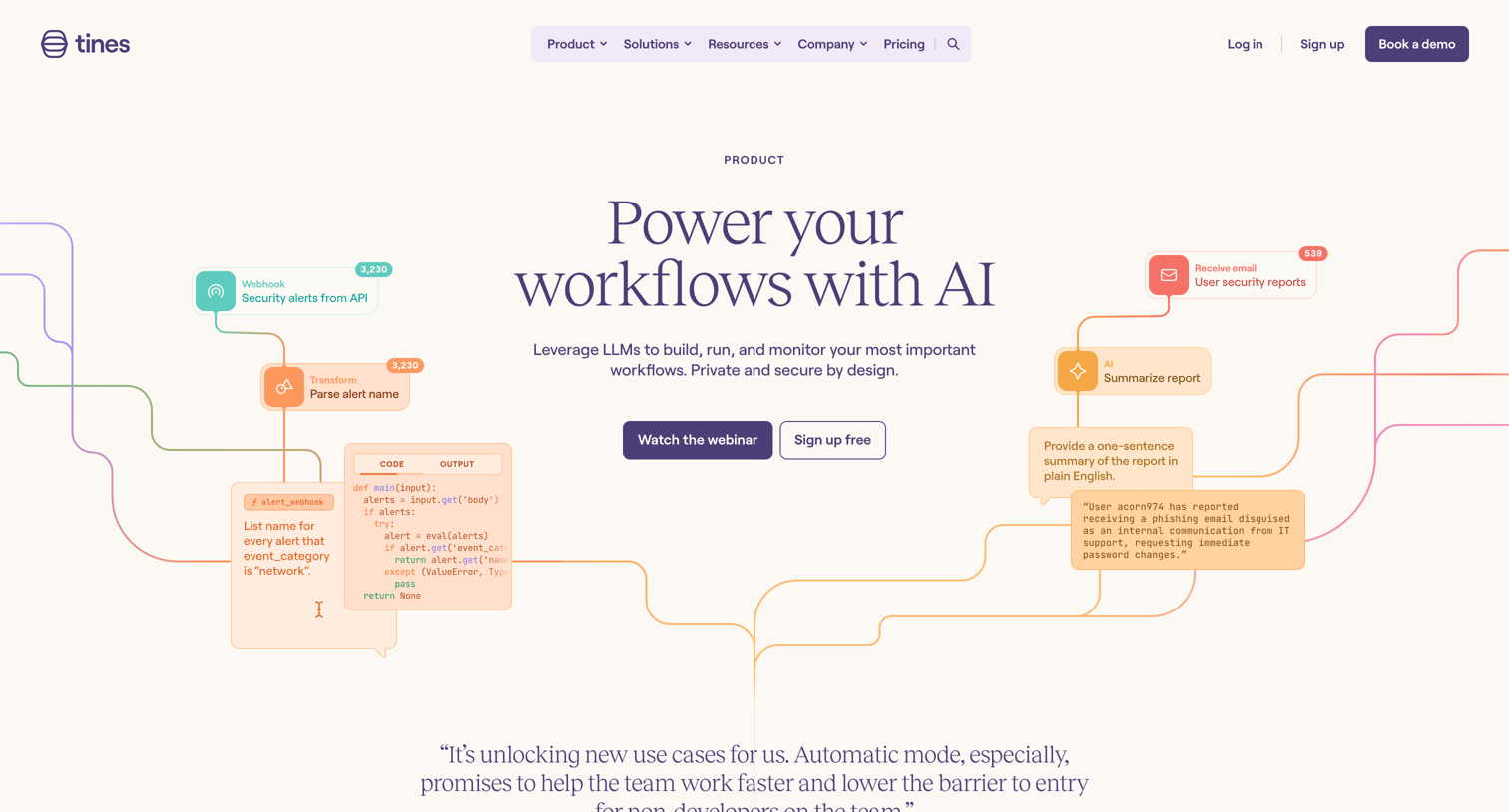
Feature page where the user learns about AI capabilities for building workflows, exploring use cases like creating timelines, checking documents for sensitive information, and analyzing pull requests.
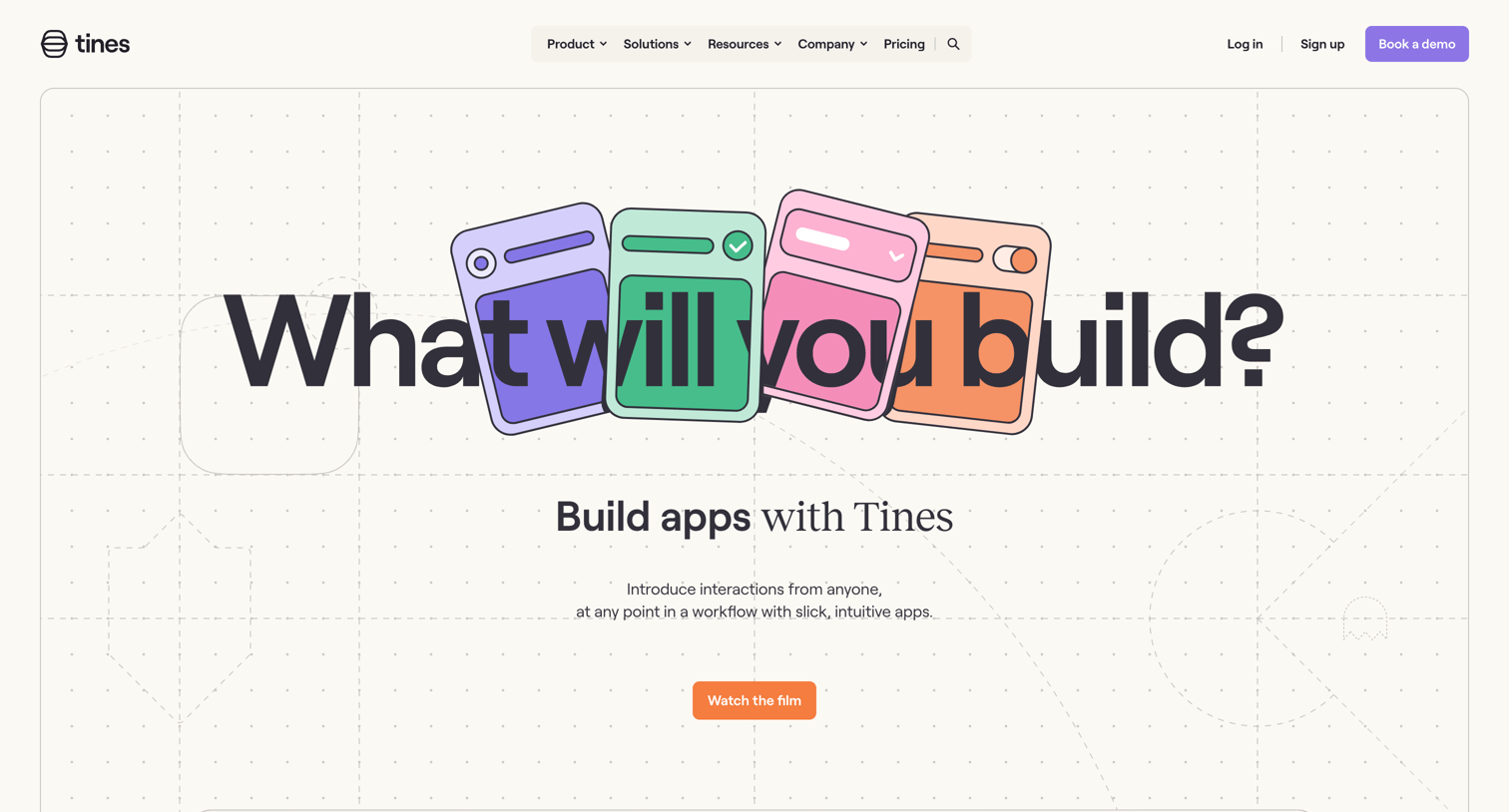
Feature page explaining how to build interactive apps and workflows with Tines, featuring an embedded demo and a grid of use case examples.
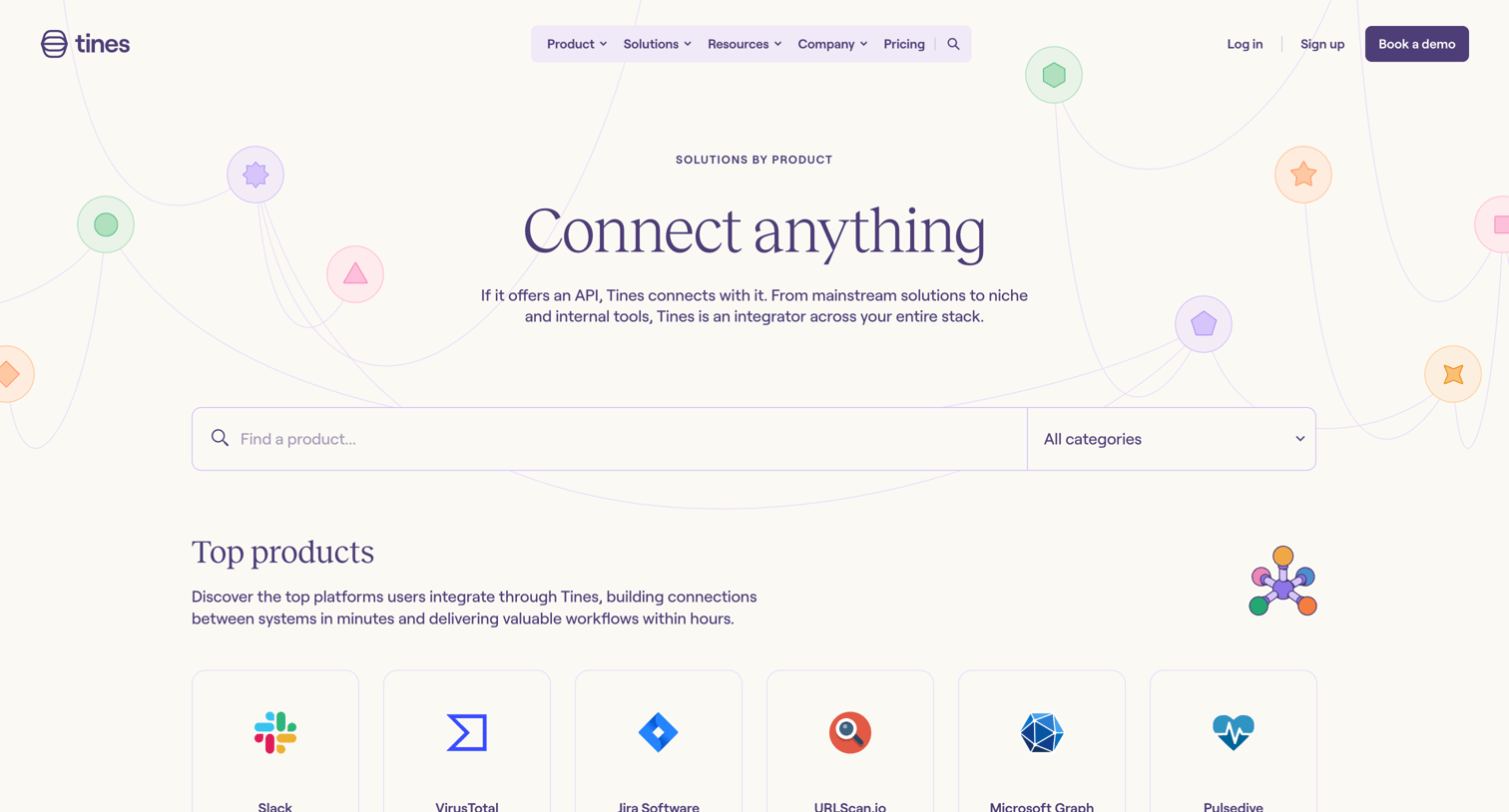
Feature page where the user browses and searches for supported tool integrations categorized by product, vendor, and category.
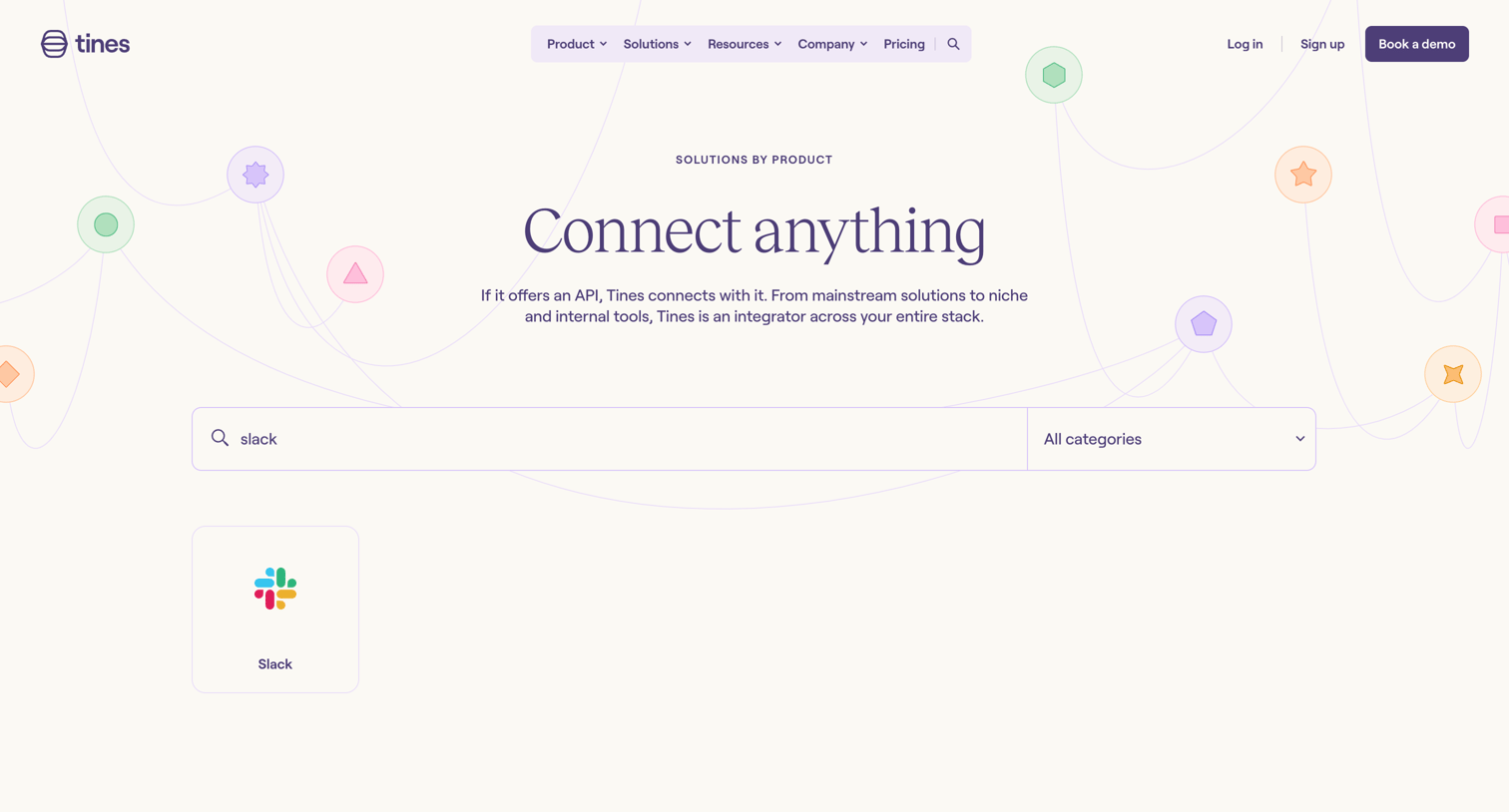
Product page where the user can search and filter available integrations by category.
Explore the full SaaS screen library
Upgrade to unlock the full library.
Trusted by the best teams







