Tines UI components examples
Browse Tines UI component design examples. Preview individual interface elements and explore related component categories. No-code automation for security teams
Explore the examples
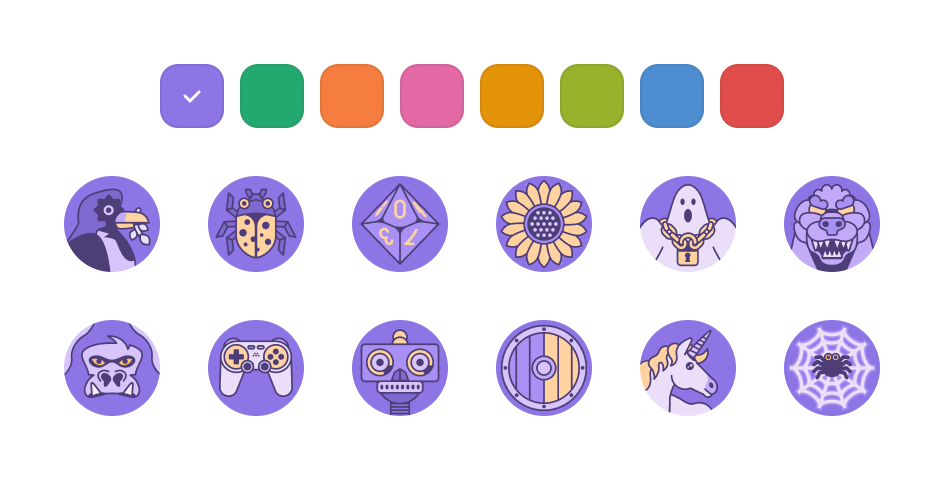

A selection interface for customizing an avatar, featuring a row of color swatches and a grid of illustrated icons.
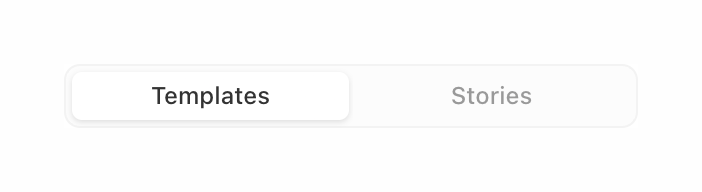
A segmented control with two options: Templates and Stories. The Templates option is currently selected.
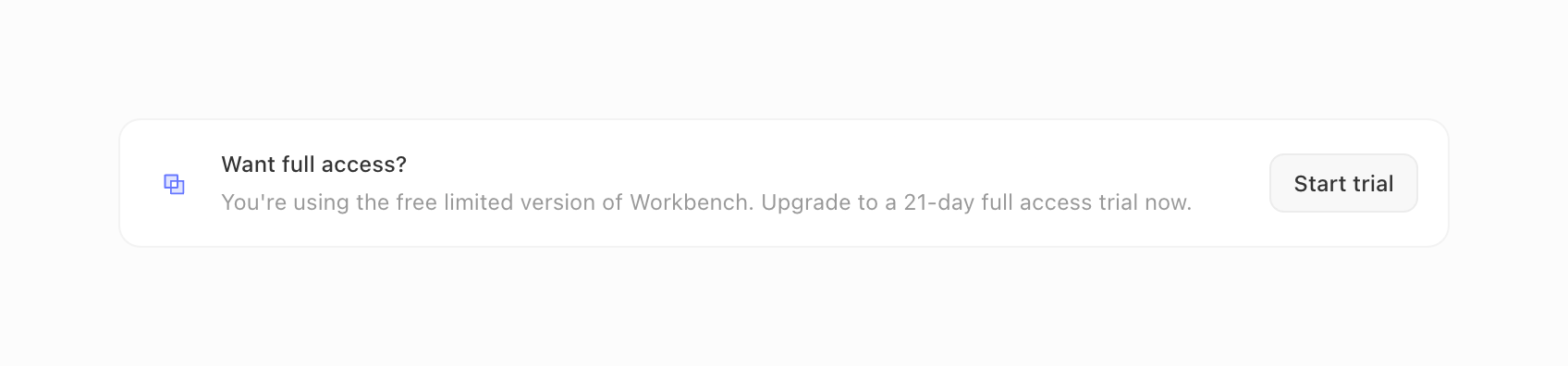
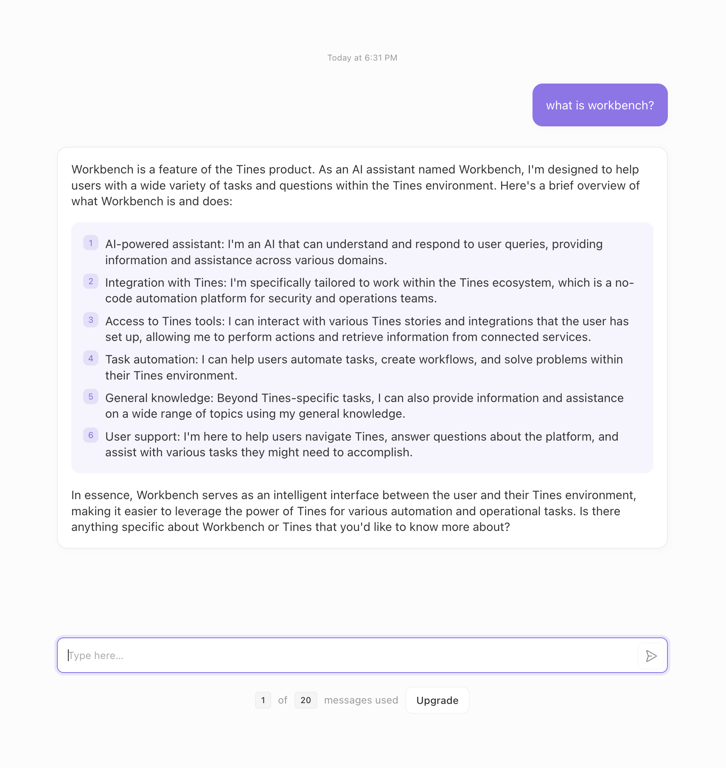
A horizontal card prompting the user to start a free trial for full access to the Workbench feature.
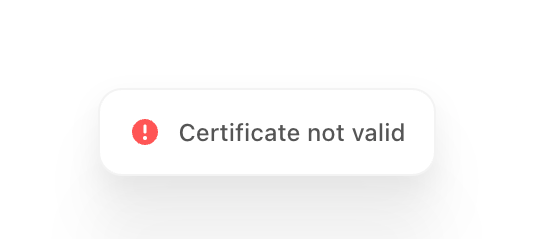
A small, floating notification toast displaying an error message with a red exclamation icon.
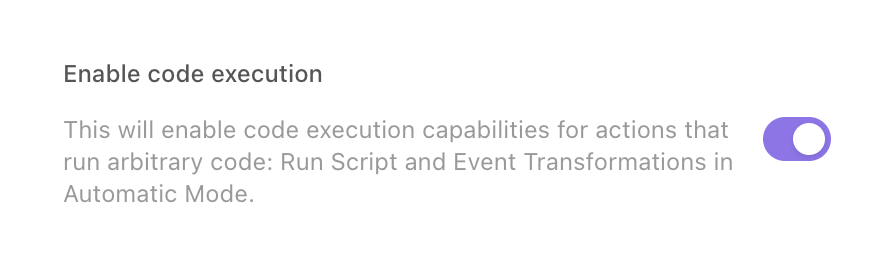
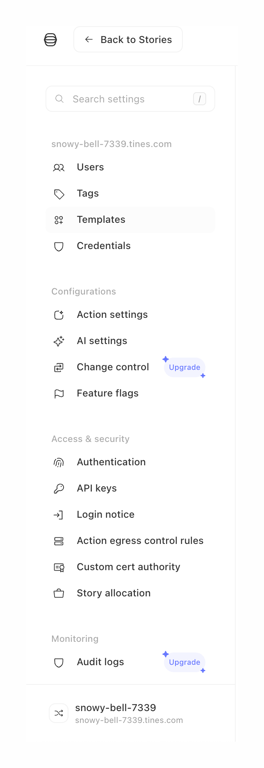
A vertical sidebar navigation menu for a settings area, featuring a search bar, categorized navigation links with icons, and upgrade prompts for specific features.
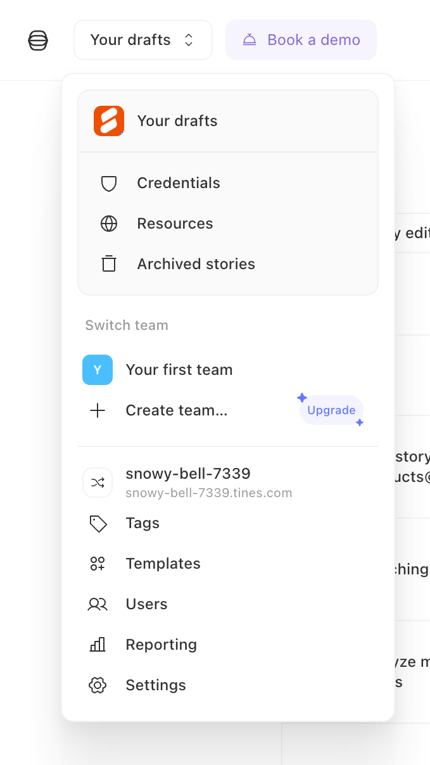
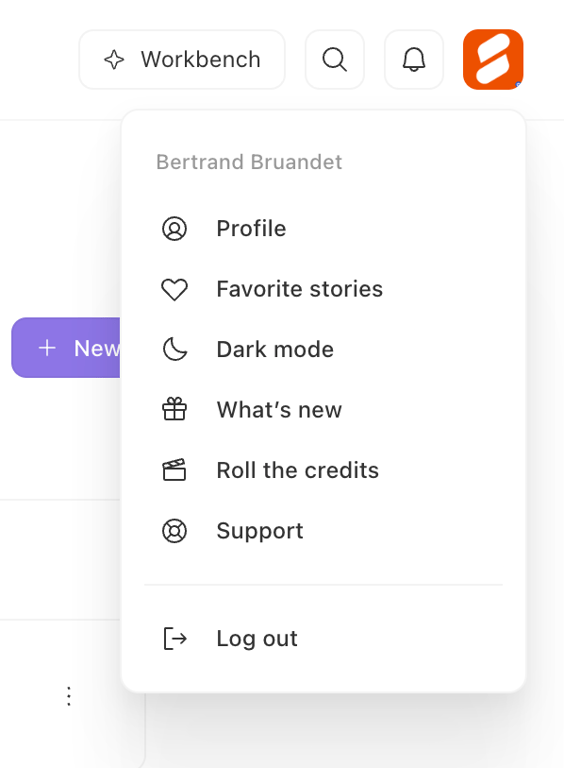
A dropdown menu for navigating between workspaces, teams, and settings. It includes sections for drafts, resources, team switching, and general settings.
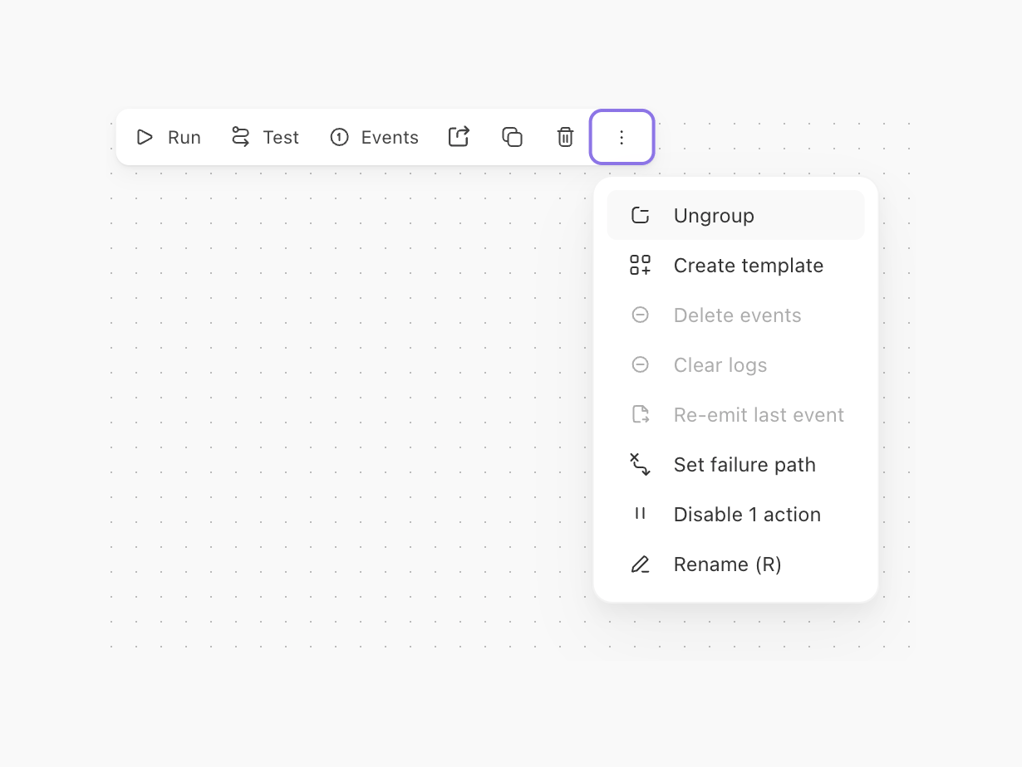
A floating toolbar with primary actions like Run, Test, and Events, alongside icon buttons for export, copy, and delete. An overflow menu is open, displaying secondary actions such as Ungroup, Create template, and Rename.
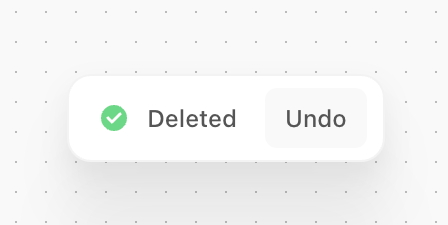
A floating toast notification confirming a deletion action, featuring a success icon and an undo button.
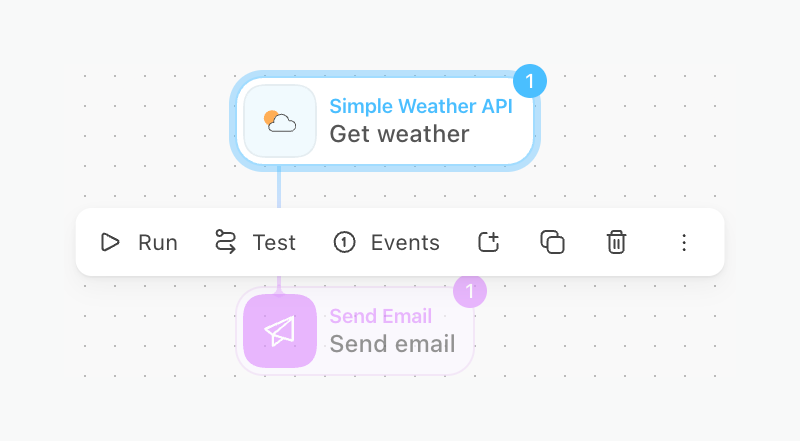
A selected node in a visual workflow editor, displaying an inline toolbar with actions like Run, Test, and Events. The node connects to a subsequent node below it.
Browse the full component library
Browse the full UI component library.
Trusted by the best teams







