Tictail design examples
Explore Tictail UI design examples. Social shopping marketplace for discovering the best independent brands from around the world.
Product screens
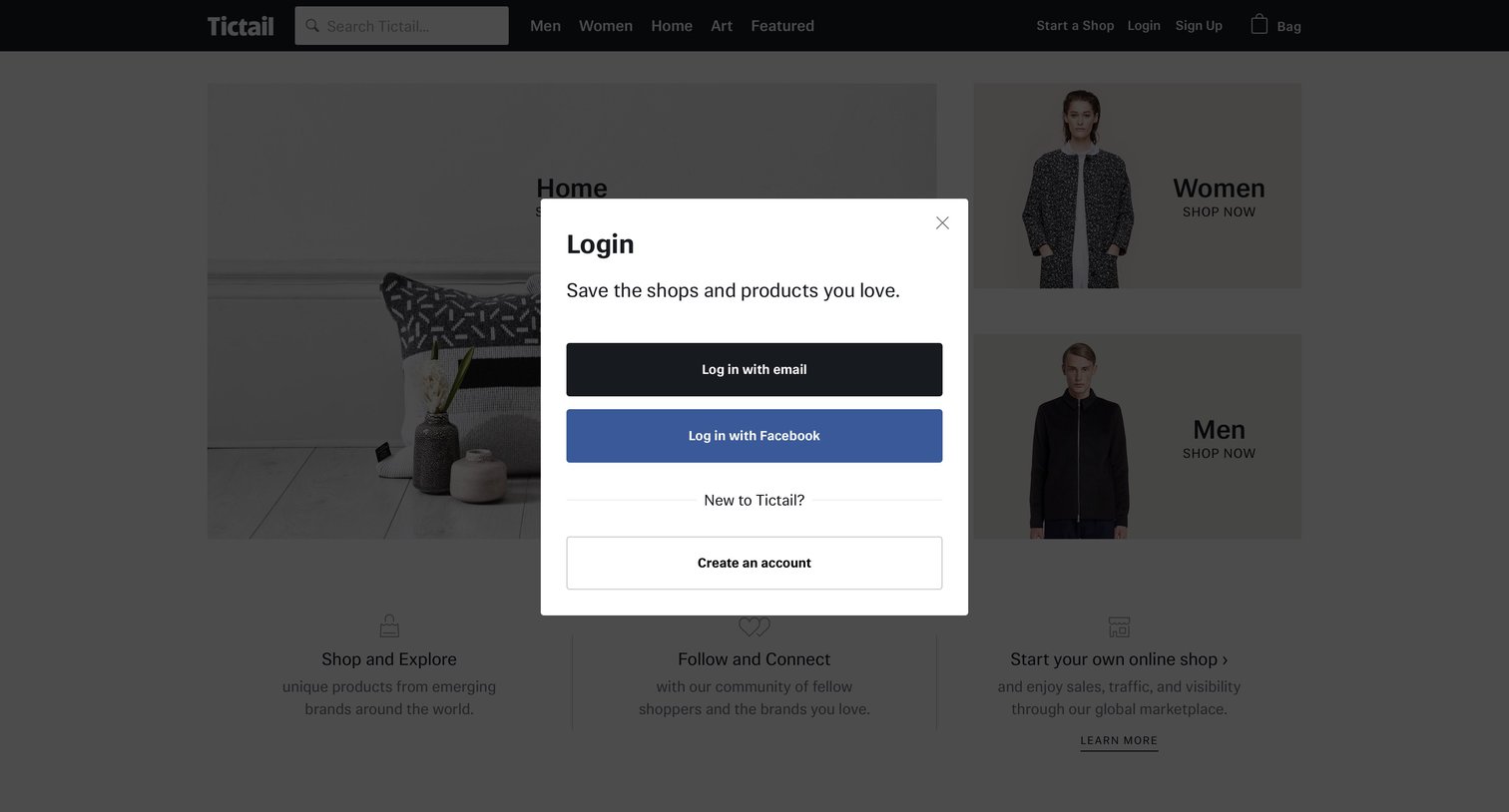
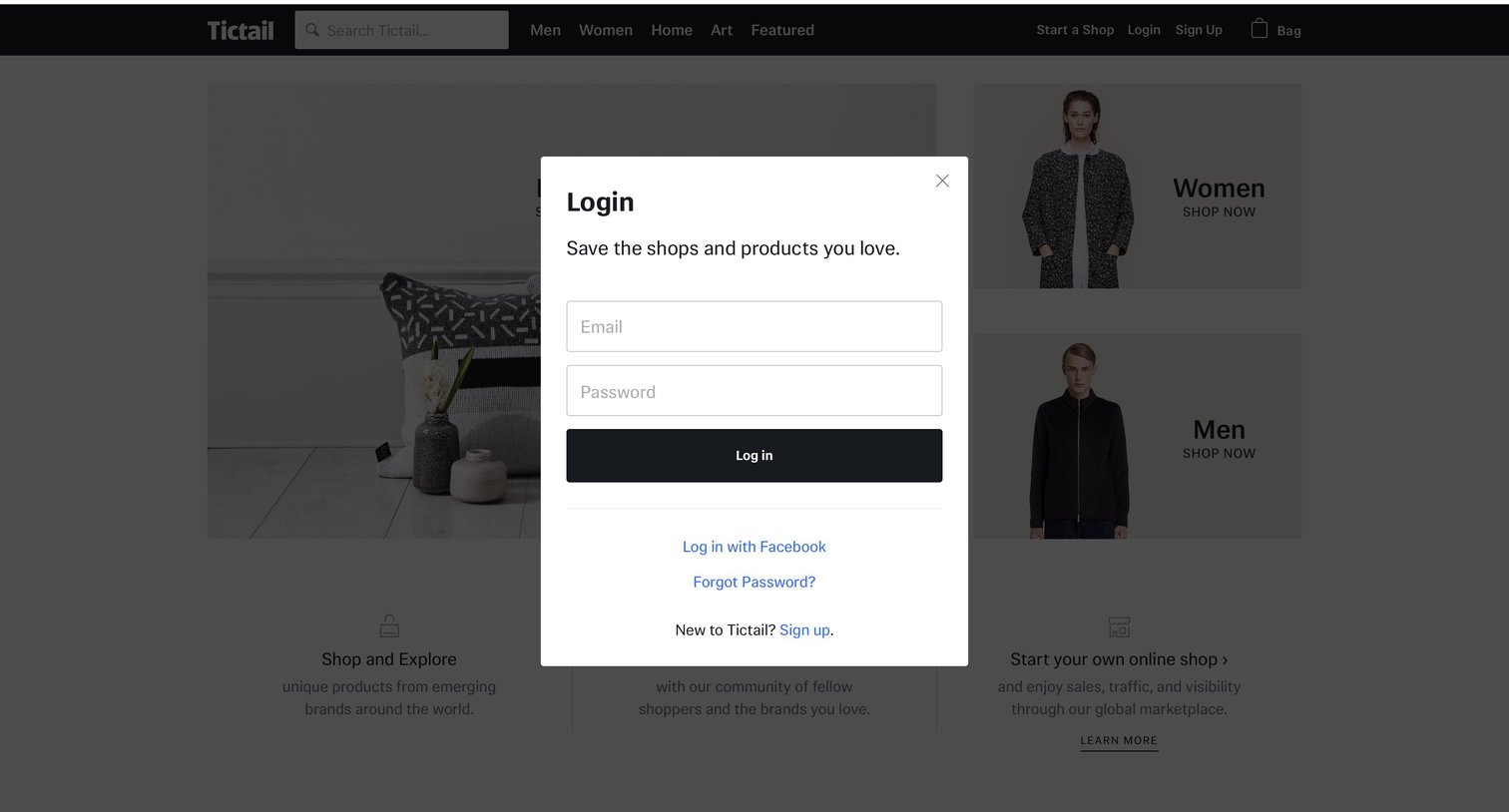

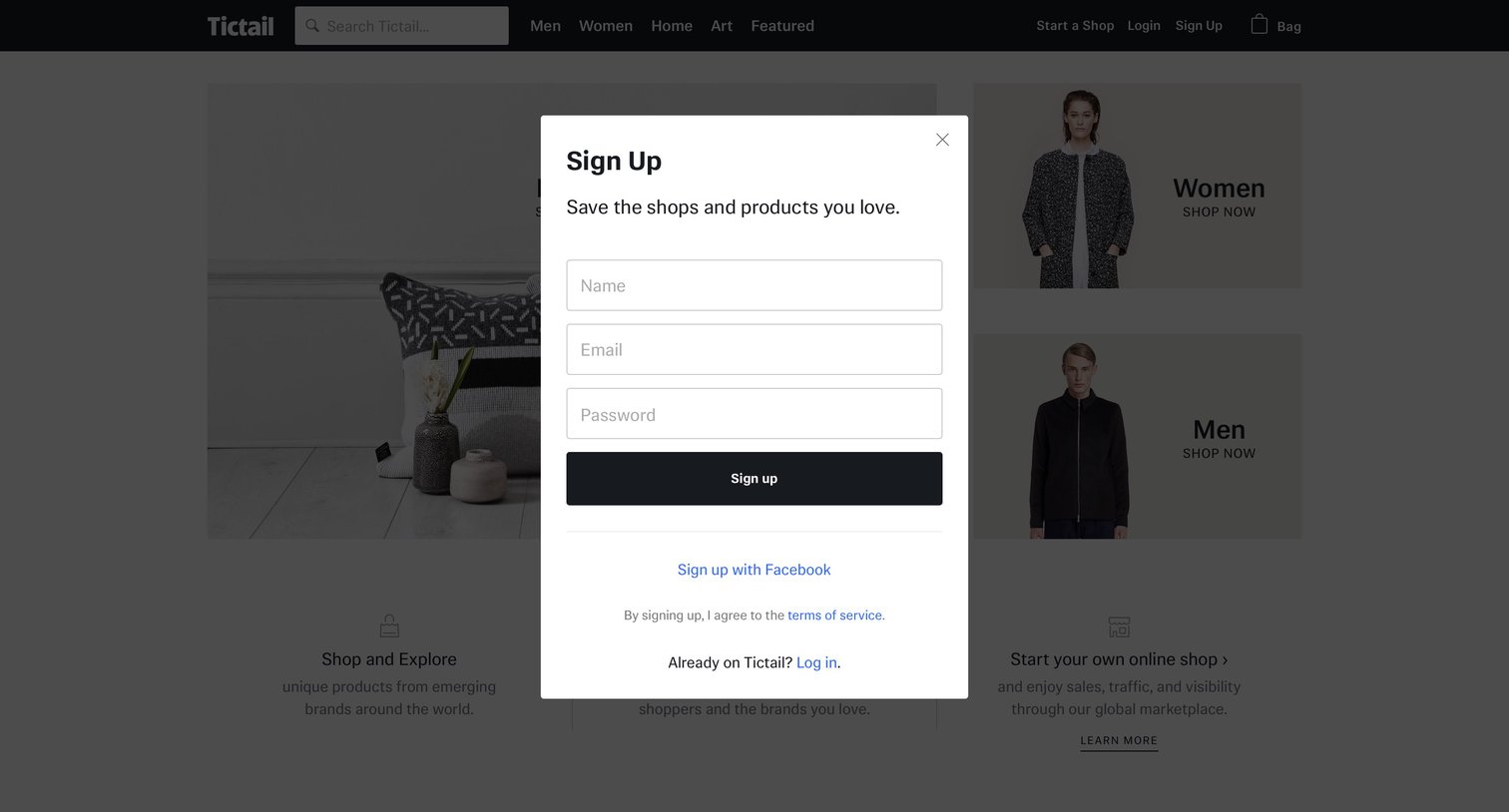
Authentication modal where the user signs in with email and password or via Facebook, with options to recover their password or create a new account.

Password recovery screen where the user enters their email address to receive reset instructions.
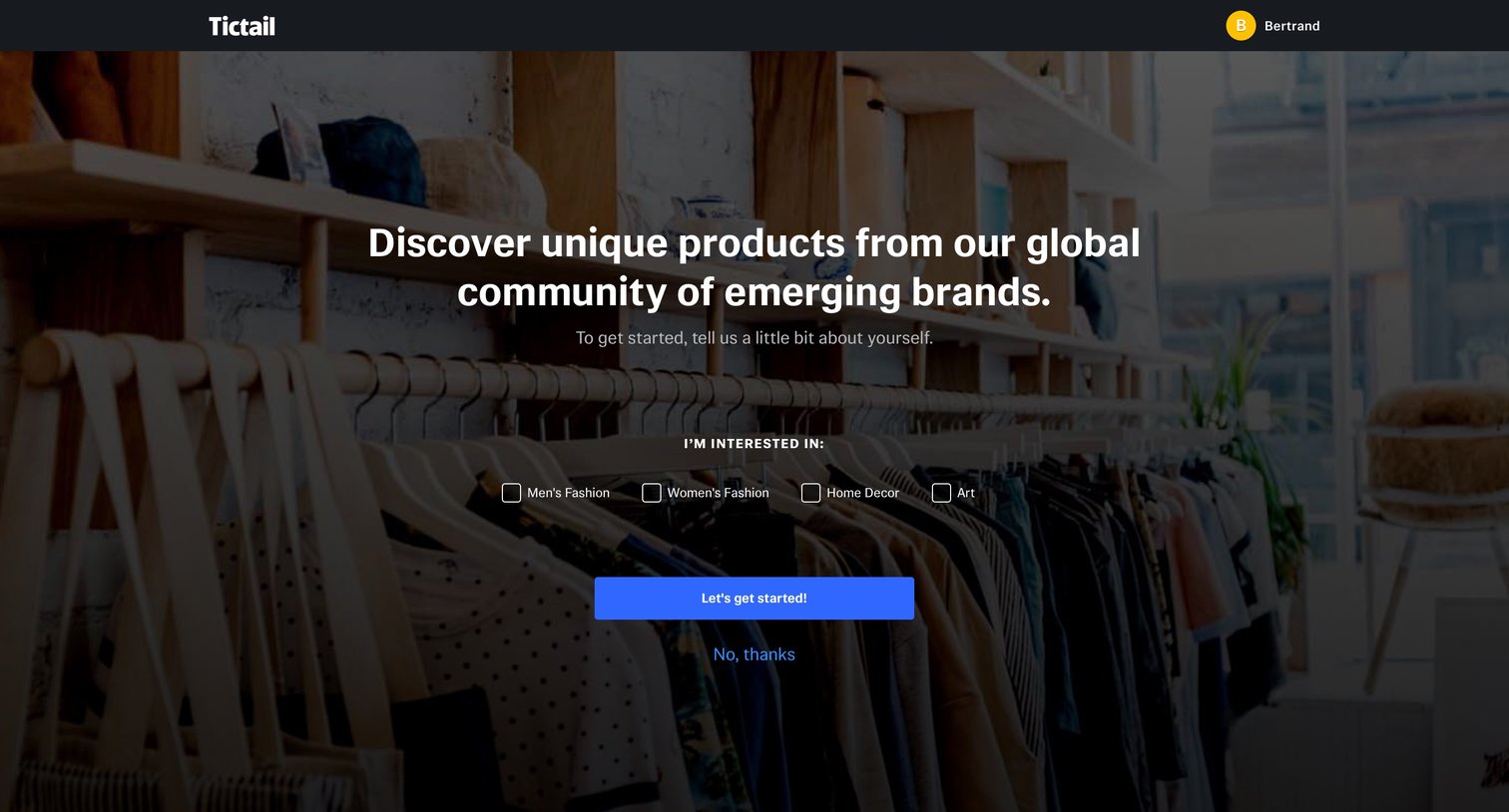
Onboarding step where the user selects shopping categories like Men's Fashion, Women's Fashion, Home Decor, or Art to personalize their feed.

Onboarding step where the user selects at least five products from a grid to personalize their feed.
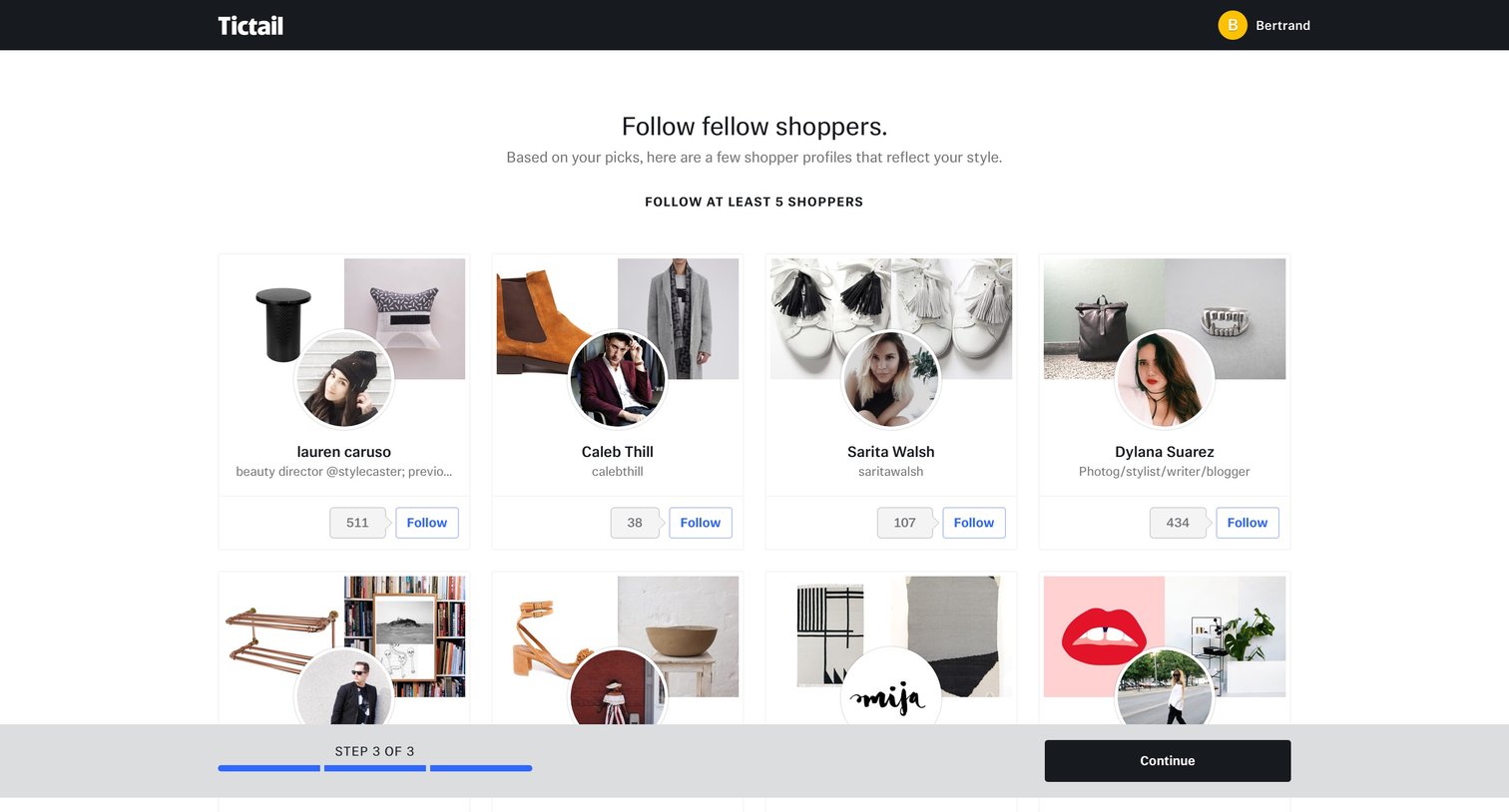
Onboarding step where the user is prompted to follow at least five fellow shoppers to personalize their feed before continuing.
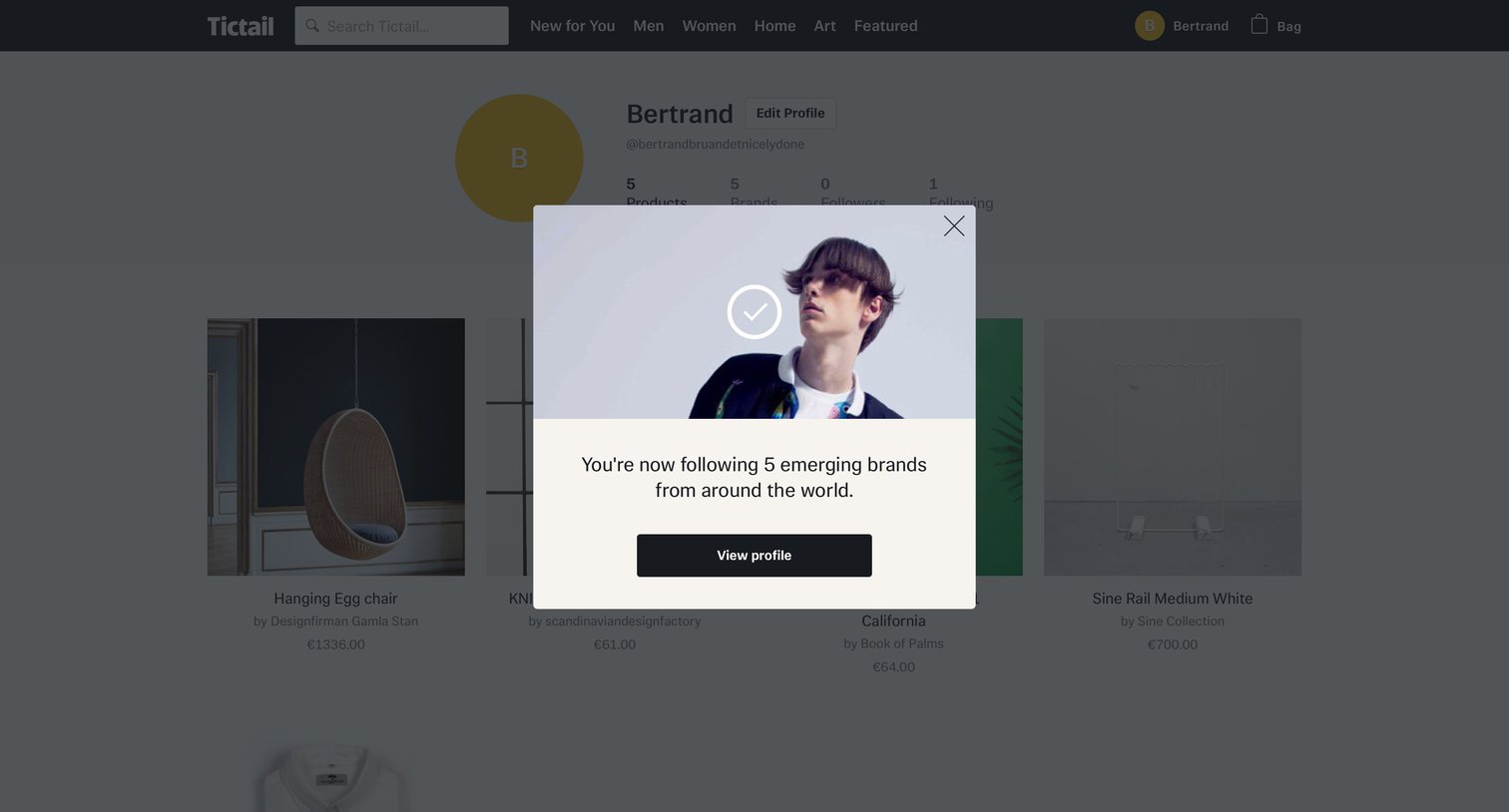
Profile detail page with a success modal confirming the user is now following five emerging brands, prompting them to view their profile.


Settings page where the user can update their email address and change their password.

List view where the user browses men's products in a grid, using a left sidebar to filter by category and price range.
Browse the full SaaS app library
Explore real SaaS apps with their product screens, marketing screens, flows, and components.
Trusted by the best teams







