Synthesia design examples
Explore Synthesia UI design examples. #1 AI video creation platform
Product screens
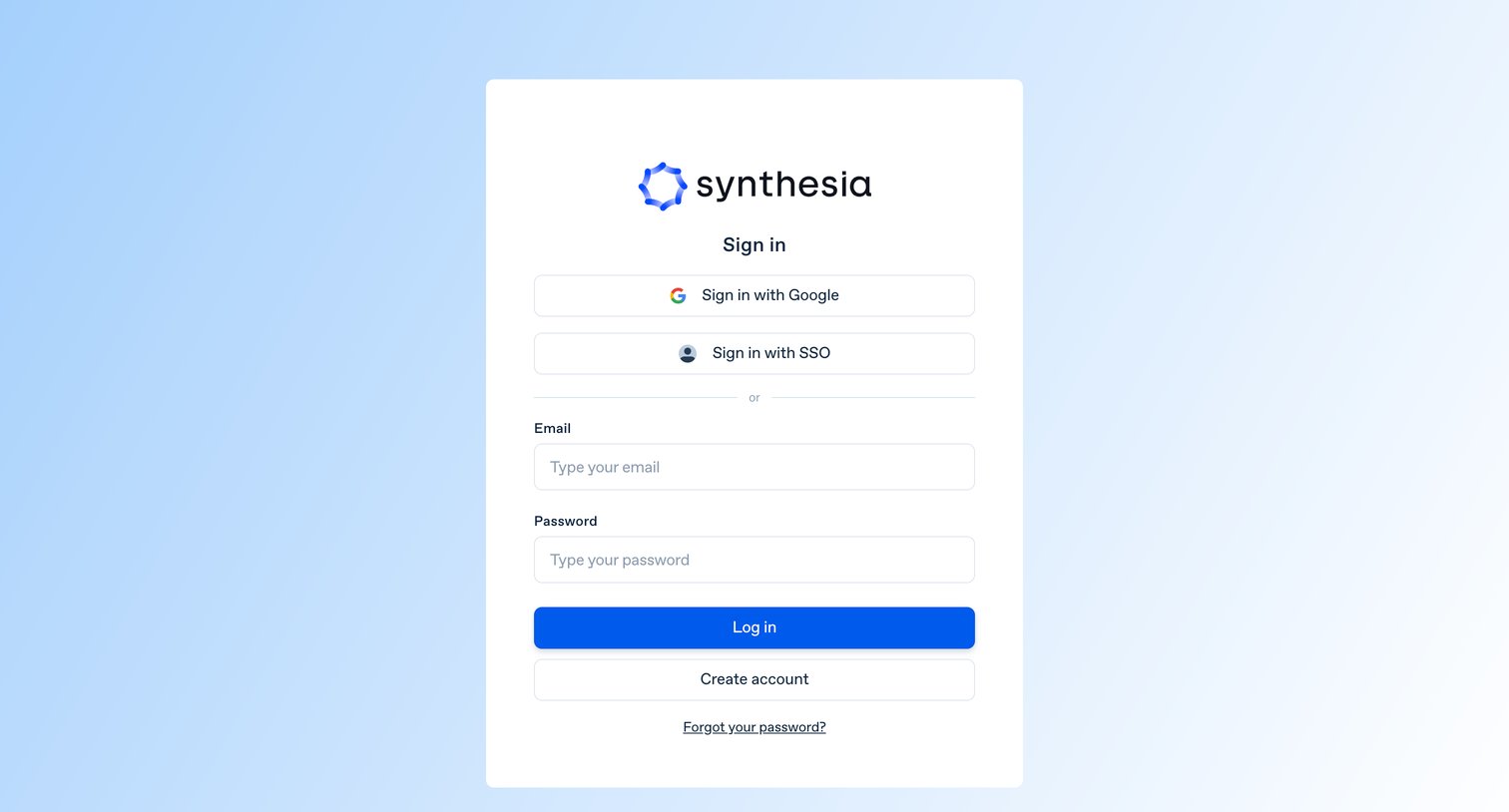
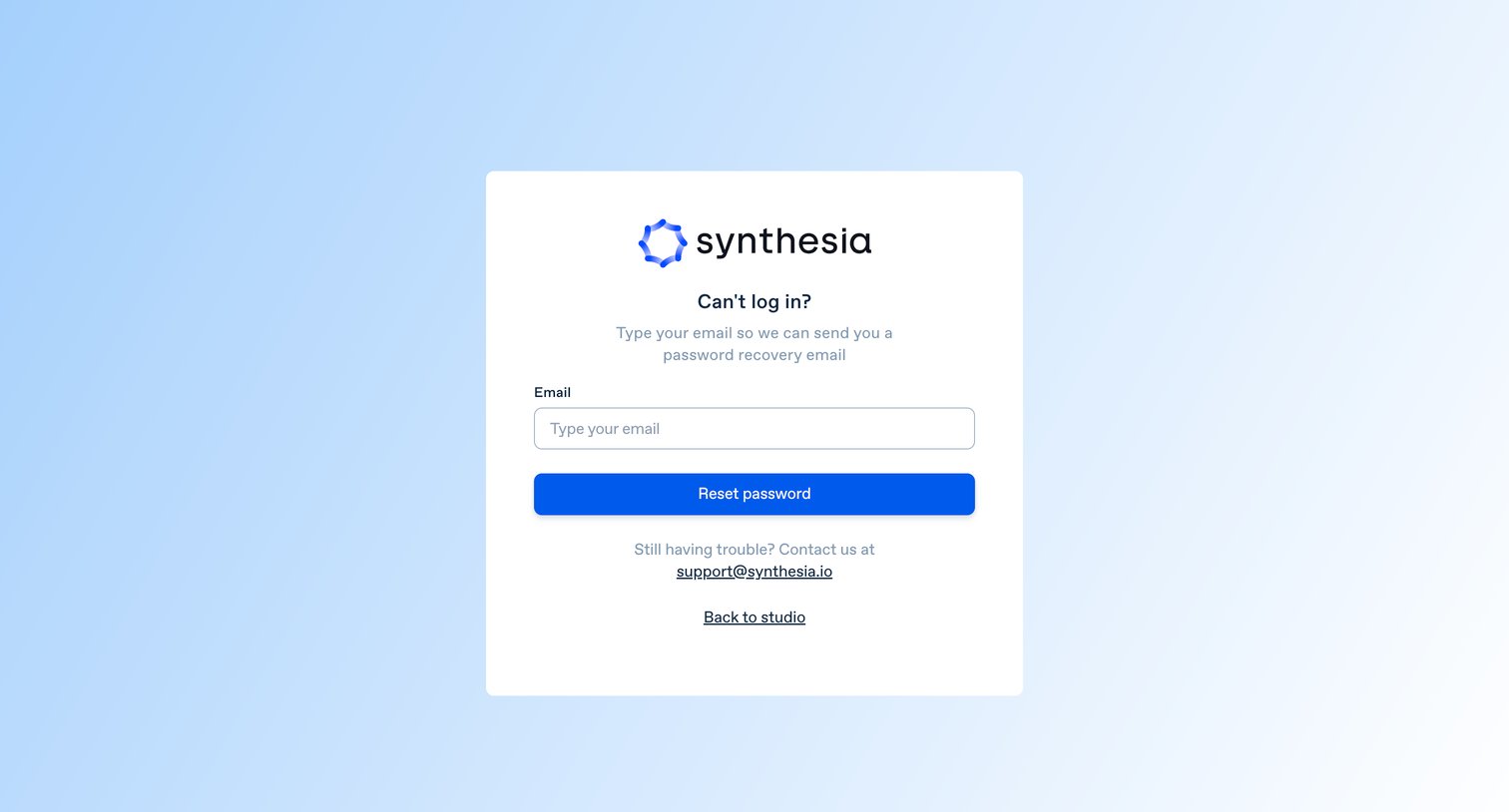

Password recovery screen where the user enters their email address to receive a reset link for their account.
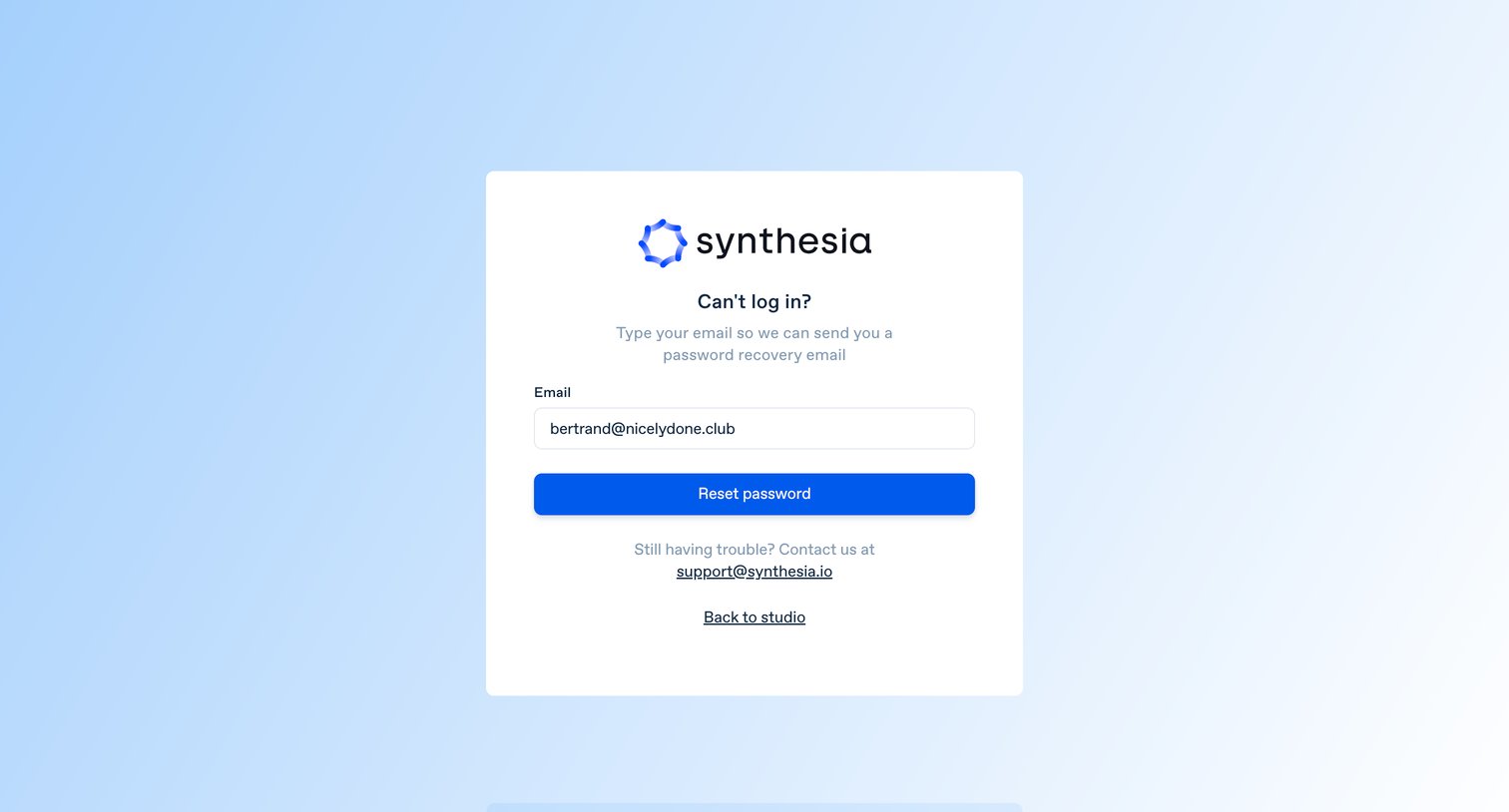
Password recovery screen where the user enters their email address to receive a reset link, with a success toast confirming the email was sent.
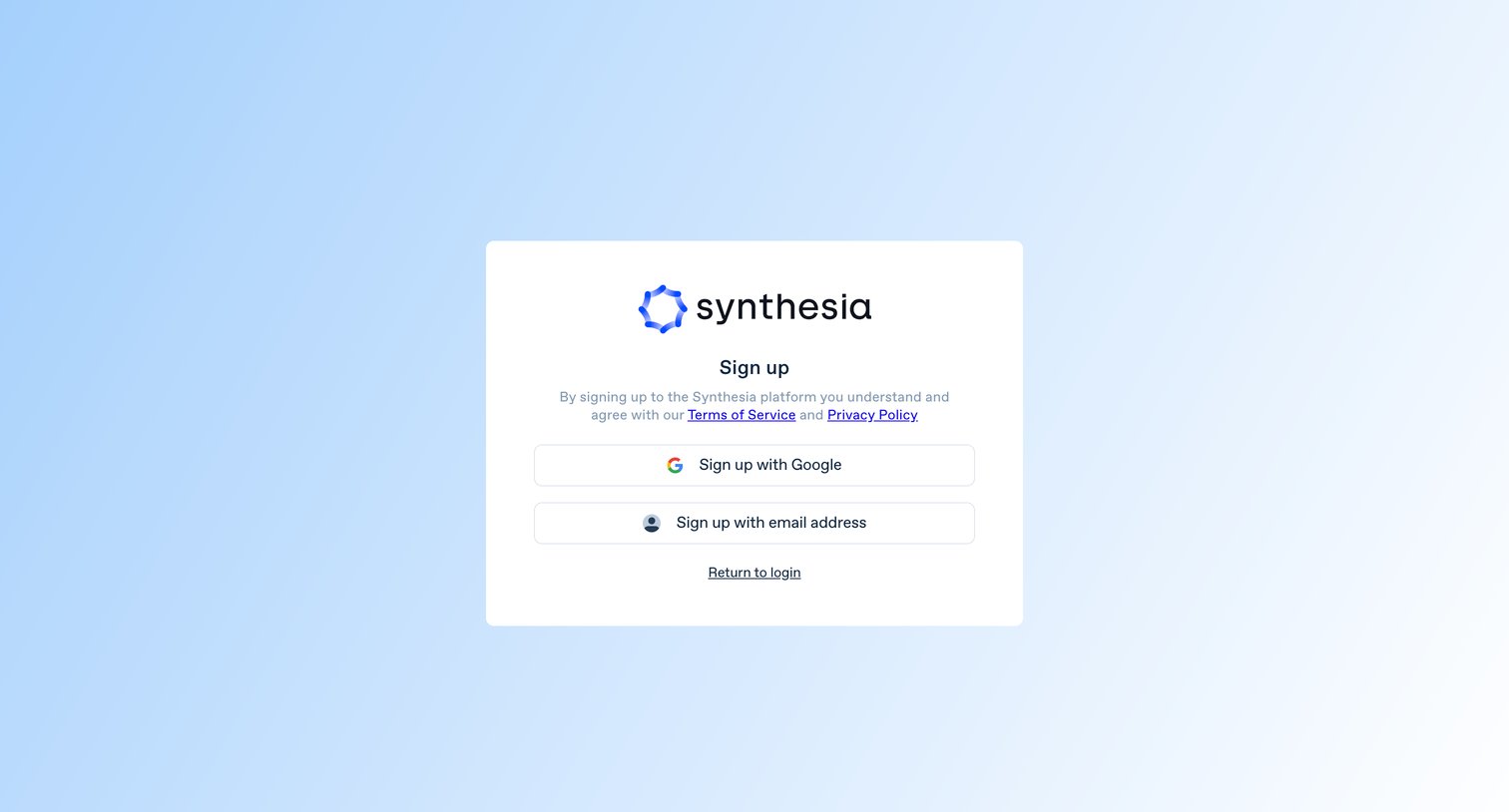
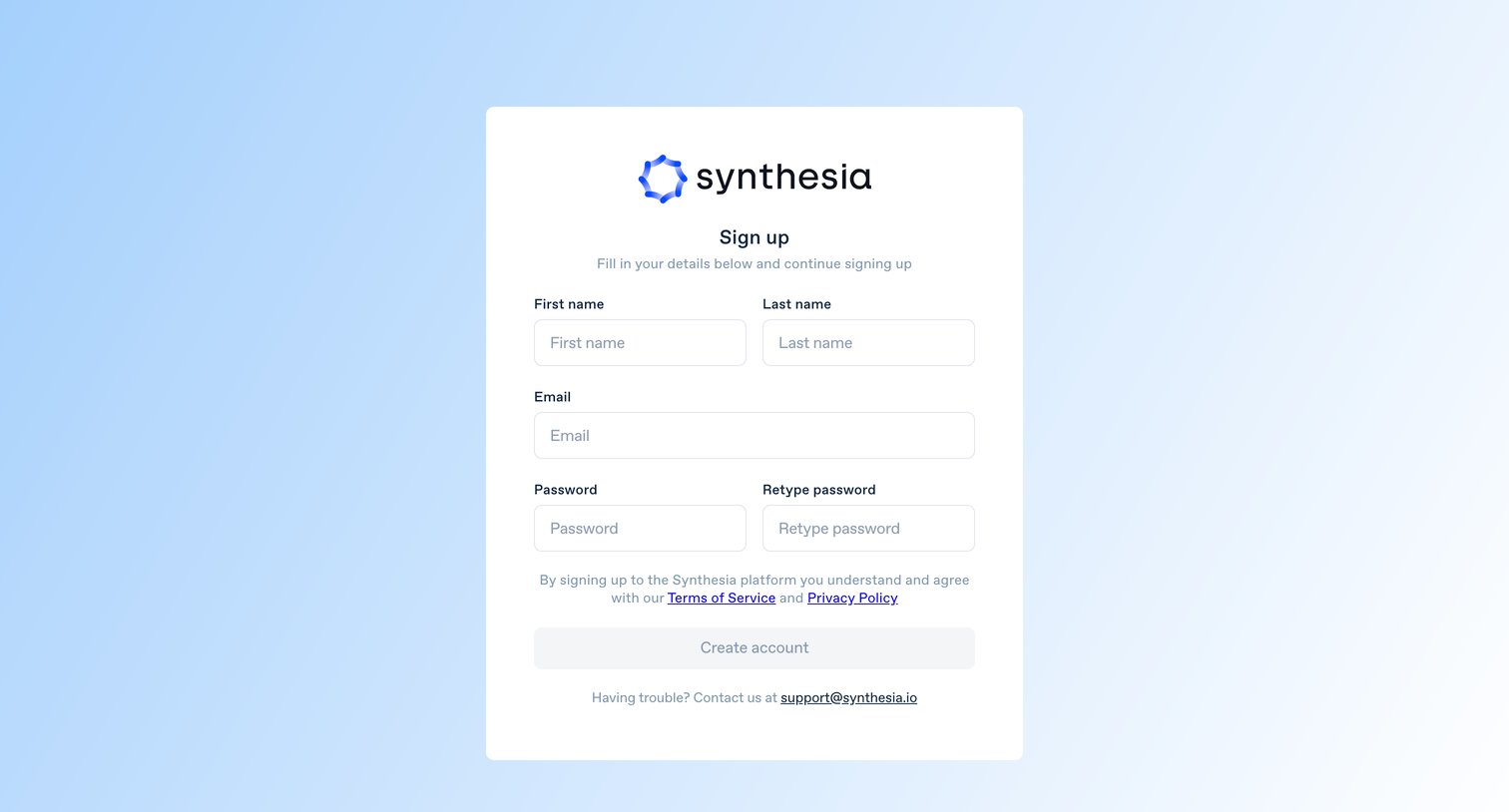
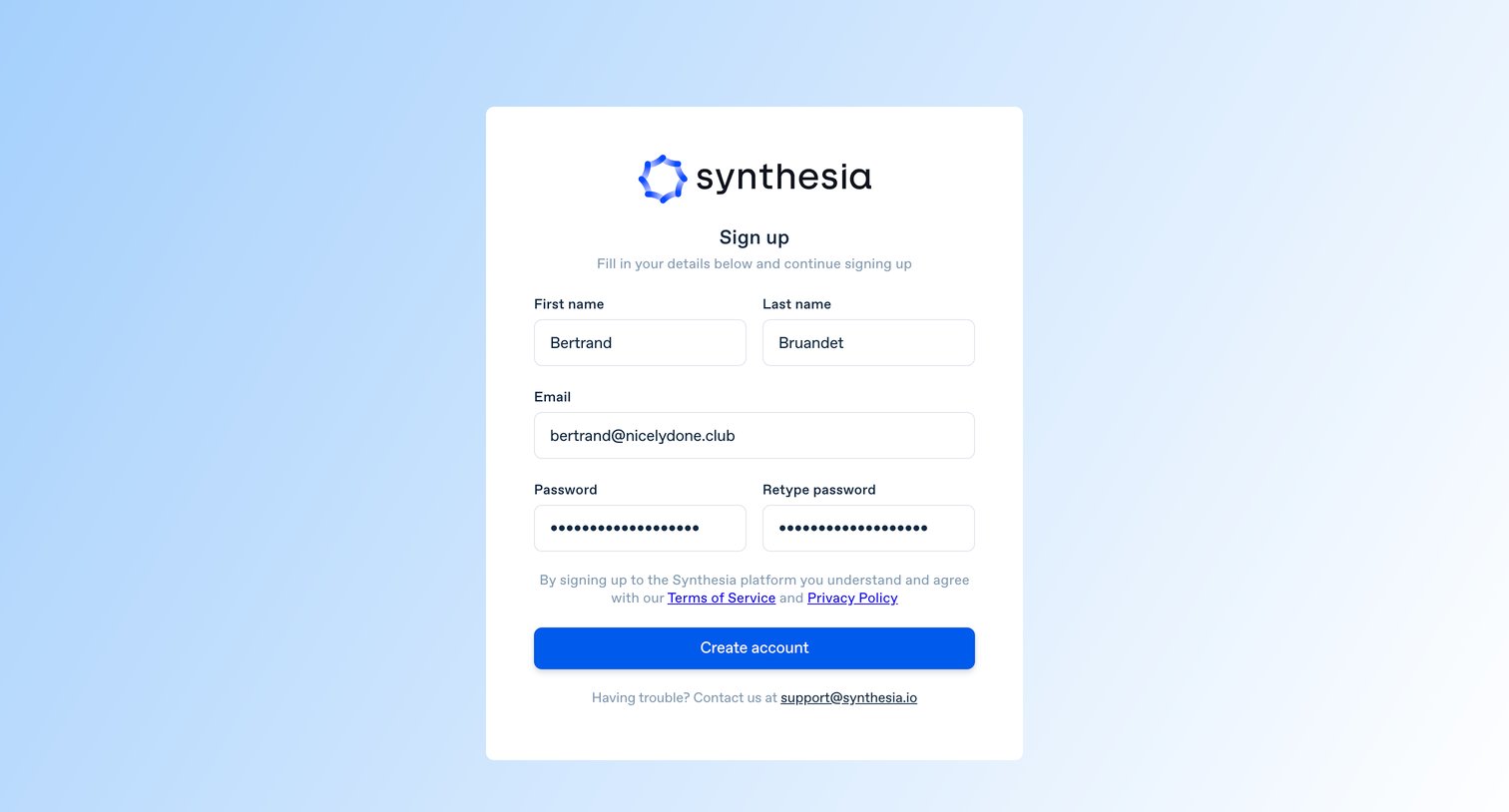
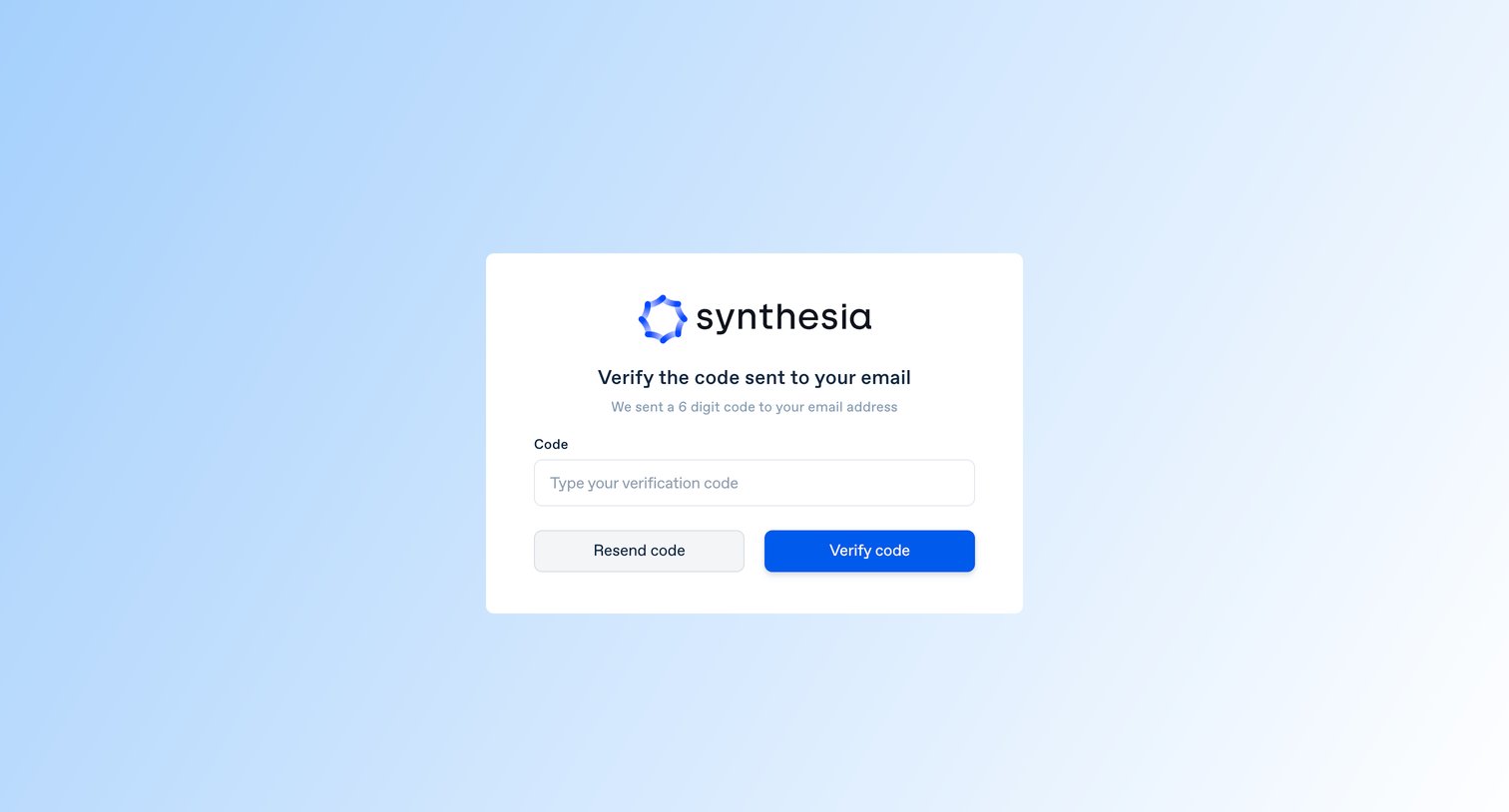
Verification screen where the user enters a 6-digit code sent to their email to confirm their identity and complete signup.
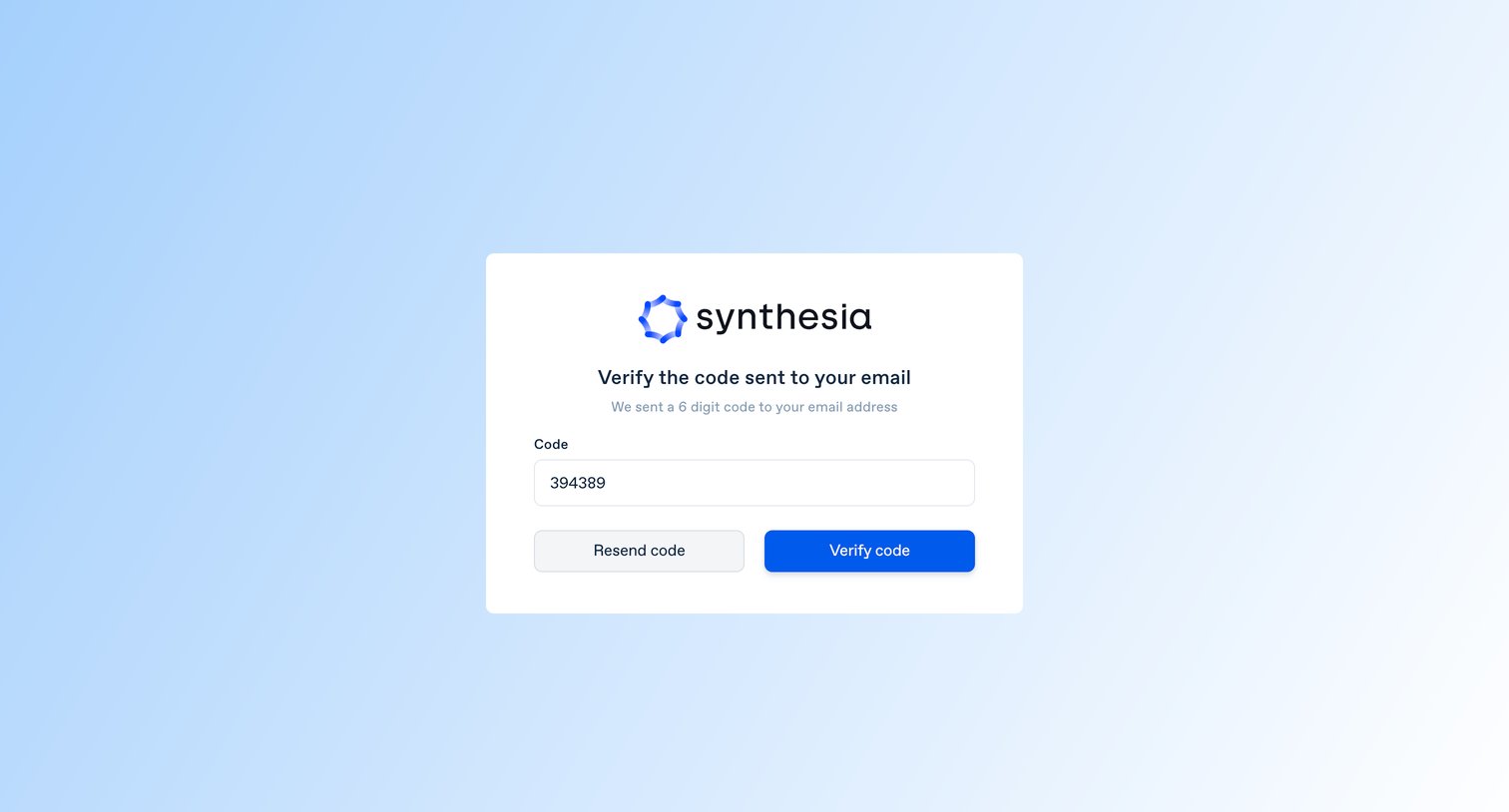
Verification screen where the user enters a 6-digit code sent to their email to complete the signup process.
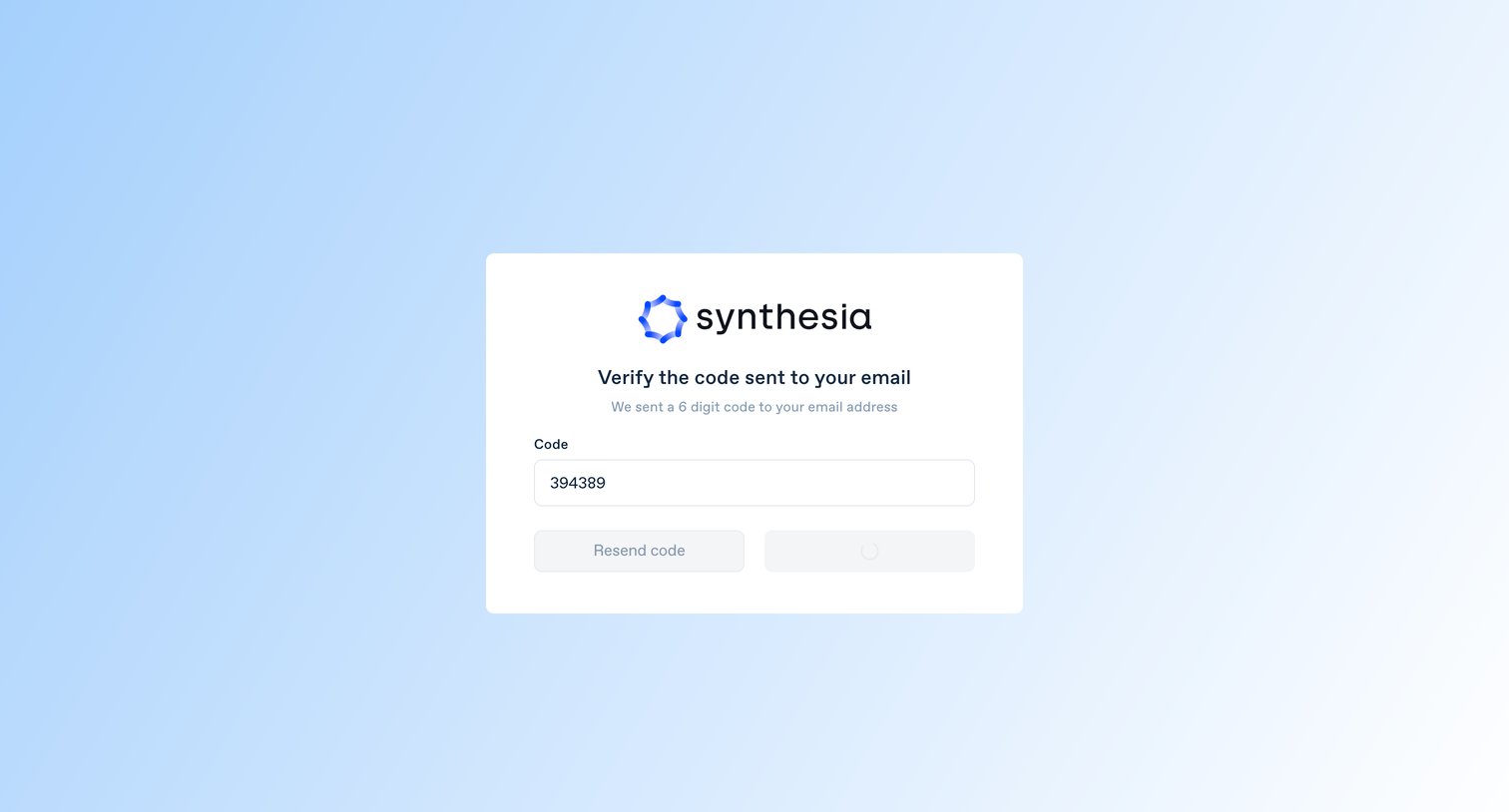
Verification screen where the user submits a 6-digit code sent to their email to complete signup, currently showing a loading state.
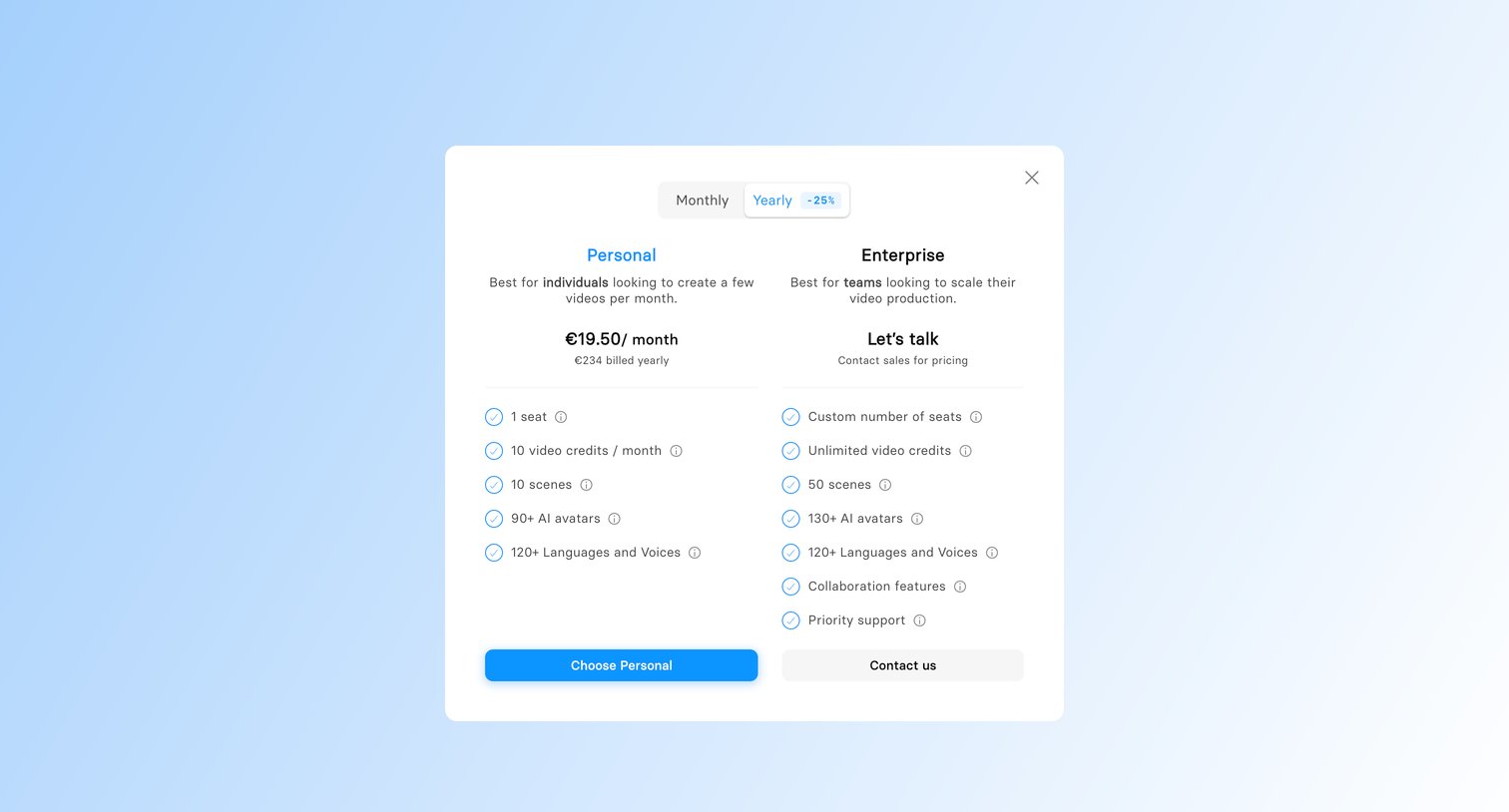
Paywall modal where the user must choose between a Personal subscription or contacting sales for an Enterprise plan to continue.
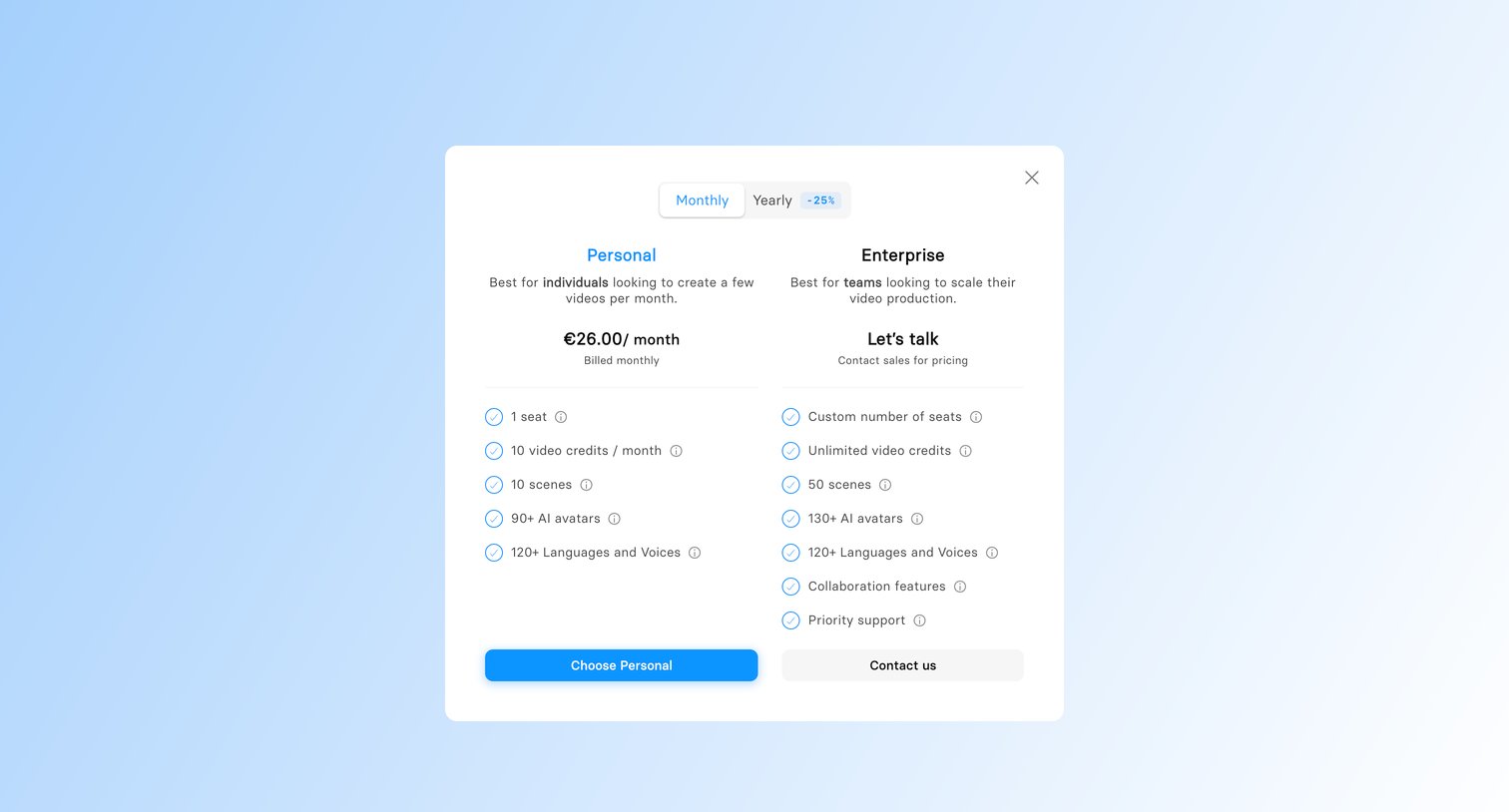
Paywall modal requiring the user to select a Personal or Enterprise subscription plan, featuring a monthly versus yearly billing toggle with a discount badge.
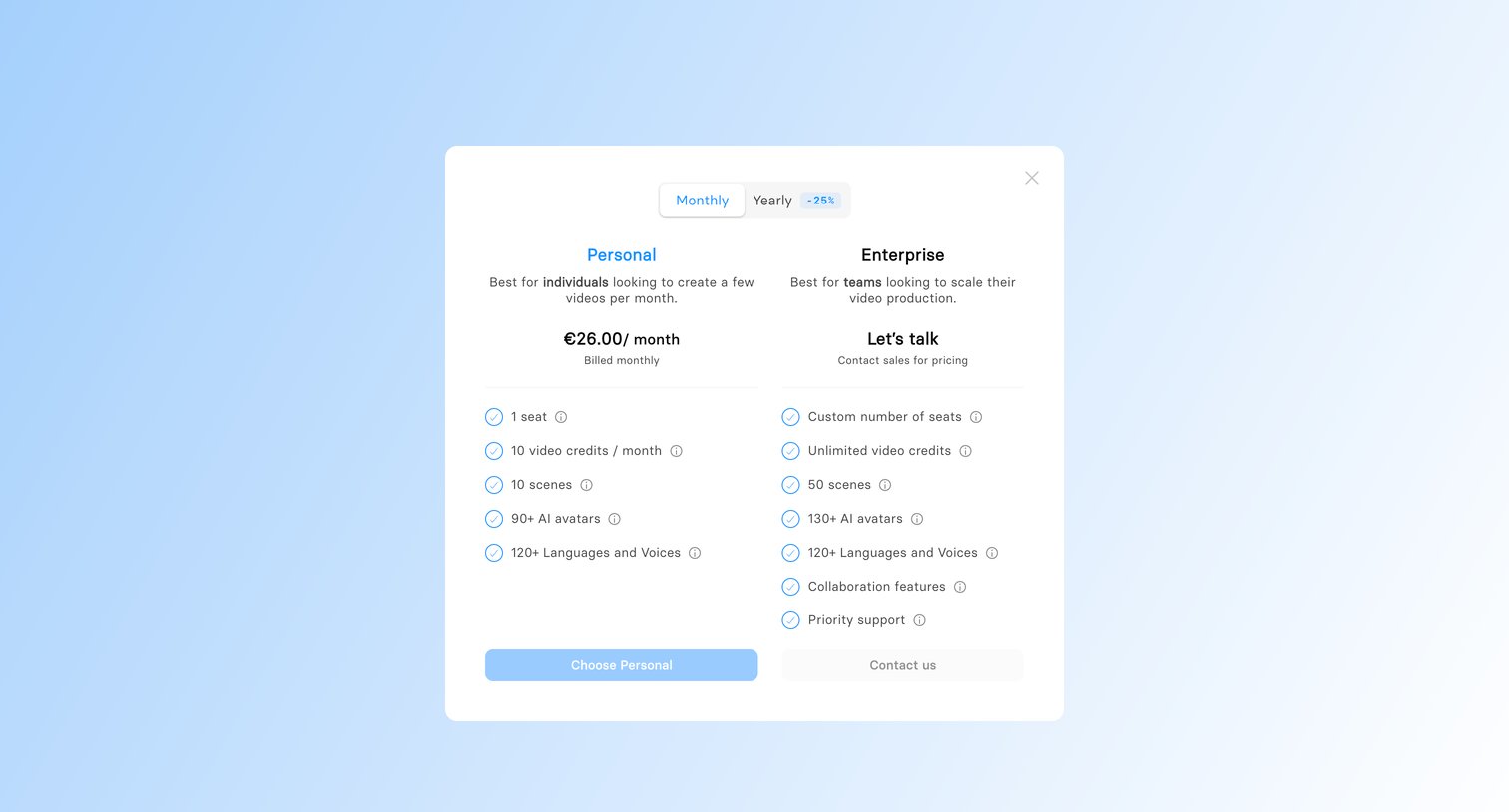
Paywall modal prompting the user to choose between a Personal subscription or contact sales for an Enterprise plan, featuring a monthly/yearly billing toggle.
Browse the full SaaS app library
Explore real SaaS apps with their product screens, marketing screens, flows, and components.
Trusted by the best teams







