Skip to content

Synthesia UI components examples

Browse Synthesia UI component design examples. Preview individual interface elements and explore related component categories. #1 AI video creation platform

Explore the examples

Synthesia — Toggle/Switch component
Synthesia logo
Synthesia

A toggle switch control with a label and helper text, used to enable or disable public access.

Synthesia — Toggle/Switch component
Synthesia logo
Synthesia

A toggle switch control with a title and descriptive text, used to enable or disable public access to a published video.
Synthesia — Video player component
Synthesia logo
Synthesia

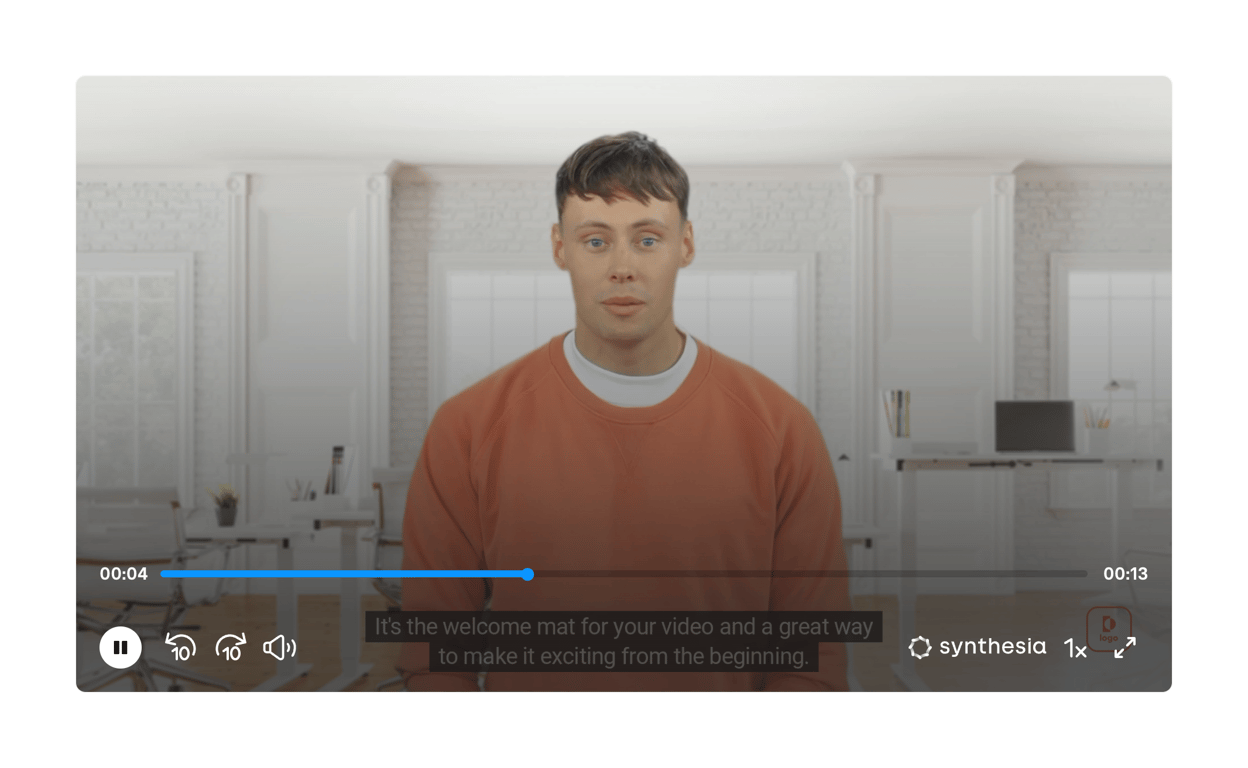
A video player component showing an AI avatar with playback controls, progress bar, closed captions, and branding.
Synthesia — Progress indicator component
Synthesia logo
Synthesia

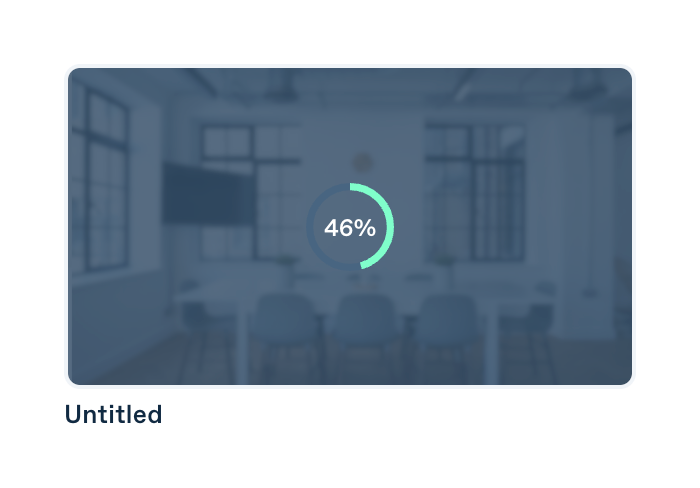
A card displaying a video thumbnail with a circular progress indicator overlaid, showing the video generation status.
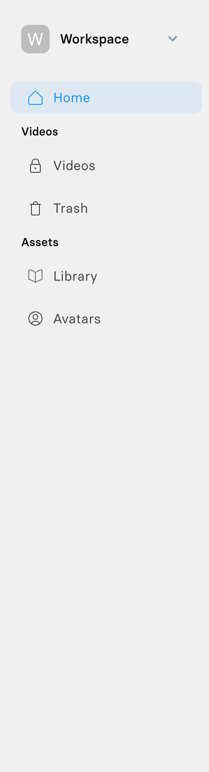
Synthesia — Vertical navigation component
Synthesia logo
Synthesia

A vertical sidebar navigation menu with a workspace switcher at the top, followed by categorized links for Home, Videos, and Assets.

Synthesia — Toolbox component
Synthesia logo
Synthesia

A top navigation and toolbar for a video editor. It includes a back button, editable video title, a central group of tool icons, undo/redo controls, and primary actions to play or generate the video.

Synthesia — Tooltip component
Synthesia logo
Synthesia

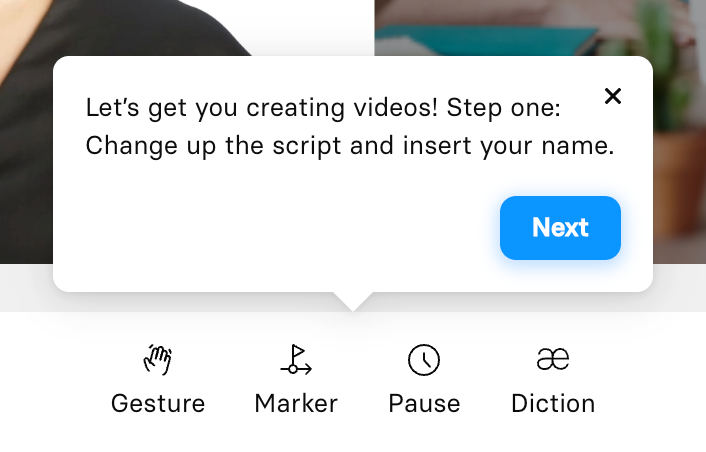
A tooltip pointing downwards, providing onboarding instructions with a 'Next' button and a close icon.

Synthesia — Input select component
Synthesia logo
Synthesia

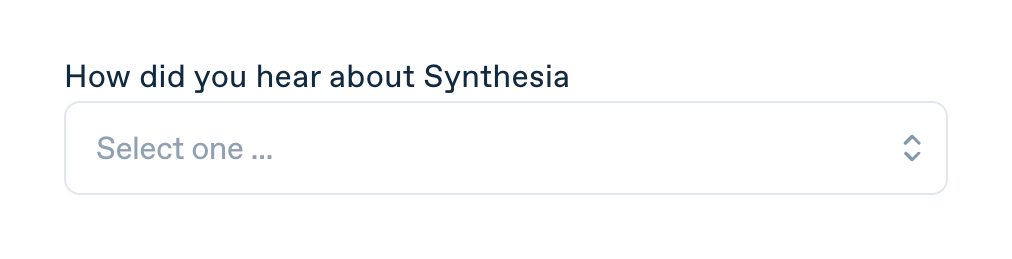
A select input field with a label asking 'How did you hear about Synthesia' and a placeholder 'Select one ...'.

Synthesia — Segmented control component
Synthesia logo
Synthesia

A segmented control allowing users to switch between Monthly and Yearly billing cycles, with a discount badge on the Yearly option.
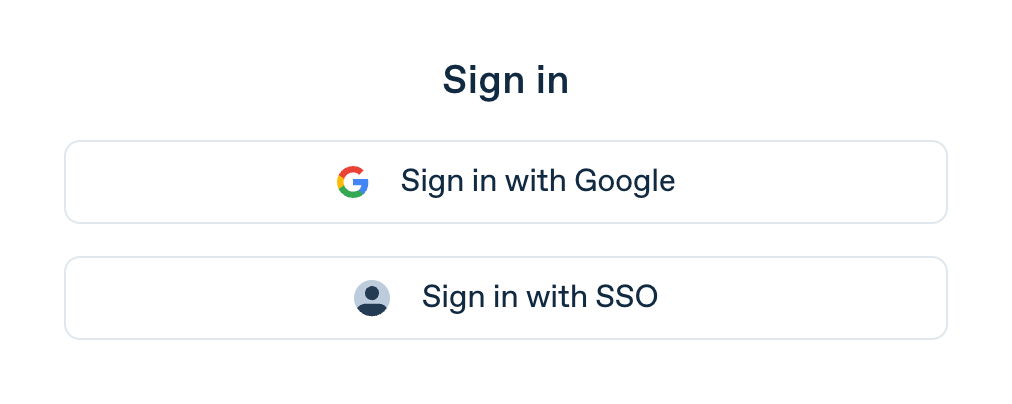
Synthesia — Social login button component
Synthesia logo
Synthesia

A sign-in section displaying a title and two social/SSO login buttons.

Synthesia — FAQ component
Synthesia logo
Synthesia

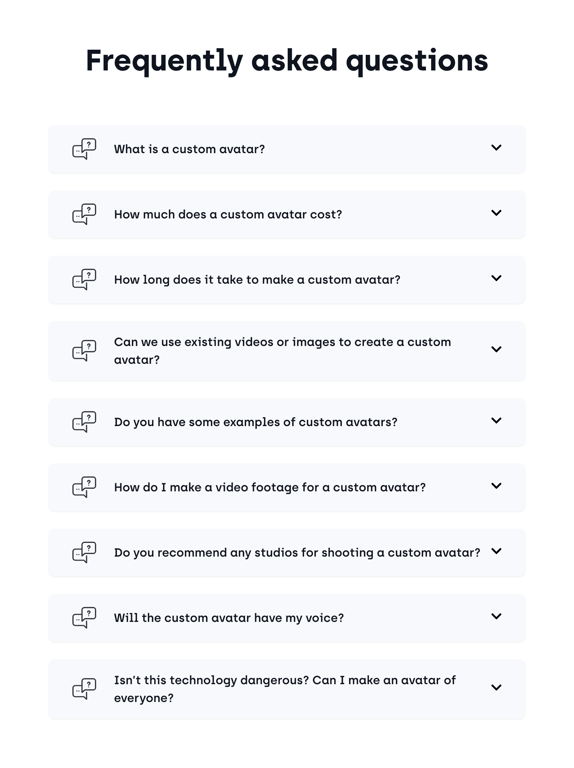
A list of frequently asked questions presented as an accordion. Each question is a collapsible row with an icon, the question text, and a chevron indicating it can be expanded.

Synthesia — Dropdown menu component
Synthesia logo
Synthesia

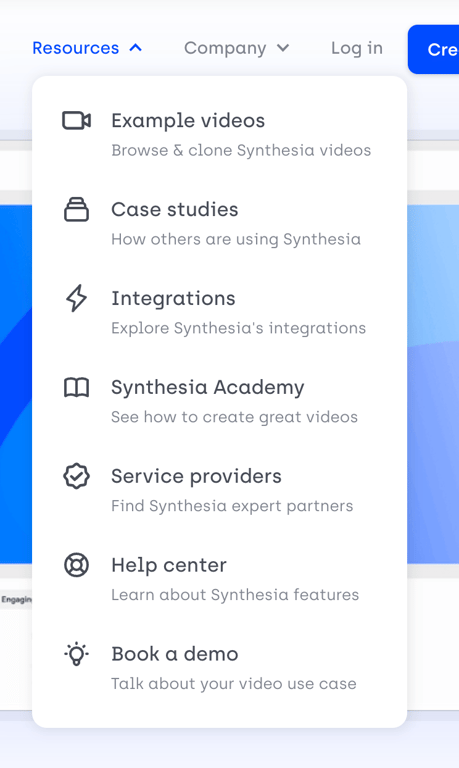
An open dropdown menu displaying a list of resources with icons, titles, and brief descriptions.

Browse the full component library

Browse the full UI component library.

Trusted by the best teams