
Spectrum product screens examples
Browse Spectrum screen design examples. Preview the interface screenshots and explore related UI patterns. Where communities are built
Explore the examples
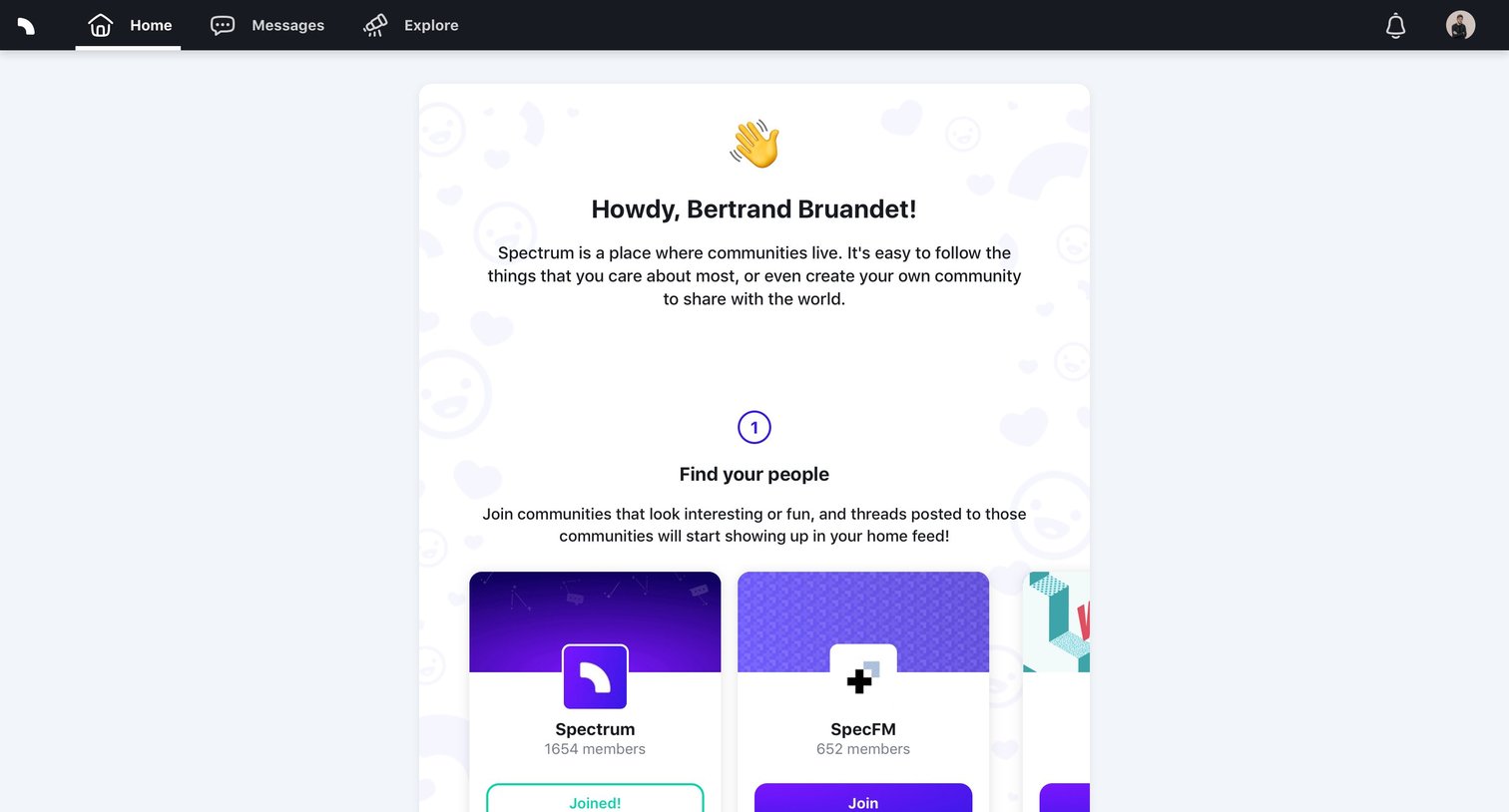
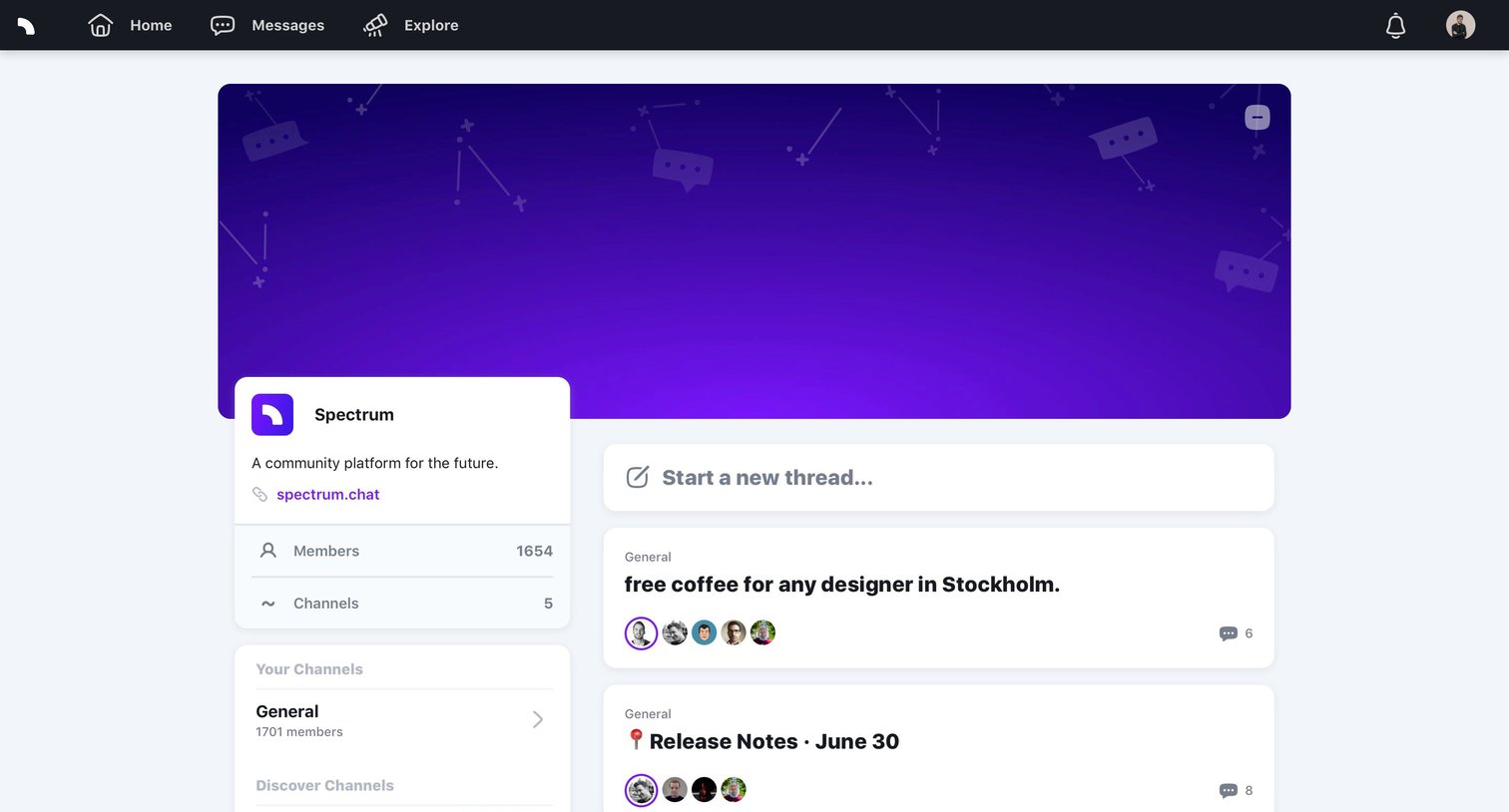
Community feed where the user views recent discussion threads across various channels like General, Support, and Feature Requests.
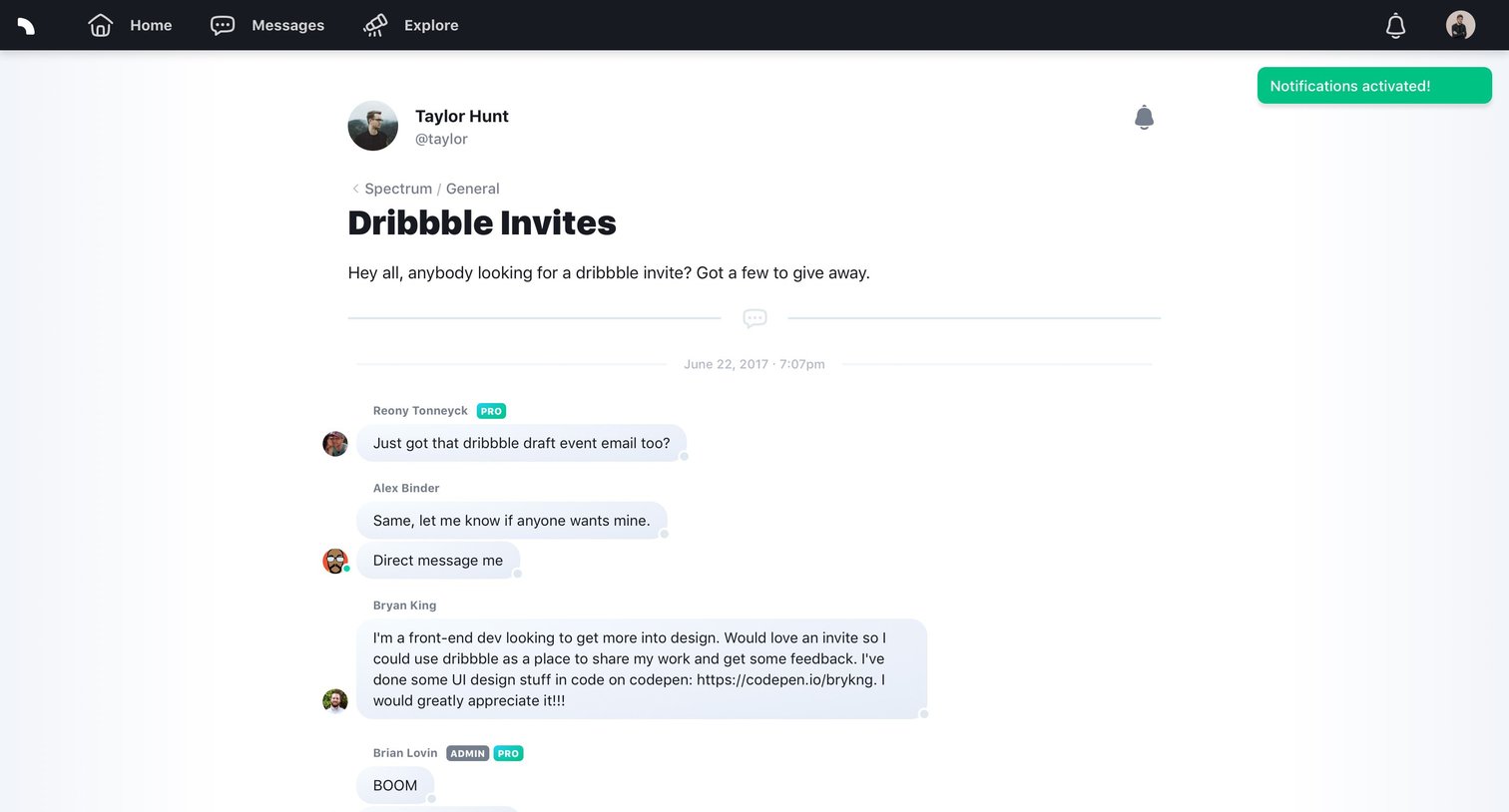
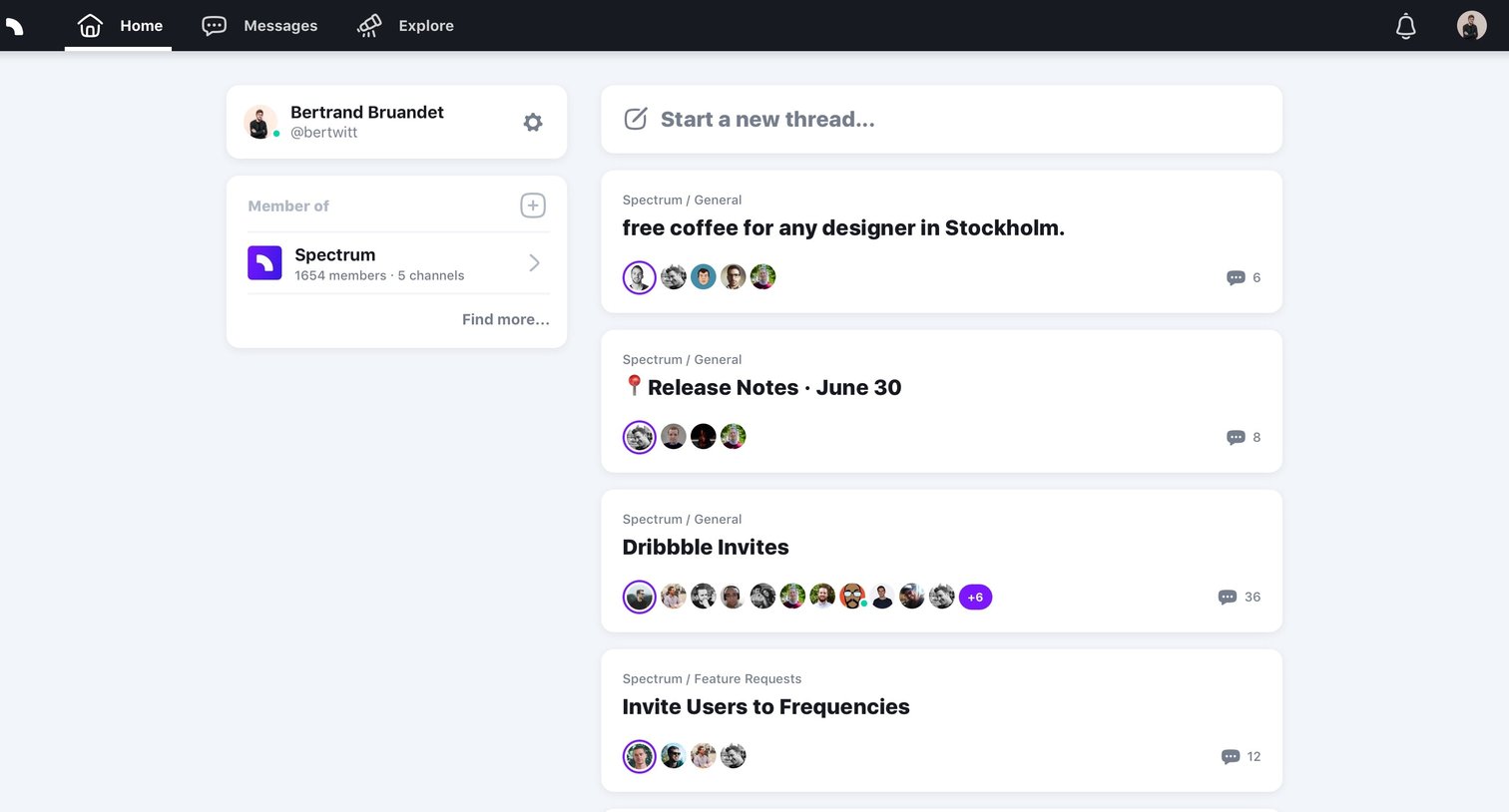
Home feed where the user views recent community threads, starts a new conversation, and accesses their joined communities.
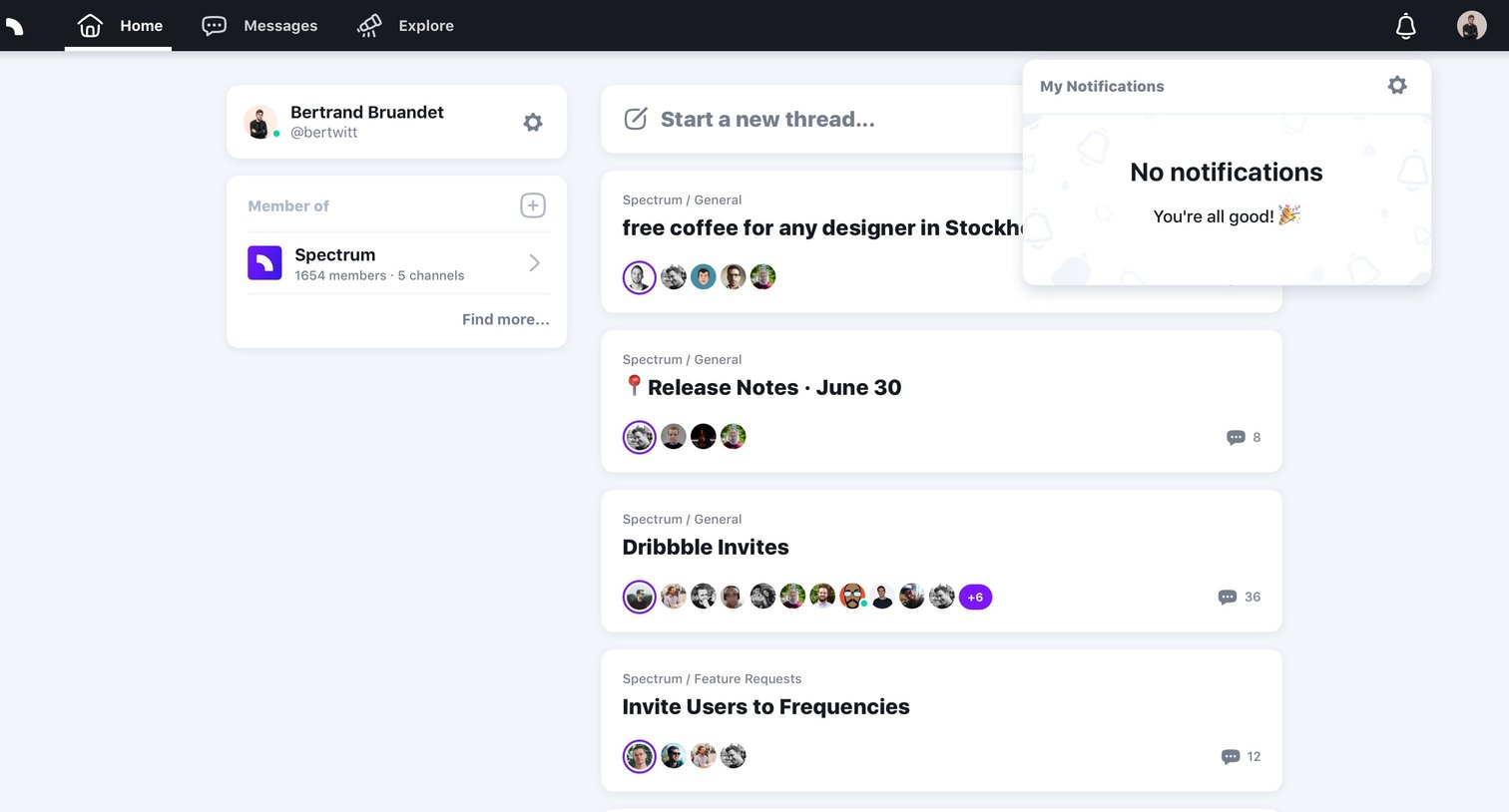
Home feed where the user can start a new thread, view recent posts from communities like Spectrum, and check their notifications via an open popover.
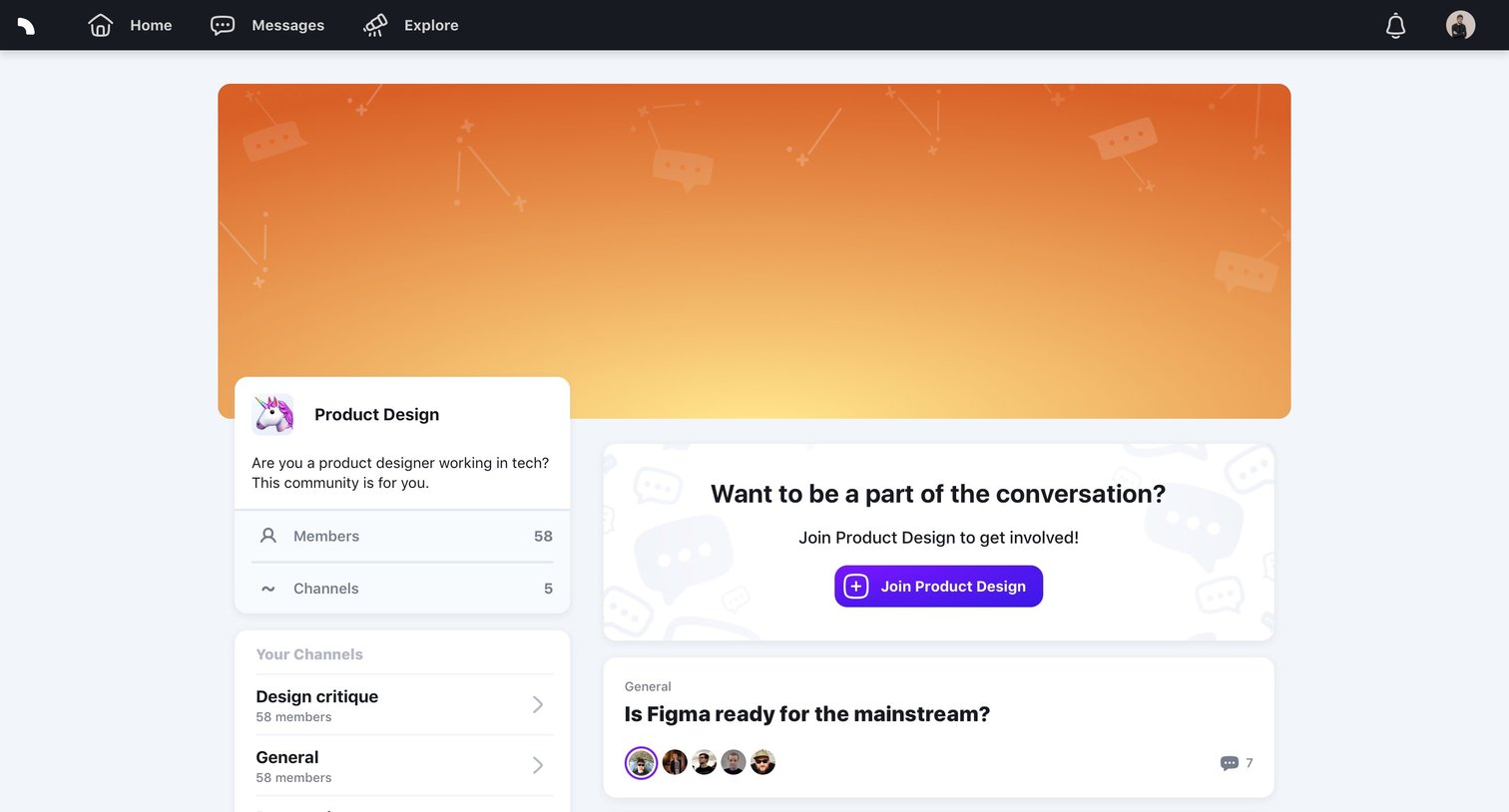
Community feed page for Product Design where the user can browse channel discussions and is prompted to join the group.
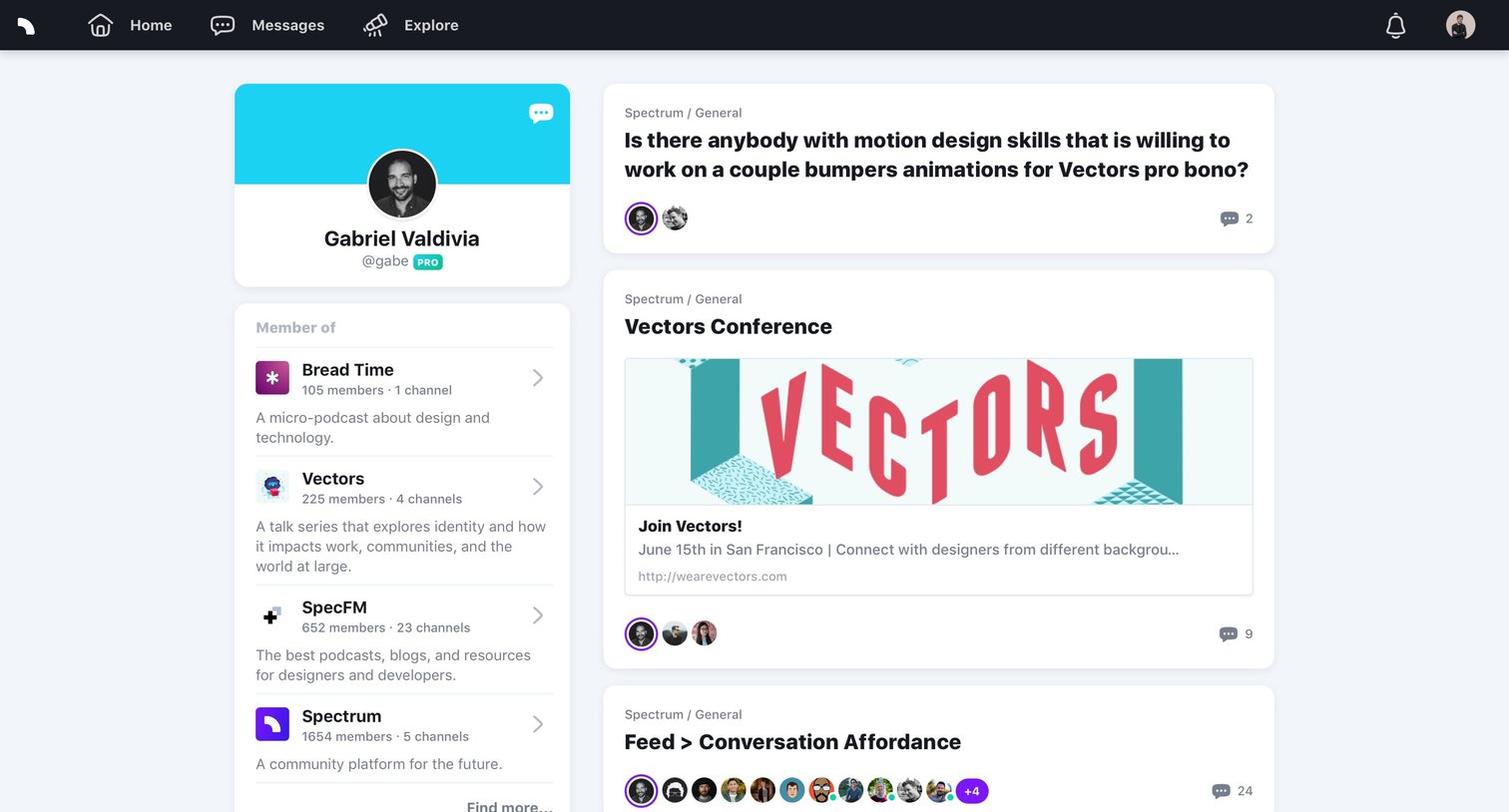
User profile page displaying the user's community memberships in a left sidebar and a chronological feed of their recent forum posts in the main area.
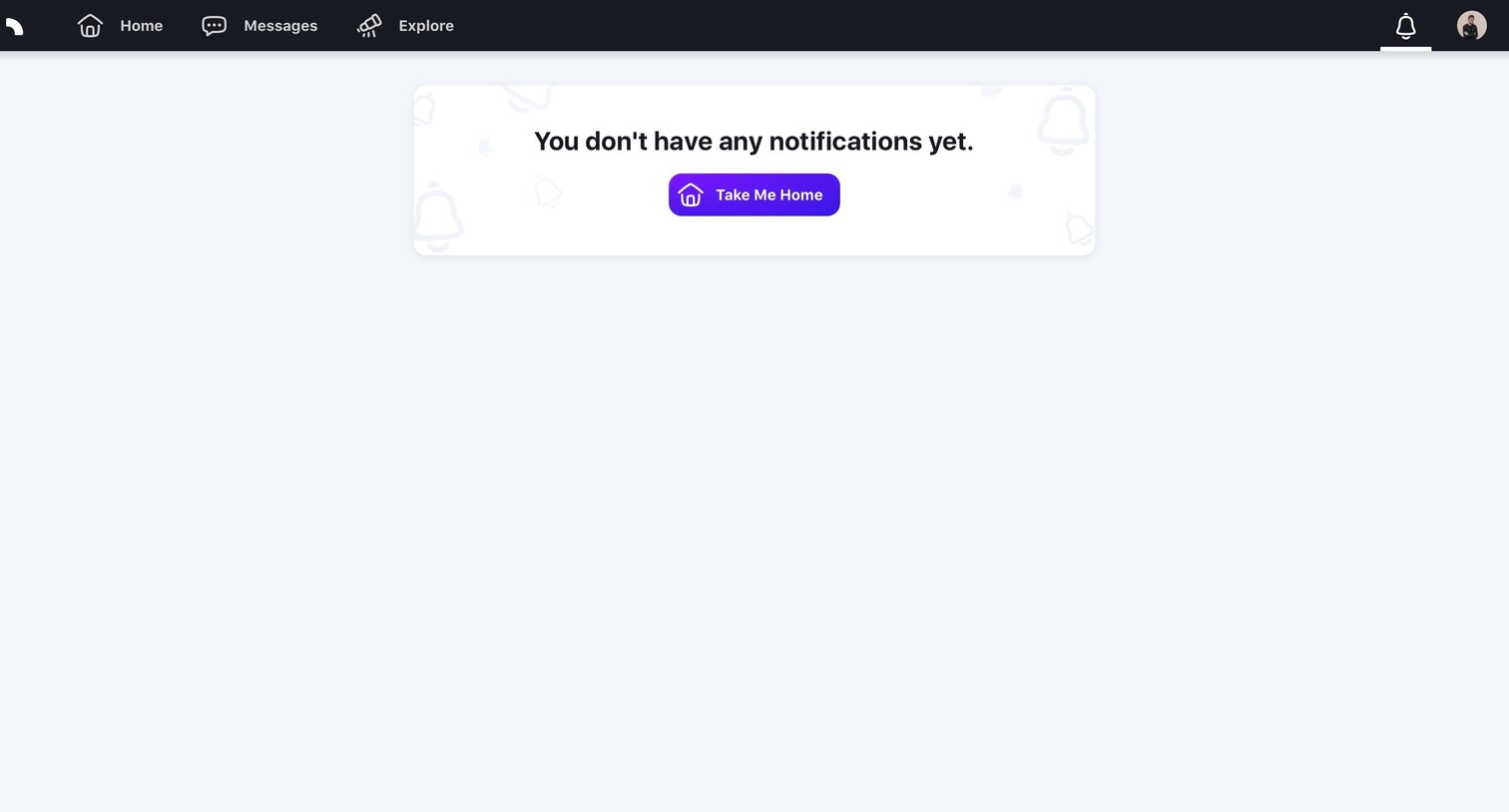
Inbox page where the user views their notifications, currently showing an empty state with a prompt to return to the home screen.
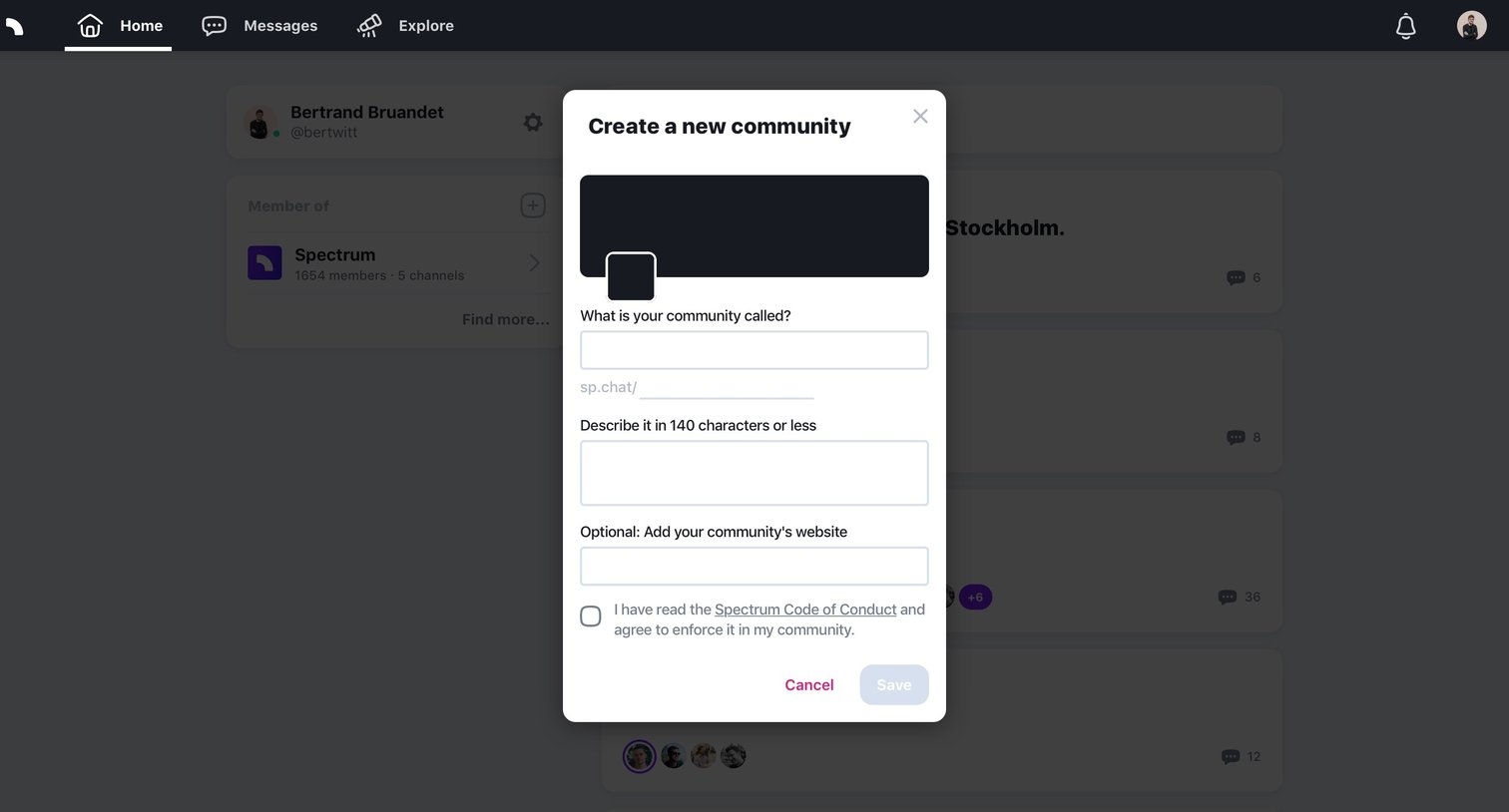
Modal where the user creates a new community by setting a name, custom URL slug, description, and optional website.
Explore the full SaaS screen library
Upgrade to unlock the full library.
Trusted by the best teams







