SeatGeek design examples
Explore SeatGeek UI design examples. Your Ticket to Sports, Concerts & More
Product screens
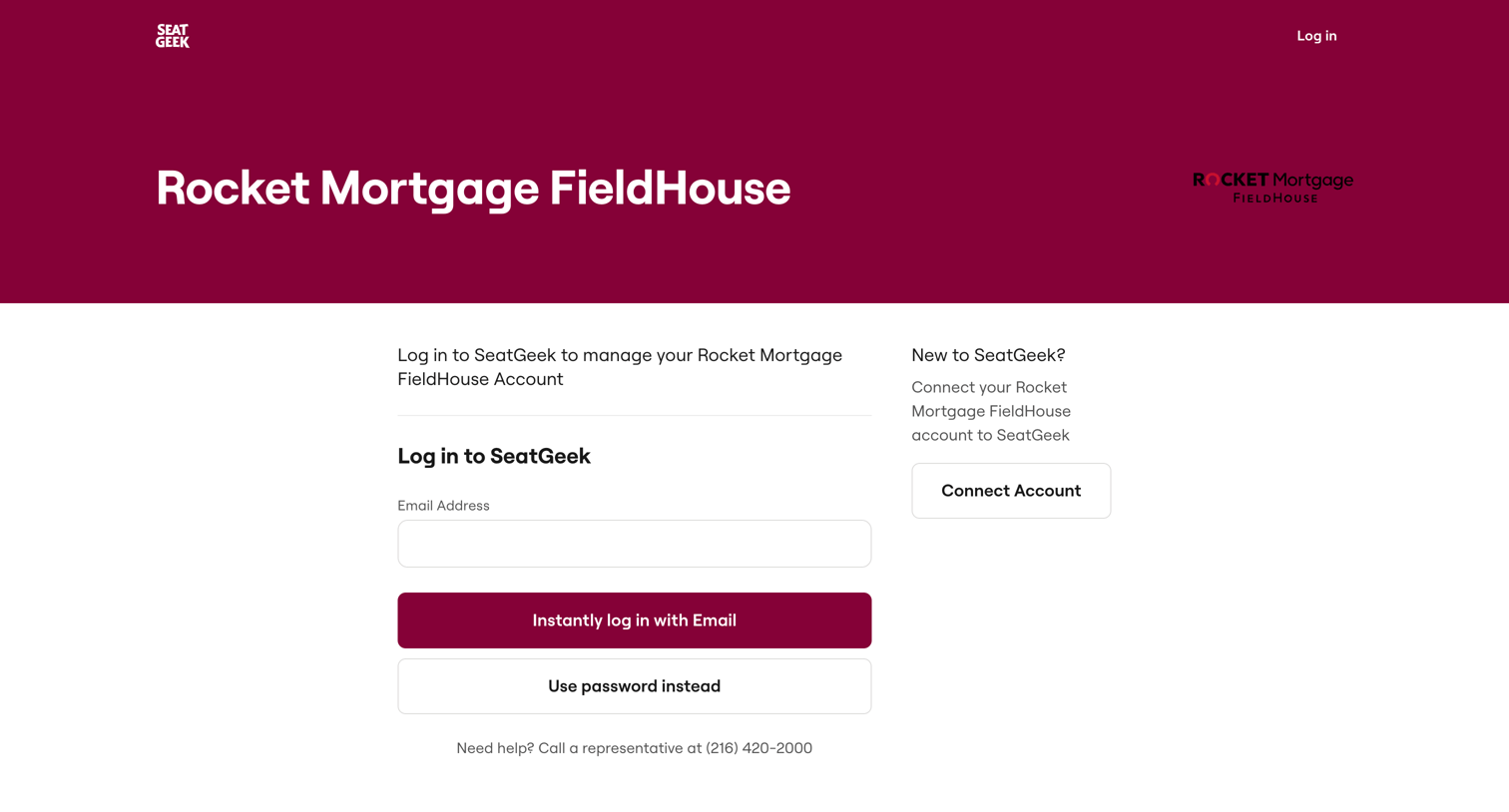


Detail page for a basketball game where the user can filter and select tickets from a list or an interactive seat map.
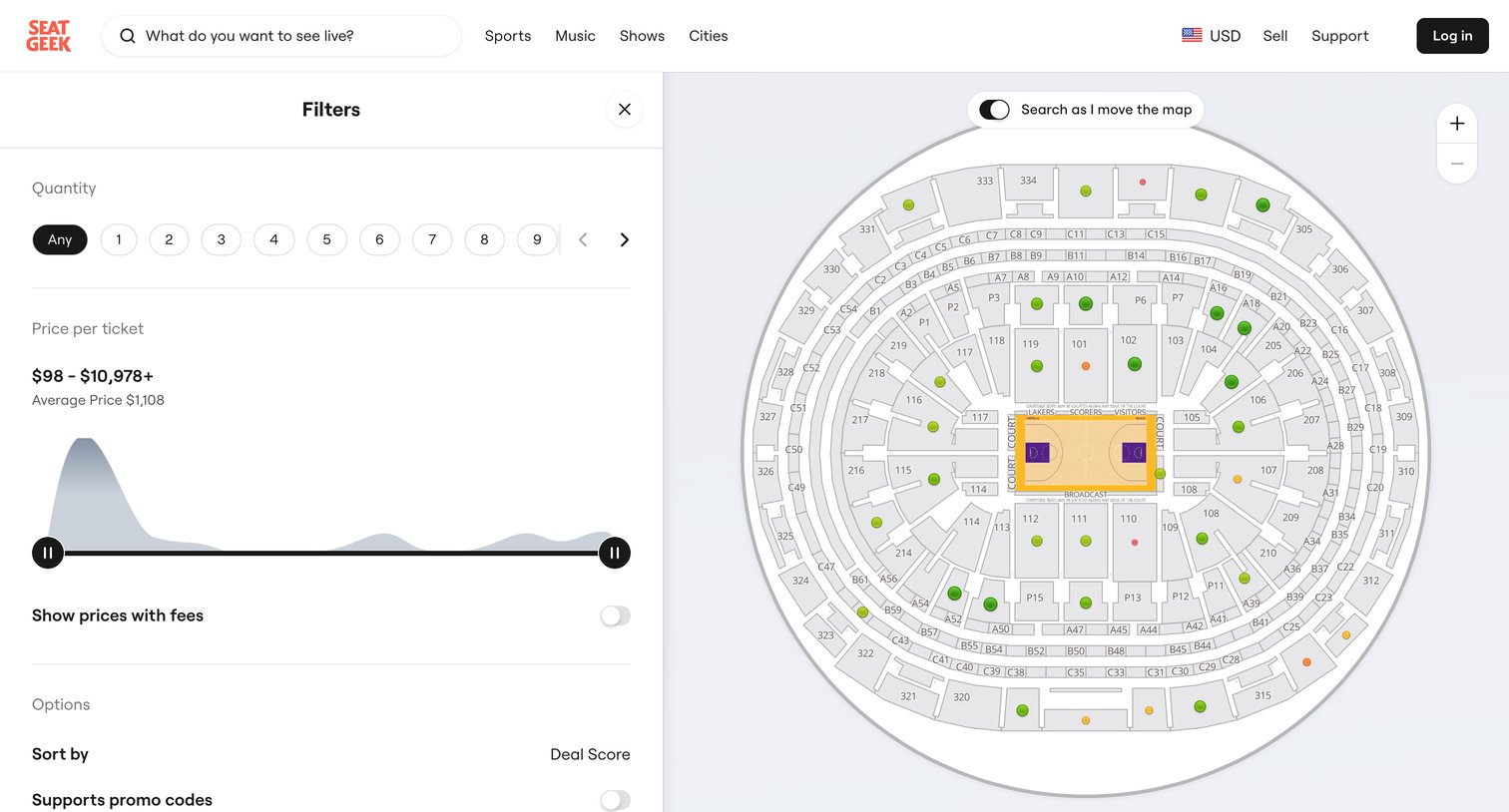
Search results page where the user filters event tickets by quantity and price while viewing available seats on an interactive venue map.
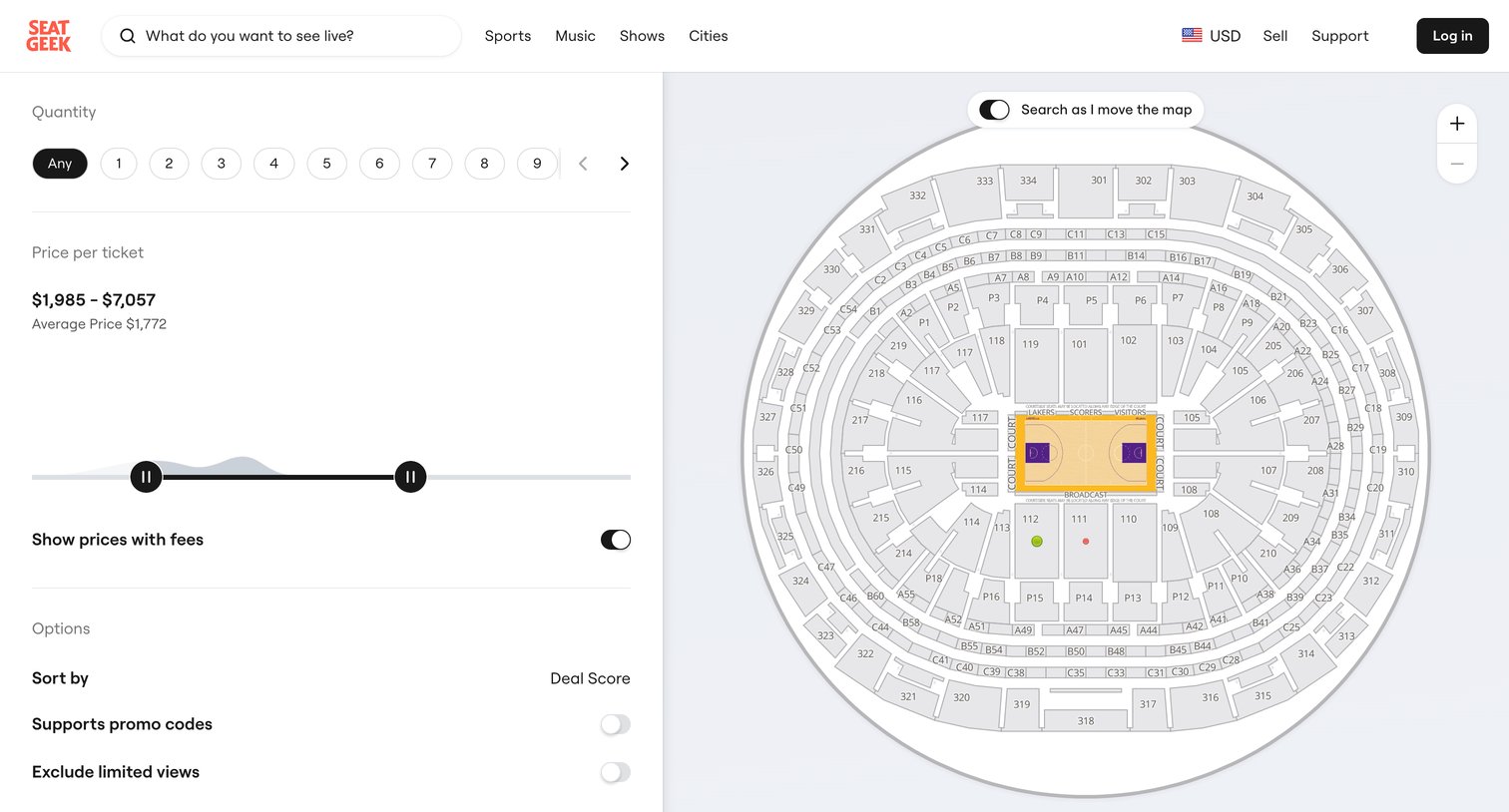
Search results page where the user filters available stadium seats by quantity, price range, and view options alongside an interactive map.
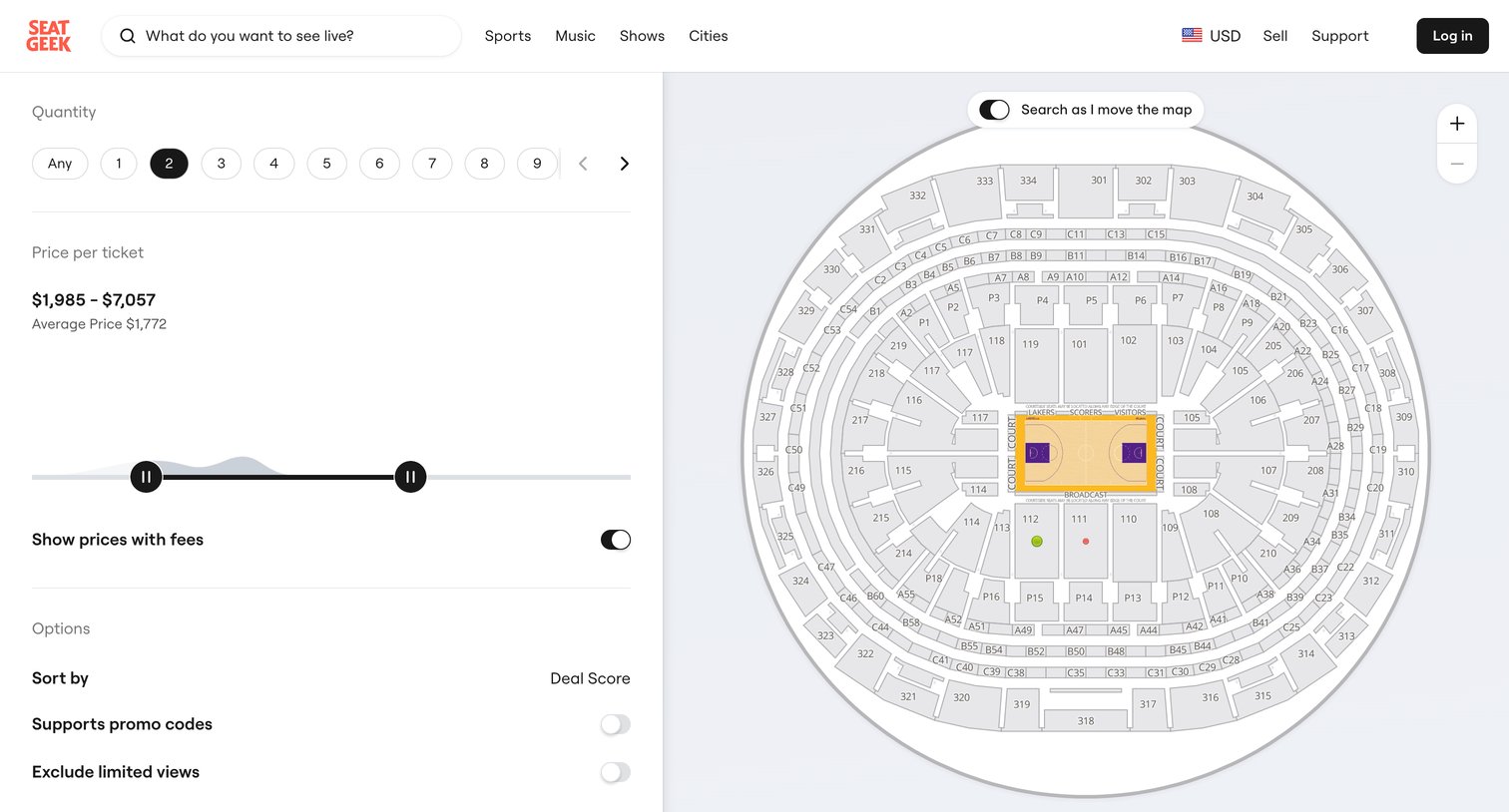
Search results page for a basketball game where the user can filter tickets by quantity, price, and options while viewing an interactive seating map.
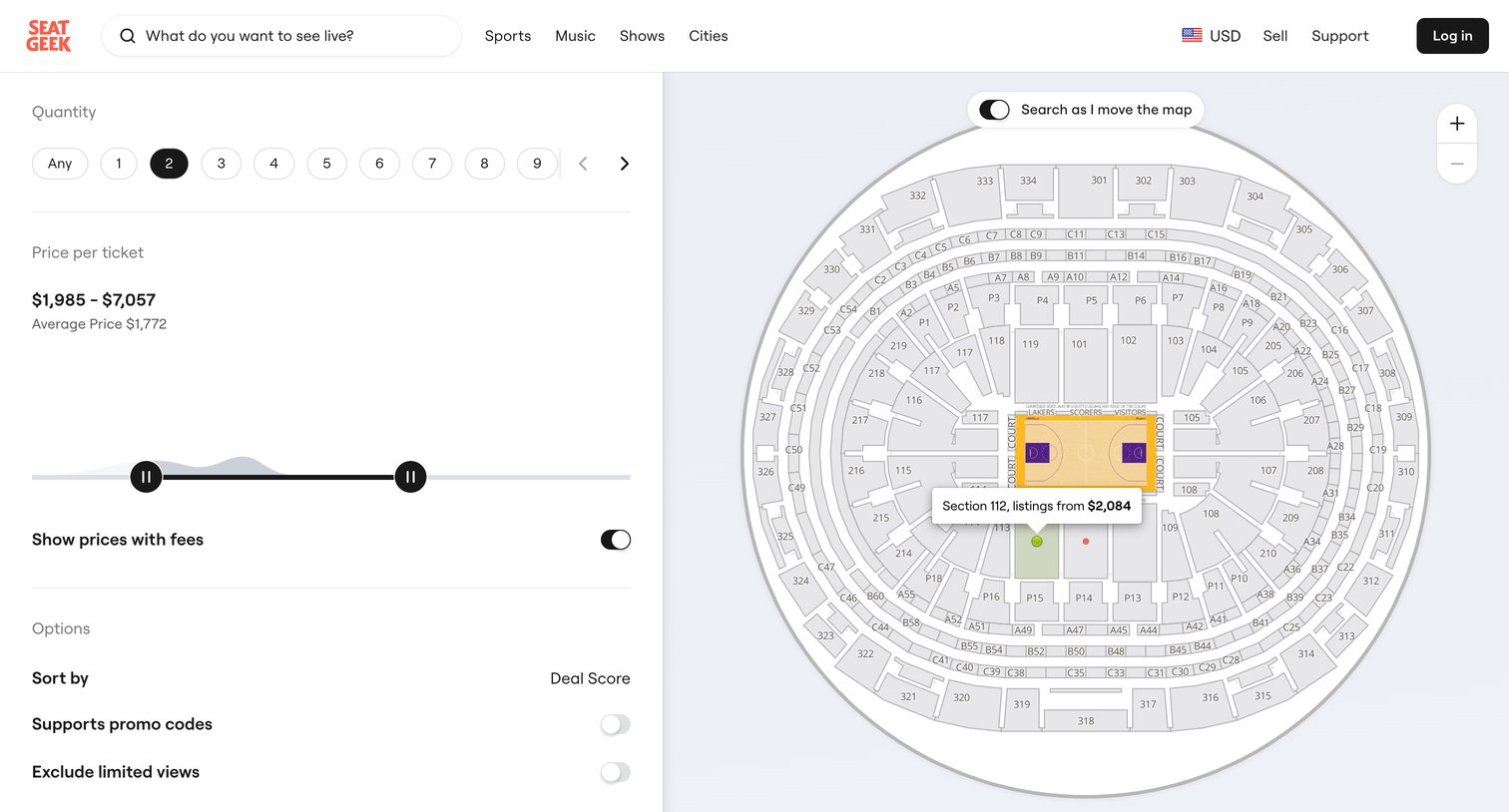
Search interface where the user filters event tickets by quantity, price range, and seating section on an interactive stadium map.
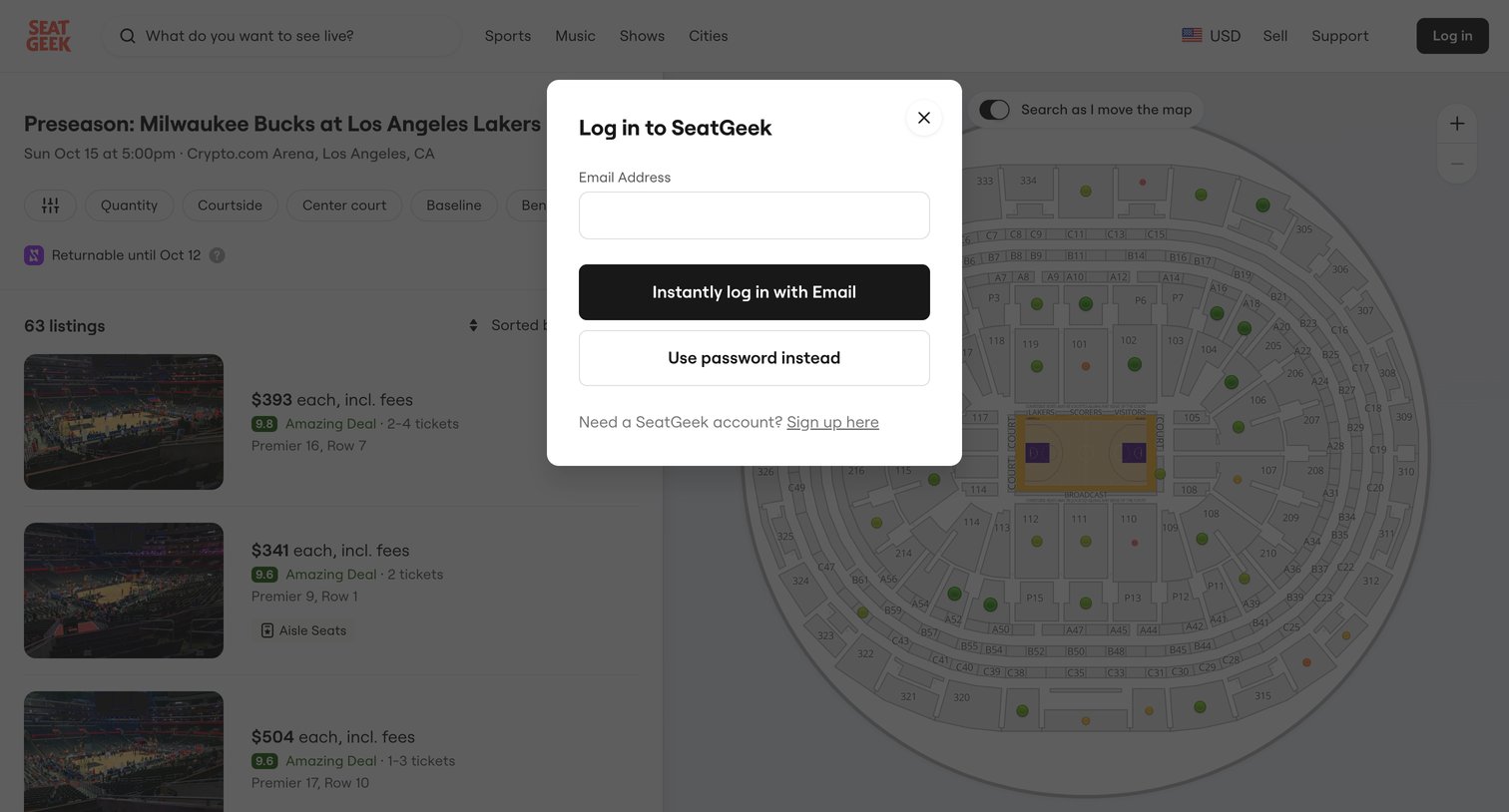
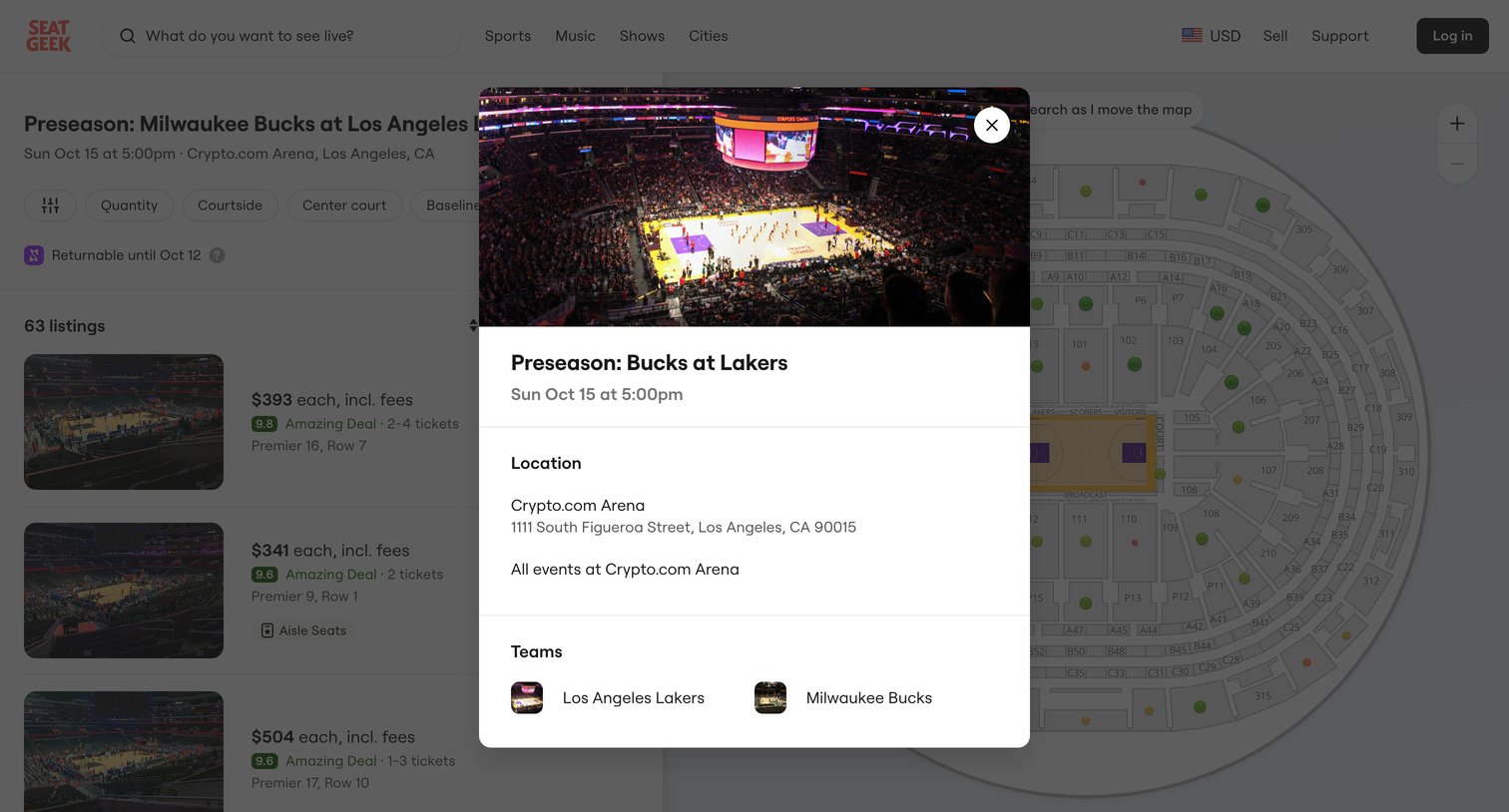
Detail page where the user views the location, time, and participating teams for a specific basketball game in a modal overlaying the seating chart and ticket listings.
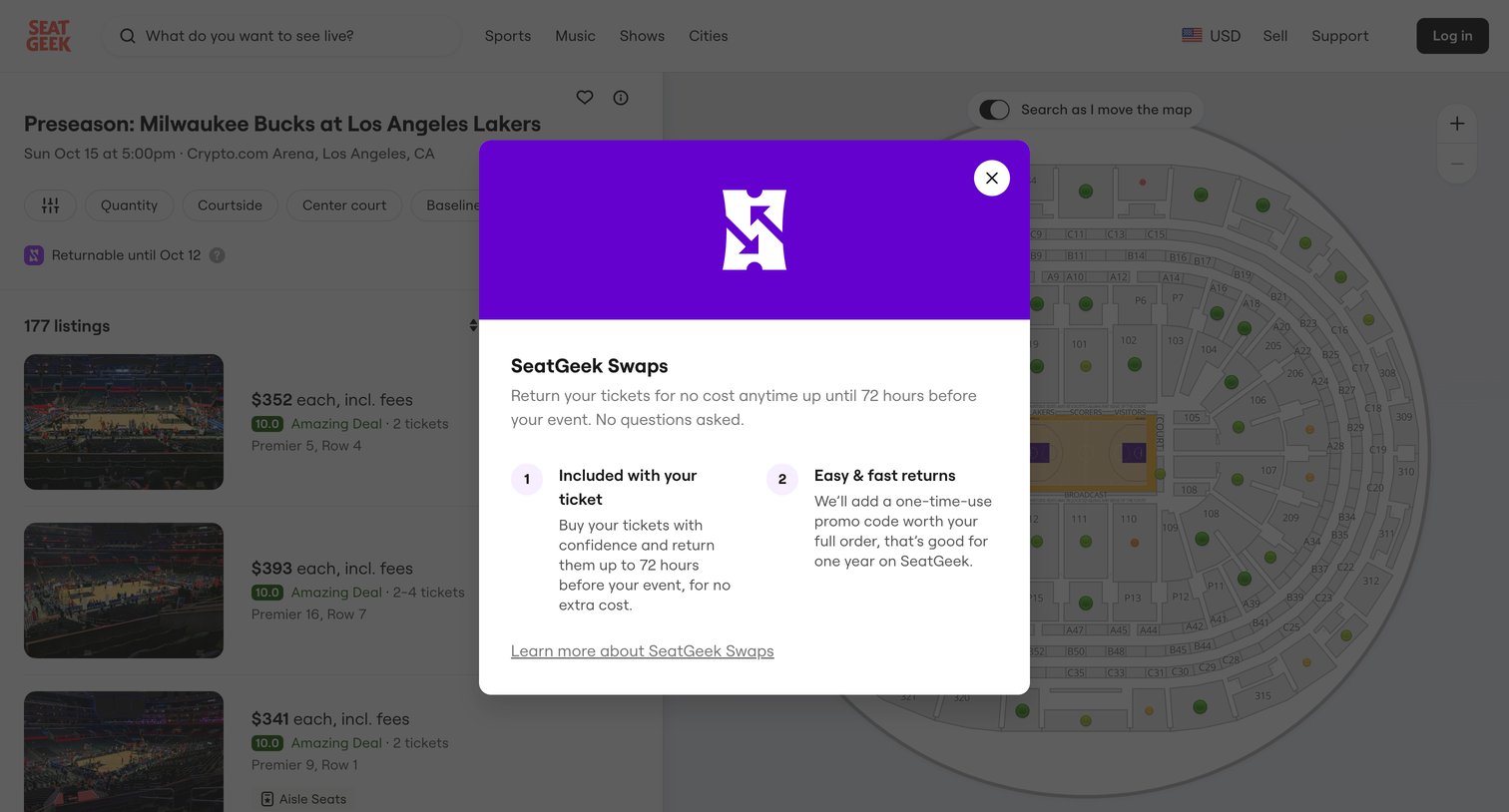
List view for event tickets where a modal explains the ticket return policy and features over a dimmed interactive seating map.
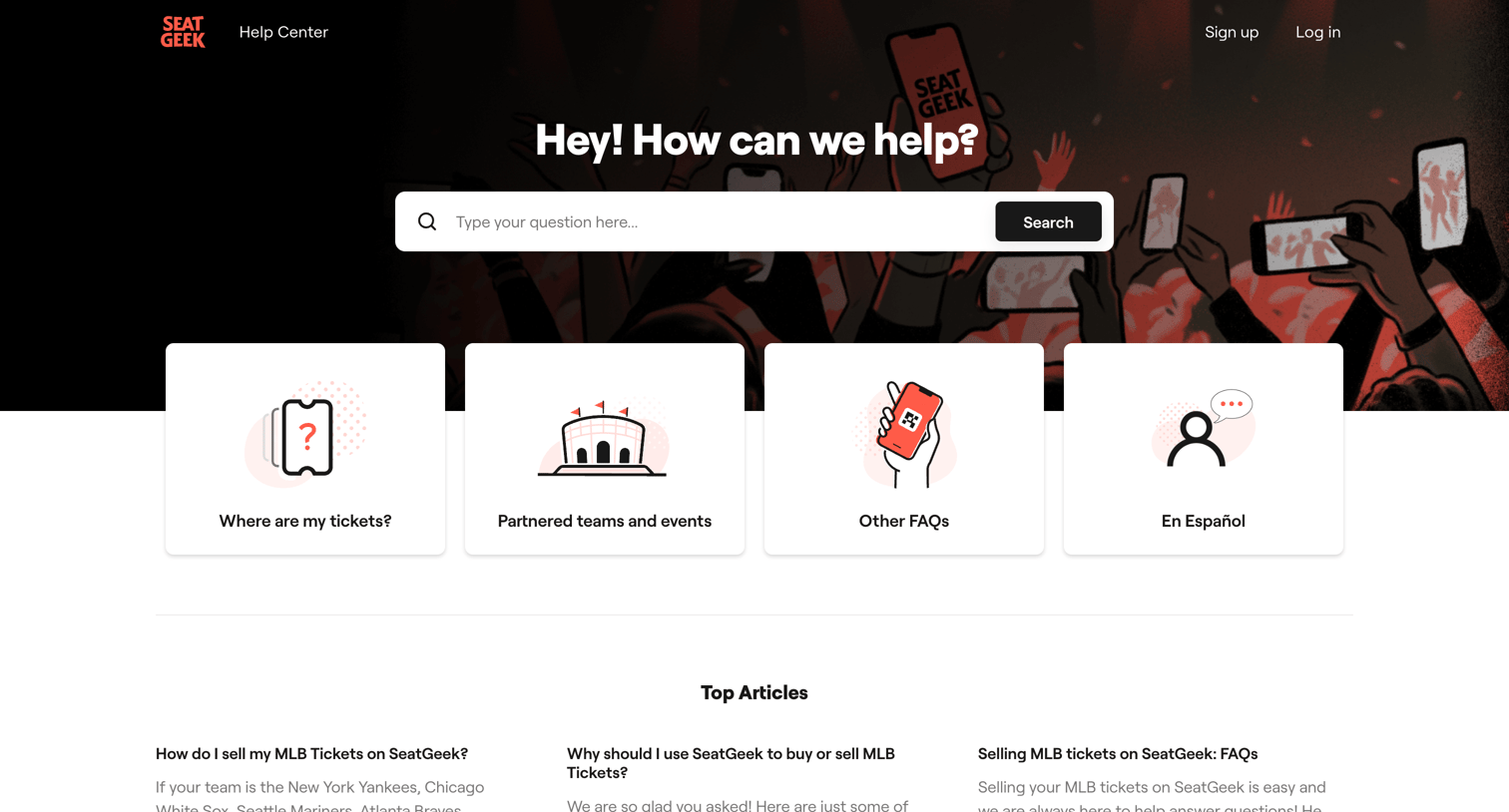
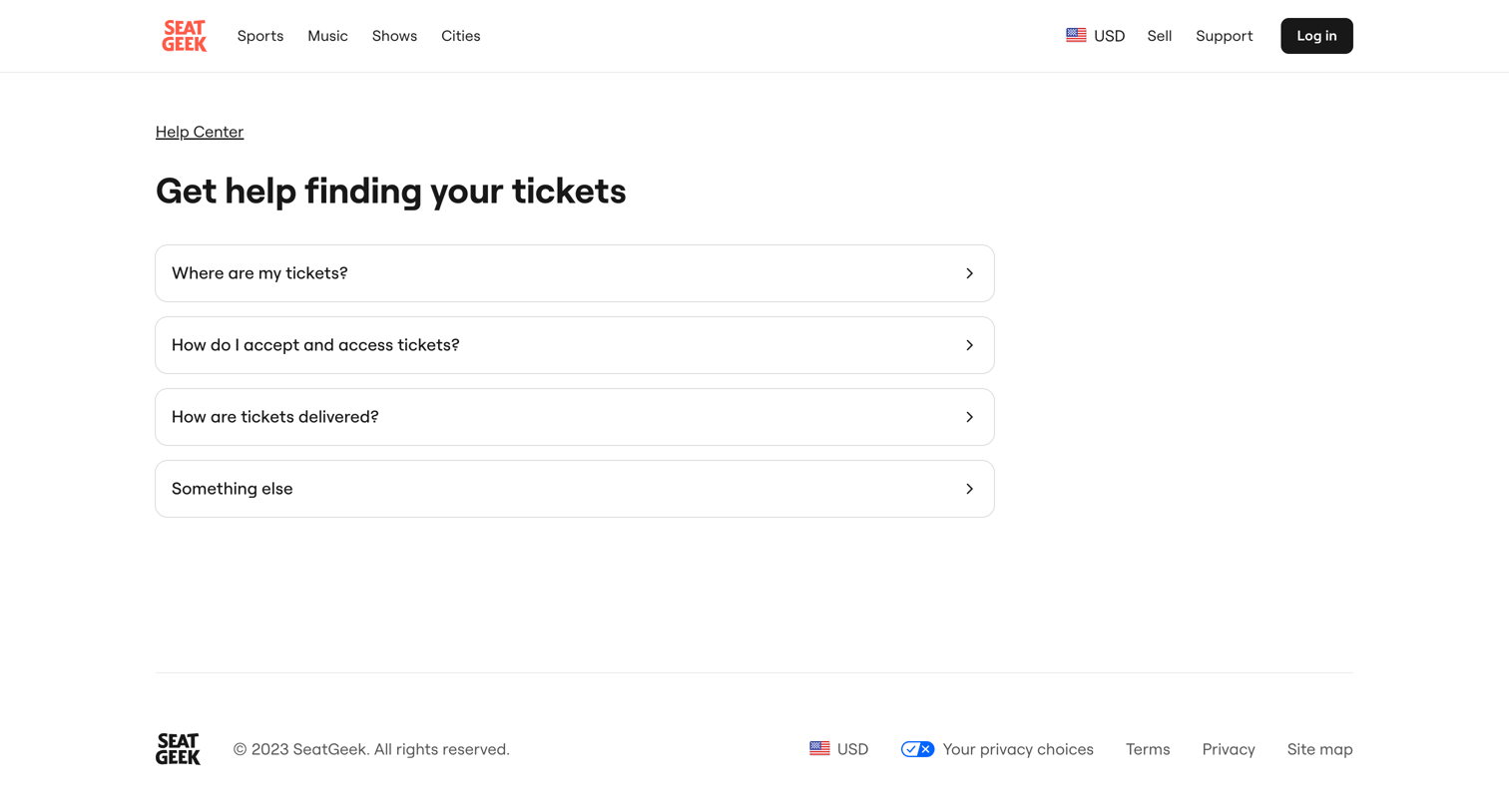
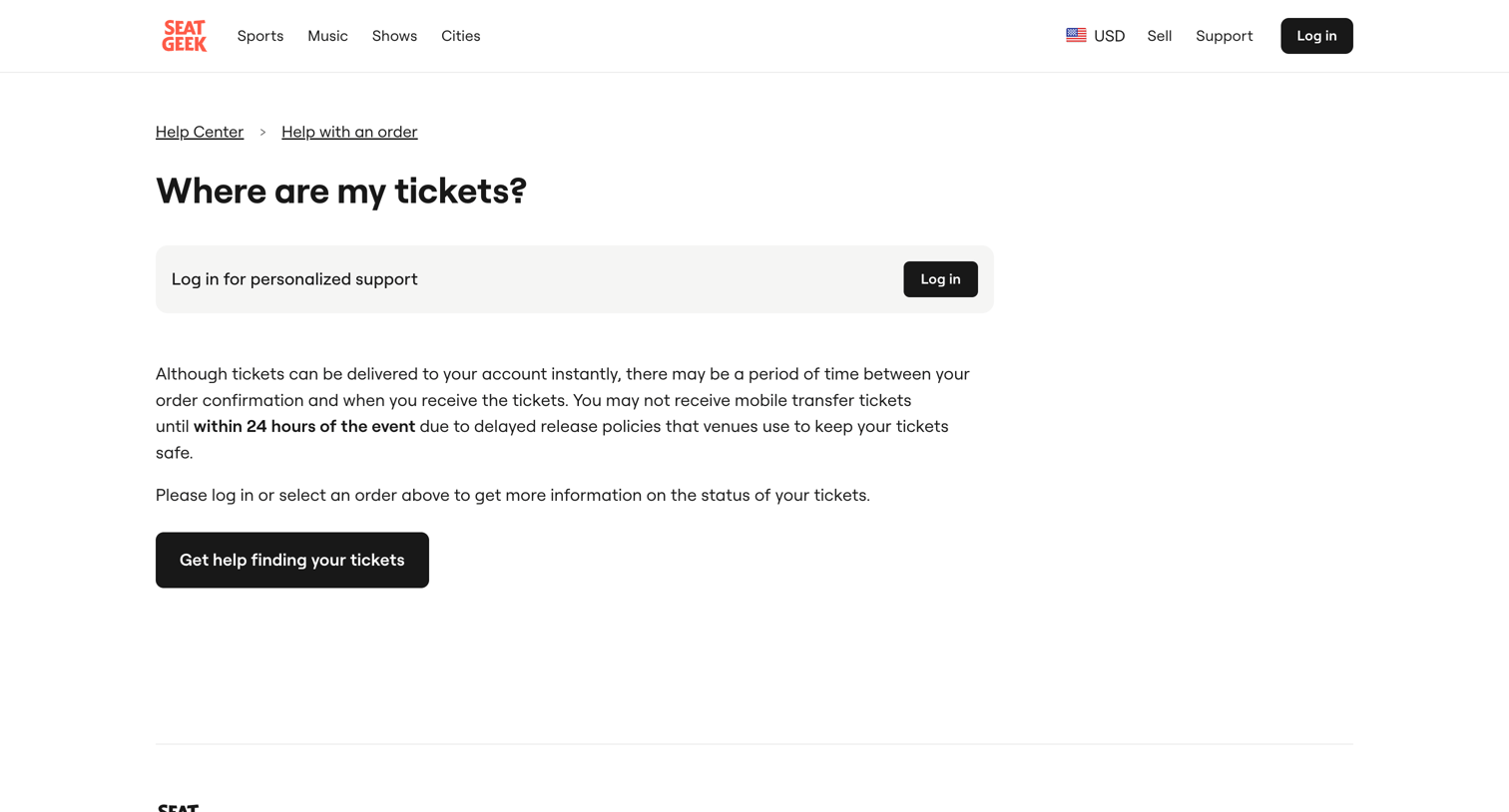
Help center article explaining ticket delivery timelines with a prominent banner prompting the user to log in for personalized order support.
Browse the full SaaS app library
Explore real SaaS apps with their product screens, marketing screens, flows, and components.
Trusted by the best teams







