SeatGeek user flows examples
Explore SeatGeek user flow examples. Preview the opening screens and steps for each task. Your Ticket to Sports, Concerts & More
Preview these flows

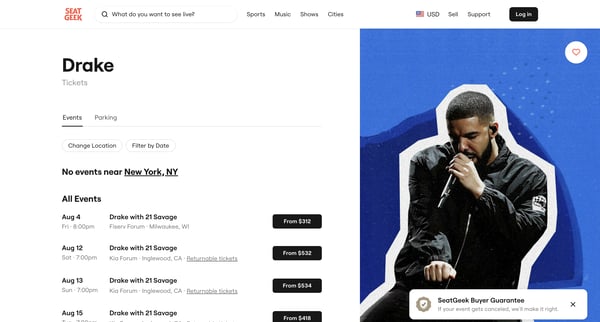
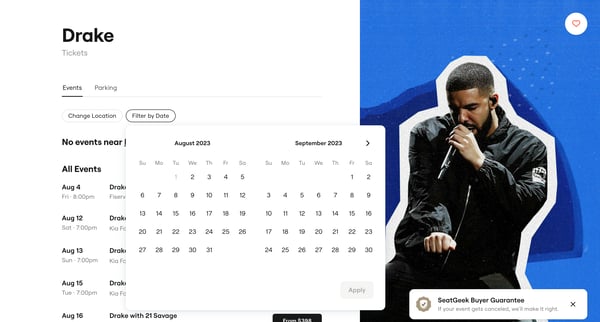
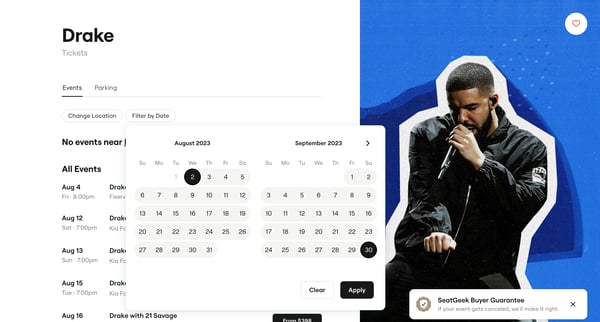
This user flow enables users to filter and sort Drake concert tickets by date and location, providing options for parking passes and displaying ticket prices for selected events.
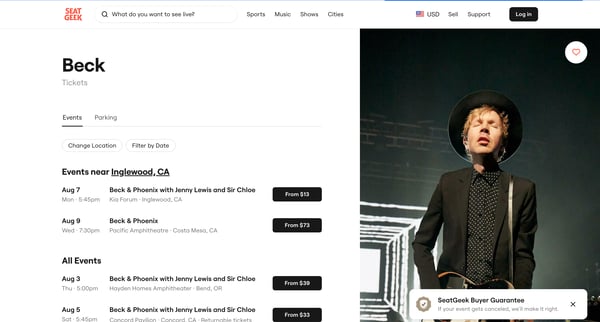
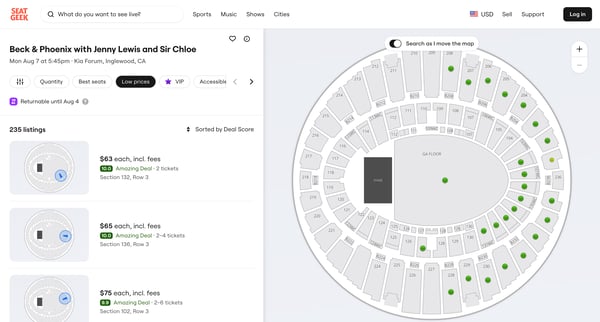
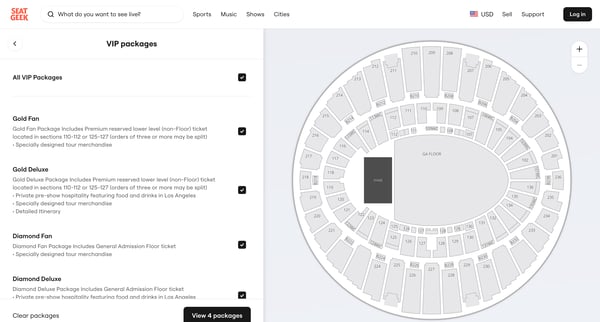
This flow guides a user through the selection and purchase of event tickets on SeatGeek, offering various options such as event details, ticket selection, VIP package choices, and finally che
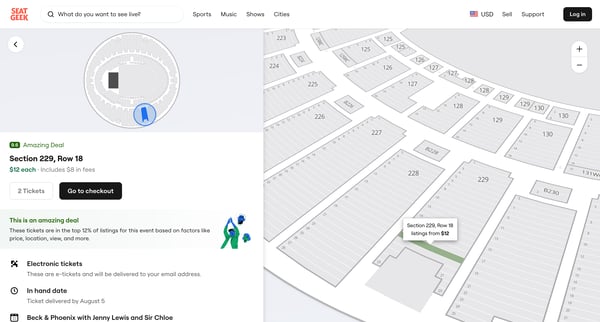
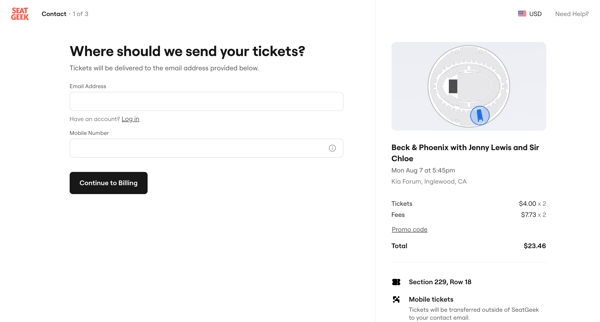
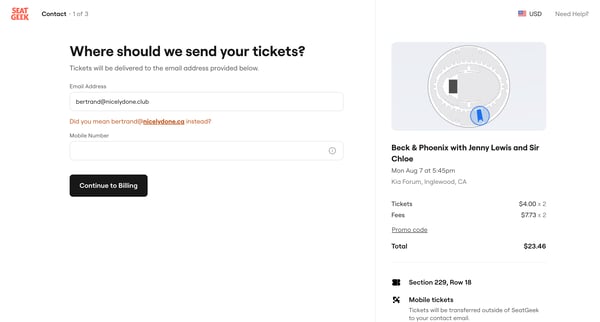
This sequence guides a user through the process of upgrading their subscription on SeatGeek, from selecting tickets to successfully completing the purchase and registering an account.
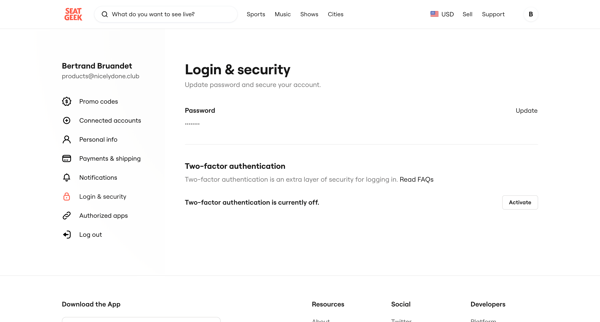
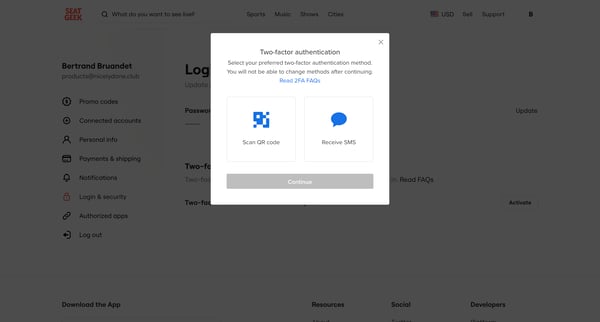
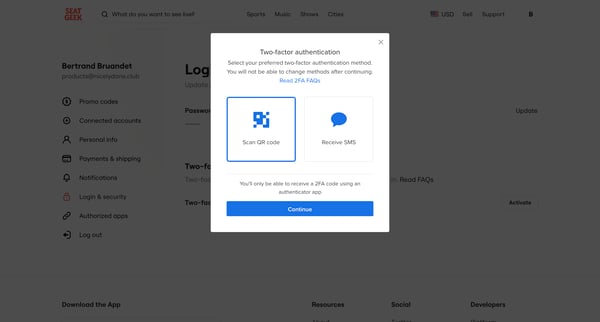
This user flow enables users to set up multi-factor authentication (MFA) for their accounts, enhancing security by requiring a second form of verification.
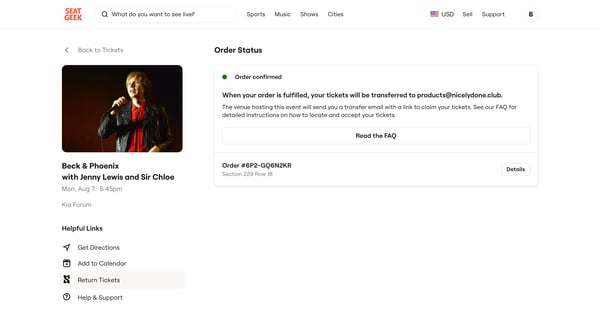
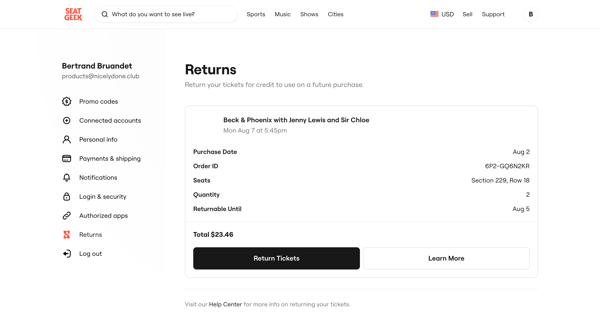
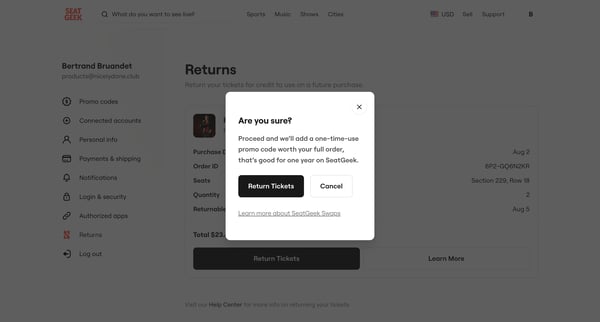
This user flow manages the process of returning tickets on SeatGeek, converting the ticket value into a promotional code for future use.
Explore the full SaaS flow library
Browse the full SaaS flow library.
Trusted by the best teams







