Remote product screens examples
Browse Remote screen design examples. Preview the interface screenshots and explore related UI patterns. Global HR solutions for distributed teams
Explore the examples
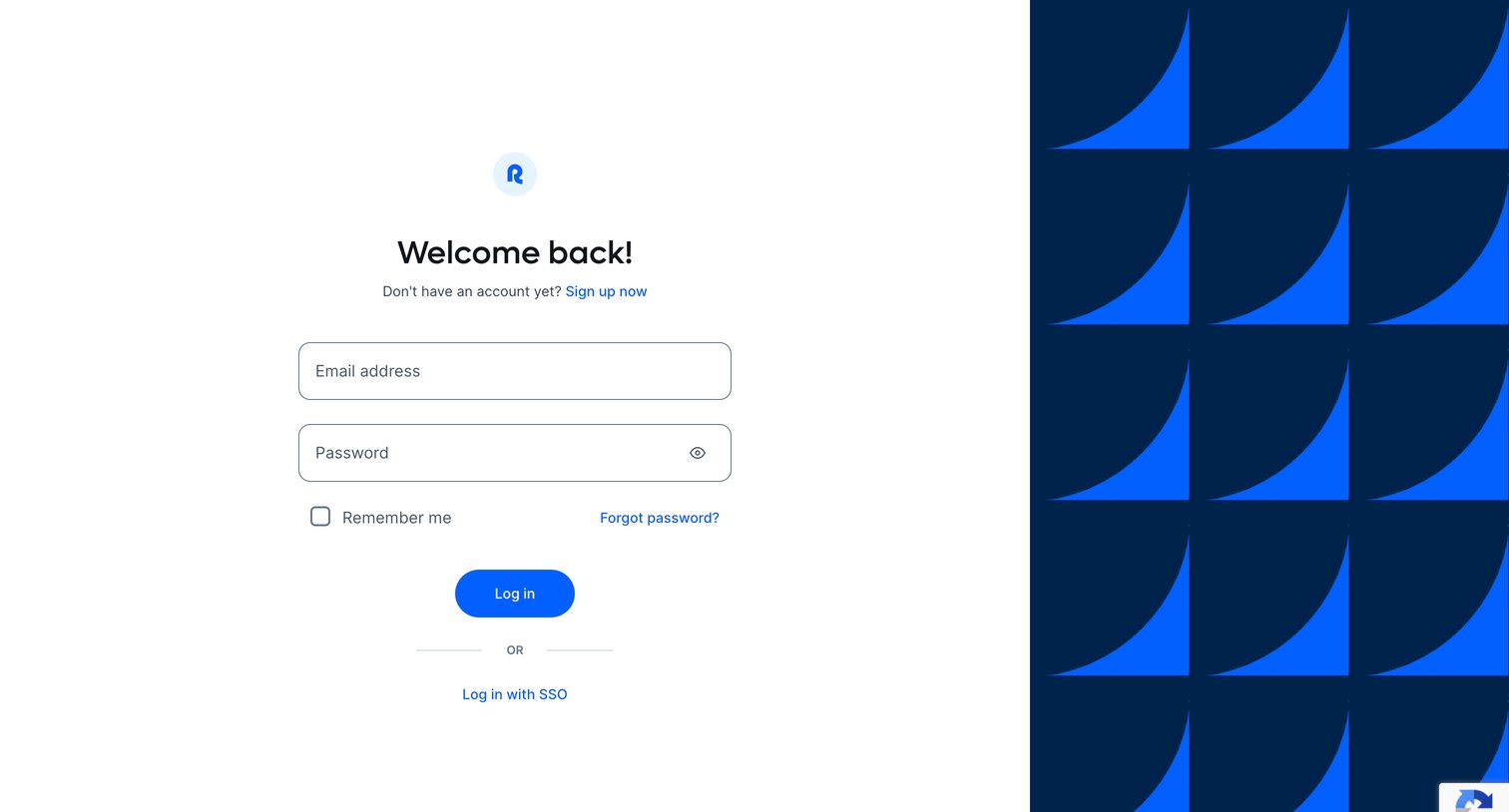

Sign-in screen where the user authenticates with email and password or chooses to log in via SSO.
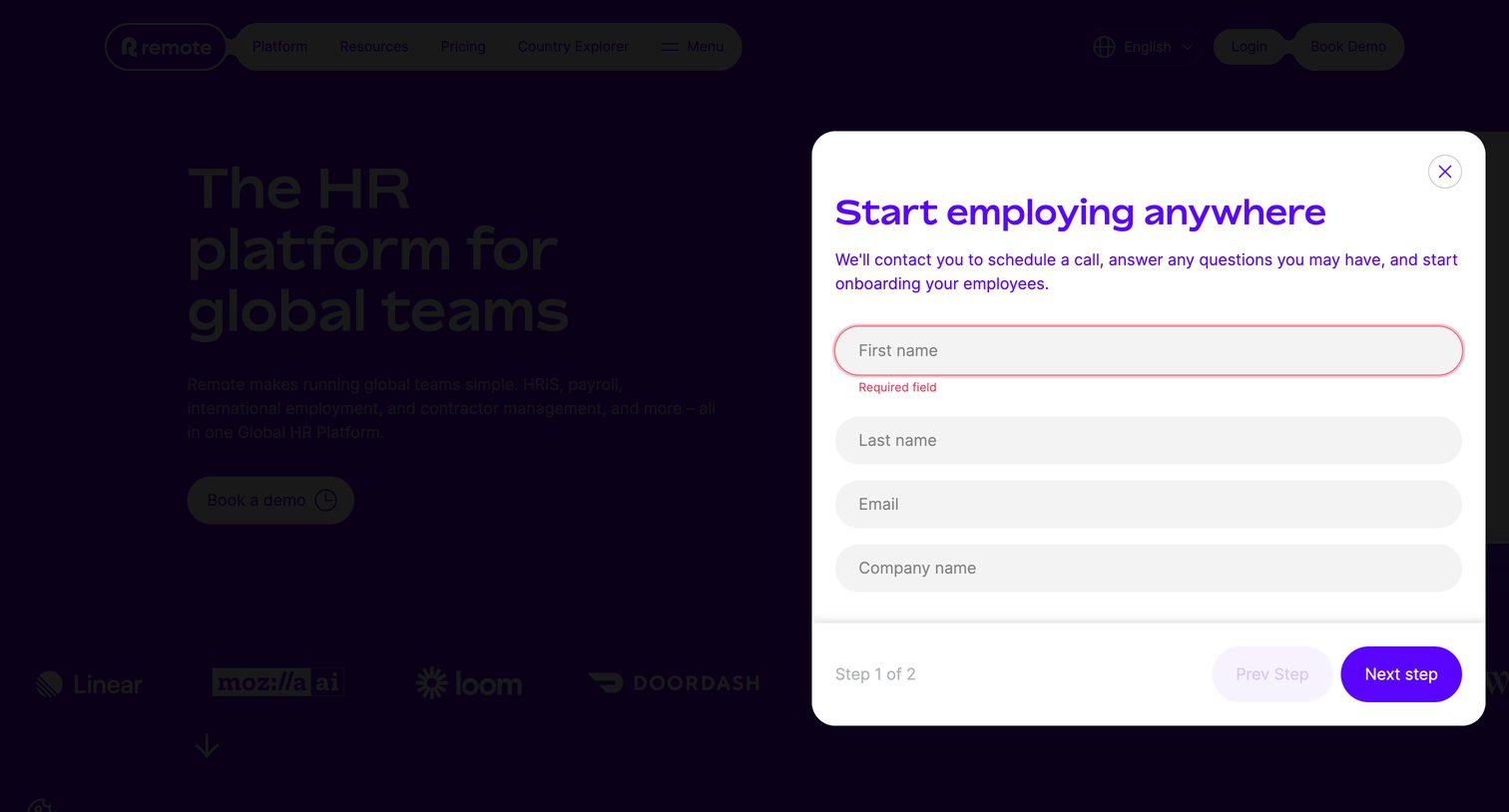
Landing page where a modal prompts the user to start onboarding by entering their name and company details, currently showing a validation error.
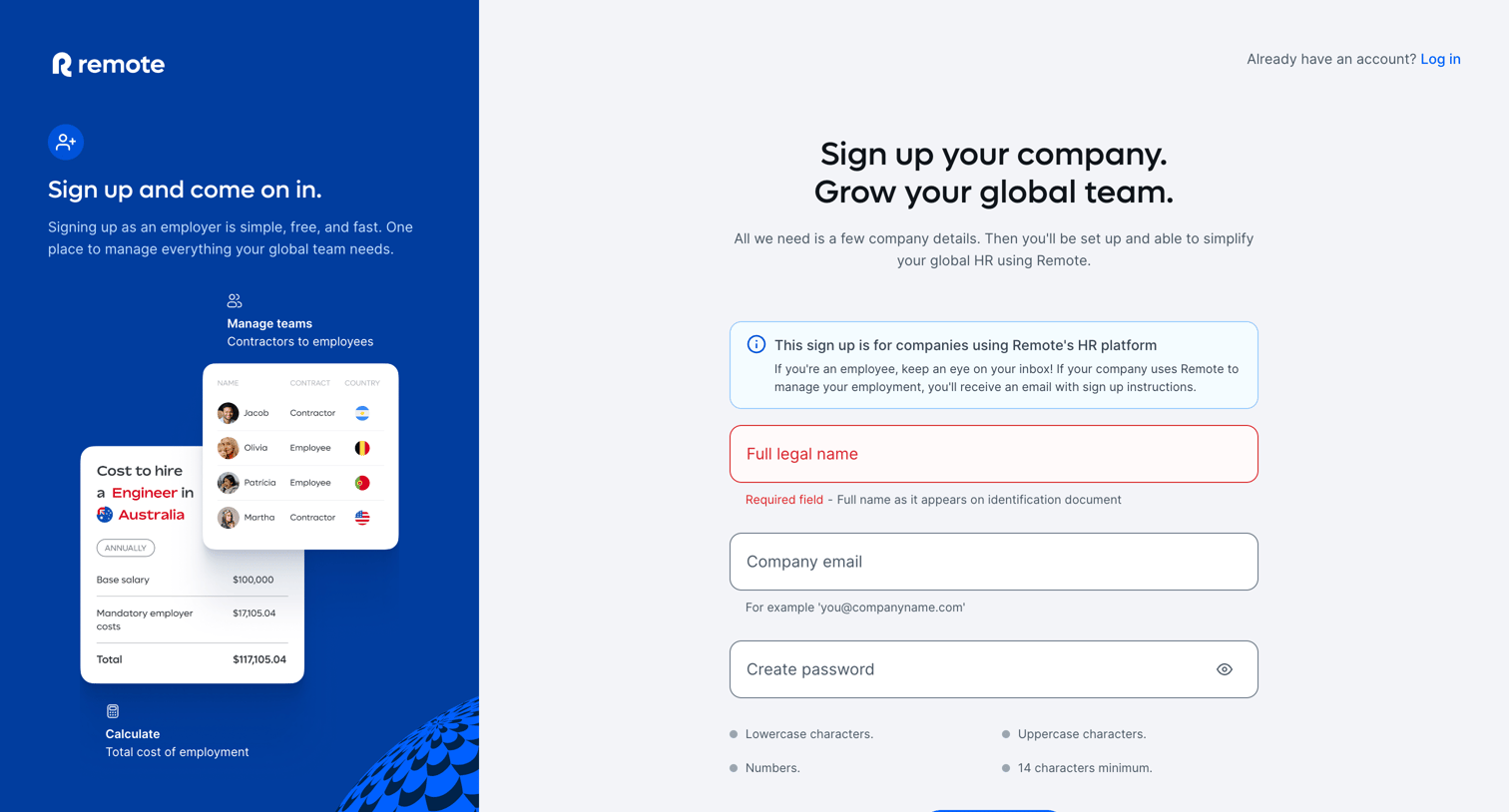
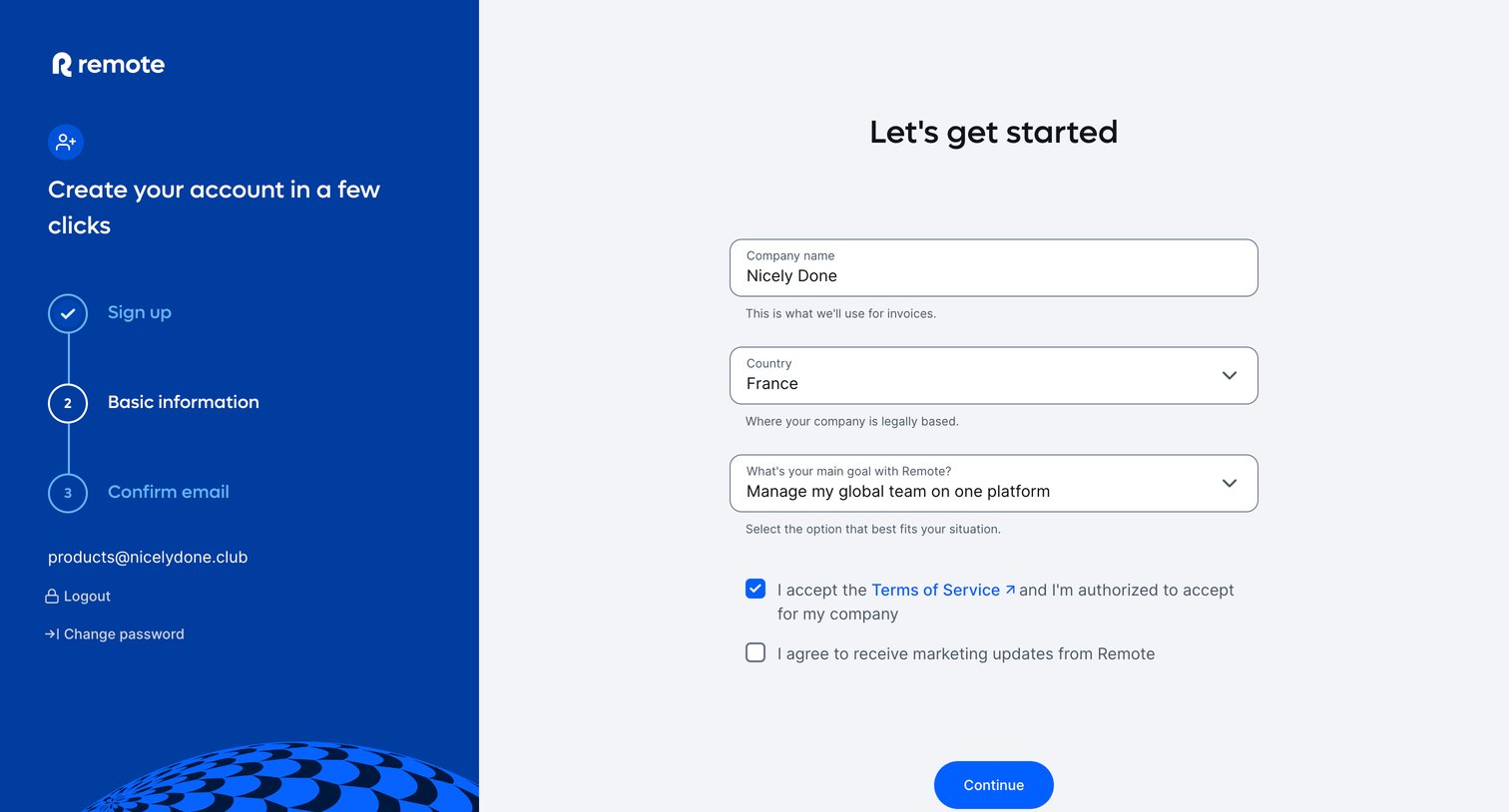
Onboarding step where the user provides their company name, country, and primary goal to complete their account setup.
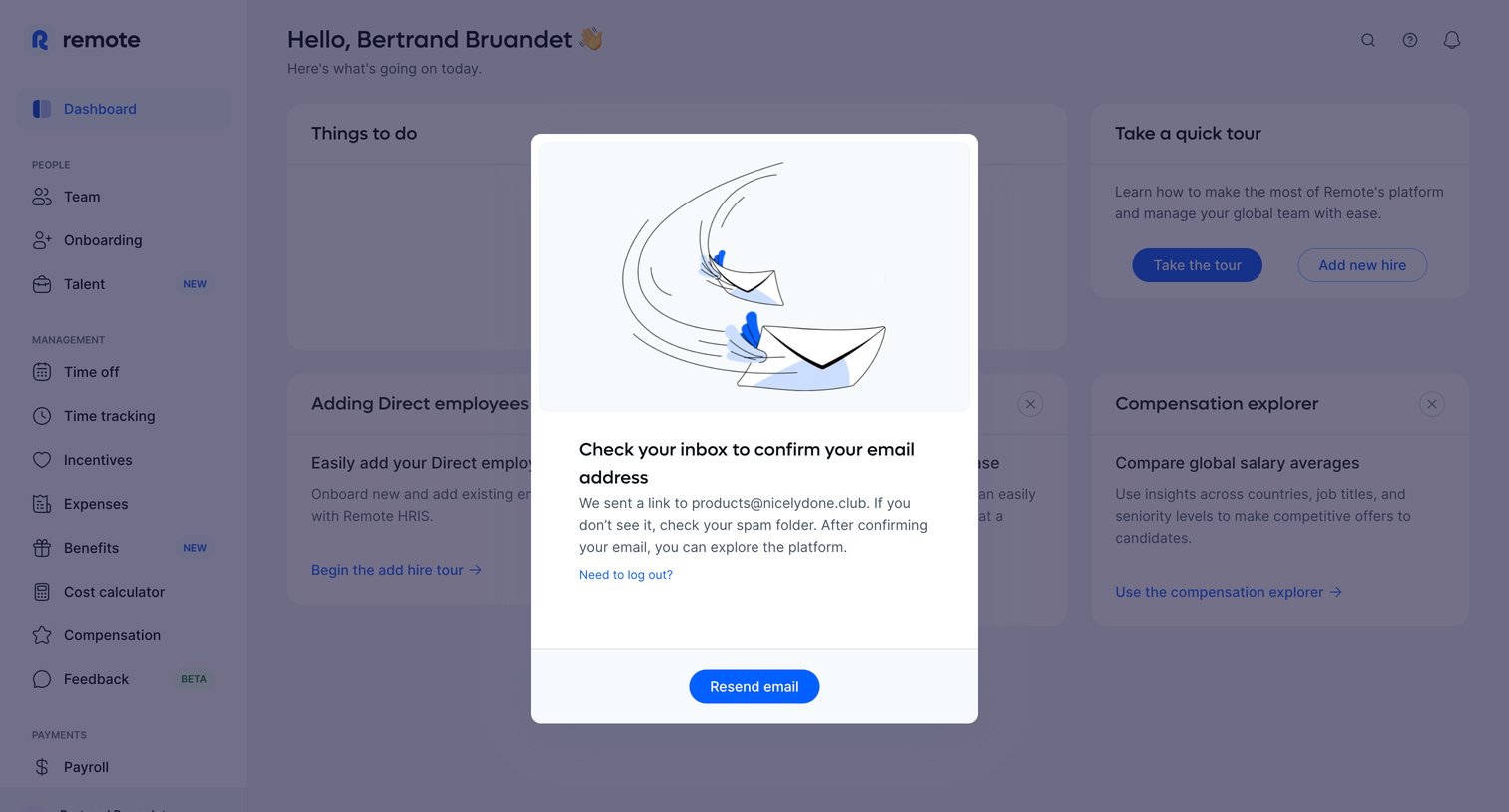
Dashboard overlay where the user is prompted to check their inbox and confirm their email address before exploring the platform.
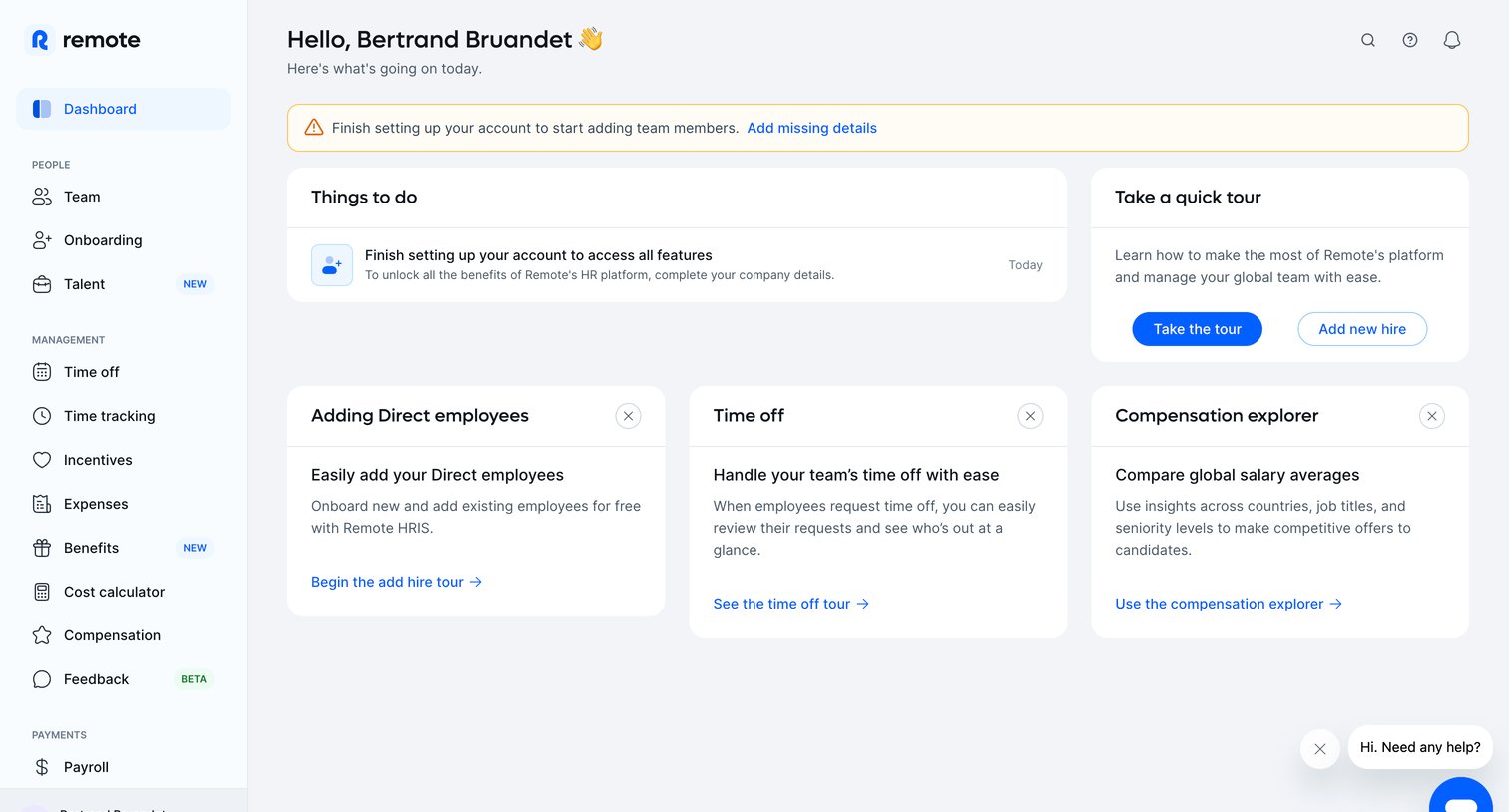
Dashboard for an HR platform where the user is prompted to finish account setup and explore features like adding employees, time off, and compensation.
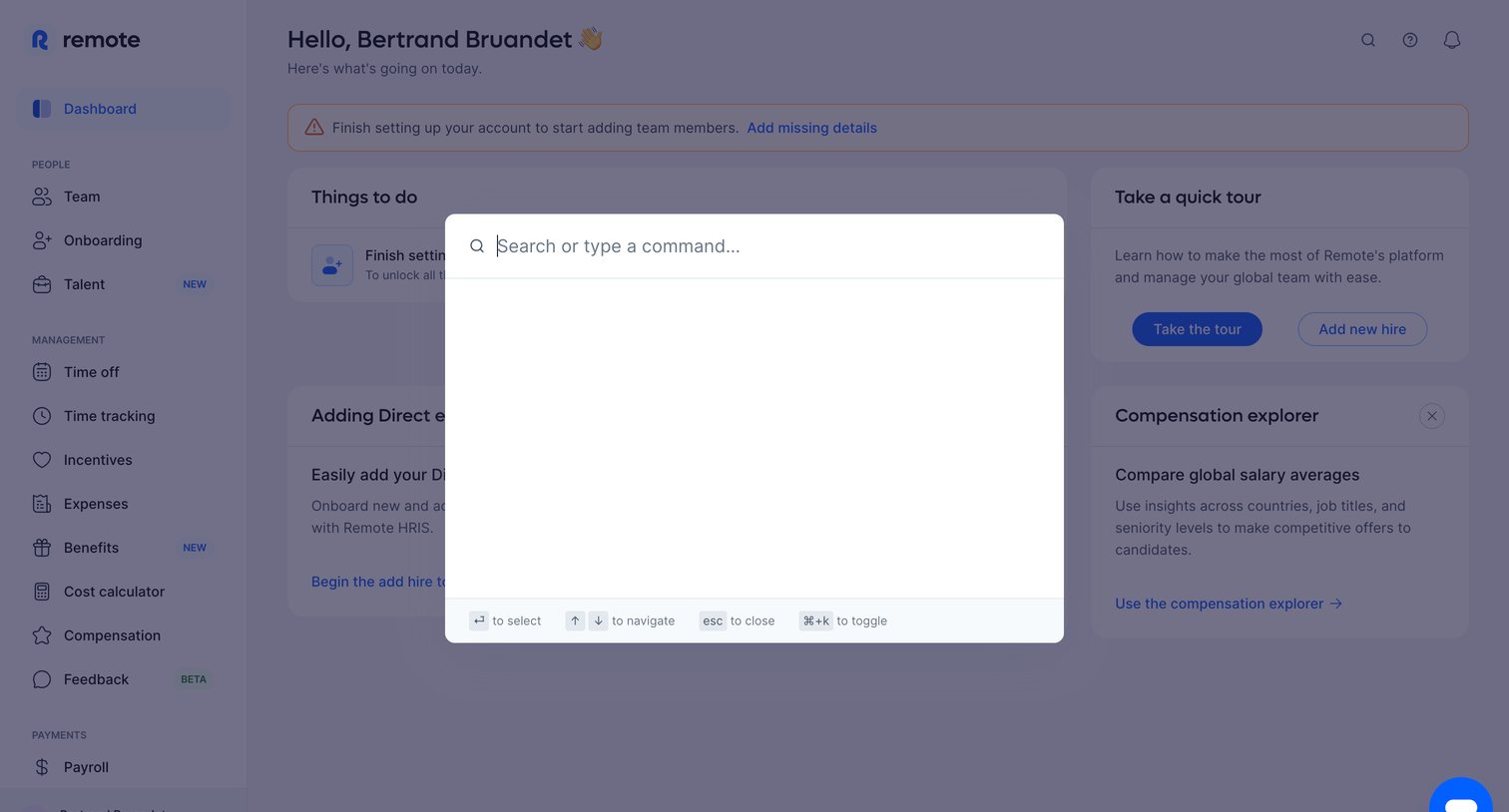
Search overlay where the user can type a command or search across the HR platform, invoked over the main dashboard.
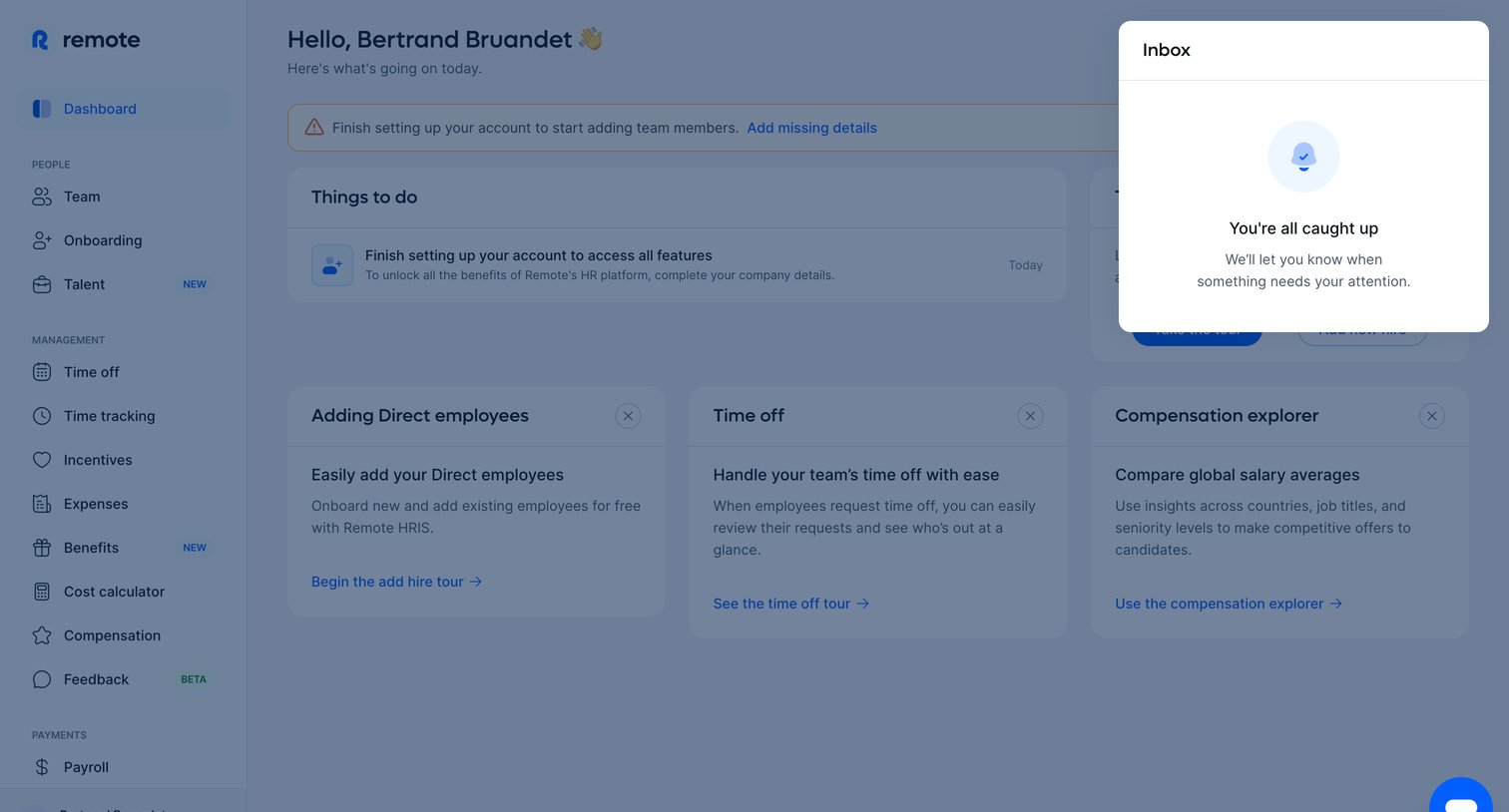
Home screen where the user views an empty inbox modal over a setup checklist and product tour cards.
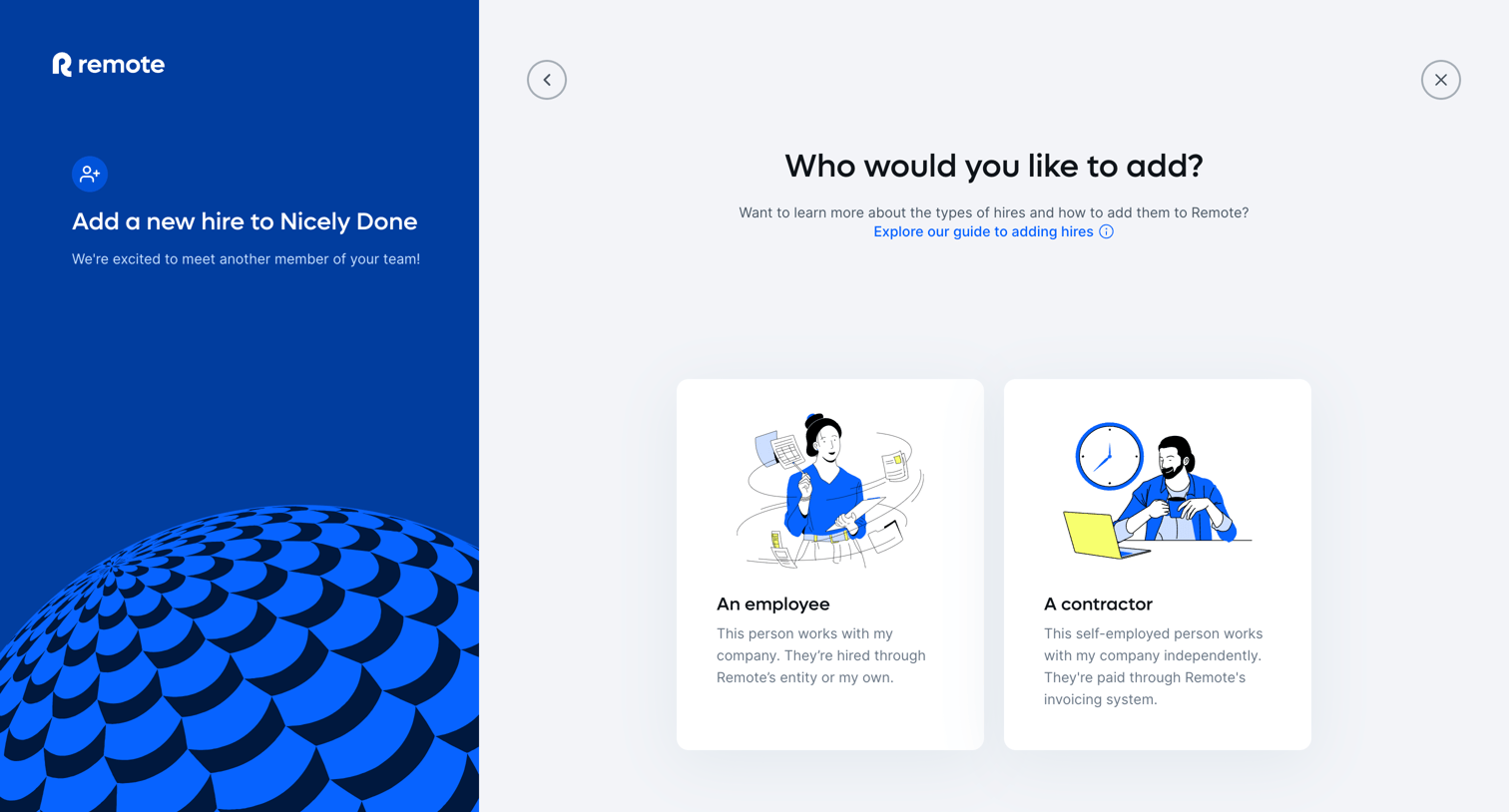
Wizard step where the user selects whether to add an employee or a contractor to their team.
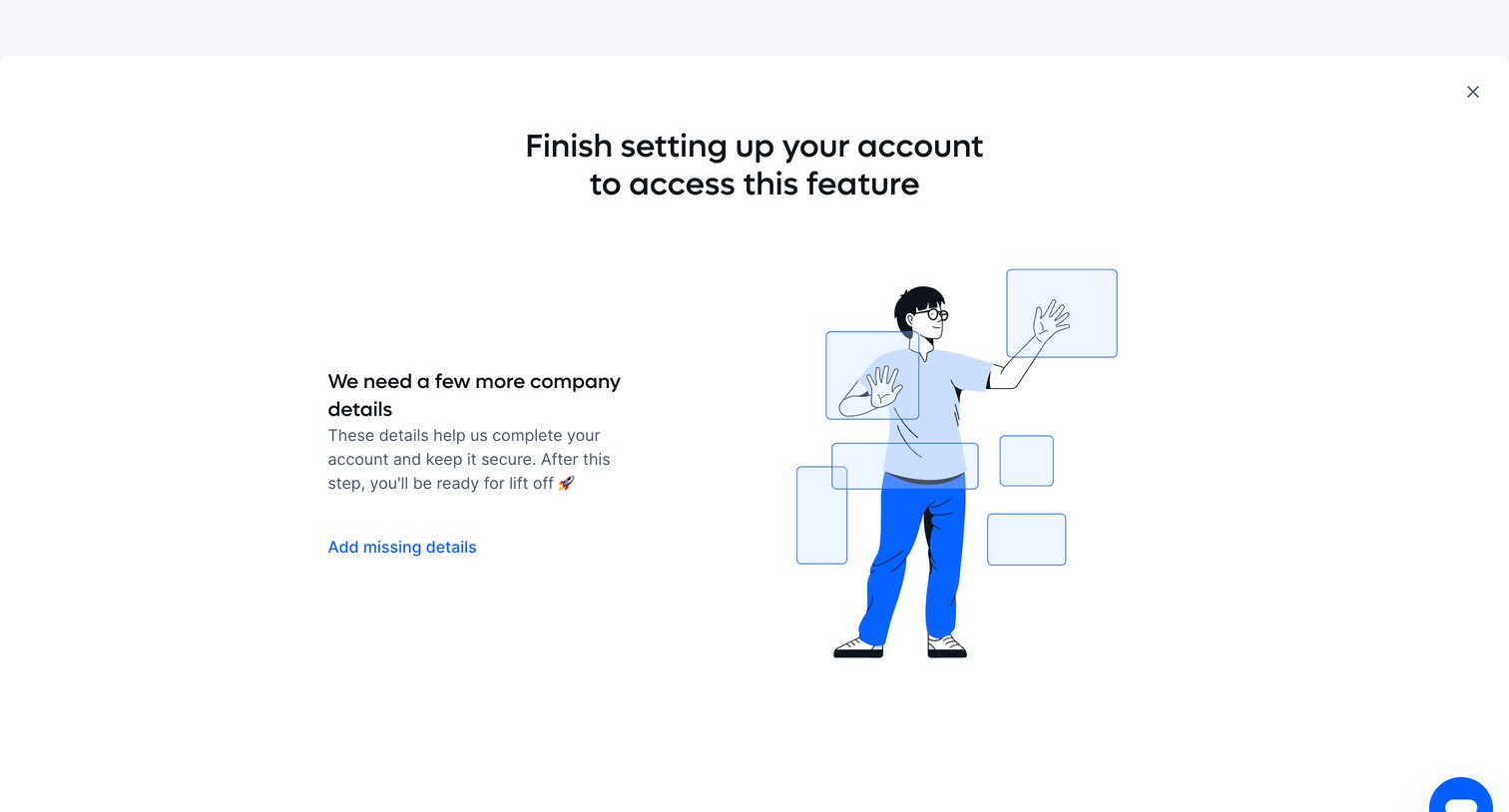
Modal blocking access to a feature until the user finishes setting up their account by adding missing company details.
Explore the full SaaS screen library
Upgrade to unlock the full library.
Trusted by the best teams







