Remind product screens examples
Browse Remind screen design examples. Preview the interface screenshots and explore related UI patterns. Reach students and parents where they are.
Explore the examples


Password recovery screen where the user enters their email address or phone number to receive reset instructions.

Account creation Onboarding Form

Signup modal where the user enters their first and last name along with a password to create a new account.

Onboarding step where the user selects their role as a teacher, student, or parent to customize their account setup.
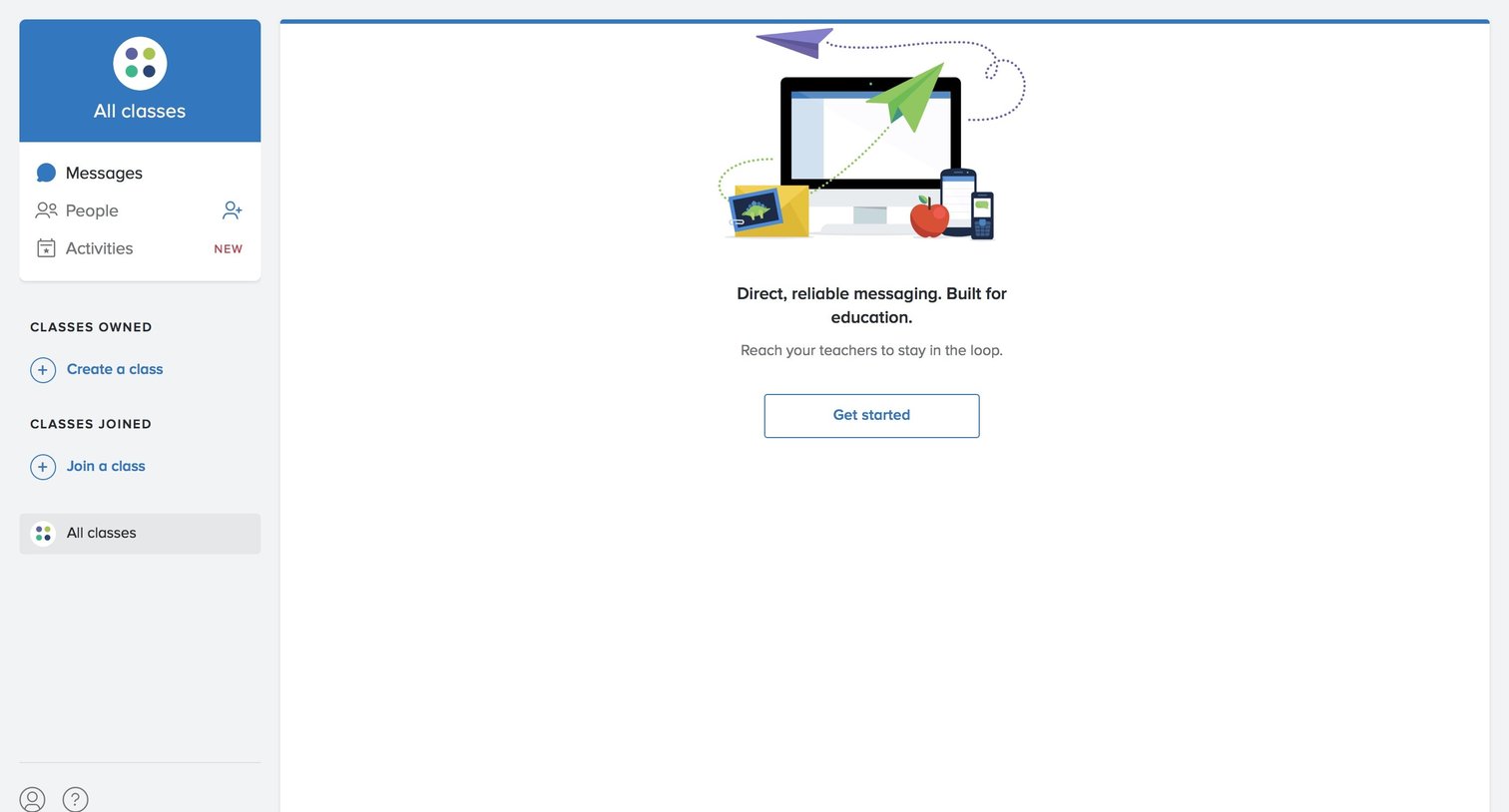
Account creation Onboarding Sidebar navigation

Create screen where the user names a new class and confirms an age policy before adding it.

Onboarding step where the user adds people to their newly created class by entering full names and contact info.

Messaging inbox where a new user is prompted to set up their class in three steps.
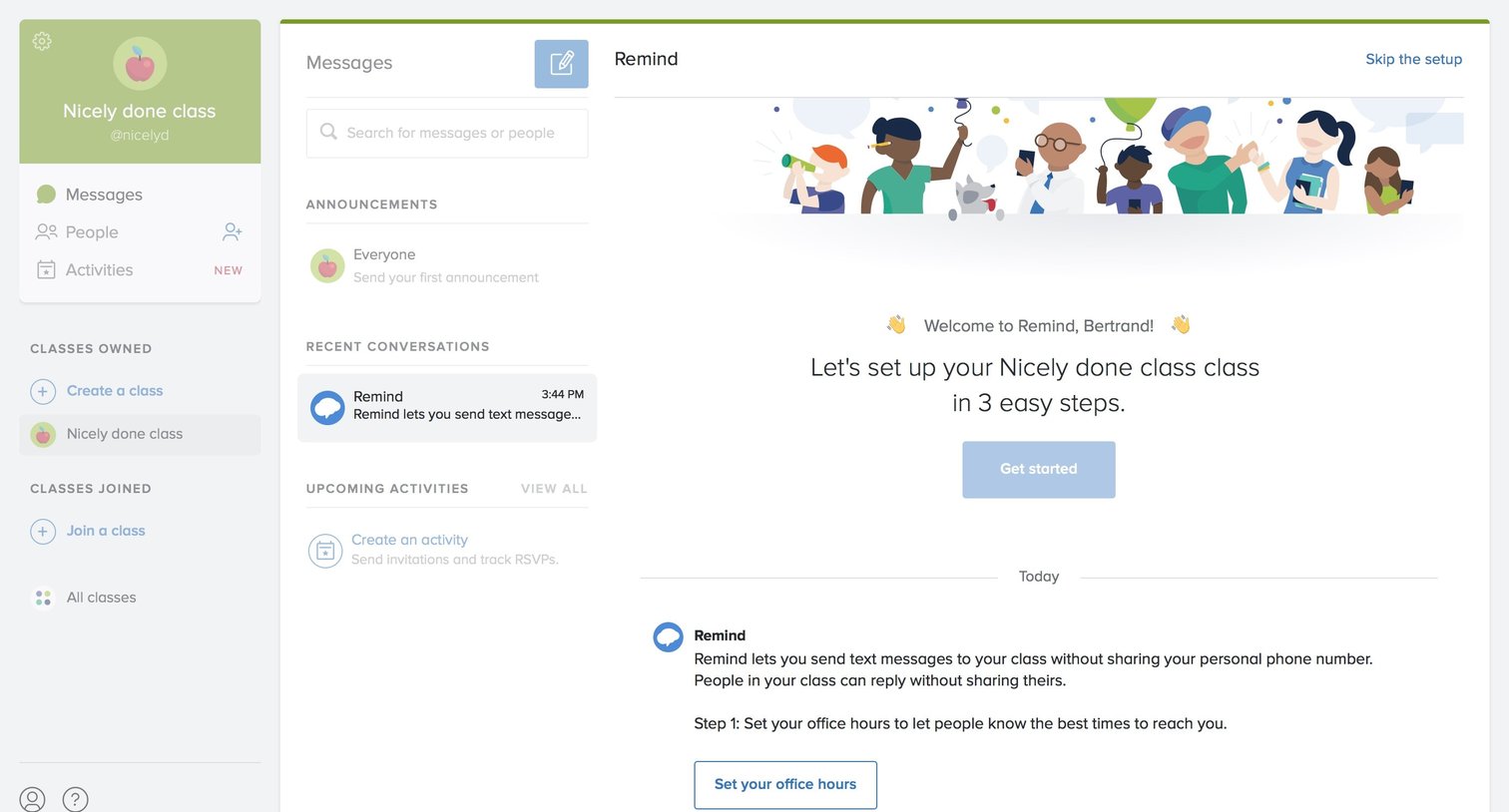
Inbox view for a newly created class featuring a welcome message and a prompt to complete a 3-step setup process.

Onboarding step where the user configures their weekly office hours by selecting a time range and specific days of the week.

Inbox view where a teacher is guided to set up their class by configuring office hours and a welcome message.
Explore the full SaaS screen library
Upgrade to unlock the full library.
Trusted by the best teams







