QuestionScout product screens examples
Browse QuestionScout screen design examples. Preview the interface screenshots and explore related UI patterns. Forms and surveys that your customers will love
Explore the examples
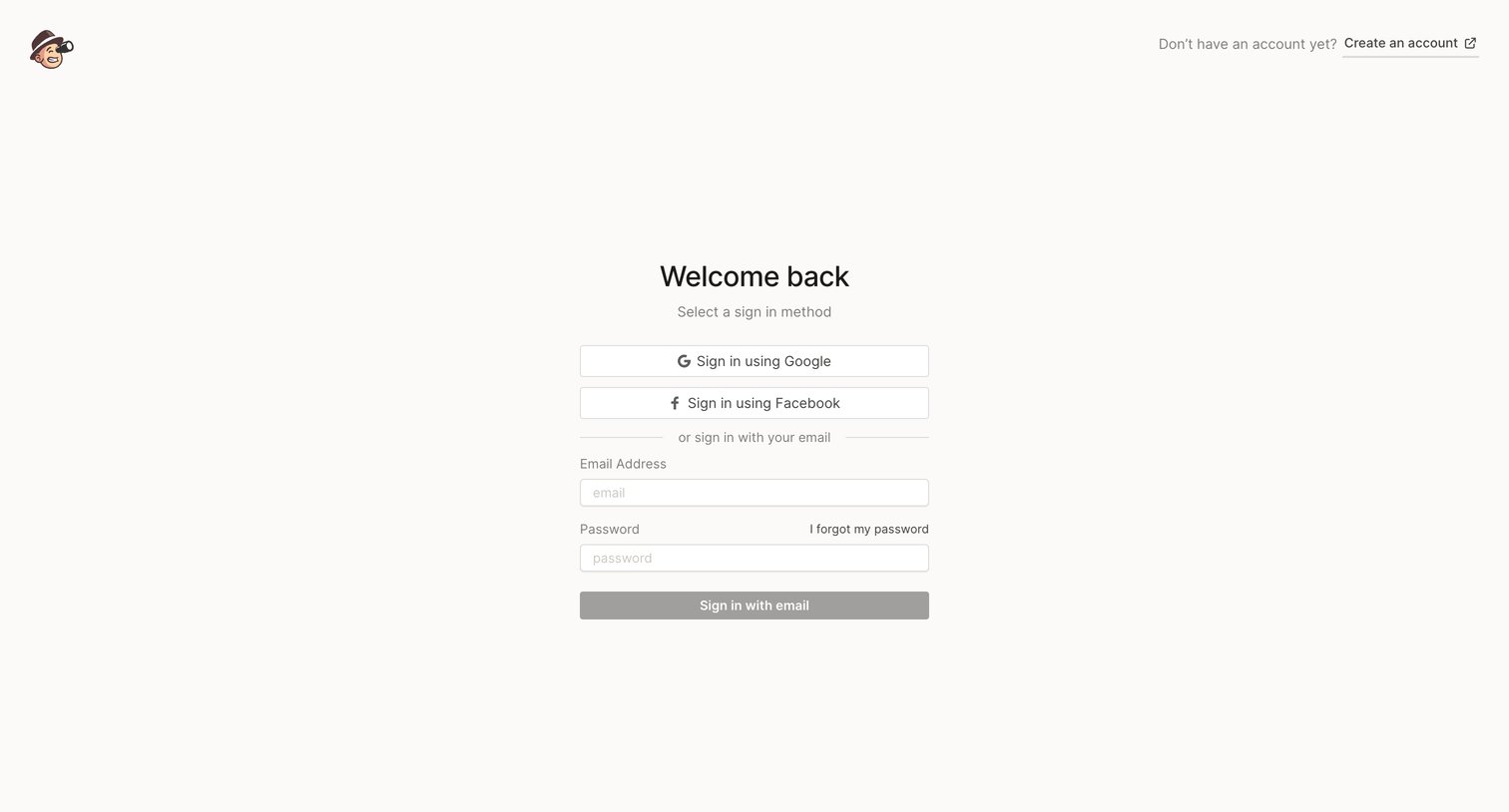

Sign-in screen where the user authenticates with Google, Facebook, or an email and password combination.
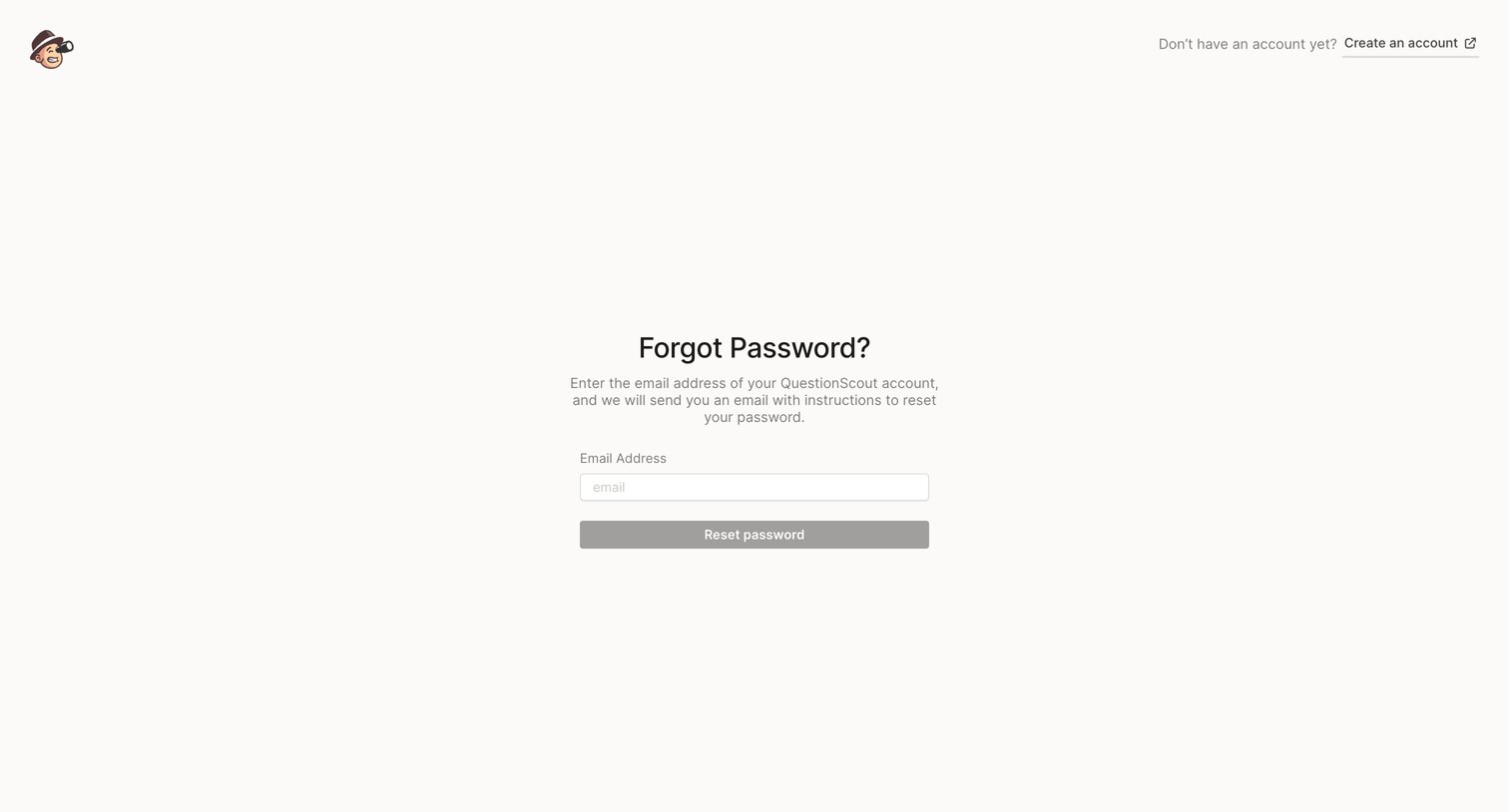
Password recovery screen where the user enters their email address to receive reset instructions.
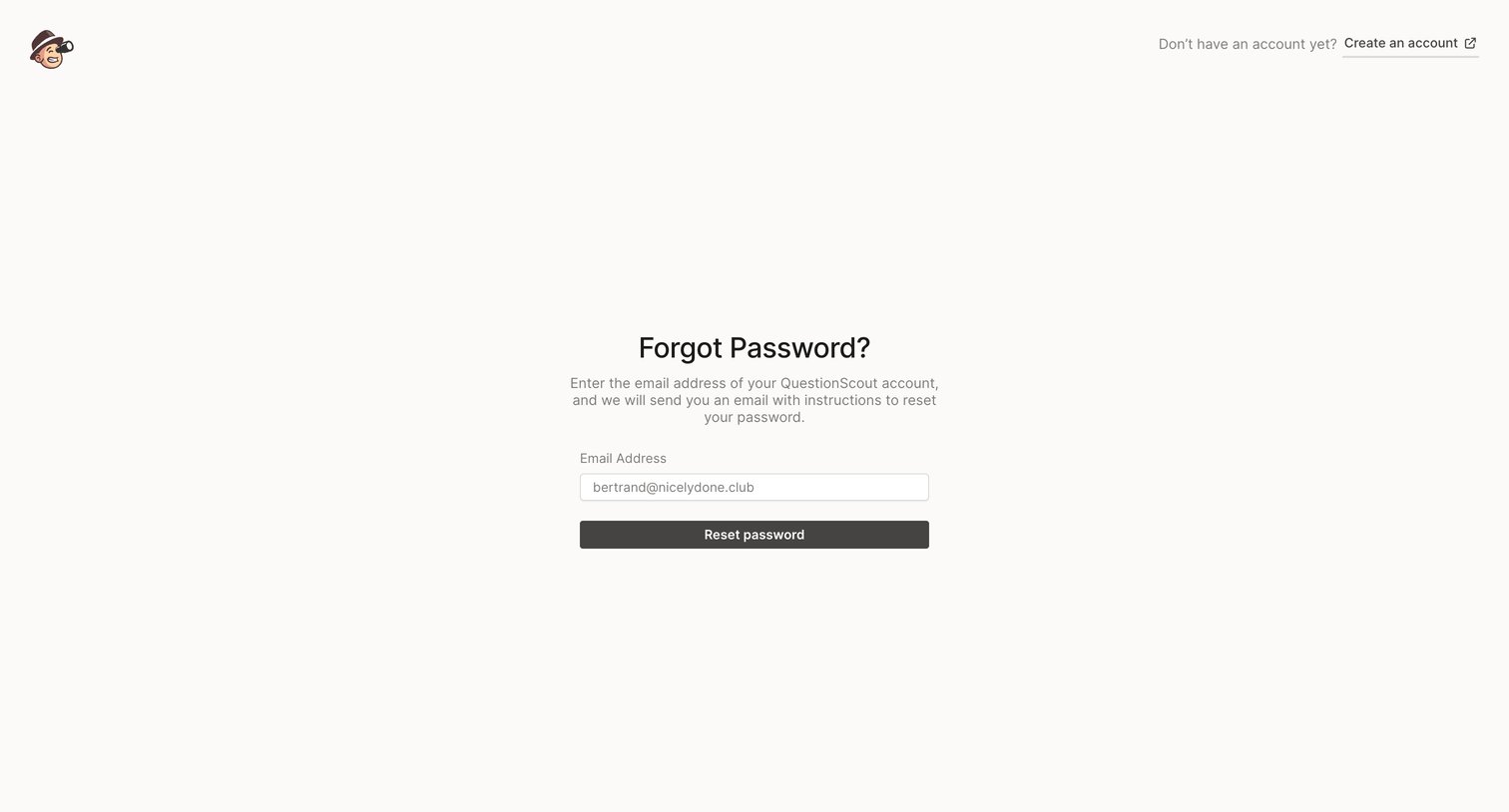
Password recovery screen where the user enters their email address to receive reset instructions, alongside a prompt to create a new account.
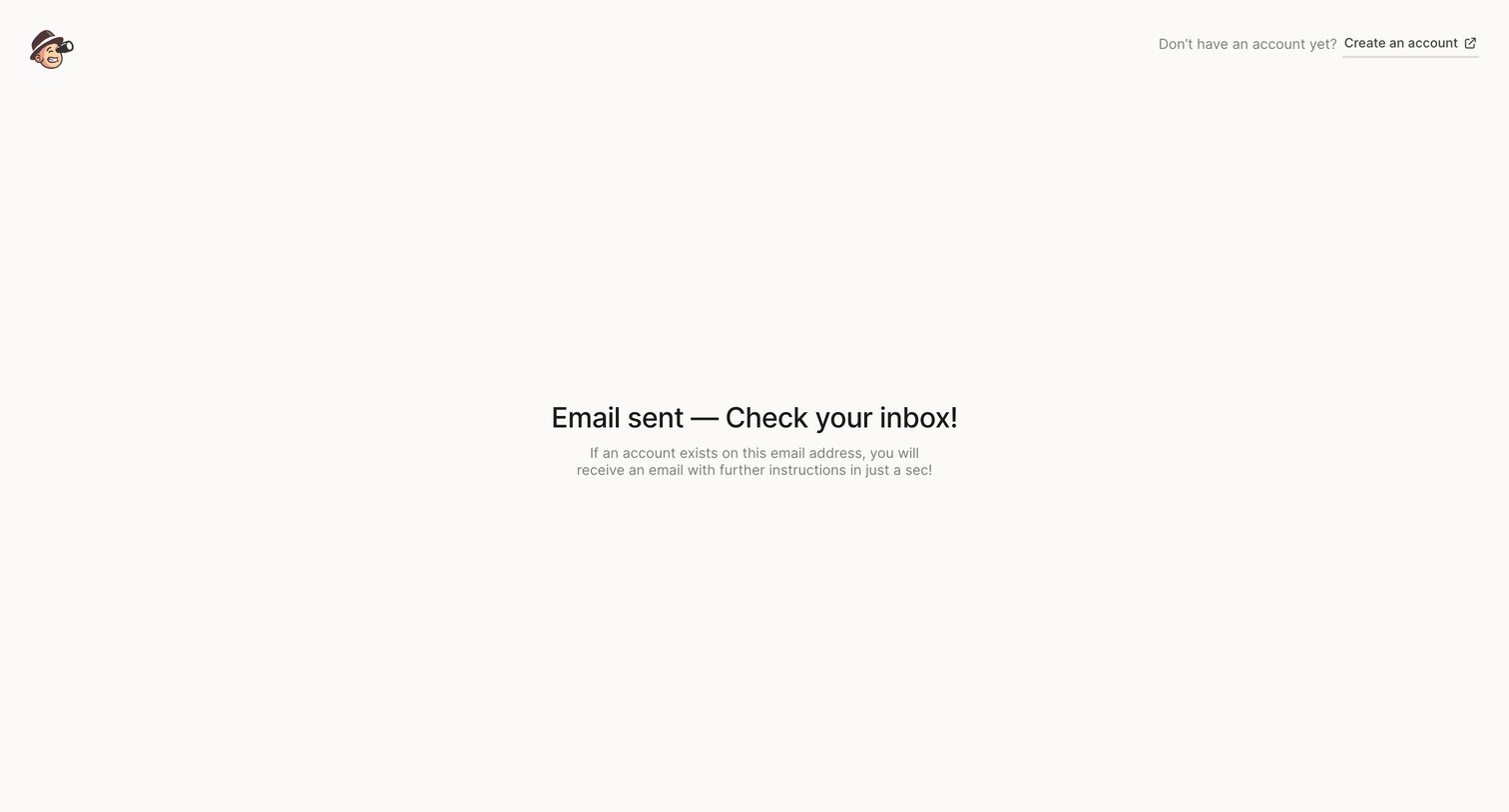
Password recovery success screen instructing the user to check their inbox for an email with further instructions.
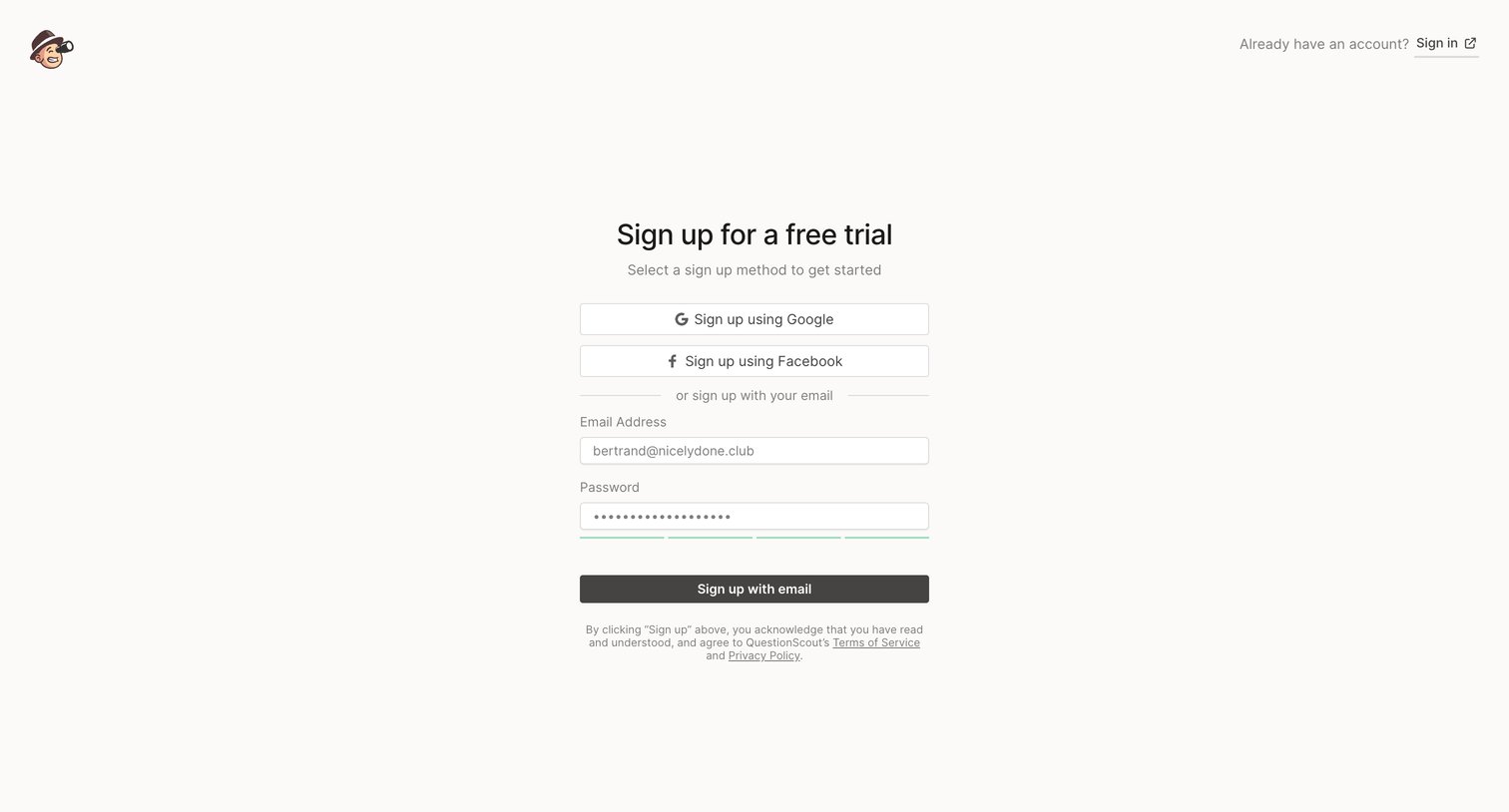
Signup screen where the user can create an account using Google, Facebook, or an email and password to start a free trial.
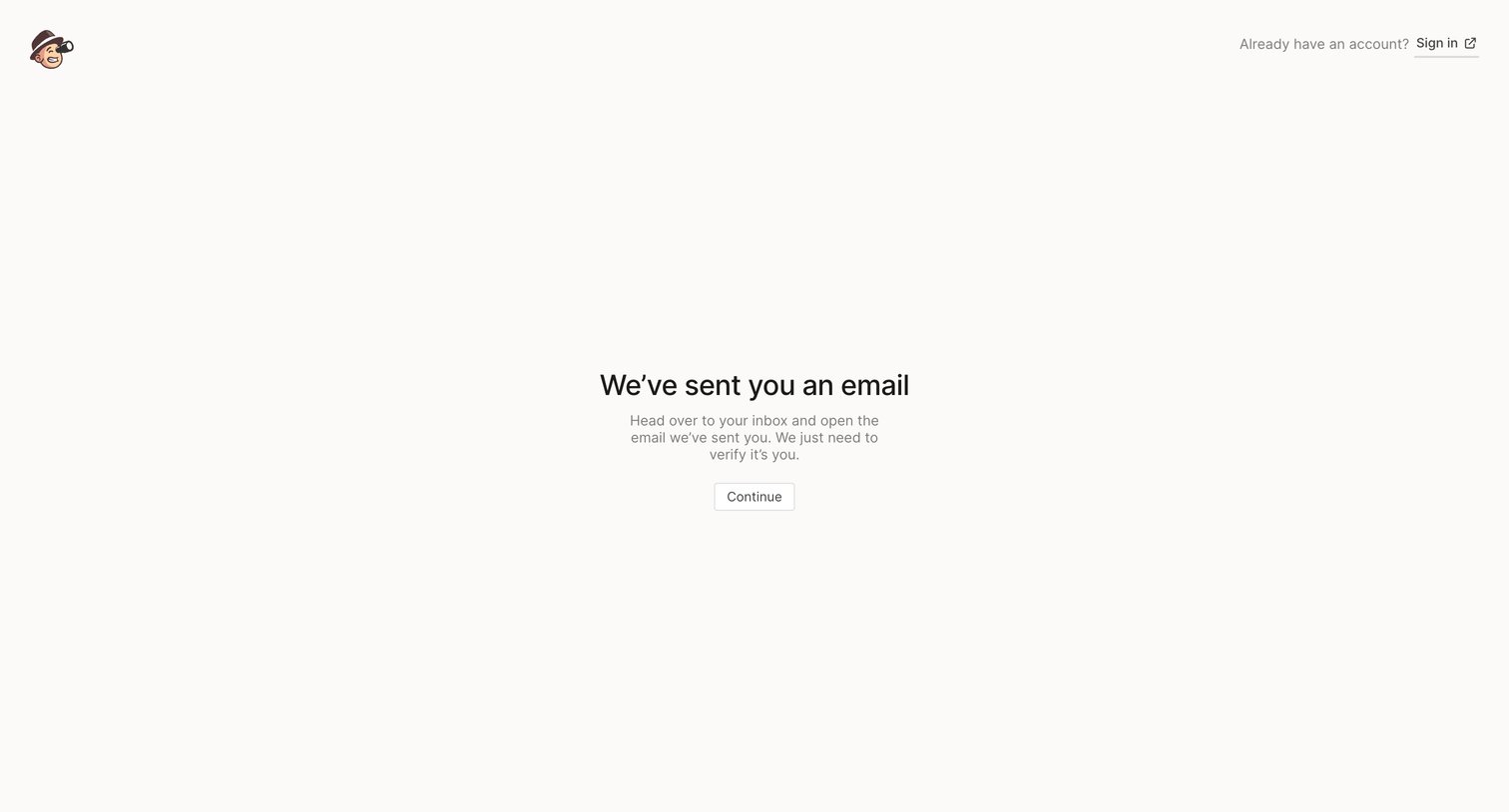
Verification screen where the user is instructed to check their inbox for an email to confirm their identity before continuing.
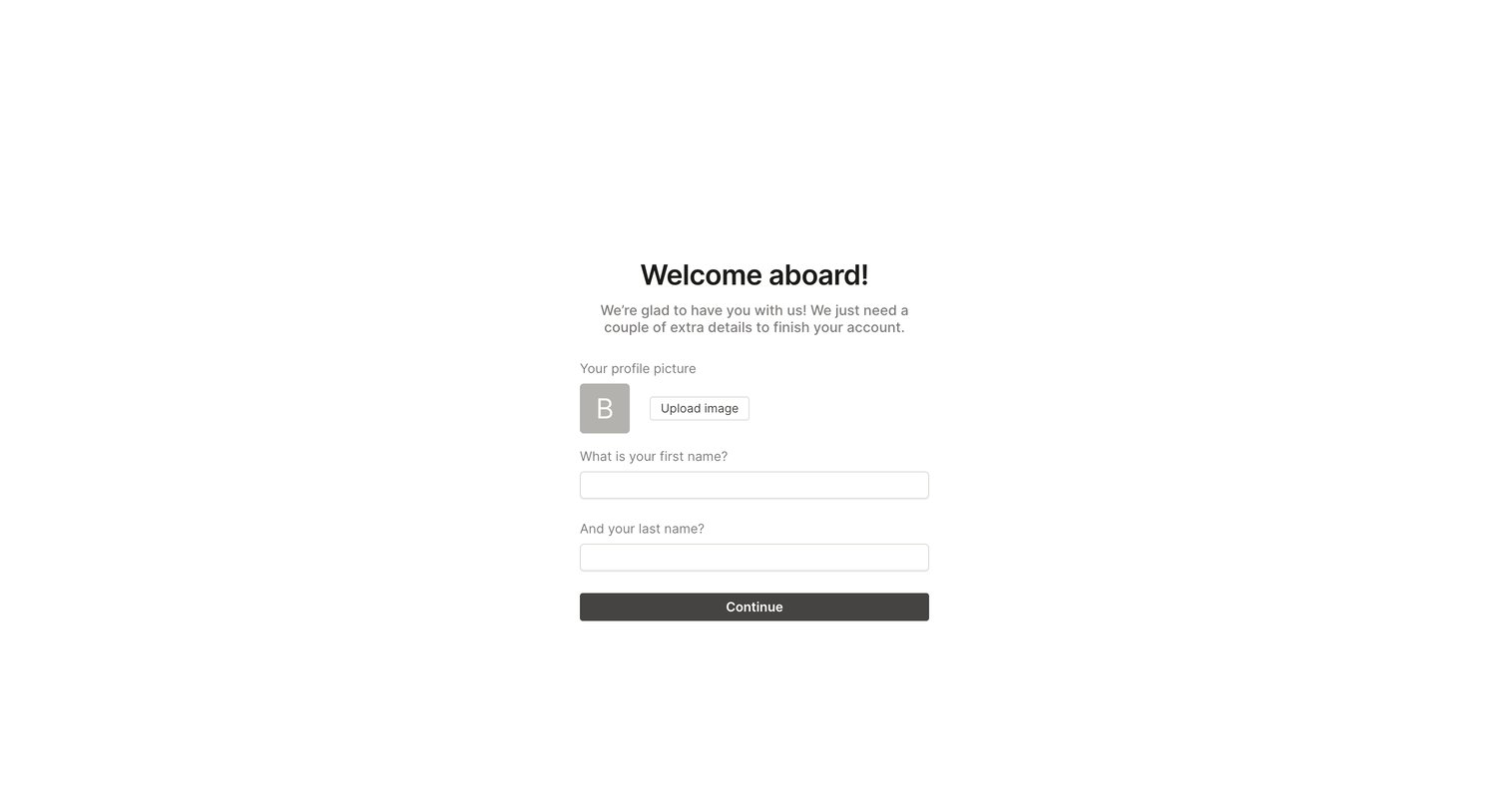
Onboarding step where the user uploads a profile picture and enters their first and last name to finish setting up their account.
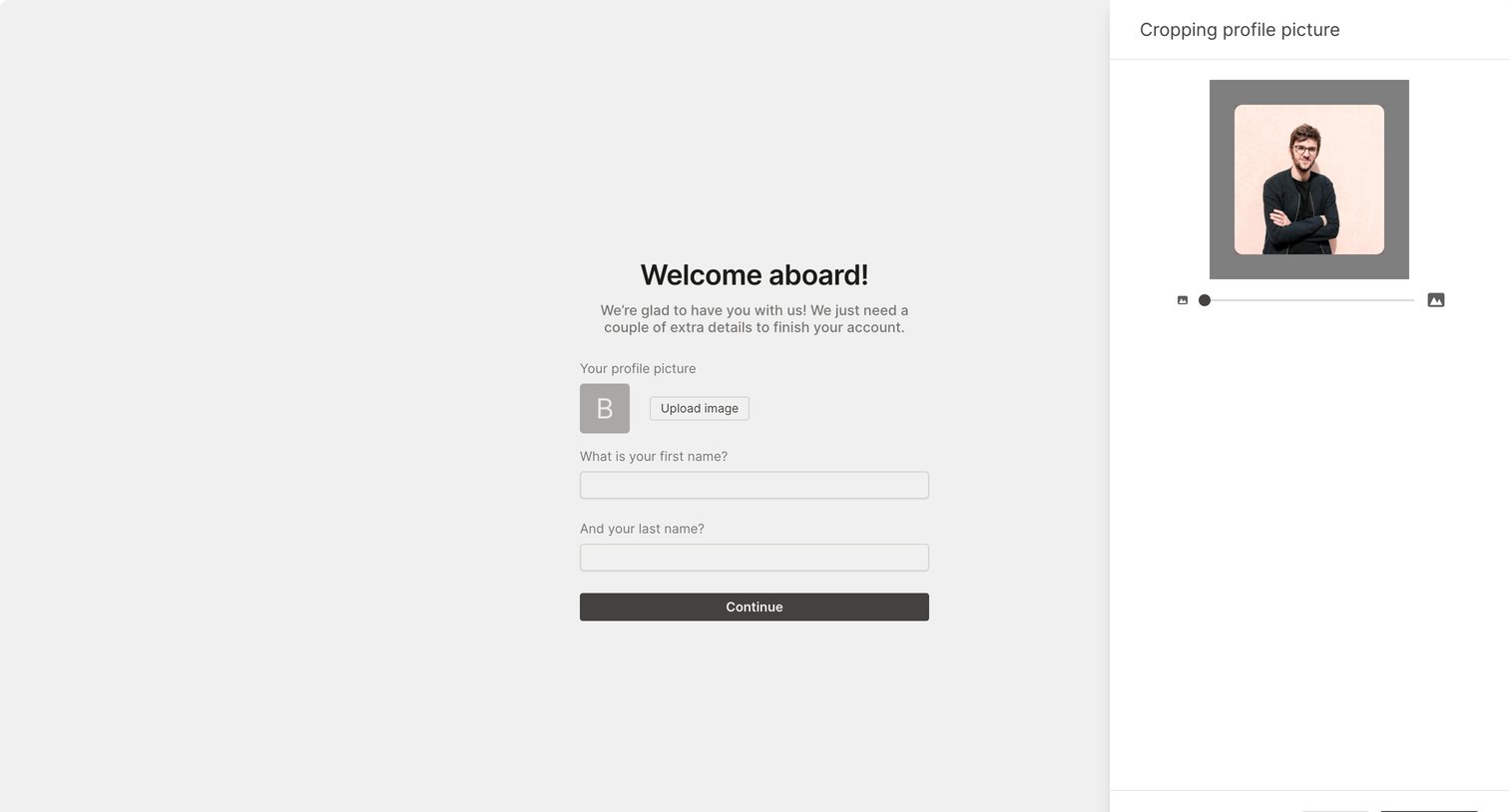
Onboarding step where the user uploads a profile picture, crops it in a side drawer, and enters their first and last name.
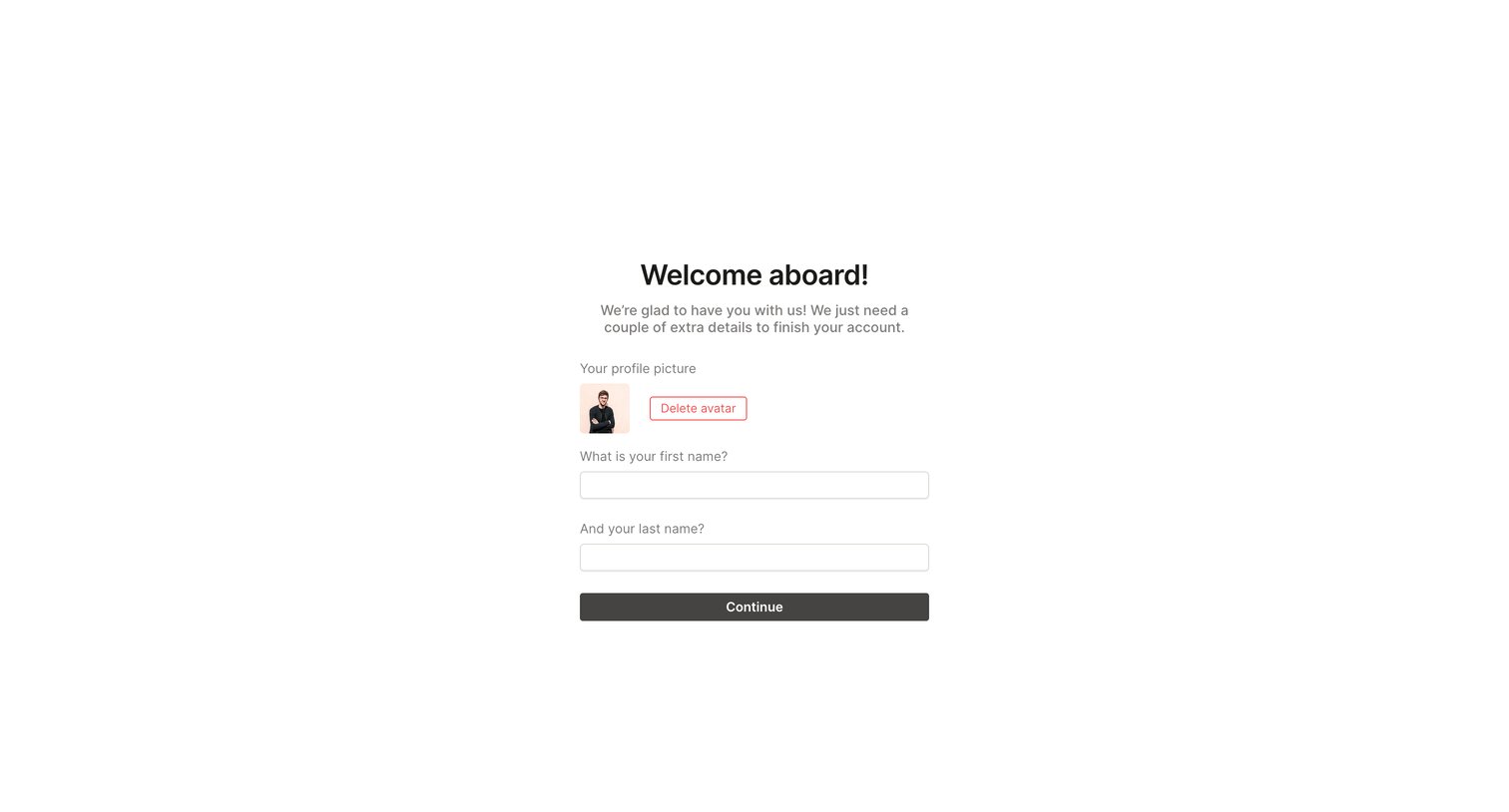
Onboarding step where the user provides their first and last name and uploads a profile picture to finish setting up their account.
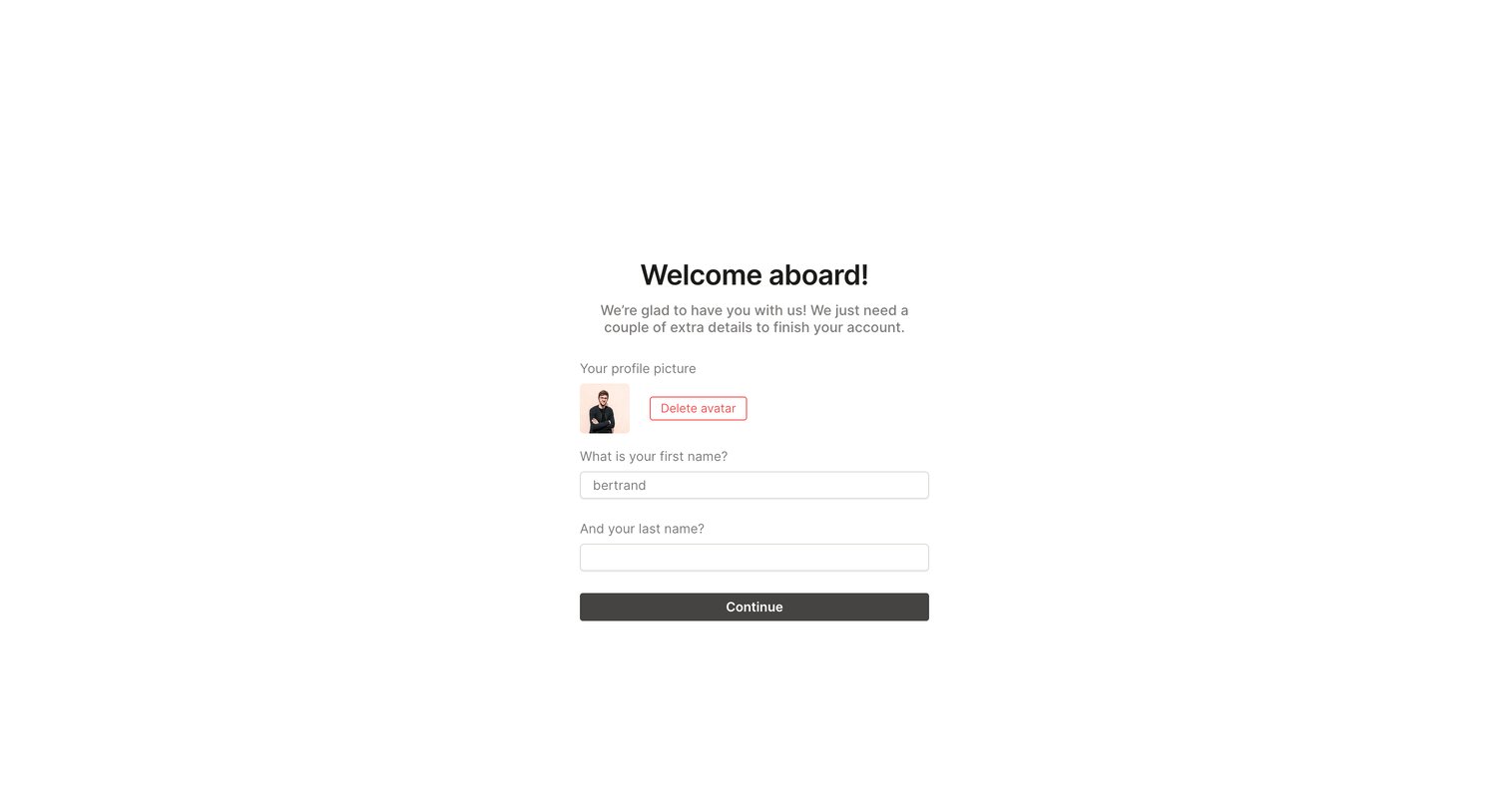
Onboarding step where the user uploads a profile picture and enters their first and last name to finish setting up their account.
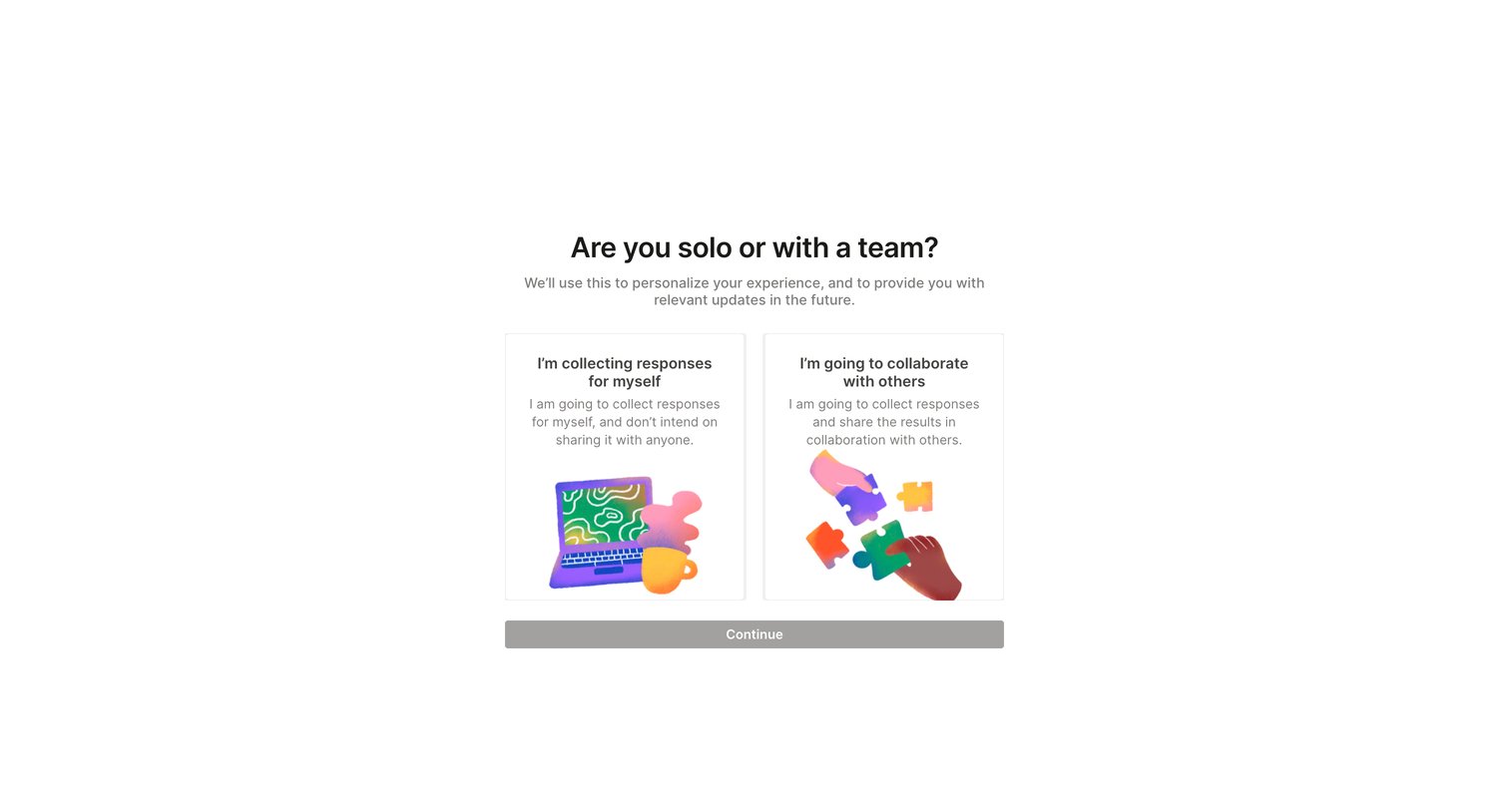
Onboarding step where the user selects whether they are collecting responses solo or collaborating with a team to personalize their experience.
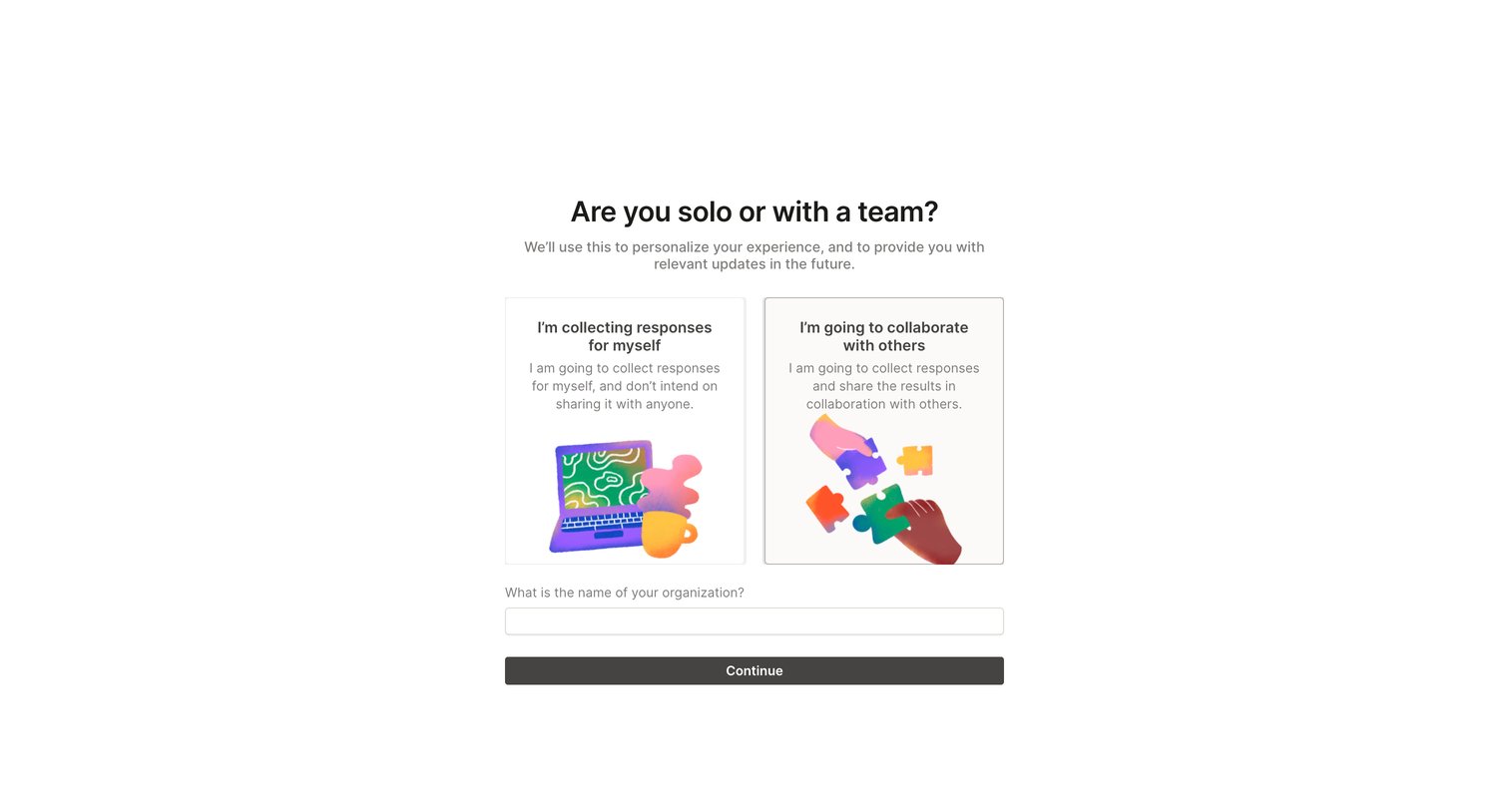
Onboarding step where the user selects whether they are working solo or with a team and provides their organization name.
Explore the full SaaS screen library
Upgrade to unlock the full library.
Trusted by the best teams







