QuestionScout user flows examples
Explore QuestionScout user flow examples. Preview the opening screens and steps for each task. Forms and surveys that your customers will love
Preview these flows

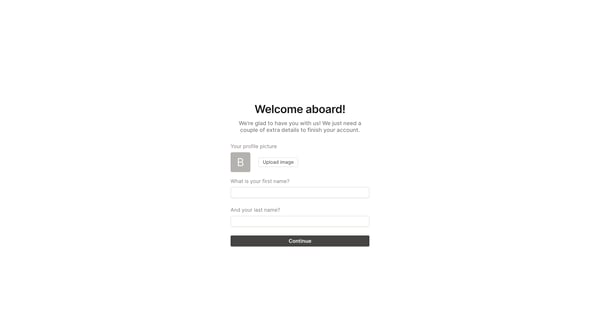
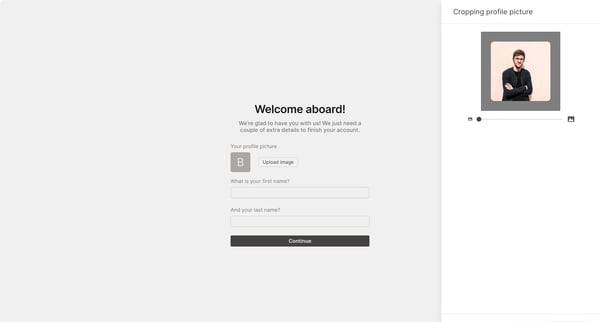
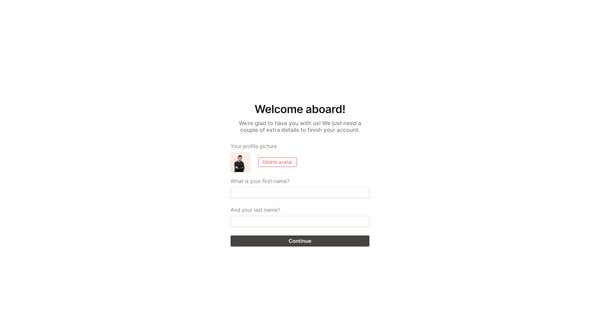
This flow guides new users through the setup and customization of their account, ensuring they provide necessary personal and organizational details.
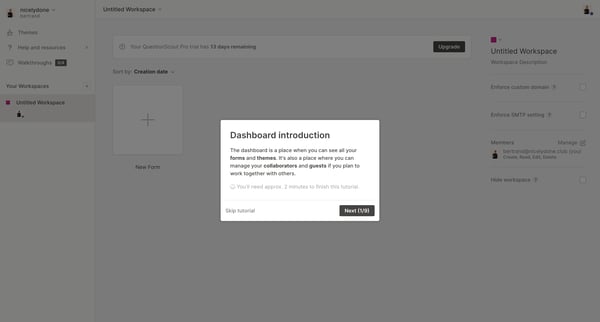
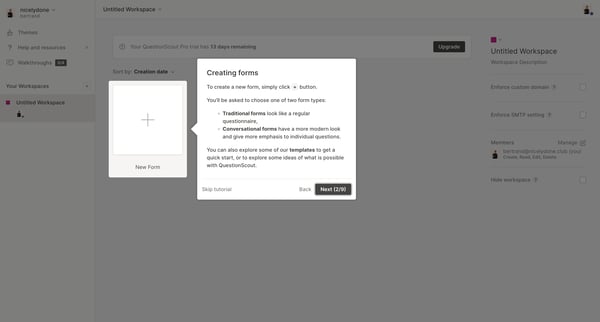
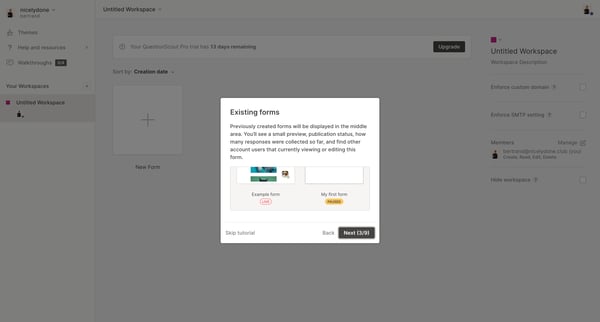
This product tour guides users through the main features of QuestionScout, including creating workspaces, managing forms, customizing themes, and accessing user settings.
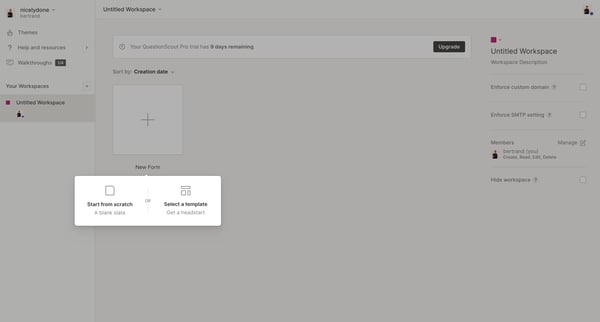
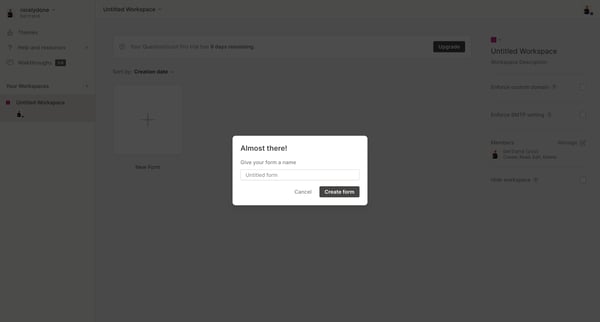
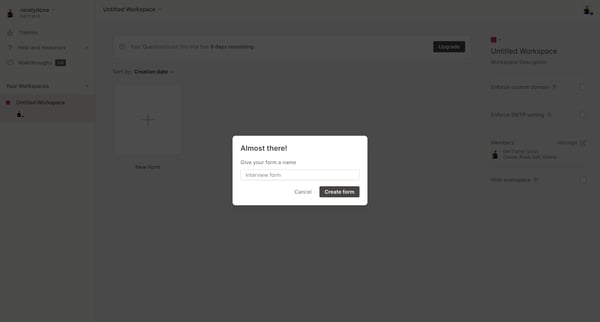
The user flow involves creating and customizing a new form within QuestionScout, from initial workspace setup to form completion, including previewing, publishing, and applying custom themes.
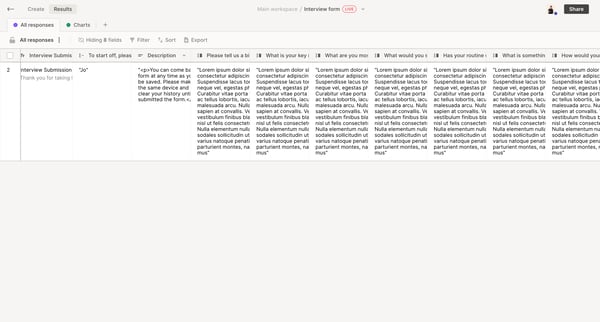
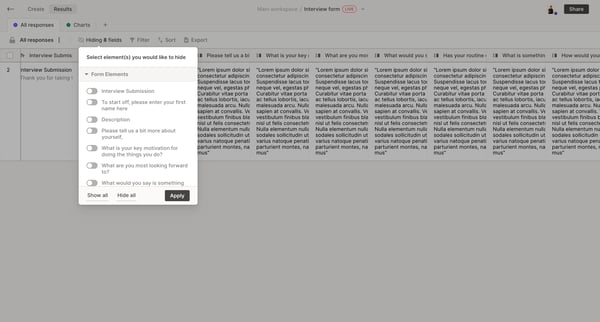
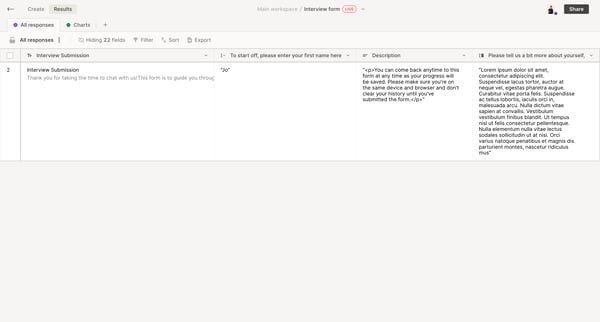
This flow allows users to filter and sort responses within the main workspace and interview forms.
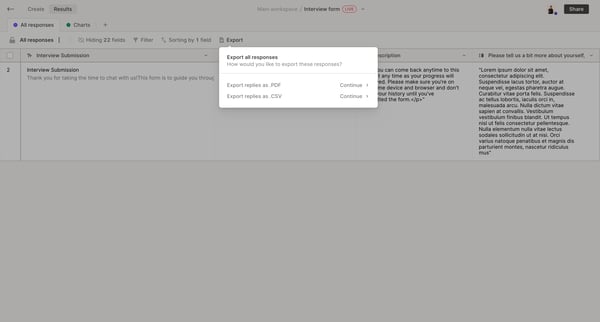
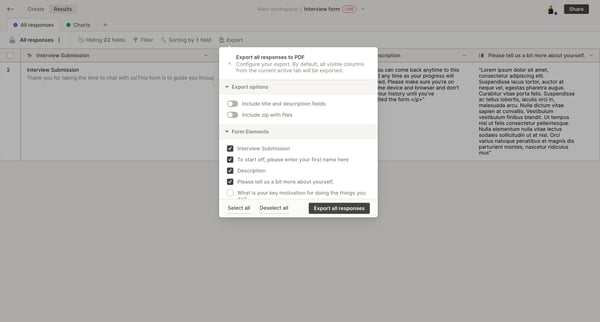
This flow guides users through the process of exporting interview form responses from the QuestionScout platform.
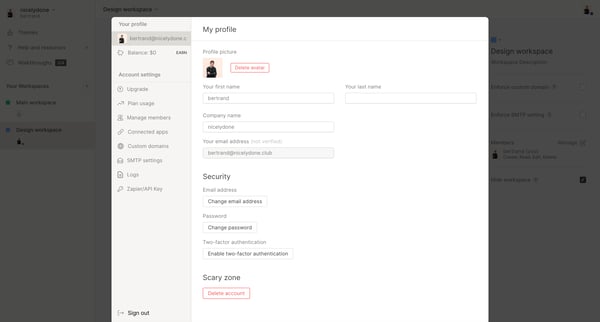
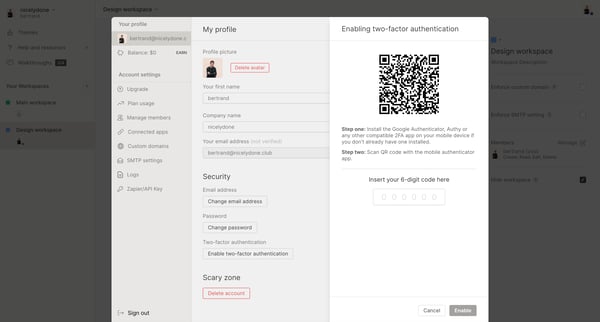
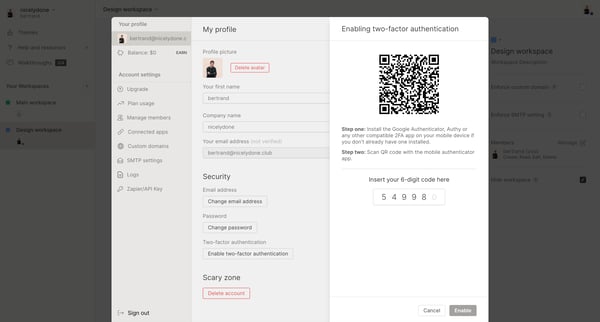
This flow guides the user through the process of enabling Multi-factor authentication (MFA) to enhance their account's security.
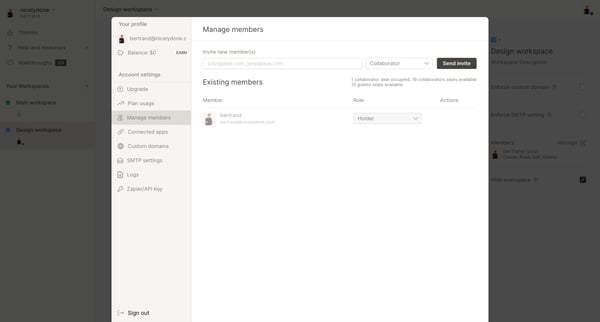
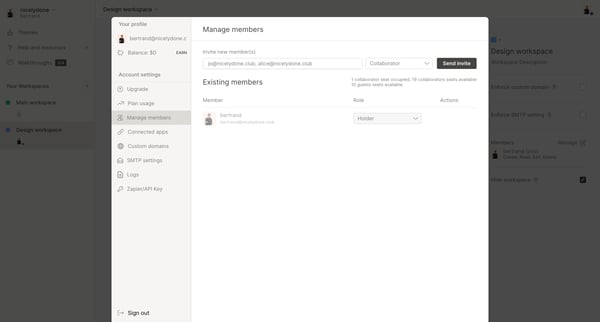
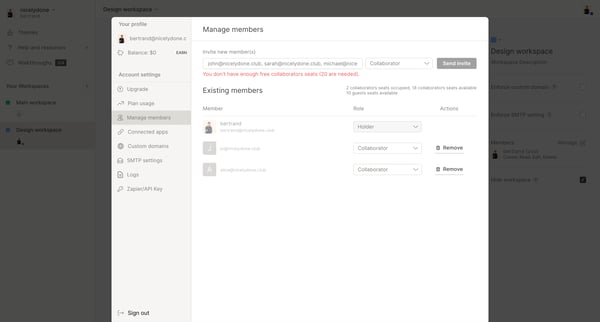
This flow enables users to invite new members to their workspace, manage existing members, and view the current usage of collaborator and guest seats.
Explore the full SaaS flow library
Browse the full SaaS flow library.
Trusted by the best teams







