QuestionScout UI components examples
Browse QuestionScout UI component design examples. Preview individual interface elements and explore related component categories. Forms and surveys that your customers will love
Explore the examples
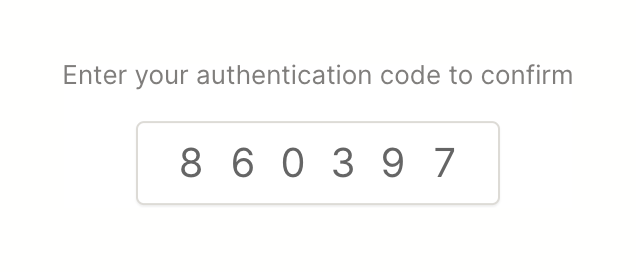

A single text input field designed to accept a 6-digit authentication code, accompanied by instructional text.
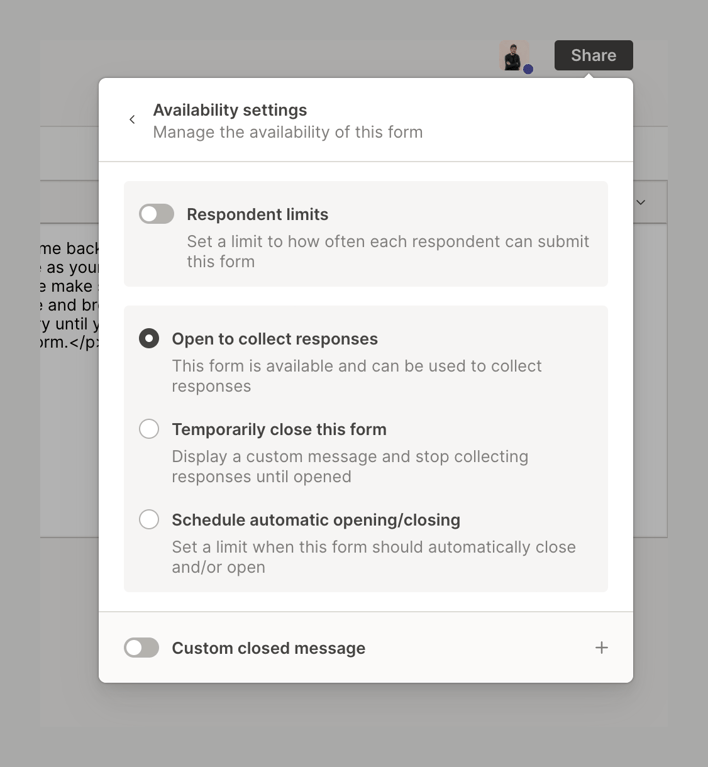
A popover menu for managing form availability settings, including respondent limits, open/close status, and custom closed messages.
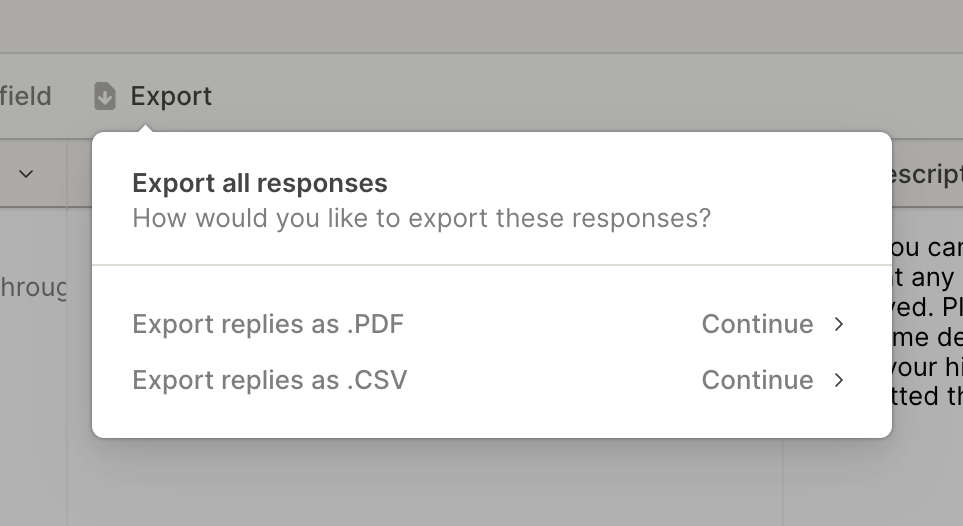
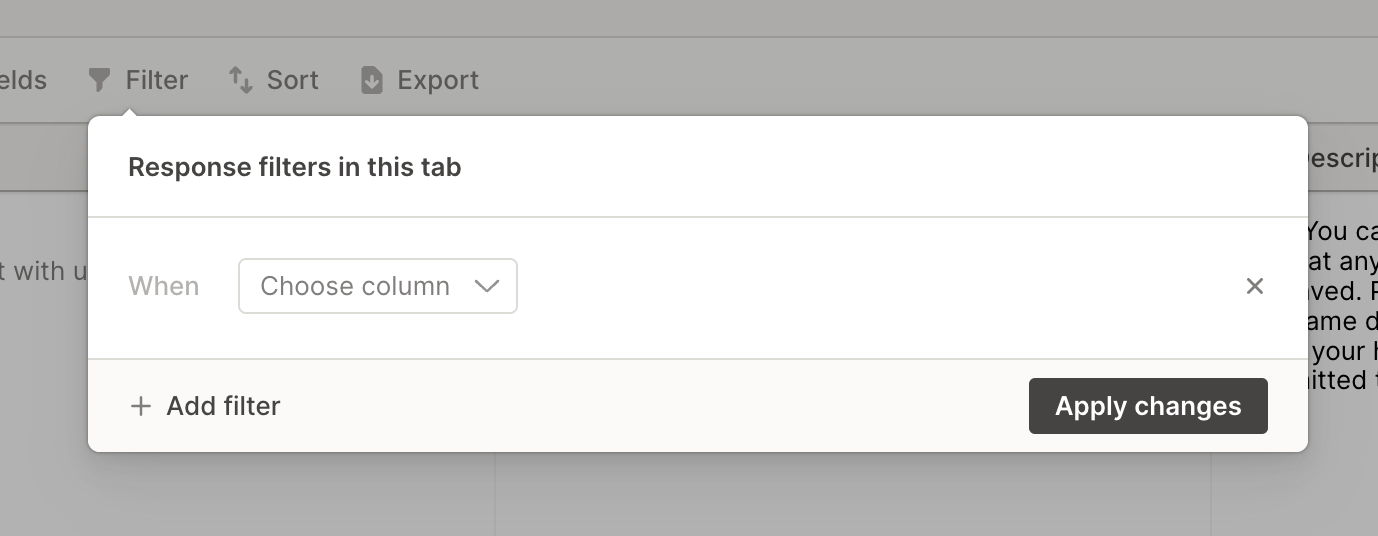
A popover menu for configuring response filters. It includes a title, a row to define a filter condition with a column selector, an option to add more filters, and an 'Apply changes' button.
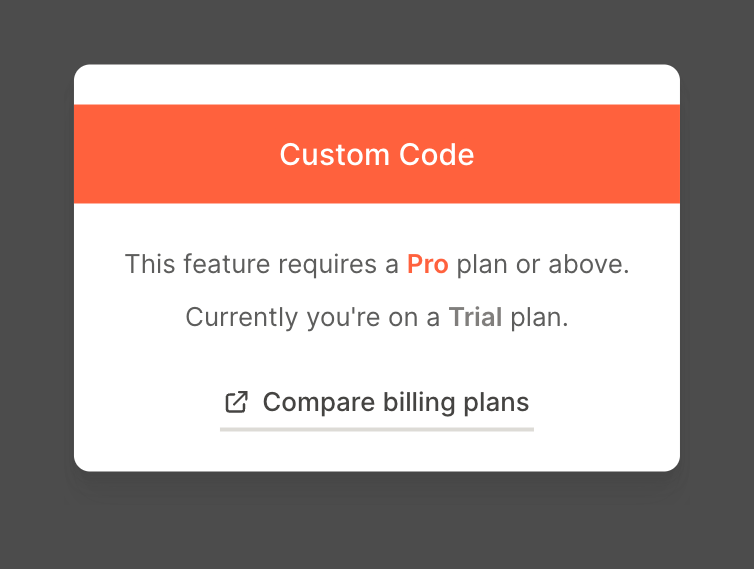
A card blocking access to a feature, indicating that a Pro plan is required and providing a link to compare billing plans.
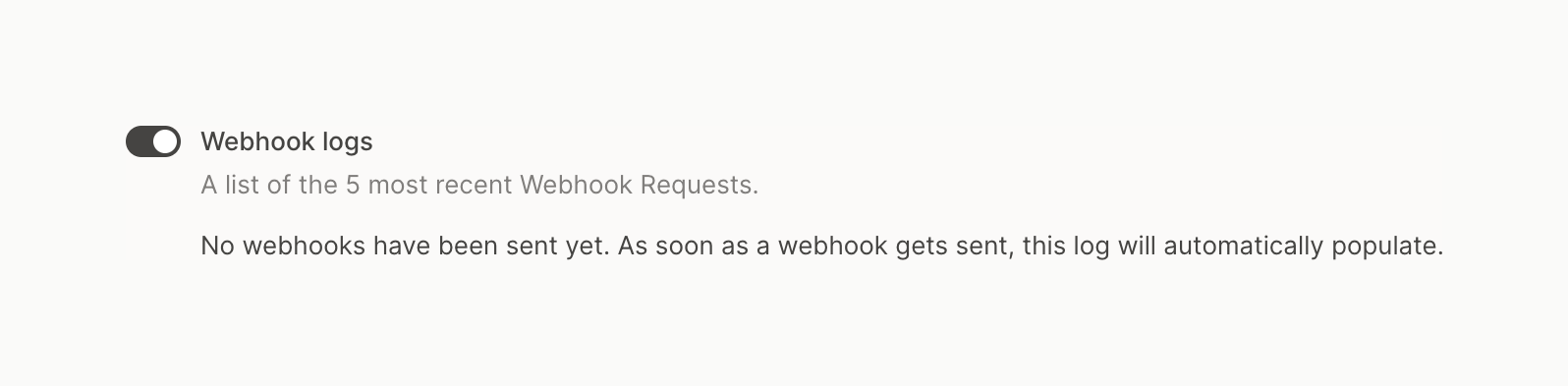
A toggle switch to enable or disable webhook logs, accompanied by a title, a brief description of its function, and an empty state message indicating no webhooks have been sent yet.
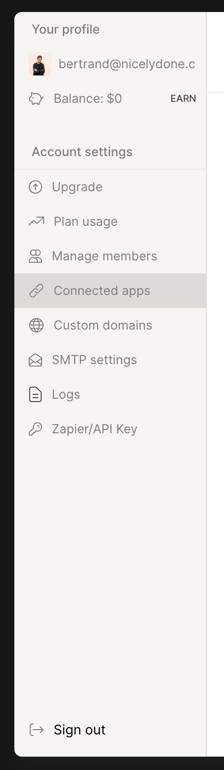
A vertical sidebar navigation menu for a settings modal, featuring user profile information, account settings links, and a sign-out option.
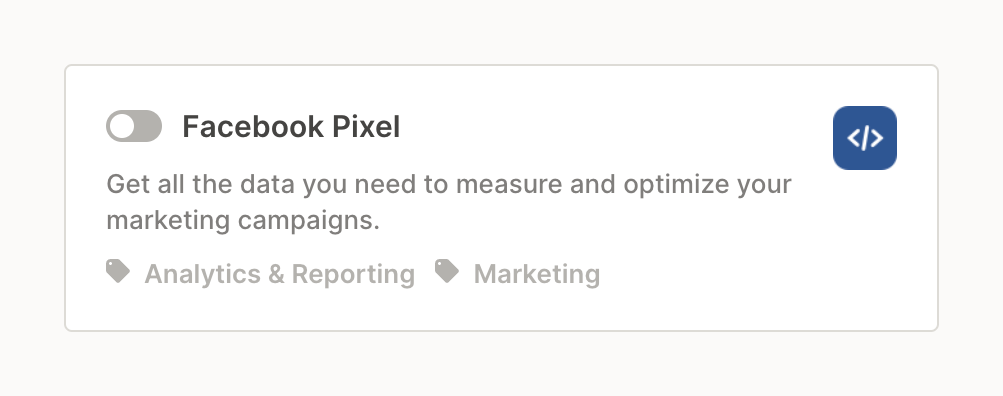
A card component displaying an integration option with a toggle switch, title, description, and category tags.
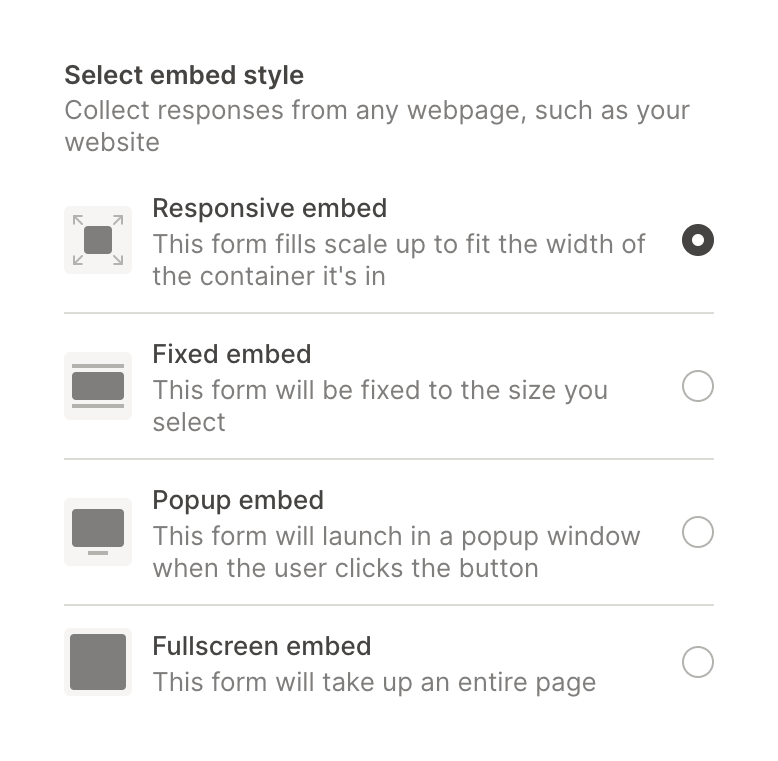
A radio group for selecting an embed style, featuring a title, description, and four options with icons, titles, and descriptions.

A narrow vertical sidebar containing a back arrow, a divider, and a stack of icon-only navigation items. The third icon is highlighted with a background shape, indicating the active state. A small character illustration sits at the bottom.

Browse the full component library
Browse the full UI component library.
Trusted by the best teams







