Skip to content

Outverse design examples

Explore Outverse UI design examples. Where software companies build community

Product screens
Outverse - Outverse Community screen
Outverse logo
Outverse

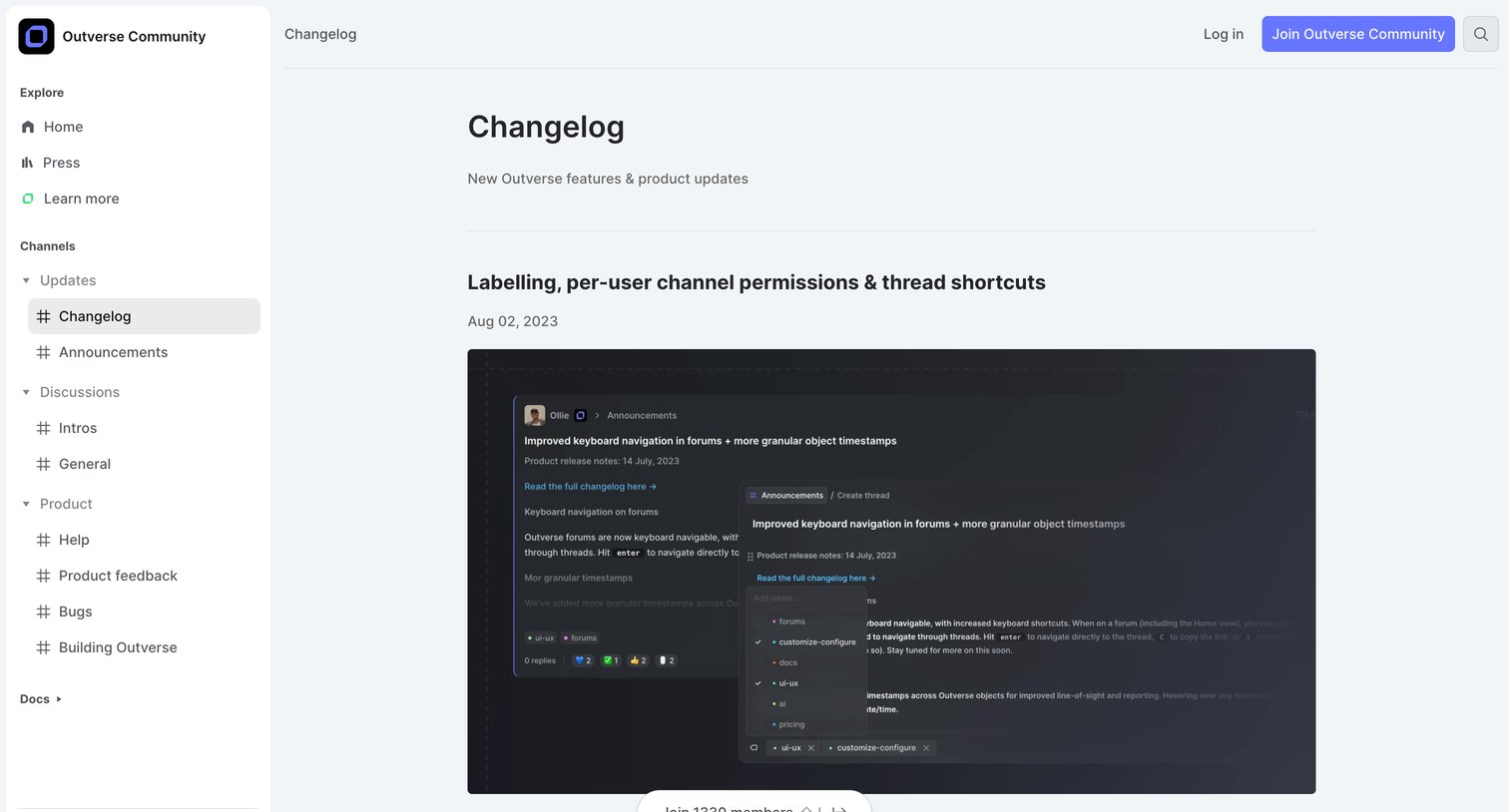
Changelog page where visitors can read about new Outverse features like labelling and channel permissions, with prompts to join the community.
Outverse - Not Found screen
Outverse logo
Outverse

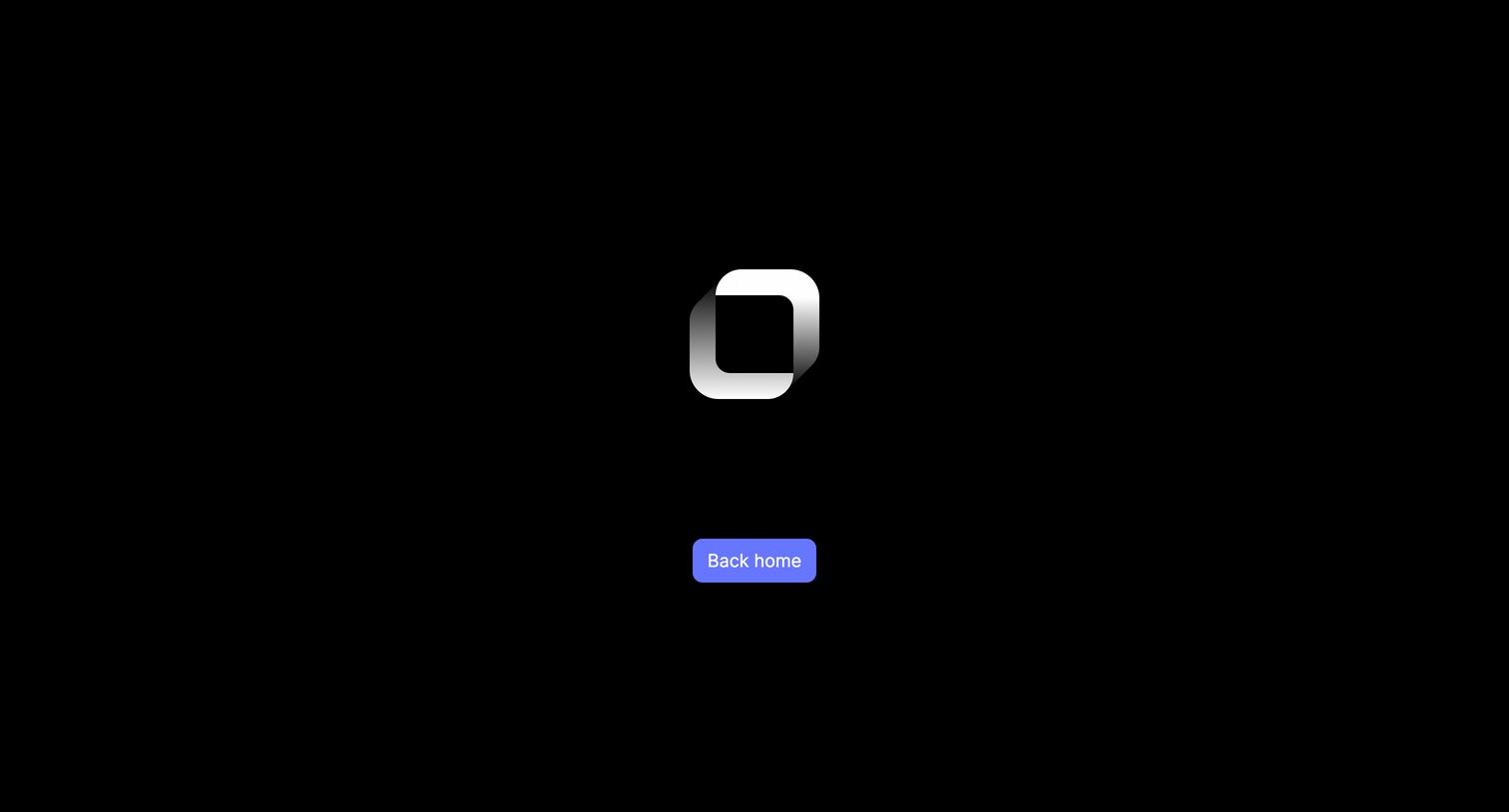
Minimalist 404 error page featuring a large 3D logo and a single button to return to the homepage.
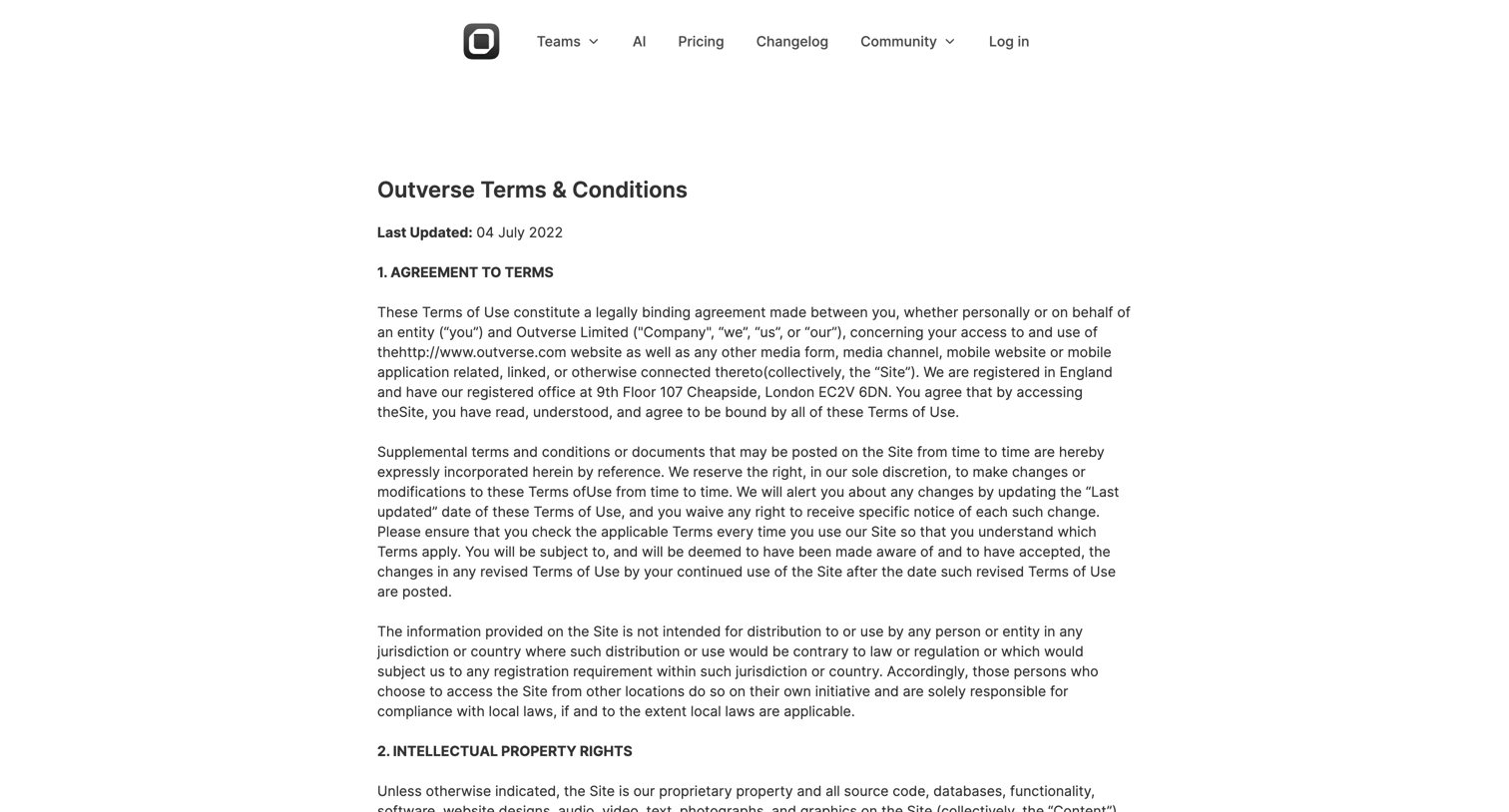
Outverse - Outverse | Terms  Conditions screen
Outverse logo
Outverse

Legal page where the user can read the terms and conditions governing their use of the Outverse platform, including intellectual property rights and user guidelines.

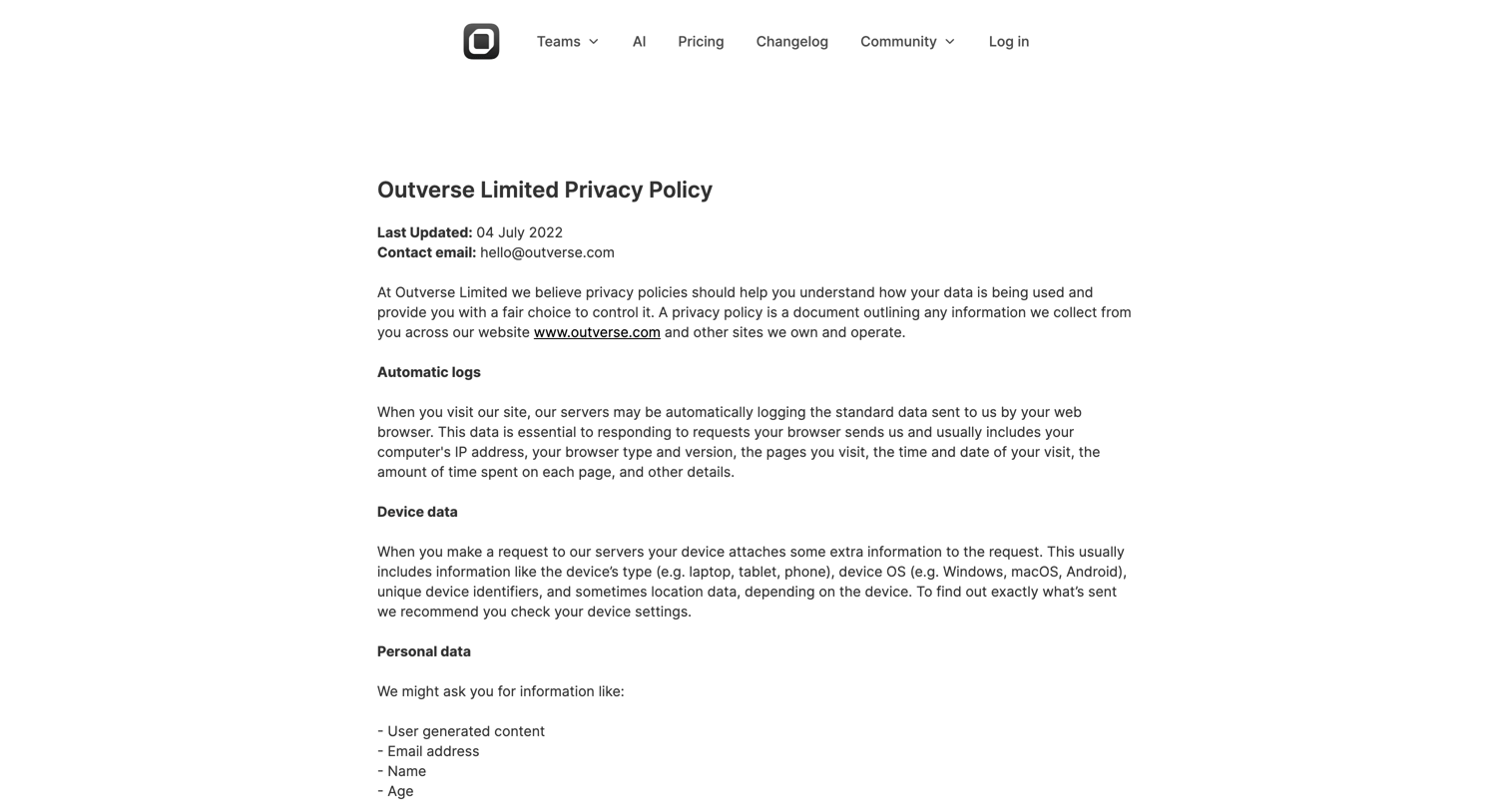
Outverse - Outverse | Privacy Policy screen
Outverse logo
Outverse

Privacy policy page detailing how the company collects, uses, and protects user data, including sections on automatic logs, device data, and user rights.

Outverse screen
Outverse logo
Outverse

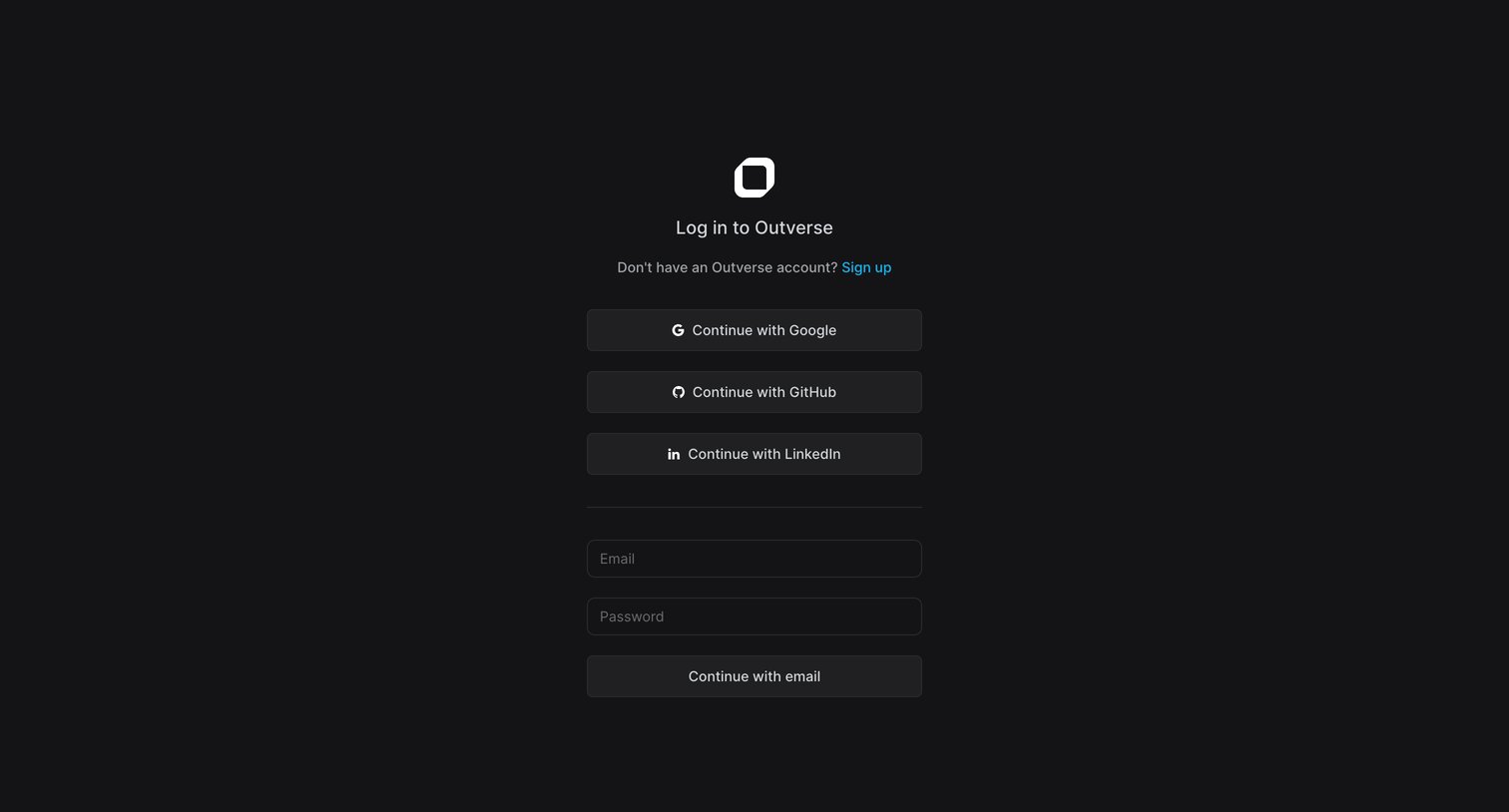
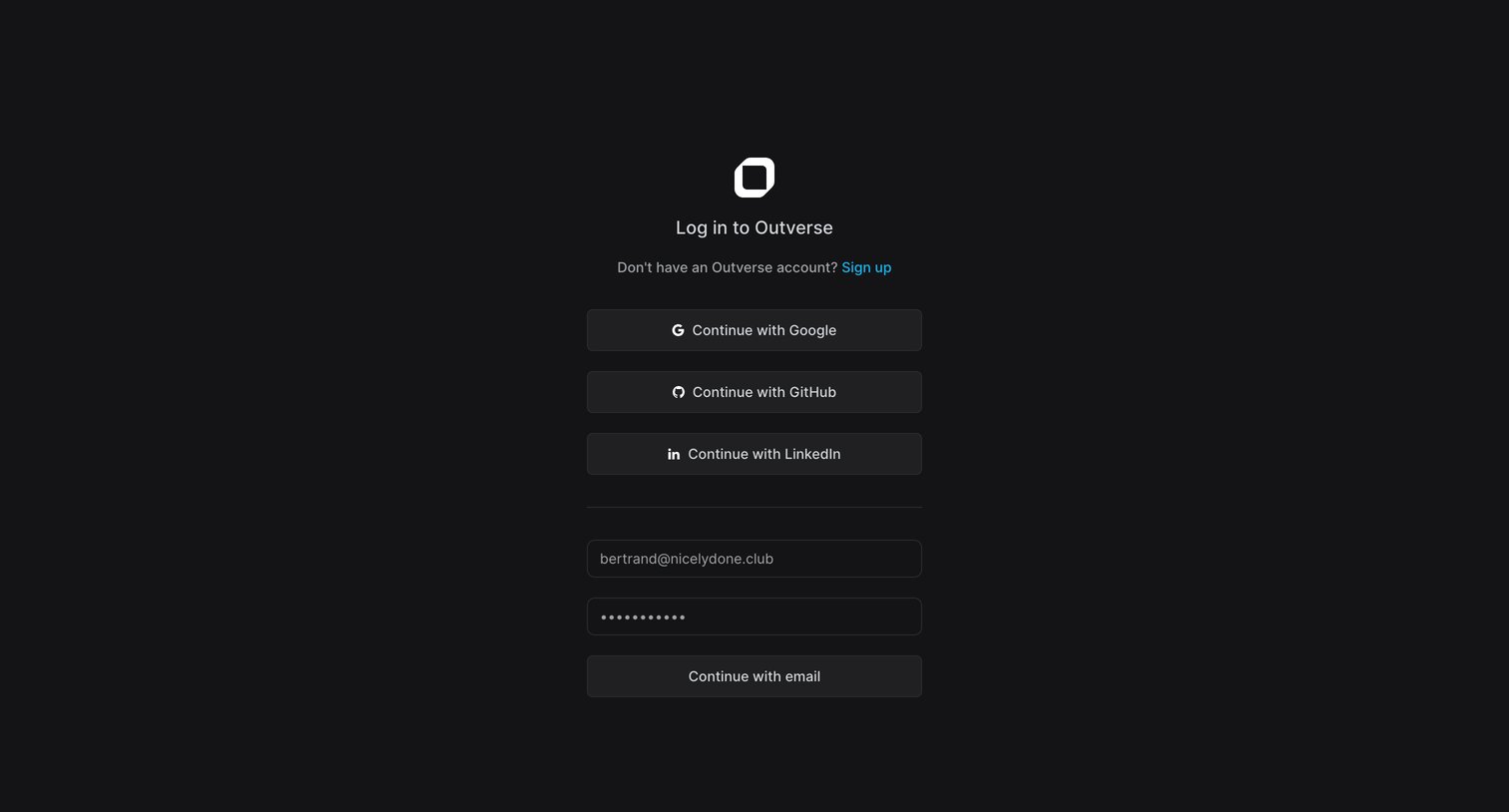
Signin page where the user authenticates with Google, GitHub, LinkedIn, or email and password.

Outverse screen
Outverse logo
Outverse

Sign-in screen where the user authenticates with Google, GitHub, LinkedIn, or by entering their email and password.

Outverse screen
Outverse logo
Outverse

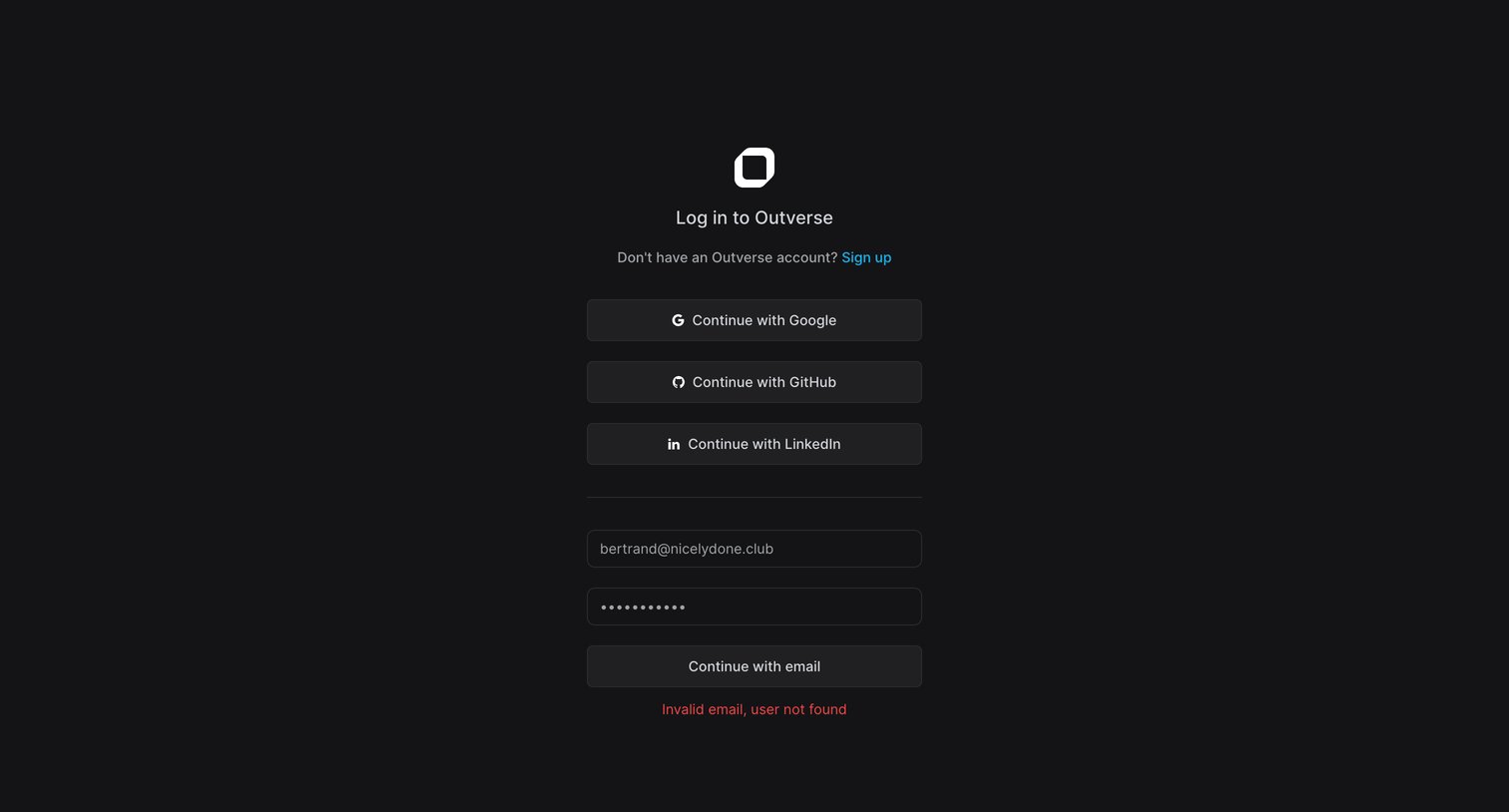
Sign-in screen where the user attempts to authenticate with email or OAuth providers, currently displaying an invalid email error.

Outverse screen
Outverse logo
Outverse

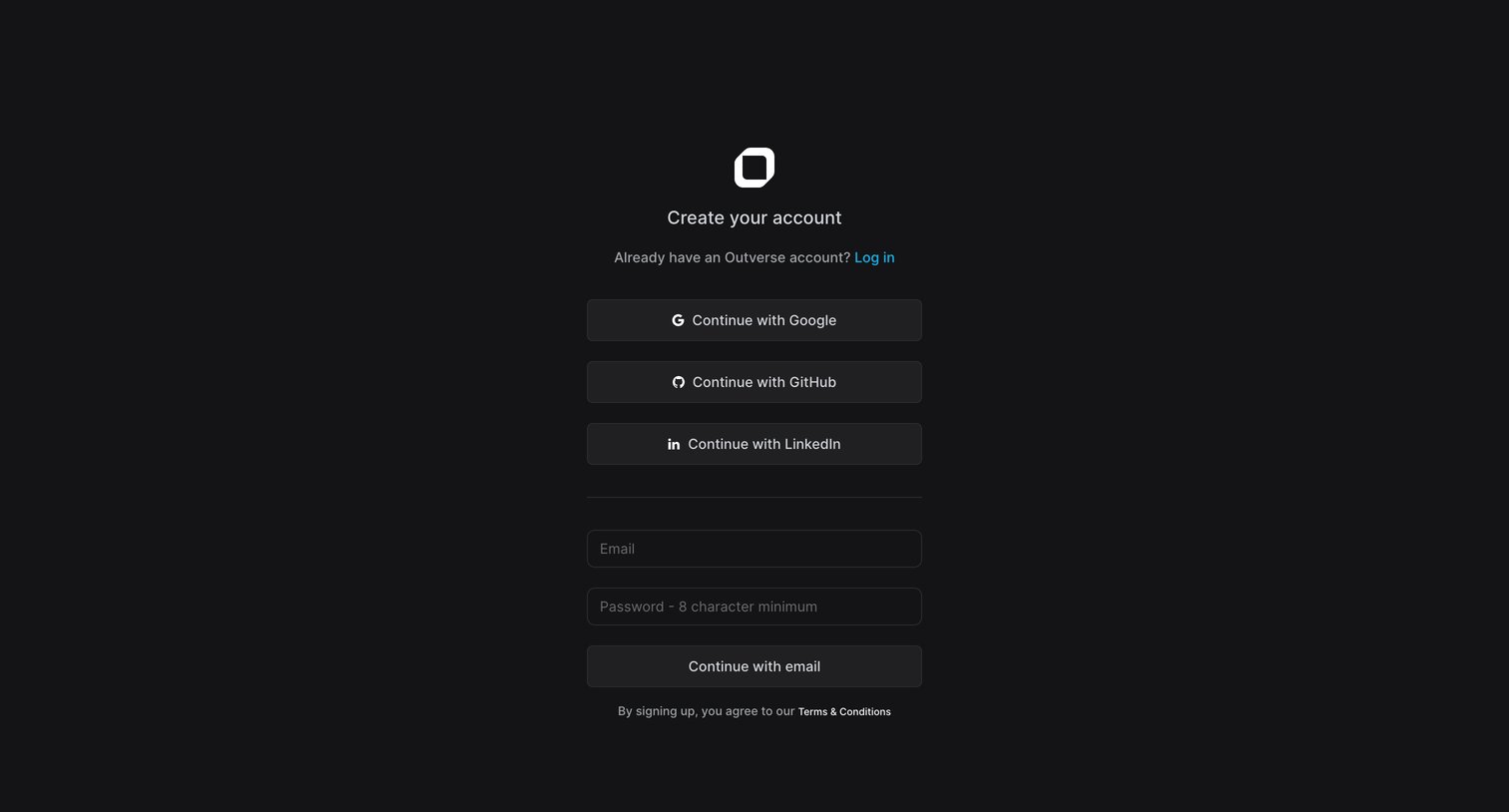
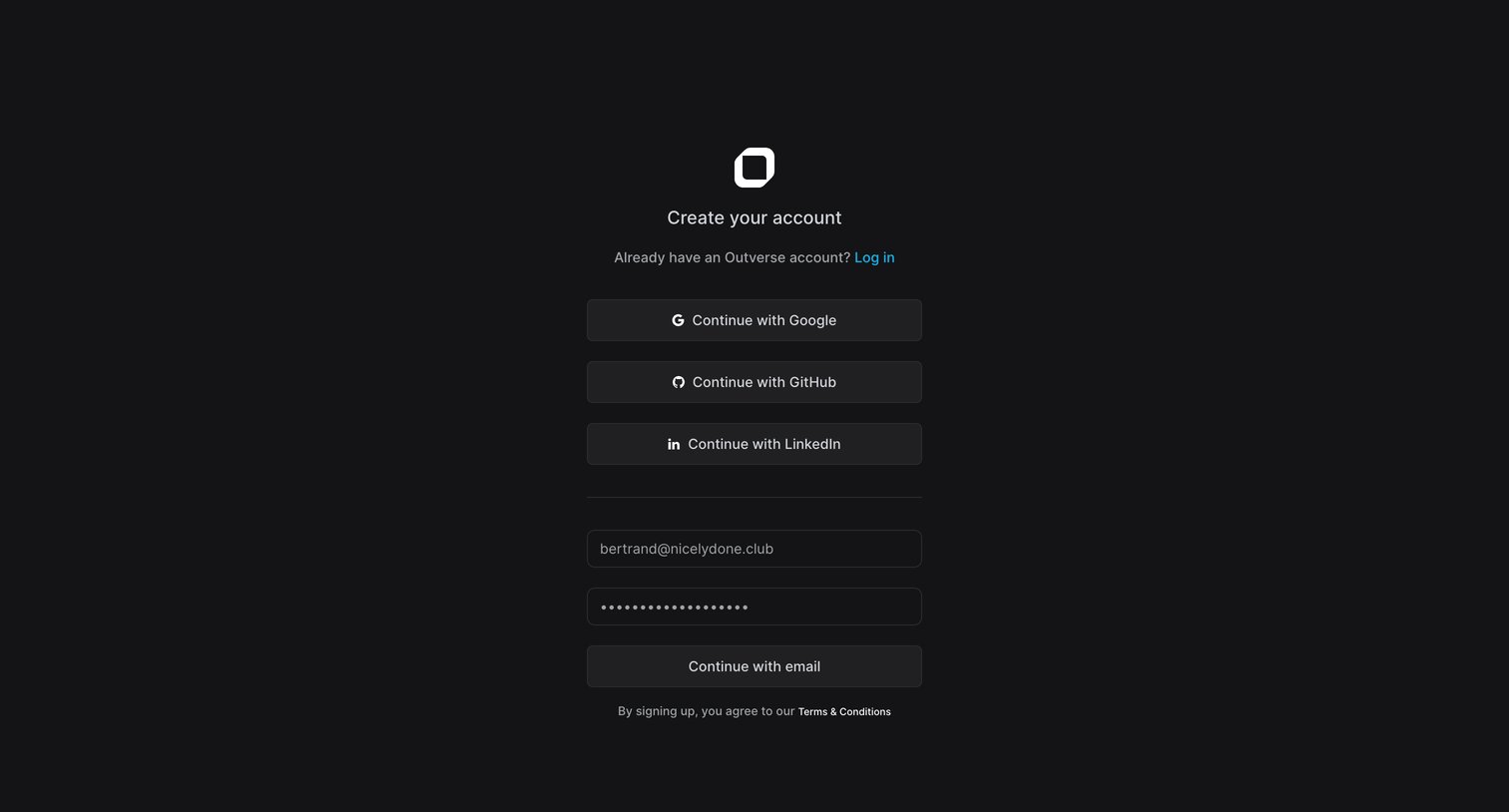
Signup page where the user creates an account using Google, GitHub, LinkedIn, or an email and password.

Outverse screen
Outverse logo
Outverse

Signup screen where the user can create an account using Google, GitHub, LinkedIn, or an email and password.

Outverse screen
Outverse logo
Outverse

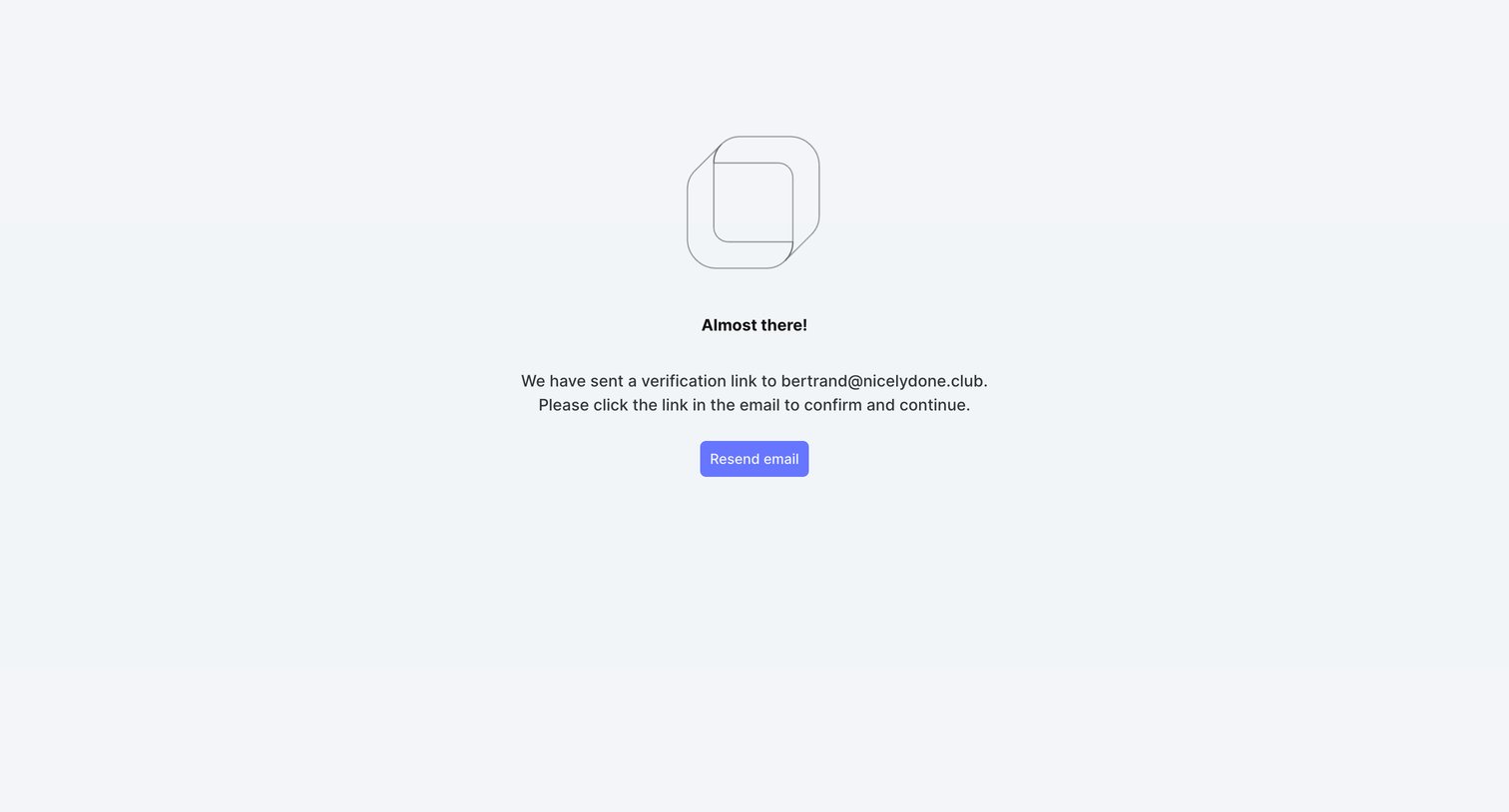
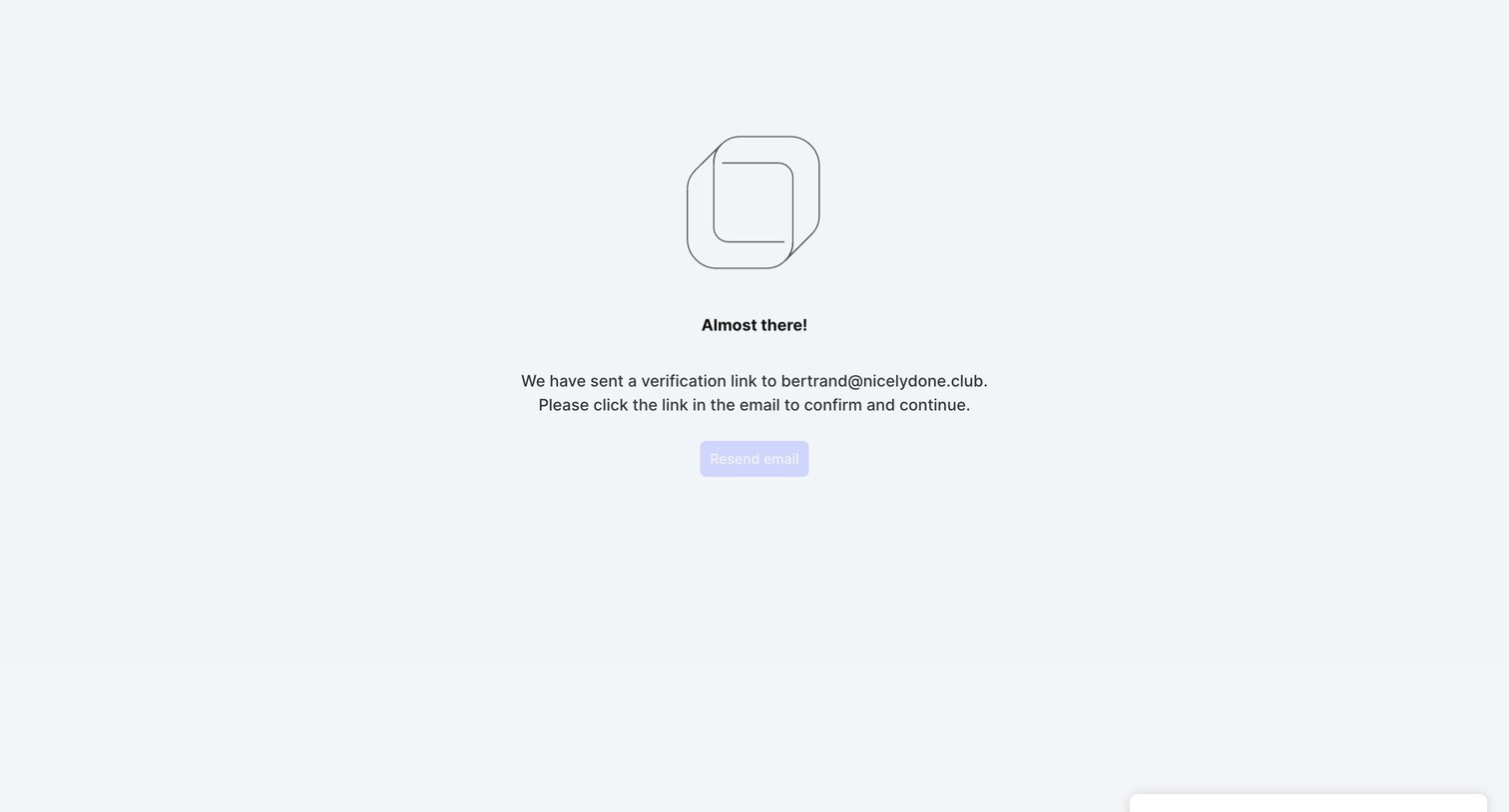
Verification screen where the user is prompted to check their email for a confirmation link and can request a new one.
Outverse screen
Outverse logo
Outverse

Verification screen where the user is instructed to check their email for a confirmation link, with a toast confirming the email was sent.
Outverse screen
Outverse logo
Outverse

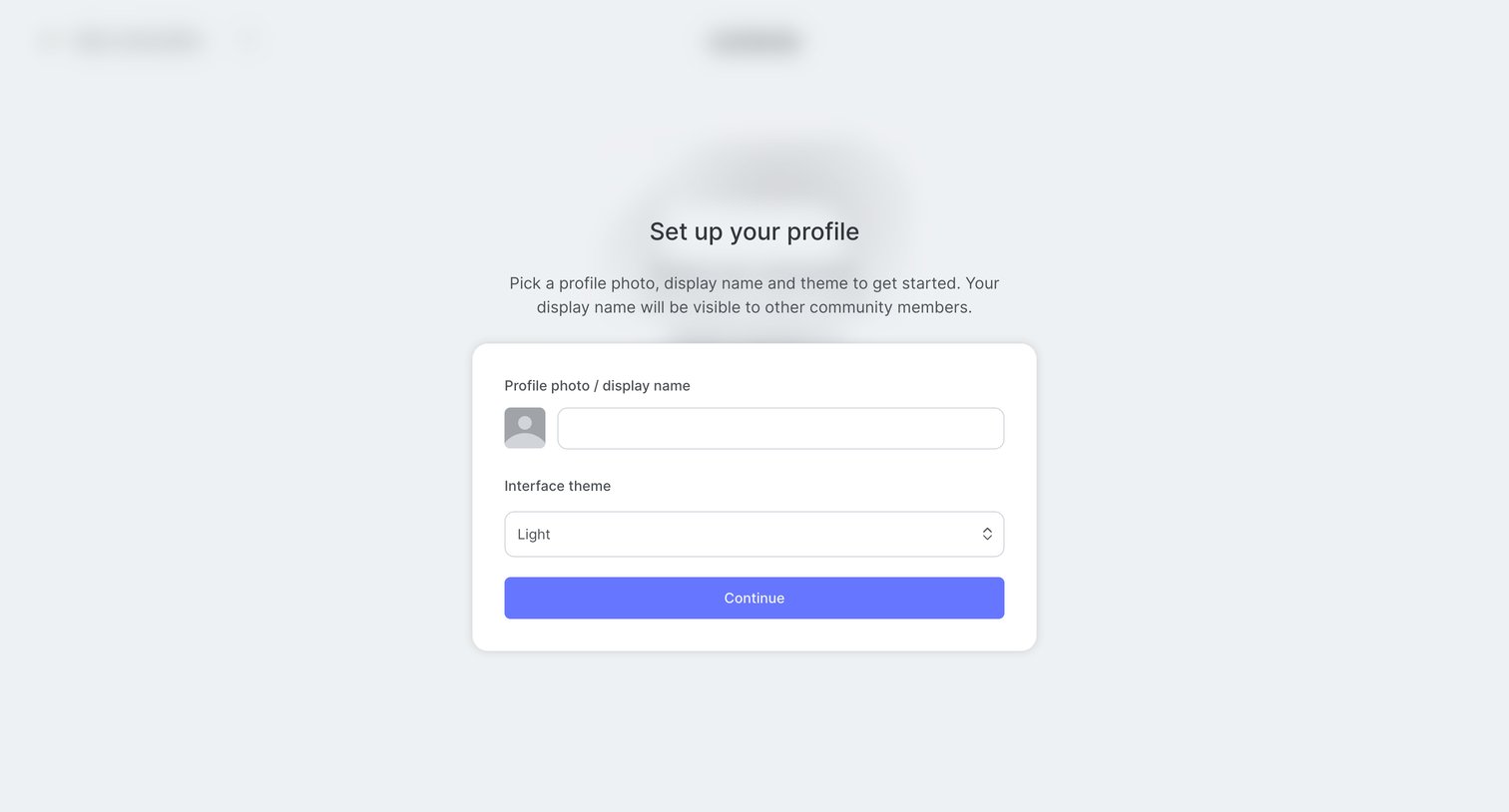
Onboarding step where the user sets their profile photo, display name, and interface theme before entering the community.

Browse the full SaaS app library

Explore real SaaS apps with their product screens, marketing screens, flows, and components.

Trusted by the best teams