Outverse user flows examples
Explore Outverse user flow examples. Preview the opening screens and steps for each task. Where software companies build community
Preview these flows

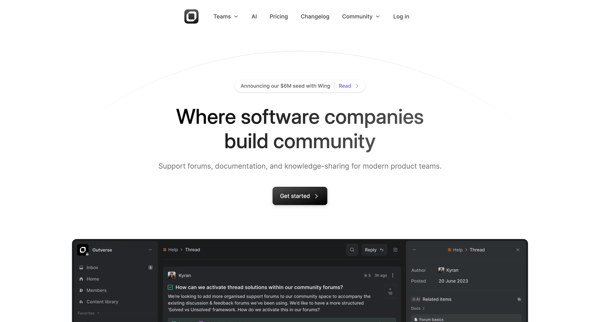
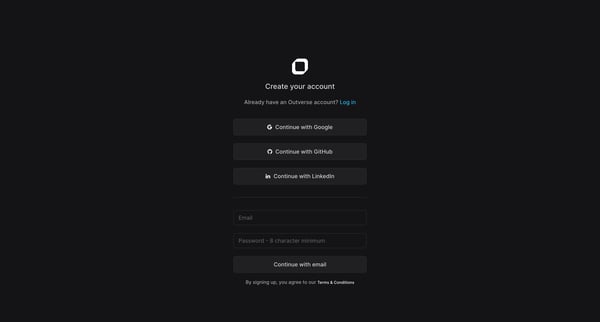
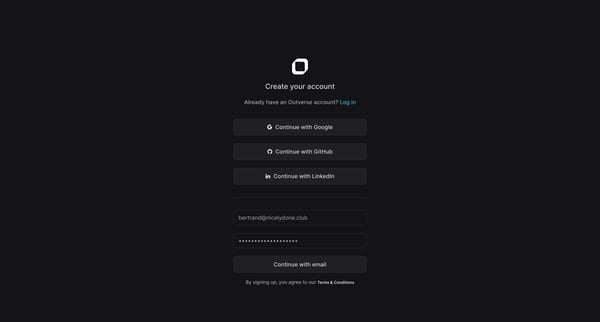
This flow guides a new user through the process of creating an account on Outverse, setting up their profile, and establishing a new community, ensuring a tailored and engaging initial experi
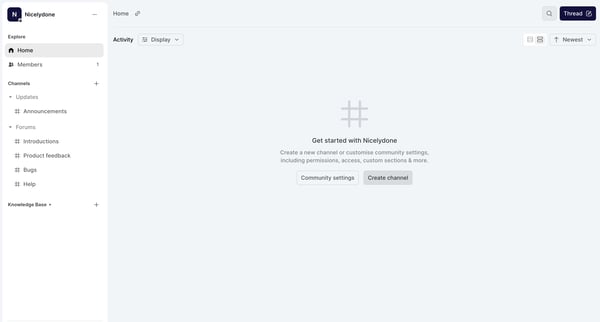
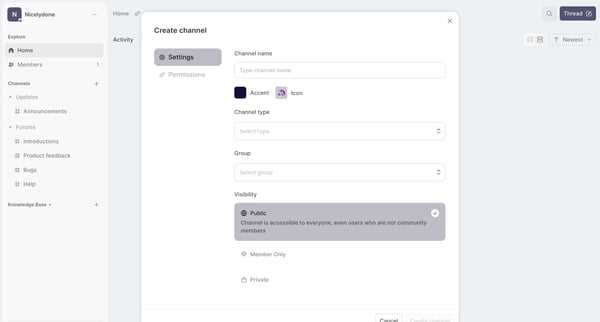
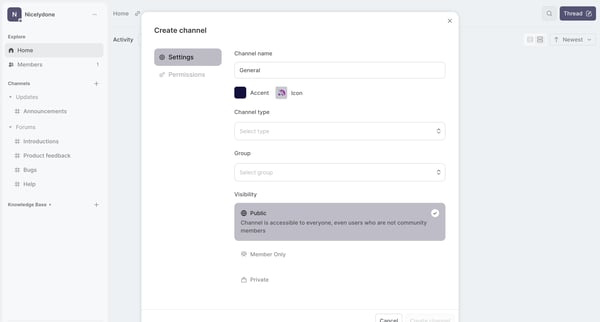
This flow guides a user through the process of creating a new community channel on Nicelydone, allowing customization of settings such as channel type, visibility, permissions, and further ch
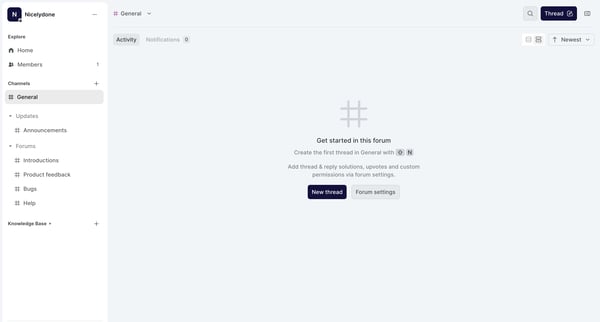
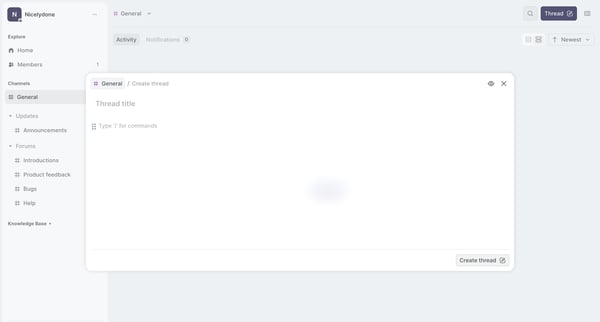
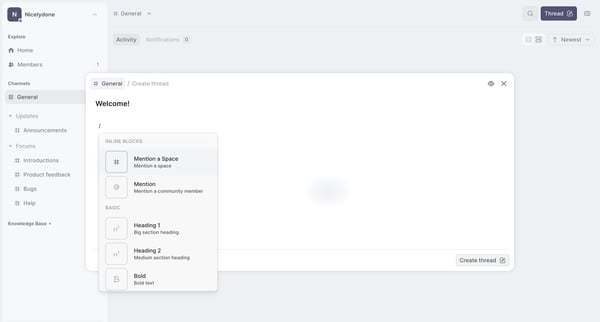
This flow facilitates users in creating, editing, and posting updates to a thread within a forum, including textual content and member mentions.
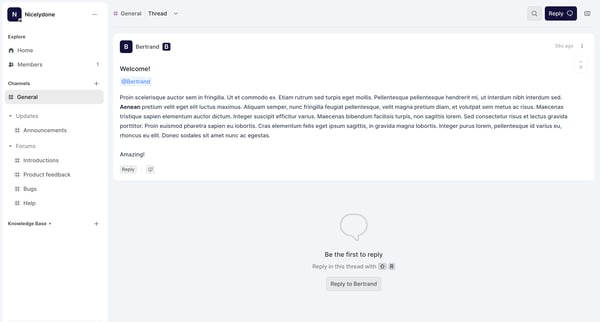
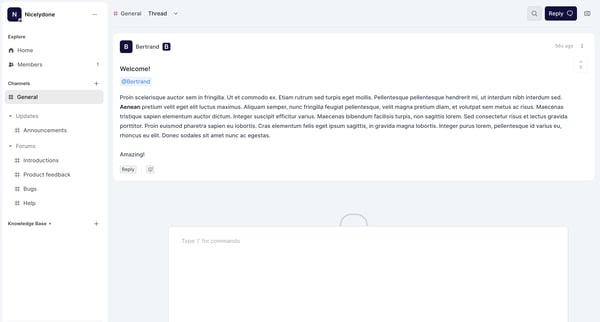
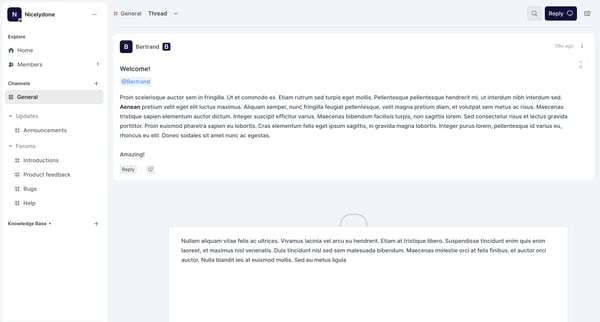
This flow guides a user through engaging with a forum thread, from the initial exploration of comments to responding and closing the interaction with feedback.
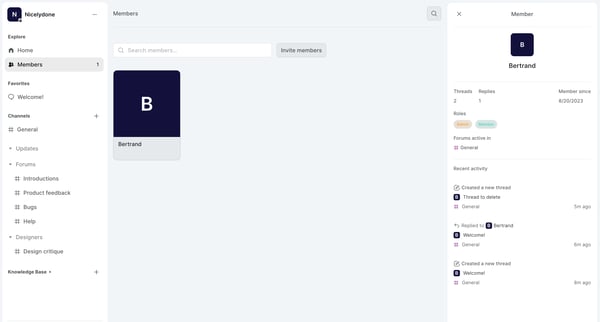
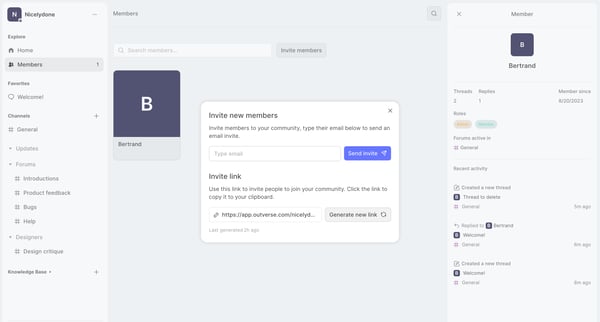
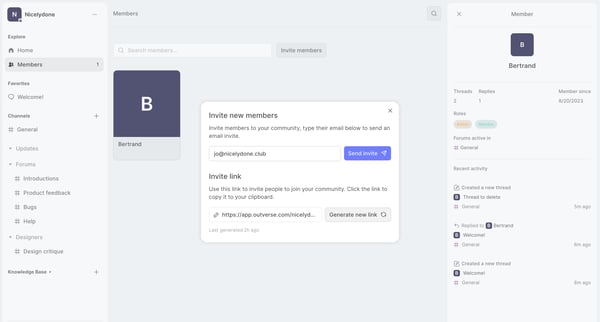
This user flow facilitates the process of inviting new members to join a community by sending email invites or sharing an invite link, with options to generate a new link.
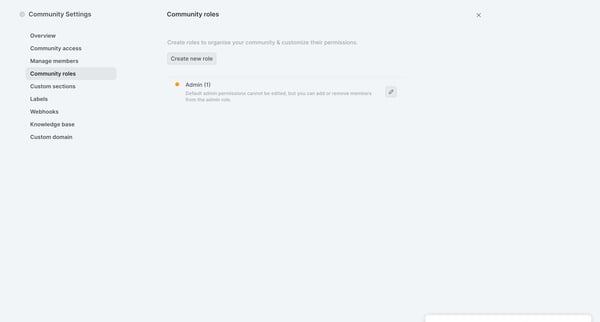
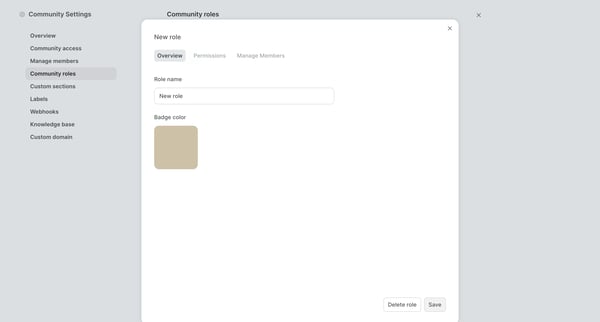
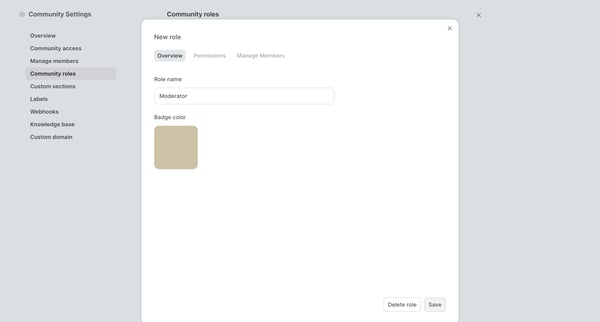
This flow facilitates the process of creating and configuring a new role within a community, including setting permissions and adding members.
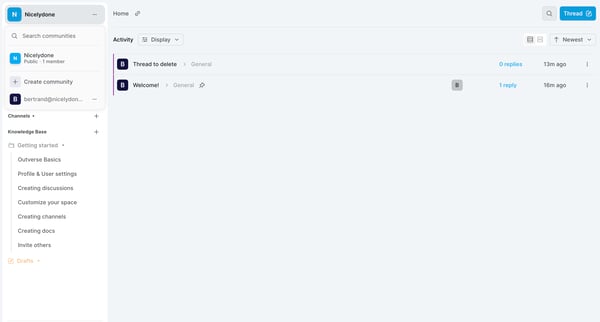
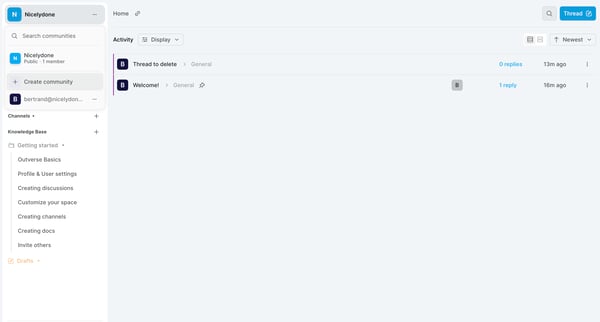
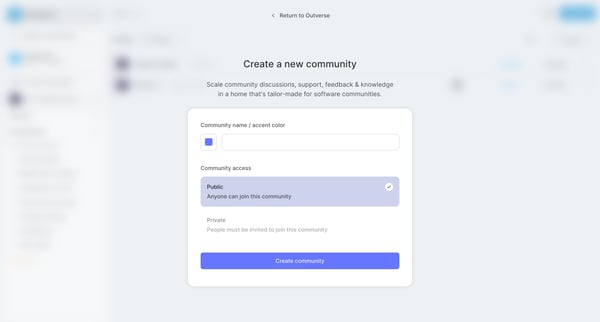
This flow guides users through creating a new community in Outverse, from navigating options to finalizing their community setup.
Explore the full SaaS flow library
Browse the full SaaS flow library.
Trusted by the best teams







