Oku product screens examples
Browse Oku screen design examples. Preview the interface screenshots and explore related UI patterns. The companion app for your book shelf
Explore the examples
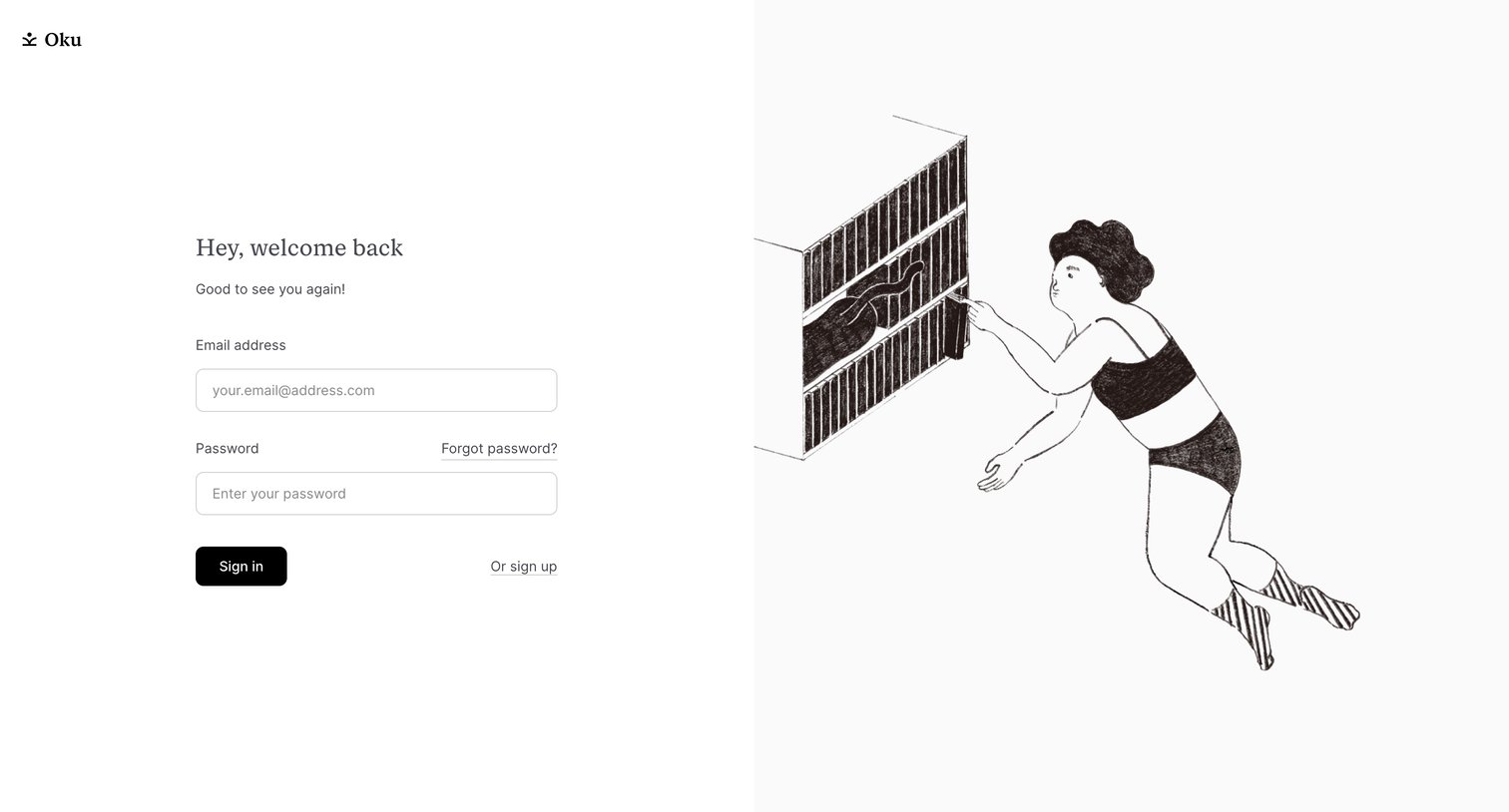
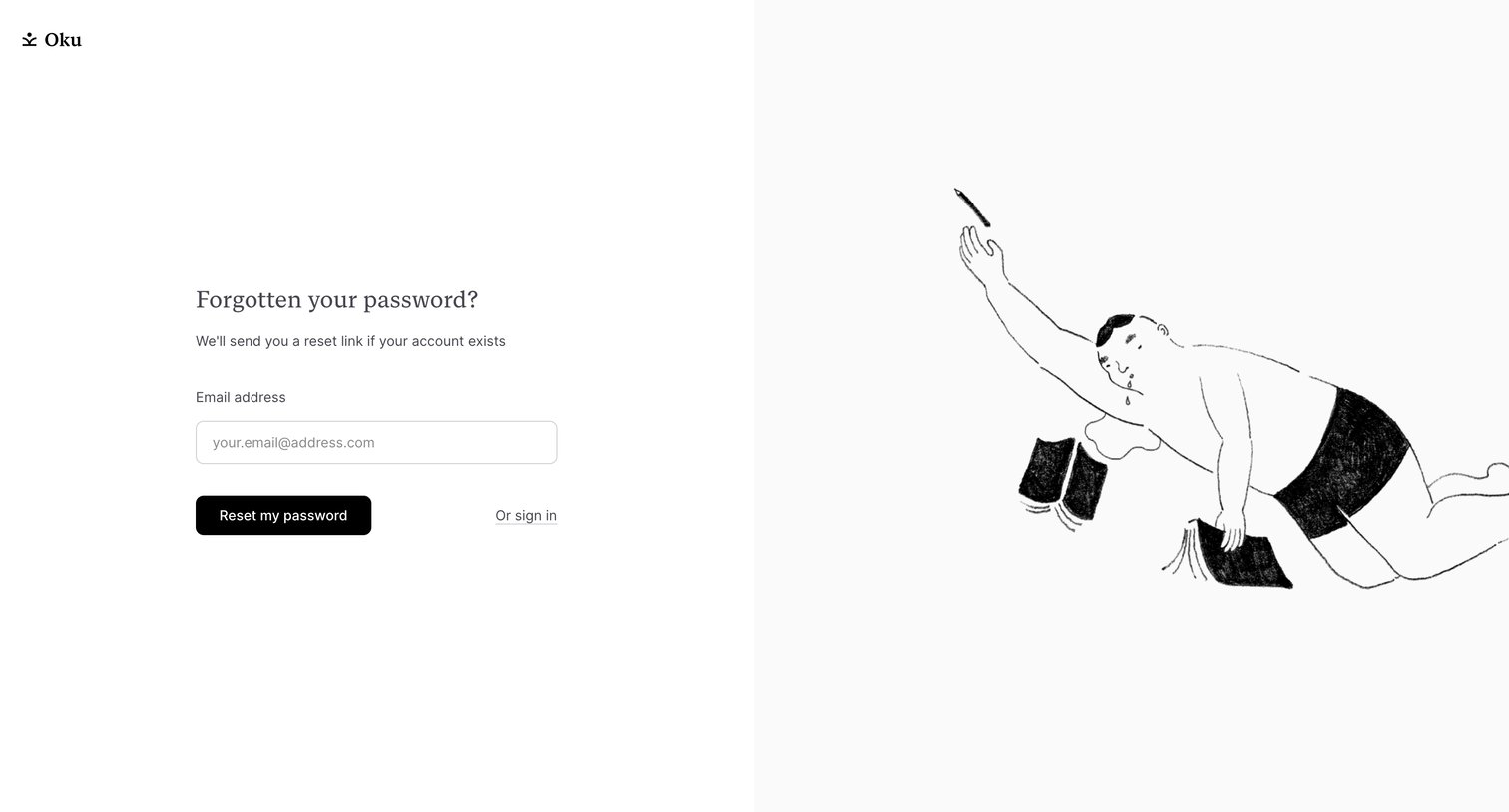

Password recovery screen where the user enters their email address to receive a reset link, featuring a split-screen layout with a playful illustration.
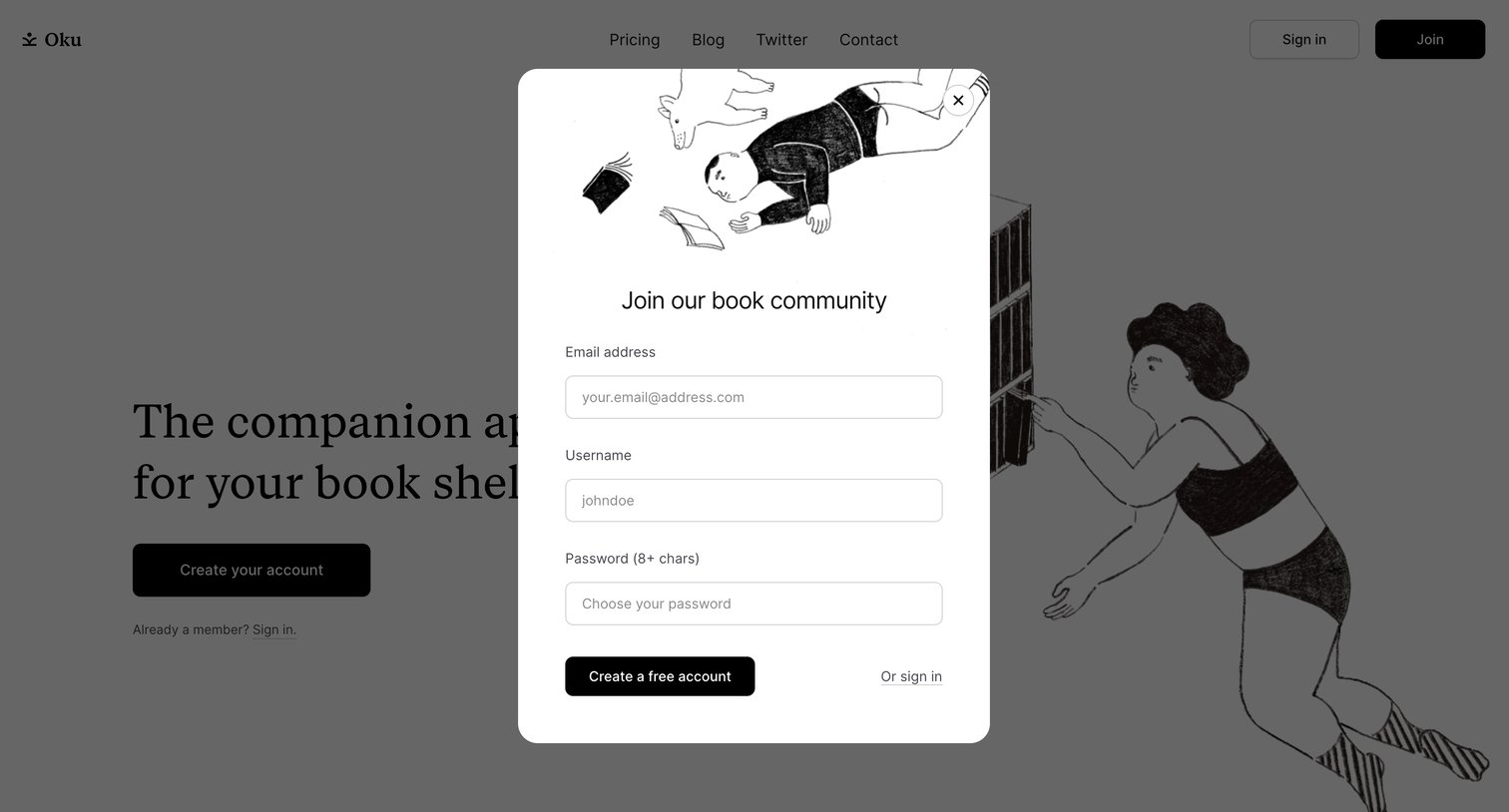
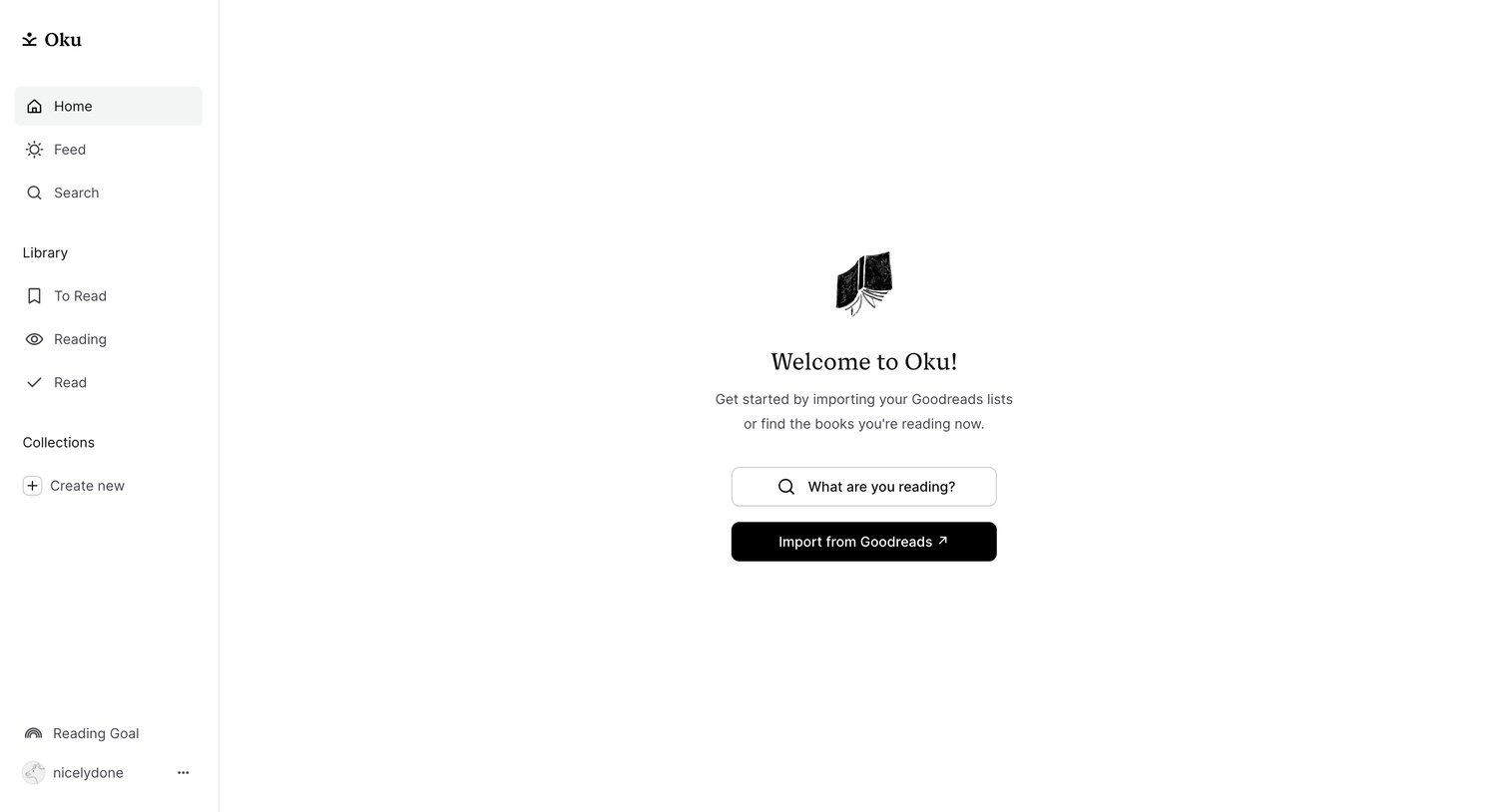
Home screen where the user is welcomed and prompted to search for books or import their Goodreads lists.
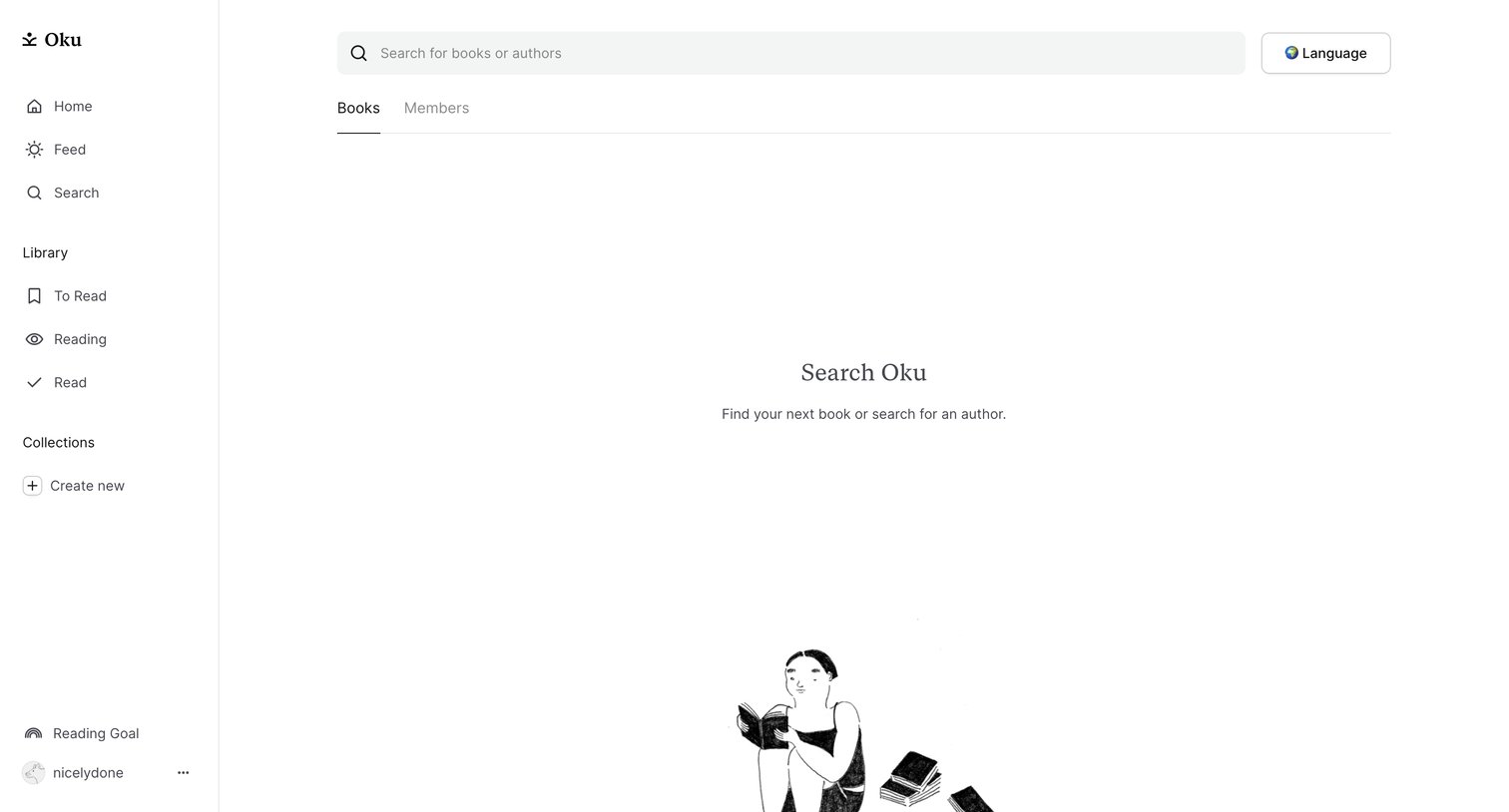
Search page where the user can look for books, authors, or members, currently showing an empty state with an illustration before any query is entered.
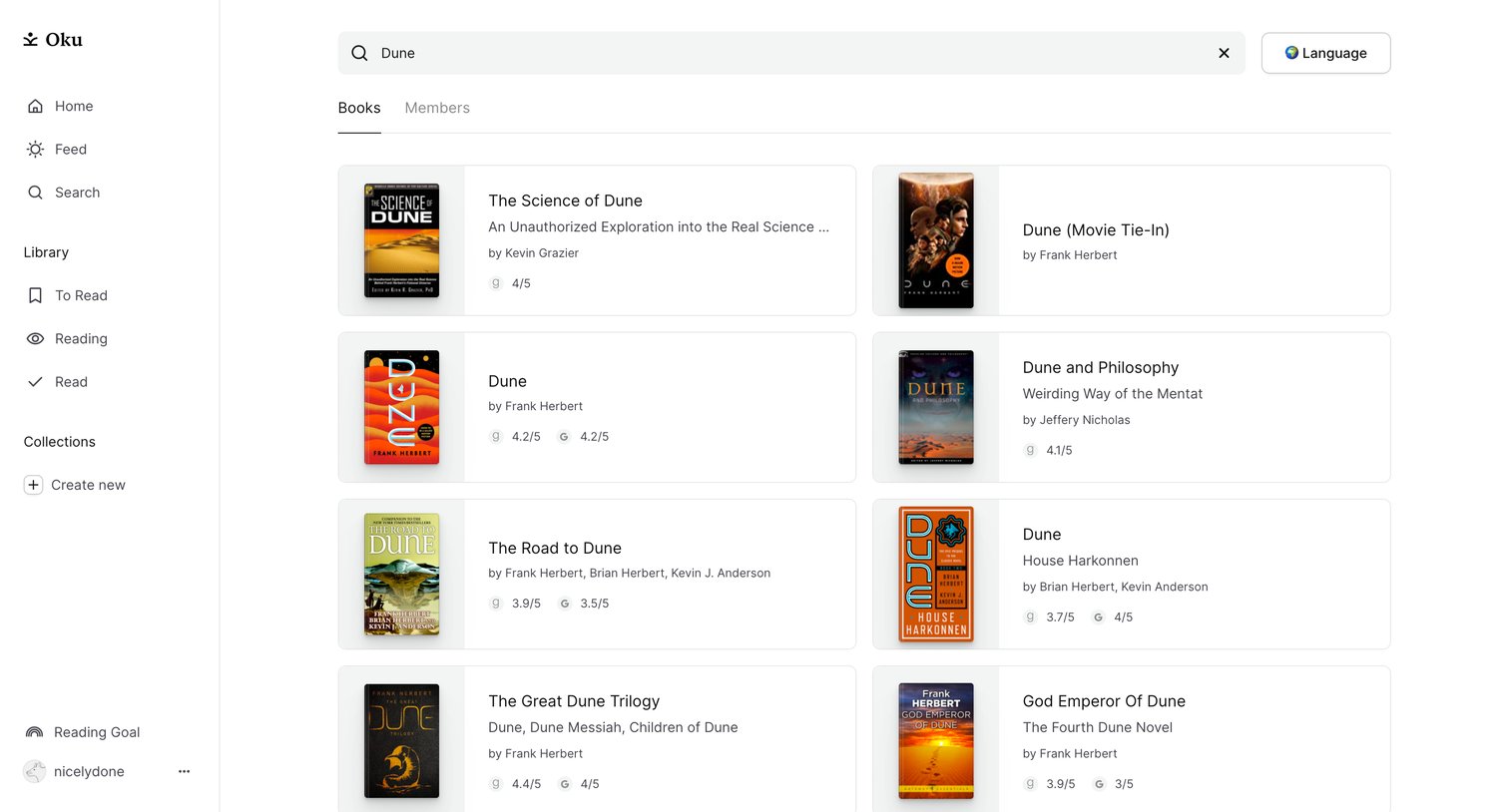
Search results page where the user browses books matching the query 'Dune', displayed in a two-column grid of cards with cover images and ratings.
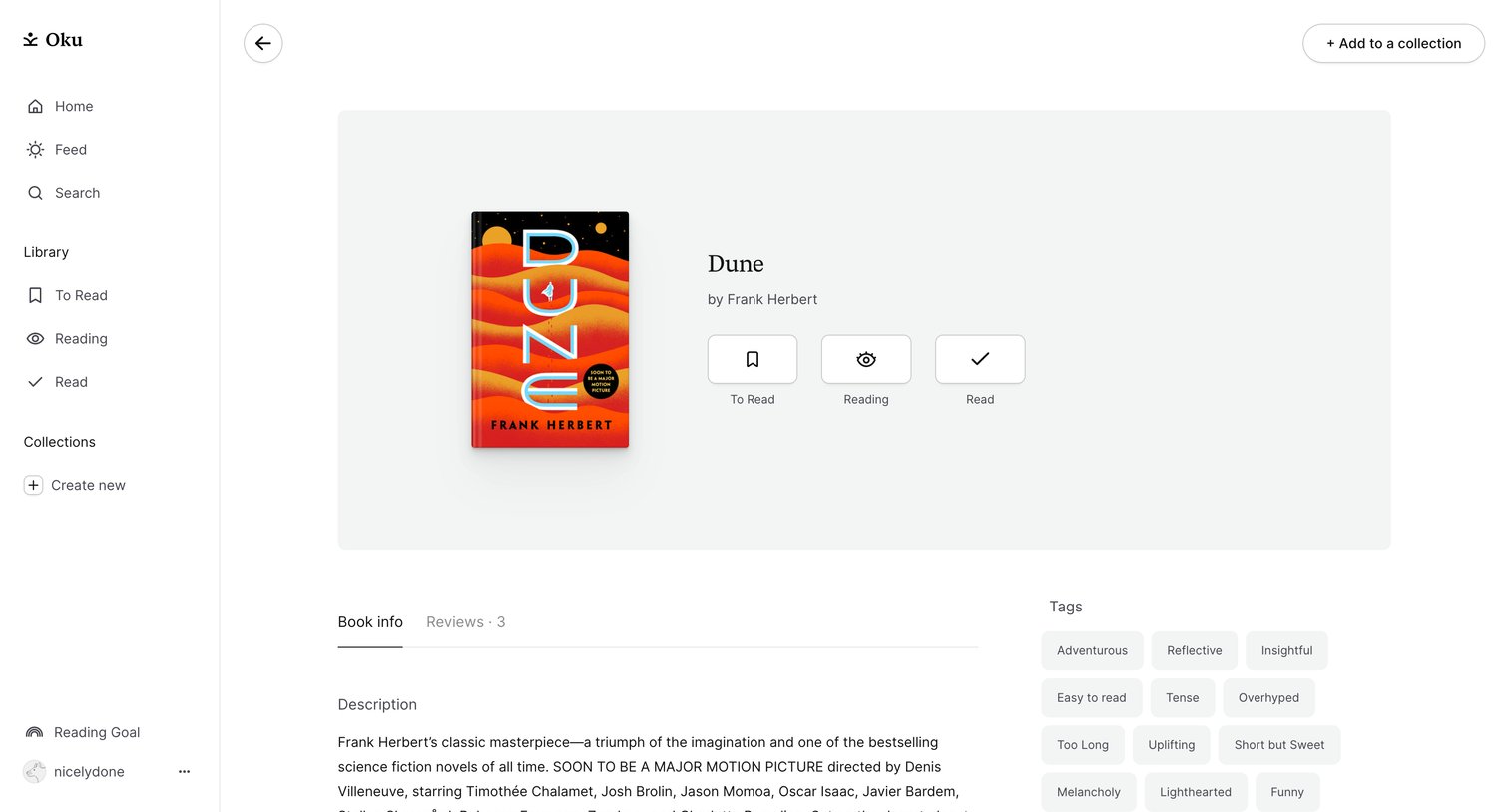
Detail page for a book where the user can view its description, community ratings, and update their reading status.
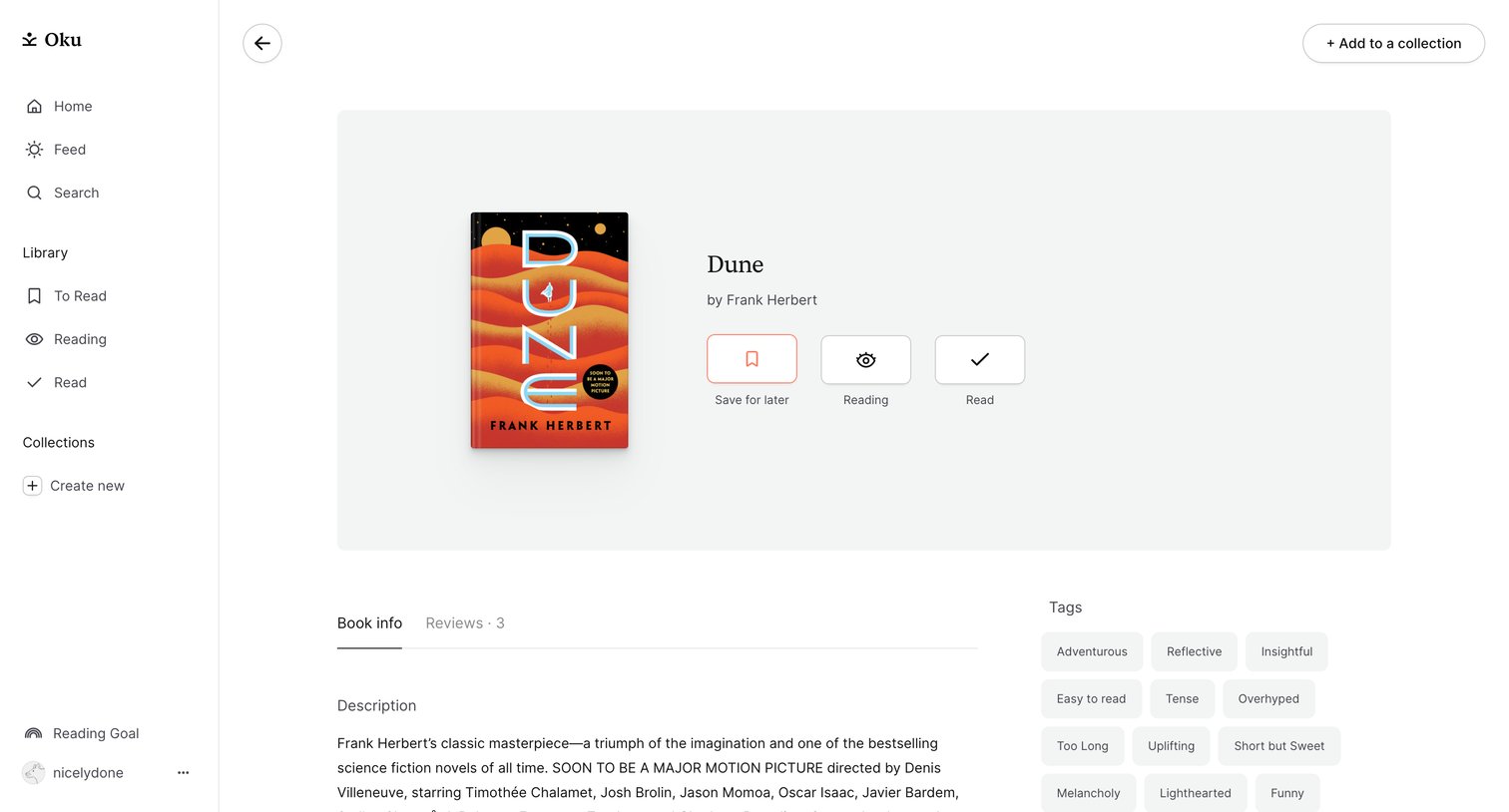
Detail page where the user views information about a book, including its description and tags, and can update their reading status or add it to a collection.
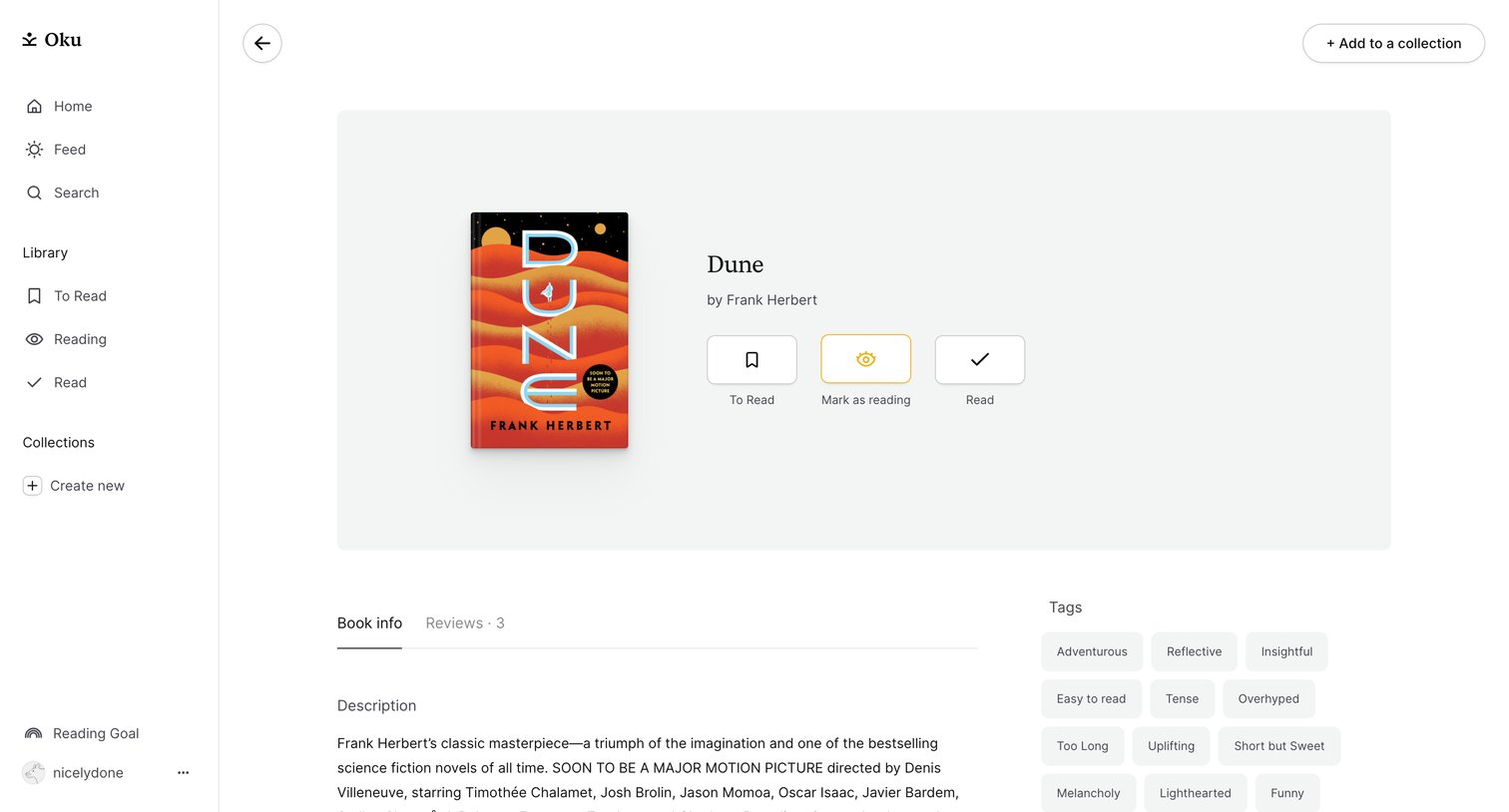
Detail page for a specific book where the user can read its description, add it to a collection, and update their reading status.
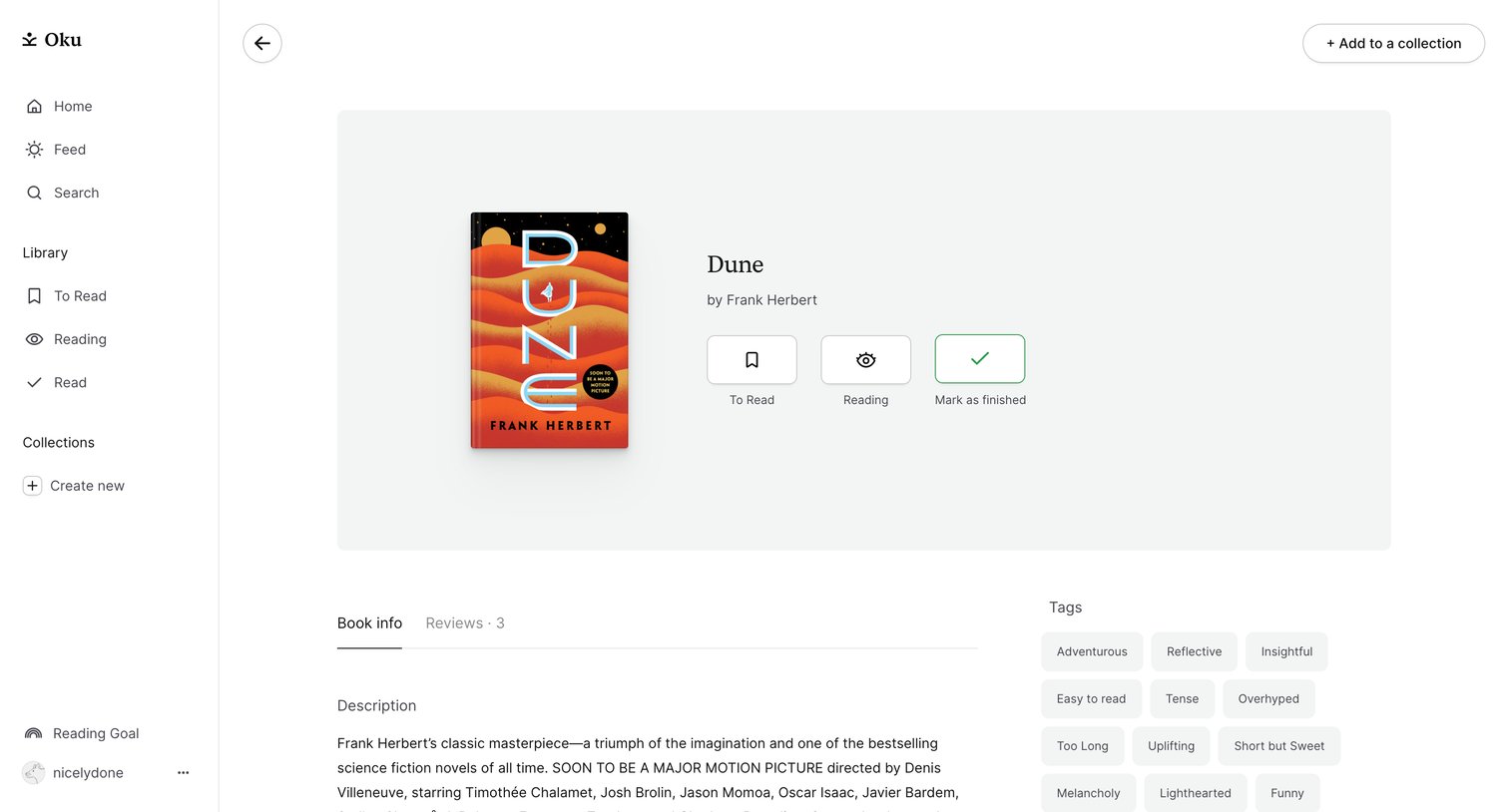
Detail page for a book where the user can update their reading status, add it to a collection, and view its description and tags.
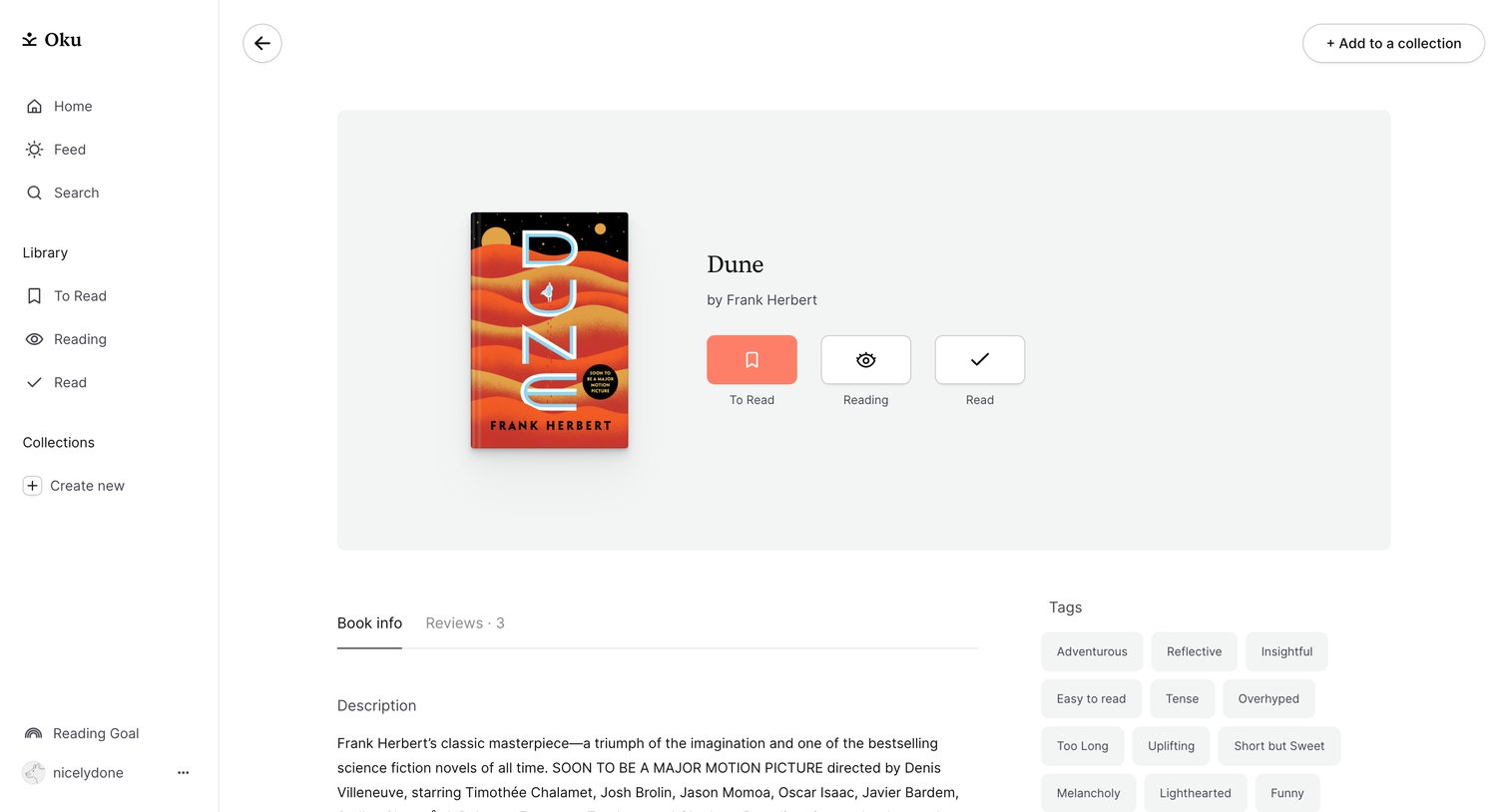
Detail page for a book where the user can read its description, view thematic tags, and update their reading status or add it to a collection.
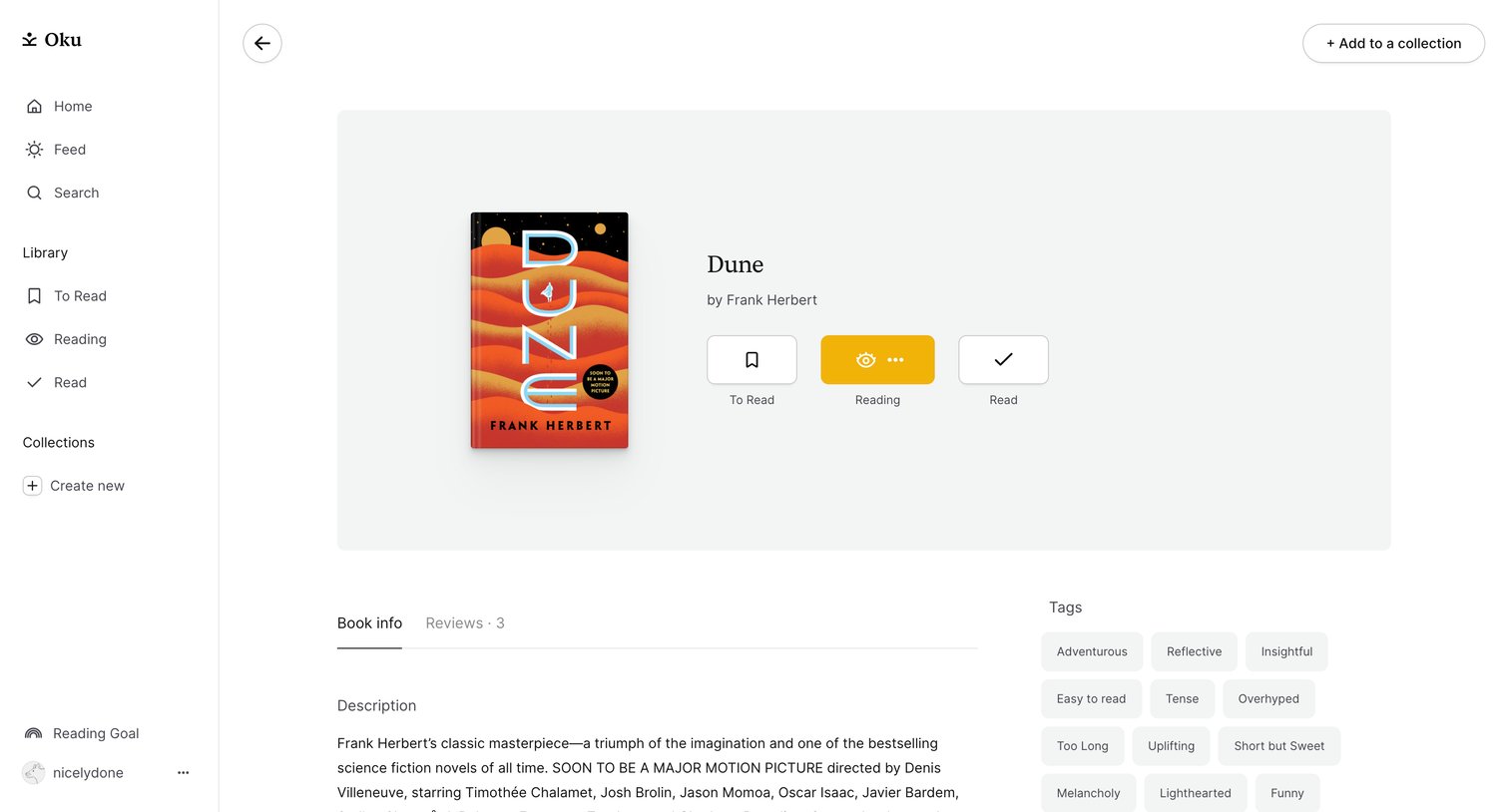
Detail page for a book where the user can view its description, browse community tags, and update their personal reading status.
Explore the full SaaS screen library
Upgrade to unlock the full library.
Trusted by the best teams







