Notion product screens examples
Browse Notion screen design examples. Preview the interface screenshots and explore related UI patterns. A unified workspace for modern teams
Explore the examples
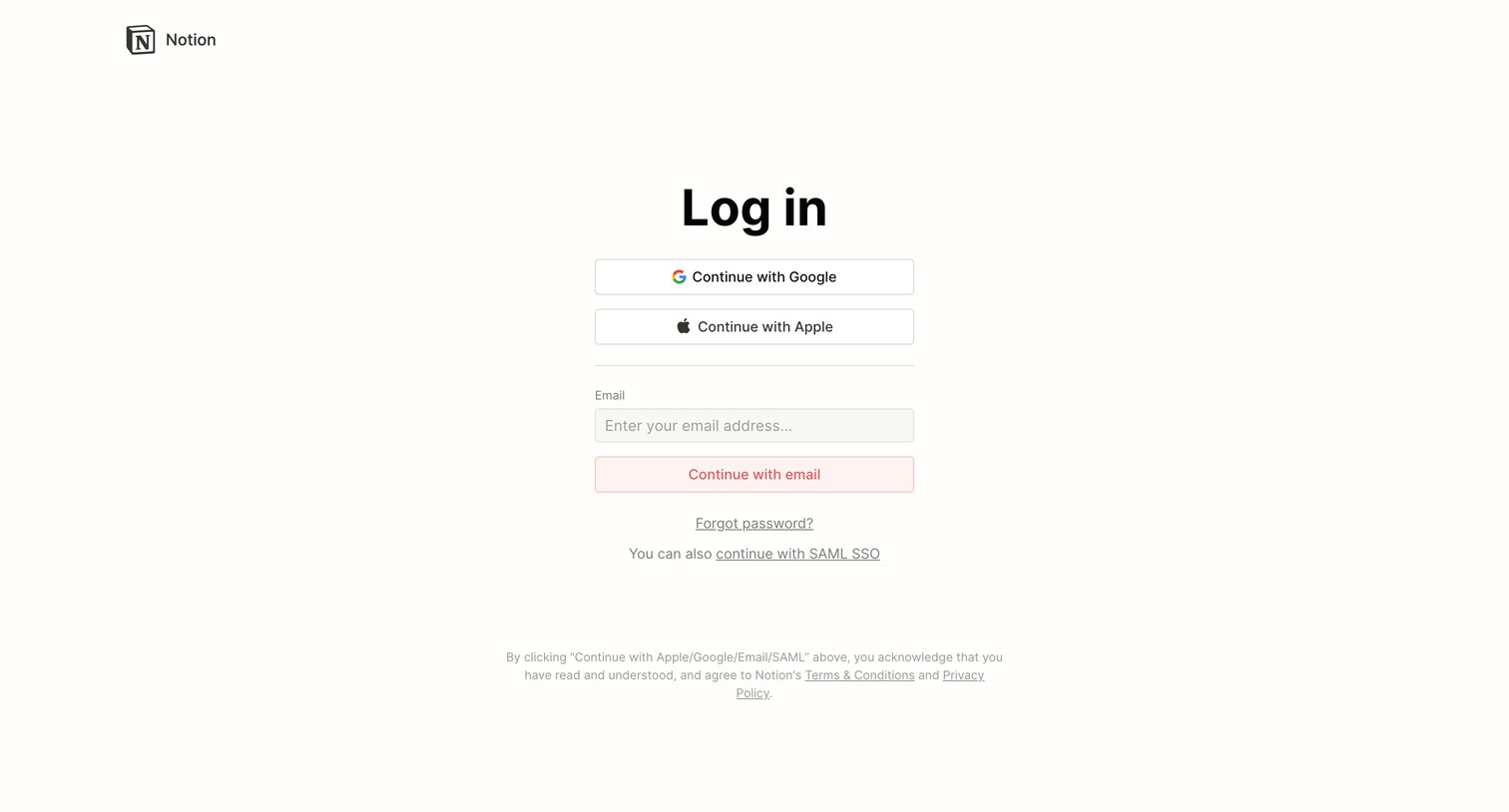
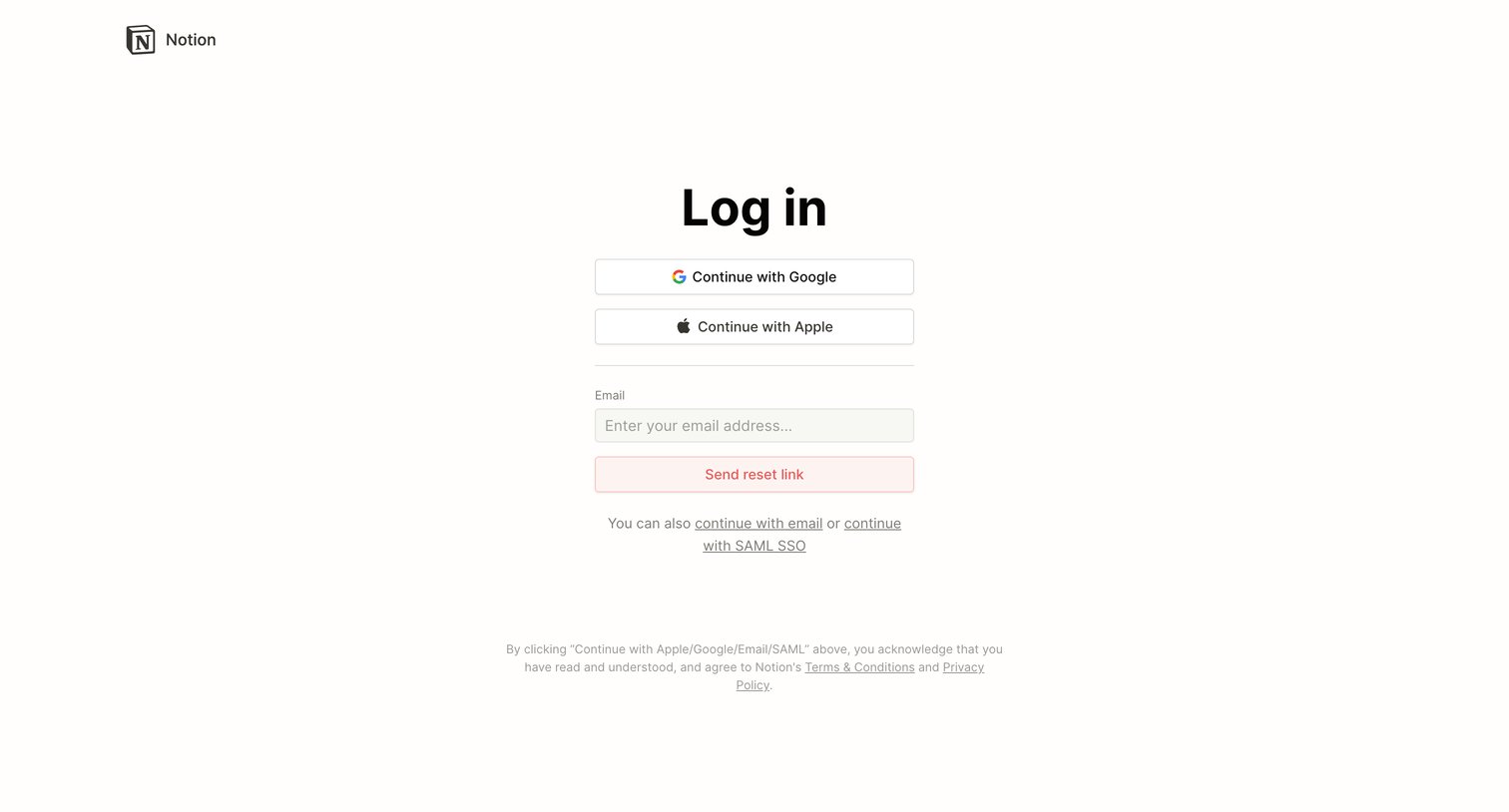
Sign-in screen where the user authenticates with Google, Apple, SAML SSO, or requests a password reset link via email.
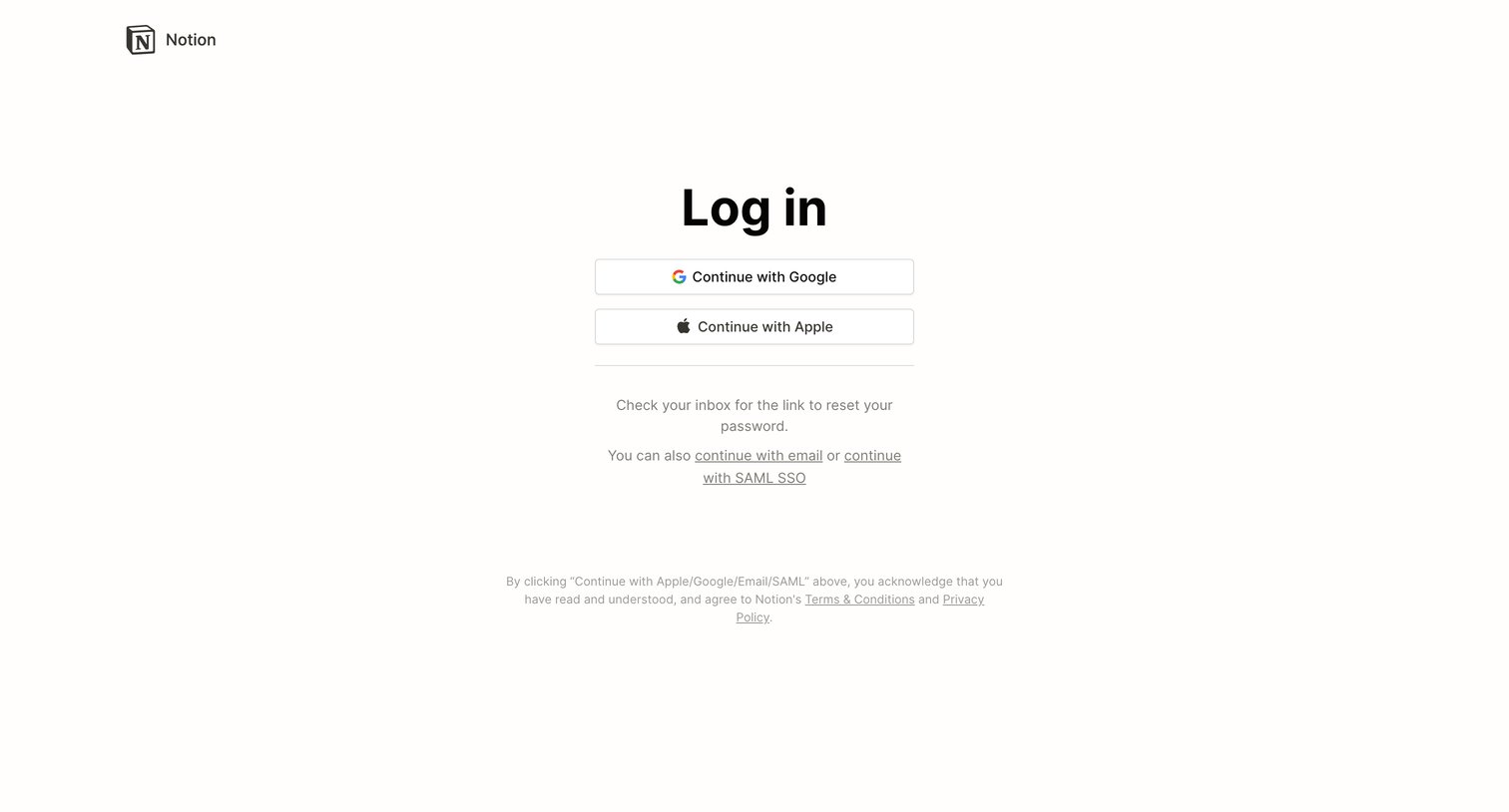
Sign-in screen where the user authenticates with Google or Apple, or chooses email or SAML SSO, with a message confirming a password reset link was sent.
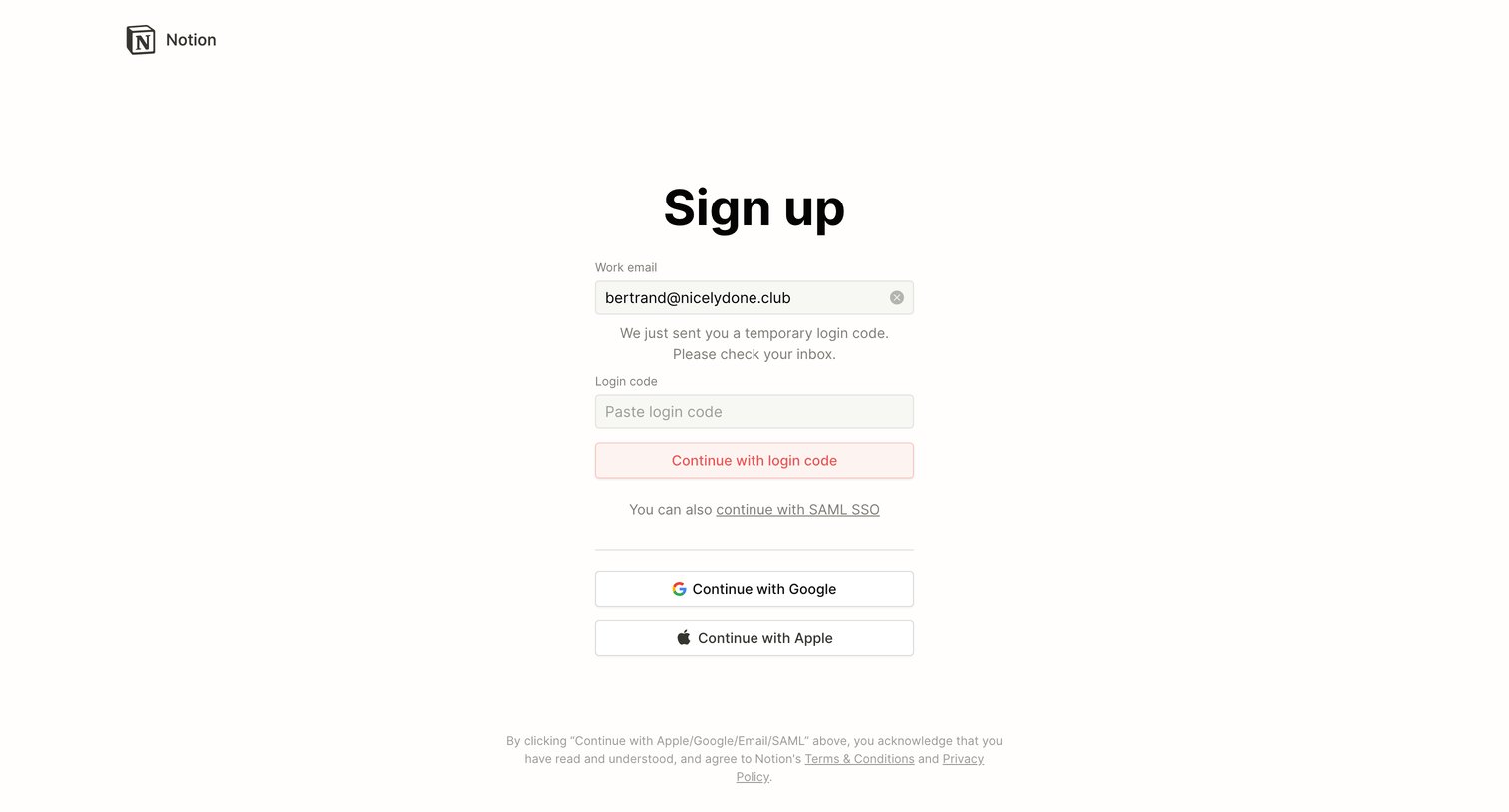
Signup screen where the user enters a temporary login code sent to their email or chooses to authenticate with Google, Apple, or SAML SSO.
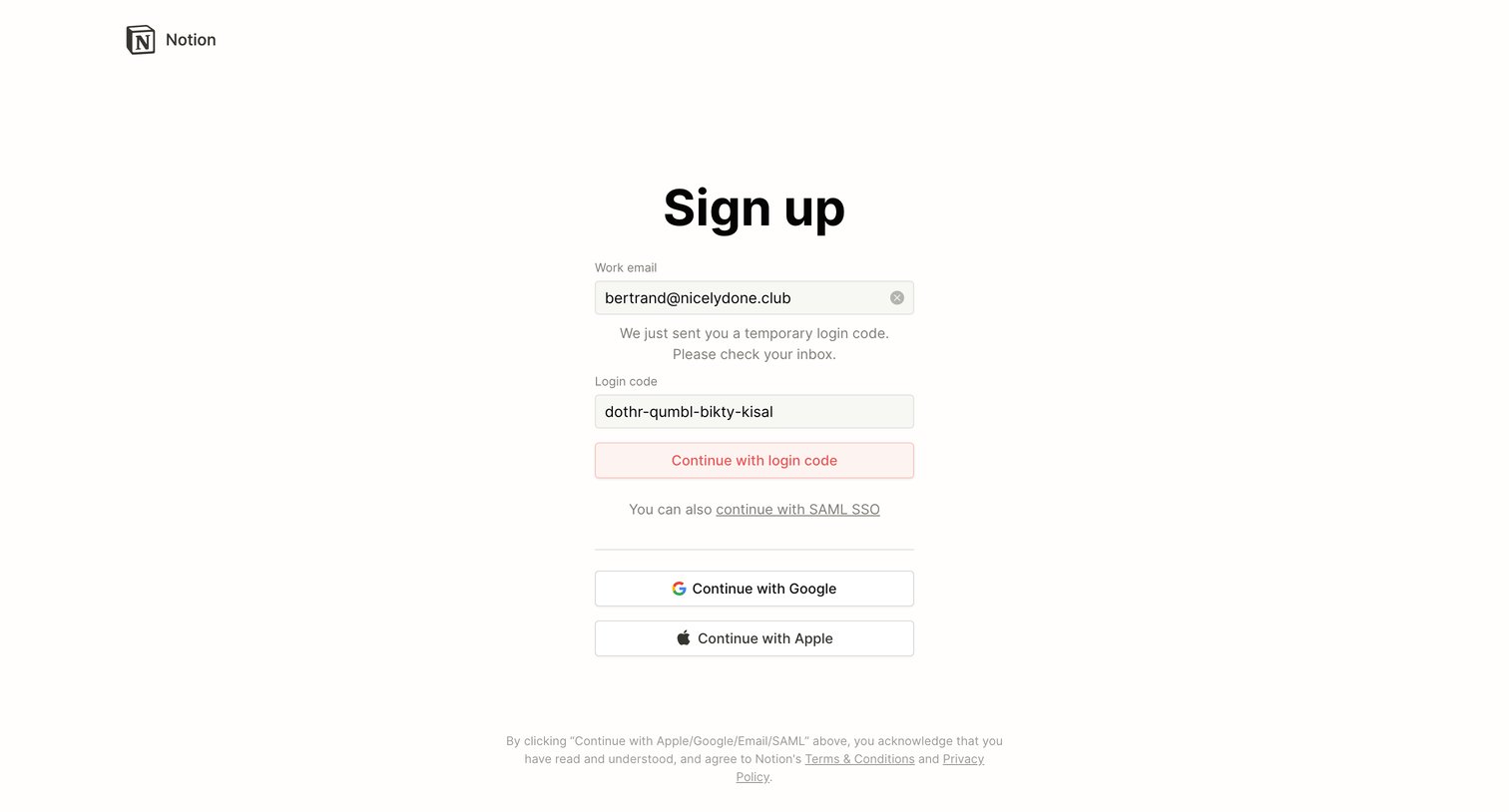
Signup page where the user enters a temporary login code sent to their email or chooses to authenticate with Google, Apple, or SAML SSO.
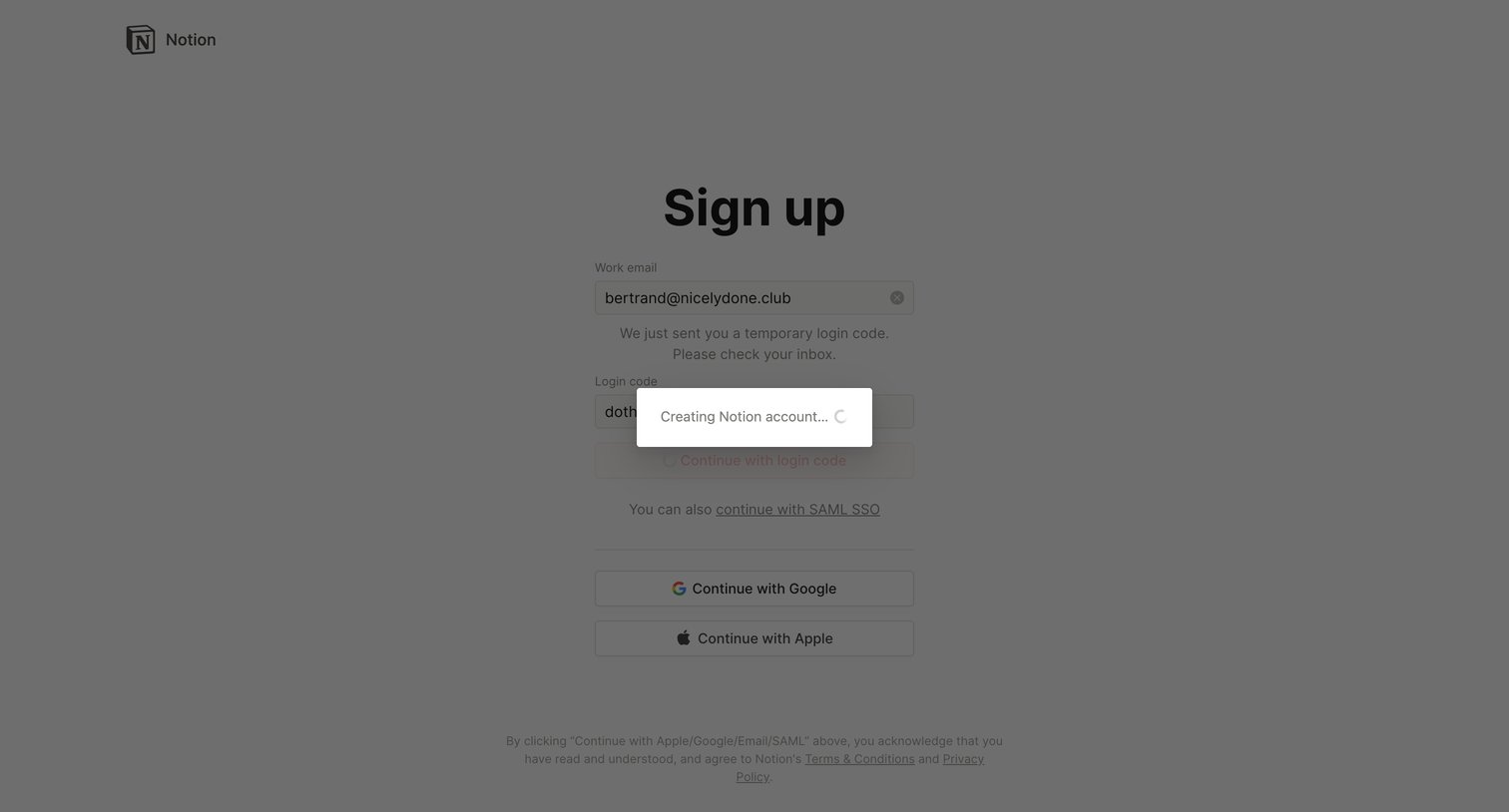
Signup screen where the user authenticates with a temporary email code, triggering a loading state while their Notion account is created.
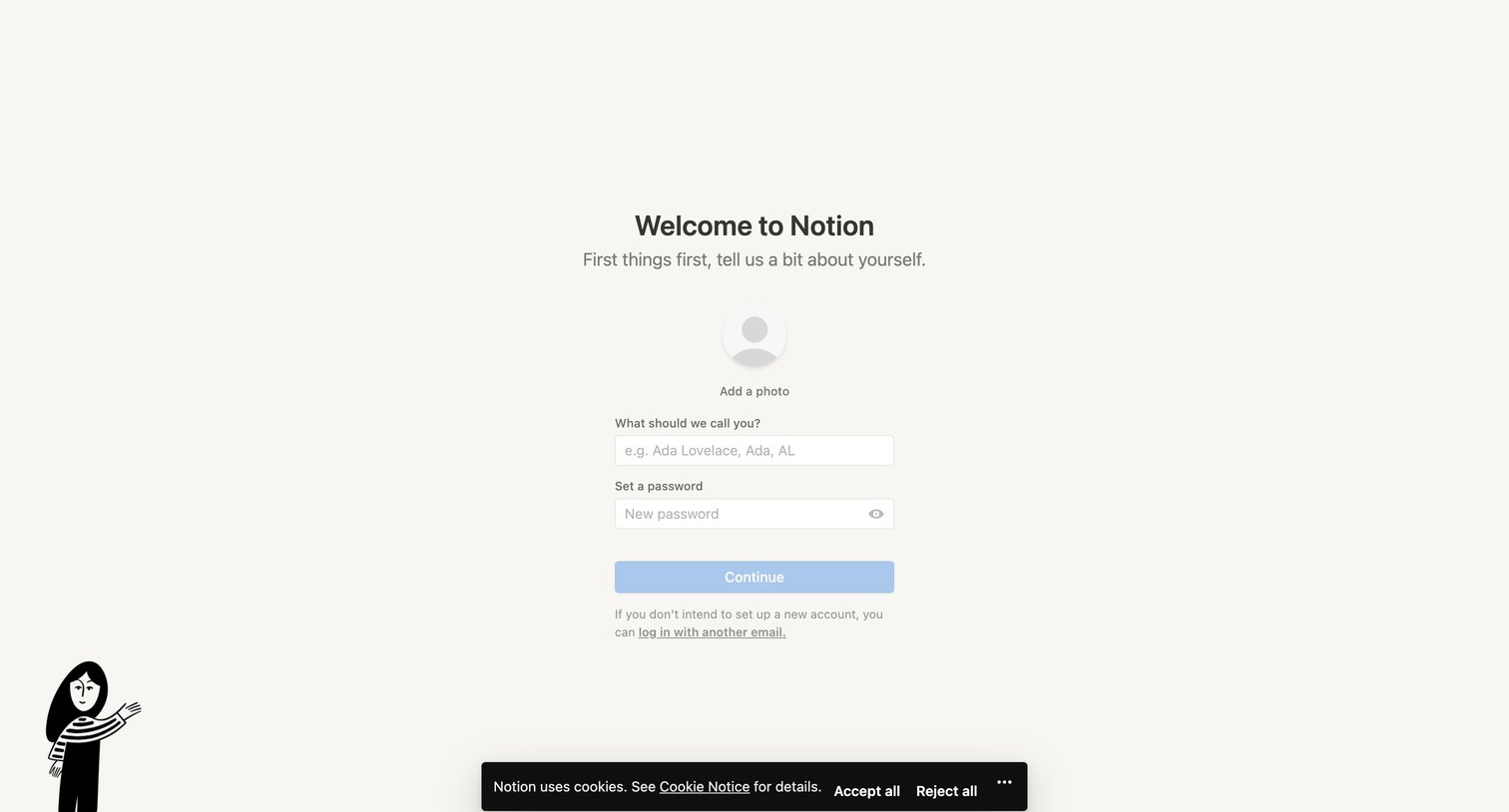
Signup step where the user provides their name, optionally uploads a profile photo, and sets a password for their new account.
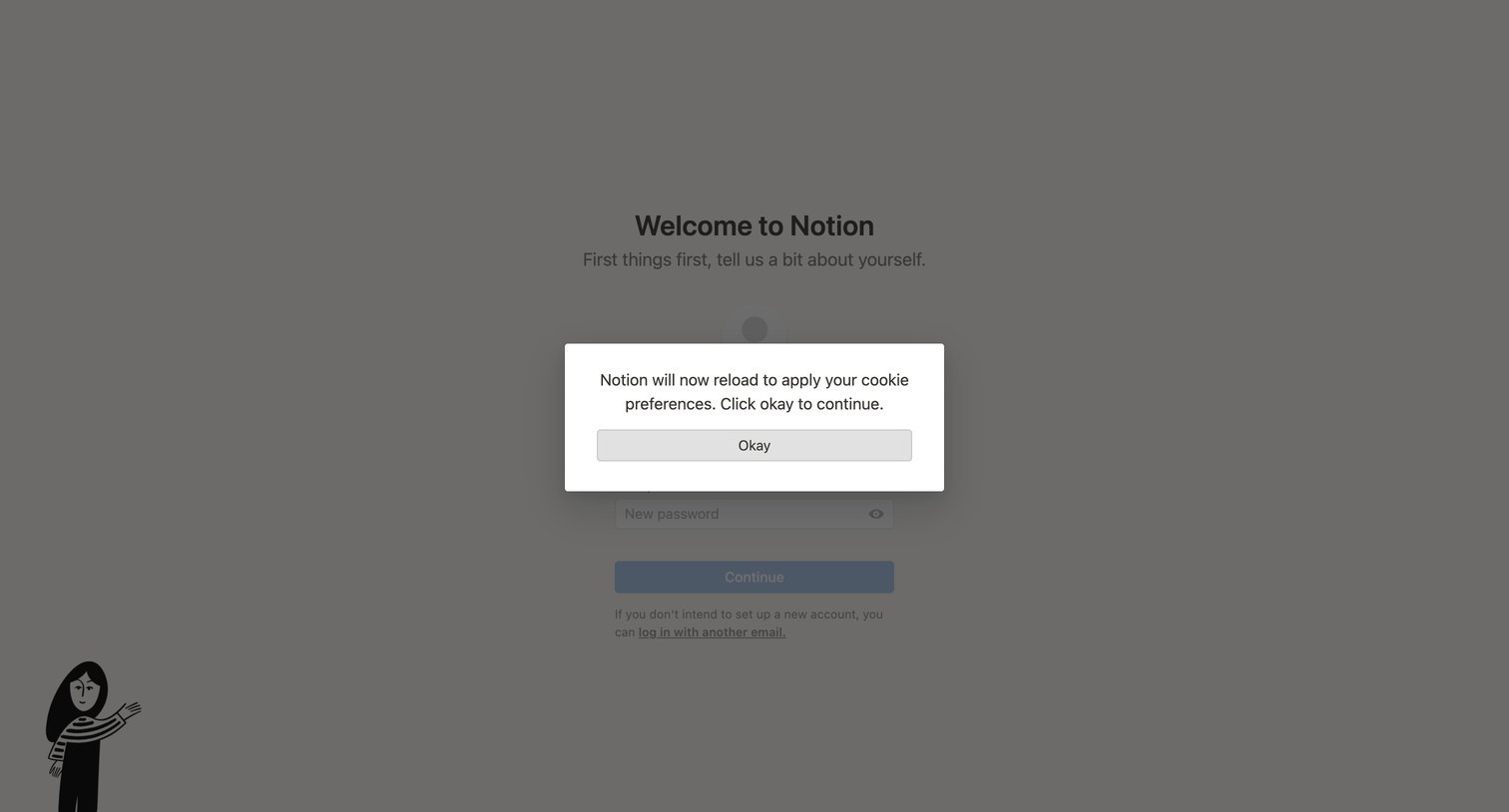
Onboarding welcome screen interrupted by a system modal requiring the user to acknowledge a page reload to apply cookie preferences.
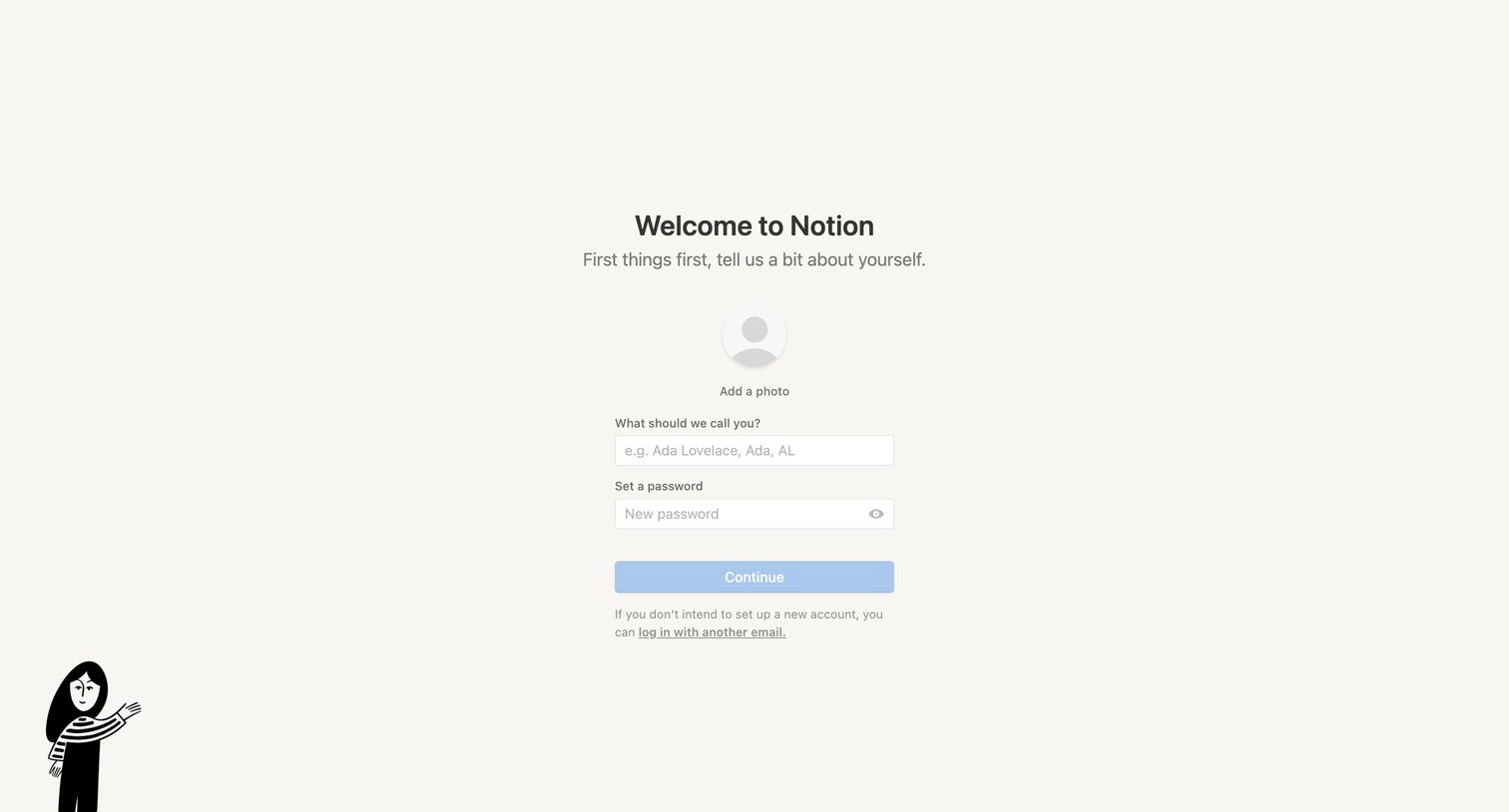
Onboarding step where the user enters their display name, uploads a profile photo, and sets a password to complete account creation.
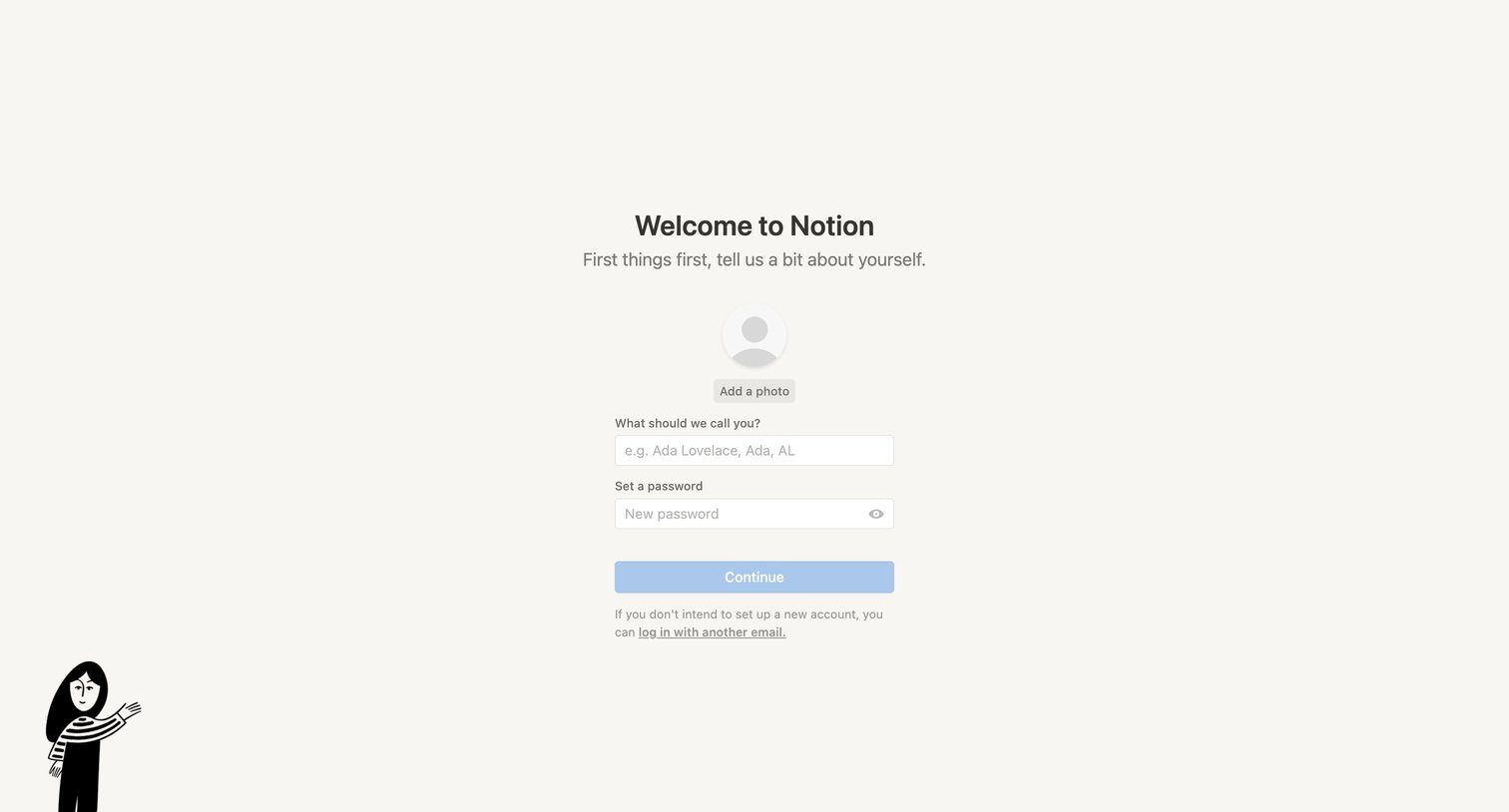
Onboarding screen where the user sets their display name, password, and optional profile photo to complete account creation.
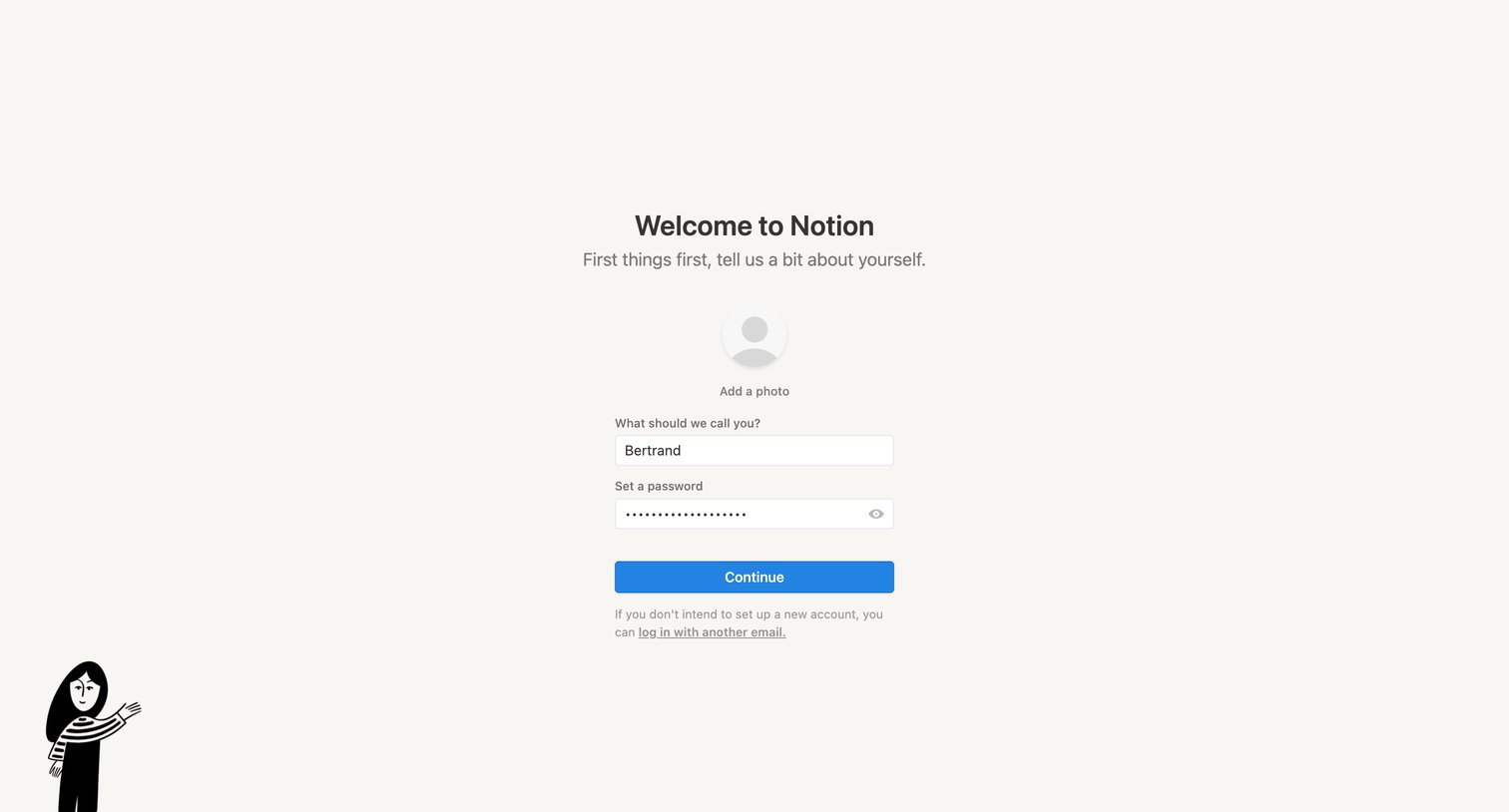
Onboarding step where the user sets their display name, uploads a profile photo, and creates a password to complete account setup.
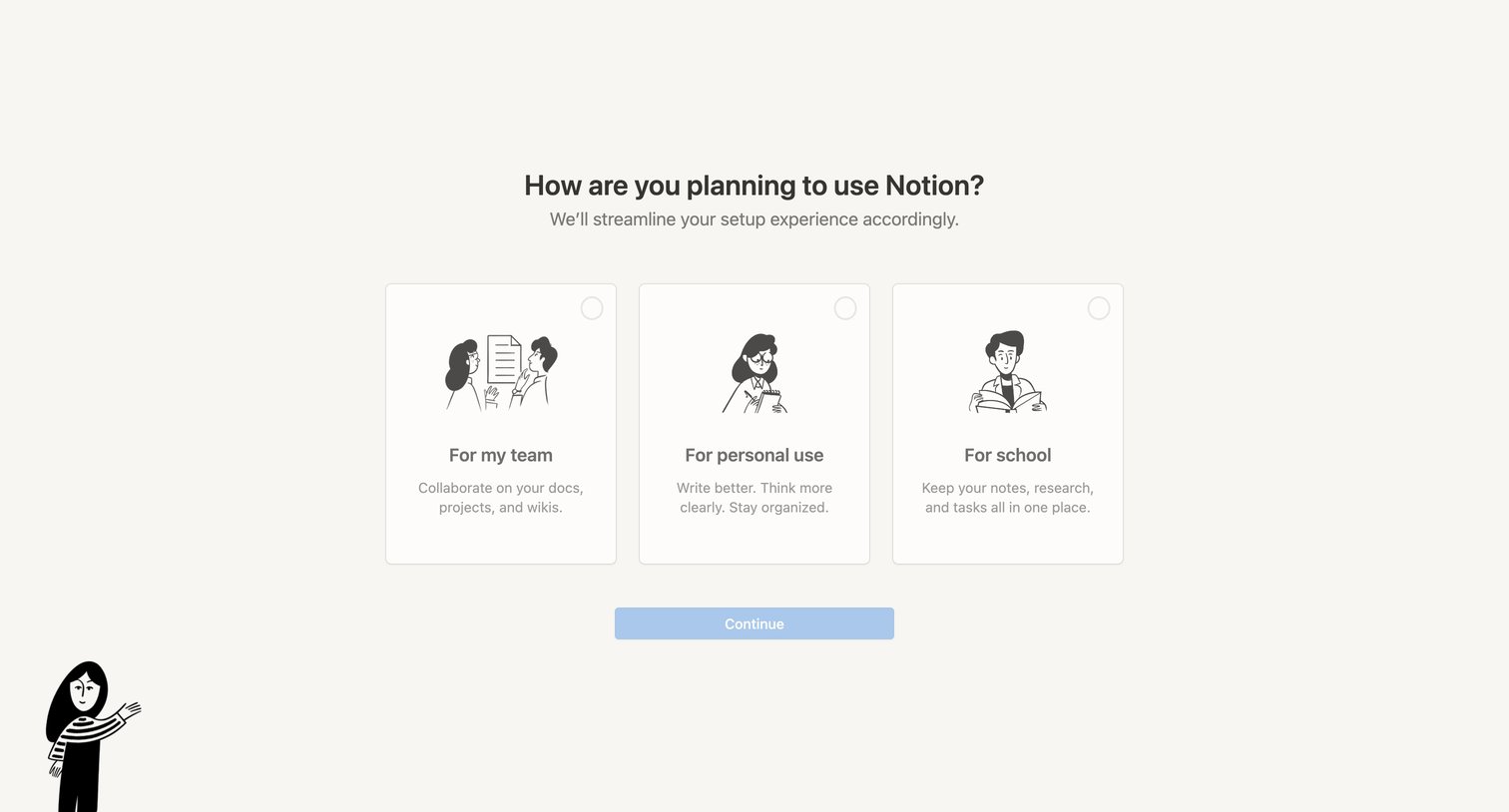
Onboarding step where the user selects their primary use case between team, personal, or school to tailor their setup experience.
Explore the full SaaS screen library
Upgrade to unlock the full library.
Trusted by the best teams







